
Streetwear Floating Poster Design
A dynamic streetwear fashion poster prompt featuring a floating subject over a futuristic skyline with bold typography.
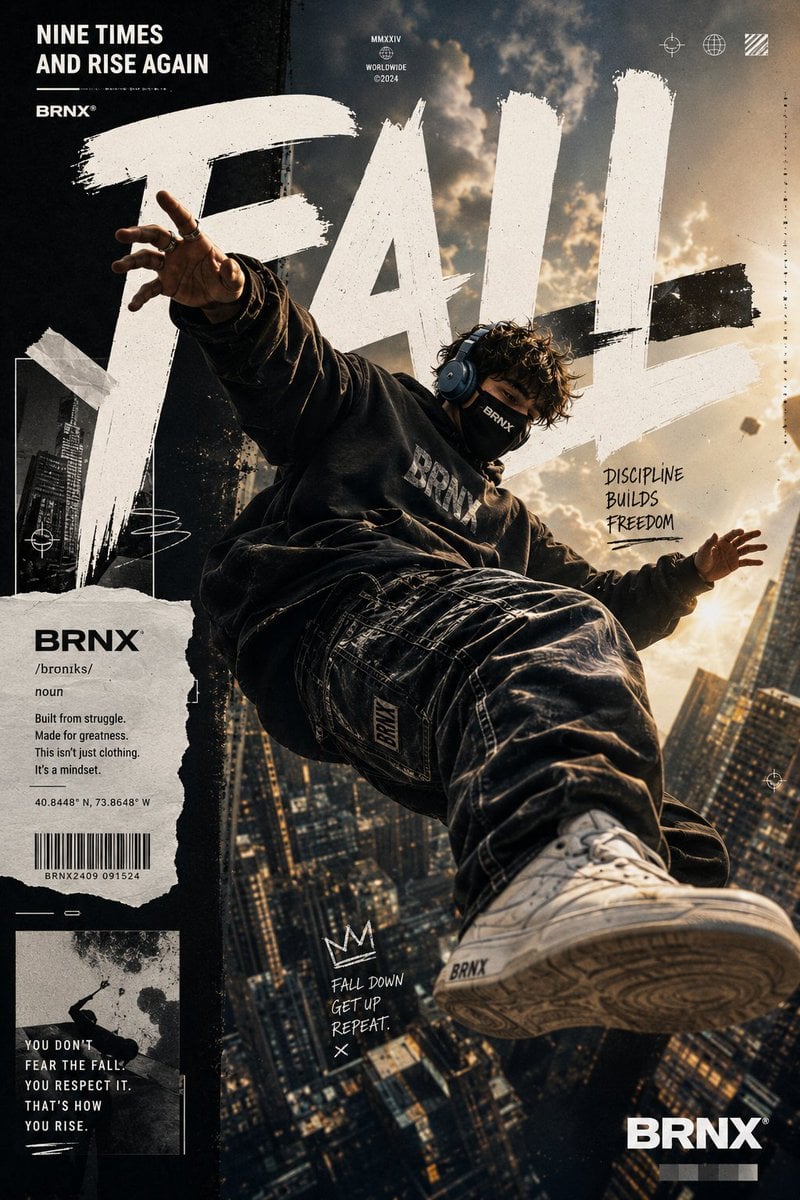
- Prompt included
- Model and format preset
- Free template
The prompt behind this image
Copy the exact prompt behind Streetwear Floating Poster Design, or open it in the studio and make it yours.
Ultra-premium streetwear fashion poster featuring a {argument name="subject" default="young masked man"} floating high above a futuristic urban skyline at sunset. Dynamic free-fall pose captured from a dramatic low-angle perspective, creating an exaggerated sense of scale and motion. The subject wears an {argument name="outfit" default="oversized faded black hoodie with subtle 'BRNX' branding, baggy distressed denim jeans, and clean white sneakers"}. Massive hand-painted brushstroke typography spelling "{argument name="text" default="FALL"}" dominates the background in huge distressed white letters, integrated seamlessly into the composition. The floating figure partially overlaps the typography, creating depth and magazine-cover aesthetics. Background shows a dense cityscape of towering skyscrapers and glowing windows, heavily blurred with cinematic depth of field. Warm golden sunlight bursts through clouds from the upper right corner, creating dramatic volumetric light rays, atmospheric haze, floating dust particles, lens bloom, and realistic shadow casting. Design style combines luxury streetwear advertising, urban culture magazine covers, premium graphic design, and Behance-featured poster artwork. Include torn-paper collage elements, editorial layout design, subtle grunge textures, handwritten motivational notes, barcode graphics, geometric UI symbols, and modern branding details. Typography layout includes: "NINE TIMES AND RISE AGAIN" "DISCIPLINE BUILDS FREEDOM" "FALL DOWN. GET UP. REPEAT." "BRNX" The subject appears suspended naturally in mid-air with realistic physics, clothing folds reacting to gravity and motion. One sneaker is positioned close to the camera lens for extreme perspective distortion, creating a powerful cinematic effect. Ultra-realistic skin texture, detailed fabric materials, premium denim textures, realistic stitching, sharp clothing details, professional color grading, high contrast lighting, subtle film grain, cinematic glow, urban luxury aesthetic, modern street culture vibe, fashion campaign quality, award-winning poster design, hyper-detailed, photorealistic, 8K resolution, HDR, razor-sharp focus on subject. Negative Prompt: low quality, blurry subject, extra limbs, extra fingers, deformed hands, bad anatomy, duplicate body parts, distorted face, watermark, logo errors, text artifacts, poorly rendered typography, oversaturated colors, cartoon, anime, illustration, CGI look, plastic skin, low resolution, compression artifacts, flat lighting, bad perspective, unrealistic shadows, cropped feet, cropped head, messy composition, noisy image, out of focus, low detail, weak contrast, amateur design.
How to use Streetwear Floating Poster Design in 3 steps
- 1
Open
The prompt is already in the box next to the preview, with the template's model and format selected.
- 2…a portrait of your subject in softgolden-hour light, 85mm…
Personalize
Edit the subject and creative details for your destination.
- 3Generate
Generate
Press Generate — your image is created in PicX Studio, so you can compare it with the original and refine one variable at a time.
More like this
Templates with the same subject, style or setup. Open one to see its prompt.

Urban Fashion Editorial Collage Streetwear Poster

Ultra-Stylized High-Fashion Streetwear Poster

Urban Fashion Editorial Collage Poster

Selective Color Monochrome Football Poster

Gpt2 Product Marketing Streetwear Sneaker Poster Ad

1988 Mall Style

Japan Travel Brochure Poster

Cartoon TV Show Poster Pack

Trendy Cafe Drink Promo Poster

Monochrome Hypebeast Street Fashion Editorial Motion

Premium Fashion Editorial Cover Layout System

Polo Ralph Lauren Luxury American Heritage Fashion Campaign
Make it yours
Streetwear Floating Poster Design works as-is. These are the safest ways to change it without losing the look.
Change one field
Copy a single group, rewrite it, and generate again so you can see what that field is doing.
Keep the frame, change the subject
Hold the composition and light of Streetwear Floating Poster Design, then swap wardrobe, props or the person for a new take.
| If the result… | Why | Fix |
|---|---|---|
| The result drifts from the preview | Too many fields changed at once. | Reuse Streetwear Floating Poster Design as-is first, then change one group — subject, light, or setting. |
| The model over-stylizes the scene | The prose prompt leaves finish and camera underspecified. | Add one camera or lighting sentence and stay on GPT Image 2. |
More GPT Image 2 templates
Other prompts made for GPT Image 2.

Six VTuber Japanese Logo Sheet

Realistic Portrait of Woman and Deer

The Vista Modular Condo Poster

AI Model Routing Comparison Infographic

2.5D Anime Art Board

Isometric Productivity Desk Scene

New York Double Exposure Poster

Four-Panel AI Landscape Comparison

Japanese Tatami Lifestyle Magazine Cover

NESCAFÉ Coffee Map Poster
More image prompts
Fresh picks from across the catalog.
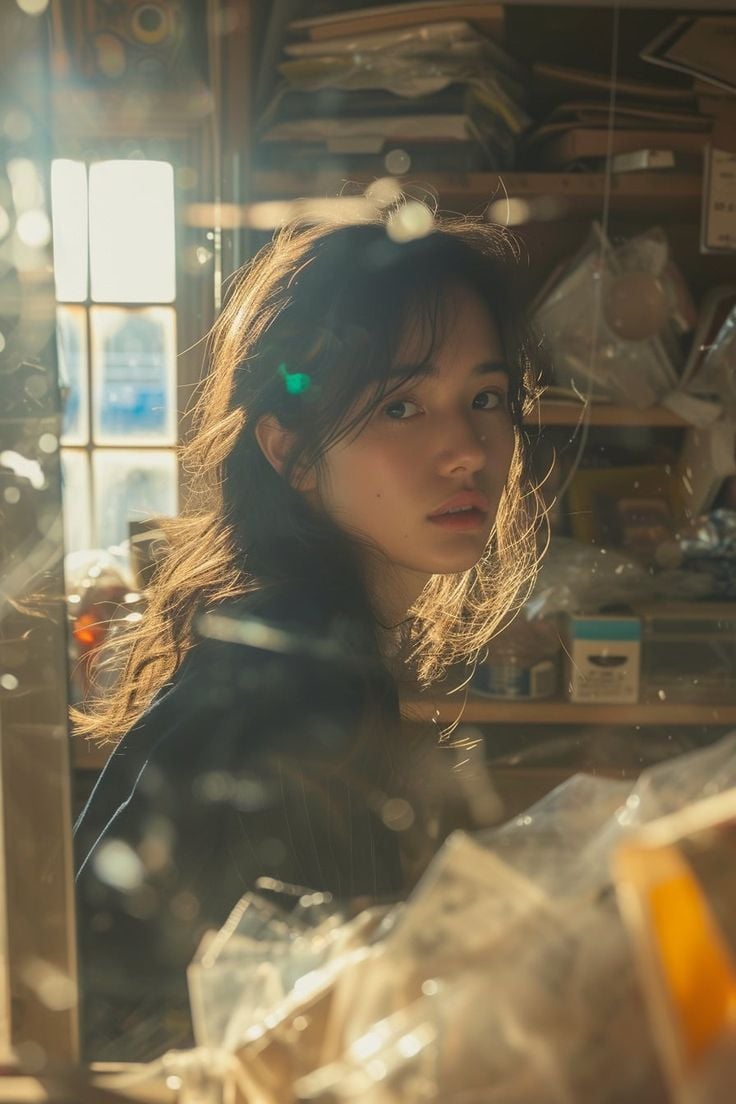
Cinematic Portrait with Backlighting and Clutter
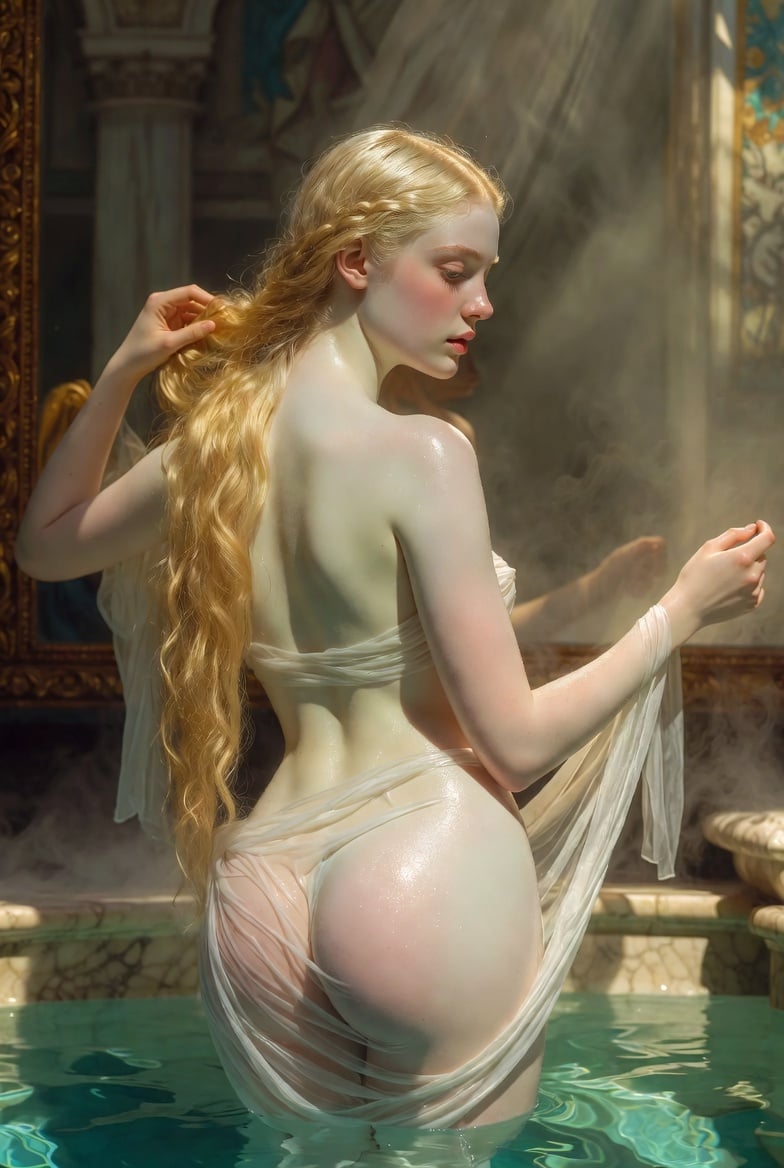
Renaissance Bathing Portrait
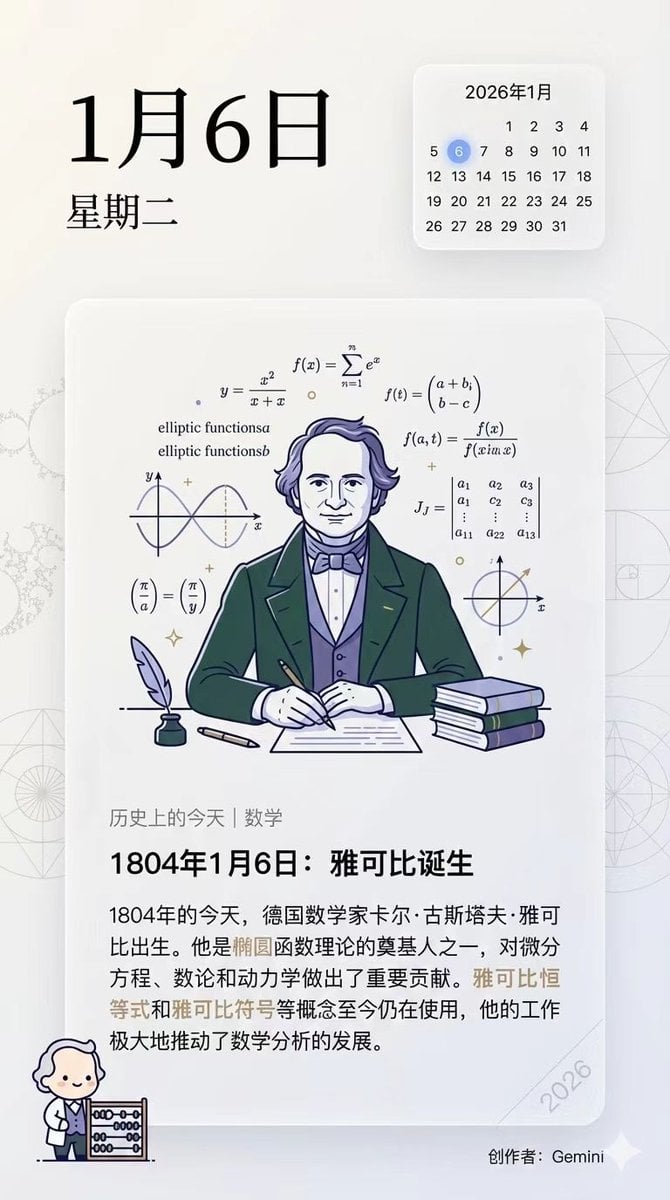
Ensuring Nano Banana Pro is used for Chinese prompts
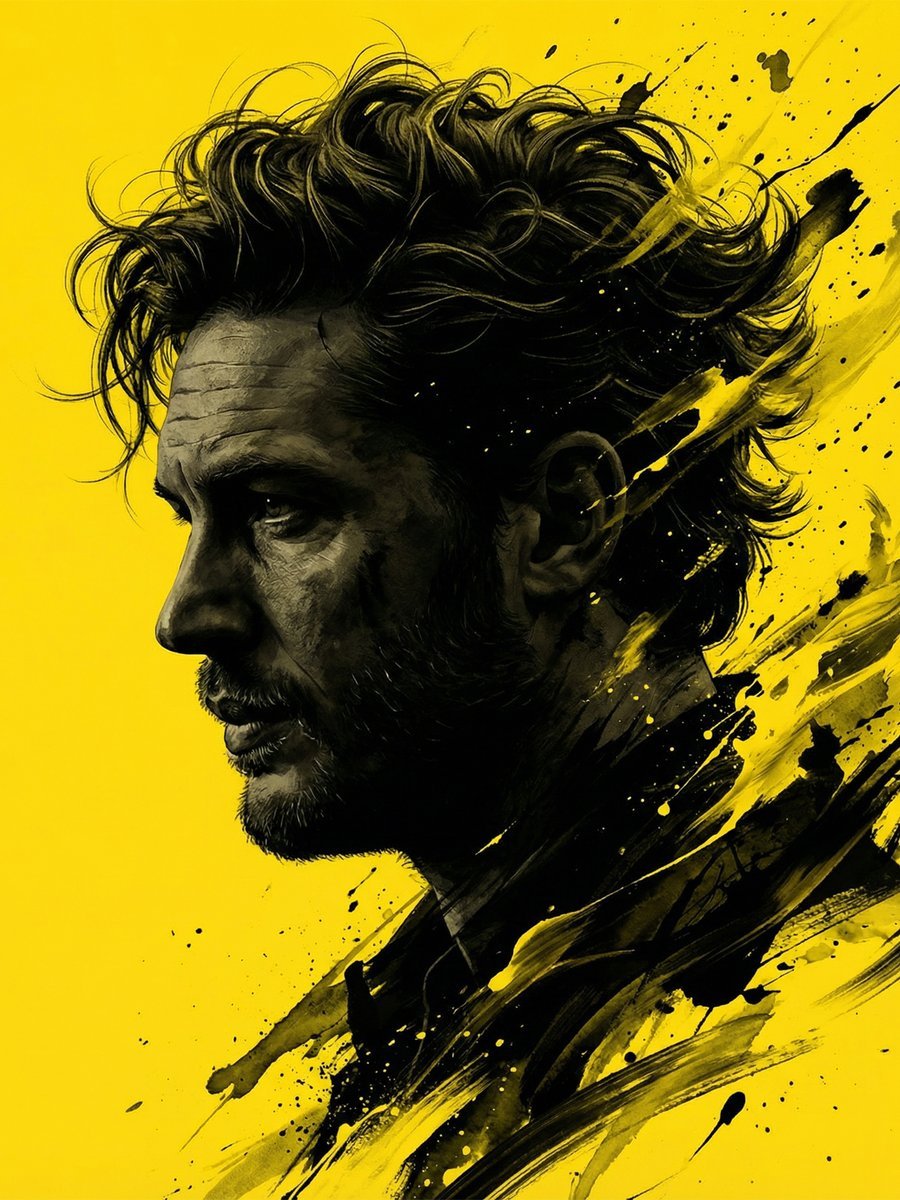
Dramatic Stylized Portrait Conversion Prompt for Nano Banana
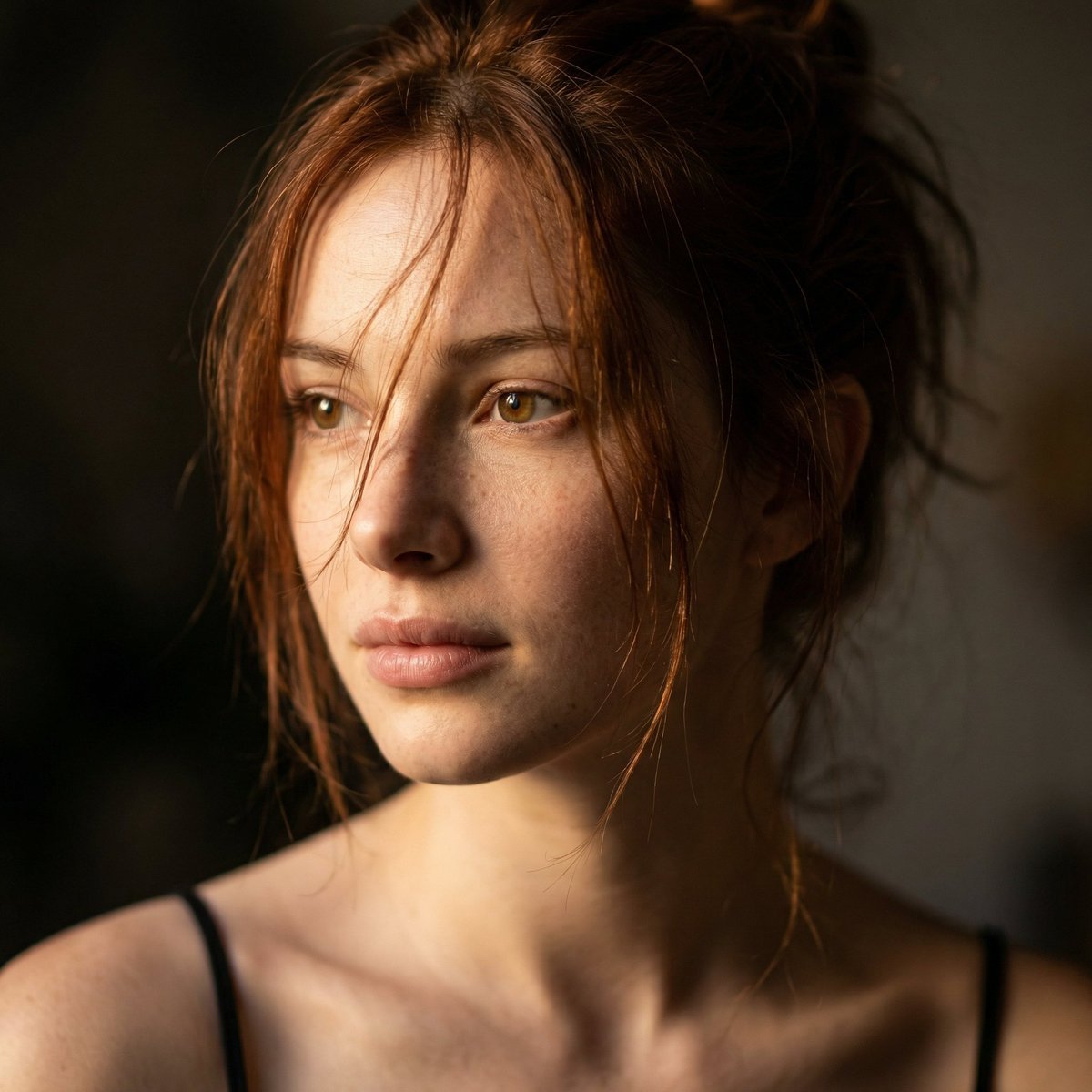
Cinematic Close-up Portrait Replacement Prompt
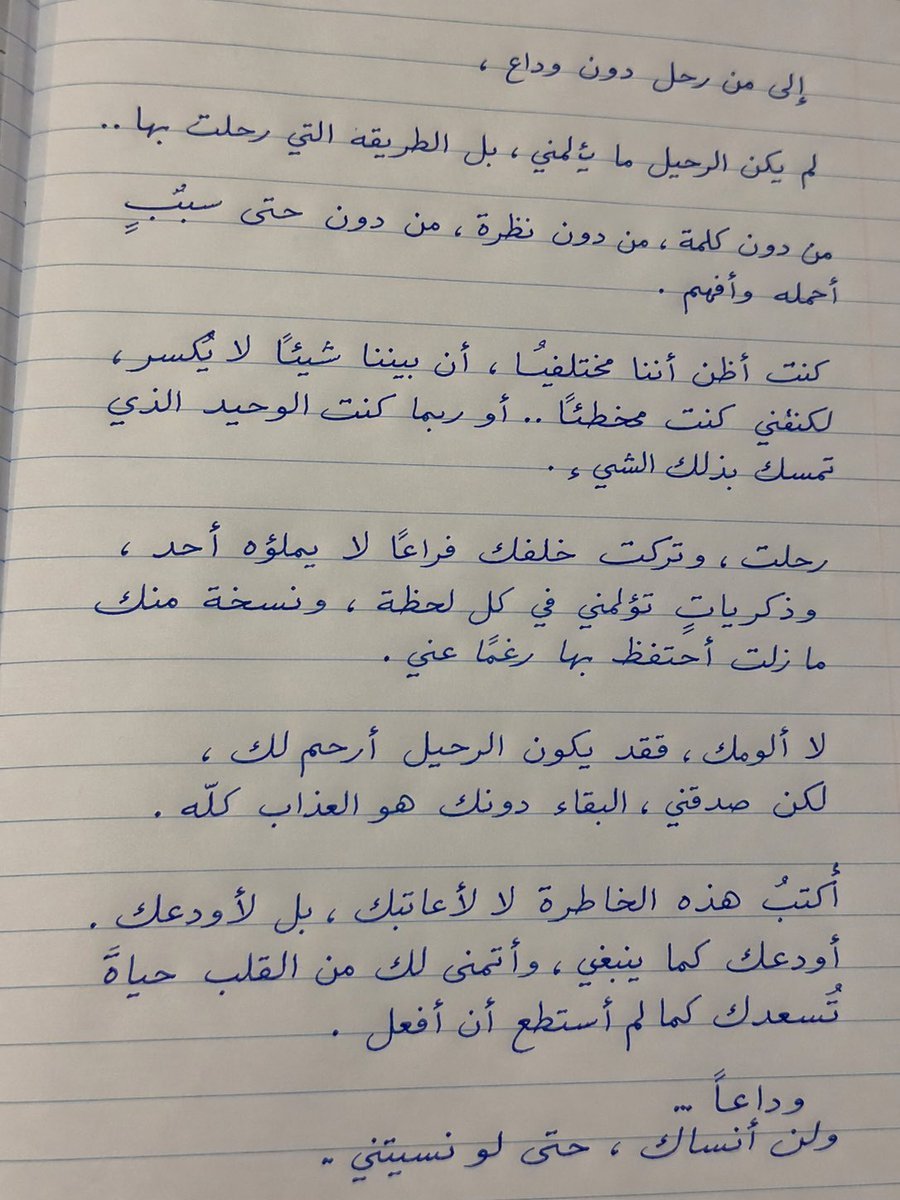
Handwritten Realistic Letter
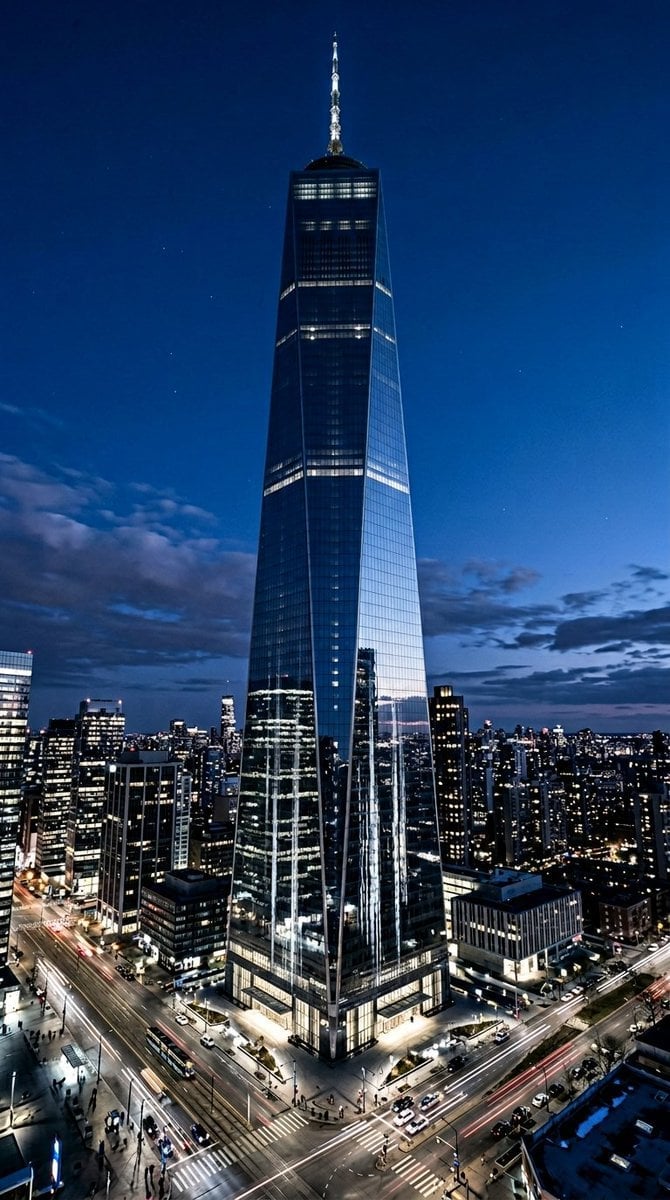
Futuristic Skyscraper Image Prompt (Nano Banana 2)
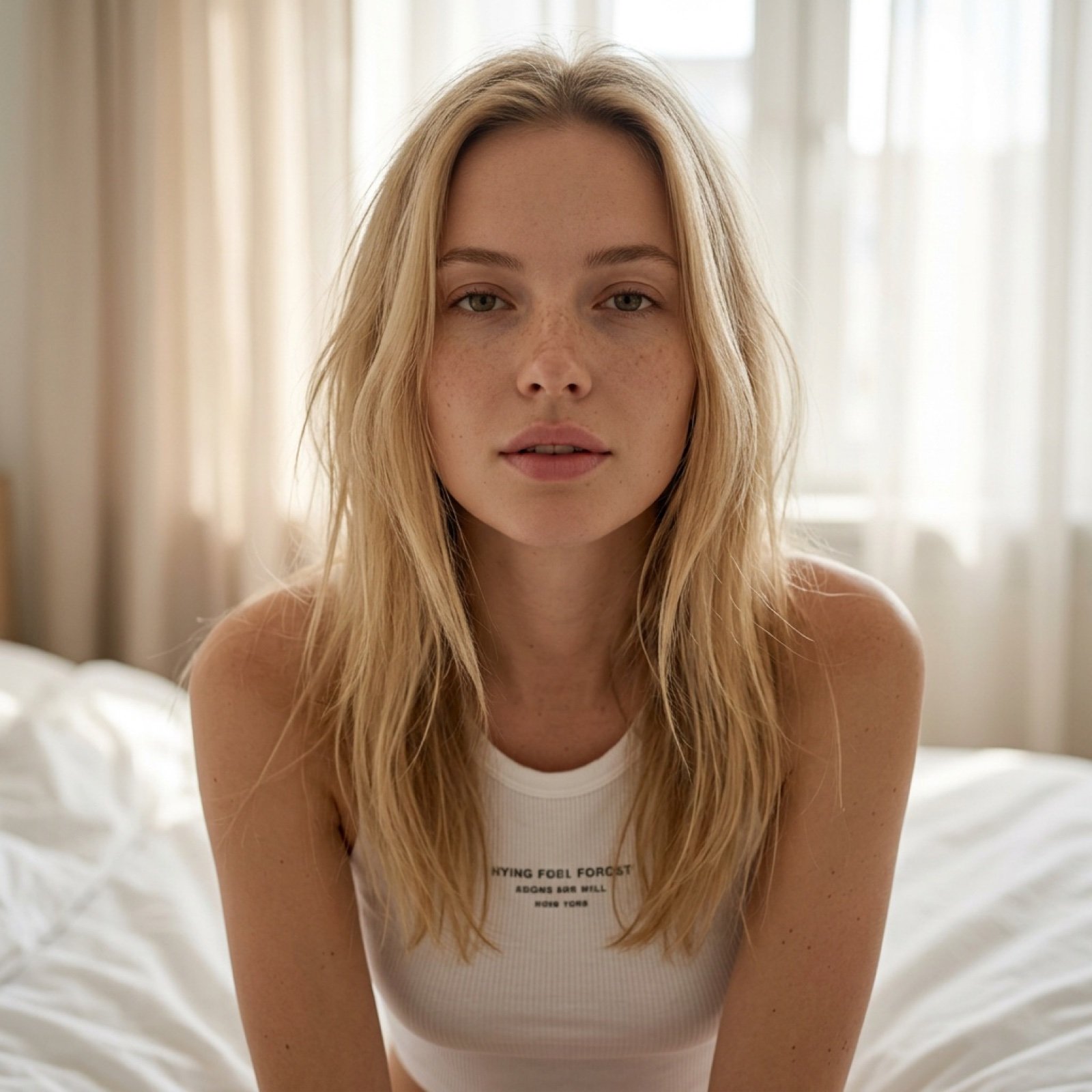
Intimate Morning Selfie Portrait
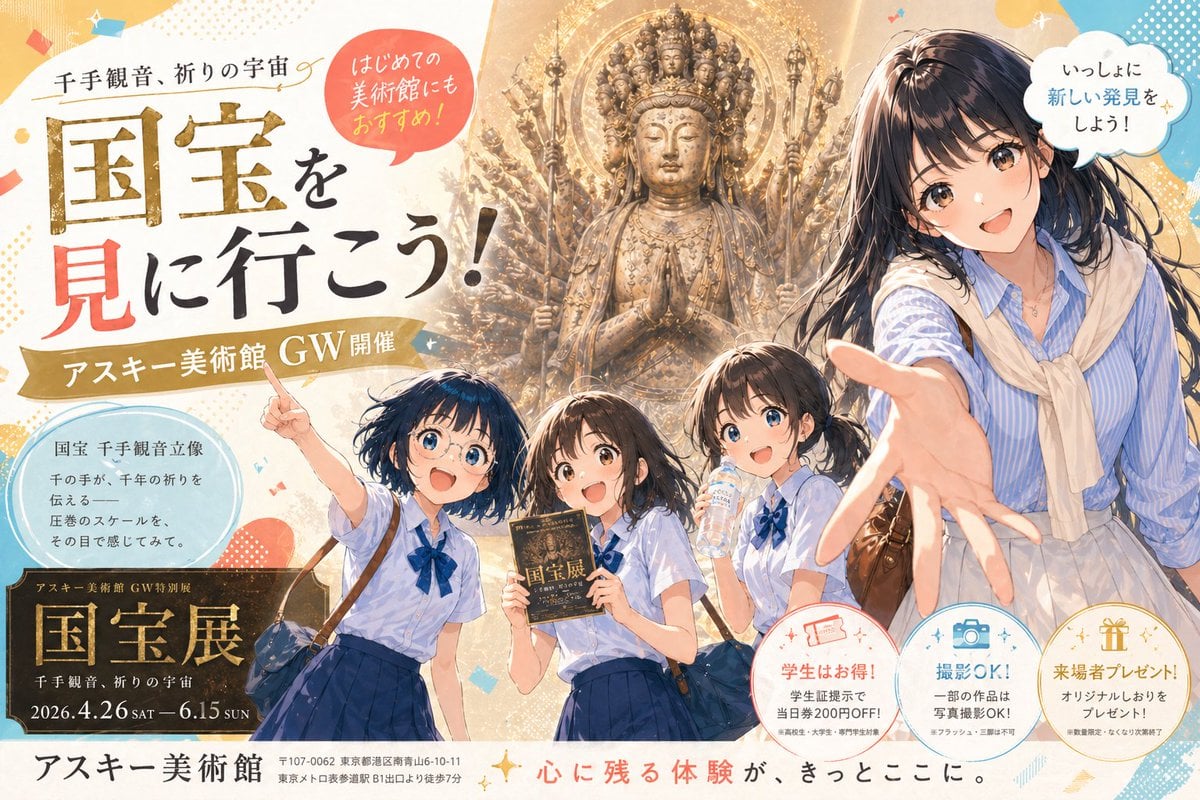
Anime Museum Poster with Kannon Statue
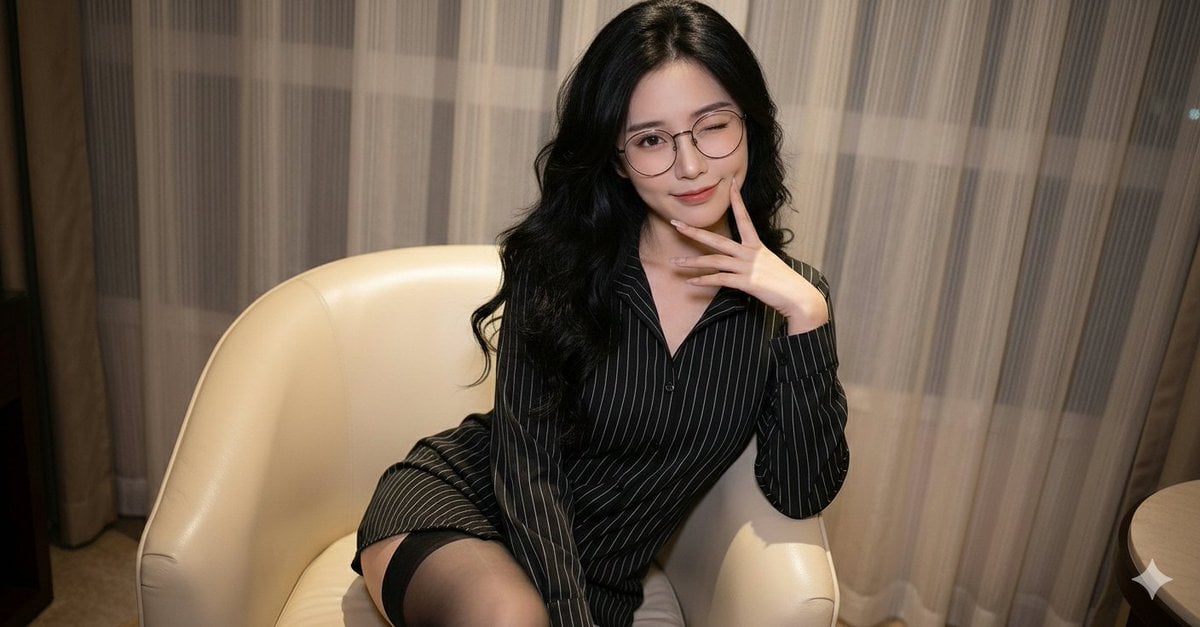
Polished Indoor Portrait with Shallow Depth of Field
Browse template categories
Streetwear Floating Poster Design questions
How do I use the Streetwear Floating Poster Design template?
Add your photo if the template asks for one, edit the prompt if you like — the template's model and format are already selected — and press Generate. Your version opens in PicX Studio.
Can I customize the Streetwear Floating Poster Design template?
Yes. You can change the subject, setting, lighting, mood, format, and available model controls before creating your image.
Is the Streetwear Floating Poster Design template free?
Opening and editing this template is free. Generating uses credits, shown on the Generate button when you are signed in.
Which AI model should I use?
Start with GPT Image 2, which is the model associated with this template. You can compare another compatible model for a different finish.
Looking for something else? Browse all templates.

Your photo, any look
Thousands of ready templates for every top image and video model, from one credit balance.