
Anime Museum Poster with Kannon Statue
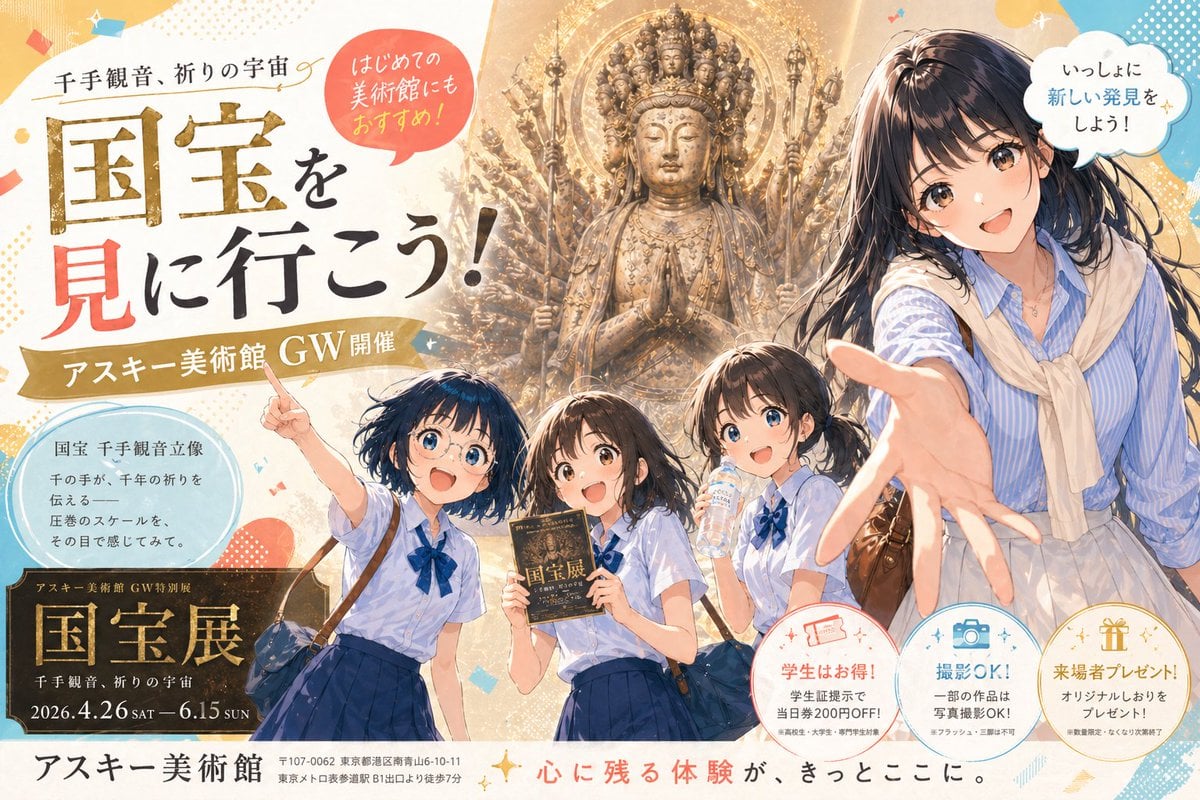
This prompt generates a fictional Japanese-style museum exhibition poster combining anime characters, a grand Thousand-Armed Kannon statue, and fully integrated promotional typography for editorial or advertising use.
- Prompt included
- Model and format preset
- Free template
The prompt behind this image
Copy the exact prompt behind Anime Museum Poster with Kannon Statue, or open it in the studio and make it yours.
A polished Japanese museum exhibition poster in a contemporary anime illustration style, vertical layout, warm ivory and gold color palette with pastel confetti accents, designed like a high-end promotional ad for a spring holiday event. The composition features 4 school-age to young adult female characters in the foreground and one monumental Buddhist statue in the background. At center back is a towering gilded Thousand-Armed Kannon statue with a radiant halo, intricate carved details, many arms fanning outward symmetrically, and hands pressed together in prayer at the chest, glowing with sacred golden light. In the foreground on the right is the largest figure, a friendly young woman guide or older student reaching one hand dramatically toward the viewer in forced perspective; she has {argument name="hair color" default="dark brown"} shoulder-length hair, a blue striped blouse, a cream sweater draped over her shoulders, and a light skirt, with a warm inviting expression. Across the lower middle are 3 younger schoolgirls in matching uniforms: short-sleeve pale blue shirts with navy ribbon ties and dark blue skirts. The left girl points upward excitedly with one arm raised and wears a small shoulder bag; the center girl holds an exhibition booklet upright; the right girl drinks from a clear water bottle while looking toward the scene. Give all 4 girls lively anime-style faces, glossy hair, soft shading, and energetic museum-outing body language. Fill the poster with dense Japanese typography and decorative graphic shapes. Place a large bold main headline on the left reading {argument name="headline text" default="国宝を見に行こう!"}, with oversized gold and black calligraphy-style characters and one red-highlighted character. Above it, add smaller text: "千手観音、祈りの宇宙". Add a red circular callout near the top left that says "はじめての美術館にもおすすめ!" and a white cloud-shaped speech bubble near the top right that says "いっしょに新しい発見をしよう!". Add a gold ribbon banner under the main headline reading "アスキー美術館 GW開催". Include a pale blue circular information box on the left with 5 lines of Japanese copy describing the statue: "国宝 千手観音立像", "千の手が、千年の祈りを", "伝える", "圧巻のスケールを、", "その目で感じてみて。". In the lower left, place a dark rectangular exhibition plaque with gold trim and 5 text lines: "アスキー美術館 GW特別展", the large title "国宝展", then "千手観音、祈りの宇宙", then the date line {argument name="event dates" default="2026.4.26 SAT - 6.15 SUN"}. Along the bottom center, add the museum name in large text: {argument name="museum name" default="アスキー美術館"}, followed by a smaller address line and nearest-station access text in Japanese. Add a red-and-black slogan along the bottom right: "心に残る体験が、きっとここに。". In the lower right, include 3 circular benefit icons with captions: one peach circle with a ticket icon and text "学生はお得! 学生証提示で当日券200円OFF!", one blue circle with a camera icon and text "撮影OK! 一部の作品は写真撮影OK!", and one gold circle with a gift icon and text "来場者プレゼント! オリジナルしおりをプレゼント!". Scatter subtle sparkles, halftone dots, abstract blobs, and confetti shapes around the page. Overall mood: inviting, educational, elegant, and exciting, combining sacred cultural grandeur with cheerful youthful discovery, like a fictional premium museum advertisement generated as a complete poster with integrated typography.
How to use Anime Museum Poster with Kannon Statue in 3 steps
- 1Upload ImagePNG, JPG or paste
Add your photo
Upload the photo the template builds on. The prompt, model and format are already set.
- 2…a portrait of your subject in softgolden-hour light, 85mm…
Personalize
Edit the subject and creative details for your destination.
- 3Generate
Generate
Press Generate — your image is created in PicX Studio, so you can compare it with the original and refine one variable at a time.
More like this
Templates with the same subject, style or setup. Open one to see its prompt.

Captain Tsubasa Anime World Cup Poster

Gpt2 Youtube Thumbnail Anime Music Bootcamp Promo Poster
Museum Poster Design Template

Japan Travel Brochure Poster

Nice Day Anime Poster

Cel 2D Finale Fireworks

Cel 2D Garden Maze

Cel 2D Rooftop Concert

Cel 2D Bicycle Coast

Cel 2D Castle Gate

Cel 2D Kitchen Chaos

Cel 2D Carnival Ride
Make it yours
Anime Museum Poster with Kannon Statue works as-is. These are the safest ways to change it without losing the look.
Change one field
Copy a single group, rewrite it, and generate again so you can see what that field is doing.
Keep the frame, change the subject
Hold the composition and light of Anime Museum Poster with Kannon Statue, then swap wardrobe, props or the person for a new take.
| If the result… | Why | Fix |
|---|---|---|
| The result drifts from the preview | Too many fields changed at once. | Reuse Anime Museum Poster with Kannon Statue as-is first, then change one group — subject, light, or setting. |
| The model over-stylizes the scene | The prose prompt leaves finish and camera underspecified. | Add one camera or lighting sentence and stay on GPT Image 2. |
More GPT Image 2 templates
Other prompts made for GPT Image 2.

Six VTuber Japanese Logo Sheet

Realistic Portrait of Woman and Deer

The Vista Modular Condo Poster

AI Model Routing Comparison Infographic

2.5D Anime Art Board

Isometric Productivity Desk Scene

New York Double Exposure Poster

Four-Panel AI Landscape Comparison

Japanese Tatami Lifestyle Magazine Cover

NESCAFÉ Coffee Map Poster
More image prompts
Fresh picks from across the catalog.
Nano Banana Pro Prompting Strategy for Stable Output

High-End Studio Fashion Portrait Prompt for Nano Banana 2
Multi-Step Comic Generation with MJ and Nano Banana Pro
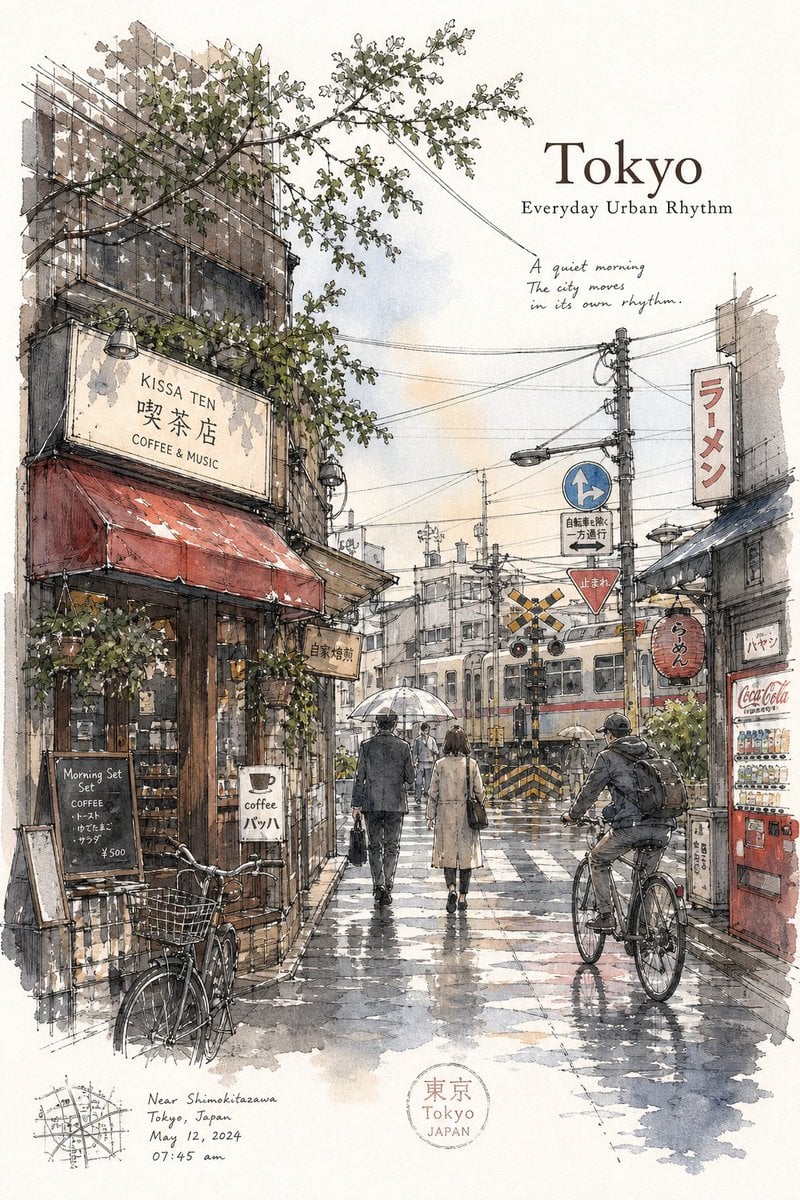
Tokyo Minimalist Urban Sketch Poster

Vibrant Sticker Art Illustration of a Young Woman
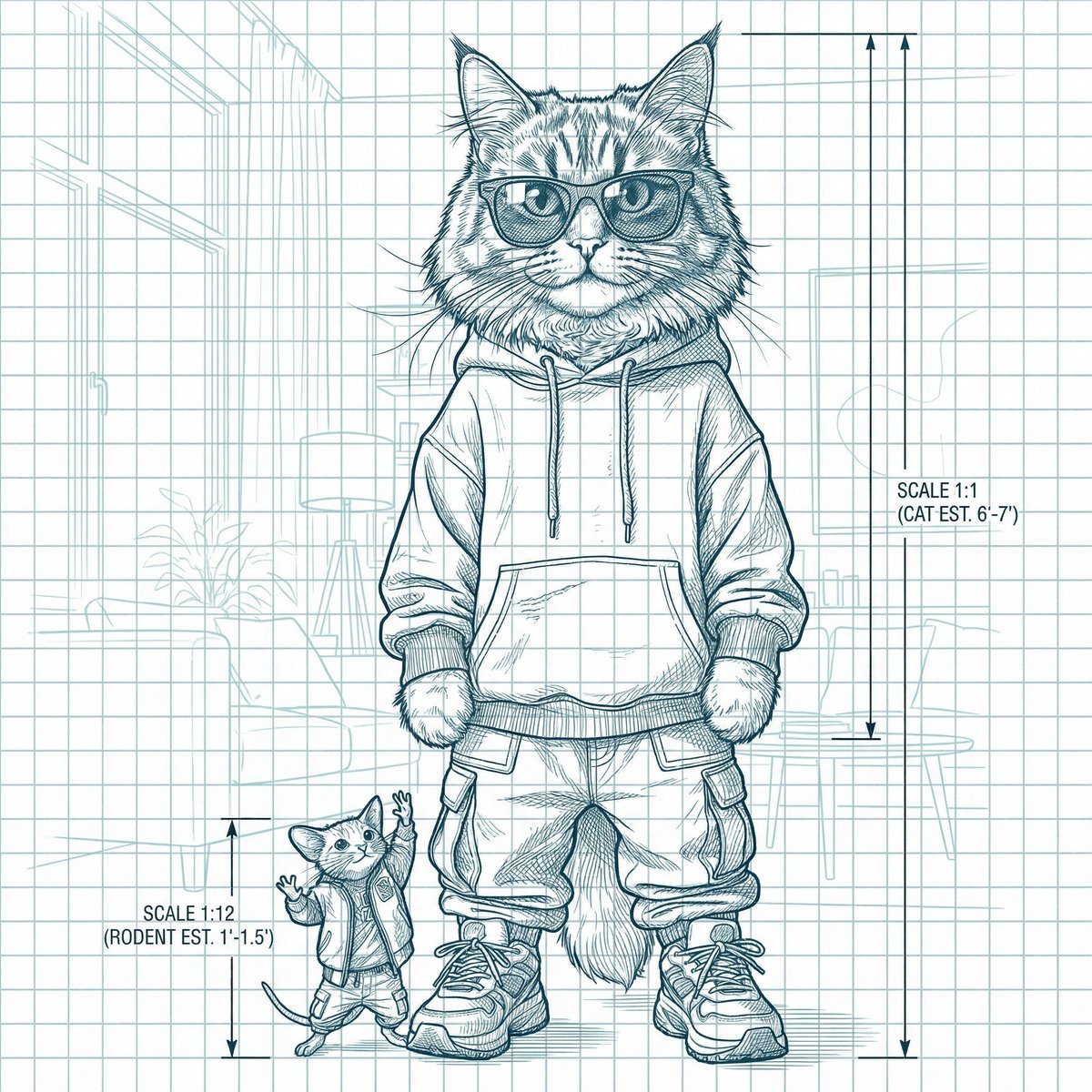
Blueprint-style technical schematic generation
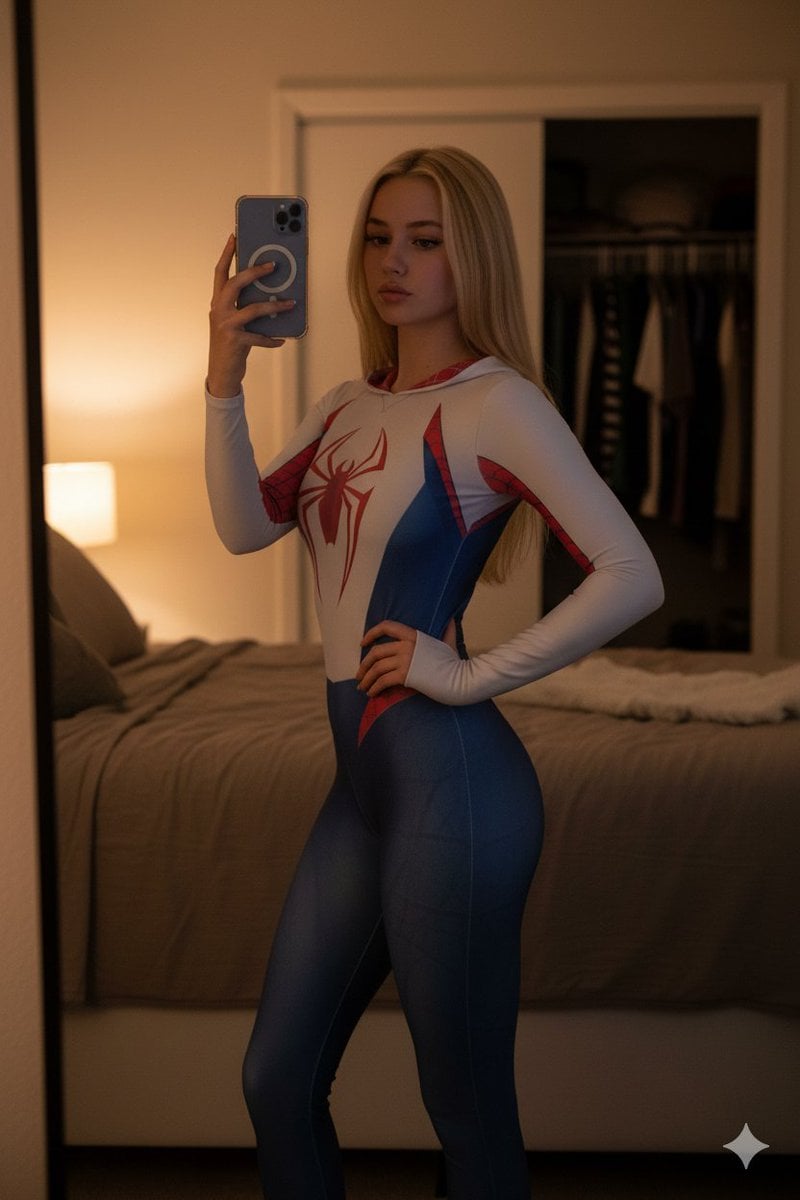
High-Contrast Spider-Gwen Cosplay Mirror Selfie
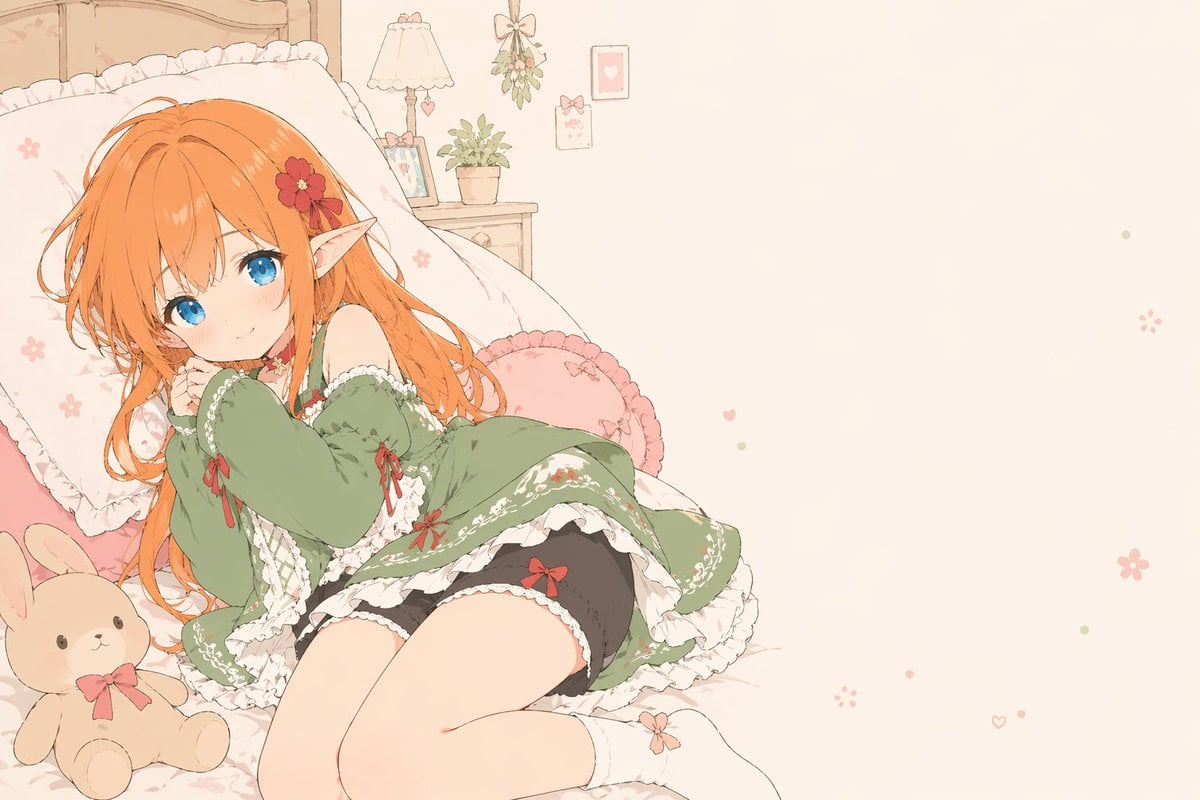
Flat-Color Elf Girl on Frilly Bed
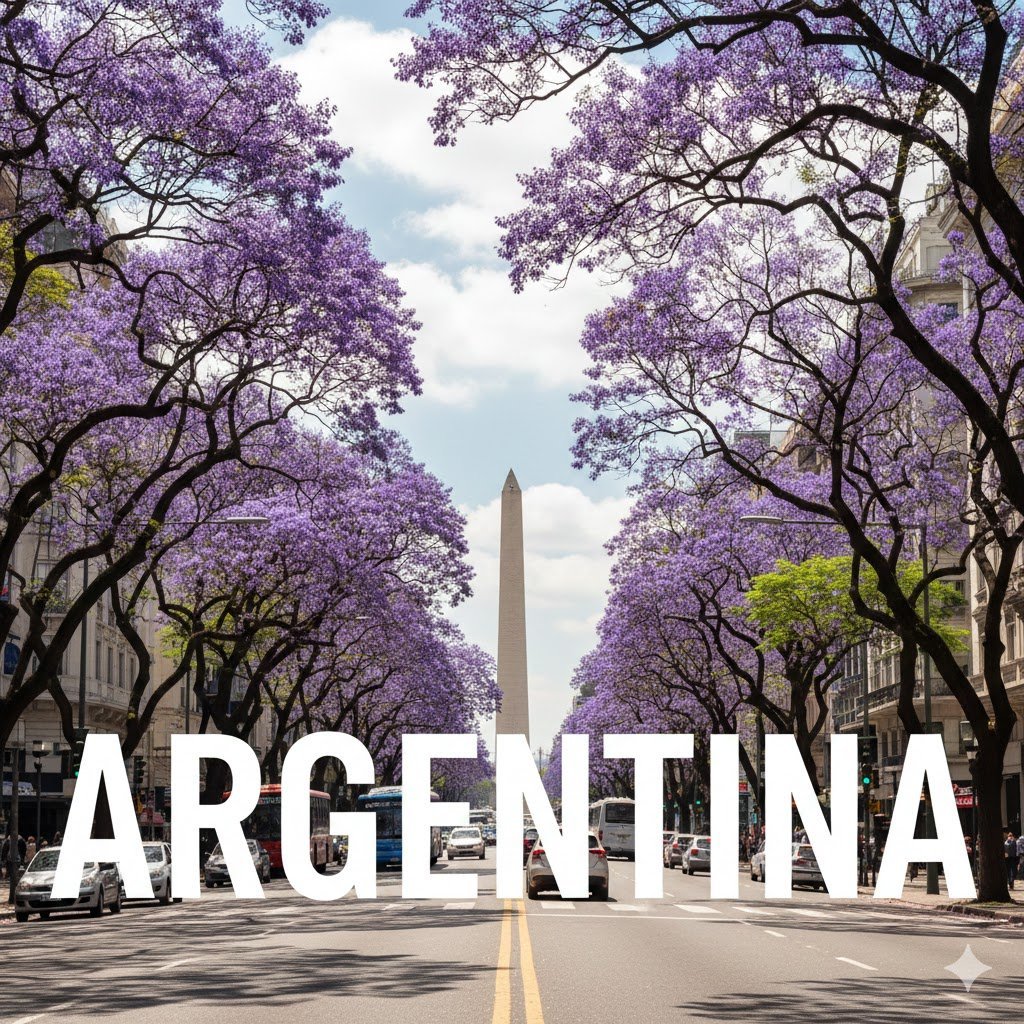
Buenos Aires avenue lettering scene
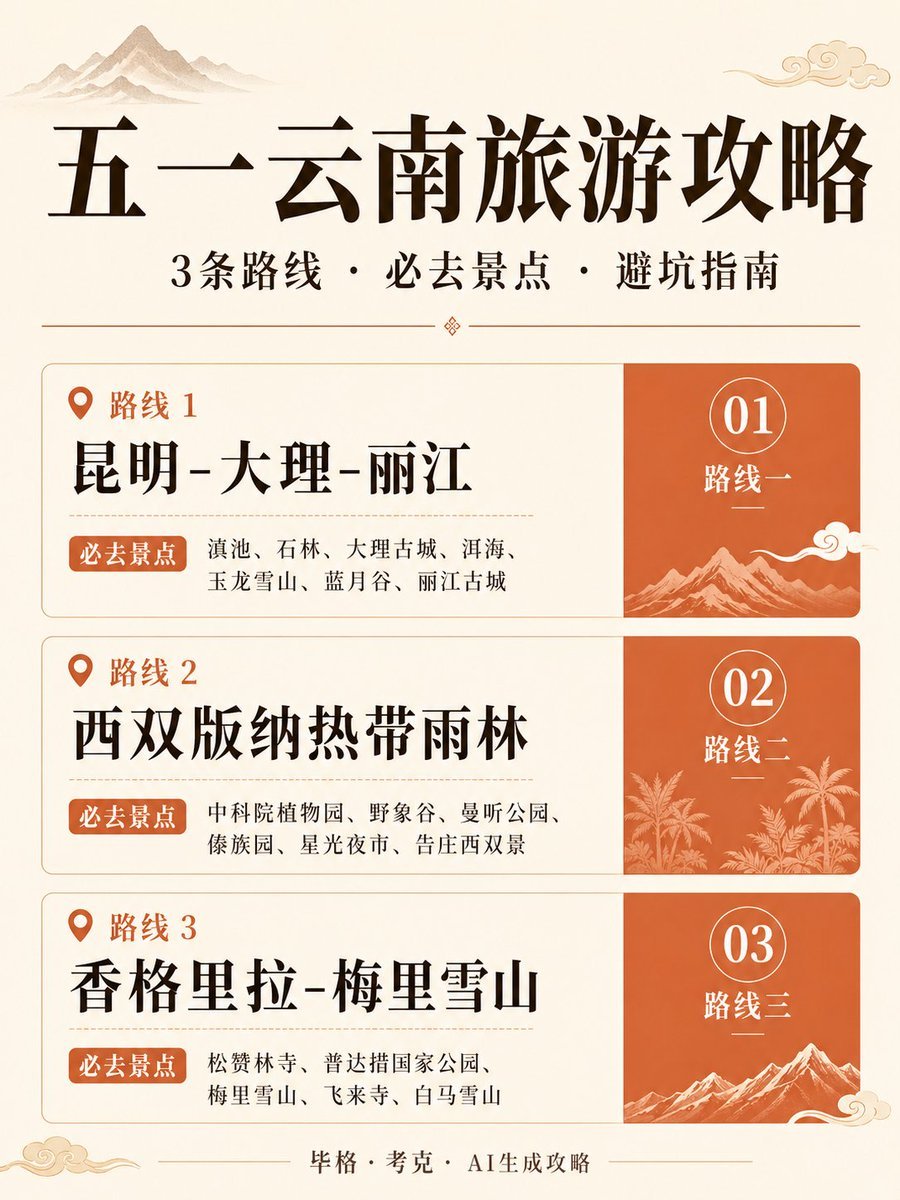
Chinese Yunnan Travel Guide Poster
Browse template categories
Anime Museum Poster with Kannon Statue questions
How do I use the Anime Museum Poster with Kannon Statue template?
Add your photo if the template asks for one, edit the prompt if you like — the template's model and format are already selected — and press Generate. Your version opens in PicX Studio.
Can I customize the Anime Museum Poster with Kannon Statue template?
Yes. You can change the subject, setting, lighting, mood, format, and available model controls before creating your image.
Is the Anime Museum Poster with Kannon Statue template free?
Opening and editing this template is free. Generating uses credits, shown on the Generate button when you are signed in.
Which AI model should I use?
Start with GPT Image 2, which is the model associated with this template. You can compare another compatible model for a different finish.
Looking for something else? Browse all templates.

Your photo, any look
Thousands of ready templates for every top image and video model, from one credit balance.