
Cyberpunk Anime Heroine in Neon Rain
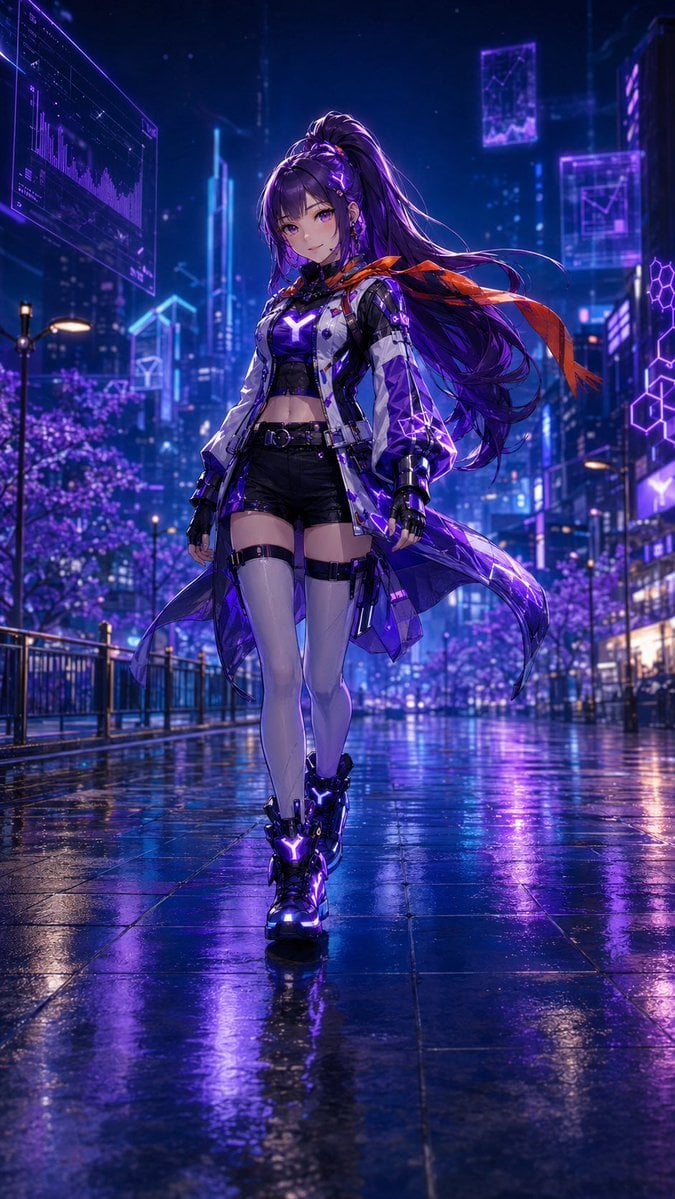
A polished vertical anime key visual of a consistent futuristic heroine walking through a rainy neon cyberpunk city.
- Prompt included
- Model and format preset
- Free template
The prompt behind this image
Copy the exact prompt behind Cyberpunk Anime Heroine in Neon Rain, or open it in the studio and make it yours.
Create a full-body anime cyberpunk character illustration in a vertical 9:16 composition. The subject is {argument name="character name" default="a young futuristic heroine"}, walking confidently toward the viewer on a rain-slick city street at night, centered in frame with a low slightly upward cinematic perspective. She has a delicate face, violet eyes, long flowing {argument name="hair color" default="deep purple"} hair tied in a high ponytail with loose strands and glowing purple hair accents, and a calm faint smile. Her outfit is a sleek techwear battle-fashion ensemble: cropped black top with a bright glowing purple Y-shaped chest emblem, short black high-waisted shorts, white and translucent purple futuristic long coat with glossy panels, black fingerless gloves, black thigh straps, pale thigh-high stockings, and chunky black cyber boots with glowing purple Y-shaped lights. Add one vivid orange-red scarf or ribbon streaming behind her for contrast. The environment is a dense neon megacity with tall glass skyscrapers, holographic UI billboards, floating transparent data panels, purple hexagonal graphics, glowing blue and violet signage, street lamps, railings, and distant cherry-blossom-like purple-lit trees. The wet pavement must create strong mirror reflections of purple, blue, and pink neon lights beneath her feet. Use dramatic rim lighting, luminous volumetric rain haze, sharp detailed anime rendering, glossy materials, intricate cyberpunk costume details, saturated violet-blue color grading, cinematic depth of field, and a high-polish key visual style. Keep the same character design throughout: do not change the face, eyes, hairstyle, silhouette, outfit structure, or glowing Y motifs. No text, no watermark, no extra characters.
How to use Cyberpunk Anime Heroine in Neon Rain in 3 steps
- 1Upload ImagePNG, JPG or paste
Add your photo
Upload the photo the template builds on. The prompt, model and format are already set.
- 2…a portrait of your subject in softgolden-hour light, 85mm…
Personalize
Edit the subject and creative details for your destination.
- 3Generate
Generate
Press Generate — your image is created in PicX Studio, so you can compare it with the original and refine one variable at a time.
More like this
Templates with the same subject, style or setup. Open one to see its prompt.

Neon Night Crosswalk Candid Portrait

Cinematic Sci-Fi Commander Side Profile Portrait
Neon Night Crosswalk Candid Portrait

Spider-Man 2099 Cyberpunk Neon Future City
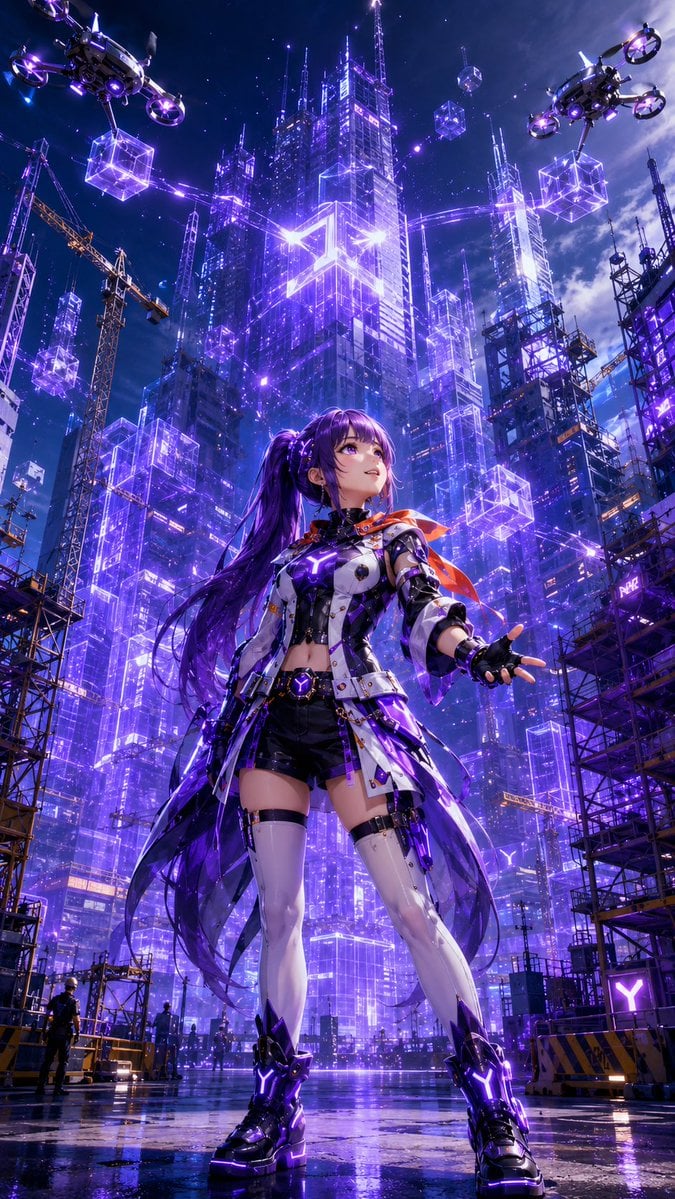
Cyberpunk Anime Heroine Megacity

Cel 2D Rainy Bus Stop

Cel 2D Train Window

Ghibli Rainy Tram Interior
Pixar Anime Rainy Window

Futuristic Studio Neon Ring Minimalist Portrait
Futuristic Studio Neon Ring Minimalist Portrait
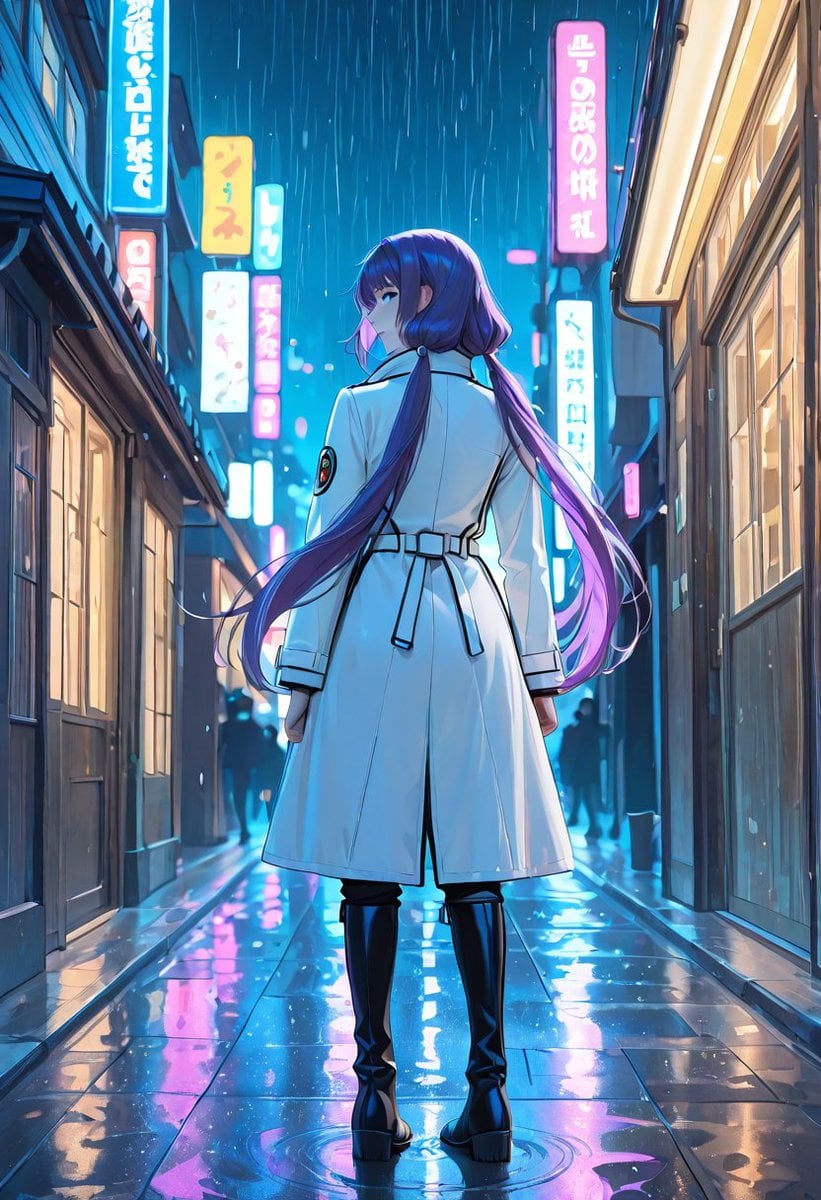
Rainy Neon Anime Alley Woman
Make it yours
Cyberpunk Anime Heroine in Neon Rain works as-is. These are the safest ways to change it without losing the look.
Change one field
Copy a single group, rewrite it, and generate again so you can see what that field is doing.
Keep the frame, change the subject
Hold the composition and light of Cyberpunk Anime Heroine in Neon Rain, then swap wardrobe, props or the person for a new take.
| If the result… | Why | Fix |
|---|---|---|
| The result drifts from the preview | Too many fields changed at once. | Reuse Cyberpunk Anime Heroine in Neon Rain as-is first, then change one group — subject, light, or setting. |
| The model over-stylizes the scene | The prose prompt leaves finish and camera underspecified. | Add one camera or lighting sentence and stay on GPT Image 2. |
More GPT Image 2 templates
Other prompts made for GPT Image 2.

Six VTuber Japanese Logo Sheet

Realistic Portrait of Woman and Deer

The Vista Modular Condo Poster

AI Model Routing Comparison Infographic

2.5D Anime Art Board

Isometric Productivity Desk Scene

New York Double Exposure Poster

Four-Panel AI Landscape Comparison

Japanese Tatami Lifestyle Magazine Cover

NESCAFÉ Coffee Map Poster
More image prompts
Fresh picks from across the catalog.
bit Retro Game Character Conversion Prompts

Landing Page Design for Leather Journals (Split Screen)
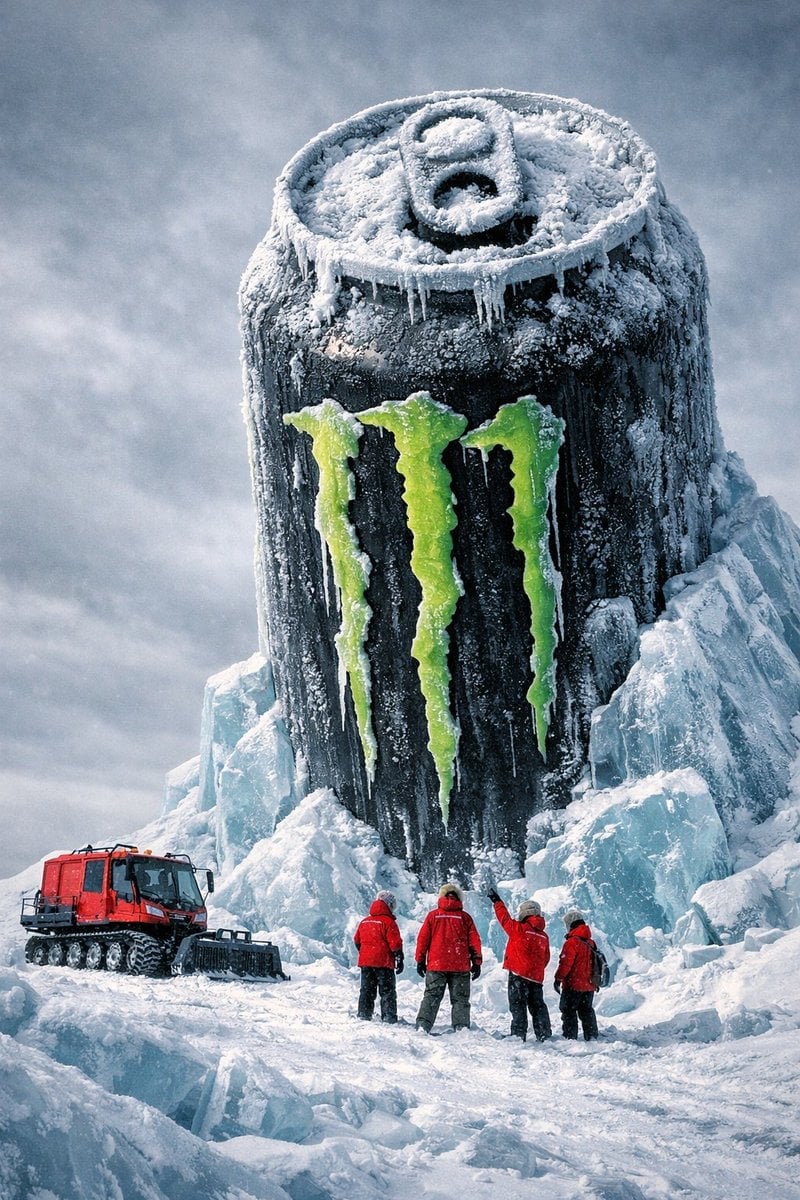
Monumental Monster Energy Can in the Arctic
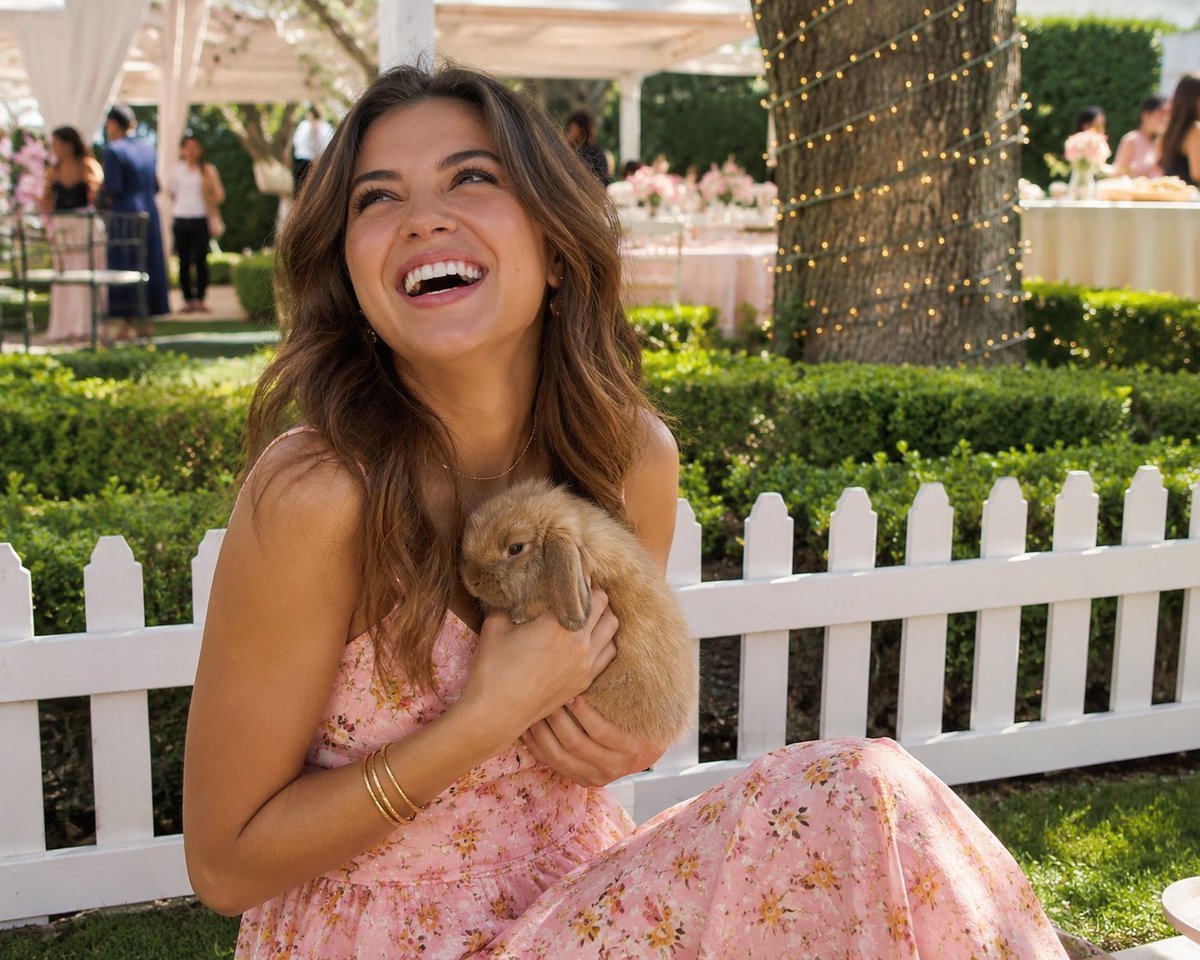
Candid Garden Portrait with Bunny

Premium Cosmetic Product Ad for Strawberry Toothpaste
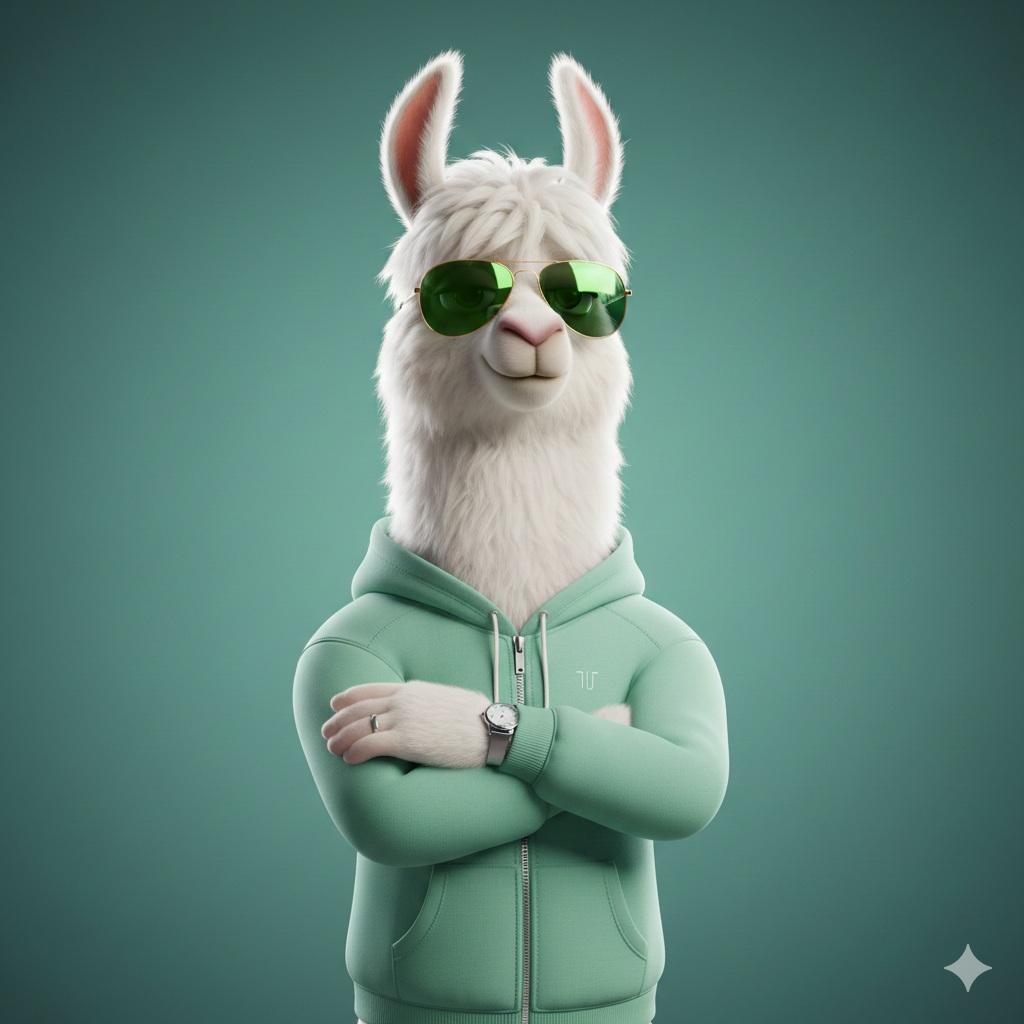
Stylized 3D Llama Character in Streetwear
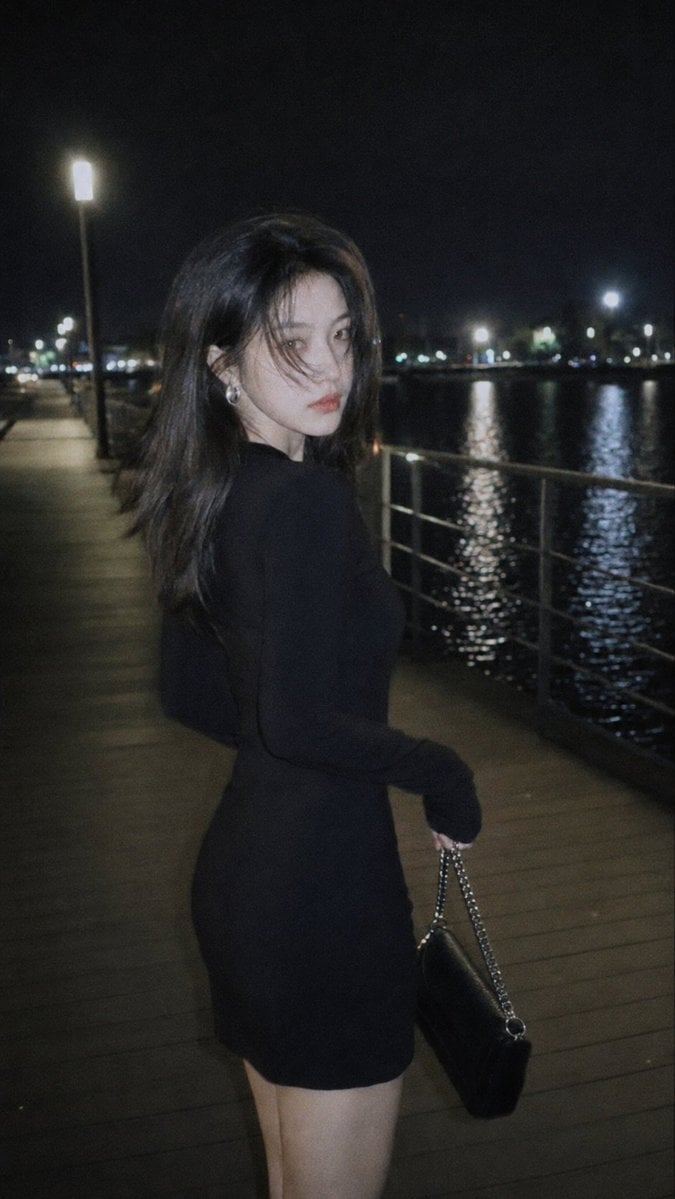
Nighttime Urban Film Portrait
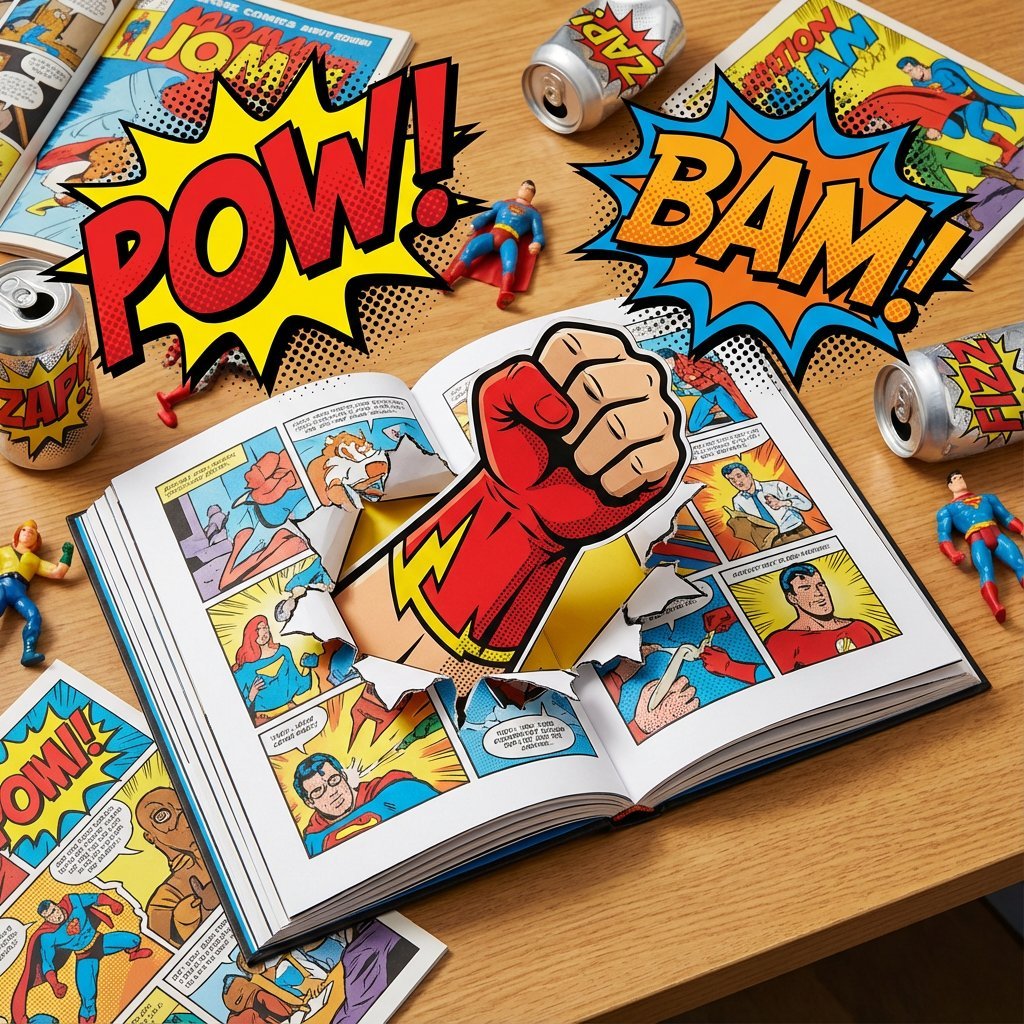
Superhero Comic Book Pop Art Diorama Prompt
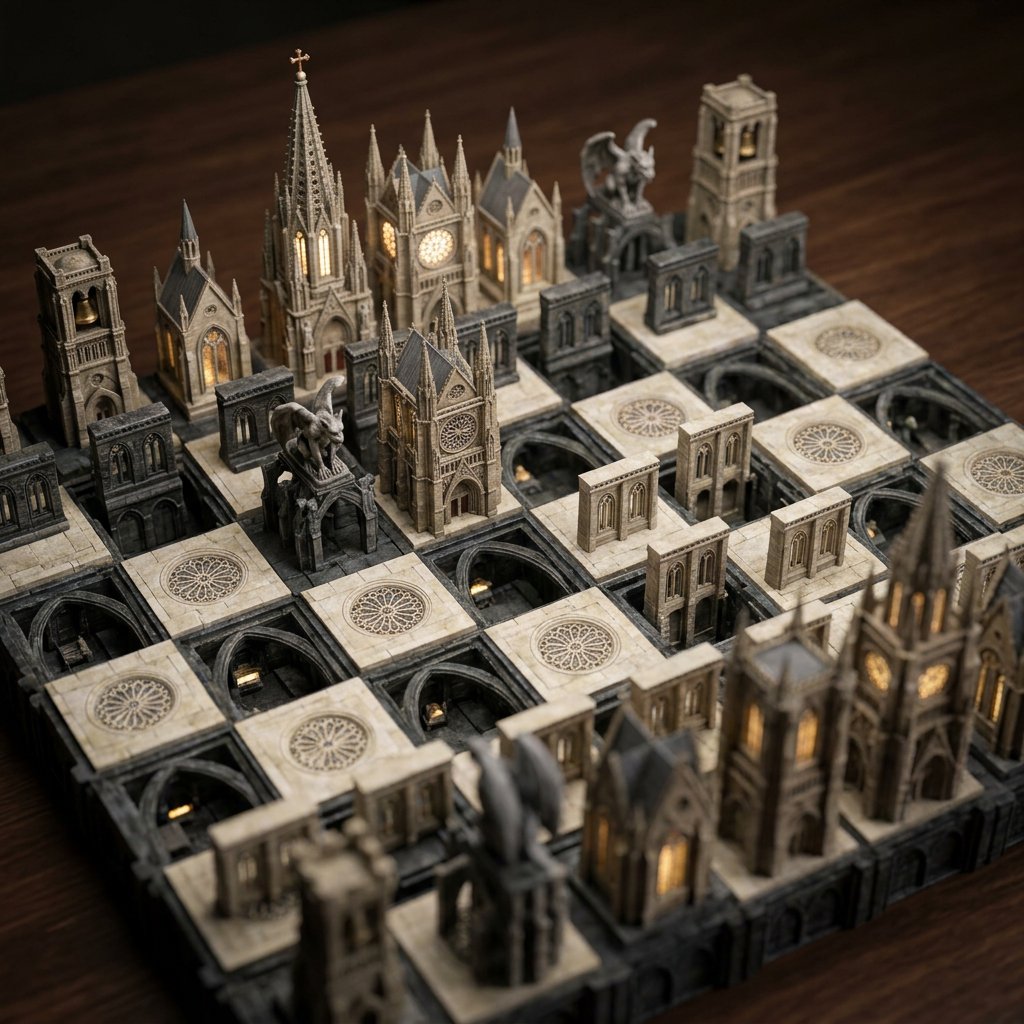
Custom Architectural Chessboard Diorama Prompt Template
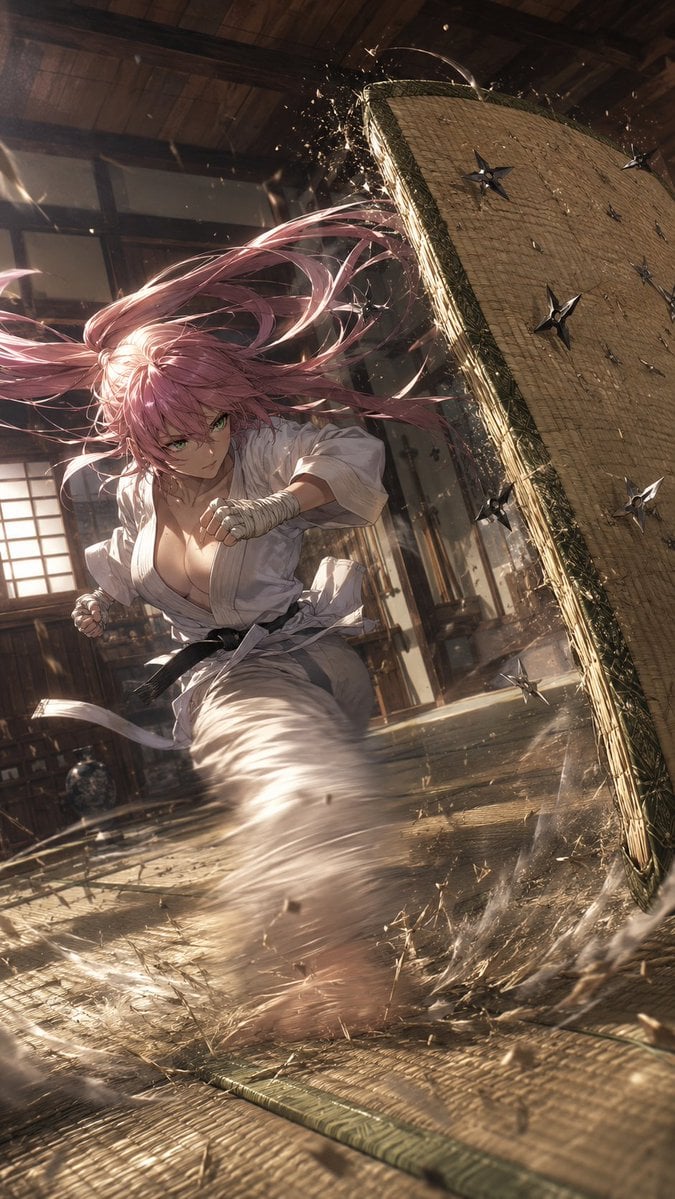
Anime Dojo Shuriken Kick
Browse template categories
Cyberpunk Anime Heroine in Neon Rain questions
How do I use the Cyberpunk Anime Heroine in Neon Rain template?
Add your photo if the template asks for one, edit the prompt if you like — the template's model and format are already selected — and press Generate. Your version opens in PicX Studio.
Can I customize the Cyberpunk Anime Heroine in Neon Rain template?
Yes. You can change the subject, setting, lighting, mood, format, and available model controls before creating your image.
Is the Cyberpunk Anime Heroine in Neon Rain template free?
Opening and editing this template is free. Generating uses credits, shown on the Generate button when you are signed in.
Which AI model should I use?
Start with GPT Image 2, which is the model associated with this template. You can compare another compatible model for a different finish.
Looking for something else? Browse all templates.

Your photo, any look
Thousands of ready templates for every top image and video model, from one credit balance.