
Frozen Divinity Surreal Editorial Portrait Prompt
A highly technical and artistic prompt for generating a monumental, low-angle surreal portrait titled 'Frozen Divinity.' It specifies the use of high-end camera equipment (Hasselblad), a physically impossible 'Living…
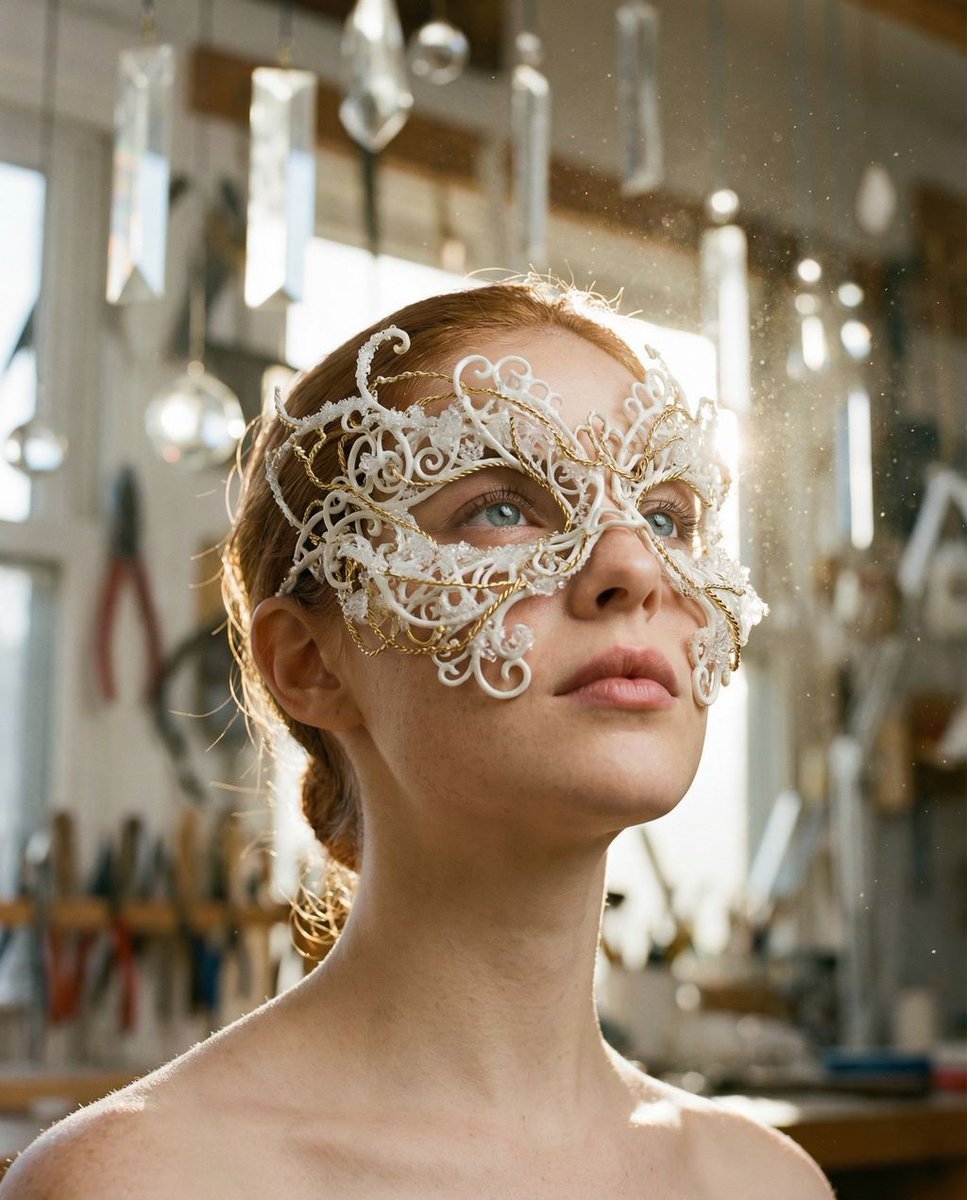
- Prompt included
- Model and format preset
- Free template
The prompt behind this image
Copy the exact prompt behind Frozen Divinity Surreal Editorial Portrait Prompt, or open it in the studio and make it yours.
{ "vibe_title_en": "Frozen Divinity", "master_prompt": "A low-angle, monumental portrait of The Protagonist captured with a Hasselblad H6D-100c and an 80mm f/1.9 lens. The subject is adorned in a physically impossible, high-fashion 'Living Frost' mask—a dense, chaotic network of white ceramic filigree and gold wire that grows organically over the eyes and cheekbones like frozen coral. The texture of the mask is hyper-real, showing microscopic frost crystals and physical weight. The subject maintains a 'Divine Sculptural Calm,' chin tilted upward in a statue-like profile, expression serene and motionless, gazing toward a divine light source. The environment is a 'Celestial Artisan's Workshop,' a cluttered, atmospheric space filled with suspended prisms, floating diamond dust, hanging gold chains, and blurred mechanical tools, creating a dense background bokeh. Lighting is bright and high-key but volumetric; a piercing golden backlight (Rim Light) catches the edges of the white filigree and the floating dust, creating a halo effect, while a soft, clean fill light illuminates the skin to look porcelain-smooth. Shot on Kodak Portra 160 stock to emphasize creamy skin tones against the sharp, icy white textures. No neon, strictly natural solar and refractive lighting.", "meta": { "intent": "Editorial Fashion / Surreal Portraiture", "priorities": "Texture Fidelity, Lighting Contrast, Monumental Composition", "device_profile": "High-End Medium Format Photography" }, "frame": { "aspect": "4:5", "composition": "Low-Angle Sculptural Shot", "layout": "Central subject with dense atmospheric framing", "camera_angle": "Low angle, tilted upward (worm's eye view approx 30 degrees)", "tilt_roll_degrees": "0" }, "subject": { "gender": "Female", "identity": "The Protagonist", "demographics": "Universal High-Fashion Model", "face": "Flawless skin texture, visible pores, freckles visible through light", "hair": "Pulled back or integrated into the headpiece", "body": "Neck and shoulders visible, statue-like posture", "expression": "Serene, divine calm, eyes closed or gazing upward into light", "pose": "Chin lifted, head slightly turned to profile, motionless" }, "wardrobe_accessories": { "garments": [ { "item": "Structured Collar", "material": "White Ceramic and Gold Mesh", "color": "White/Gold", "fit": "Architectural/Rigid" } ], "accessories": [ { "item": "Living Frost Mask", "color": "Ice White with Gold Accents", "material": "Ceramic, Ice, Gold Wire", "brand_style": "Avant-Garde Couture prop" } ] }, "environment": { "setting": "Celestial Artisan's Workshop", "surfaces": "Refractive glass, polished metal, floating particles", "depth": "Shallow depth of field (f/1.9), background is a dense blur of tools and light", "atmosphere": "Dusty
How to use Frozen Divinity Surreal Editorial Portrait Prompt in 3 steps
- 1
Open
The prompt is already in the box next to the preview, with the template's model and format selected.
- 2…a portrait of your subject in softgolden-hour light, 85mm…
Personalize
Edit the subject and creative details for your destination.
- 3Generate
Generate
Press Generate — your image is created in PicX Studio, so you can compare it with the original and refine one variable at a time.
More like this
Templates with the same subject, style or setup. Open one to see its prompt.

untitled

Caution Tape Fashion — Industrial Editorial
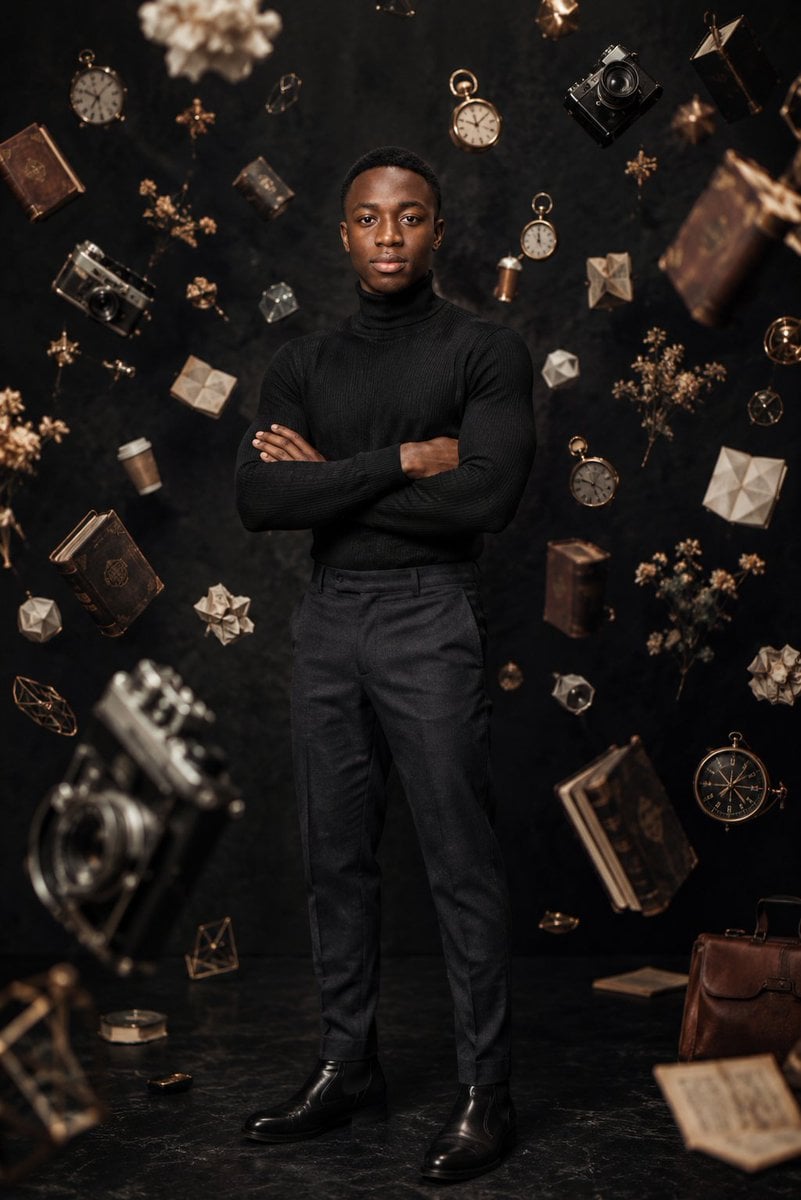
Frozen Time Editorial Portrait

Couture Fashion Editorial Woman and Drag

Nano Banana 2 Editorial Fashion Portrait

Found Photograph: Us, 1970

80s Couple Studio Portrait

80s Bollywood Star

80s Golden Hour Cinema

Me in 1985

1985 Studio Portrait

Hyper-Realistic Minecraft POV Portrait
Make it yours
Frozen Divinity Surreal Editorial Portrait Prompt works as-is. These are the safest ways to change it without losing the look.
Change one field
Copy a single group, rewrite it, and generate again so you can see what that field is doing.
Keep the frame, change the subject
Hold the composition and light of Frozen Divinity Surreal Editorial Portrait Prompt, then swap wardrobe, props or the person for a new take.
| If the result… | Why | Fix |
|---|---|---|
| The result drifts from the preview | Too many fields changed at once. | Reuse Frozen Divinity Surreal Editorial Portrait Prompt as-is first, then change one group — subject, light, or setting. |
| The model over-stylizes the scene | The prose prompt leaves finish and camera underspecified. | Add one camera or lighting sentence and stay on Nano Banana 2. |
More Nano Banana 2 templates
Other prompts made for Nano Banana 2.

Photorealistic Leaf Shaped Like a Dragon

K-Pop Idol Portrait Grid for Rapid Selection

Poetic Rain Forest Portrait During Golden Hour

Urban Street Portrait with Cartoon Inner Self Duo

Candid Nighttime Photo with Cat Prompt

High-Concept 3D Diorama Generation Prompt

Cinematic Futuristic Studio Portrait Template

Skincare Editorial Photography Collage Prompt

Hyper-Realistic Commercial Product Photography (Splash Effect)

Hyper-Realistic Nightclub Portrait Prompt
More image prompts
Fresh picks from across the catalog.
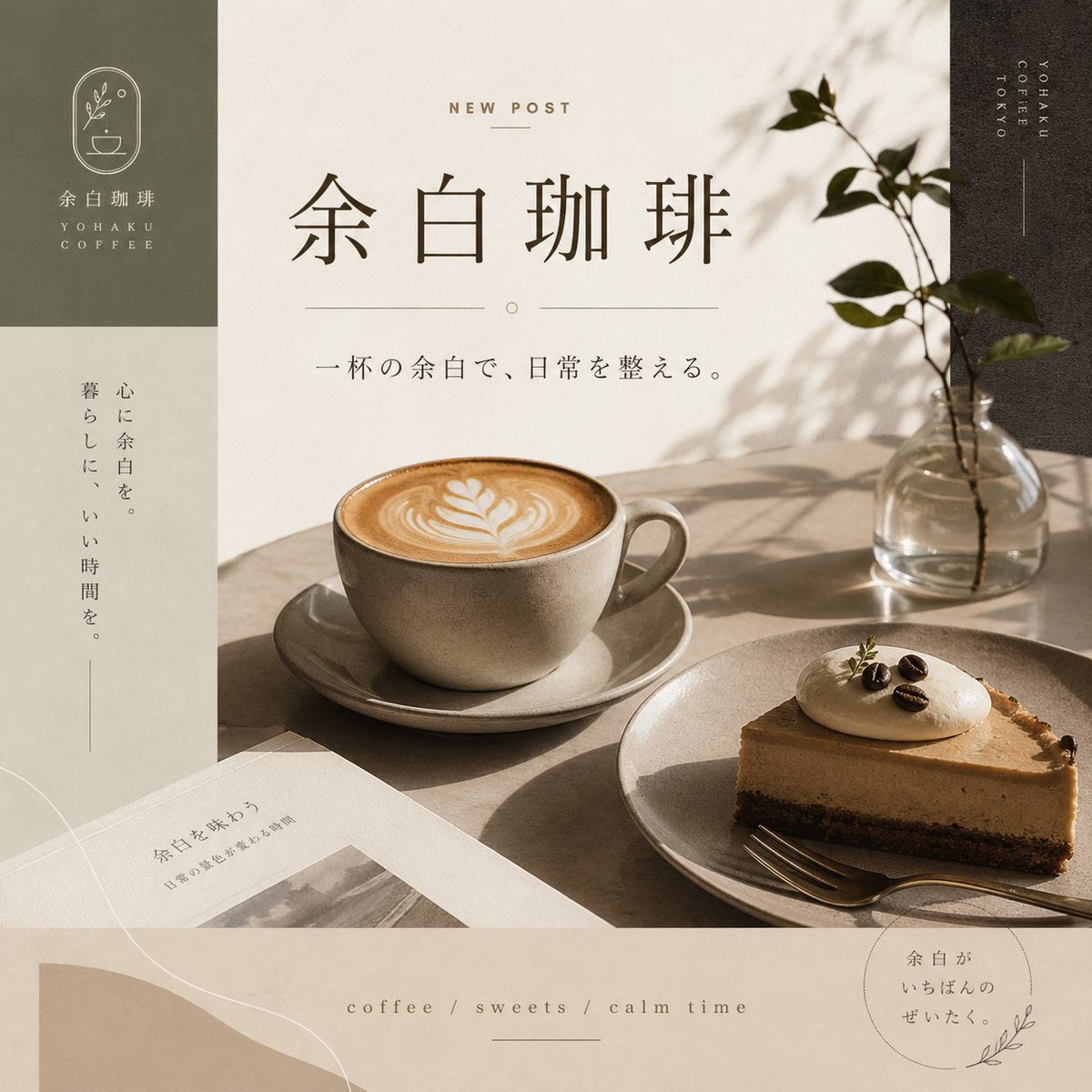
Yohaku Coffee Cafe Announcement Poster
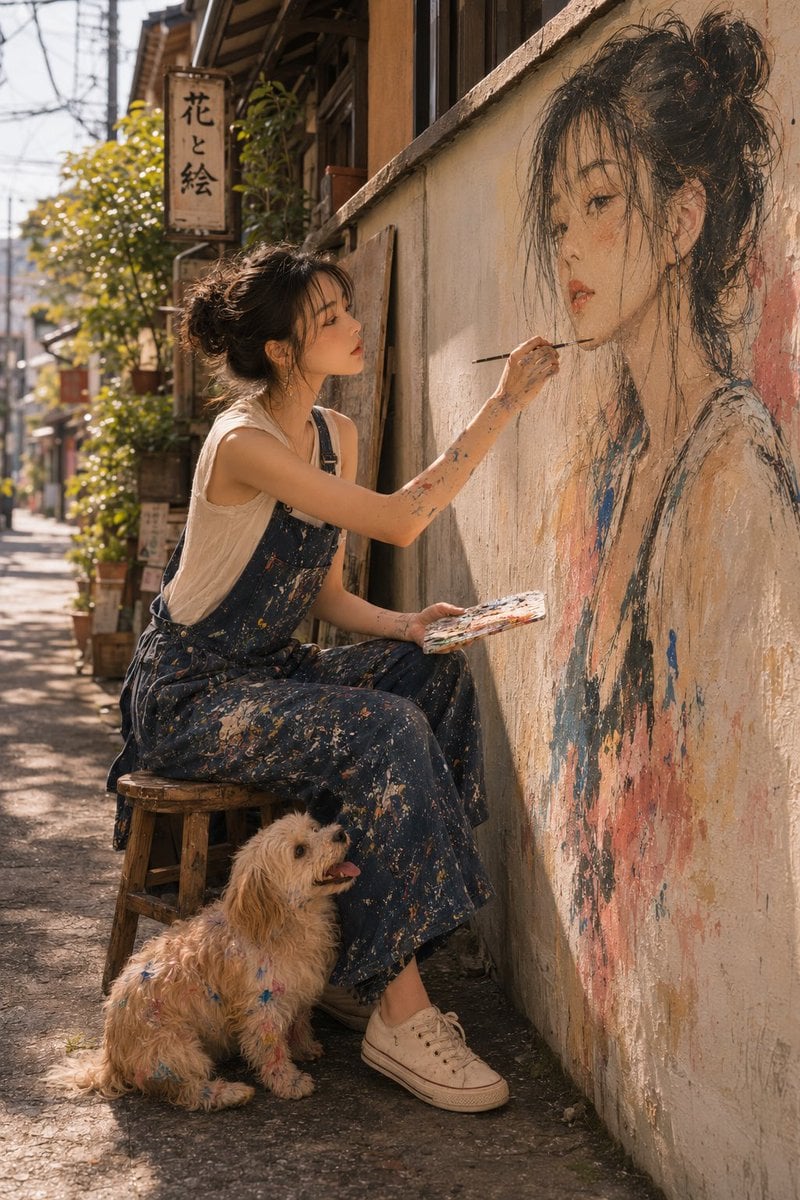
Realistic Outdoor Artist Portrait
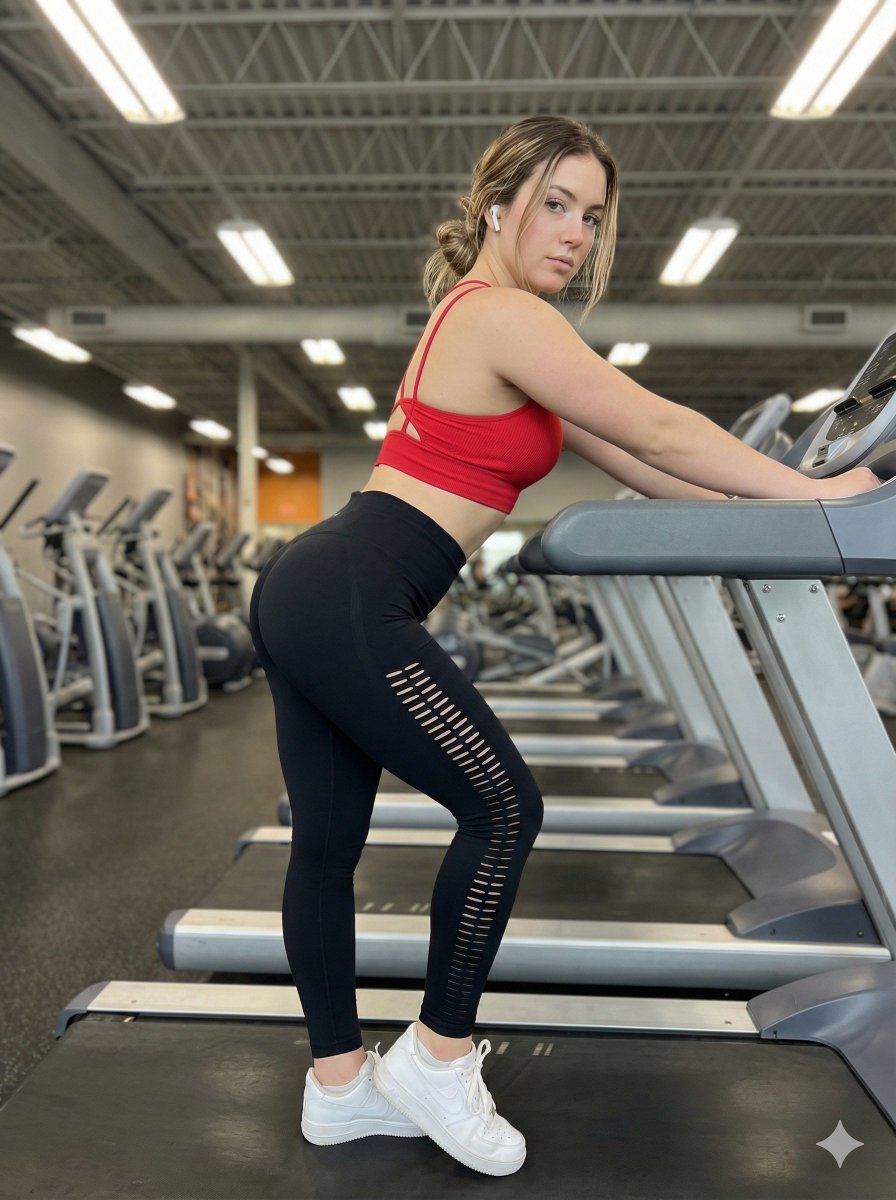
Gym Fitness Editorial Portrait

Lifestyle Café Photography Portrait
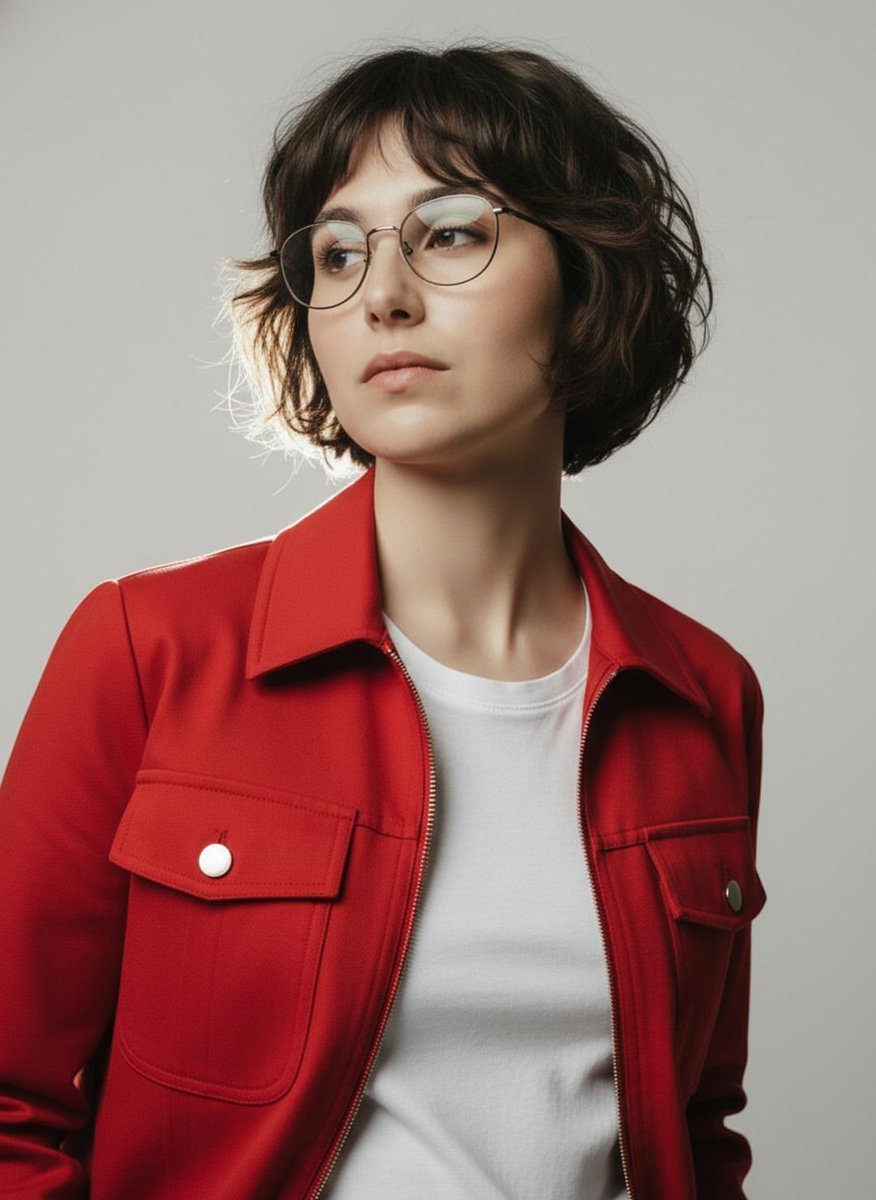
Minimalist Studio Fashion Portrait Prompt
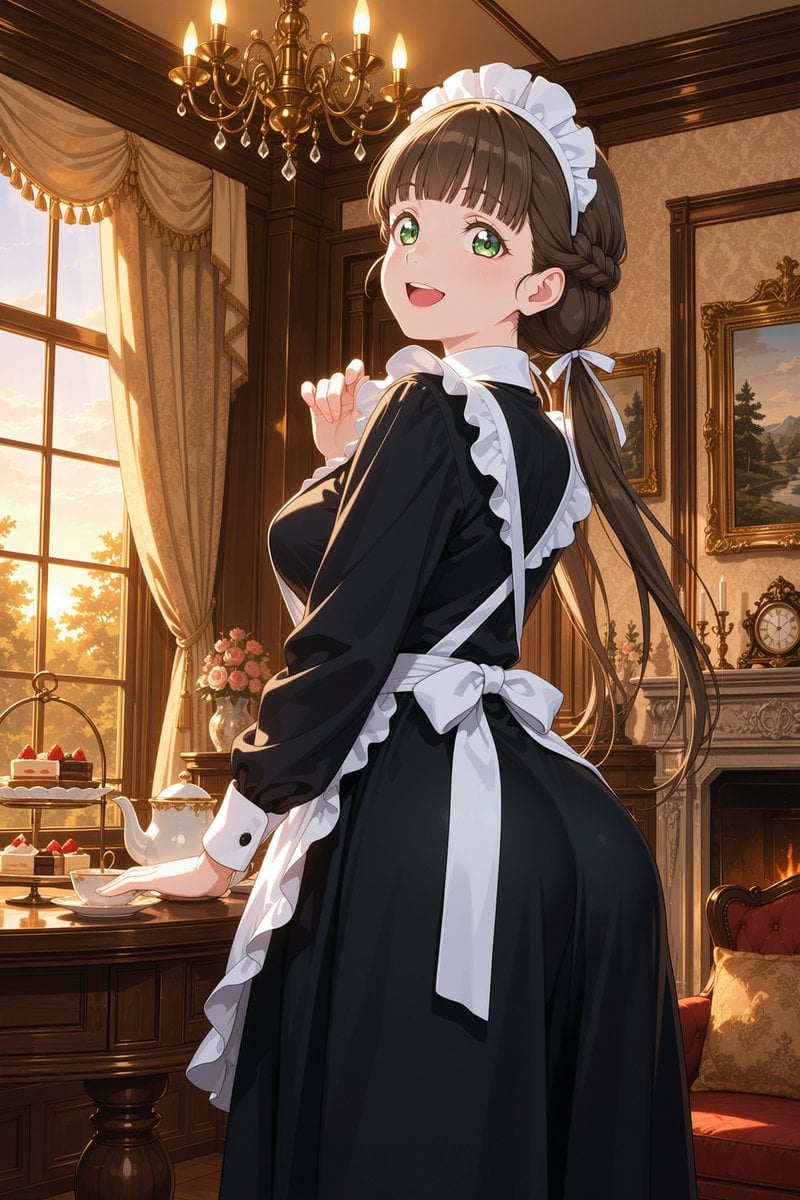
Victorian Maid Tea Room Anime
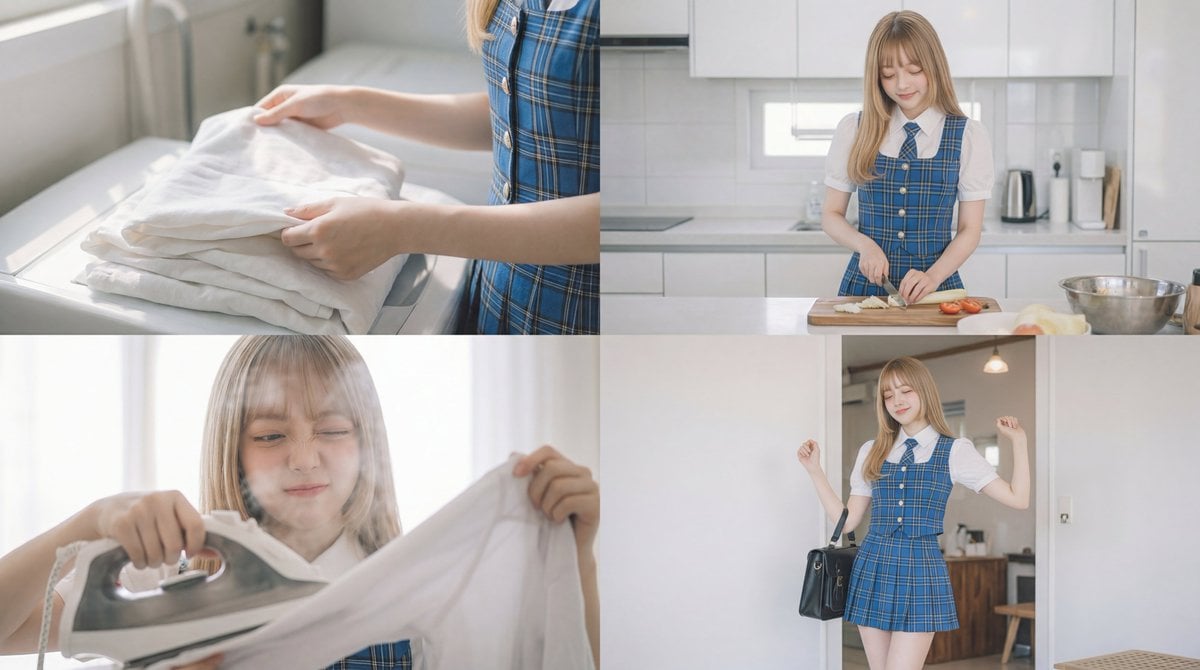
Cinematic Scene Prompt for Woman Doing Chores
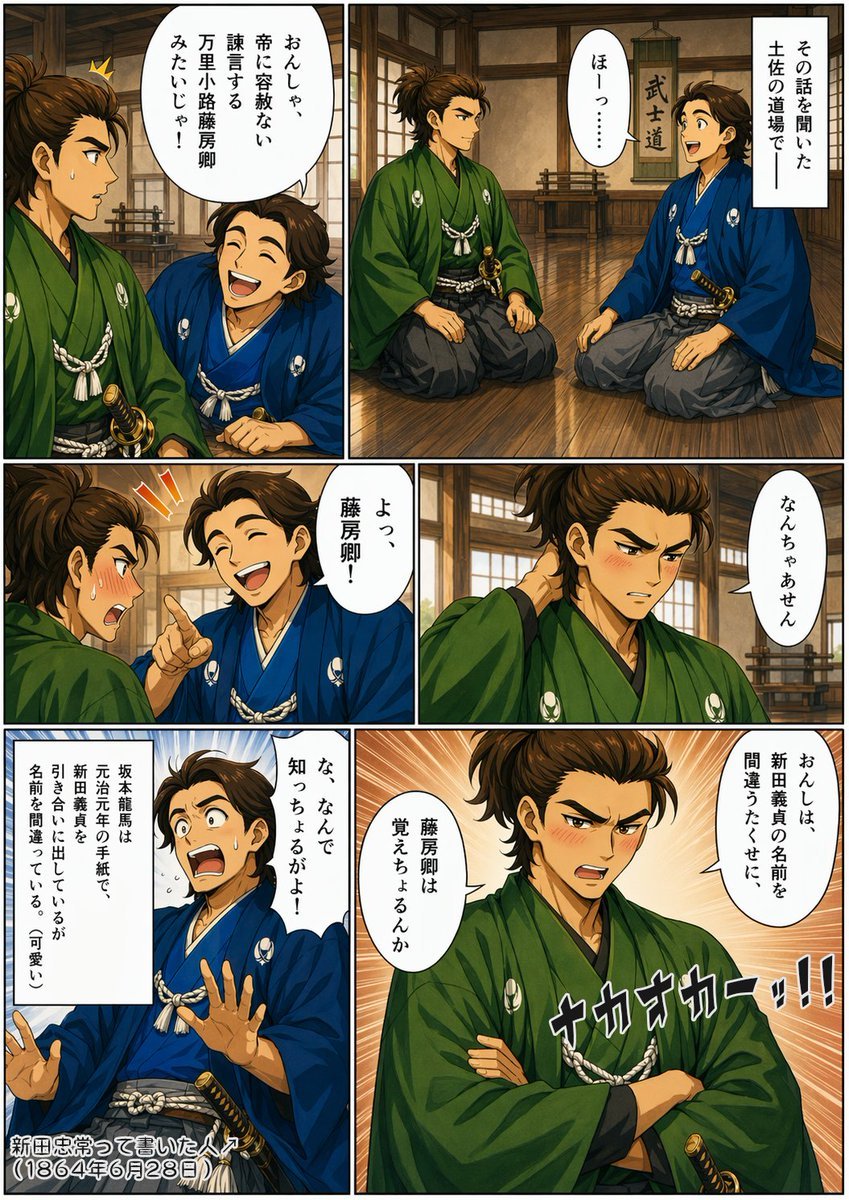
Bakumatsu Samurai Dojo Manga Page
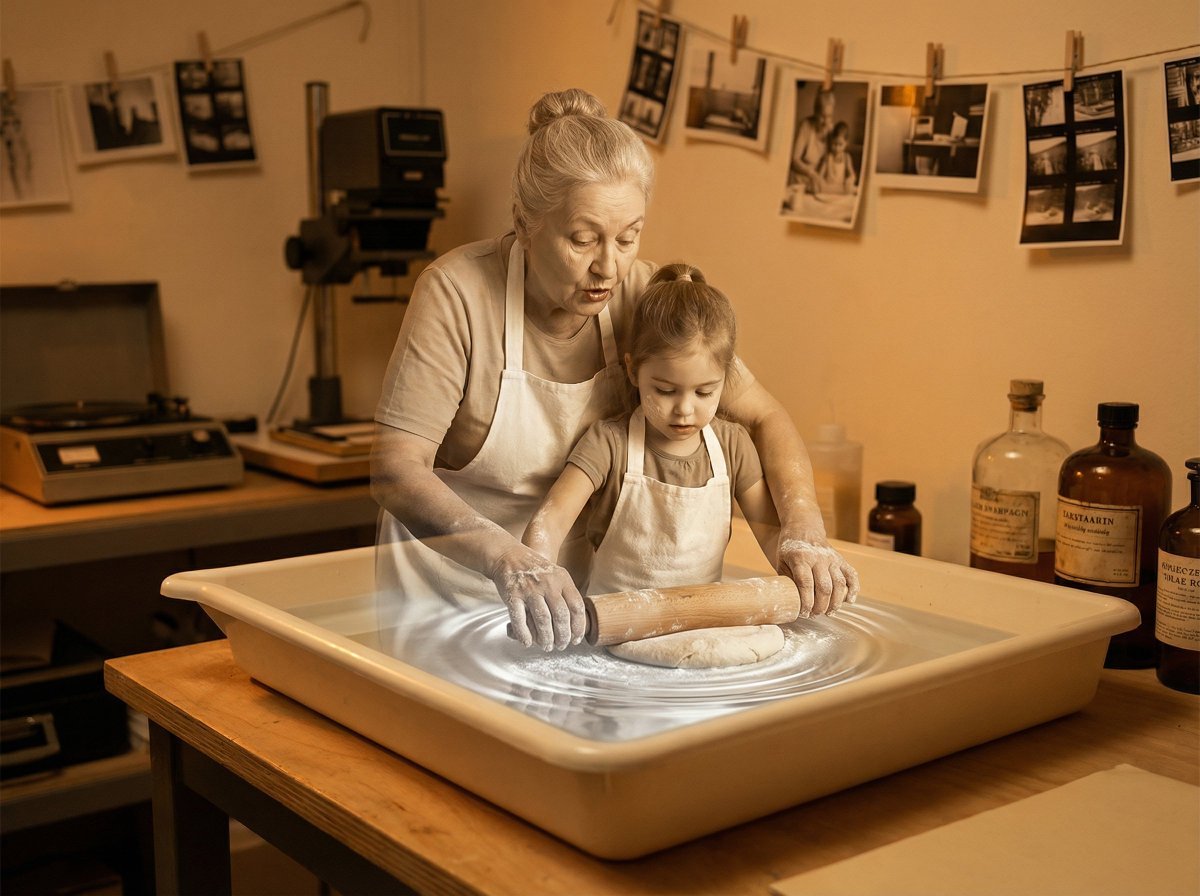
Vintage Photograph Developing in Darkroom with 3D Emergence
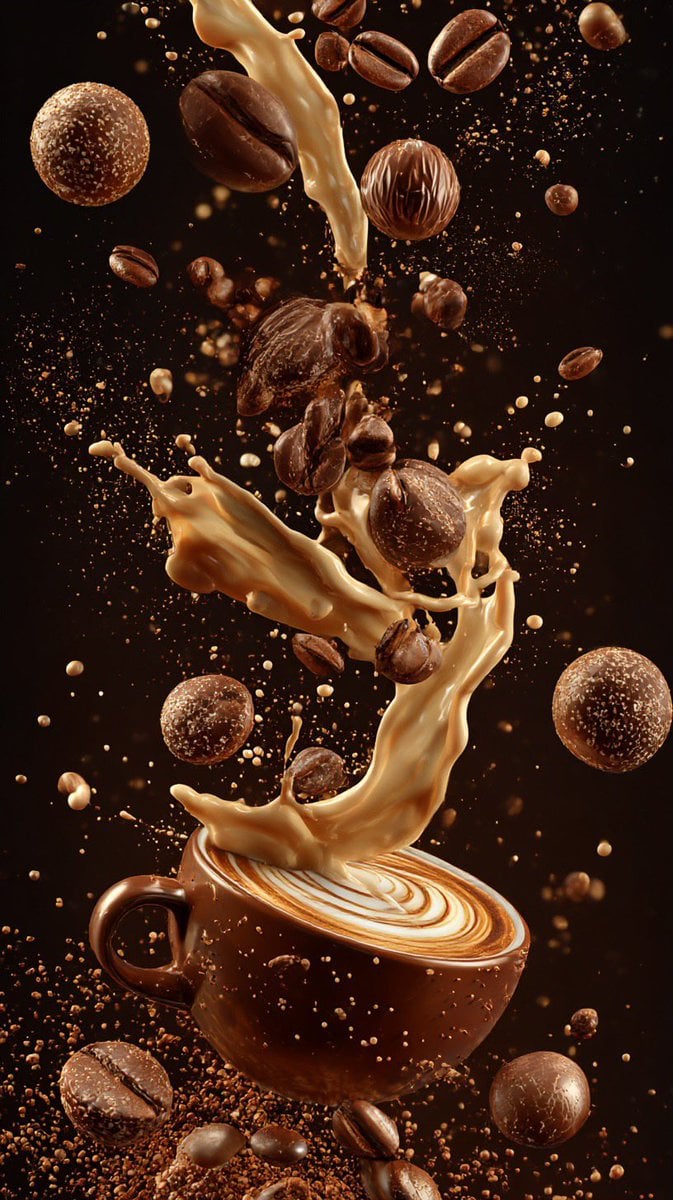
Ultra-Cinematic Coffee Splash Photography
Browse template categories
Frozen Divinity Surreal Editorial Portrait Prompt questions
How do I use the Frozen Divinity Surreal Editorial Portrait Prompt template?
Add your photo if the template asks for one, edit the prompt if you like — the template's model and format are already selected — and press Generate. Your version opens in PicX Studio.
Can I customize the Frozen Divinity Surreal Editorial Portrait Prompt template?
Yes. You can change the subject, setting, lighting, mood, format, and available model controls before creating your image.
Is the Frozen Divinity Surreal Editorial Portrait Prompt template free?
Opening and editing this template is free. Generating uses credits, shown on the Generate button when you are signed in.
Which AI model should I use?
Start with Nano Banana 2, which is the model associated with this template. You can compare another compatible model for a different finish.
Looking for something else? Browse all templates.

Your photo, any look
Thousands of ready templates for every top image and video model, from one credit balance.