
Sakura Travel Cinema Title Card
Creates a Japanese spring travel-themed social media thumbnail with sakura scenery, neon icons, and a bold numbered title banner.

- Prompt included
- Model and format preset
- Free template
The prompt behind this image
Copy the exact prompt behind Sakura Travel Cinema Title Card, or open it in the studio and make it yours.
Goal: Create a vibrant Japanese travel-video title card for a short-form prompt collection, combining a cinematic spring travel photo background with glossy neon UI graphics. Canvas: Horizontal 16:9 image, 1152×768 feel, high-resolution, bright pastel color grading, soft bloom and lens flare. Background: A young woman traveler stands on the right side at a train platform beside a modern train, viewed from behind/three-quarter back, face intentionally obscured by a plain skin-tone rectangular blur. She has long wavy dark brown hair, wears a light beige trench coat, carries a tan shoulder bag, and holds the handle of a small rolling suitcase near the bottom center. The setting is a dreamy cherry-blossom station in spring, with pink sakura trees filling the left and upper background, scattered falling petals, warm sunlight, and shallow depth of field. Main graphic layout: Place a large rounded gradient banner across the left-center, extending toward the woman. The banner uses a blue-to-purple-to-pink translucent glossy gradient with a large circular badge on the far left. Inside the circle, display a huge white number {argument name="section number" default="4."}. To the right of the circle, set bold rounded Japanese headline text in white: {argument name="headline text" default="旅行・季節・青春シネマ"}. Below it, add a smaller white rounded pill label with purple-pink text: {argument name="subtitle text" default="情緒・旅感・短編向け"}. Visible text count: exactly 3 text elements: 1 large number badge reading "4.", 1 main Japanese headline reading "旅行・季節・青春シネマ", and 1 subtitle pill reading "情緒・旅感・短編向け". Neon icon overlay count: exactly 9 glowing white-pink line icons and decorative elements around the banner and right side: 1 suitcase icon at upper left, 1 cherry blossom icon near upper center-left, 1 camera icon above the banner, 1 play button icon inside a rounded rectangle on the upper right, 1 clapperboard icon on the mid-right, 1 signpost arrow icon at lower left, 1 dotted travel path sweeping along the lower left-to-center, 1 map pin near the end of the dotted path, and 2 small sparkle/star accents near the top center and right side. Keep all icons semi-transparent, neon outlined, and softly glowing. Style: Japanese social-media thumbnail design, cute travel aesthetic, glossy gradient panels, soft pink and lavender atmosphere, cinematic bokeh, dreamy sakura petals, clean rounded typography, bright white text with subtle glow, polished promotional-card composition. Constraints: Keep the woman on the right and the graphic title block on the left, do not add extra text, do not add logos or watermarks, keep the face covered by a simple rectangular blur, and maintain a cheerful spring travel mood.
How to use Sakura Travel Cinema Title Card in 3 steps
- 1Upload ImagePNG, JPG or paste
Add your photo
Upload the photo the template builds on. The prompt, model and format are already set.
- 2…a portrait of your subject in softgolden-hour light, 85mm…
Personalize
Edit the subject and creative details for your destination.
- 3Generate
Generate
Press Generate — your image is created in PicX Studio, so you can compare it with the original and refine one variable at a time.
More like this
Templates with the same subject, style or setup. Open one to see its prompt.

Miniature Travel Diorama Postcard

untitled

Cinematic Travel Photos with Nano Banana

Two Tickets, One Night

Japan Travel Brochure Poster

Boardwalk Fashion Portrait
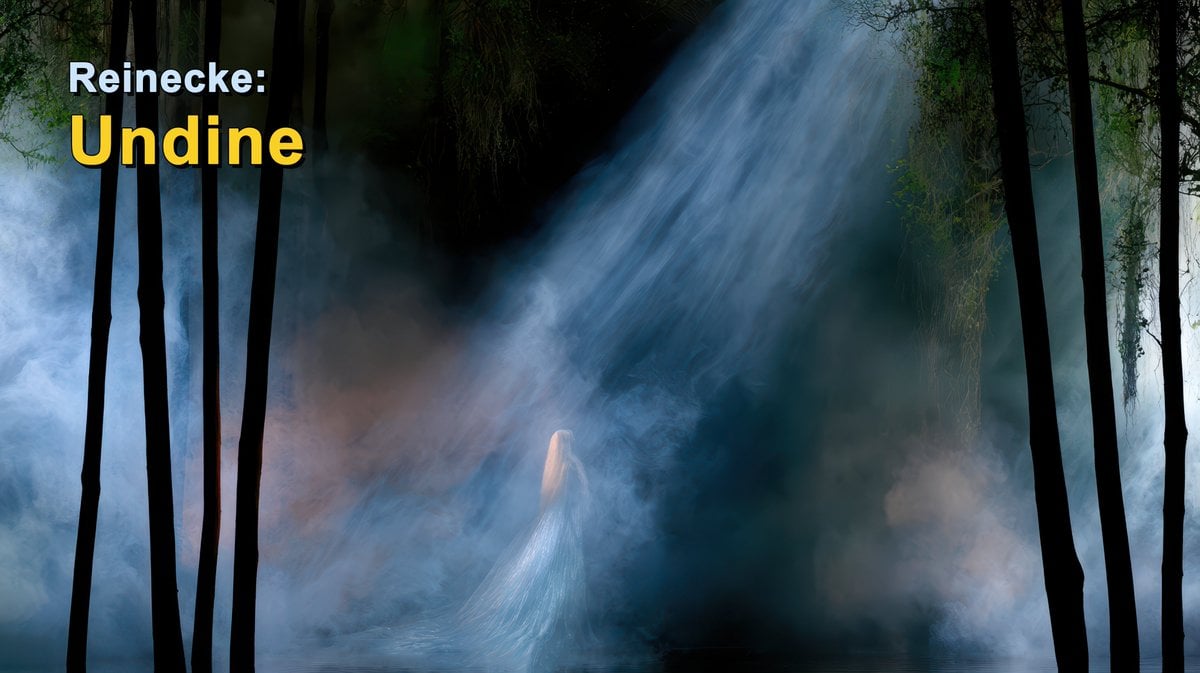
Reinecke Undine Forest Title Card
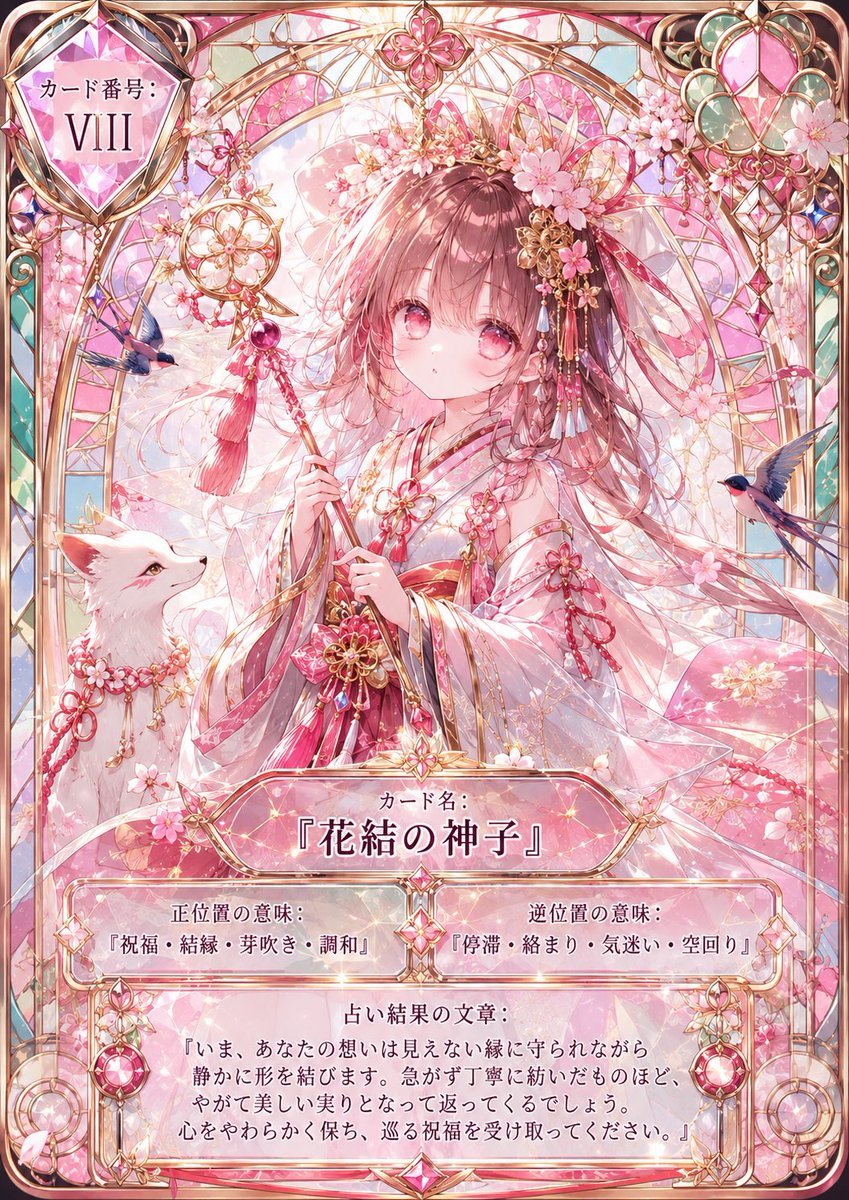
Sakura Divinity Tarot Card

Skate VHS Title Card

Clay Miniature Landmark Travel Diorama

Cinematic Desert Oasis Traveler
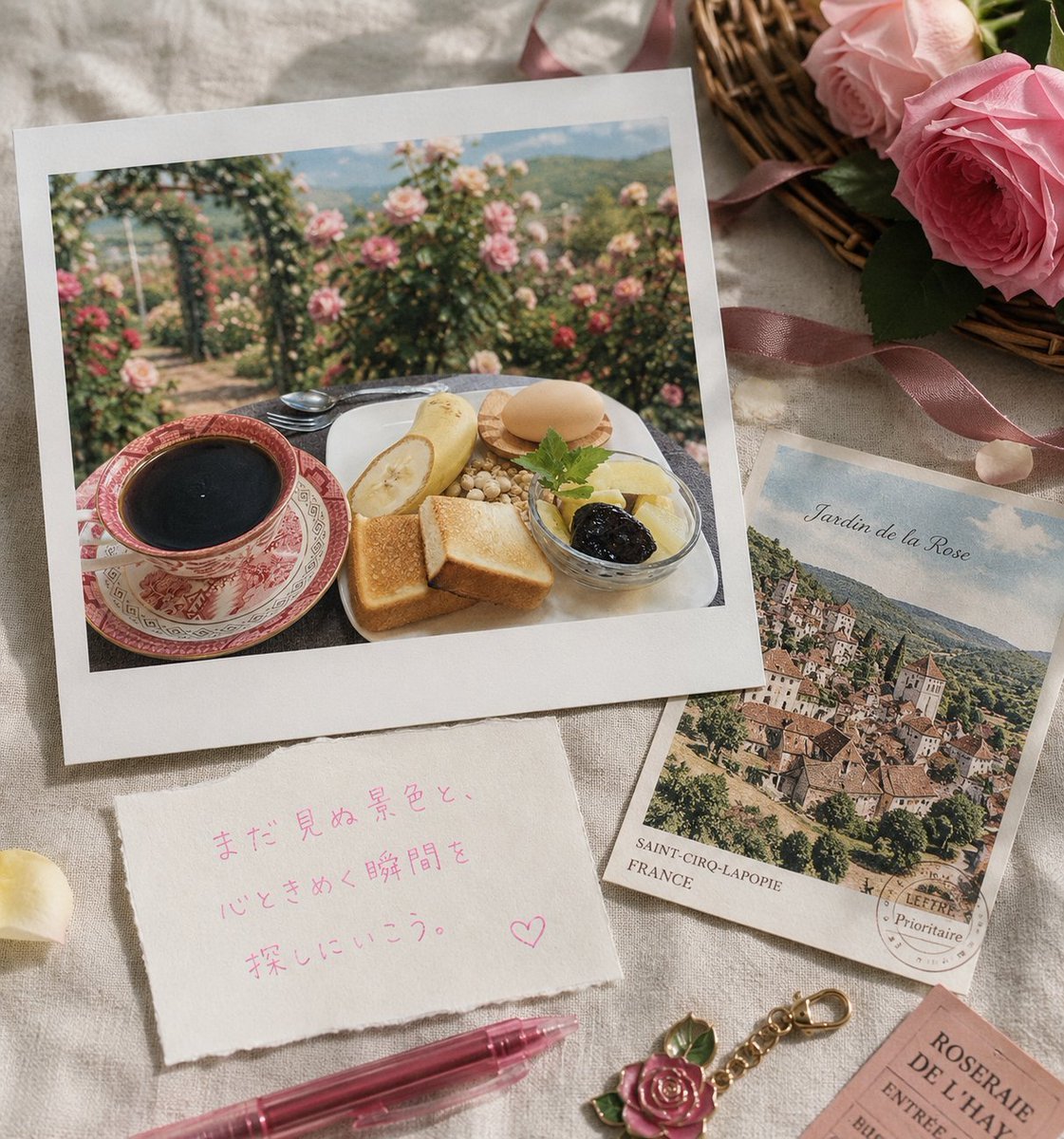
Rose Garden Travel Postcard Flat Lay
Make it yours
Sakura Travel Cinema Title Card works as-is. These are the safest ways to change it without losing the look.
Change one field
Copy a single group, rewrite it, and generate again so you can see what that field is doing.
Keep the frame, change the subject
Hold the composition and light of Sakura Travel Cinema Title Card, then swap wardrobe, props or the person for a new take.
| If the result… | Why | Fix |
|---|---|---|
| The result drifts from the preview | Too many fields changed at once. | Reuse Sakura Travel Cinema Title Card as-is first, then change one group — subject, light, or setting. |
| The model over-stylizes the scene | The prose prompt leaves finish and camera underspecified. | Add one camera or lighting sentence and stay on GPT Image 2. |
More GPT Image 2 templates
Other prompts made for GPT Image 2.

Six VTuber Japanese Logo Sheet

Realistic Portrait of Woman and Deer

The Vista Modular Condo Poster

AI Model Routing Comparison Infographic

2.5D Anime Art Board

Isometric Productivity Desk Scene

New York Double Exposure Poster

Four-Panel AI Landscape Comparison

Japanese Tatami Lifestyle Magazine Cover

NESCAFÉ Coffee Map Poster
More image prompts
Fresh picks from across the catalog.

A Snowy Couple Portrait

Nano Banana Pro branded header (duplicate)

Candid night street portrait with Ferrari prompt
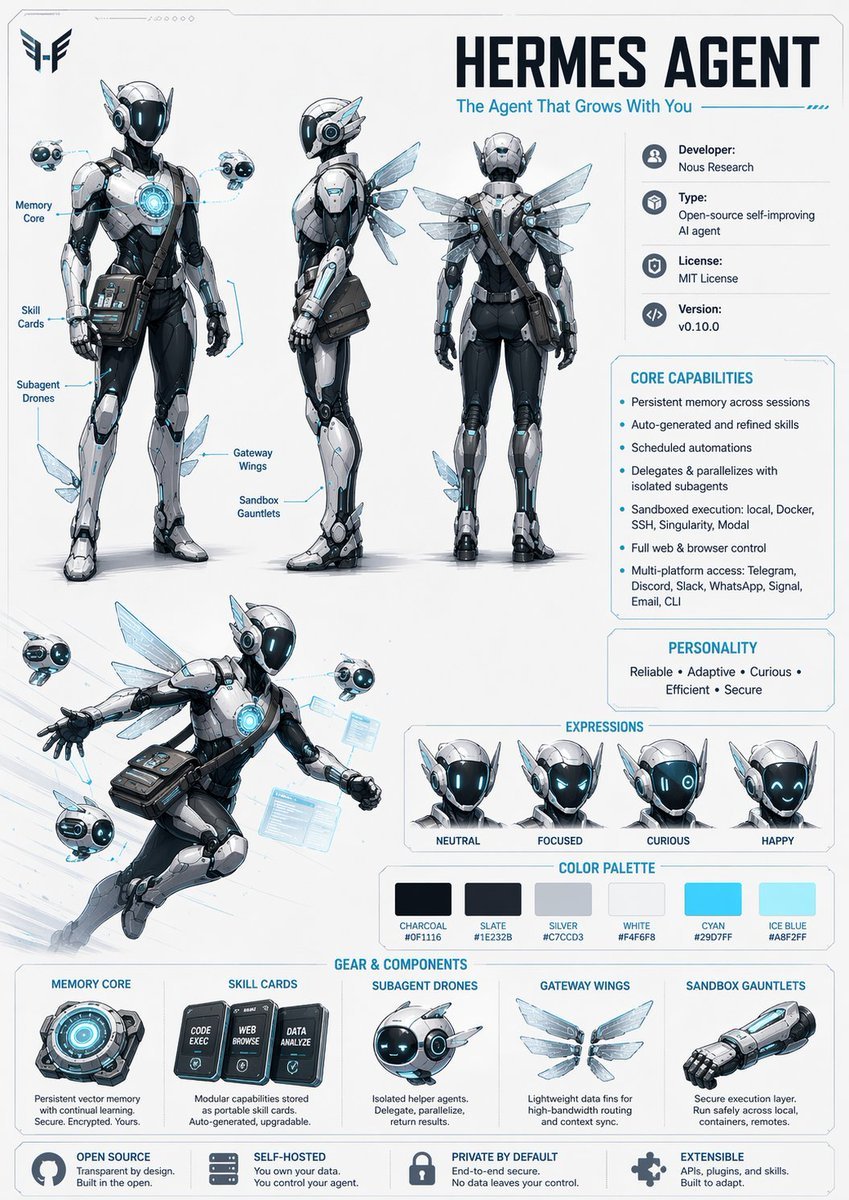
Character Design Sheet Prompt
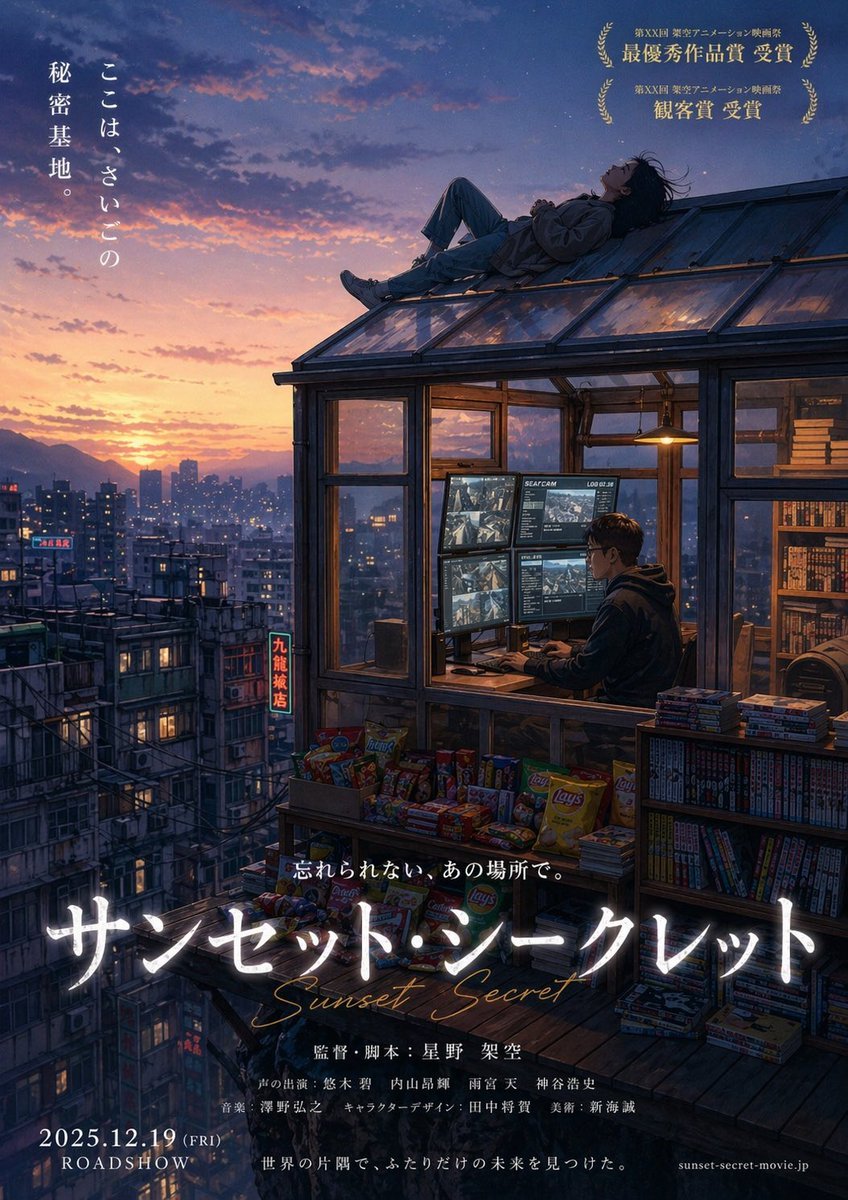
Anime Movie Poster from Reference
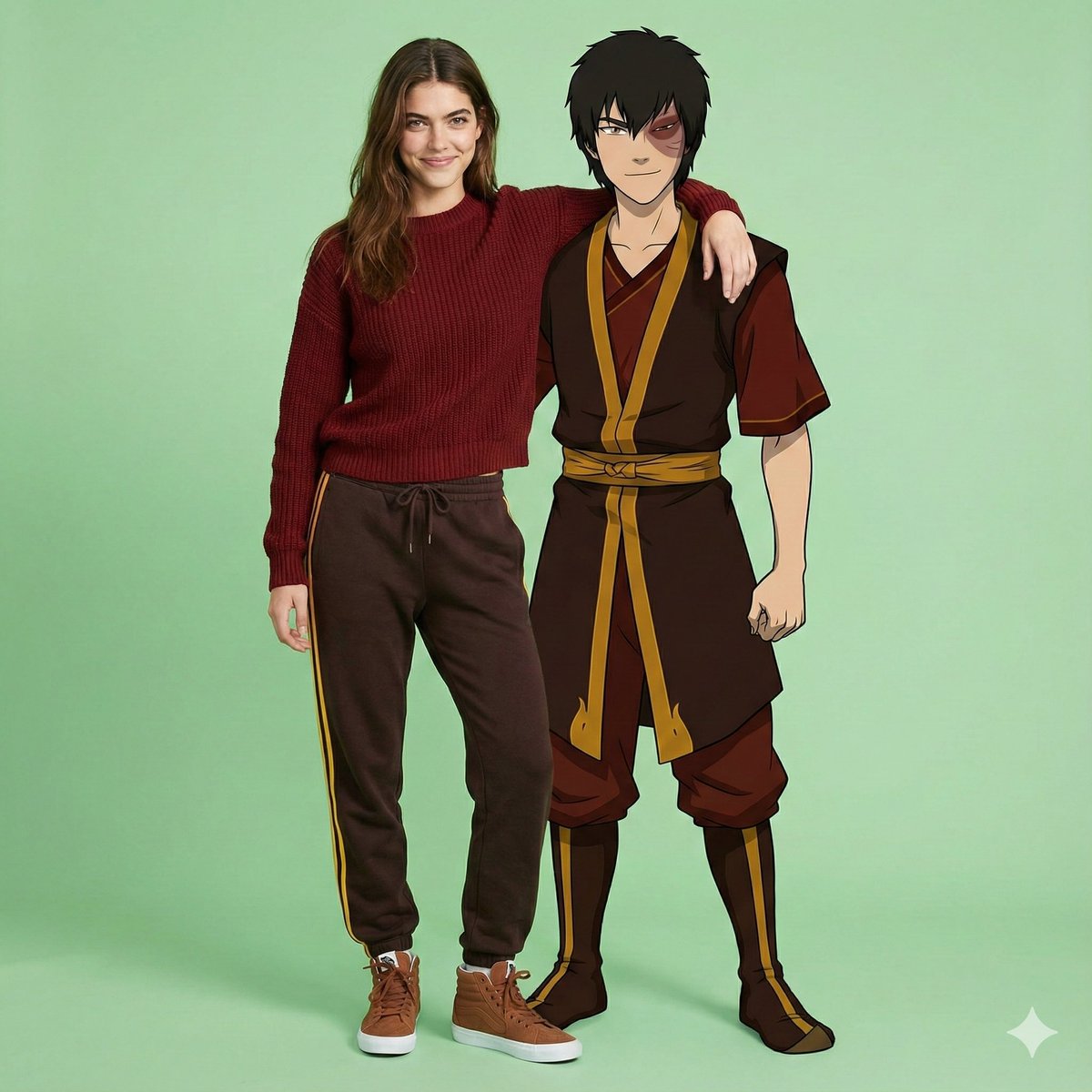
Avatar Zuko Fan Photo Prompt for Nano Banana Pro
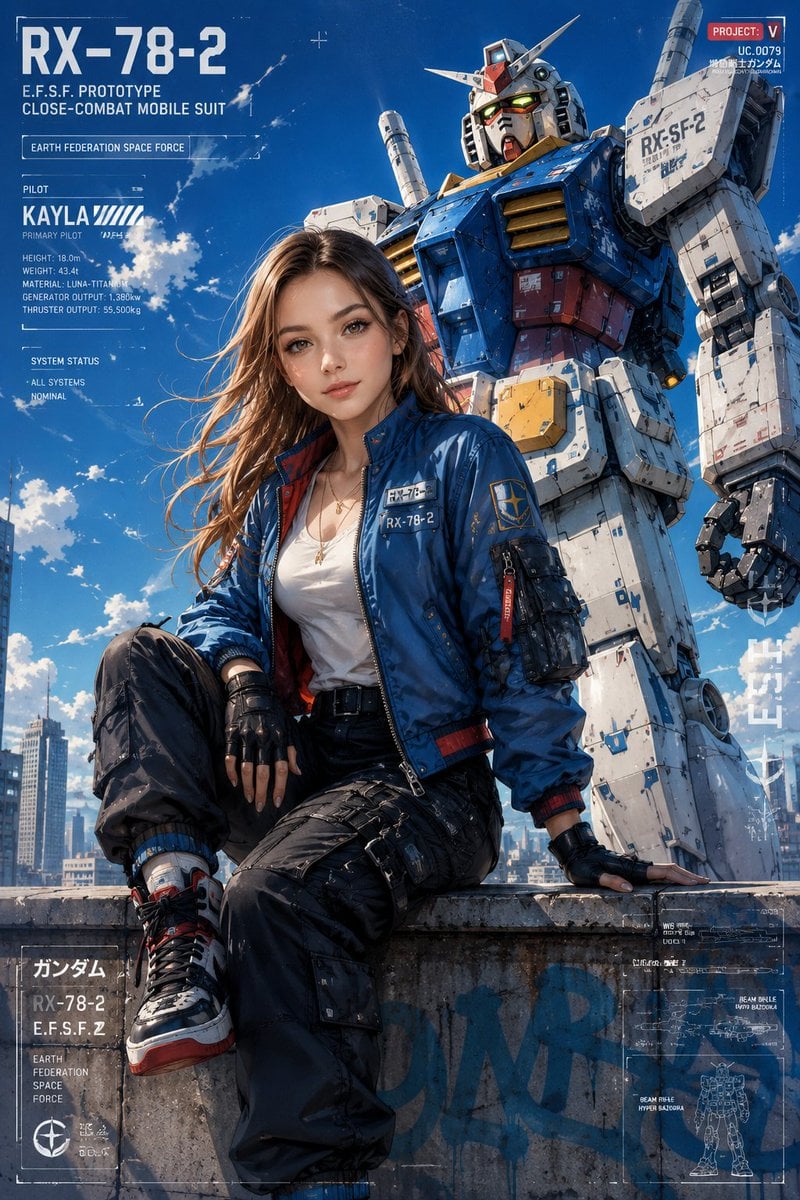
Anime Style Mecha Fashion Editorial
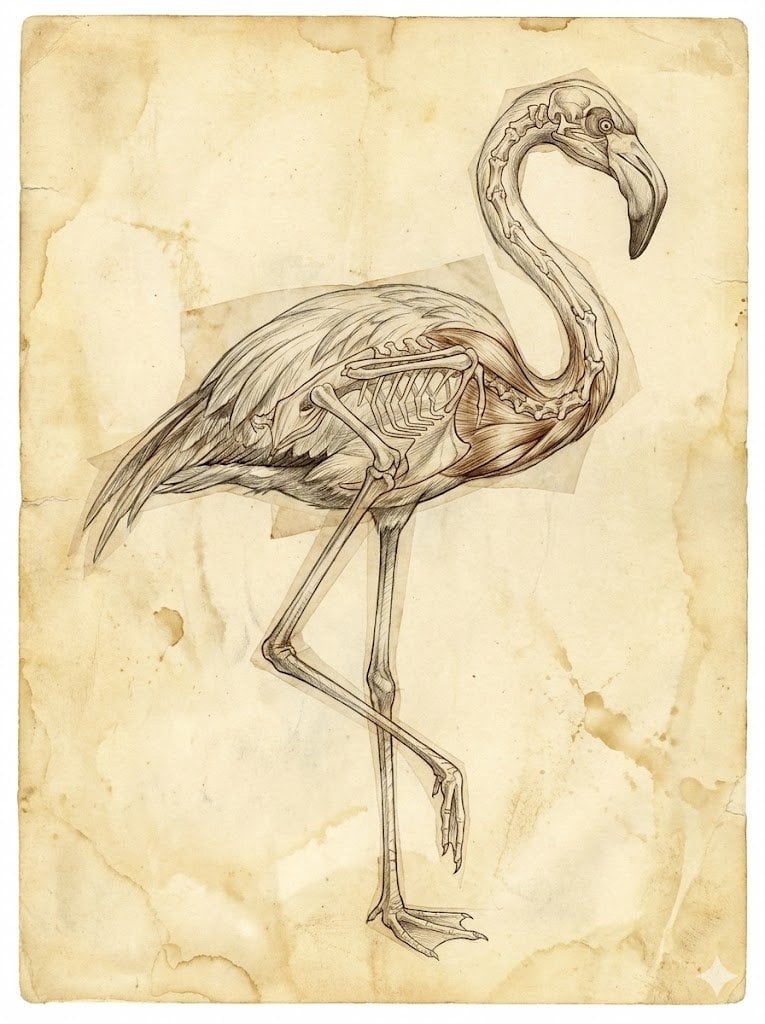
Renaissance Anatomical Study of a Flamingo
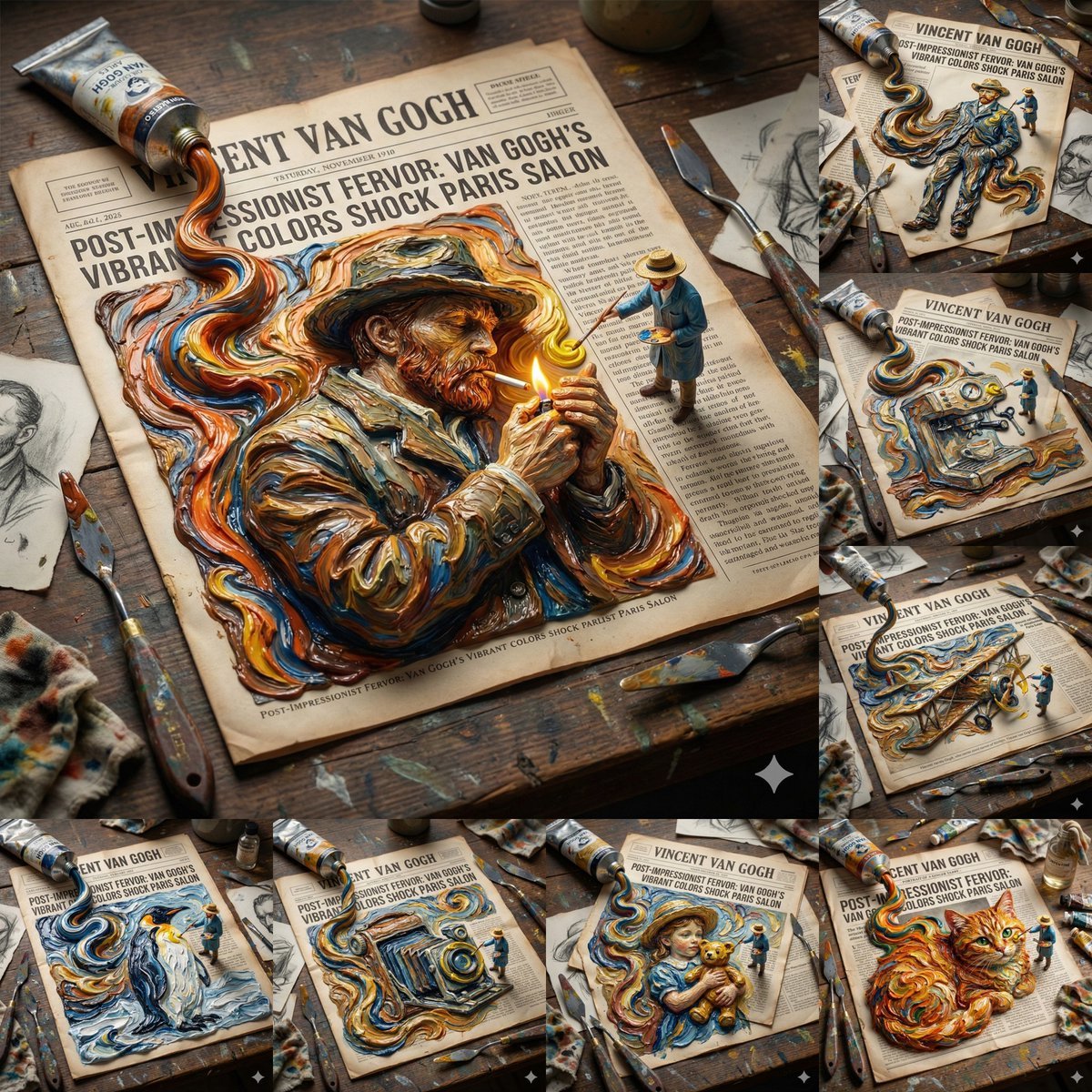
Van Gogh Style Transfer (JSON Template)
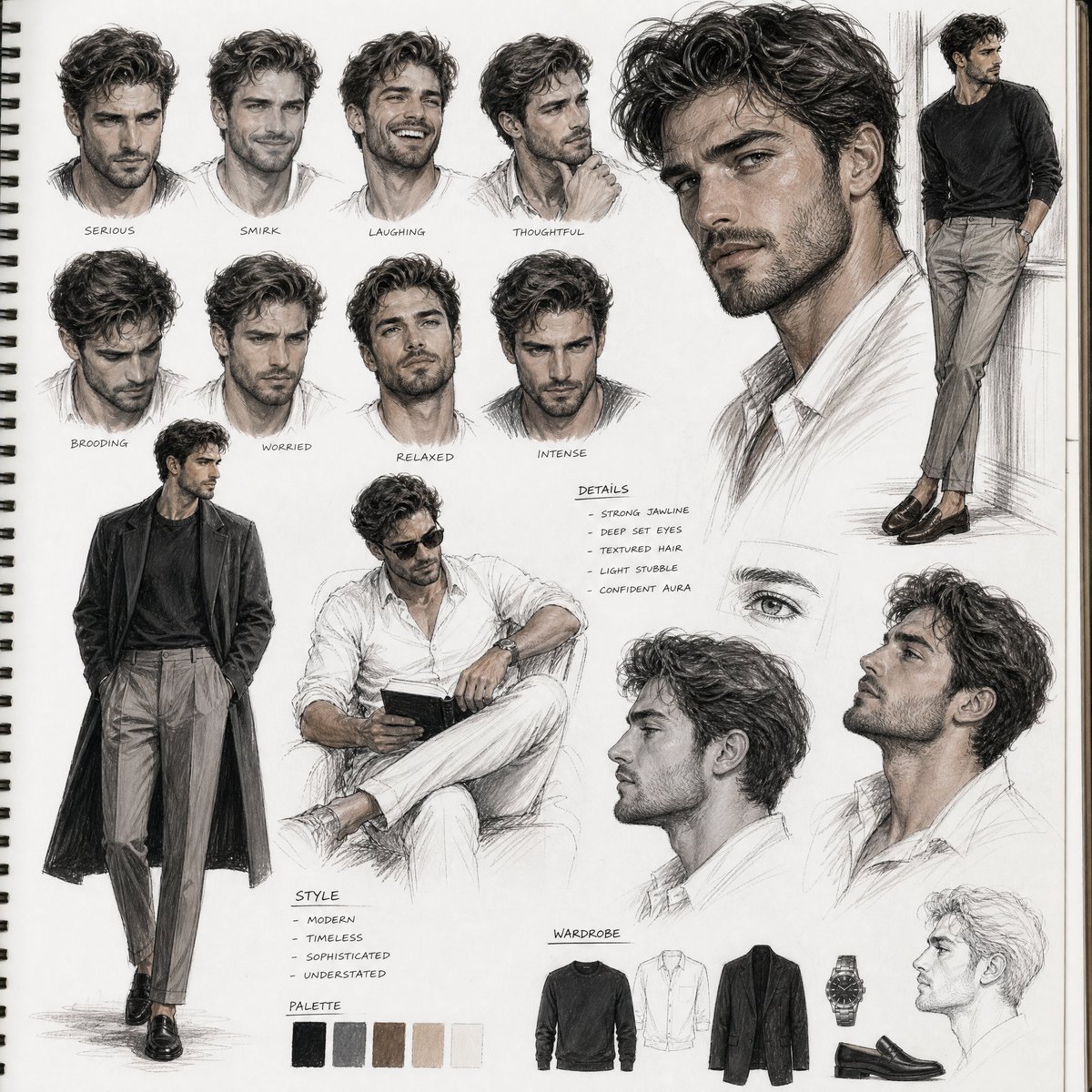
Sketchbook Character Study Board
Browse template categories
Sakura Travel Cinema Title Card questions
How do I use the Sakura Travel Cinema Title Card template?
Add your photo if the template asks for one, edit the prompt if you like — the template's model and format are already selected — and press Generate. Your version opens in PicX Studio.
Can I customize the Sakura Travel Cinema Title Card template?
Yes. You can change the subject, setting, lighting, mood, format, and available model controls before creating your image.
Is the Sakura Travel Cinema Title Card template free?
Opening and editing this template is free. Generating uses credits, shown on the Generate button when you are signed in.
Which AI model should I use?
Start with GPT Image 2, which is the model associated with this template. You can compare another compatible model for a different finish.
Looking for something else? Browse all templates.

Your photo, any look
Thousands of ready templates for every top image and video model, from one credit balance.