How do I use the Cinematic Desert Oasis Traveler template?
Choose the primary action to open PicX Studio with the available template settings. Review the model and format, personalize the creative direction, and generate when ready.
A photorealistic cinematic scene of a robed traveler kneeling to drink from a sunlit desert oasis, useful for dramatic film-still style imagery. Change the subject, setting, or lighting one variable at a time.
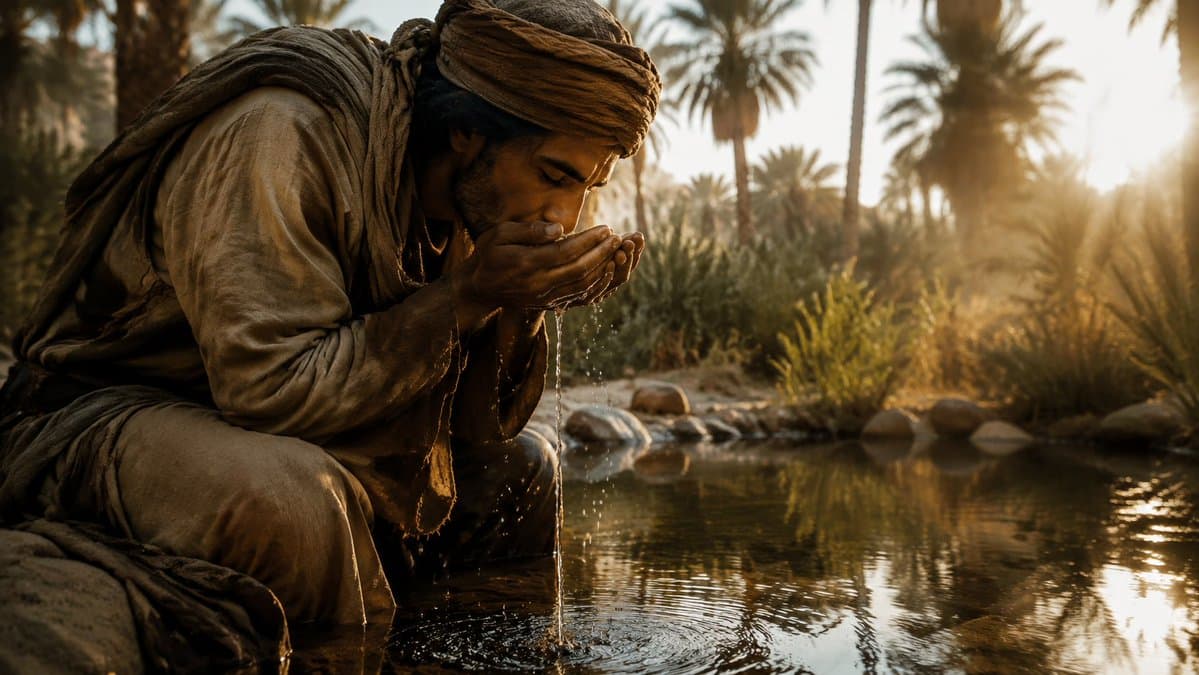
Create a cinematic photorealistic wide shot of {argument name="subject" default="a weary desert traveler"} kneeling at the edge of a shallow oasis pool, leaning forward and cupping water in both hands to drink or wash their face. The subject wears layered, dusty, earth-toned nomadic robes, a wrapped turban, loose trousers, worn fabric scarves, and rough travel clothing, with wet hands and streams of water dripping back into the pool, creating small splashes and concentric ripples. The face is intentionally obscured by a plain dark brown square censor block centered over the head, while the body language remains intimate and exhausted. Set the scene in a lush desert oasis with {argument name="background setting" default="tall palm trees, reeds, shrubs, smooth stones, and reflective still water"}; the low {argument name="time of day" default="golden sunrise"} shines from the right side through the palms, creating warm backlight, lens glow, long shadows, misty atmosphere, and shimmering reflections on the water. Use a dramatic documentary film still style, ultra-realistic textures, shallow depth of field, warm amber and sepia color grading, high dynamic range, detailed fabric fibers, visible droplets, natural dust and grime, 16:9 composition, subject placed on the left foreground with the oasis stretching into the bright background, shot as if on a cinema camera with anamorphic softness and realistic environmental lighting.
Choose the primary action to open PicX Studio with the available template settings. Review the model and format, personalize the creative direction, and generate when ready.
Yes. You can change the subject, setting, lighting, mood, format, and available model controls before creating your image.
This template is free to open and customize. Generation usage is shown in PicX Studio before you create.
Start with GPT Image 2, which is the model associated with this template. You can compare another compatible model for a different finish.
© 2026 PicX Studio. All rights reserved.

Follow a topic to a crawlable collection of related PicX Studio templates.
43,474 public templates available. Verified via the PicX Studio public templates API; refreshed hourly.
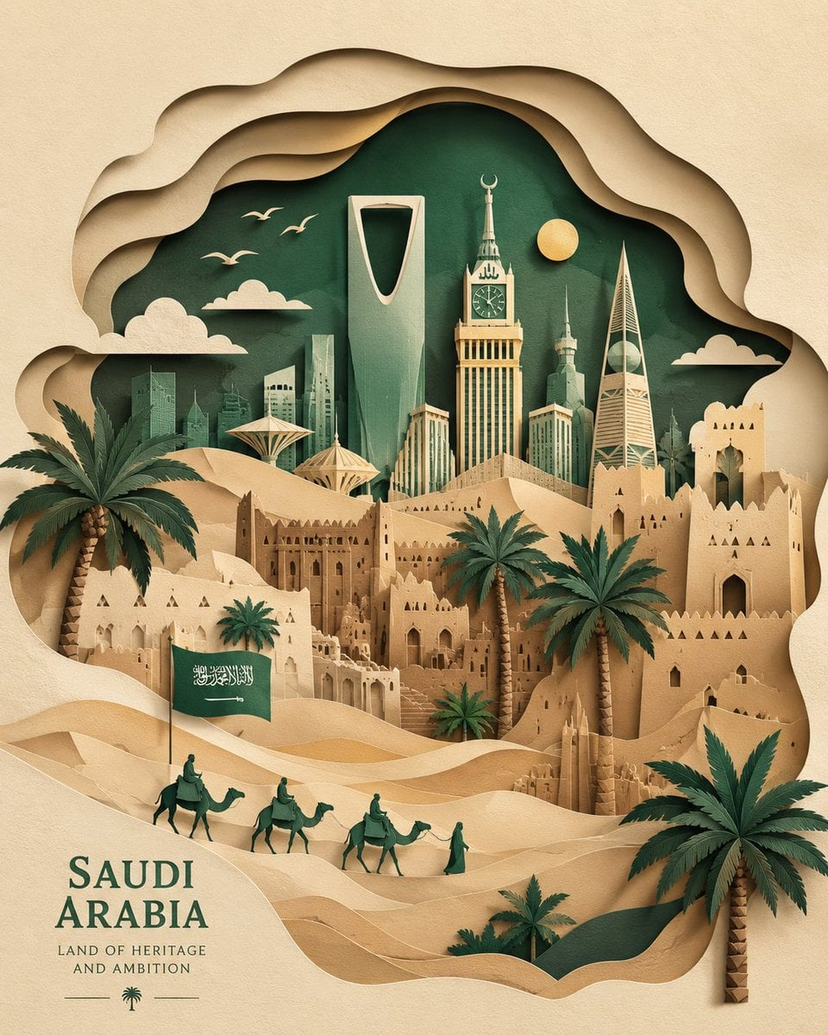










![Minimalist Flat Vector Travel Poster — Premium minimalist flat-vector travel poster for {argument name="city name" default="[CITY_NAME]"}, 3:4 vertical format.](https://cms-assets.youmind.com/media/1787917359711_3ug846_HQX205cbMAA6F6S-300x400.jpg)