How do I use the Pirate Idol Costume Character template?
Choose the primary action to open PicX Studio with the available template settings. Review the model and format, personalize the creative direction, and generate when ready.
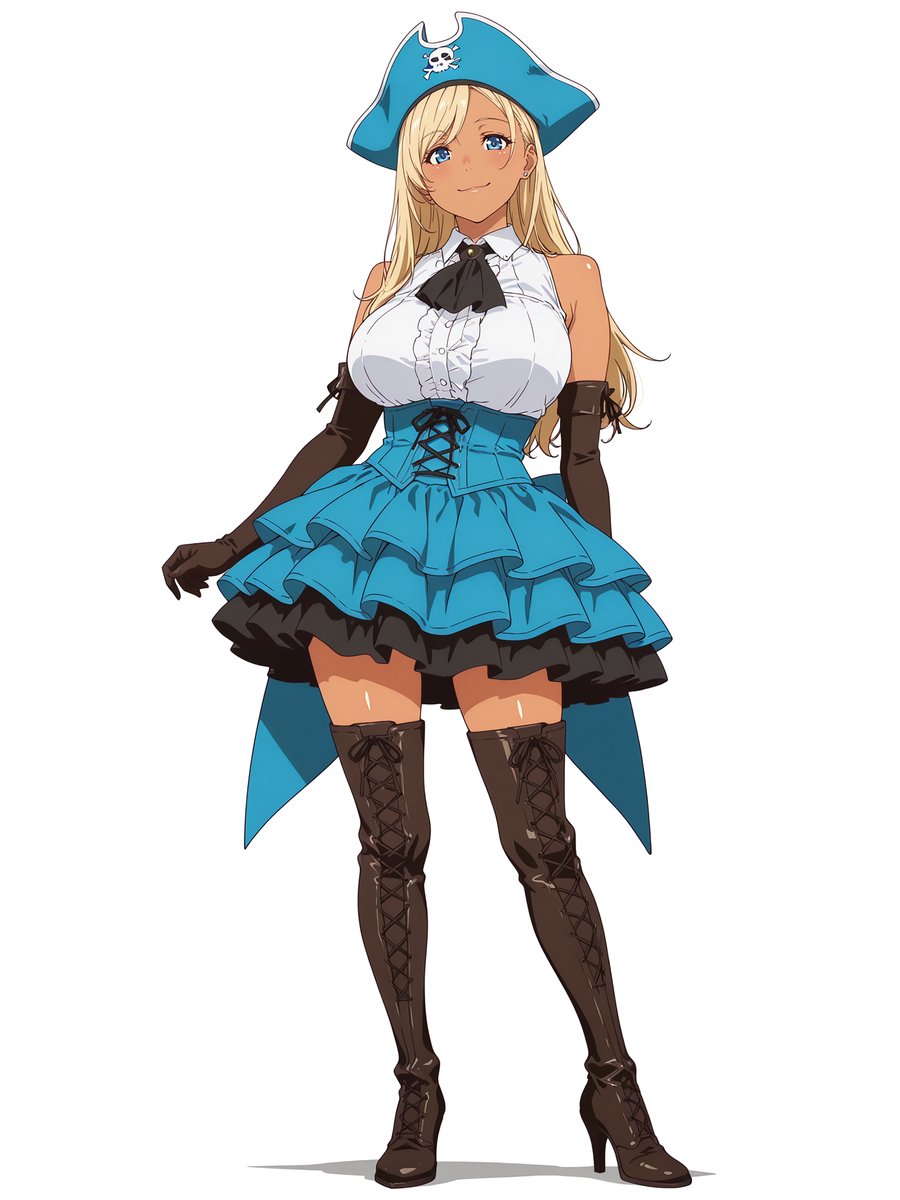
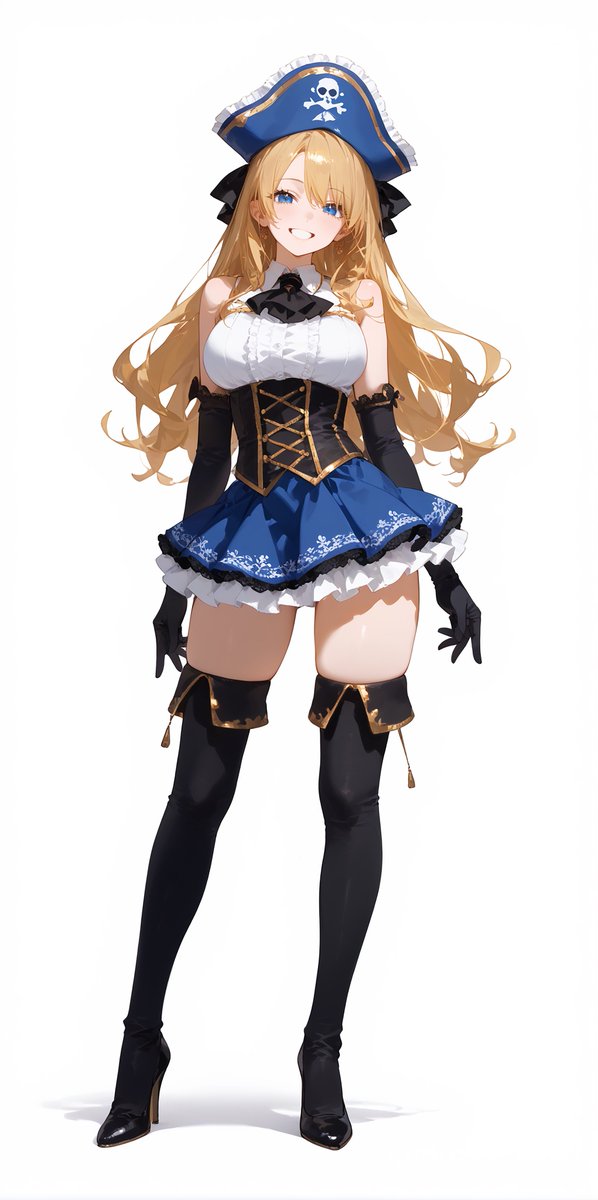
Generates a full-body anime character wearing a turquoise pirate-inspired idol stage outfit for costume design or character concept art. (free to use) — Free AI image template on PicX Studio.
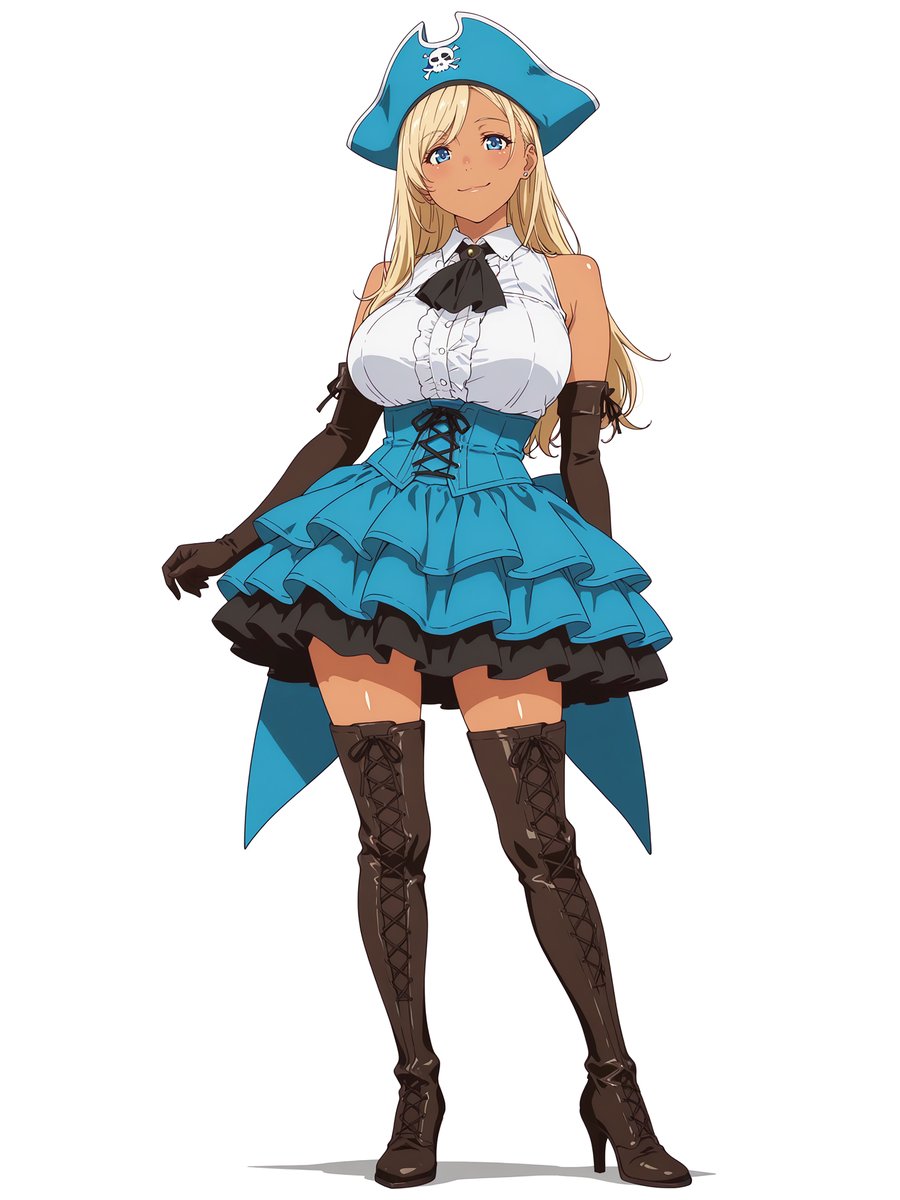
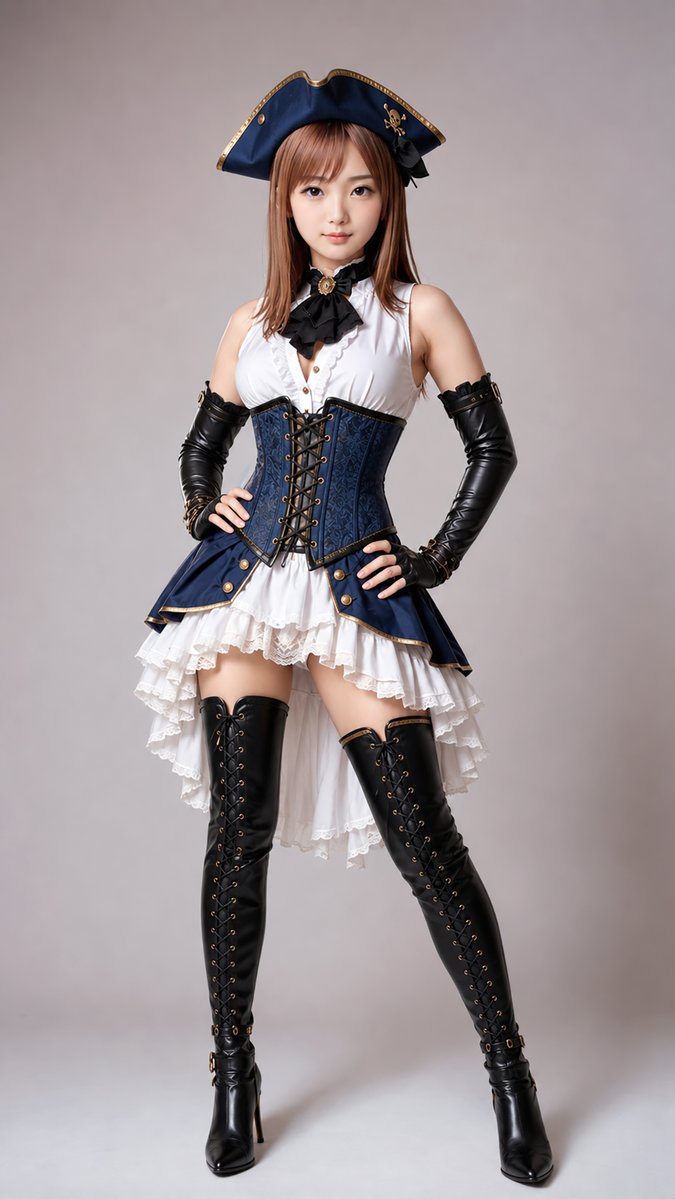
Create a full-body anime-style character illustration on a plain white background: a curvy young female idol dressed in a pirate-inspired stage costume, standing front-facing in a confident fashion pose with one hip slightly tilted and arms relaxed at her sides. She has long flowing {argument name="hair color" default="blonde"} hair falling past her shoulders and wears a large turquoise-blue pirate tricorn hat with white trim and a small white skull-and-crossbones emblem centered near the front. Her face should be left blank/obscured or minimally detailed, while the outfit is the focus. The costume consists of exactly 7 main visible clothing elements: 1) oversized turquoise pirate hat with skull emblem, 2) white sleeveless ruffled blouse with high collar and front frills, 3) black ribbon bow tie with a small gold brooch at the neck, 4) turquoise corset waist cincher with black crisscross lacing, 5) layered short turquoise idol skirt with two flouncy tiers, 6) black ruffled underskirt visible beneath the blue skirt, and 7) long turquoise split back tailcoat panels hanging behind the skirt. Add exactly 2 black opera-length gloves with small lace-up ribbon details near the upper arms, and exactly 2 dark brown thigh-high lace-up heeled boots with glossy highlights and pointed heels. Use clean cel-shaded anime rendering, crisp line art, bright turquoise accents, glossy leather shading on gloves and boots, soft skin highlights, and a centered character-sheet composition with no background props, no text, no watermark, and no extra accessories beyond the described pirate idol outfit. Overall mood: glamorous live-performance pirate idol costume design in teal, white, black, and dark brown.
Use Pirate Idol Costume Character to plan an AI image around gpt-image-2 generation, themes such as en and gpt-image-2. Match the preview's composition first, then personalize the subject, setting, and mood for your own project.
Use the primary action to load the template settings in PicX Studio.
Adjust the subject and creative details for your destination.
Create the image, compare the result with the preview, and refine one variable at a time.
A continuous mix — similar concepts first, woven with same-model prompts and fresh picks from the catalog.
Choose the primary action to open PicX Studio with the available template settings. Review the model and format, personalize the creative direction, and generate when ready.
Yes. You can change the subject, setting, lighting, mood, format, and available model controls before creating your image.
This template is free to open and customize. Generation usage is shown in PicX Studio before you create.
Start with gpt-image-2, which is the model associated with this template. You can compare another compatible model for a different finish.
Follow a topic to a crawlable collection of related PicX Studio templates.
39,157 public templates available. Verified via the PicX Studio public templates API; refreshed hourly.
A continuous mix — similar concepts first, woven with same-model prompts and fresh picks from the catalog.