How do I use the Hyper-Photorealistic Candid Bedroom Portrait template?
Choose the primary action to open PicX Studio with the available template settings. Review the model and format, personalize the creative direction, and generate when ready.
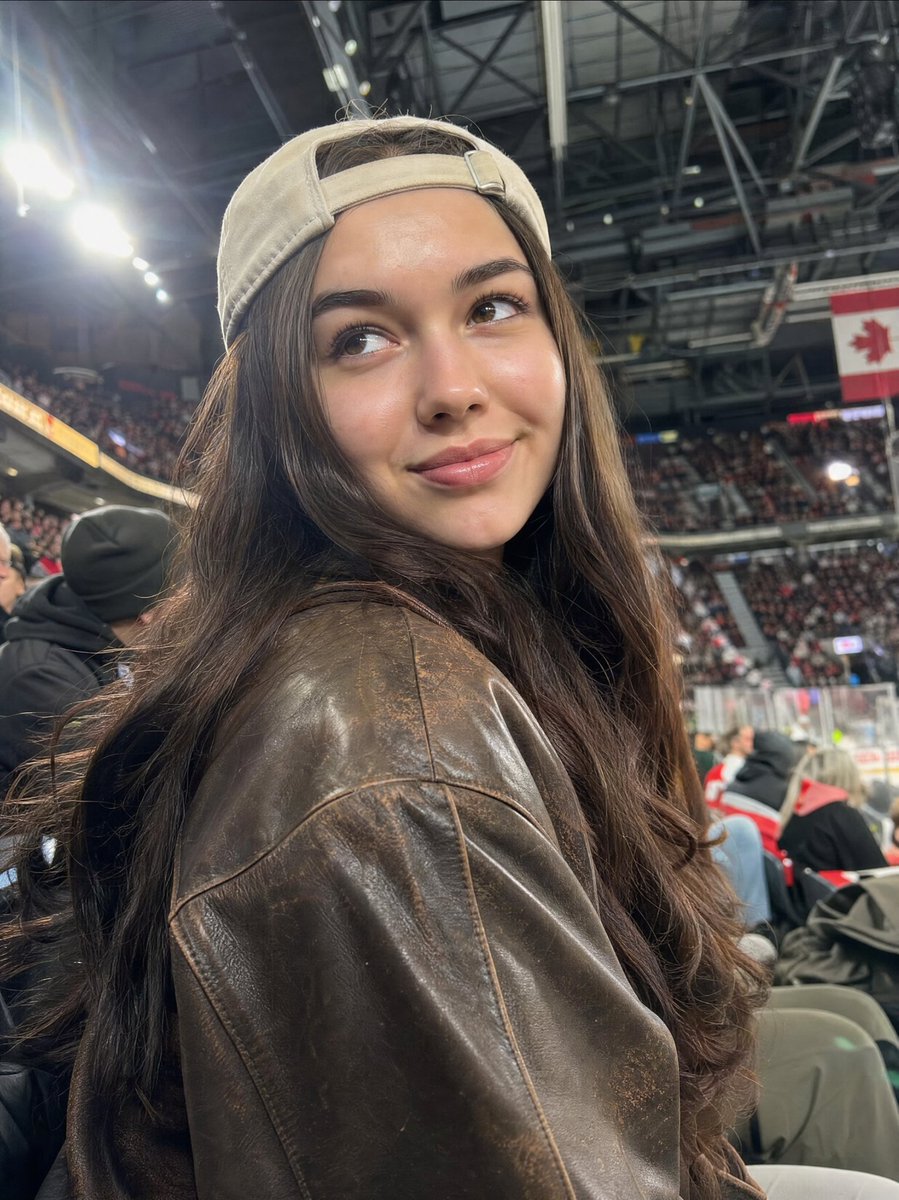
A detailed JSON prompt for Nano Banana Pro focused on generating a hyper-photorealistic, candid portrait of a young woman leaning against a bedroom doorframe. The prompt emphasizes natural beauty, realistic skin texture (subtle pores, no airbrushing), and cinematic lighting (soft diffused natural window light) to achieve a professional, yet intimate, smartphone-style photo feel. (free to use) — Free AI image template on PicX Studio.
{ "subject": { "description": "Attractive young woman 22-25 years old, natural beauty, fair to light olive skin with subtle pores and faint freckles, long natural wavy brown hair slightly messy, soft everyday makeup with glossy lips and light mascara, slim-toned athletic body with natural curves, realistic proportions", "clothing": "Fitted white cropped tank top slightly riding up, high-waisted light denim shorts hugging hips naturally, barefoot", "body_details": "Detailed realistic skin texture with visible pores, subtle veins on arms, natural soft shadows under curves, no airbrushed or plastic look, authentic human imperfections" }, "pose": { "type": "Casual seductive lean against bedroom doorframe, one hip cocked to the side, one hand in hair, other resting on thigh, looking directly at camera with soft sultry smile and bedroom eyes", "expression": "Inviting yet natural confident gaze, slightly parted lips, relaxed shoulders", "limbs": "Weight shifted to one leg creating gentle S-curve, soft arch in back emphasizing natural waist-to-hip ratio" }, "environment": { "setting": "Cozy modern bedroom in soft morning light through sheer curtains, wooden floor, unmade bed in soft focus background", "foreground": "Subtle natural clutter like phone on nightstand, realistic depth" }, "lighting": { "source": "Soft diffused natural window light from side, gentle volumetric god rays, HDR for balanced shadows and highlights", "quality": "Cinematic yet everyday realism, subsurface scattering on skin, no harsh studio flash" }, "camera": { "shot": "Shot on Canon EOS R5 with 85mm lens at f/1.8, creamy bokeh background, shallow depth of field focusing on face and body", "style": "Hyper-photorealistic candid smartphone-style portrait turned pro, 8k resolution, raw photo feel, natural color grading" }, "negative_prompt": ["plastic skin", "smooth airbrushed", "CGI", "deformed anatomy", "blurry", "overexposed", "cartoon", "extra limbs", "childlike", "unnatural shine"] }
Use Hyper-Photorealistic Candid Bedroom Portrait to plan an AI image around nano-banana-2 generation. Match the preview's composition first, then personalize the subject, setting, and mood for your own project.
Use the primary action to load the template settings in PicX Studio.
Adjust the subject and creative details for your destination.
Create the image, compare the result with the preview, and refine one variable at a time.
A continuous mix — similar concepts first, woven with same-model prompts and fresh picks from the catalog.
Choose the primary action to open PicX Studio with the available template settings. Review the model and format, personalize the creative direction, and generate when ready.
Yes. You can change the subject, setting, lighting, mood, format, and available model controls before creating your image.
This template is free to open and customize. Generation usage is shown in PicX Studio before you create.
Start with nano-banana-2, which is the model associated with this template. You can compare another compatible model for a different finish.
Follow a topic to a crawlable collection of related PicX Studio templates.
39,155 public templates available. Verified via the PicX Studio public templates API; refreshed hourly.
A continuous mix — similar concepts first, woven with same-model prompts and fresh picks from the catalog.