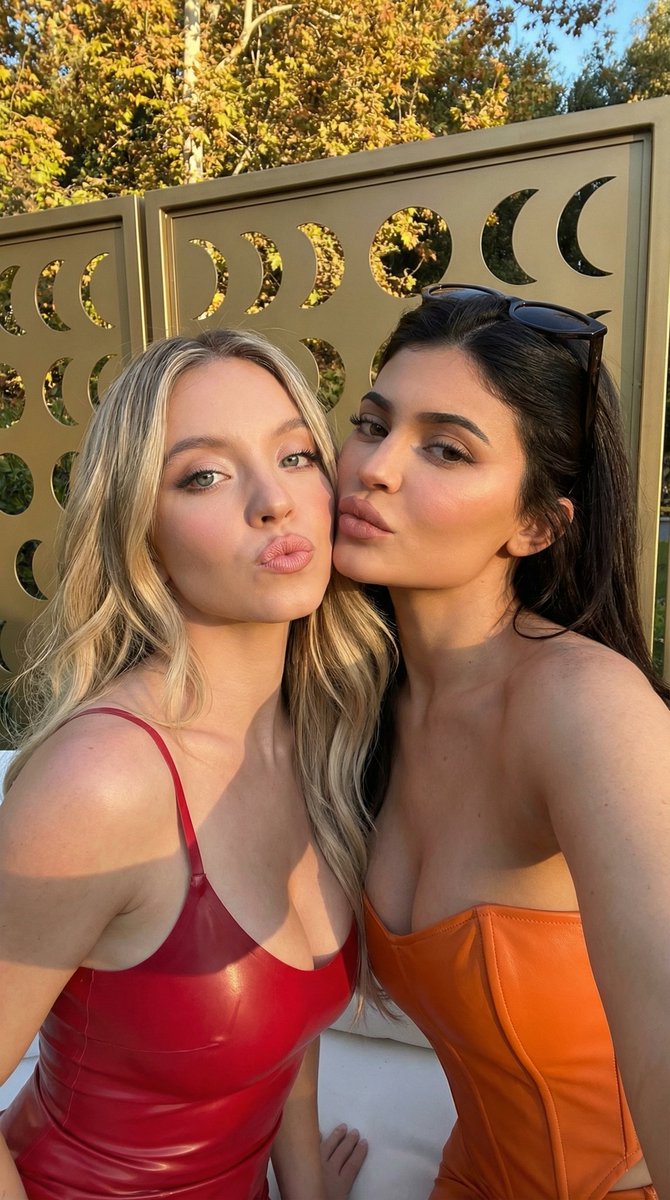

How do I use the Influencer Style Selfie of Two Women Pouting template?
Choose the primary action to open PicX Studio with the available template settings. Review the model and format, personalize the creative direction, and generate when ready.
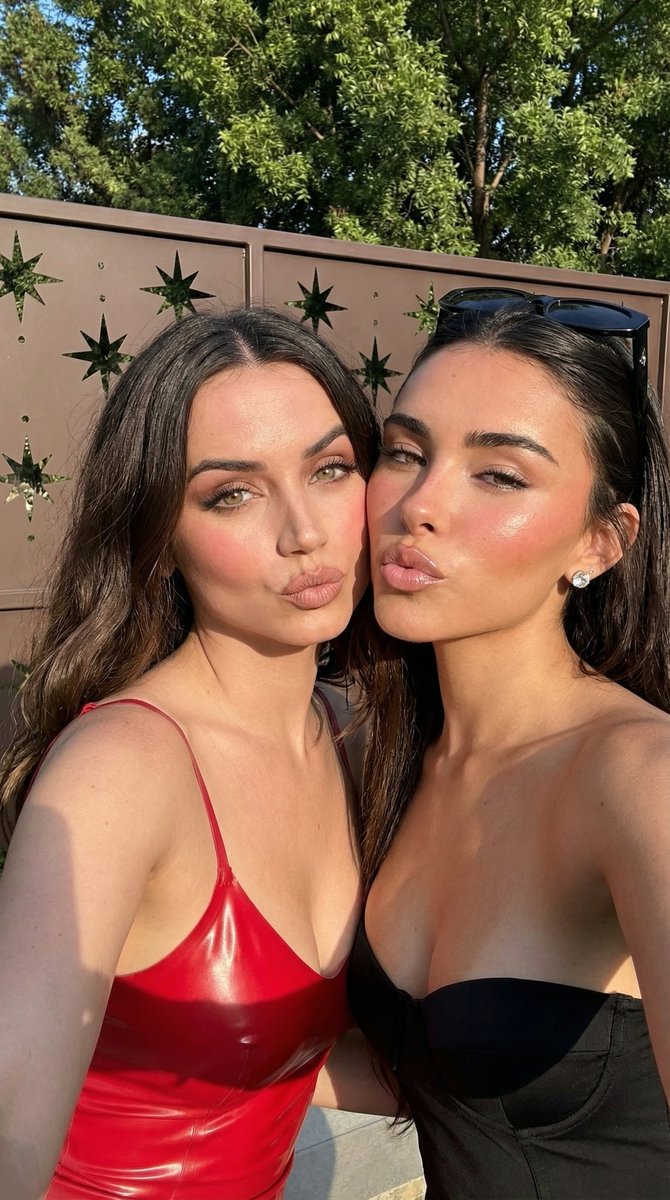
A structured prompt for generating a high-glamour, influencer-style selfie of two women (one in red latex, one in a black bustier) leaning together and pouting, set outdoors against a geometric privacy screen during golden hour. (free to use) — Free AI image template on PicX Studio.
{ "image_generation_prompt": { "subject_composition": { "type": "Selfie portrait", "subjects": [ { "position": "Left", "appearance": { "gender": "Female", "hair": "Long, voluminous dark brunette, middle part, soft waves", "makeup": "Full glam, matte finish, heavy blush, sculpted brows, matte nude pouty lips", "clothing": "{argument name="left clothing" default="Red latex camisole"} with spaghetti straps, high sheen material" } }, { "position": "Right", "appearance": { "gender": "Female", "hair": "Long dark brunette, swept back", "makeup": "Full glam, dewy skin, rosy cheeks, glossy nude pouty lips", "clothing": "Black strapless bustier top", "accessories": [ "Black sunglasses resting on top of head", "Diamond stud earring" ] } } ], "interaction": "Heads leaning together, cheek-to-cheek, both making kissing/pouty faces at the camera" }, "environment": { "setting": "Outdoors, daytime", "background_elements": "Brown metal privacy screen with geometric star-shaped cutouts, green tree foliage visible above and behind fence" }, "technical_specs": { "resolution": "4K Ultra HD", "quality": "Photorealistic, highly detailed", "lighting": "Natural bright sunlight, warm golden hour tones, hard shadows, specular highlights on skin and latex", "camera_style": "Smartphone selfie angle, wide aperture, sharp focus on faces" }, "style_tags": [ "Influencer style", "Celebrity photography", "High fashion", "Social media aesthetic", "Glamour shot" ] }
Use Influencer Style Selfie of Two Women Pouting to plan an AI image around nano-banana-2 generation. Match the preview's composition first, then personalize the subject, setting, and mood for your own project.
Use the primary action to load the template settings in PicX Studio.
Adjust the subject and creative details for your destination.
Create the image, compare the result with the preview, and refine one variable at a time.
A continuous mix — similar concepts first, woven with same-model prompts and fresh picks from the catalog.
Choose the primary action to open PicX Studio with the available template settings. Review the model and format, personalize the creative direction, and generate when ready.
Yes. You can change the subject, setting, lighting, mood, format, and available model controls before creating your image.
This template is free to open and customize. Generation usage is shown in PicX Studio before you create.
Start with nano-banana-2, which is the model associated with this template. You can compare another compatible model for a different finish.
Follow a topic to a crawlable collection of related PicX Studio templates.
39,155 public templates available. Verified via the PicX Studio public templates API; refreshed hourly.
A continuous mix — similar concepts first, woven with same-model prompts and fresh picks from the catalog.