
Alien Eye Mockumentary Poster
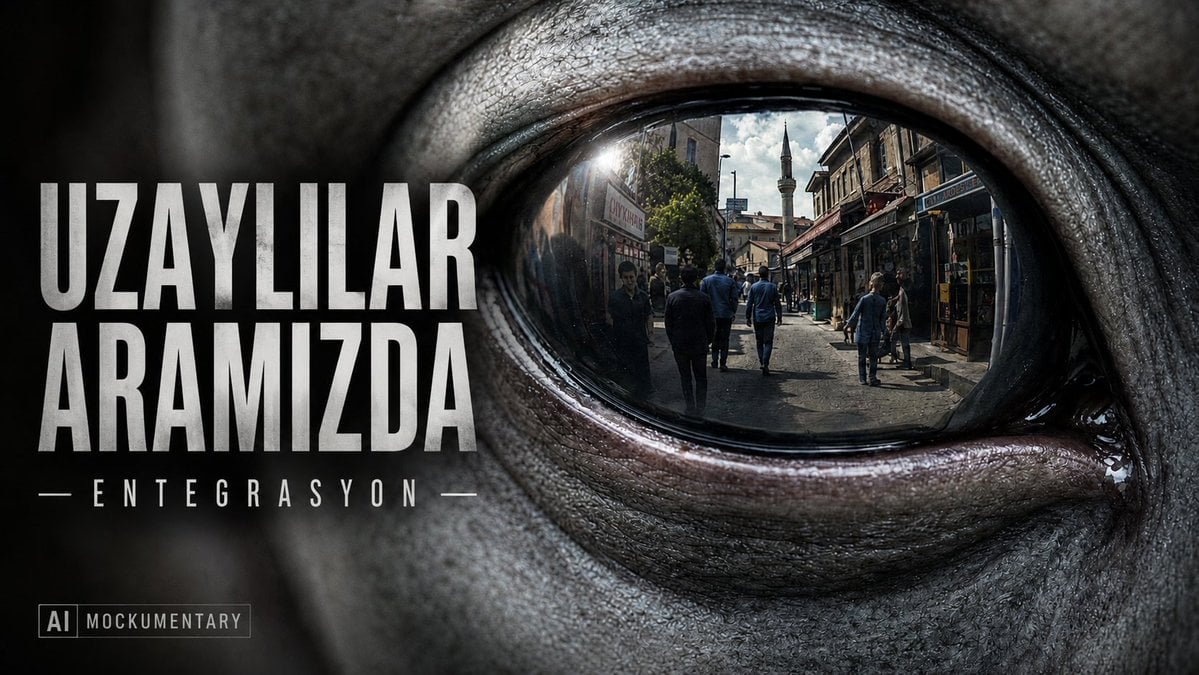
A cinematic Turkish mockumentary poster featuring a close-up alien eye reflecting a city street with bold distressed title typography.
- Prompt included
- Model and format preset
- Free template
The prompt behind this image
Copy the exact prompt behind Alien Eye Mockumentary Poster, or open it in the studio and make it yours.
Create a cinematic mockumentary poster in a 16:9 landscape format. The image is an extreme close-up of a gray alien face, dominated by one huge glossy black eye on the right side of the frame, with wrinkled leathery skin, pores, wet highlights, and dark dramatic shadows. Inside the alien eye, show a sharp realistic reflection of a busy old Turkish-style city street: pedestrians walking away and toward camera, narrow shops on both sides, aged stone buildings, sunlight flare, and a mosque minaret rising in the distance. The left half of the poster is a dark blurred portion of the alien face used as a typography area. Add large bold distressed white uppercase Turkish title text reading {argument name="headline text" default="UZAYLILAR ARAMIZDA"}, stacked on two lines, aligned left. Beneath it add a smaller spaced subtitle with thin horizontal lines on both sides reading {argument name="subtitle text" default="ENTEGRASYON"}. In the lower-left corner add a small boxed label reading {argument name="badge text" default="AI MOCKUMENTARY"}. Use gritty documentary film-poster styling, high contrast, realistic photographic texture, desaturated gray-black palette with subtle warm highlights in the eye reflection, anamorphic cinematic lighting, shallow depth of field, no extra logos, no people outside the reflection, and keep all text crisp and legible.
How to use Alien Eye Mockumentary Poster in 3 steps
- 1Upload ImagePNG, JPG or paste
Add your photo
Upload the photo the template builds on. The prompt, model and format are already set.
- 2…a portrait of your subject in softgolden-hour light, 85mm…
Personalize
Edit the subject and creative details for your destination.
- 3Generate
Generate
Press Generate — your image is created in PicX Studio, so you can compare it with the original and refine one variable at a time.
More like this
Templates with the same subject, style or setup. Open one to see its prompt.

Japan Travel Brochure Poster
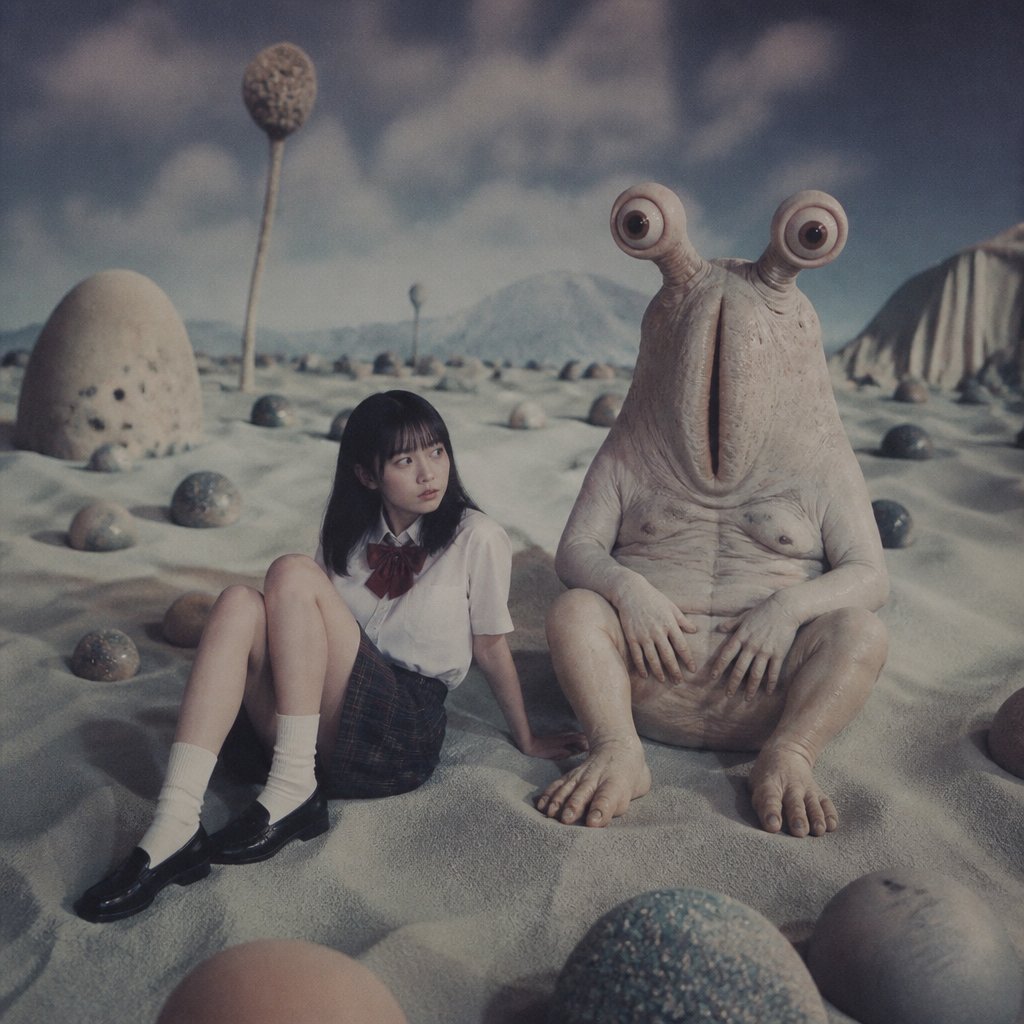
Schoolgirl and Eyestalk Alien in Sand Wasteland

Cartoon TV Show Poster Pack

Trendy Cafe Drink Promo Poster

Urban Fashion Editorial Collage Streetwear Poster

Premium Fashion Editorial Cover Layout System

Polo Ralph Lauren Luxury American Heritage Fashion Campaign

Monochrome Halftone Editorial Fashion Poster

Retro Mirror Luxury Fashion Campaign Poster

Luxury Fashion Campaign Typography Poster System

Premium Fashion Editorial Campaign Poster System

Ultra-Stylized High-Fashion Streetwear Poster
Make it yours
Alien Eye Mockumentary Poster works as-is. These are the safest ways to change it without losing the look.
Change one field
Copy a single group, rewrite it, and generate again so you can see what that field is doing.
Keep the frame, change the subject
Hold the composition and light of Alien Eye Mockumentary Poster, then swap wardrobe, props or the person for a new take.
| If the result… | Why | Fix |
|---|---|---|
| The result drifts from the preview | Too many fields changed at once. | Reuse Alien Eye Mockumentary Poster as-is first, then change one group — subject, light, or setting. |
| The model over-stylizes the scene | The prose prompt leaves finish and camera underspecified. | Add one camera or lighting sentence and stay on GPT Image 2. |
More GPT Image 2 templates
Other prompts made for GPT Image 2.

Six VTuber Japanese Logo Sheet

Realistic Portrait of Woman and Deer

The Vista Modular Condo Poster

AI Model Routing Comparison Infographic

2.5D Anime Art Board

Isometric Productivity Desk Scene

New York Double Exposure Poster

Four-Panel AI Landscape Comparison

Japanese Tatami Lifestyle Magazine Cover

NESCAFÉ Coffee Map Poster
More image prompts
Fresh picks from across the catalog.
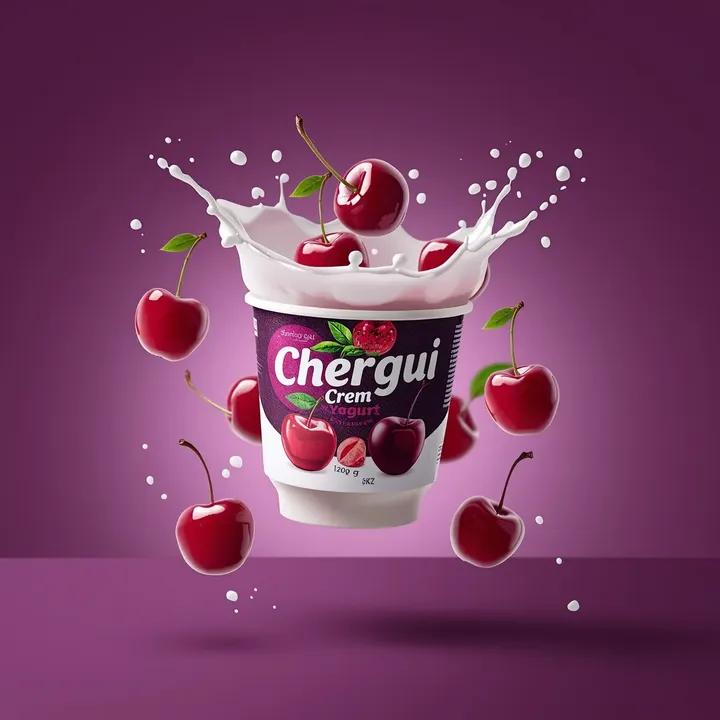
High-End Commercial Yogurt Product Photography
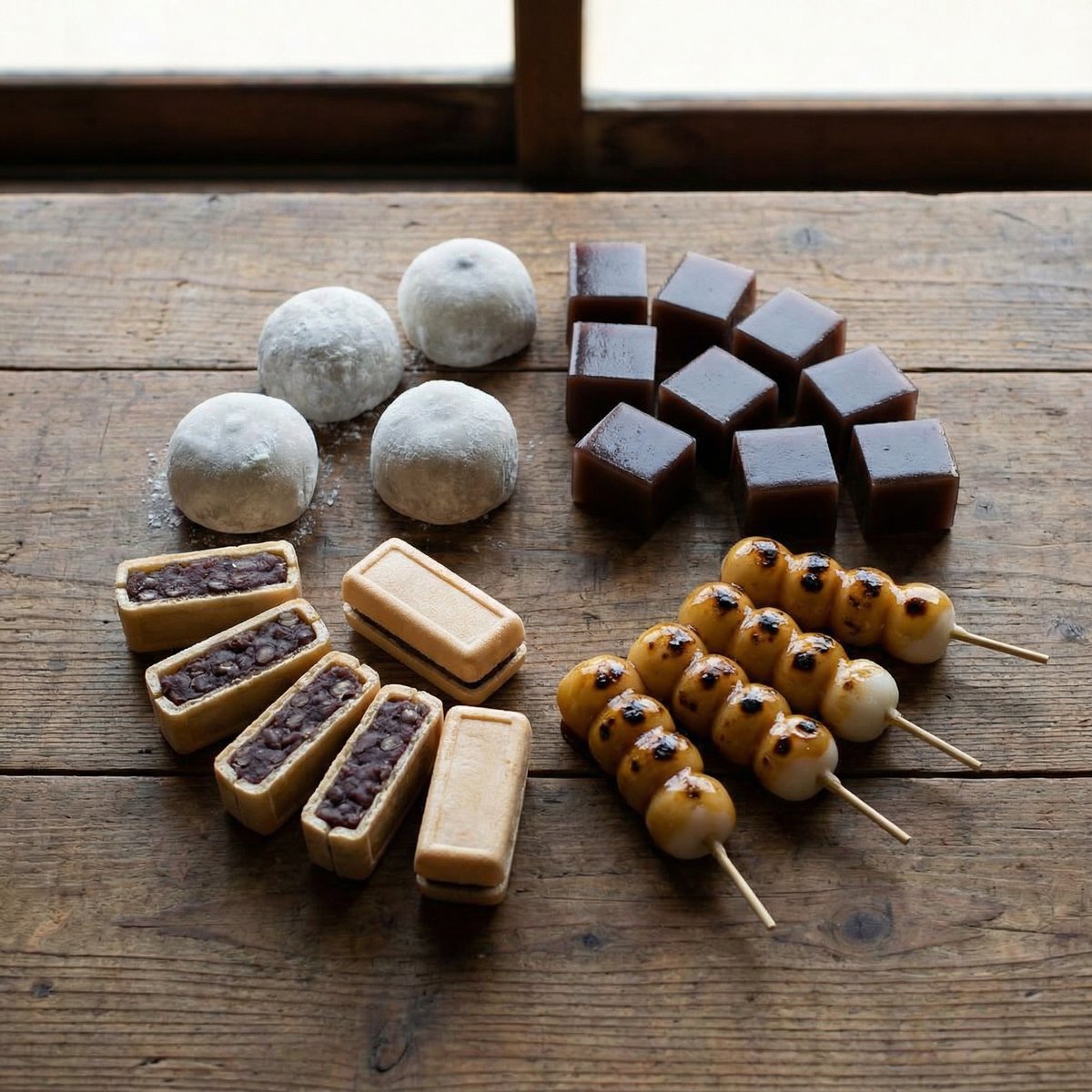
Perfectly Aligned Japanese Wagashi Sweets
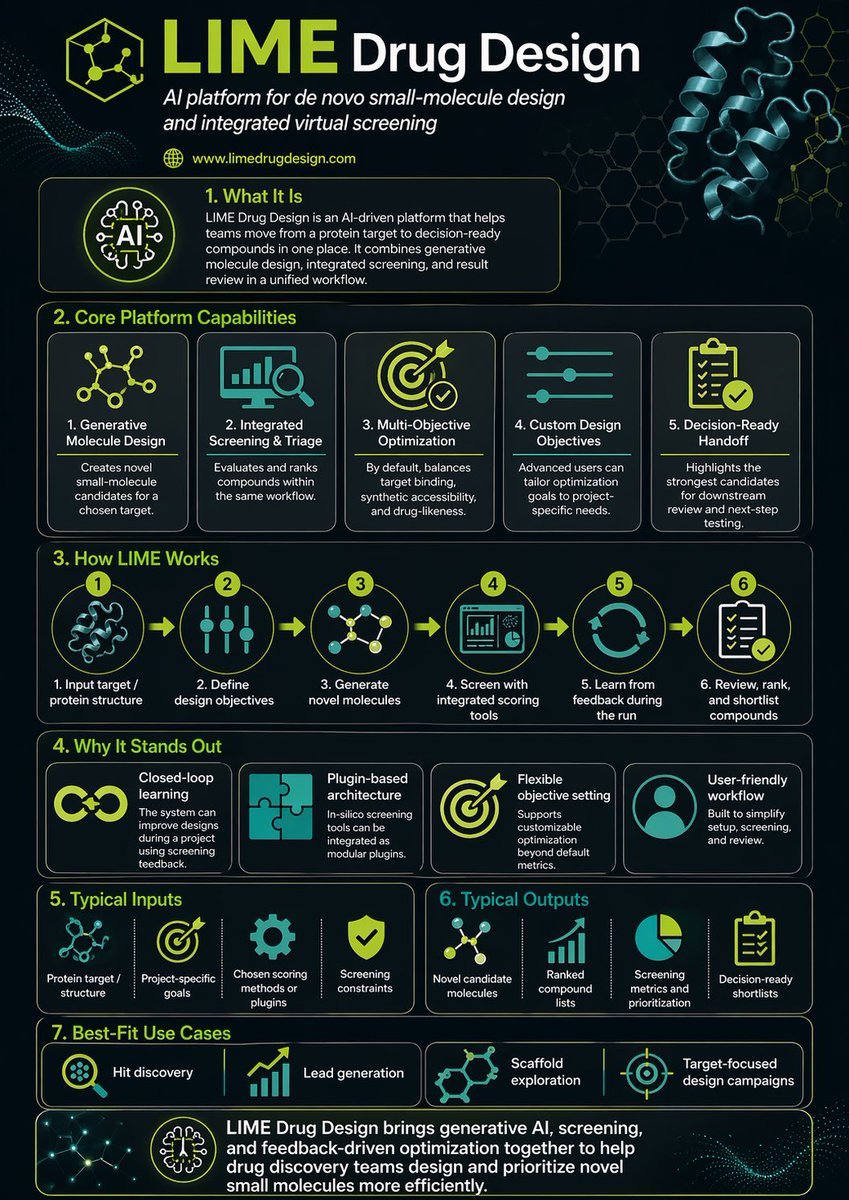
Scientific Infographic for Pharmaceutical Research

Cybernetic Medical Visualization Prompt
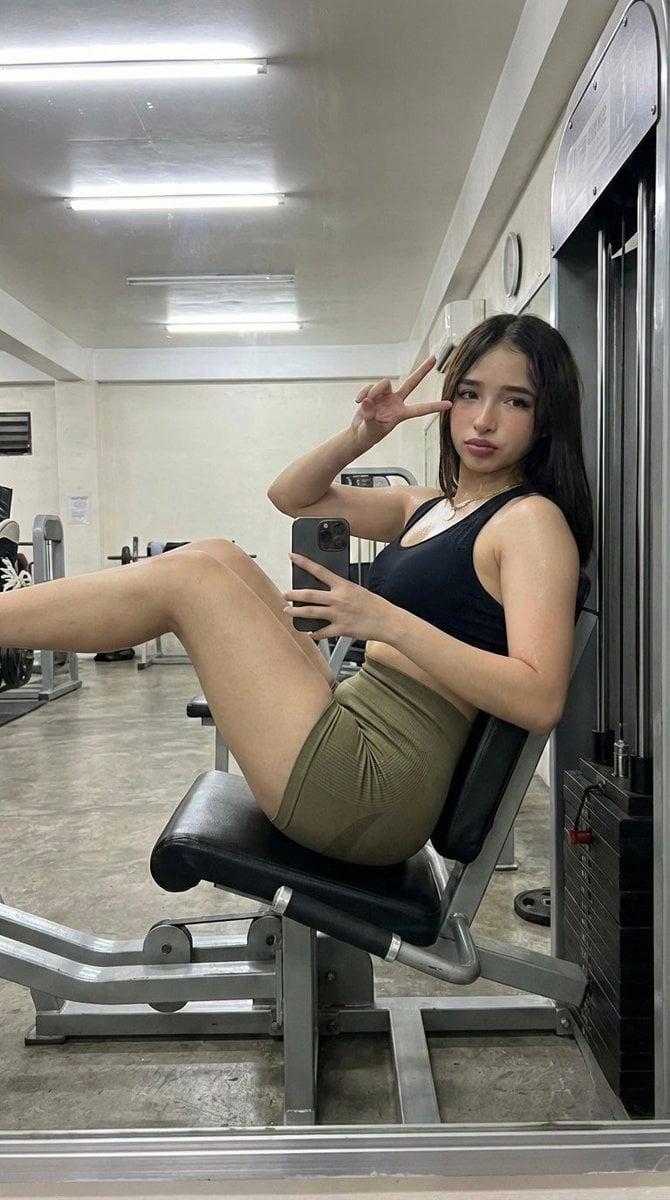
Gym Selfie with Hyper-Defined Athletic Physique
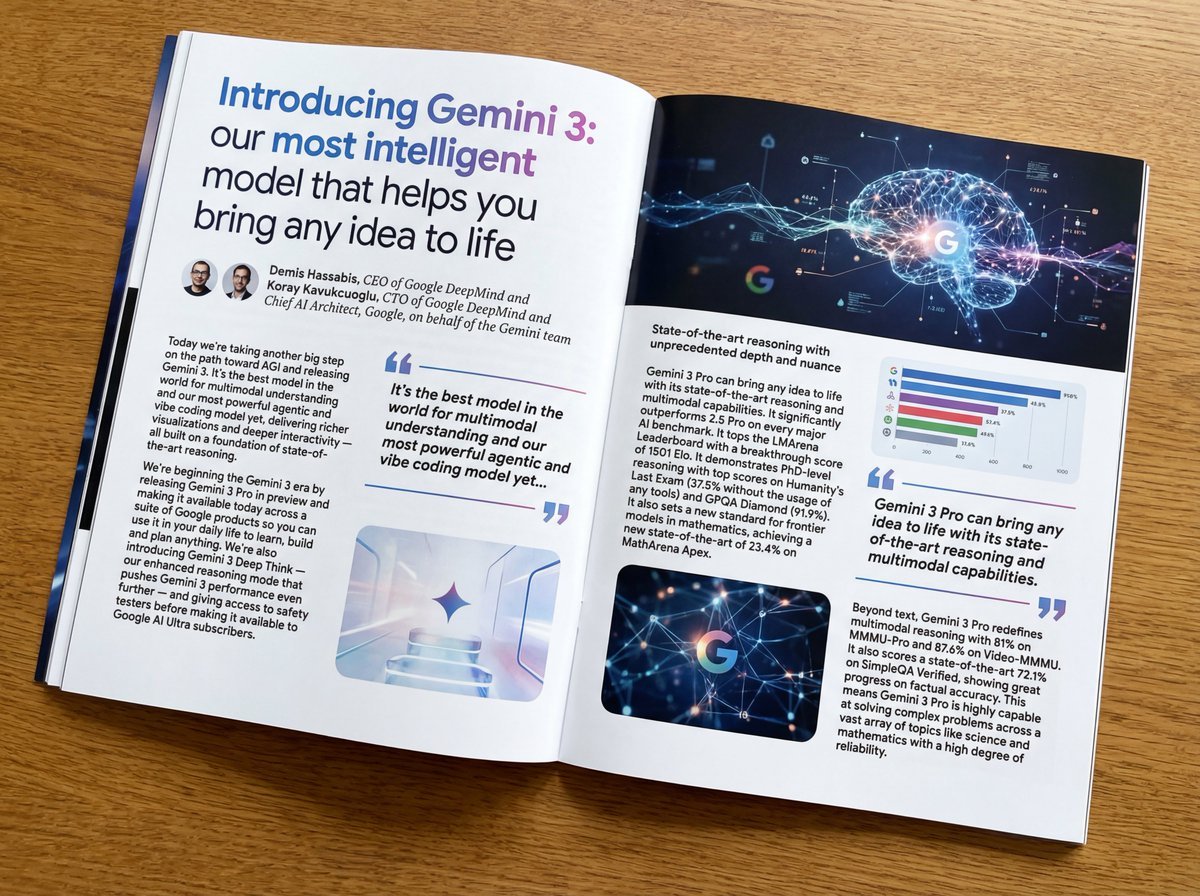
Magazine-style photo containing given article text
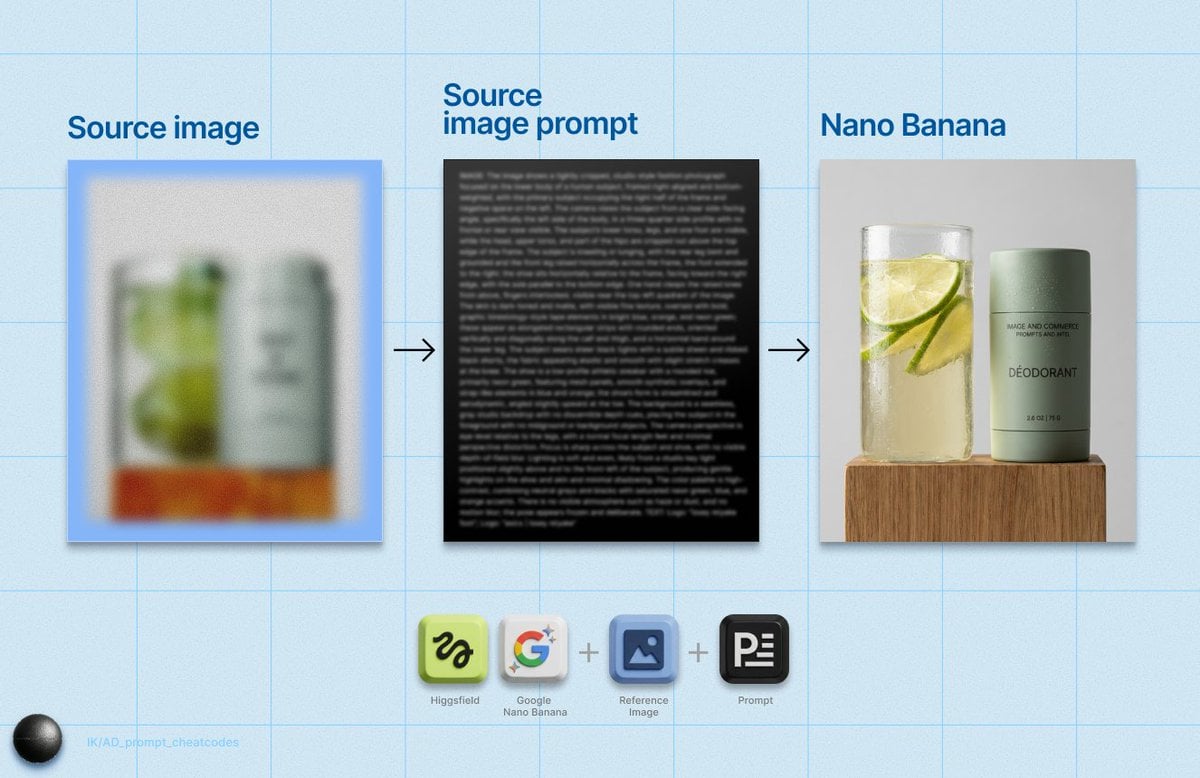
Detailed Product Still Life Photography Prompt
Fashion Magazine Collage Guide

Smartphone Selfie with Flowers
Melancholic artistic concept
Browse template categories
Alien Eye Mockumentary Poster questions
How do I use the Alien Eye Mockumentary Poster template?
Add your photo if the template asks for one, edit the prompt if you like — the template's model and format are already selected — and press Generate. Your version opens in PicX Studio.
Can I customize the Alien Eye Mockumentary Poster template?
Yes. You can change the subject, setting, lighting, mood, format, and available model controls before creating your image.
Is the Alien Eye Mockumentary Poster template free?
Opening and editing this template is free. Generating uses credits, shown on the Generate button when you are signed in.
Which AI model should I use?
Start with GPT Image 2, which is the model associated with this template. You can compare another compatible model for a different finish.
Looking for something else? Browse all templates.

Your photo, any look
Thousands of ready templates for every top image and video model, from one credit balance.