
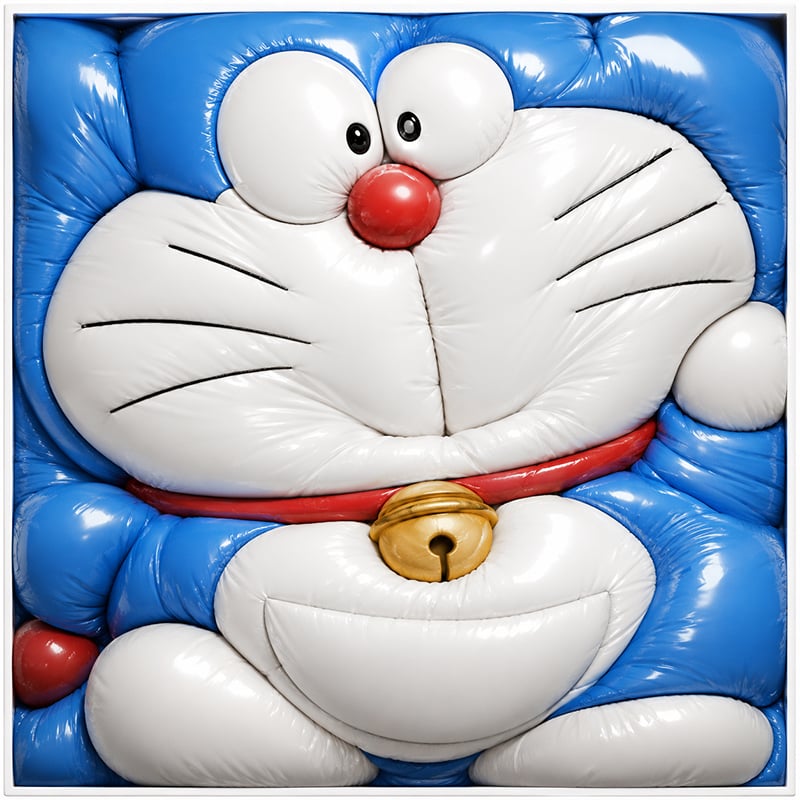
Inflated Doraemon Balloon Box
Generates a glossy balloon-like cartoon character packed tightly into a square frame for surreal toy-style visuals.
- Prompt included
- Model and format preset
- Free template
The prompt behind this image
Copy the exact prompt behind Inflated Doraemon Balloon Box, or open it in the studio and make it yours.
Create a square, tightly framed hyperrealistic 3D render of {argument name="character name" default="Doraemon"} transformed into an overinflated glossy balloon sculpture, squeezed into a shallow white square box so every part bulges against the edges. The character has a shiny {argument name="main body color" default="bright blue"} head and body with a white face and belly, two oversized white bulging eyes with small black pupils, one round glossy red nose, six thin black whisker lines total, three on each cheek, a red collar, and one metallic gold bell centered below the face. The inflated vinyl material should show strong specular highlights, soft wrinkles, seams, pinched creases, and pressure folds where the balloon-like forms press together. Composition: front-facing close-up, cropped tightly so the head fills the top two-thirds and the body, paws, belly, and bell fill the lower third; the blue ears/head corners and limbs are compressed into rounded pillow-like blocks along the frame edges. Include exactly 2 eyes, 1 red nose, 6 whisker lines, 1 red collar, 1 gold bell, 2 white feet at the bottom, 2 white hands/paws at the sides, and a thin white square border around the packed form. Use studio lighting, ultra-detailed glossy latex texture, playful surreal toy aesthetic, no text, no background beyond the white tray frame.
How to use Inflated Doraemon Balloon Box in 3 steps
- 1Upload ImagePNG, JPG or paste
Add your photo
Upload the photo the template builds on. The prompt, model and format are already set.
- 2…a portrait of your subject in softgolden-hour light, 85mm…
Personalize
Edit the subject and creative details for your destination.
- 3Generate
Generate
Press Generate — your image is created in PicX Studio, so you can compare it with the original and refine one variable at a time.
More like this
Templates with the same subject, style or setup. Open one to see its prompt.
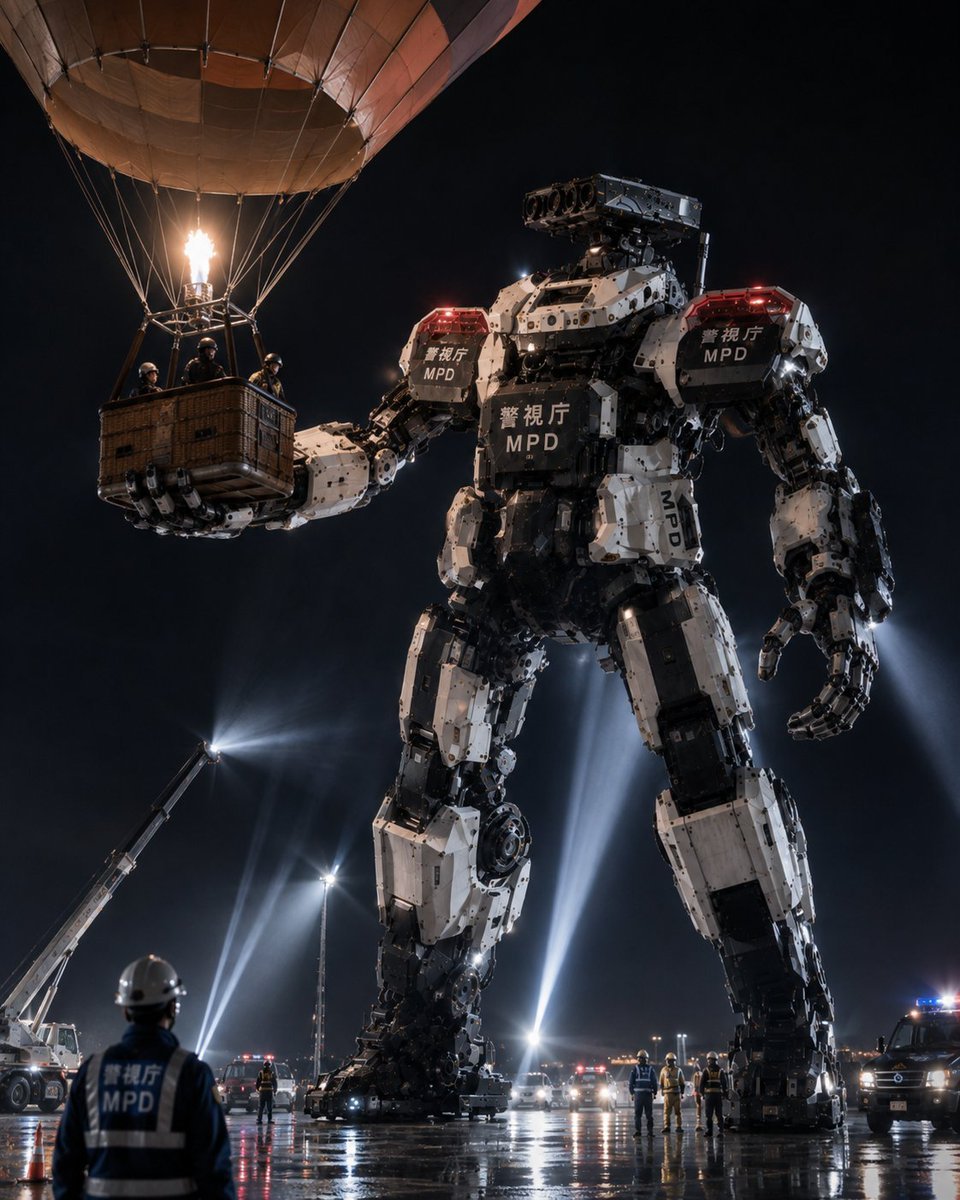
MPD Robot Arrests Balloon Escapees
Doraemon Movie Style Scene Render
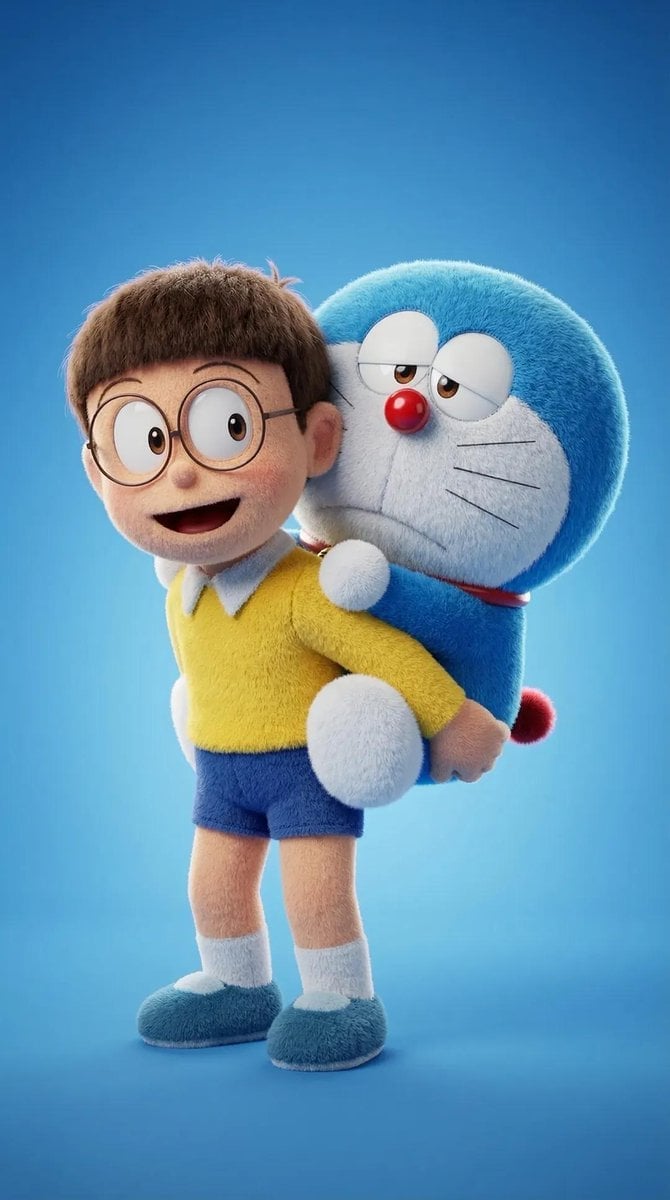
Plush Cartoon Character Doraemon Tribute
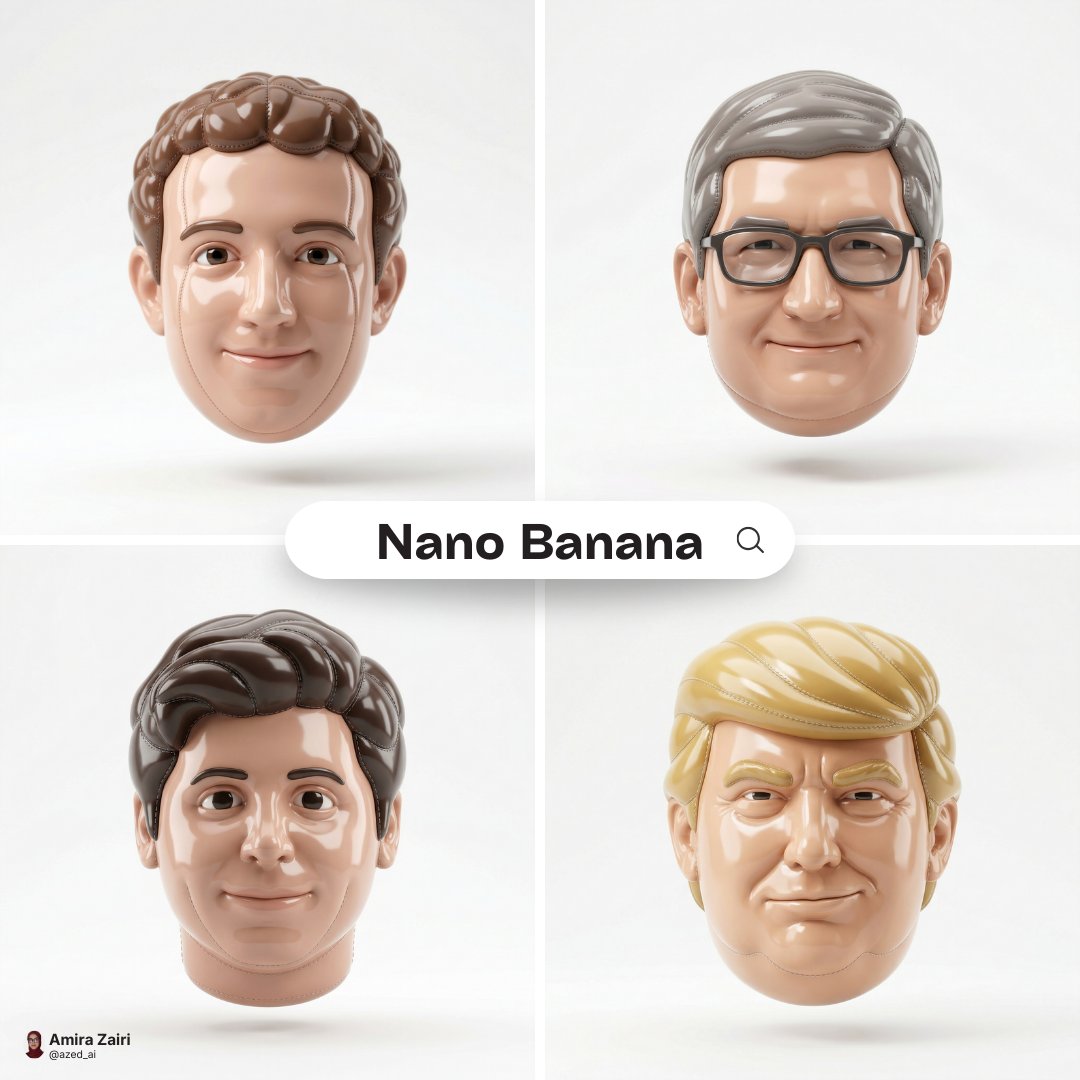
Made of smooth inflated glossy vinyl plastic, ultra-realistic 3D render
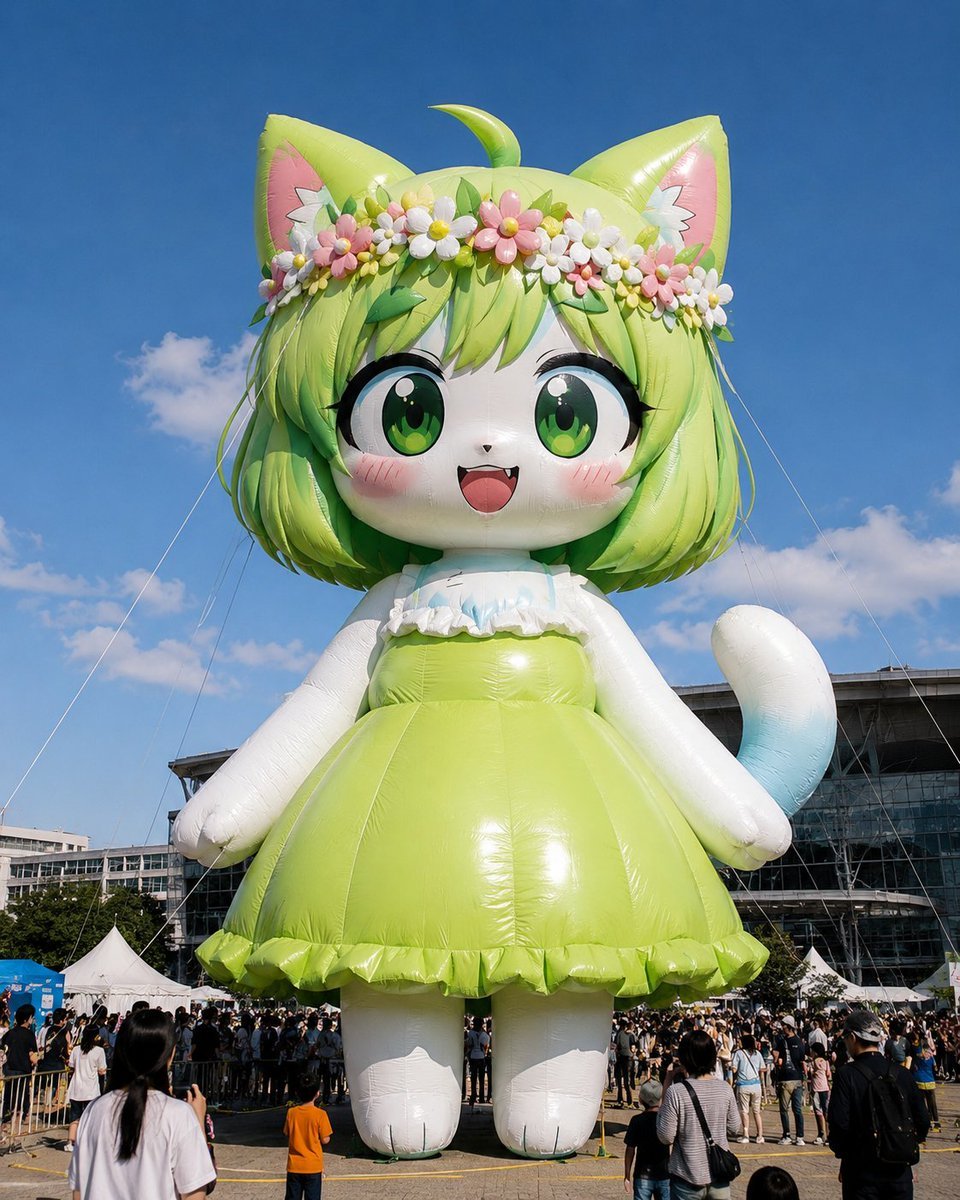
Giant Character Balloon Sculpture
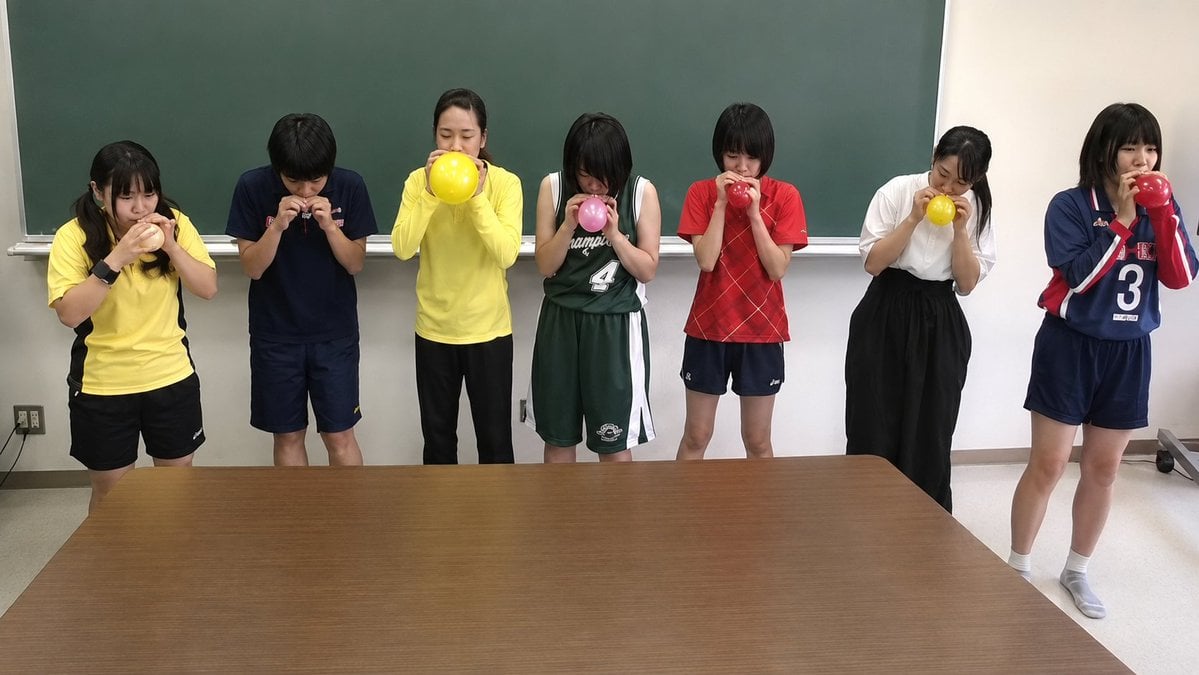
Classroom Balloon Photo Upscale
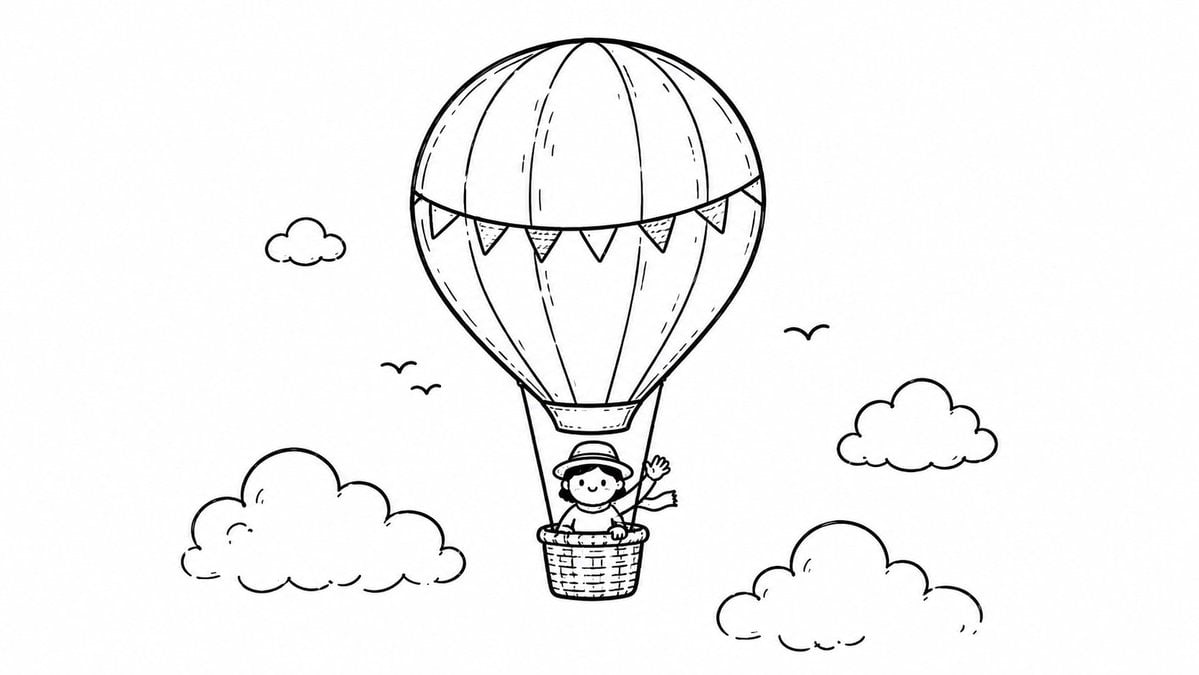
Hot Air Balloon Coloring Page
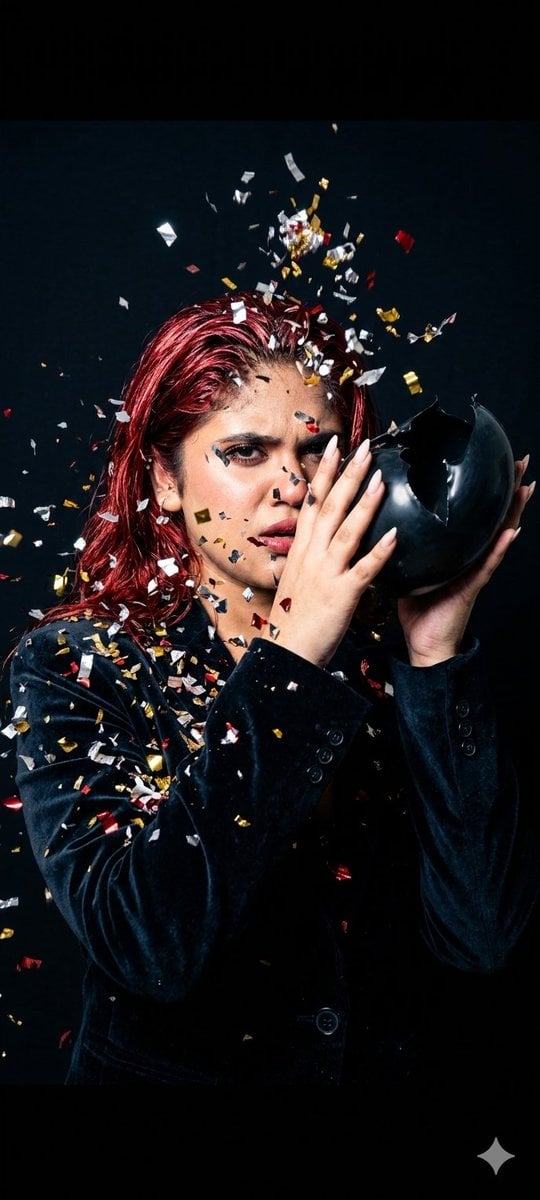
Fashion Editorial Balloon Explosion Portrait

Anime Balloon Seller Lane
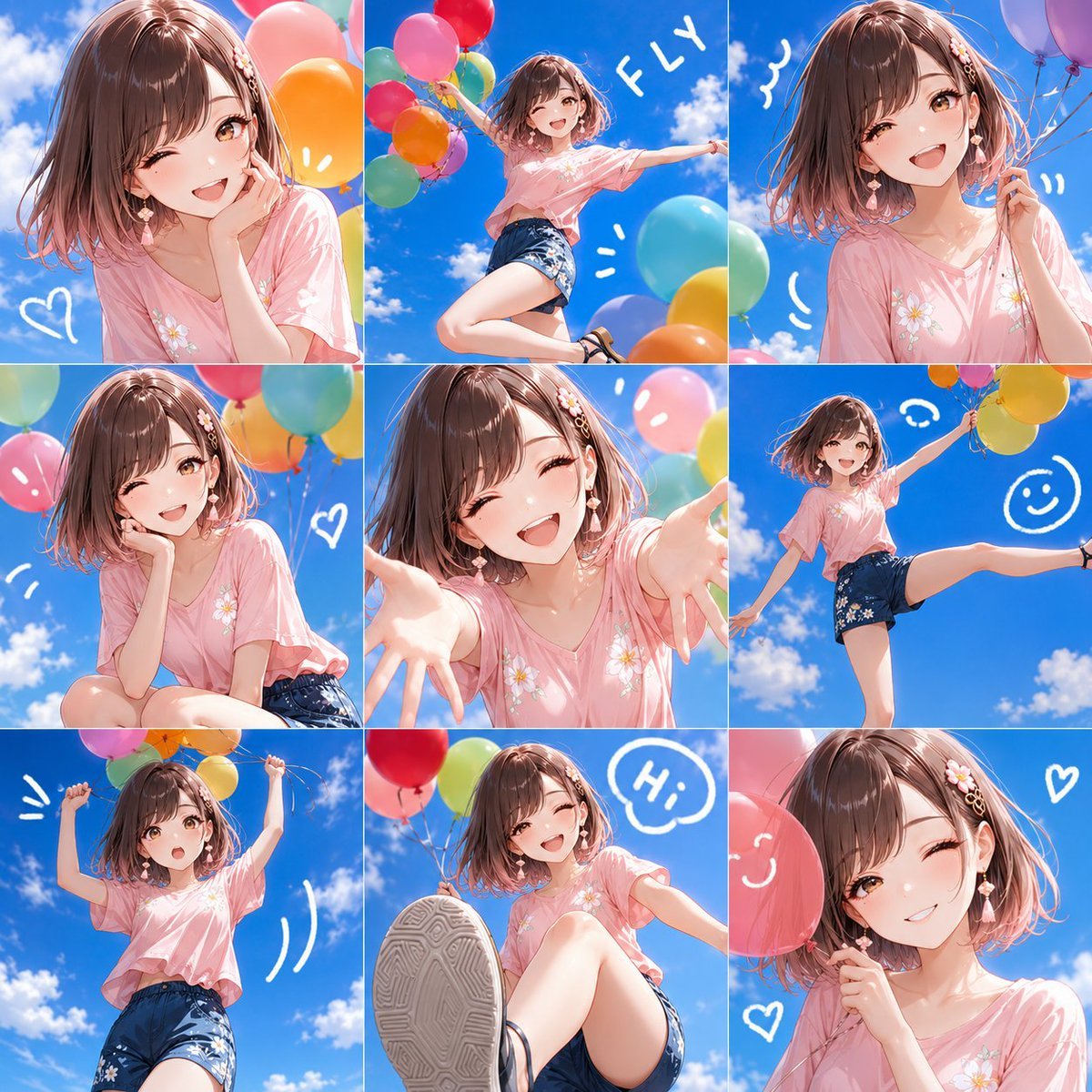
Nine-Panel Summer Balloon Anime Collage
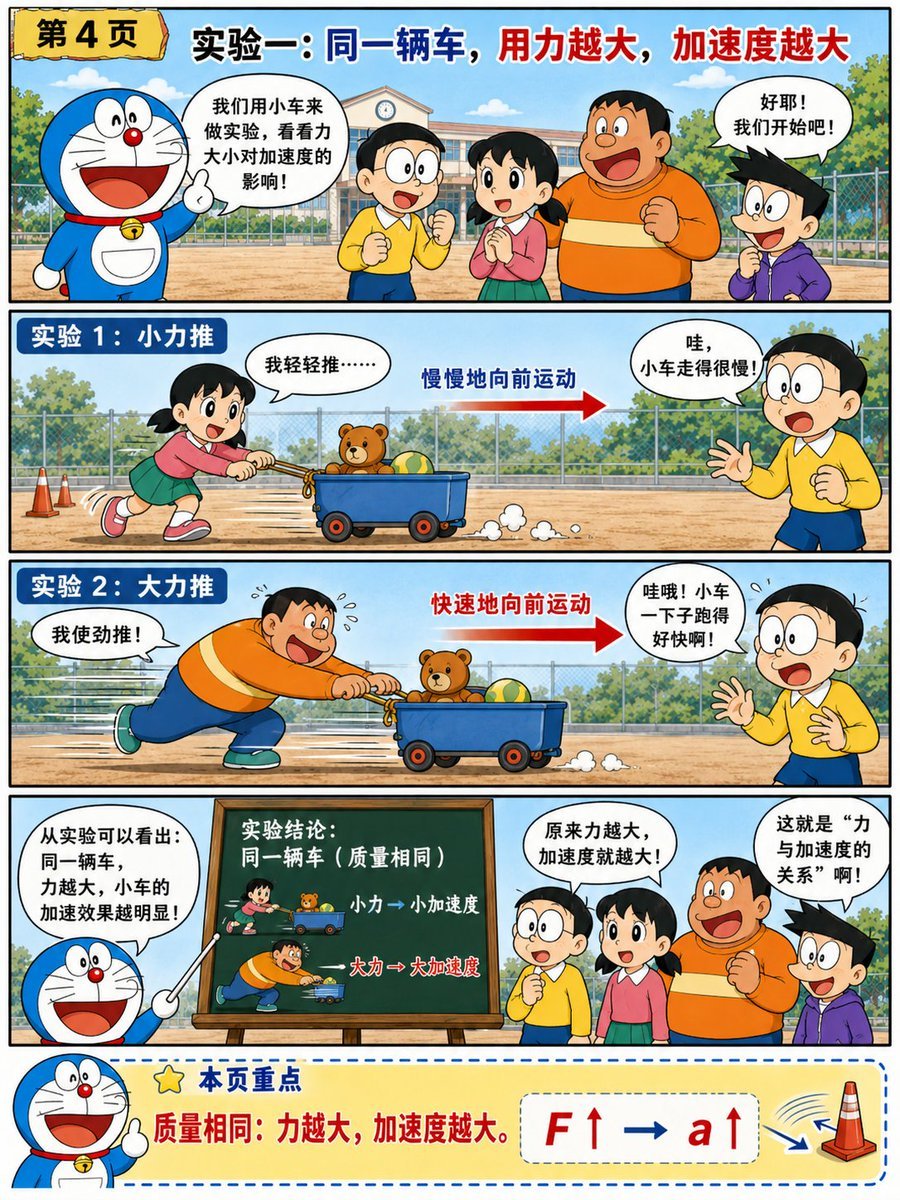
Doraemon-Style Newton’s Second Law Comic
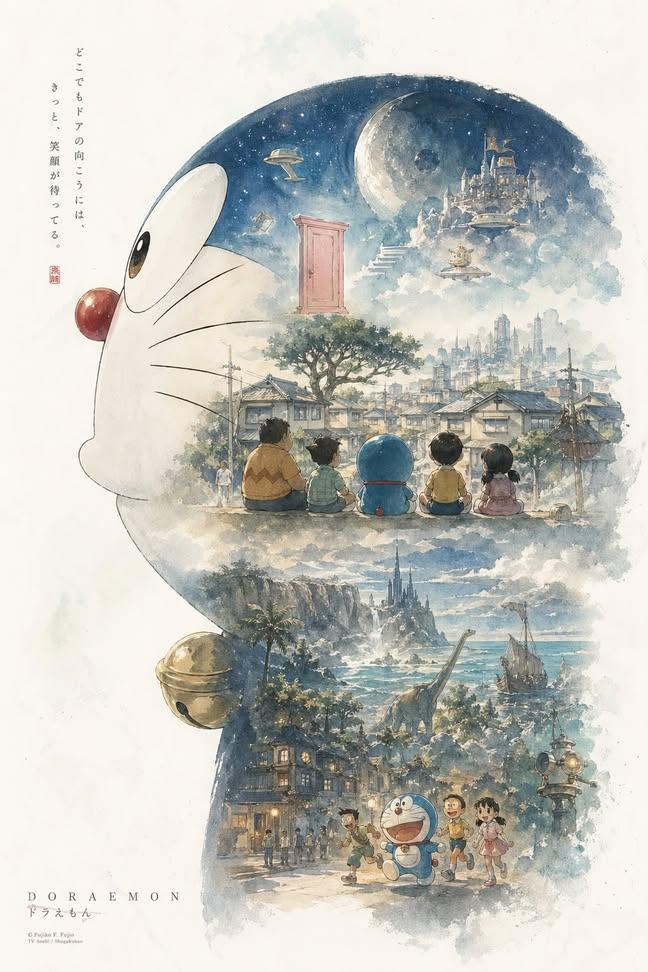
Doraemon Watercolor Silhouette Dreamscapes
Make it yours
Inflated Doraemon Balloon Box works as-is. These are the safest ways to change it without losing the look.
Change one field
Copy a single group, rewrite it, and generate again so you can see what that field is doing.
Keep the frame, change the subject
Hold the composition and light of Inflated Doraemon Balloon Box, then swap wardrobe, props or the person for a new take.
| If the result… | Why | Fix |
|---|---|---|
| The result drifts from the preview | Too many fields changed at once. | Reuse Inflated Doraemon Balloon Box as-is first, then change one group — subject, light, or setting. |
| The model over-stylizes the scene | The prose prompt leaves finish and camera underspecified. | Add one camera or lighting sentence and stay on GPT Image 2. |
More GPT Image 2 templates
Other prompts made for GPT Image 2.

Six VTuber Japanese Logo Sheet

Realistic Portrait of Woman and Deer

The Vista Modular Condo Poster

AI Model Routing Comparison Infographic

2.5D Anime Art Board

Isometric Productivity Desk Scene

New York Double Exposure Poster

Four-Panel AI Landscape Comparison

Japanese Tatami Lifestyle Magazine Cover

NESCAFÉ Coffee Map Poster
More image prompts
Fresh picks from across the catalog.
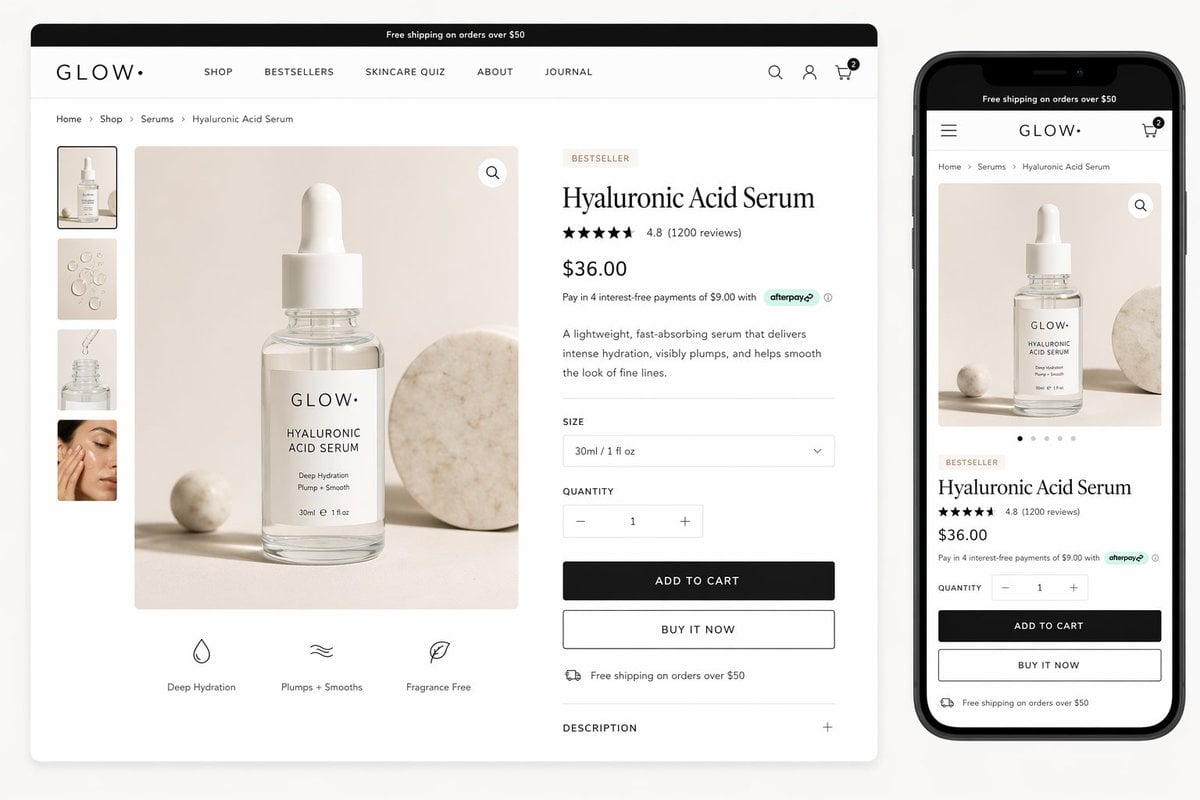
Luxury Skincare Product Page Mockup
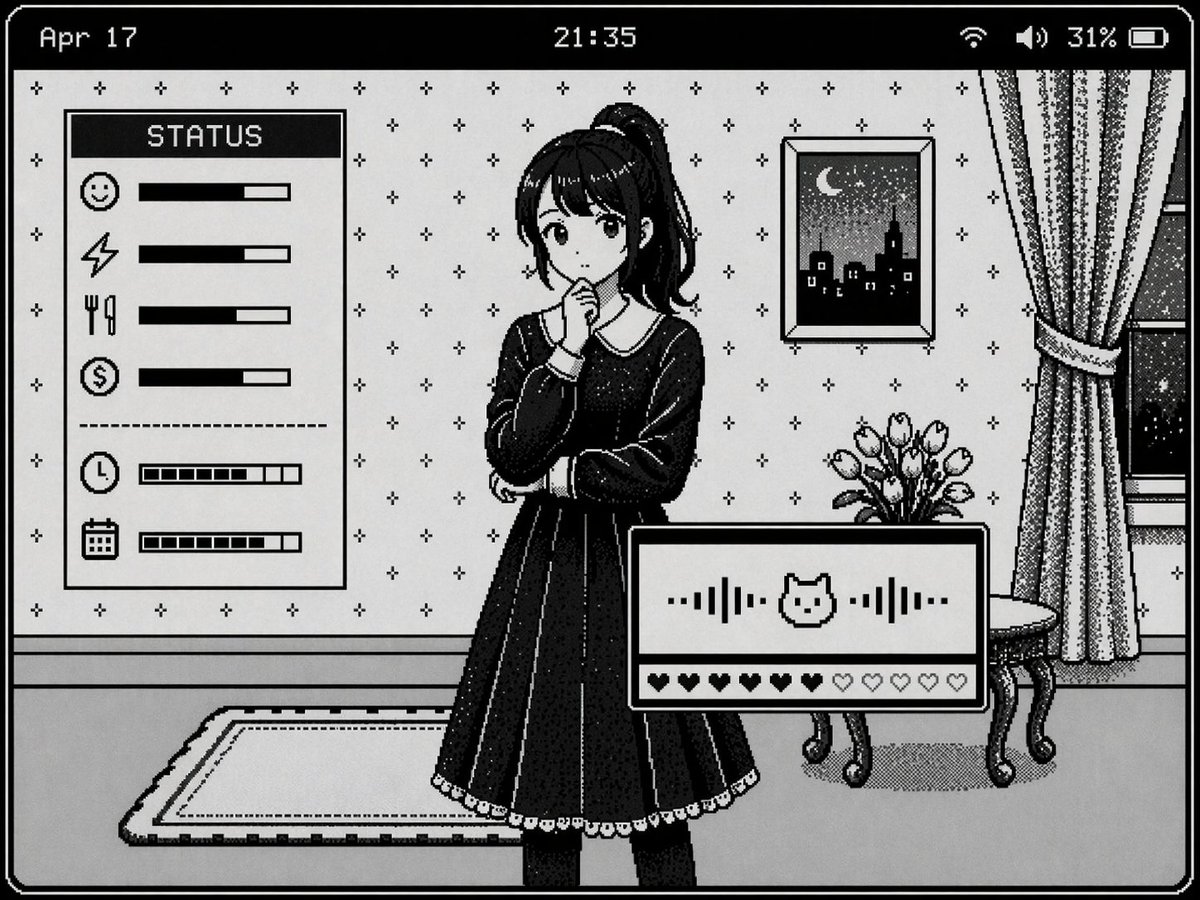
Retro Pixel Art UI Mockup
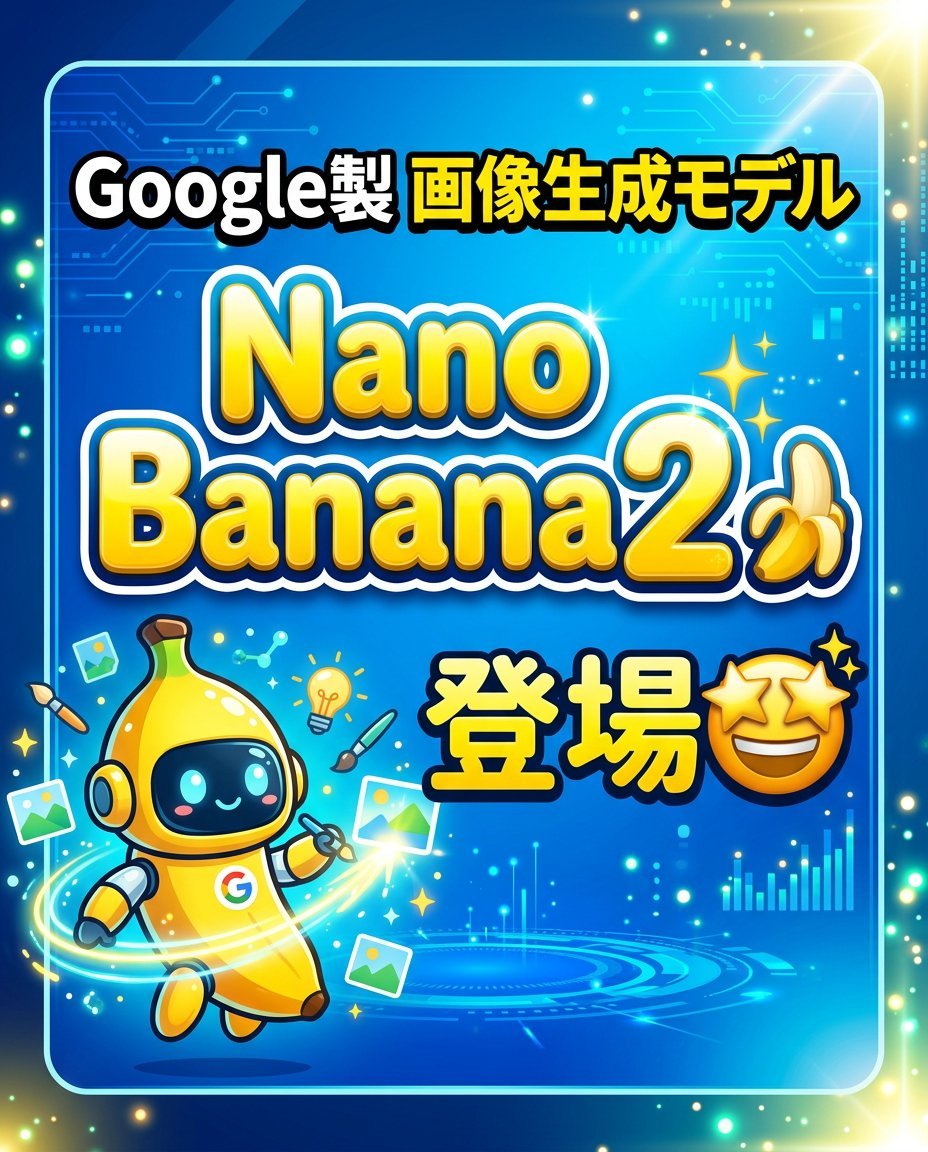
Banner Generation Prompt for Model Comparison
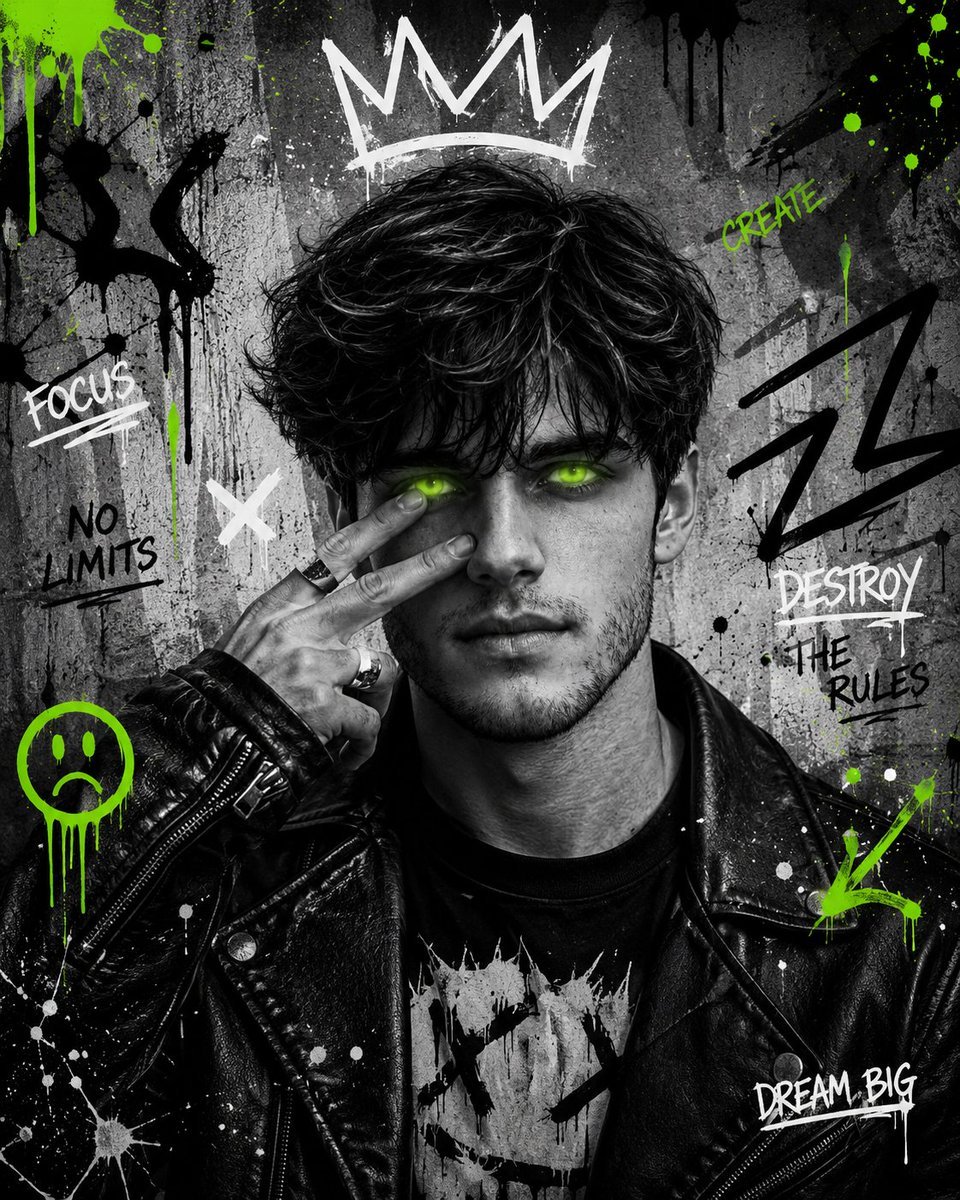
Urban Grunge Street Art Portrait
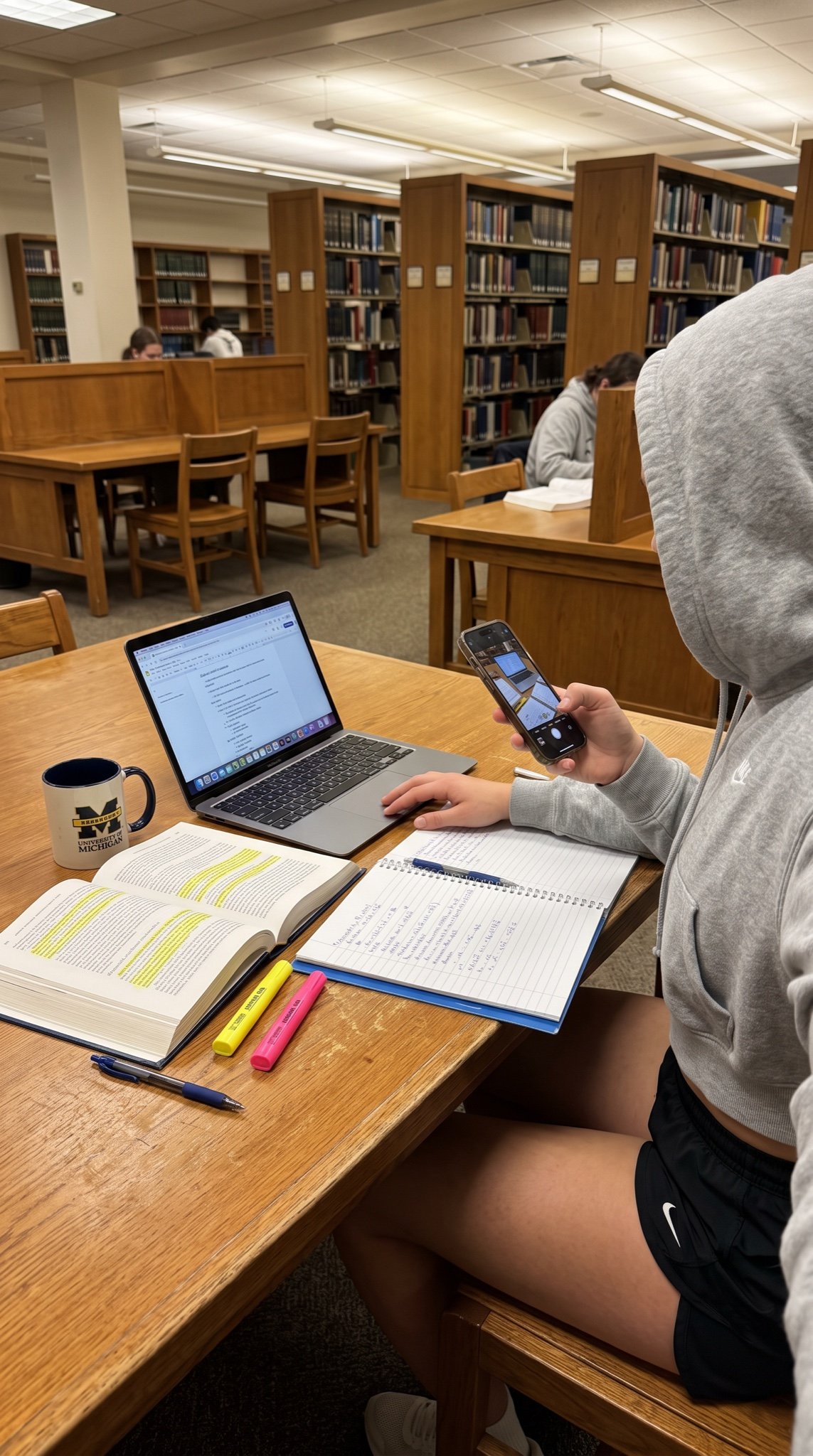
College Studying Candid Photo Prompt
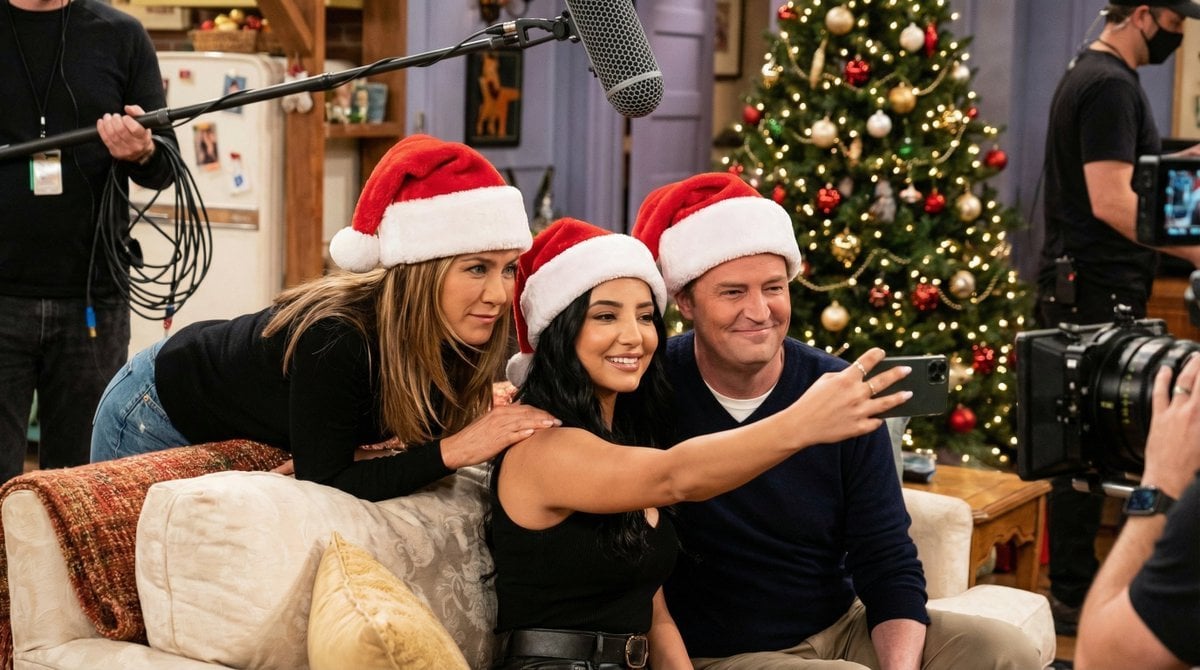
Ultra-Photoreal BTS Sitcom Selfie with Identity Lock
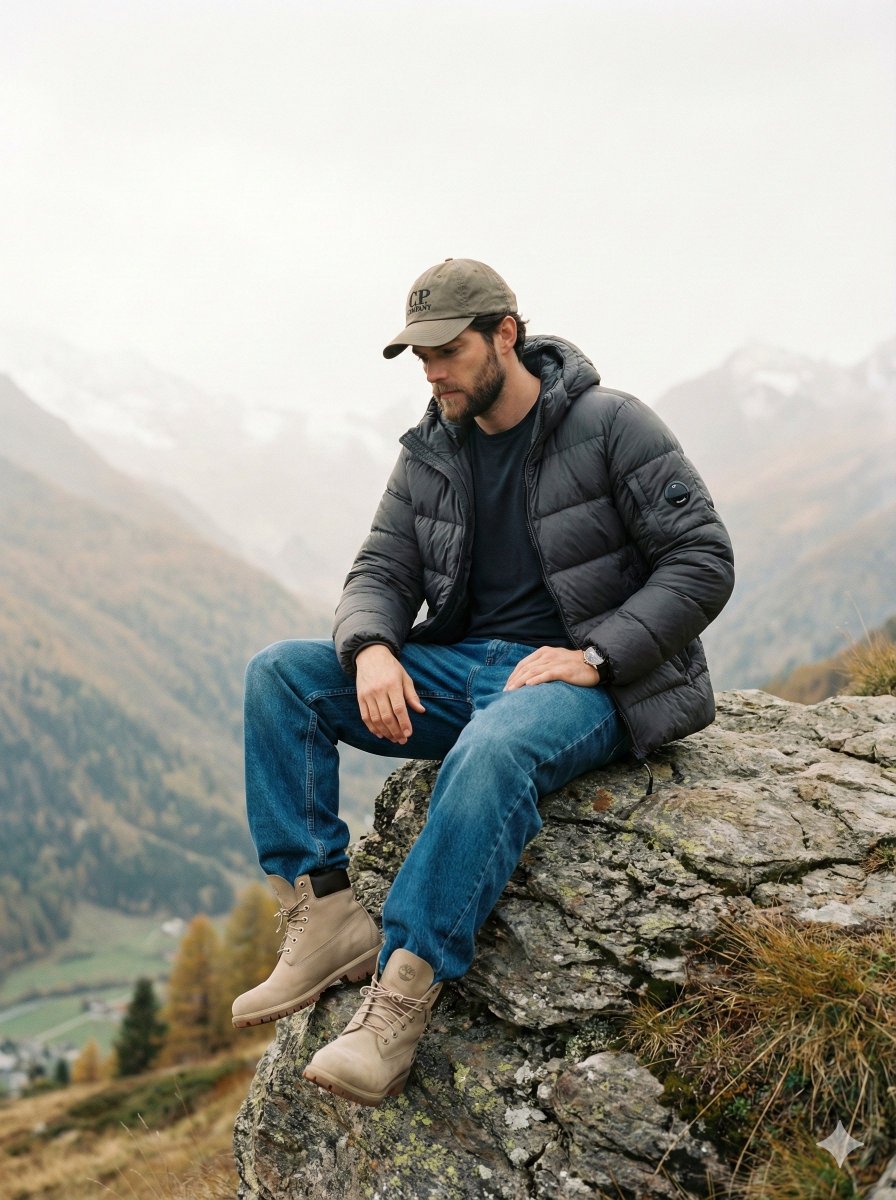
Cinematic Fashion Editorial Image Prompt for Male Subject in Swiss Alps
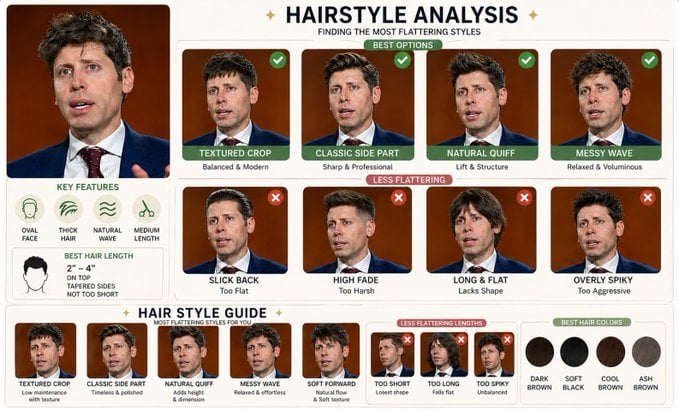
Hairstyle Comparison Analysis
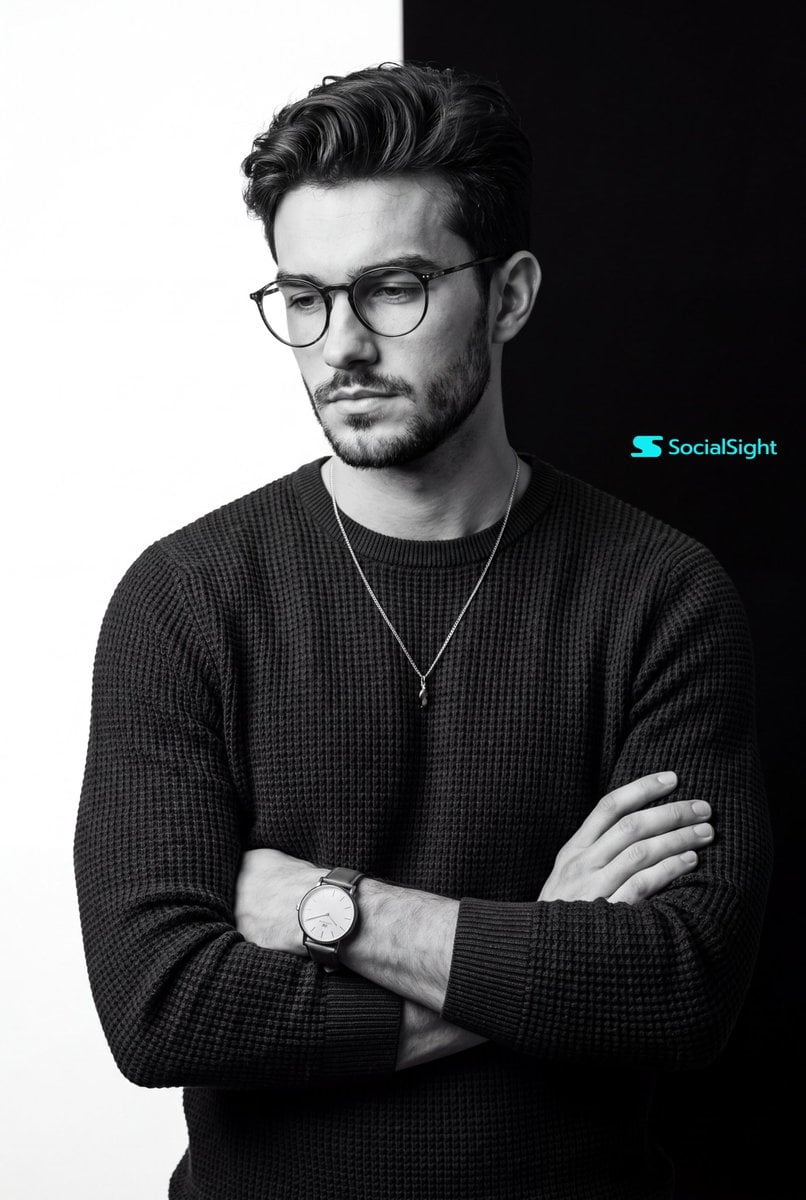
Monochrome Studio Portrait
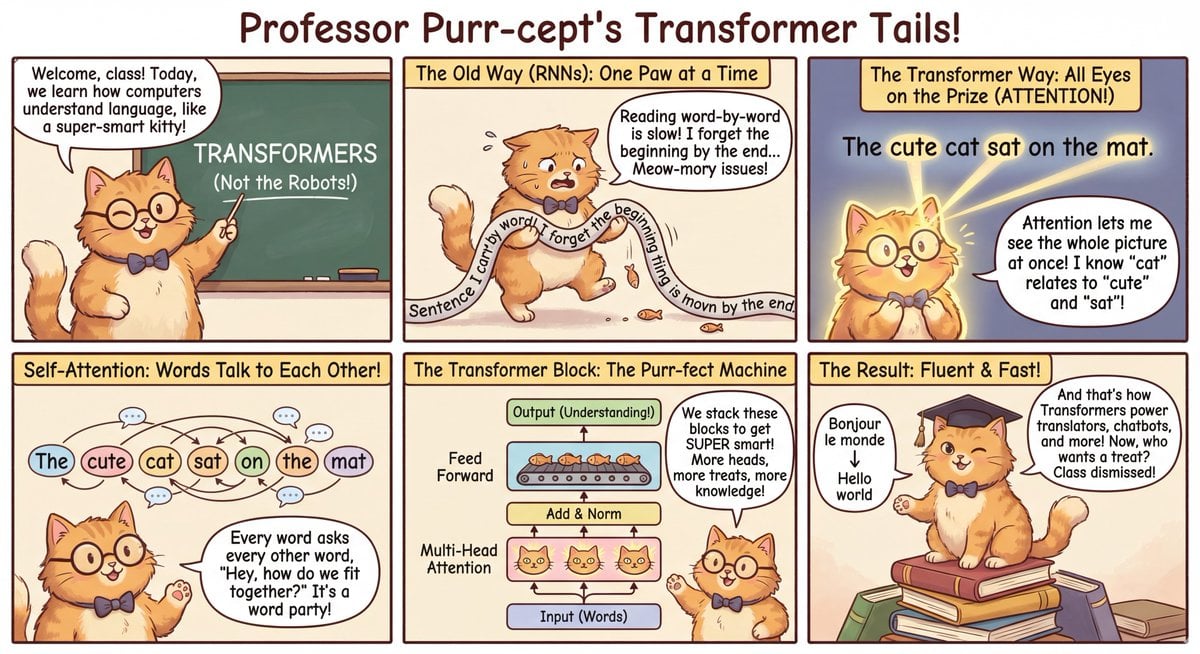
Outfit combinations using Sergey Brin as model
Browse template categories
Inflated Doraemon Balloon Box questions
How do I use the Inflated Doraemon Balloon Box template?
Add your photo if the template asks for one, edit the prompt if you like — the template's model and format are already selected — and press Generate. Your version opens in PicX Studio.
Can I customize the Inflated Doraemon Balloon Box template?
Yes. You can change the subject, setting, lighting, mood, format, and available model controls before creating your image.
Is the Inflated Doraemon Balloon Box template free?
Opening and editing this template is free. Generating uses credits, shown on the Generate button when you are signed in.
Which AI model should I use?
Start with GPT Image 2, which is the model associated with this template. You can compare another compatible model for a different finish.
Looking for something else? Browse all templates.

Your photo, any look
Thousands of ready templates for every top image and video model, from one credit balance.