
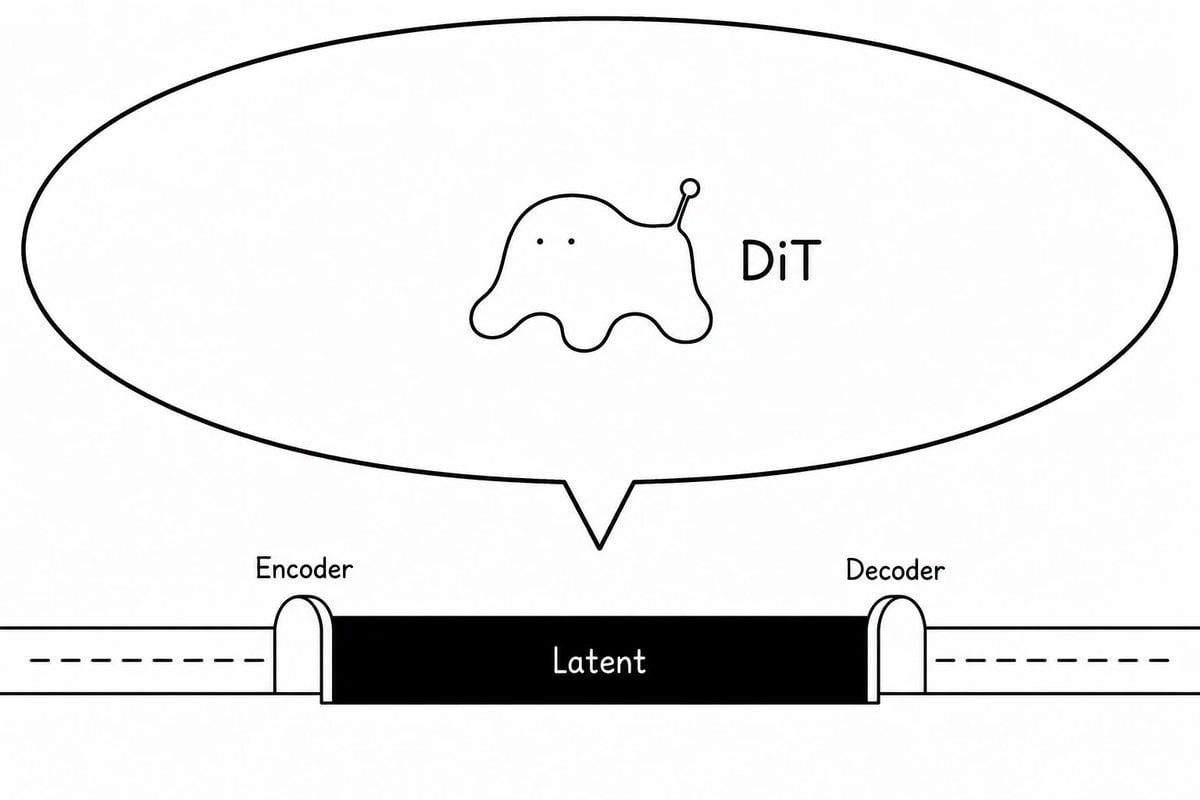
DiT Parasite in Autoencoder Latent Diagram
A minimalist monochrome technical cartoon diagram showing a DiT creature living inside an autoencoder latent space for use in ML articles or explainers.
- Prompt included
- Model and format preset
- Free template
The prompt behind this image
Copy the exact prompt behind DiT Parasite in Autoencoder Latent Diagram, or open it in the studio and make it yours.
Create a minimalist black-and-white conceptual diagram on a wide 16:9 white canvas showing a diffusion-transformer creature parasitizing an autoencoder latent space. Use thin hand-drawn black outlines and simple sans-serif labels, with a clean article-illustration style. Across the lower third, draw a horizontal pipeline: a long white tube enters from the left with a dashed centerline, passes through a small rounded arch labeled “Encoder,” then becomes a solid black rectangular central block labeled “Latent” in white, then exits through a matching rounded arch labeled “Decoder” into a white tube on the right with a dashed centerline. Above the latent block, draw one very large oval speech-bubble or callout balloon with a pointed tail aimed down toward the latent block. Inside the balloon, centered slightly left, draw exactly one small blob-like creature: soft amoeba body, two tiny dot eyes, four rounded drippy legs, and one raised antenna ending in a small circle; make it mildly uncanny but not scary and not overly cute. To the right of the creature inside the balloon, place the label “{argument name="creature label" default="DiT"}” in black. Use exactly three visible text labels on the diagram: “Encoder,” “Latent,” and “Decoder,” plus the creature label. Keep the composition sparse, monochrome, no shading, no color, no extra icons, no watermark.
How to use DiT Parasite in Autoencoder Latent Diagram in 3 steps
- 1Upload ImagePNG, JPG or paste
Add your photo
Upload the photo the template builds on. The prompt, model and format are already set.
- 2…a portrait of your subject in softgolden-hour light, 85mm…
Personalize
Edit the subject and creative details for your destination.
- 3Generate
Generate
Press Generate — your image is created in PicX Studio, so you can compare it with the original and refine one variable at a time.
More like this
Templates with the same subject, style or setup. Open one to see its prompt.
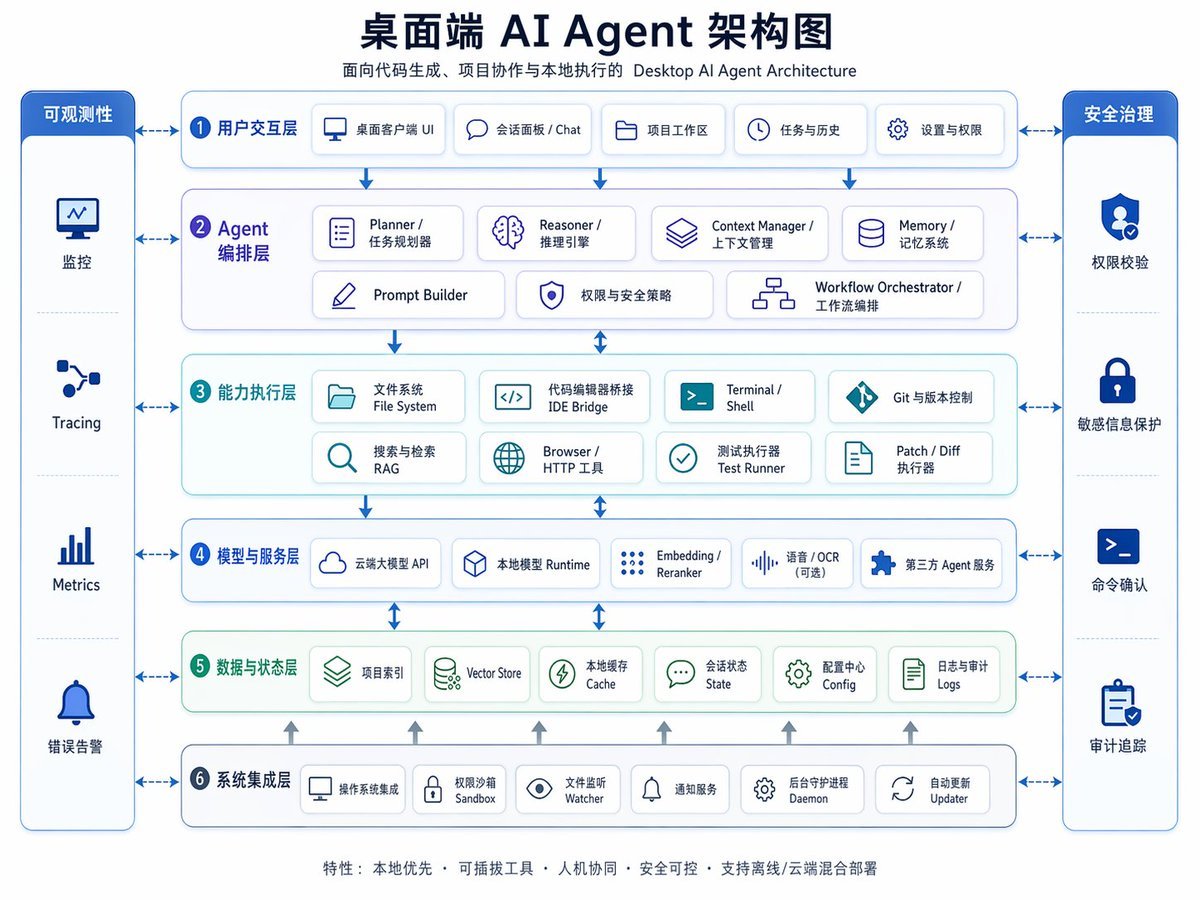
Desktop AI Agent Architecture Diagram
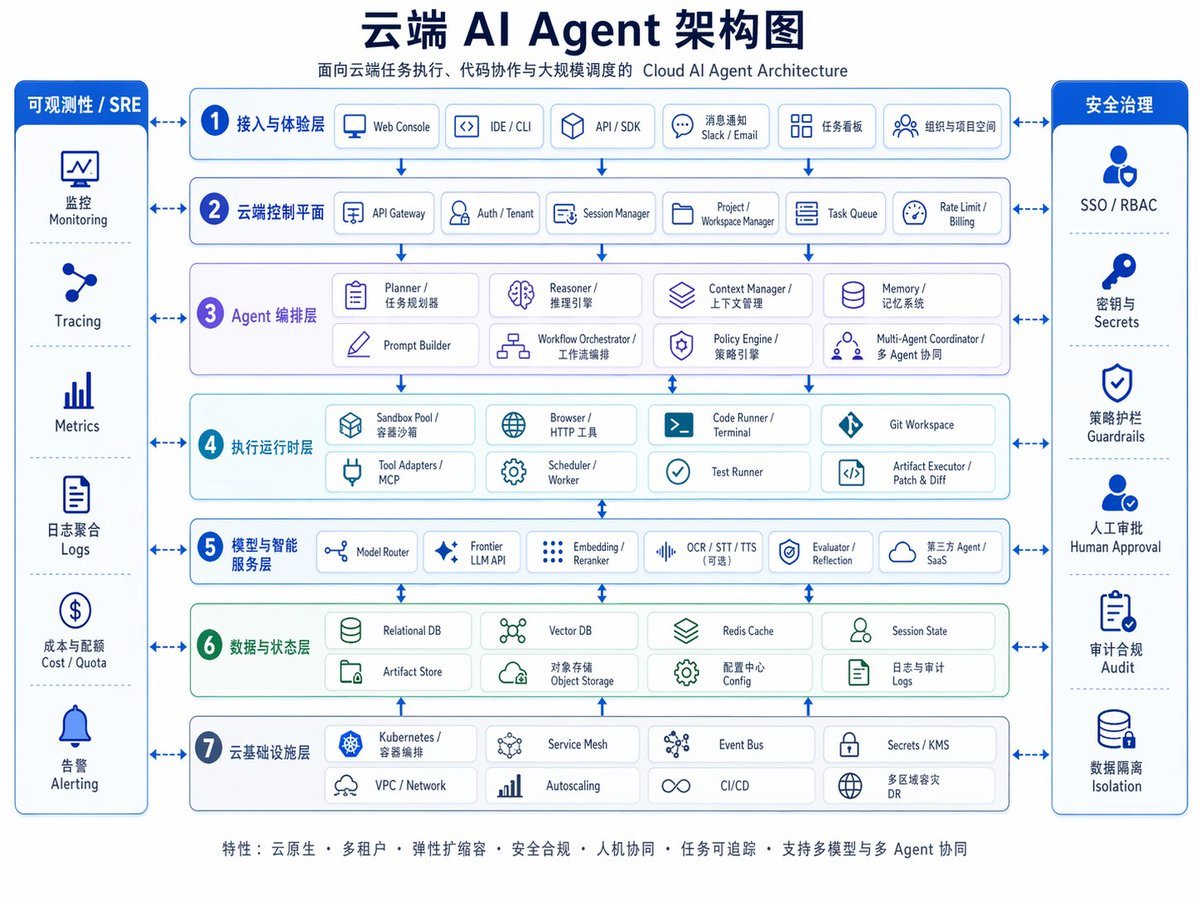
Cloud AI Agent Architecture Diagram
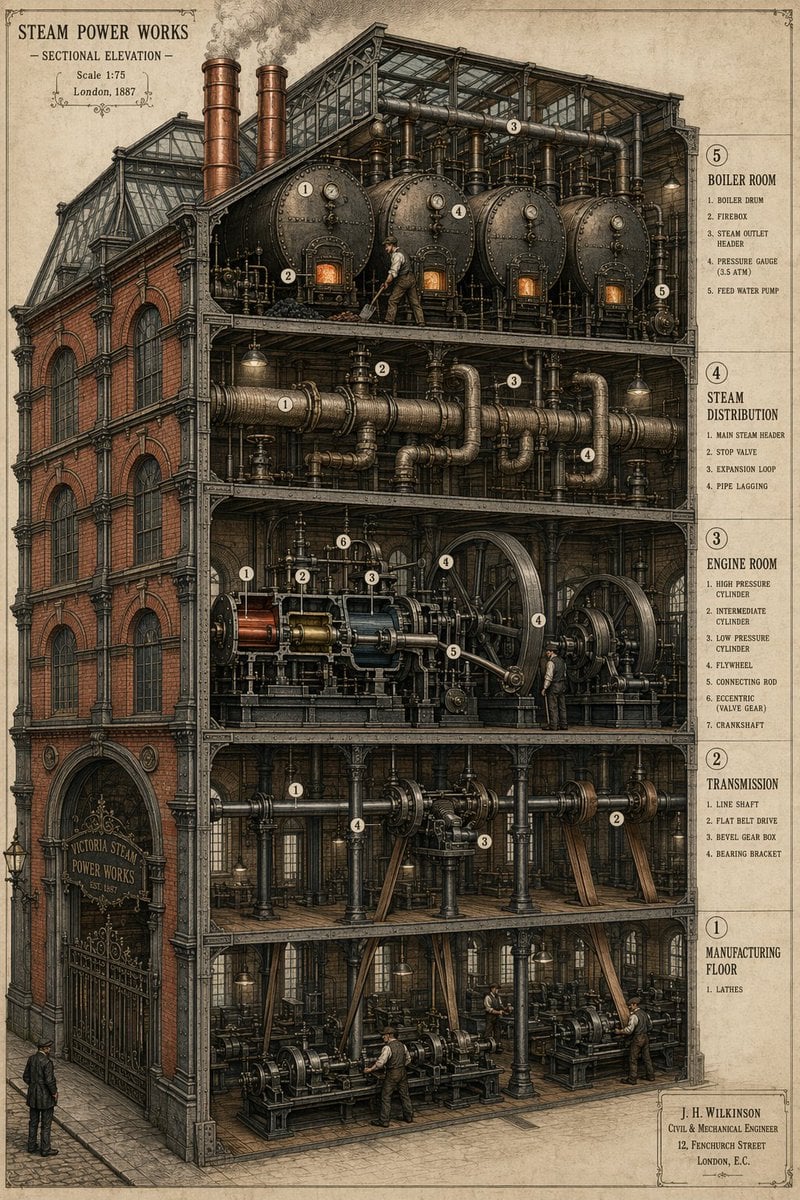
Victorian Steampunk Engineering Diagram
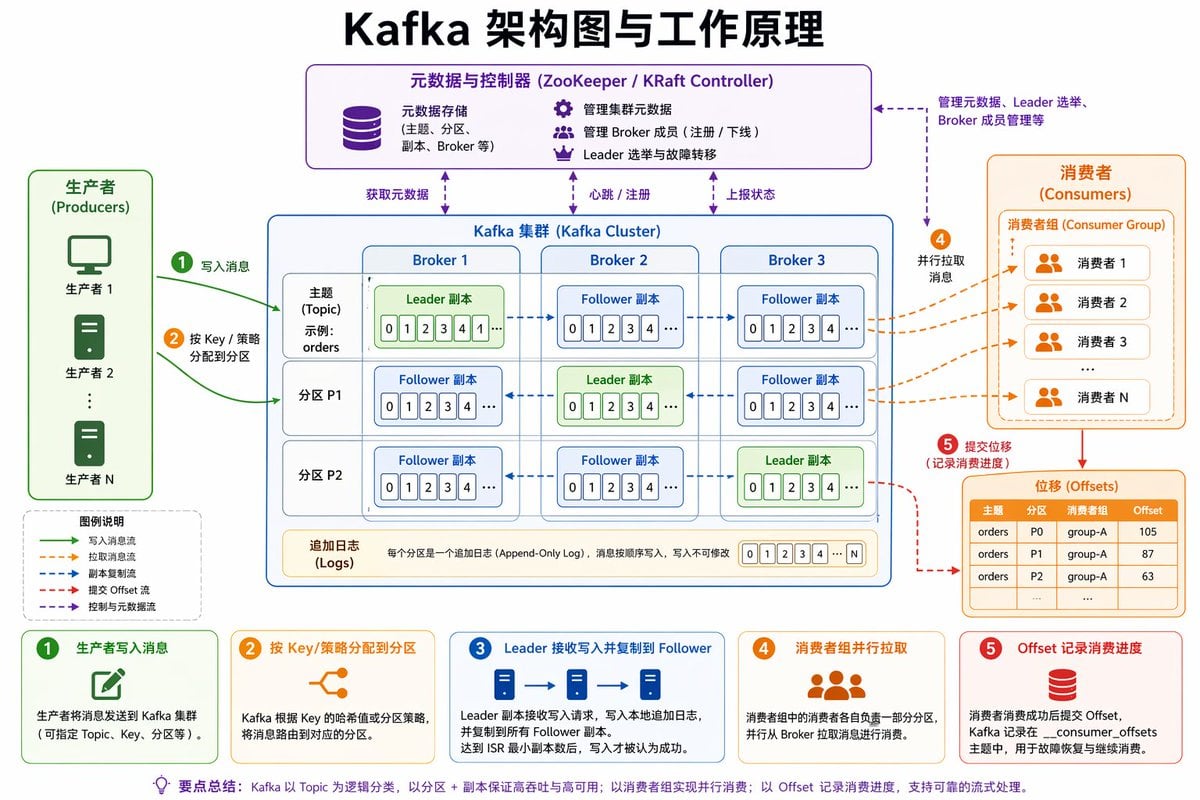
Kafka Architecture Diagram
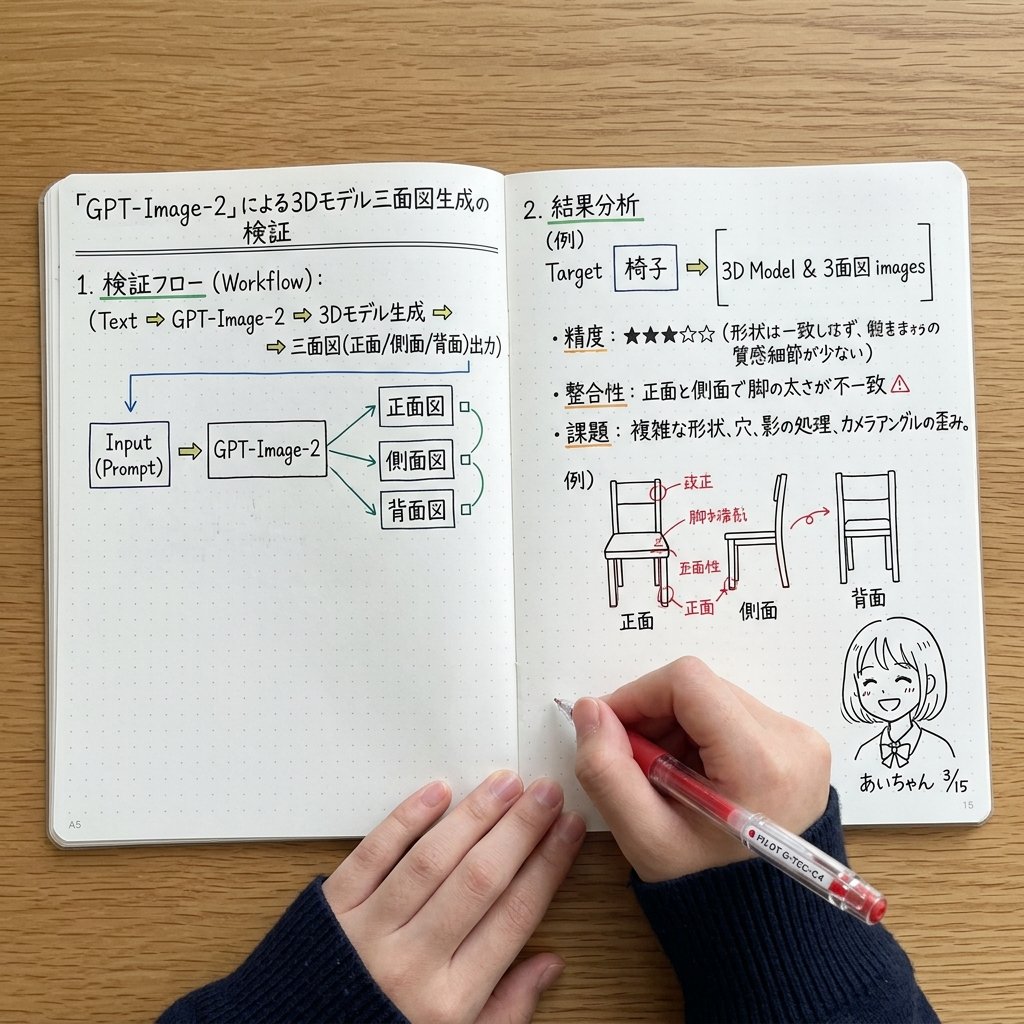
Notebook Spread with 3D Model Analysis Diagrams
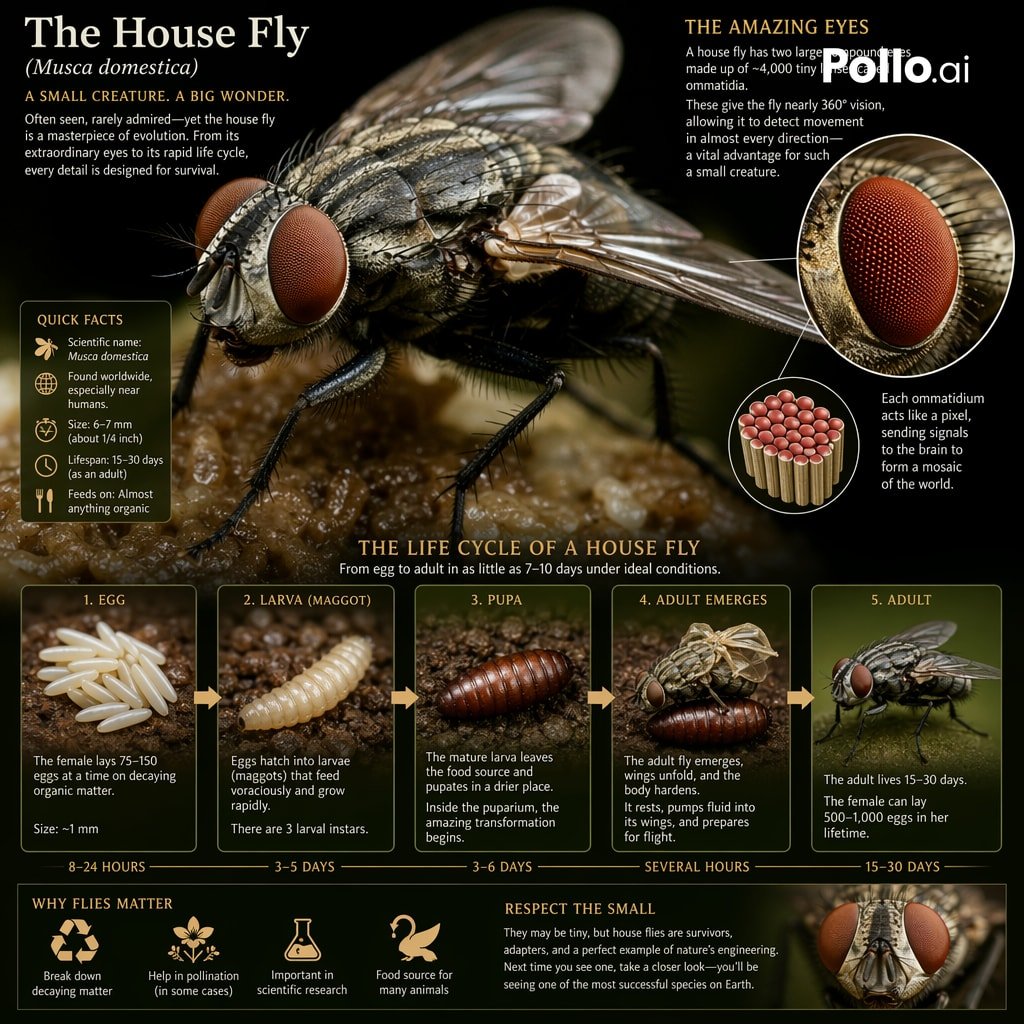
Biological Life Cycle Diagram
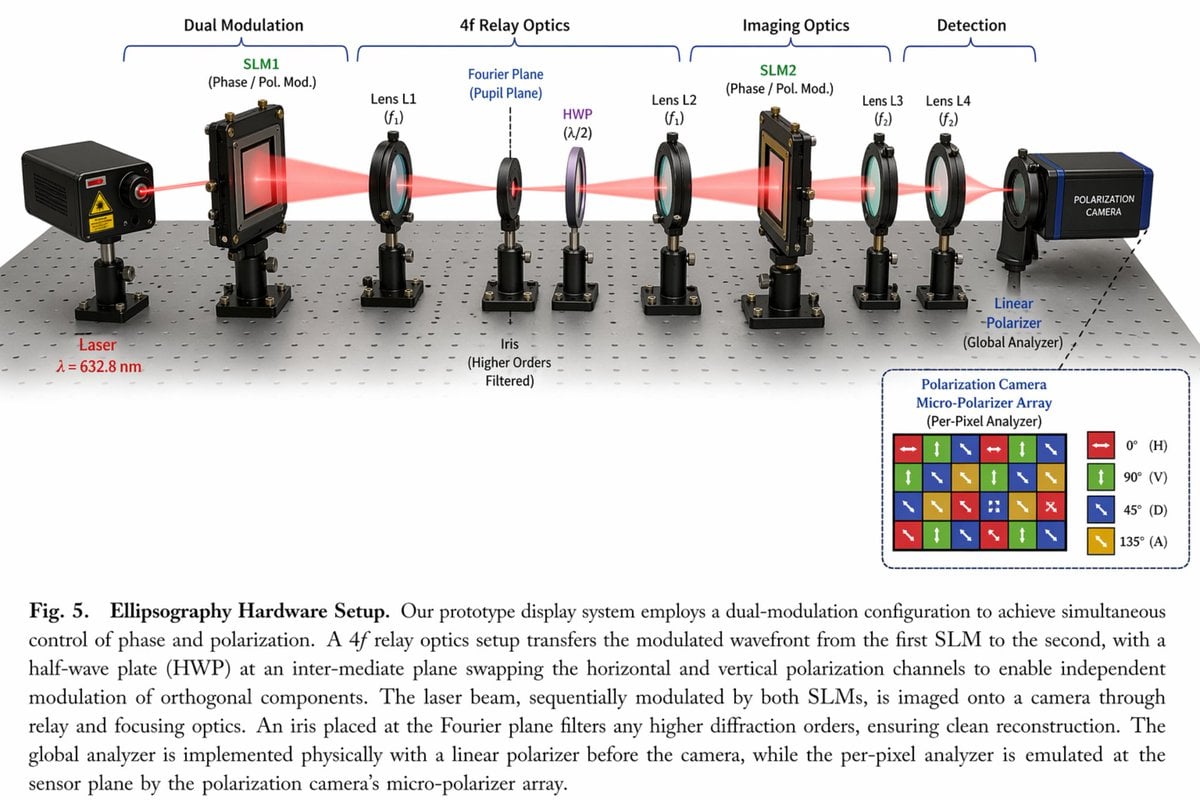
Optical Hardware Setup Diagram
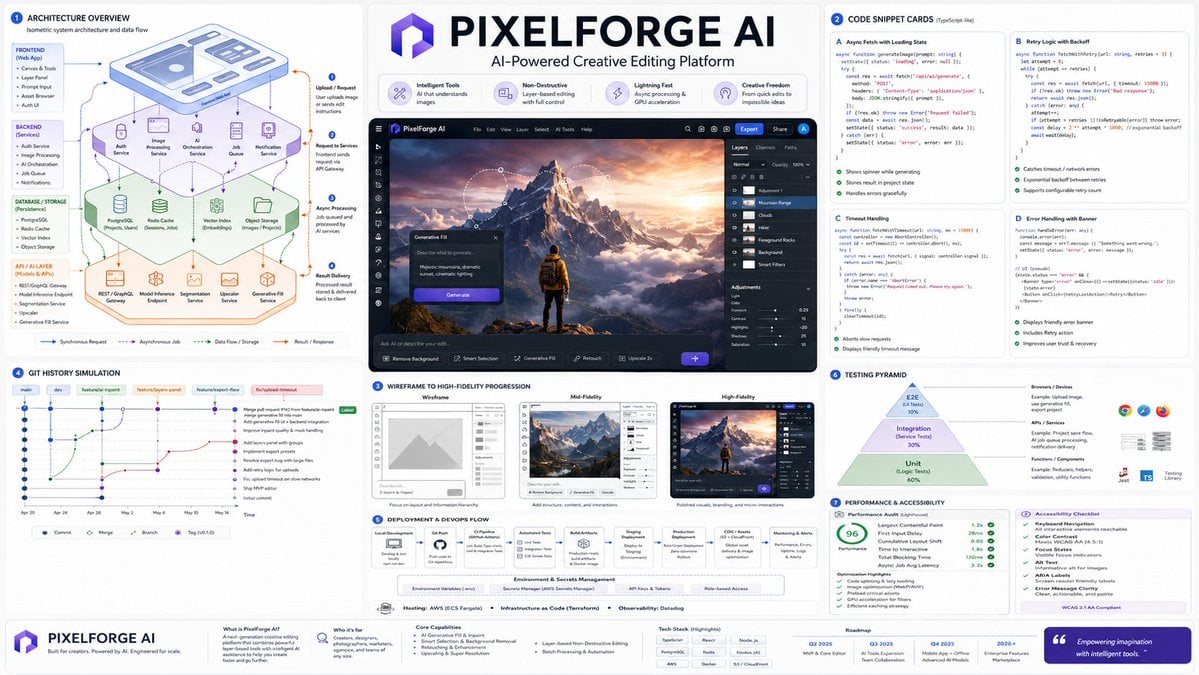
Software Architecture Visualization Diagram
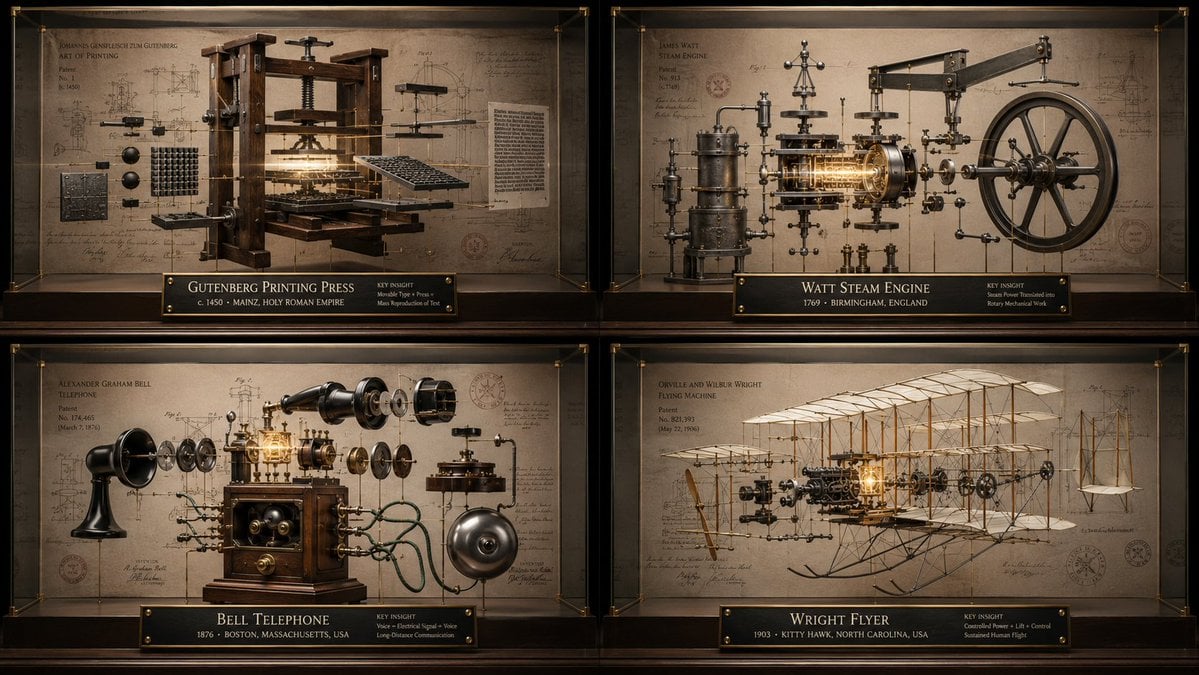
Innovation Reliquary Exploded Diagram
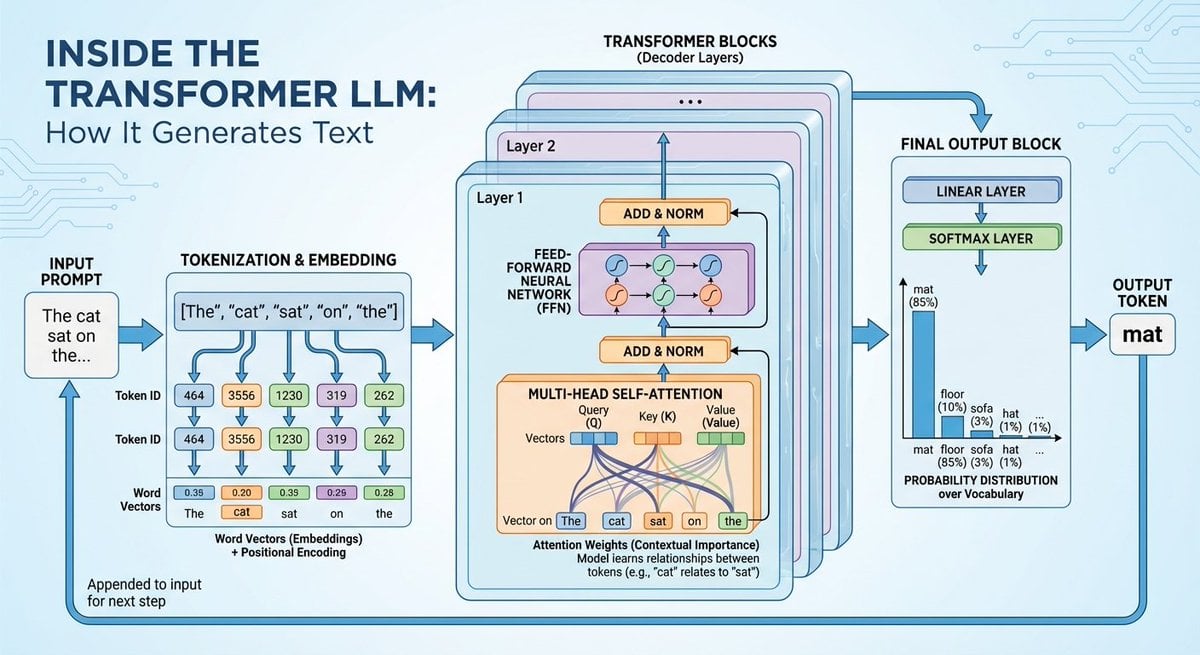
Space shuttle diagram in space
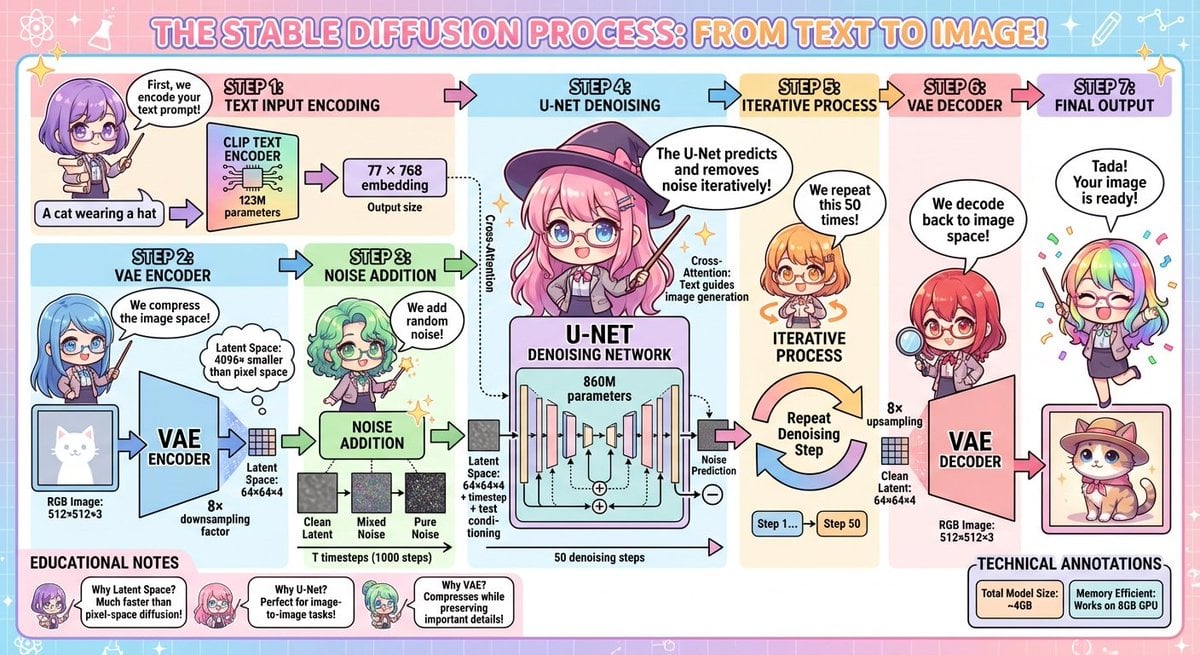
Stable Diffusion educational anime diagram
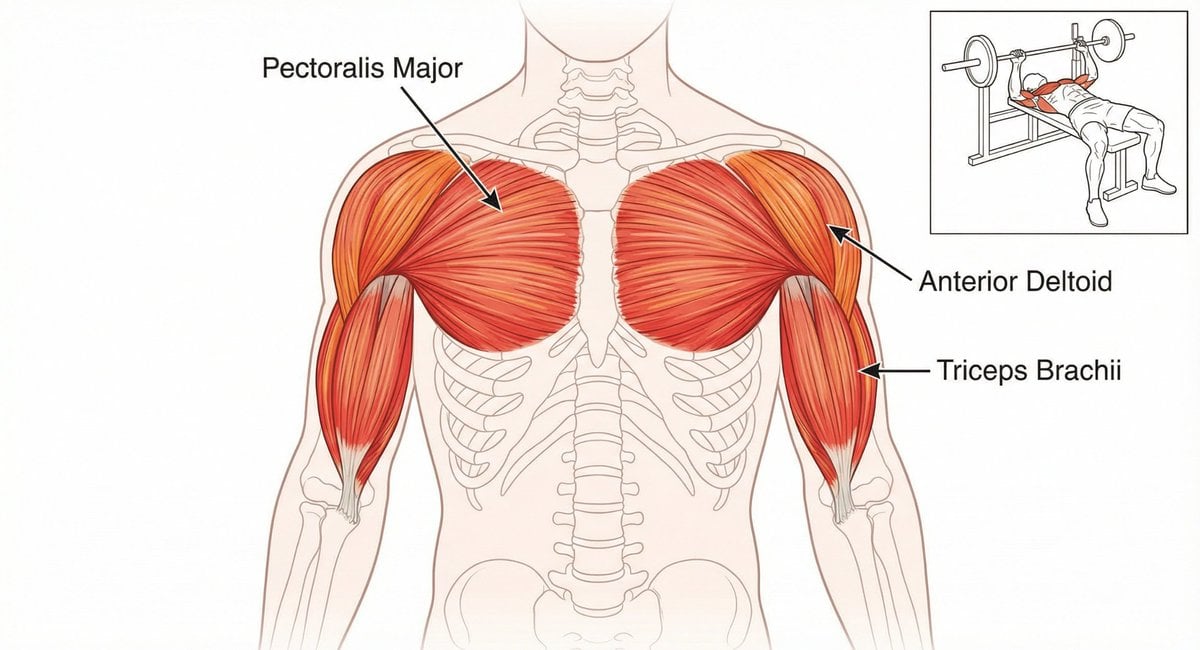
Bench press muscle diagram
Make it yours
DiT Parasite in Autoencoder Latent Diagram works as-is. These are the safest ways to change it without losing the look.
Change one field
Copy a single group, rewrite it, and generate again so you can see what that field is doing.
Keep the frame, change the subject
Hold the composition and light of DiT Parasite in Autoencoder Latent Diagram, then swap wardrobe, props or the person for a new take.
| If the result… | Why | Fix |
|---|---|---|
| The result drifts from the preview | Too many fields changed at once. | Reuse DiT Parasite in Autoencoder Latent Diagram as-is first, then change one group — subject, light, or setting. |
| The model over-stylizes the scene | The prose prompt leaves finish and camera underspecified. | Add one camera or lighting sentence and stay on GPT Image 2. |
More GPT Image 2 templates
Other prompts made for GPT Image 2.

Six VTuber Japanese Logo Sheet

Realistic Portrait of Woman and Deer

The Vista Modular Condo Poster

AI Model Routing Comparison Infographic

2.5D Anime Art Board

Isometric Productivity Desk Scene

New York Double Exposure Poster

Four-Panel AI Landscape Comparison

Japanese Tatami Lifestyle Magazine Cover

NESCAFÉ Coffee Map Poster
More image prompts
Fresh picks from across the catalog.

Panel Luxury Fashion Poster
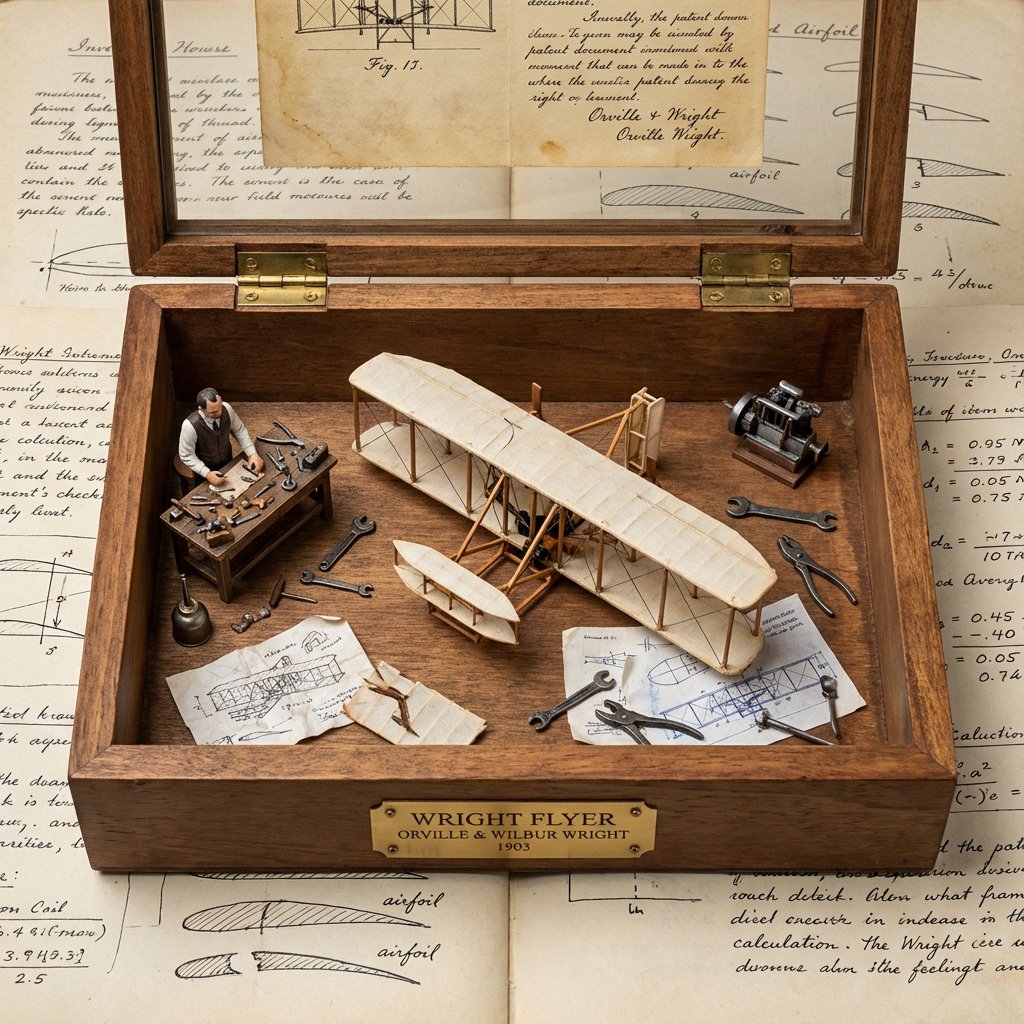
Invention Prototype Display Box Prompt

Minimalist Studio Fashion Shot

Dreamy Double Exposure Portrait with Sunset Light

High-Fidelity Mirror Selfie with Valentine's Roses and Identity Lock

Cinematic Shawarma Rotisserie Shot
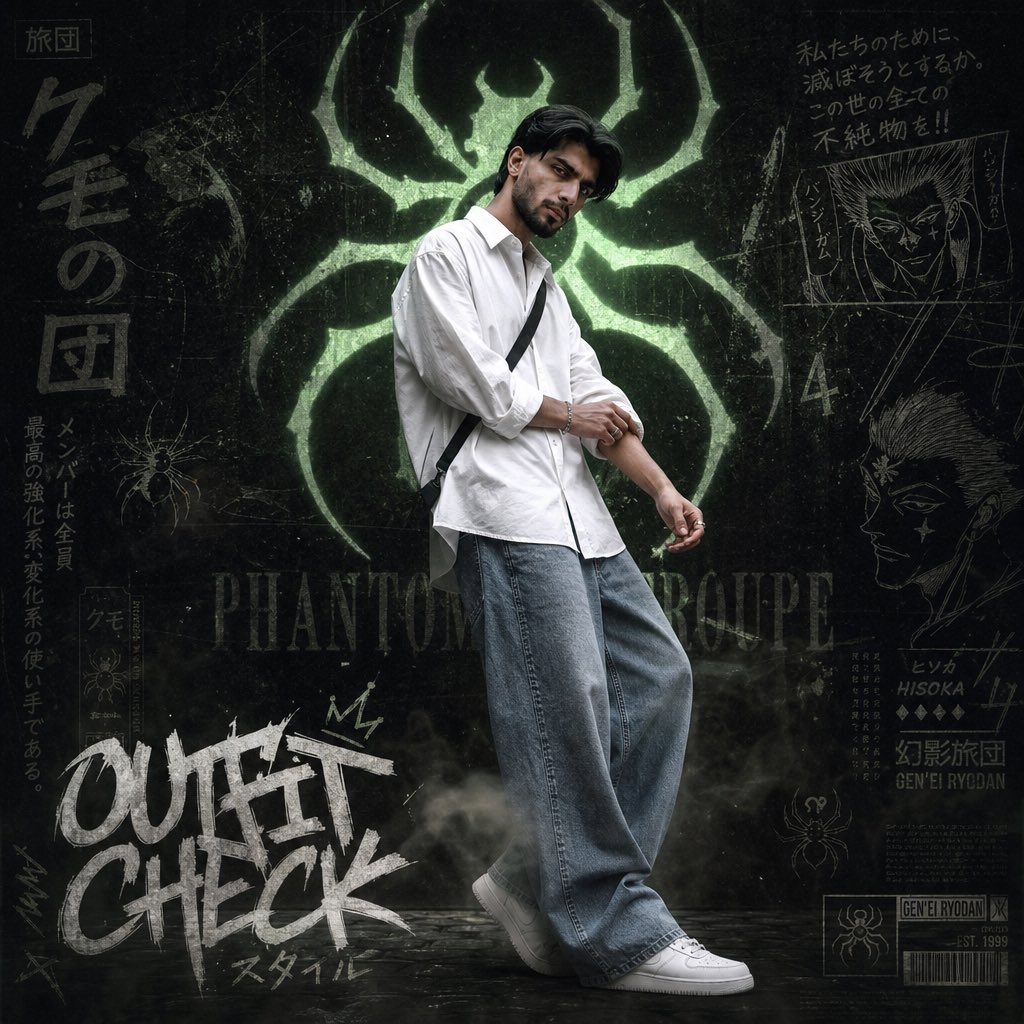
Anime Streetwear Poster

Milk Tea Commercial Storyboard
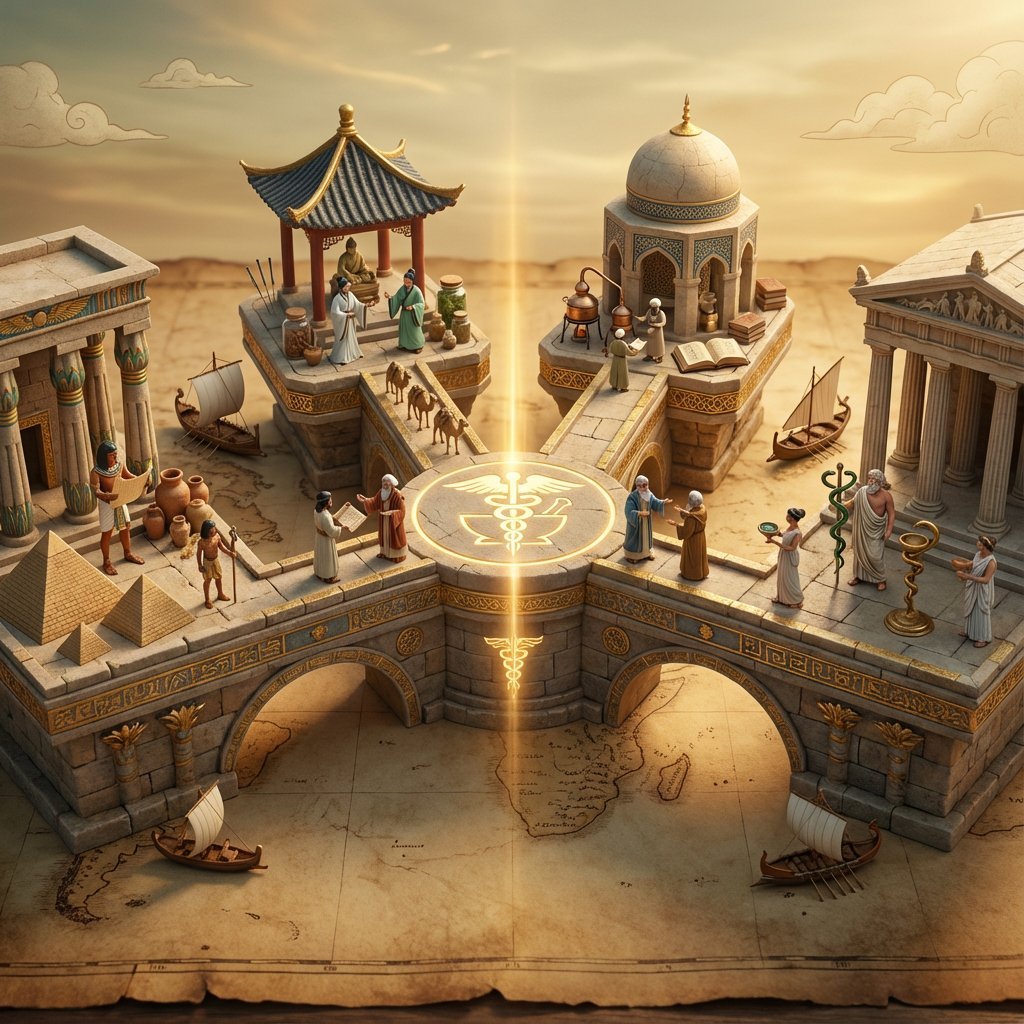
Ancient Civilizations Innovation Bridge Image Generation Prompt

Luxury Editorial Fashion Portrait Prompt for Nano Banana 2
Browse template categories
DiT Parasite in Autoencoder Latent Diagram questions
How do I use the DiT Parasite in Autoencoder Latent Diagram template?
Add your photo if the template asks for one, edit the prompt if you like — the template's model and format are already selected — and press Generate. Your version opens in PicX Studio.
Can I customize the DiT Parasite in Autoencoder Latent Diagram template?
Yes. You can change the subject, setting, lighting, mood, format, and available model controls before creating your image.
Is the DiT Parasite in Autoencoder Latent Diagram template free?
Opening and editing this template is free. Generating uses credits, shown on the Generate button when you are signed in.
Which AI model should I use?
Start with GPT Image 2, which is the model associated with this template. You can compare another compatible model for a different finish.
Looking for something else? Browse all templates.

Your photo, any look
Thousands of ready templates for every top image and video model, from one credit balance.