
Binary Walkable Area Mask
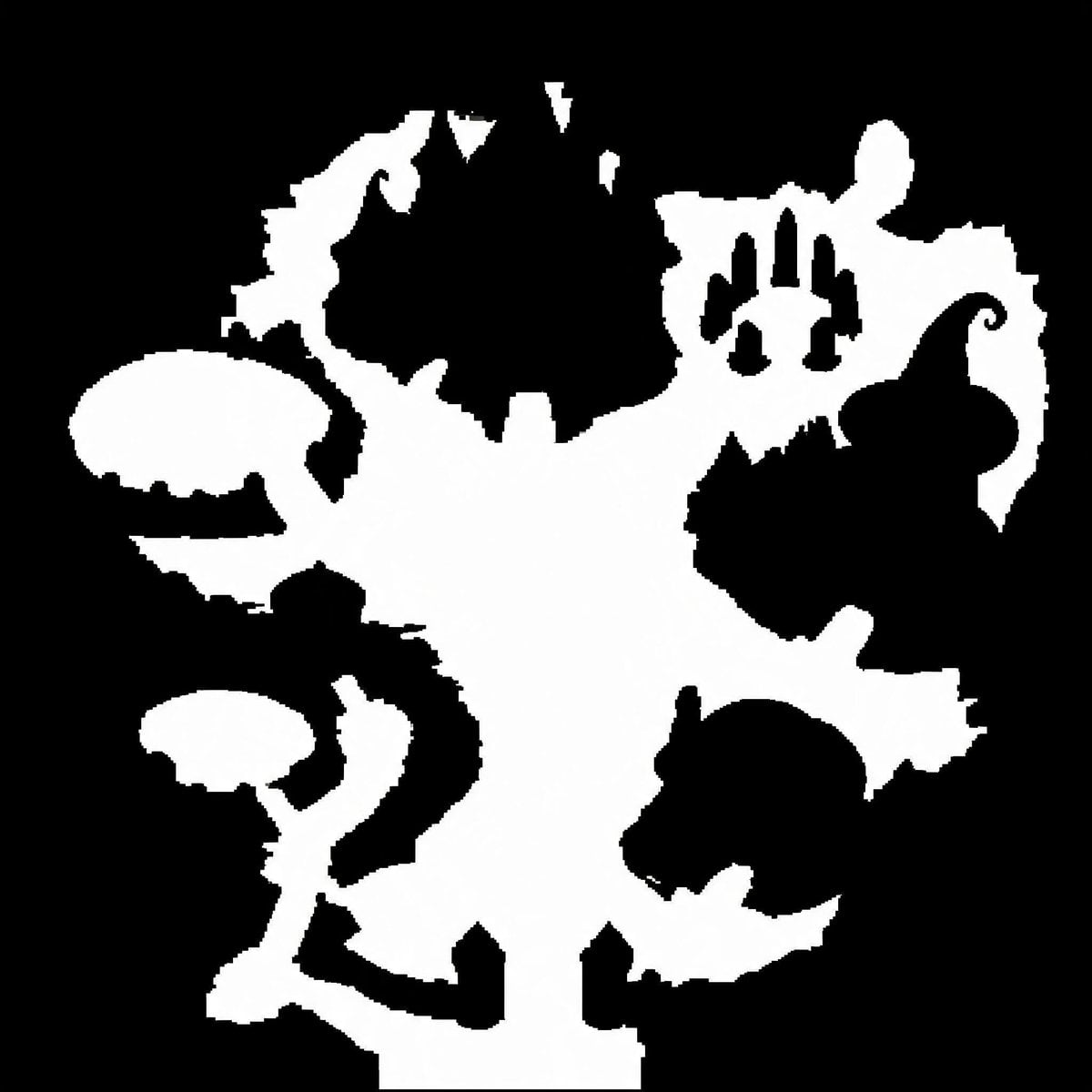
Generates a stark black-and-white top-down walkable-area mask for game maps, collision layouts, or SDF conversion tests.
- Prompt included
- Model and format preset
- Free template
The prompt behind this image
Copy the exact prompt behind Binary Walkable Area Mask, or open it in the studio and make it yours.
Create a pure black-and-white binary walkable-area mask for a top-down video game map. Use a square 1:1 canvas, about 768×768 pixels, with a solid black background and a single connected irregular white region representing traversable ground. The white shape should resemble a fantasy dungeon/island silhouette: a broad central vertical open area, jagged organic edges, narrow corridors and protruding rooms branching left and right. Include exactly 6 prominent side features around the central white mass: 1 large rounded oval platform on the upper left connected by a thin neck, 1 smaller mushroom-like platform on the lower left connected by a winding corridor, 1 jagged crescent-shaped protrusion at the upper left edge, 1 irregular upper-right chamber with three narrow black vertical cutouts inside it, 1 large black enclosed blob-like obstacle intruding from the right-center edge with a curled hook tip, and 1 round lower-right room-like protrusion partially separated by black negative space. Add several small triangular notches and pixel-stepped jagged edges, but keep the image strictly two colors only: pure white for walkable space and pure black for non-walkable space. No text, no grayscale, no antialiasing, no shadows, no perspective, no texture; make the edges slightly pixelated and mask-like as if intended for SDF or collision-map conversion.
How to use Binary Walkable Area Mask in 3 steps
- 1Upload ImagePNG, JPG or paste
Add your photo
Upload the photo the template builds on. The prompt, model and format are already set.
- 2…a portrait of your subject in softgolden-hour light, 85mm…
Personalize
Edit the subject and creative details for your destination.
- 3Generate
Generate
Press Generate — your image is created in PicX Studio, so you can compare it with the original and refine one variable at a time.
More like this
Templates with the same subject, style or setup. Open one to see its prompt.
Satellite Map of Big Ben Area
Style Change Prompt for Damaged Areas: Lost Love Girls

Moonlit Fox Mask Night Market
Masked Black Cat Tokusatsu Hero
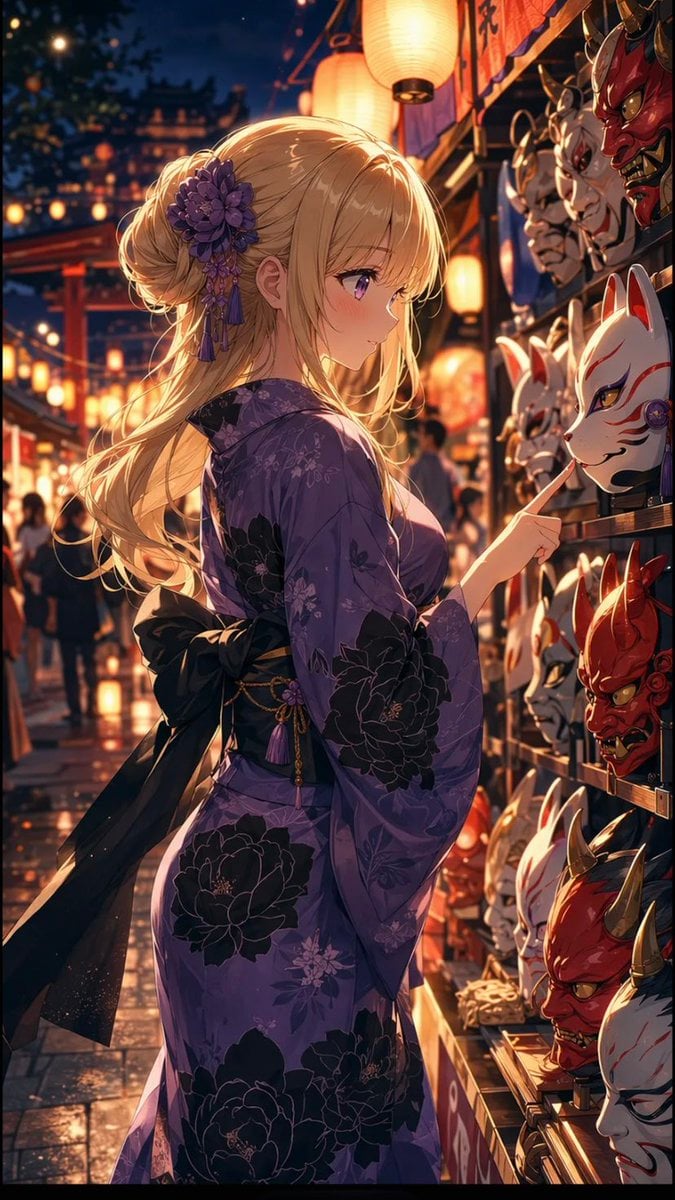
Anime Girl at Summer Festival Mask Stall
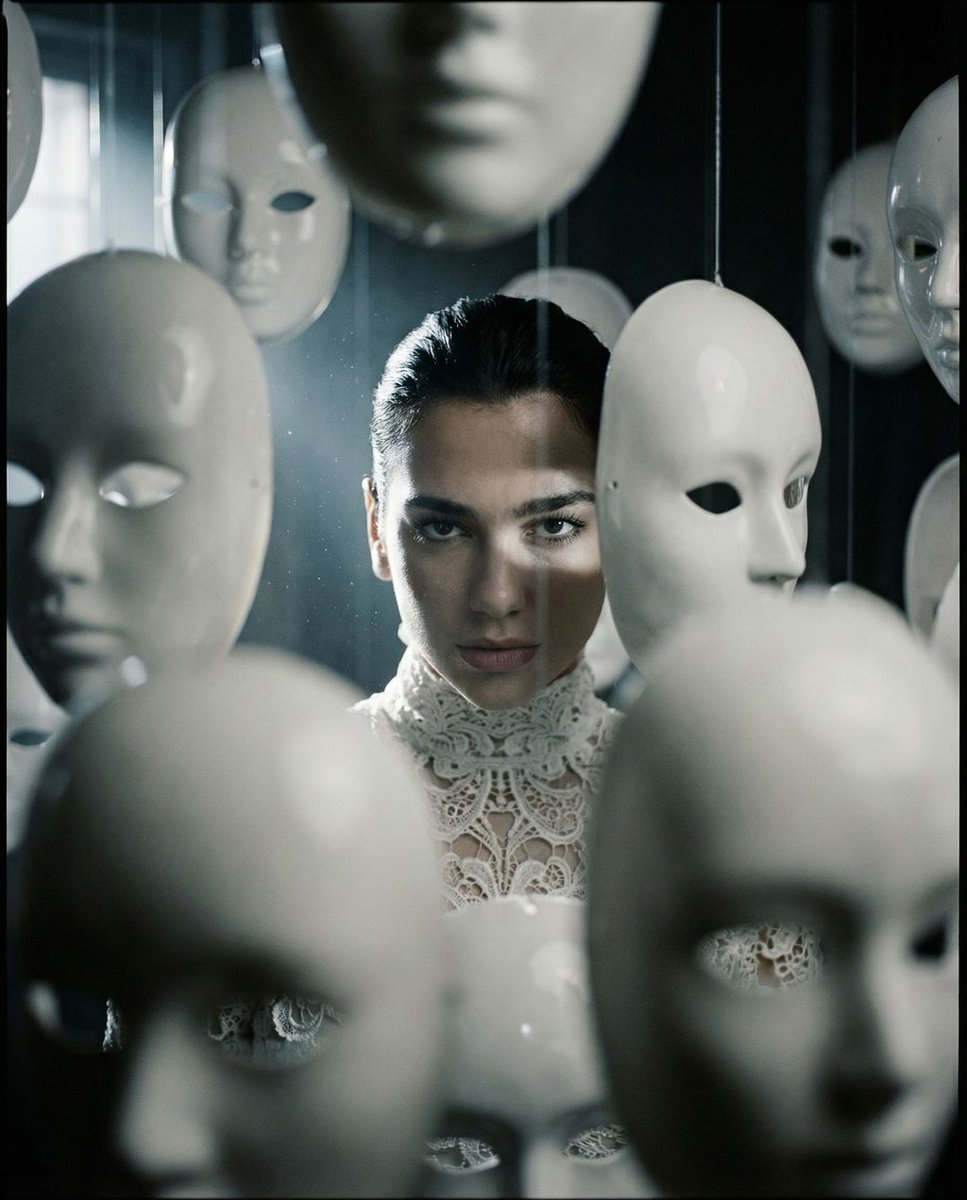
Surreal porcelain mask portrait
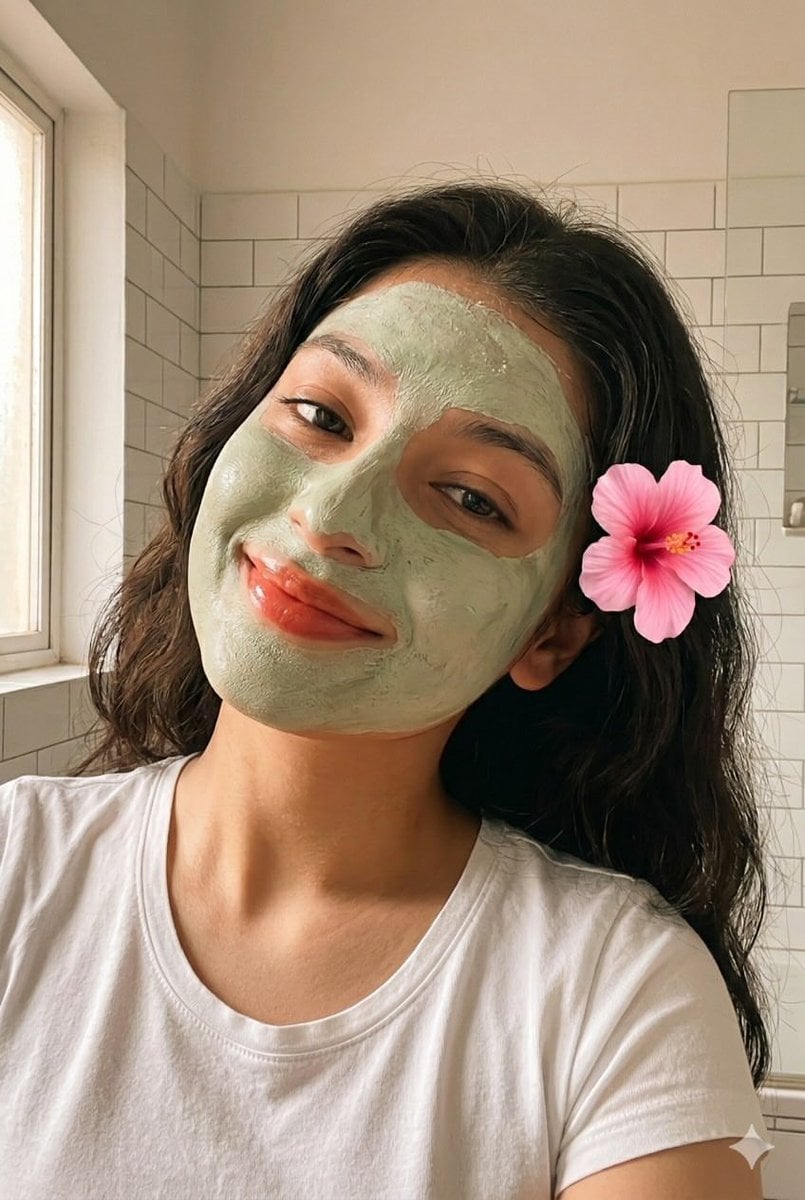
Clay Face Mask Bathroom Selfie
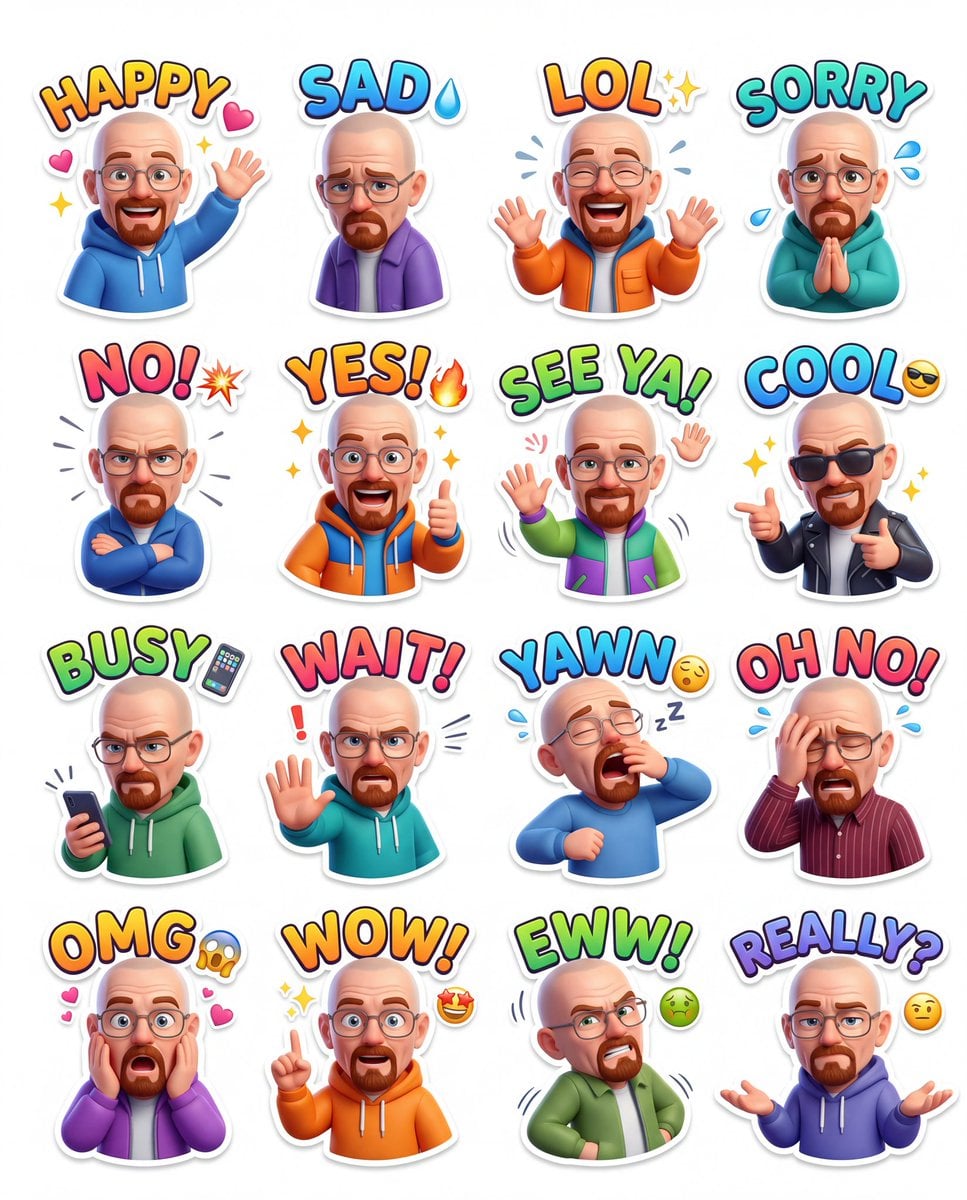
Anime Masked Ball Mystery

Pixar Anime Festival Mask

Typography Mask Editorial Fashion Poster
Masked Vigilante Noir Poster
Snow Rabbit Mask Hanfu Portrait
Make it yours
Binary Walkable Area Mask works as-is. These are the safest ways to change it without losing the look.
Change one field
Copy a single group, rewrite it, and generate again so you can see what that field is doing.
Keep the frame, change the subject
Hold the composition and light of Binary Walkable Area Mask, then swap wardrobe, props or the person for a new take.
| If the result… | Why | Fix |
|---|---|---|
| The result drifts from the preview | Too many fields changed at once. | Reuse Binary Walkable Area Mask as-is first, then change one group — subject, light, or setting. |
| The model over-stylizes the scene | The prose prompt leaves finish and camera underspecified. | Add one camera or lighting sentence and stay on GPT Image 2. |
More GPT Image 2 templates
Other prompts made for GPT Image 2.

Six VTuber Japanese Logo Sheet

Realistic Portrait of Woman and Deer

The Vista Modular Condo Poster

AI Model Routing Comparison Infographic

2.5D Anime Art Board

Isometric Productivity Desk Scene

New York Double Exposure Poster

Four-Panel AI Landscape Comparison

Japanese Tatami Lifestyle Magazine Cover

NESCAFÉ Coffee Map Poster
More image prompts
Fresh picks from across the catalog.
Nighttime Urban Film Portrait
Gen Z Chaotic Fairy Selfie Collage Prompt

Cute Cockatiel Profile Sheet
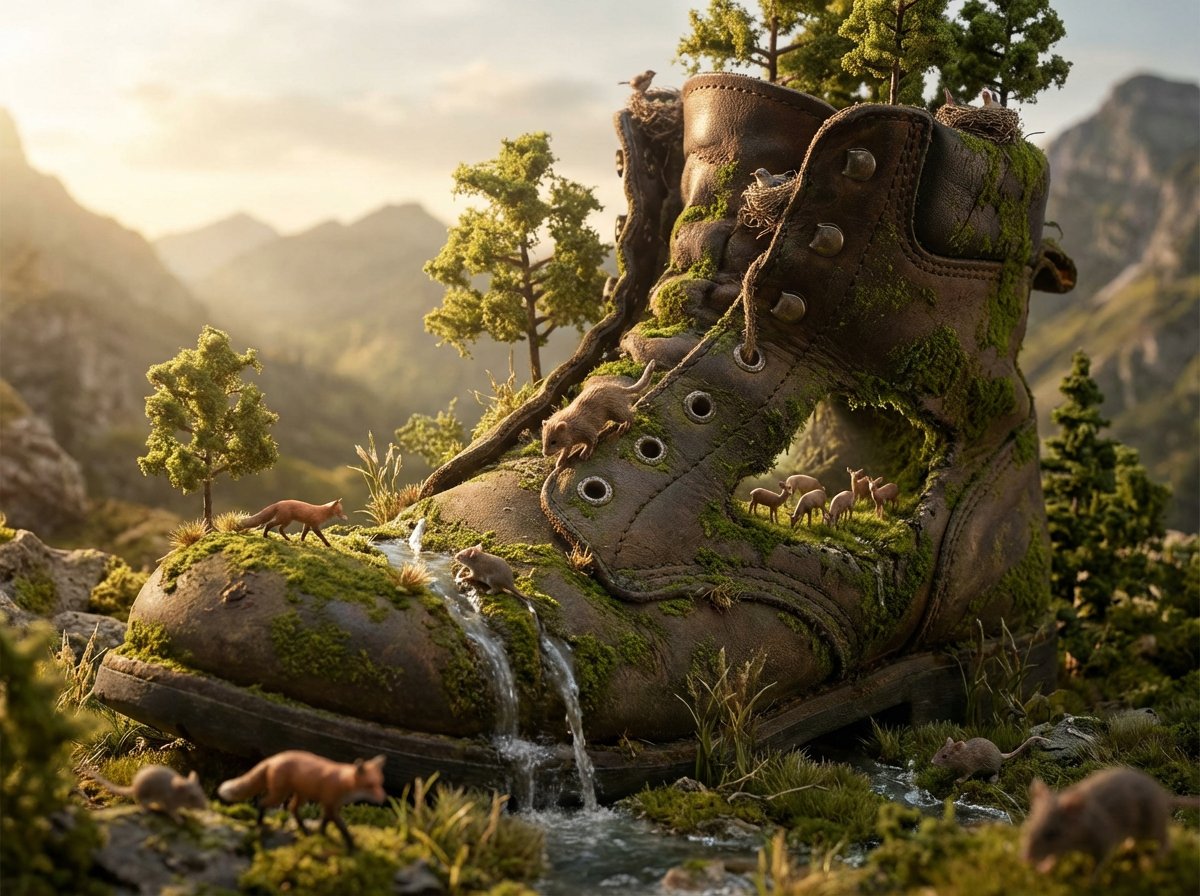
Object as Ecosystem / Manufactured as Wilderness Prompt
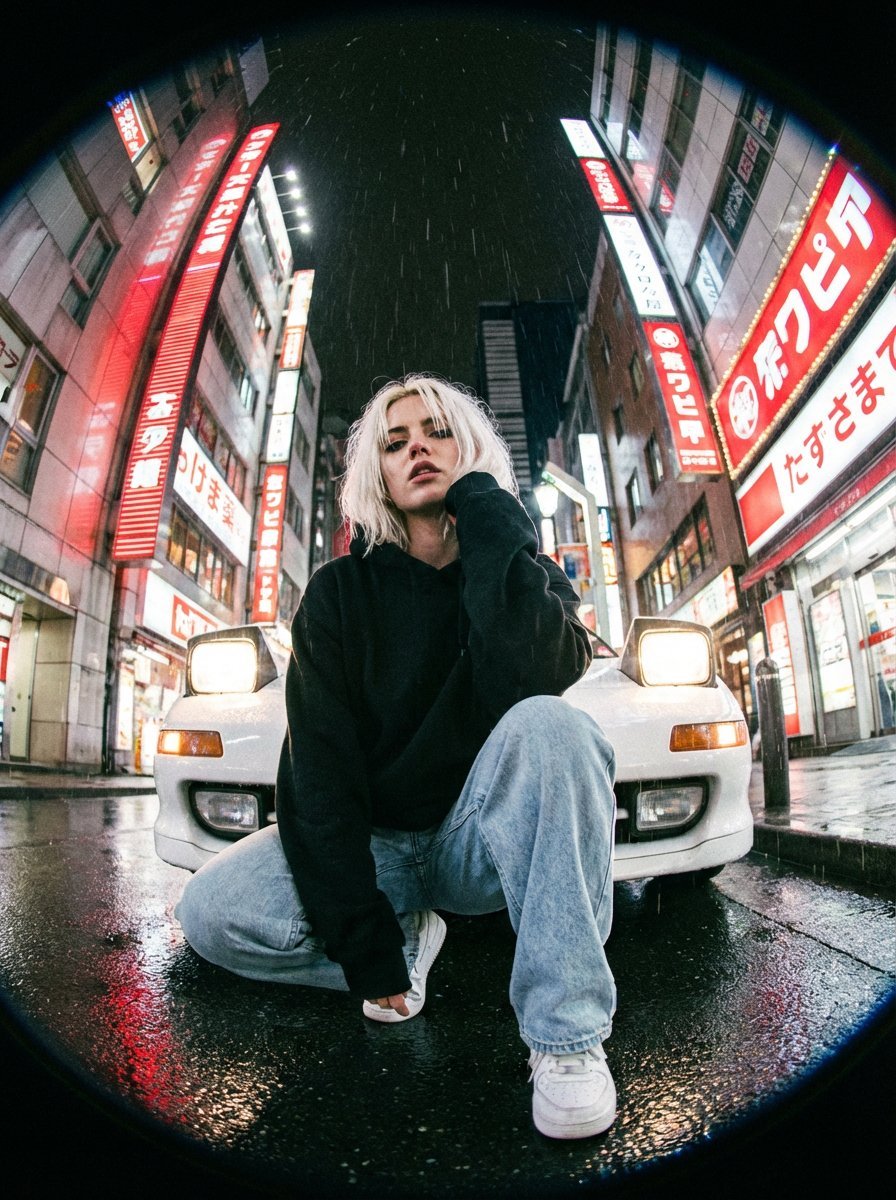
Hyper-Realistic Fisheye Street Portrait in Tokyo Rain
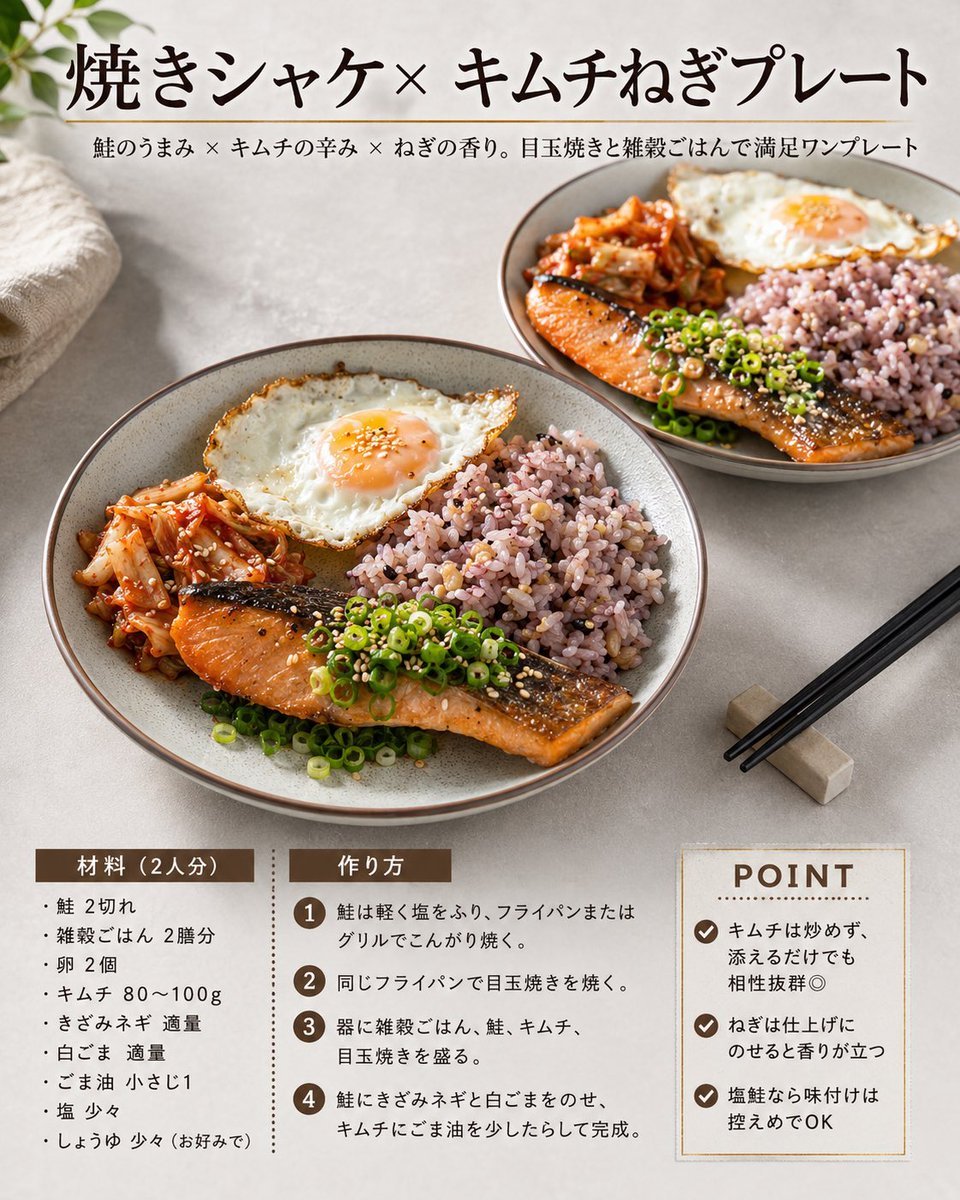
Japanese Salmon Kimchi Recipe Card
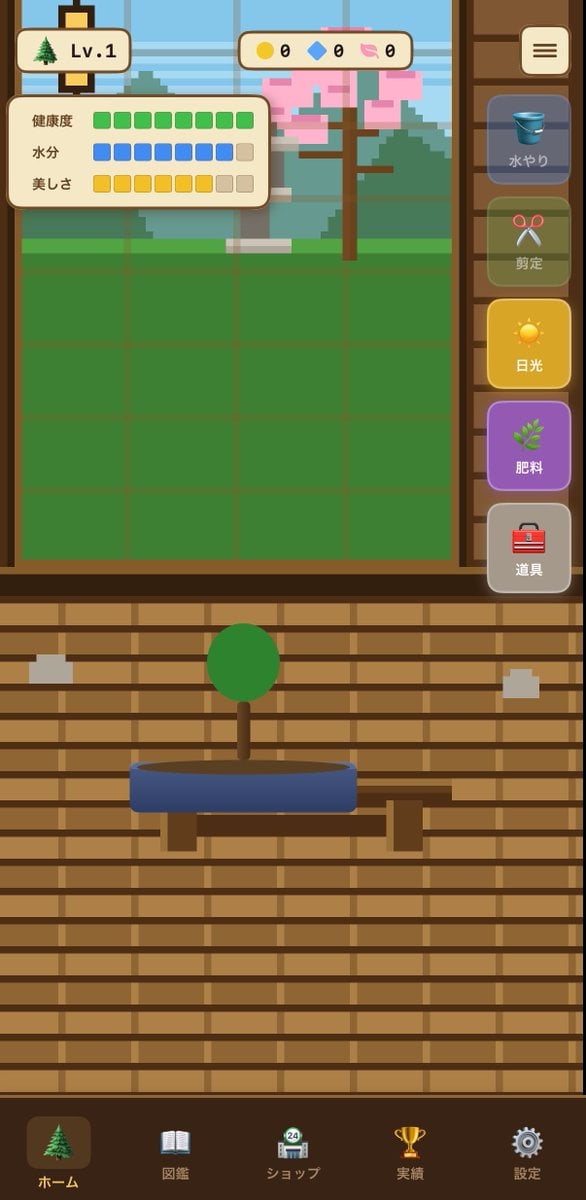
Bonsai Mobile Game UI Mockup
Moonlit Dancer Shadow Box
European Stone Alley Night Portrait
Fantasy Chibi Wedding Collage
Browse template categories
Binary Walkable Area Mask questions
How do I use the Binary Walkable Area Mask template?
Add your photo if the template asks for one, edit the prompt if you like — the template's model and format are already selected — and press Generate. Your version opens in PicX Studio.
Can I customize the Binary Walkable Area Mask template?
Yes. You can change the subject, setting, lighting, mood, format, and available model controls before creating your image.
Is the Binary Walkable Area Mask template free?
Opening and editing this template is free. Generating uses credits, shown on the Generate button when you are signed in.
Which AI model should I use?
Start with GPT Image 2, which is the model associated with this template. You can compare another compatible model for a different finish.
Looking for something else? Browse all templates.

Your photo, any look
Thousands of ready templates for every top image and video model, from one credit balance.