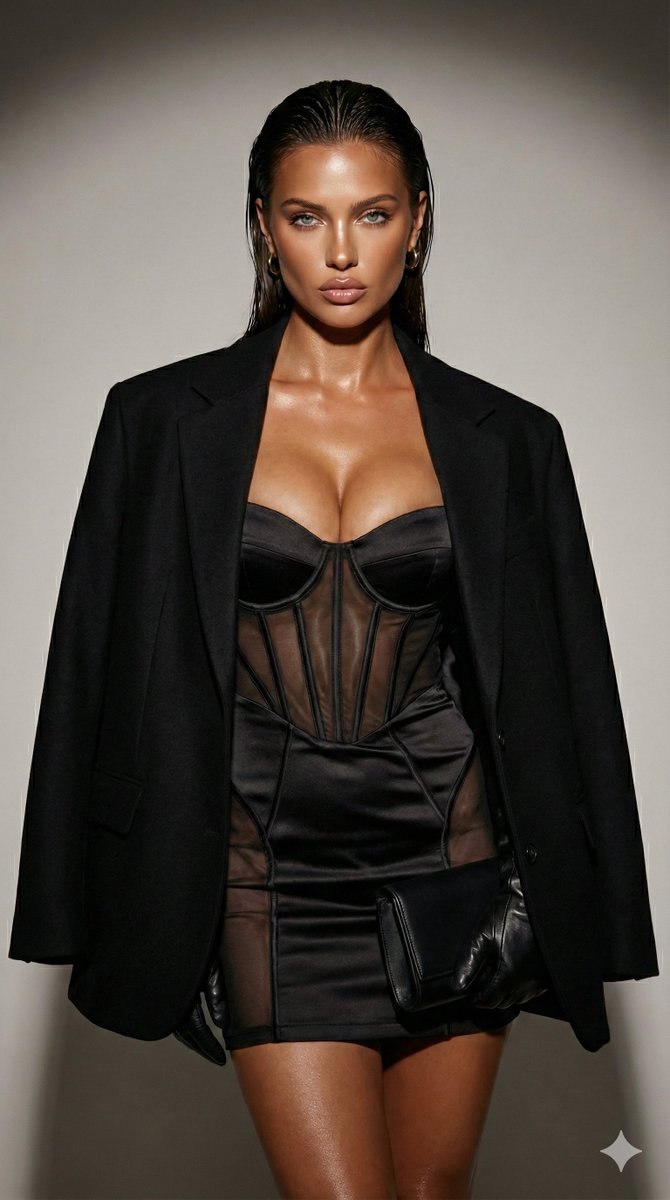
How do I use the Soft E-Girl Selfie with Goth Patterned Camisole template?
Choose the primary action to open PicX Studio with the available template settings. Review the model and format, personalize the creative direction, and generate when ready.
A highly detailed JSON prompt for generating an ultra-photorealistic medium close-up selfie. Change the subject, setting, or lighting one variable at a time.

{ "subject": { "appearance": { "hair": { "color": "light blonde", "style": "long, straight, parted in the middle, slightly tousled texture", "length": "waist-length, cascading over shoulders" }, "eyes": { "color": "light green/hazel", "gaze": "looking slightly upward and to the side, dreamy and contemplative", "lashes": "long, defined eyelashes" }, "skin": { "tone": "fair/pale", "texture": "smooth, natural finish, rosy cheeks, faint freckles across the nose bridge", "complexion": "glowy and hydrated" }, "lips": { "color": "natural pink rose", "shape": "full, plump, soft pout" }, "physique": { "build": "curvy, hourglass figure", "features": "prominent bust" } }, "clothing": { "type": "cropped camisole/tank top", "material": "soft stretch cotton blend", "color": "white base", "pattern": "{argument name="camisole pattern" default="gothic/halloween theme: repeating black bats with skeleton details, crescent moons, and stars"}", "fit": "tight, form-fitting", "neckline": "low scoop neck" }, "pose": { "type": "selfie portrait", "angle": "eye-level, slightly angled body", "expression": "neutral, soft, relaxed mouth", "head_position": "slightly tilted, chin up" } }, "environment": { "location": "indoor bedroom/living area", "background_objects": { "wall_decor": "hanging vertical tapestry with beige background and mystical/astrological line art", "furniture": "dark grey sofa corner, white shelving unit with woven storage bins", "items": "small purple plush toy (squishmallow style), small orange plush/object", "plants": "green leafy houseplant in background right", "equipment": "tripod/ring light stand visible in background right" }, "ambiance": "casual, messy-clean, lived-in space" }, "lighting": { "type": "natural daylight", "quality": "soft, diffused, window light", "direction": "frontal, illuminating face evenly", "highlights": "catchlights in eyes, soft sheen on nose tip and forehead", "shadows": "minimal, soft drop shadows under hair and chin" }, "styling": { "aesthetic": "soft e-girl, casual goth, cozy, influencer style", "makeup": "minimalist 'no-makeup' look, natural eyebrows, flushed cheeks", "jewelry": "small silver hoop earring visible on one ear" }, "camera_settings": { "style": "Ultra Photorealistic", "shot_type": "medium close-up", "focal_length": "35mm (mimicking high-end smartphone portrait mode)", "aperture": "f/2.2", "shutter_speed": "1/125", "iso": "200", "focus": "sharp focus on eyes and face, slight bokeh blur in background", "resolution": "8k, high definition", "details": "micro-details of skin texture, individual hair strands, fabric weave visible" } }
Choose the primary action to open PicX Studio with the available template settings. Review the model and format, personalize the creative direction, and generate when ready.
Yes. You can change the subject, setting, lighting, mood, format, and available model controls before creating your image.
This template is free to open and customize. Generation usage is shown in PicX Studio before you create.
Start with Nano Banana 2, which is the model associated with this template. You can compare another compatible model for a different finish.
Follow a topic to a crawlable collection of related PicX Studio templates.
43,474 public templates available. Verified via the PicX Studio public templates API; refreshed hourly.

















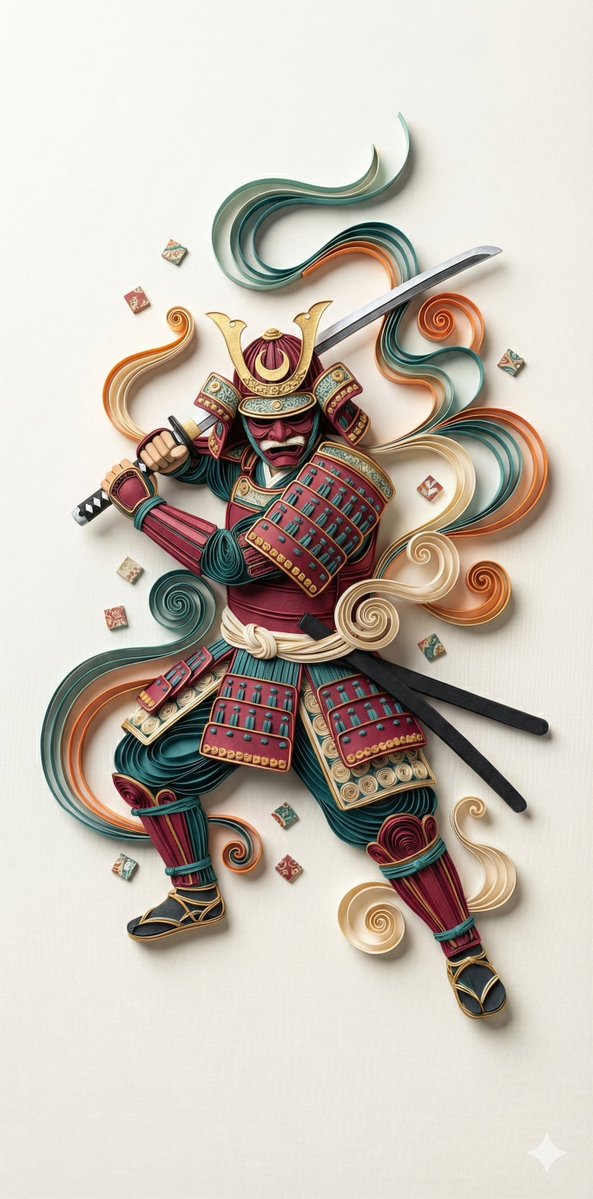
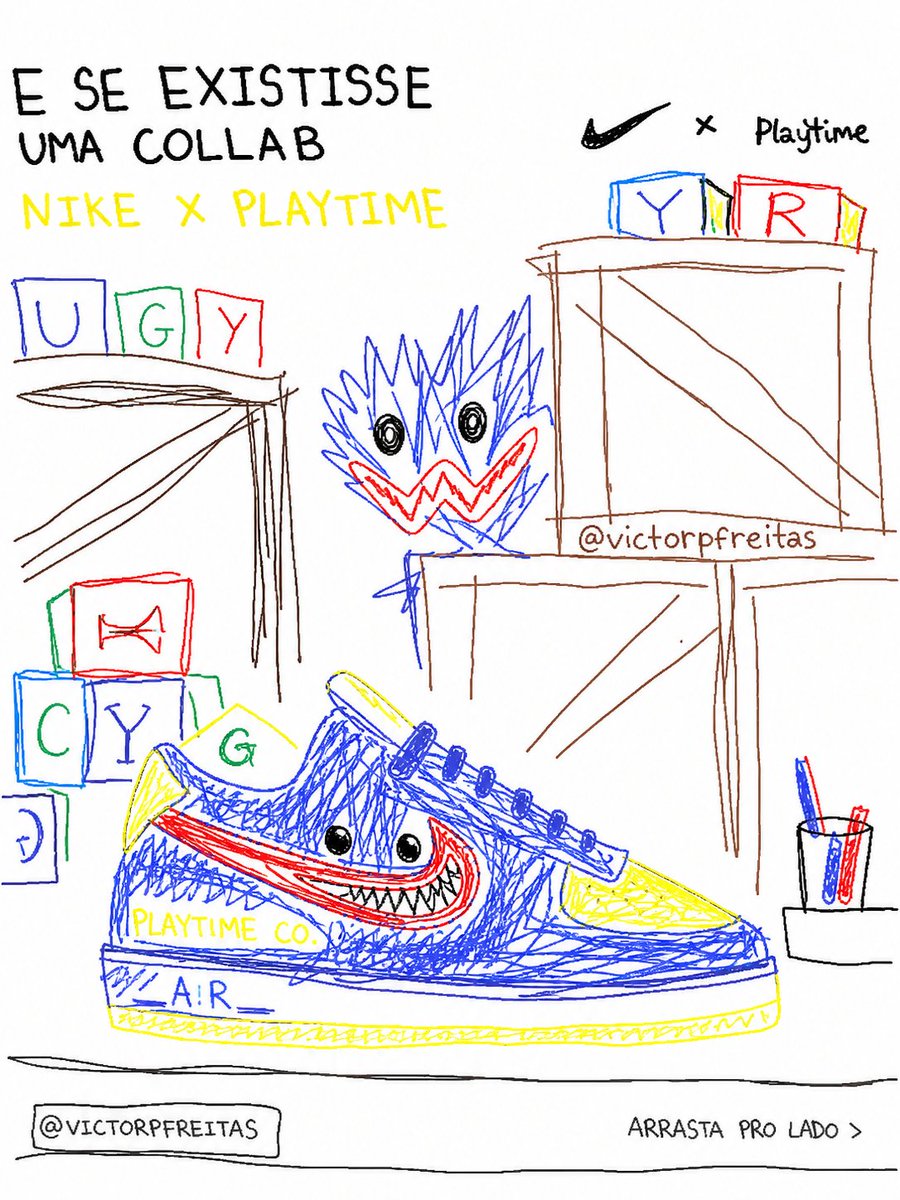
![Naive doodle-style subject illustration — A doodle-style {argument name="subject" default="[subject]"}, naive lines, humorous shape exaggeration](https://pbs.twimg.com/media/G6Wl2YxbsAARB2b.jpg)