
Soft Light CCD Girl Next Door Portrait
A natural street-side cafe portrait prompt featuring a soft light CCD camera aesthetic and a vibrant, approachable lifestyle vibe.
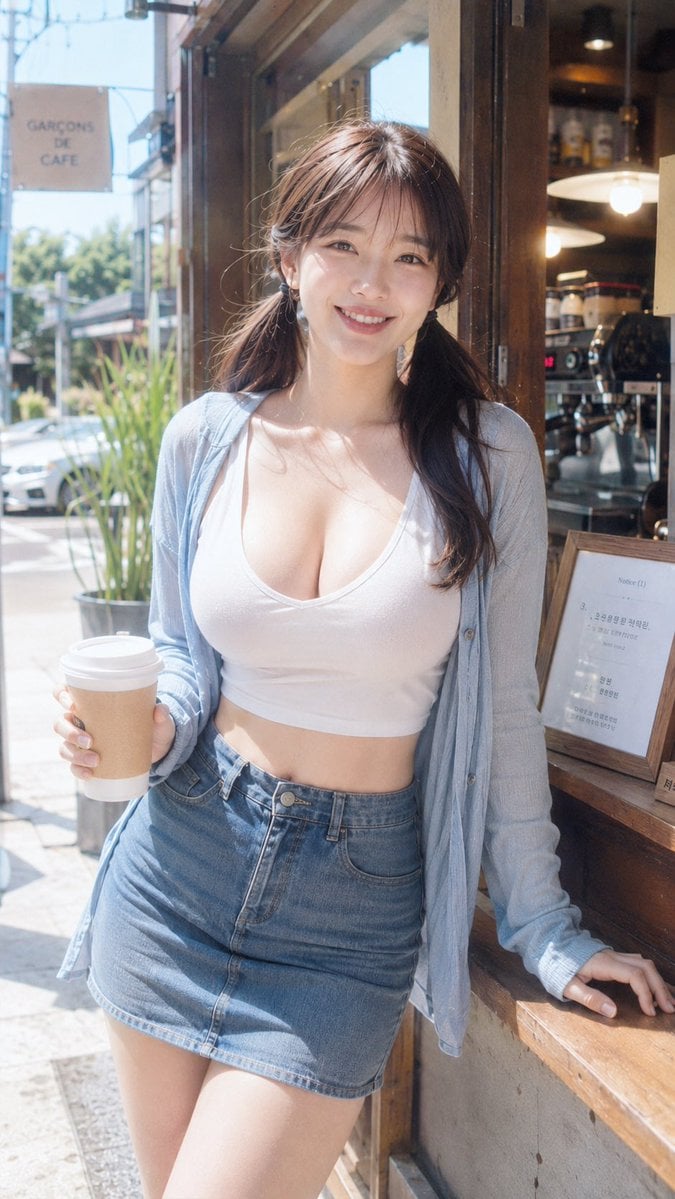
- Prompt included
- Model and format preset
- Free template
The prompt behind this image
Copy the exact prompt behind Soft Light CCD Girl Next Door Portrait, or open it in the studio and make it yours.
摄影风格:柔光CCD风 写真方向:元气街边生活照 场景方向:{argument name="场景" default="社区咖啡外带窗口 / 小店门口 / 木质点单台旁"} 服装方向:{argument name="服装" default="白色修身短袖 + 露肚脐牛仔裙 + 轻薄开衫"} 气质标签:元气、明亮、松弛、亲近、生活感、轻甜 五官方向:邻家元气脸 五官细节:圆润杏眼、笑眼明显、卧蚕自然、苹果肌柔和、嘴角上扬、眼神有光 发型方向:{argument name="发型" default="双低马尾"} 发型细节:发量蓬松、发尾轻卷、空气刘海、耳边碎发柔软 身形方向:丰腴自然曲线 线条强调:中 镜头方向:半身到大腿 姿态动作:一只手拿外带咖啡杯,另一只手轻扶窗口台面,身体轻微侧向镜头 光线氛围:白天街边自然光 + 店内暖光 + 柔闪 滤镜效果:奶白高光 + 轻微过曝 + 轻颗粒 + 清透CCD色彩 画幅比例:9:16 补充要求:像买咖啡等朋友时被随手拍下的一帧,生活化、轻松、元气,有一点城市日常感
How to use Soft Light CCD Girl Next Door Portrait in 3 steps
- 1
Open
The prompt is already in the box next to the preview, with the template's model and format selected.
- 2…a portrait of your subject in softgolden-hour light, 85mm…
Personalize
Edit the subject and creative details for your destination.
- 3Generate
Generate
Press Generate — your image is created in PicX Studio, so you can compare it with the original and refine one variable at a time.
More like this
Templates with the same subject, style or setup. Open one to see its prompt.
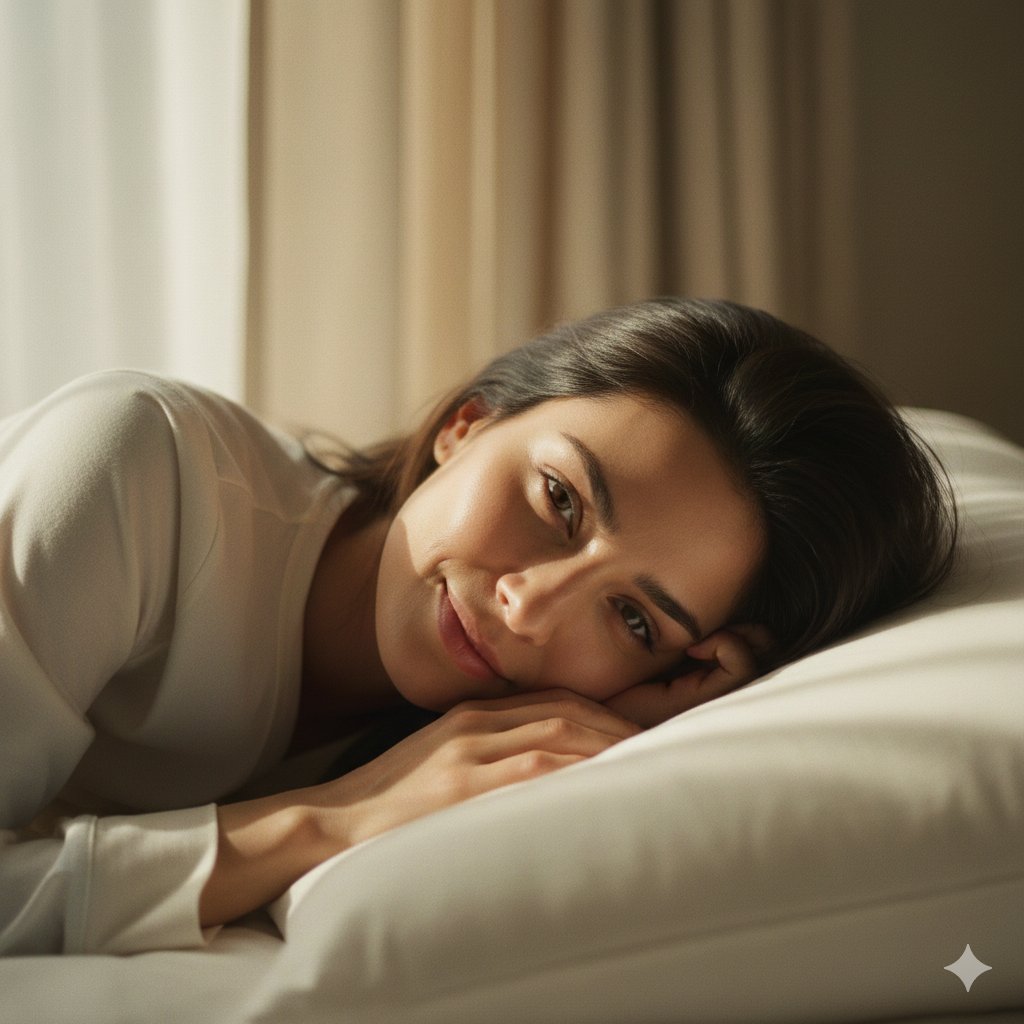
Soft Intimate Indoor Portrait with Window Light
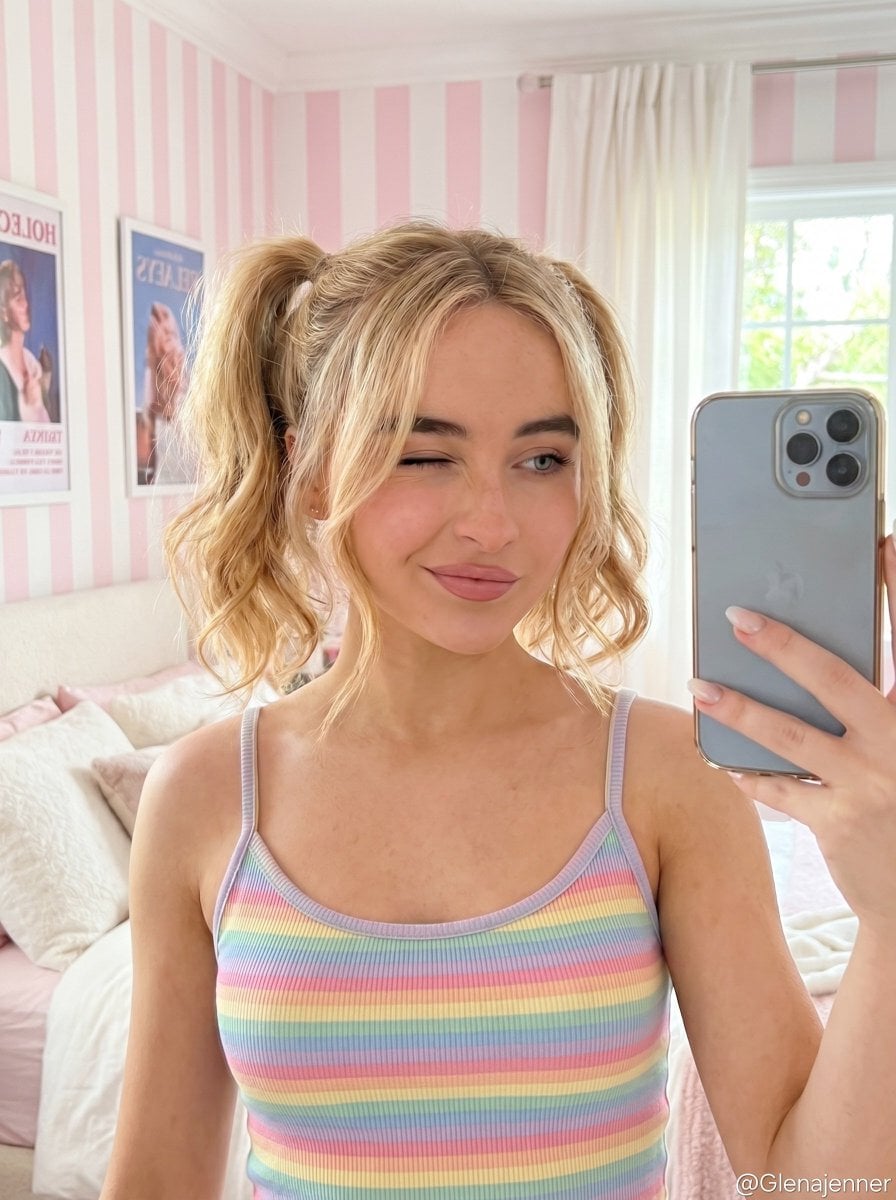
Soft Girl Selfie Portrait
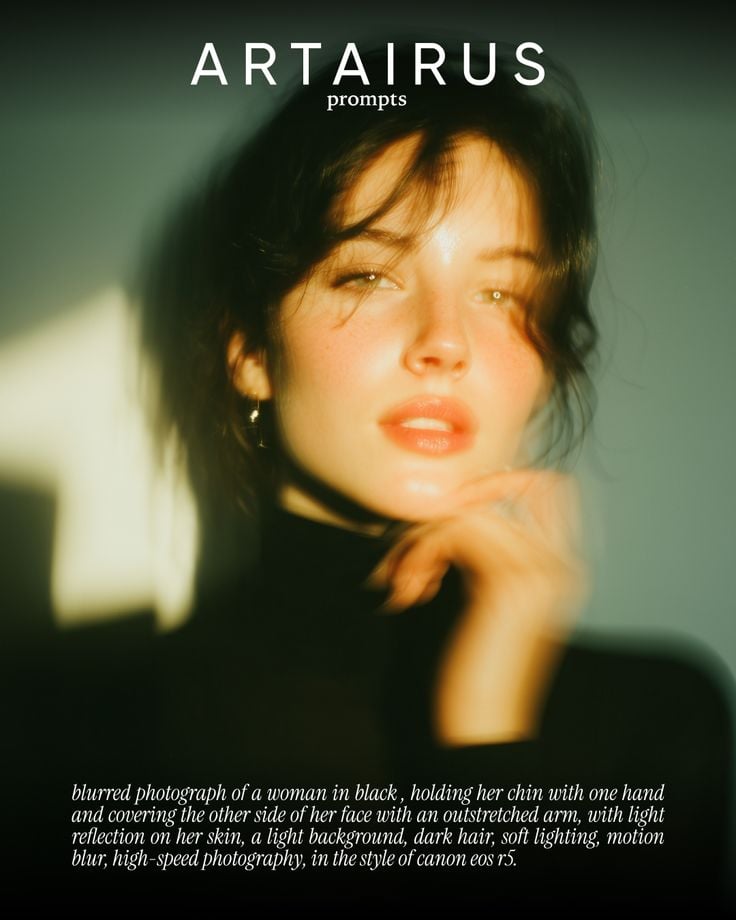
Cinematic Portrait with Soft Golden Light Prompt
Soft Glow Indoor Mirror Selfie Portrait

Found Photograph: Us, 1970

80s Couple Studio Portrait

80s Bollywood Star

80s Golden Hour Cinema

Me in 1985

1985 Studio Portrait

Hyper-Realistic Minecraft POV Portrait

Teen Girl Alpine Lake Mountain View
Make it yours
Soft Light CCD Girl Next Door Portrait works as-is. These are the safest ways to change it without losing the look.
Change one field
Copy a single group, rewrite it, and generate again so you can see what that field is doing.
Keep the frame, change the subject
Hold the composition and light of Soft Light CCD Girl Next Door Portrait, then swap wardrobe, props or the person for a new take.
| If the result… | Why | Fix |
|---|---|---|
| The result drifts from the preview | Too many fields changed at once. | Reuse Soft Light CCD Girl Next Door Portrait as-is first, then change one group — subject, light, or setting. |
| The model over-stylizes the scene | The prose prompt leaves finish and camera underspecified. | Add one camera or lighting sentence and stay on GPT Image 2. |
More GPT Image 2 templates
Other prompts made for GPT Image 2.

Six VTuber Japanese Logo Sheet

Realistic Portrait of Woman and Deer

The Vista Modular Condo Poster

AI Model Routing Comparison Infographic

2.5D Anime Art Board

Isometric Productivity Desk Scene

New York Double Exposure Poster

Four-Panel AI Landscape Comparison

Japanese Tatami Lifestyle Magazine Cover

NESCAFÉ Coffee Map Poster
More image prompts
Fresh picks from across the catalog.
Y2K Fashion Influencer Character Generation Prompt
Dark Ritual Dancer Concept Board
Psychological Horror Selfie with Distant Anomaly
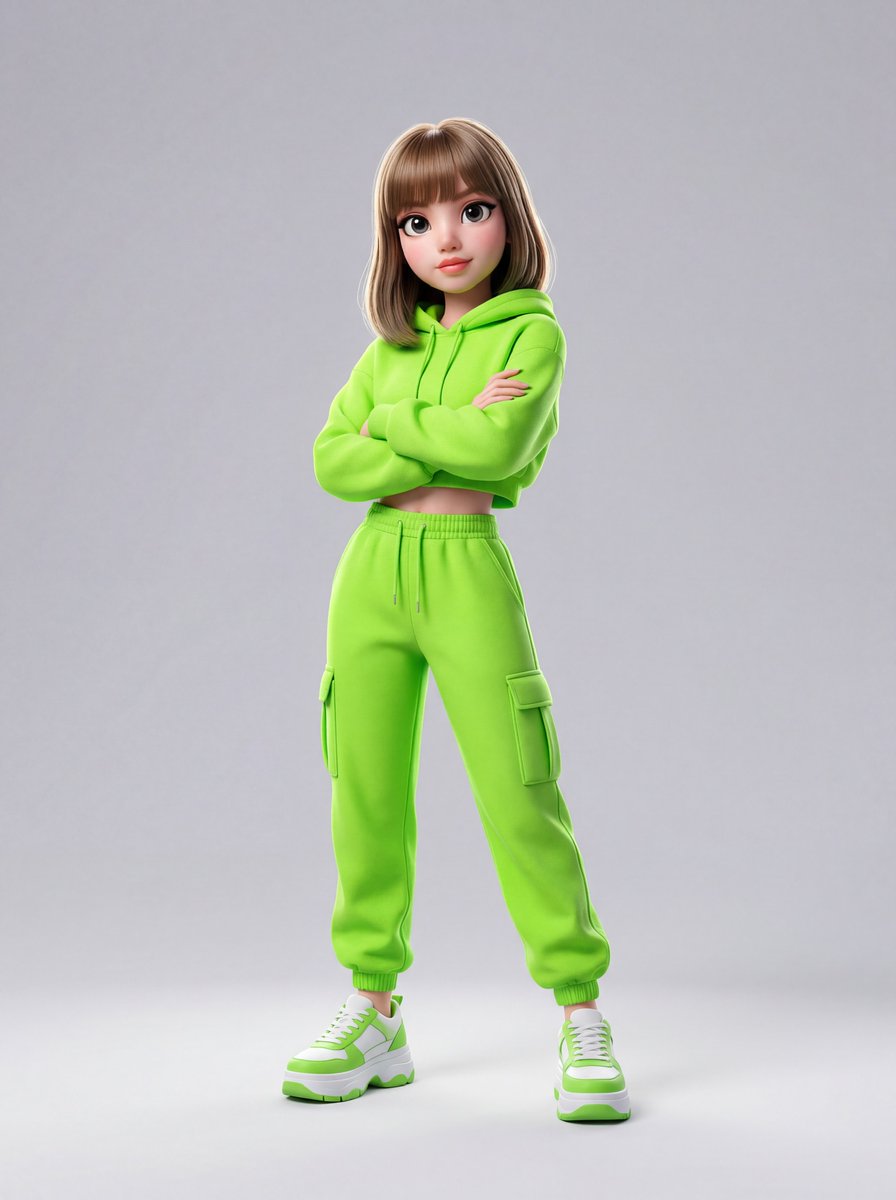
Disney-Pixar Style 3D Animation of Rosé (Blackpink)

Anime Duo School Poster
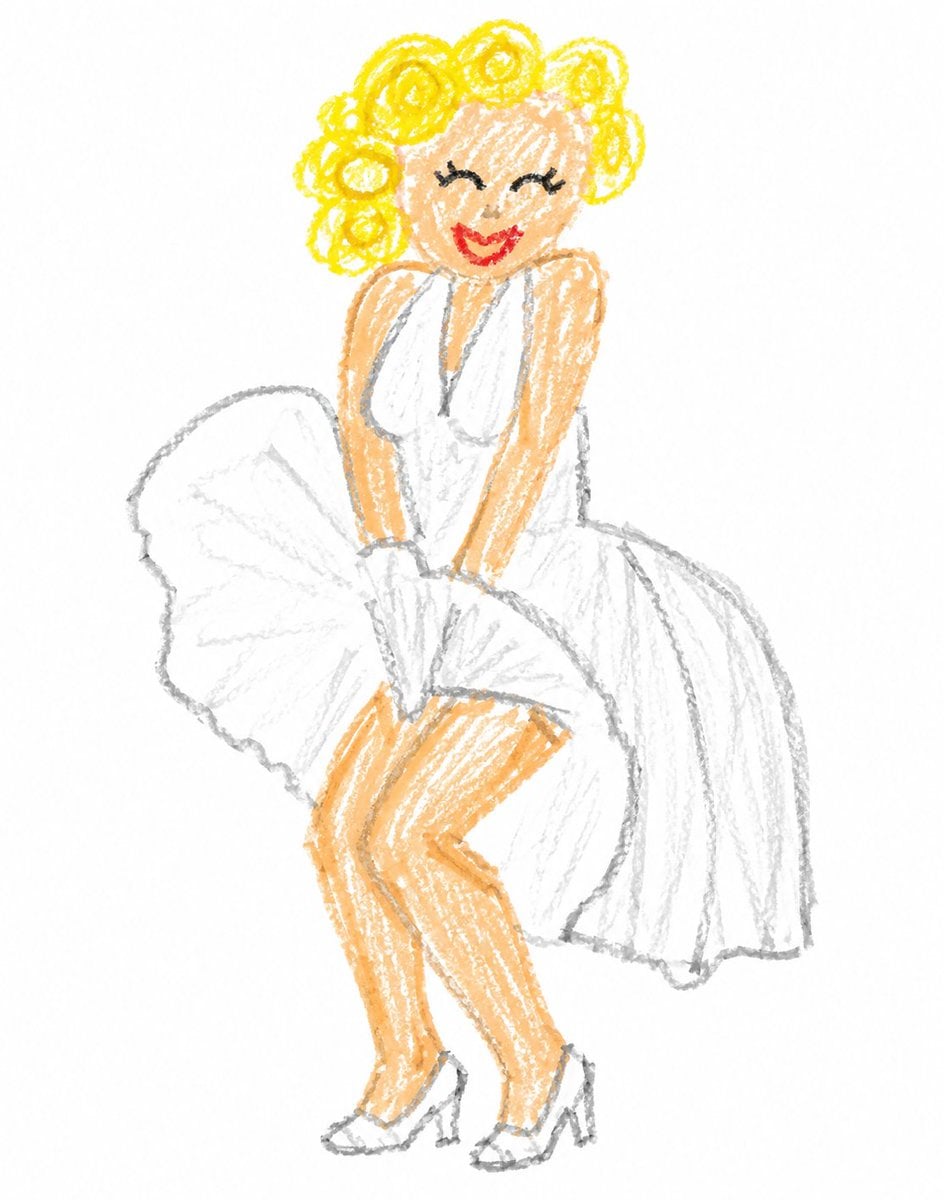
Crayon Style Clumsy Drawing
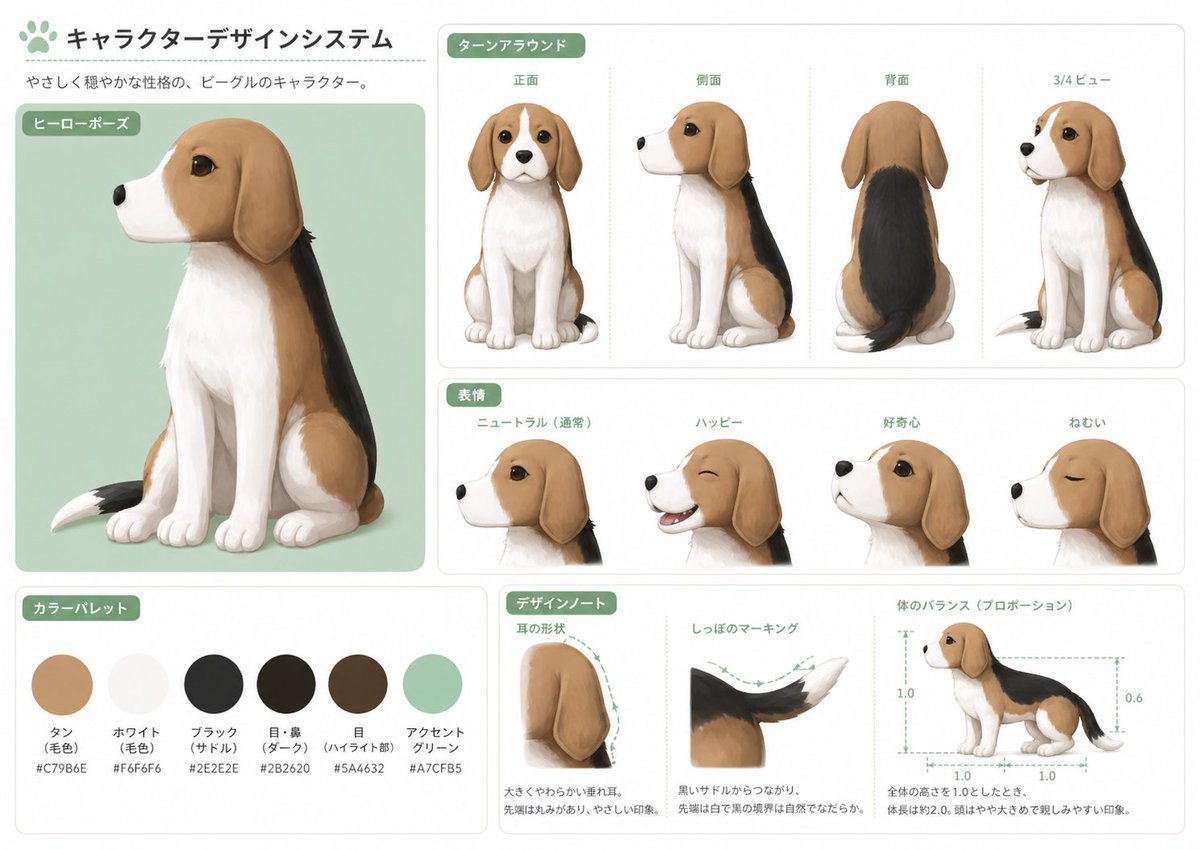
Japanese Beagle Character Design Sheet
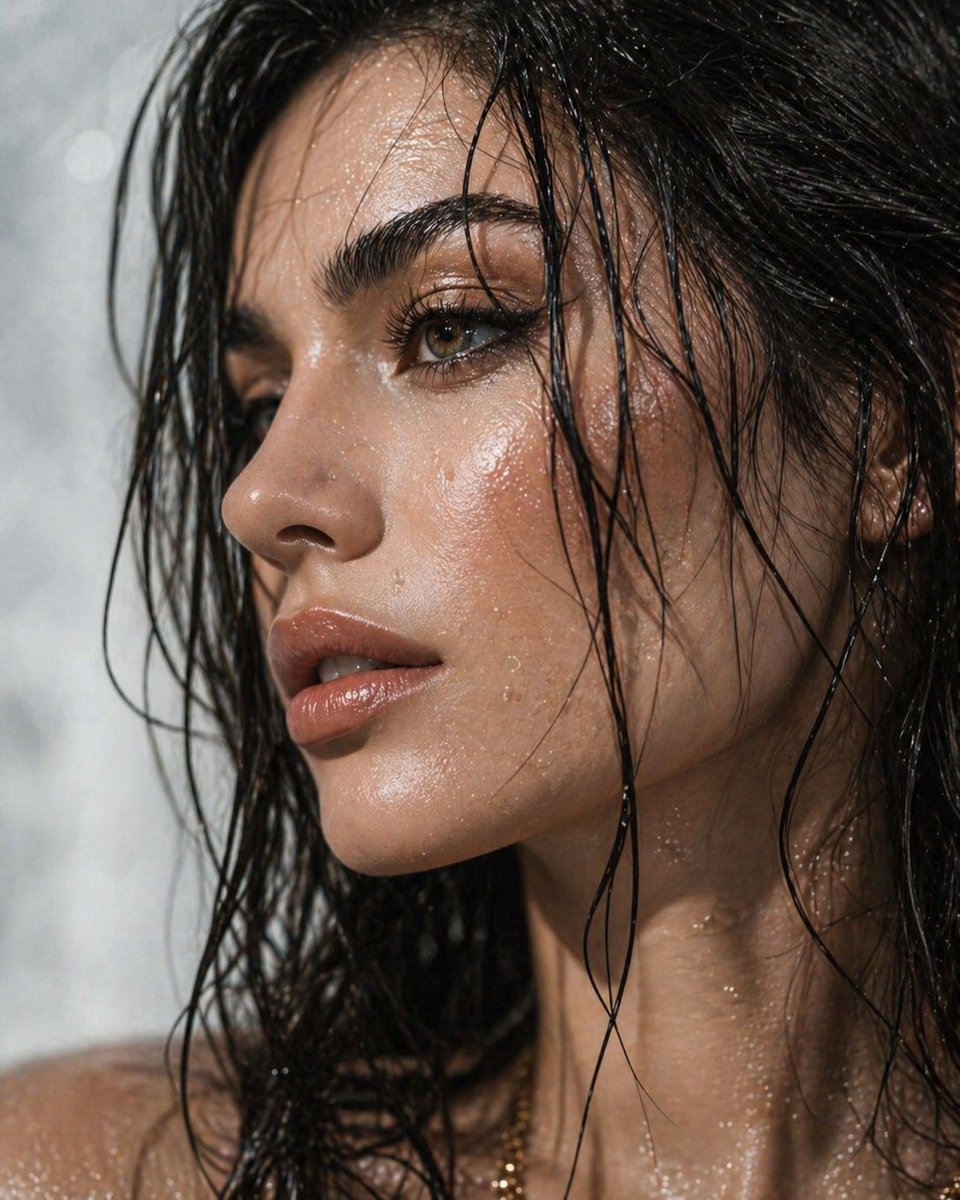
Ultra-Detailed Dewy Skin Portrait
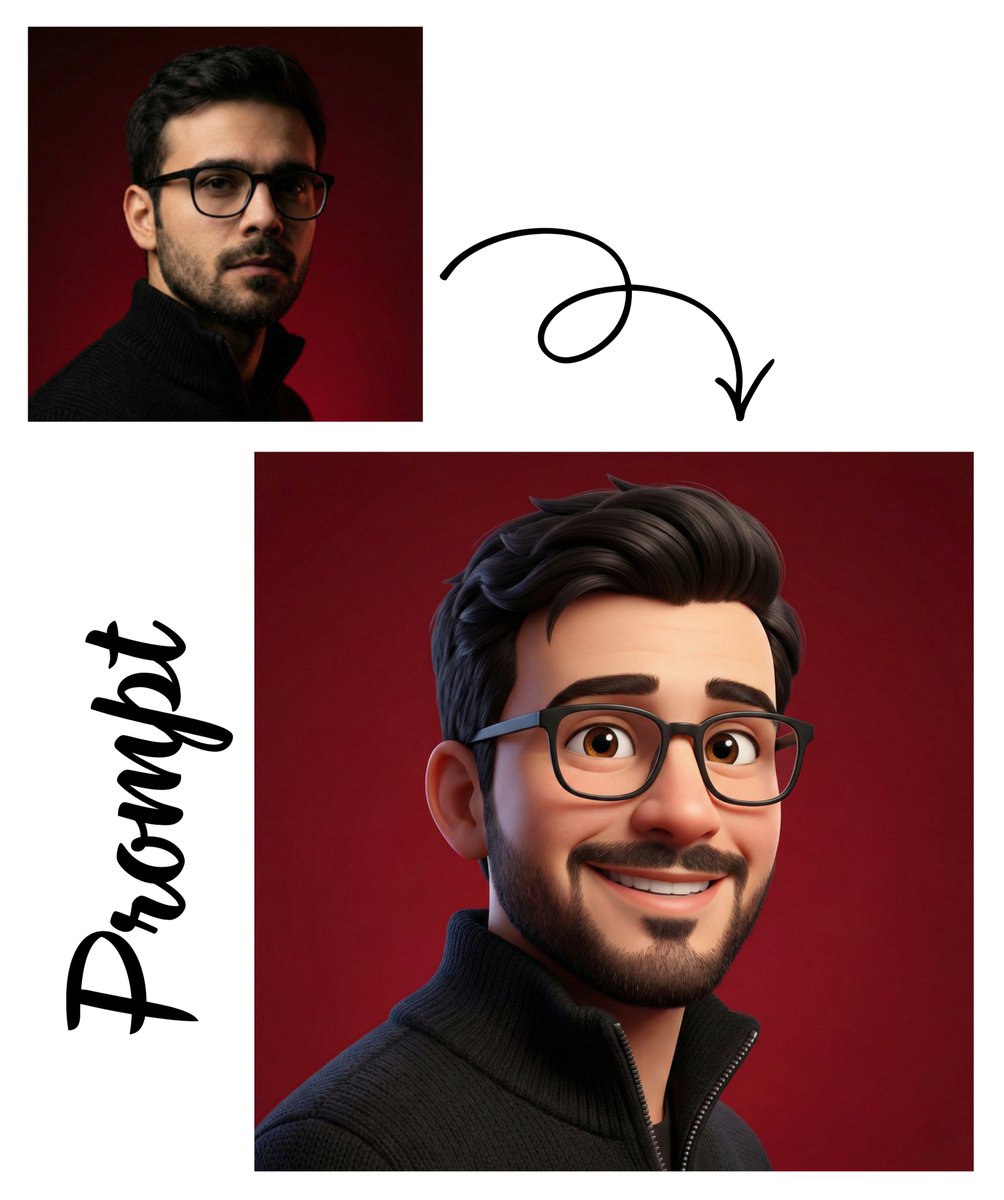
Pixar-Style 3D Avatar Generation

Kimetsu no Yaiba-style anime transformation with brush calligraphy
Browse template categories
Soft Light CCD Girl Next Door Portrait questions
How do I use the Soft Light CCD Girl Next Door Portrait template?
Add your photo if the template asks for one, edit the prompt if you like — the template's model and format are already selected — and press Generate. Your version opens in PicX Studio.
Can I customize the Soft Light CCD Girl Next Door Portrait template?
Yes. You can change the subject, setting, lighting, mood, format, and available model controls before creating your image.
Is the Soft Light CCD Girl Next Door Portrait template free?
Opening and editing this template is free. Generating uses credits, shown on the Generate button when you are signed in.
Which AI model should I use?
Start with GPT Image 2, which is the model associated with this template. You can compare another compatible model for a different finish.
Looking for something else? Browse all templates.

Your photo, any look
Thousands of ready templates for every top image and video model, from one credit balance.