
Japanese Beagle Character Design Sheet
A polished mascot reference sheet showing a gentle beagle dog with turnaround views, expressions, palette, and design notes for concept art or character system documentation.
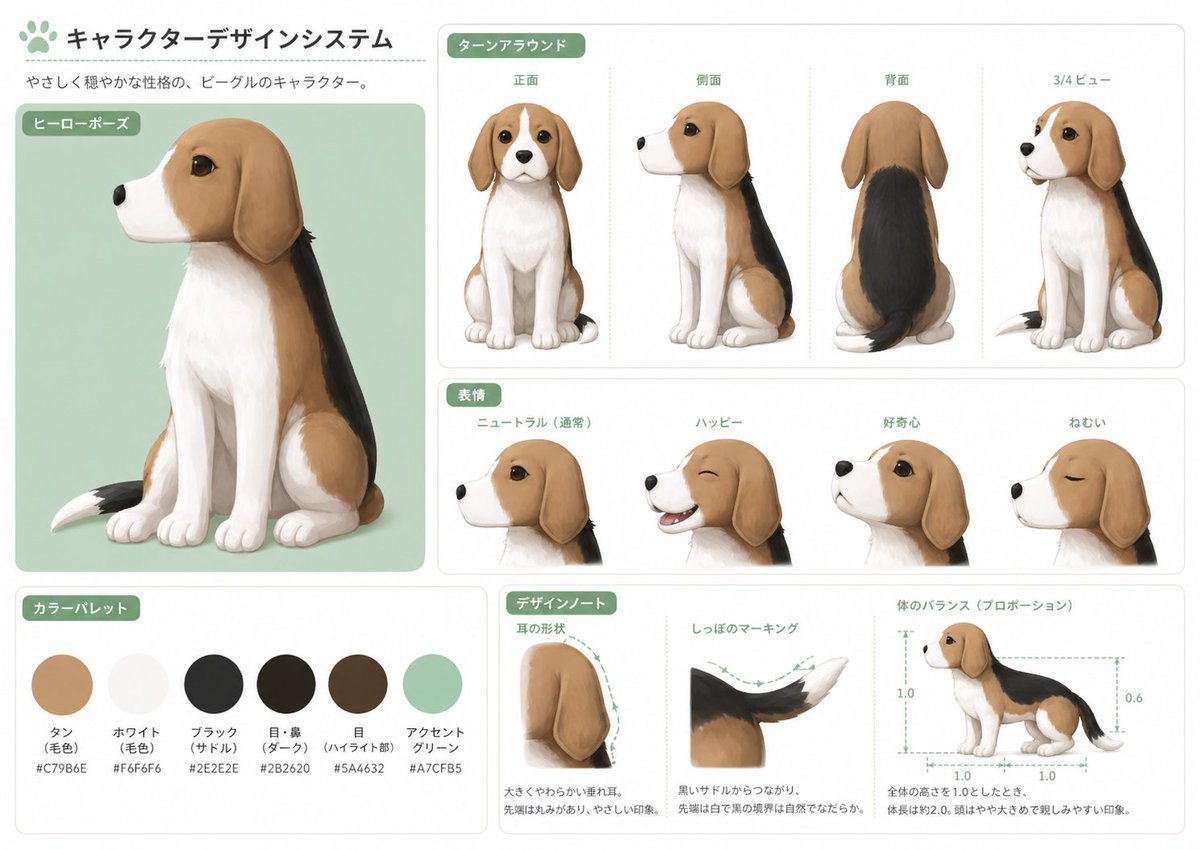
- Prompt included
- Model and format preset
- Free template
The prompt behind this image
Copy the exact prompt behind Japanese Beagle Character Design Sheet, or open it in the studio and make it yours.
- Type
- character design sheet
- Subject
- stylized beagle dog mascot illustration
- Style
- clean Japanese concept art board, soft painterly semi-realistic rendering, rounded friendly shapes, polished studio presentation
- Character › Species
- beagle
- Character › Personality
- gentle and calm, approachable, cute but structurally consistent mascot design
- Character › Name
- {argument name="character name" default="この犬(私)"}
- Character › Appearance › Body
- small seated beagle with oversized head, large dark glossy eyes, long floppy ears, compact muzzle, soft chest fur, slim legs, rounded paws
- Character › Appearance › Coat Pattern
- tan head and side patches, white muzzle, white chest, white front legs and paws, black saddle across the back, tail with white tip
- Character › Appearance › Primary Colors
- tan, white, black, dark brown, mint green accent
- Layout › Background
- light warm gray page with subtle panel borders and rounded white cards
- Layout › Header › Title
- キャラクターデザインシステム
- Layout › Header › Subtitle
- やさしく穏やかな性格の、ビーグルのキャラクター。
- Layout › Sections › 0 › Title
- ヒーローポーズ
- Layout › Sections › 0 › Position
- left large panel
- Layout › Sections › 0 › Count
- 1
- Layout › Sections › 0 › Labels
- seated hero pose
- Layout › Sections › 1 › Title
- ターンアラウンド
- Layout › Sections › 1 › Position
- upper right
- Layout › Sections › 1 › Count
- 4
- Layout › Sections › 1 › Labels
- 正面, 側面, 背面, 3/4ビュー
- Layout › Sections › 2 › Title
- 表情
- Layout › Sections › 2 › Position
- middle right
- Layout › Sections › 2 › Count
- 4
- Layout › Sections › 2 › Labels
- ニュートラル(通常), ハッピー, 好奇心, ねむい
Raw JSON
{"type":"character design sheet","subject":"stylized beagle dog mascot illustration","style":"clean Japanese concept art board, soft painterly semi-realistic rendering, rounded friendly shapes, polished studio presentation","character":{"species":"beagle","personality":"gentle and calm, approachable, cute but structurally consistent mascot design","name":"{argument name=\"character name\" default=\"この犬(私)\"}","appearance":{"body":"small seated beagle with oversized head, large dark glossy eyes, long floppy ears, compact muzzle, soft chest fur, slim legs, rounded paws","coat pattern":"tan head and side patches, white muzzle, white chest, white front legs and paws, black saddle across the back, tail with white tip","primary colors":["tan","white","black","dark brown","mint green accent"]}},"layout":{"background":"light warm gray page with subtle panel borders and rounded white cards","header":{"title":"キャラクターデザインシステム","subtitle":"やさしく穏やかな性格の、ビーグルのキャラクター。"},"sections":[{"title":"ヒーローポーズ","position":"left large panel","count":1,"labels":["seated hero pose"]},{"title":"ターンアラウンド","position":"upper right","count":4,"labels":["正面","側面","背面","3/4ビュー"]},{"title":"表情","position":"middle right","count":4,"labels":["ニュートラル(通常)","ハッピー","好奇心","ねむい"]},{"title":"カラーパレット","position":"bottom left","count":6,"labels":["タン(毛色) #C79B6E","ホワイト(毛色) #F6F6F6","ブラック(サドル) #2E2E2E","目・鼻(ダーク) #2B2620","目(ハイライト部) #5A4632","アクセントグリーン #A7CFB5"]},{"title":"デザインノート","position":"bottom center-right","count":3,"labels":["耳の形状","しっぽのマーキング","体のバランス(プロポーション)"]}],"notes":"use dotted guide lines, small Japanese annotation text, green rounded section tags"},"composition":{"main_panel":"large portrait of the dog sitting in 3/4 left-facing view on a pale mint rectangle","turnaround":"four evenly spaced full-body views in the top-right card, each centered and vertically aligned","expressions":"four close-up head portraits in side or 3/4 view showing the listed emotions","palette":"six circular color swatches with Japanese labels and hex codes beneath","design_notes":"three technical mini-panels with dashed arrows and proportion guides, including ear silhouette, tail color transition, and side-view body measurement diagram"},"rendering":{"lighting":"soft diffuse studio lighting","texture":"smooth painted fur with subtle brush softness","shadows":"light grounded shadows only","linework":"minimal or invisible outlines, relying on painted edges","quality":"high-resolution professional concept sheet"},"prompt":"Create a polished Japanese character design system sheet for a {argument name=\"character type\" default=\"gentle beagle mascot\"}. Keep the page clean, cute, and highly consistent across all views. Show exactly 1 large hero pose, 4 turnaround views, 4 facial expression variants, 6 labeled color swatches, and 3 design-note panels. Use the exact visible Japanese section titles and labels. The dog should have {argument name=\"coat colors\" default=\"tan, white, and black with a black saddle and white tail tip\"}, a soft friendly face, long floppy ears, and large expressive eyes. Put the hero pose on a pale mint background card, use mint-green rounded headers, and keep the entire sheet minimal, balanced, and presentation-ready. Add Japanese body text and technical annotation styling. Overall mood: {argument name=\"mood\" default=\"gentle, calm, and trustworthy\"}. Aspect ratio landscape, like a professional animation or game character model sheet."}How to use Japanese Beagle Character Design Sheet in 3 steps
- 1Upload ImagePNG, JPG or paste
Add your photo
Upload the photo the template builds on. The prompt, model and format are already set.
- 2…a portrait of your subject in softgolden-hour light, 85mm…
Personalize
Edit the subject and creative details for your destination.
- 3Generate
Generate
Press Generate — your image is created in PicX Studio, so you can compare it with the original and refine one variable at a time.
More like this
Templates with the same subject, style or setup. Open one to see its prompt.

Minecraft Japanese Research Lab Exploration

Japanese Architectural Concrete Studio Fashion Campaign

Japanese Minimalist Concrete Studio Fashion Editorial

Blue Backdrop Luxury Fashion Portrait Campaign

Dancer Character - Four View Reference Sheet

Movement Sheet - Dance Reference (Seedance 2.0)

Japanese Film Reflection Idol

Six VTuber Japanese Logo Sheet

Retro Manga StackChan Concept Sheet

Halloween Nun Chibi Character Sheet

Anime Lantern Girl Character Sheet
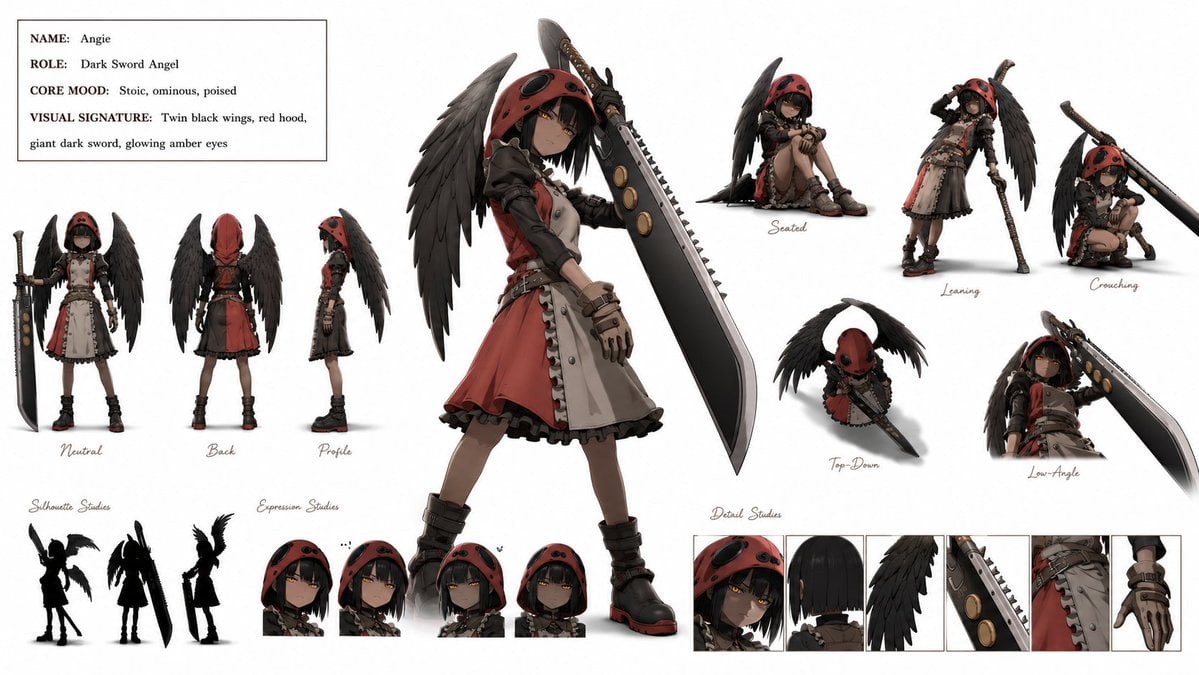
Dark Sword Angel Character Sheet
Make it yours
Japanese Beagle Character Design Sheet works as-is. These are the safest ways to change it without losing the look.
Swap the setting
Keep the rest of the prompt and replace the location block. The current setting is “light warm gray page with subtle panel borders and rounded white cards”.
Swap the light
One lighting change is enough to compare takes. Current light: “soft diffuse studio lighting”.
Change one field
Copy a single group, rewrite it, and generate again so you can see what that field is doing.
| If the result… | Why | Fix |
|---|---|---|
| The result drifts from the preview | Too many fields changed at once. | Reuse Japanese Beagle Character Design Sheet as-is first, then change one group — subject, light, or setting. |
| GPT Image 2 ignores part of the JSON | Some models flatten or skip nested keys. | Keep the same values and paste them as a short paragraph instead. |
More GPT Image 2 templates
Other prompts made for GPT Image 2.

Realistic Portrait of Woman and Deer

The Vista Modular Condo Poster

AI Model Routing Comparison Infographic

2.5D Anime Art Board

Isometric Productivity Desk Scene

New York Double Exposure Poster

Four-Panel AI Landscape Comparison

Japanese Tatami Lifestyle Magazine Cover

NESCAFÉ Coffee Map Poster

Brutalist Cogito Chinese Typography Poster
More image prompts
Fresh picks from across the catalog.
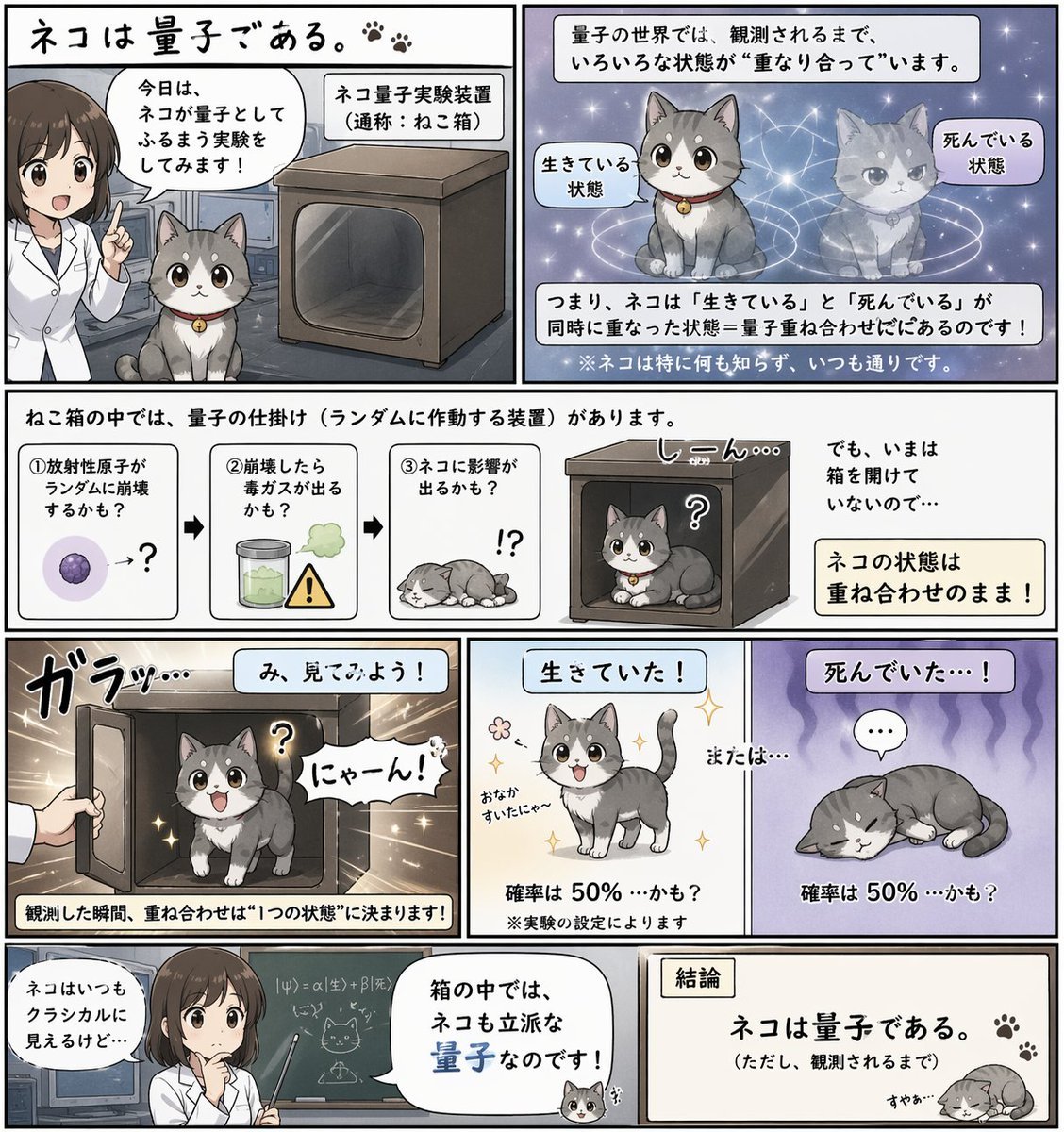
Quantum Cat Manga

Cinematic Portrait of Man on Modern Motorbike
Film Noir Cinematic Portrait Prompt
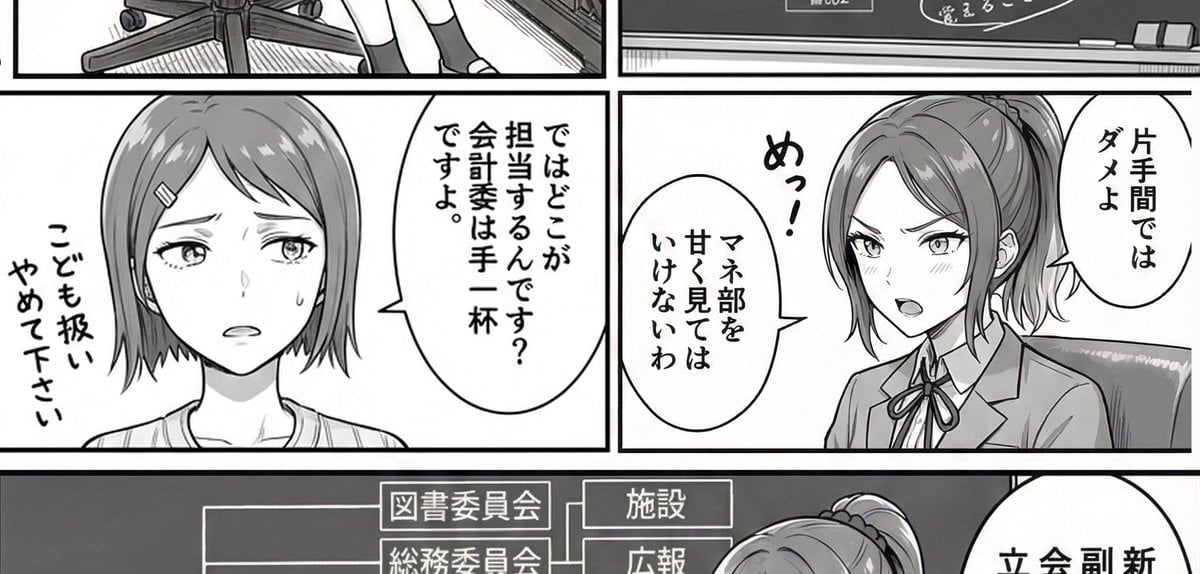
AI Art Experiment: Speech Bubbles and Hand-Drawn Text

Logo Design Wall Generation Prompt for Monkey Theme
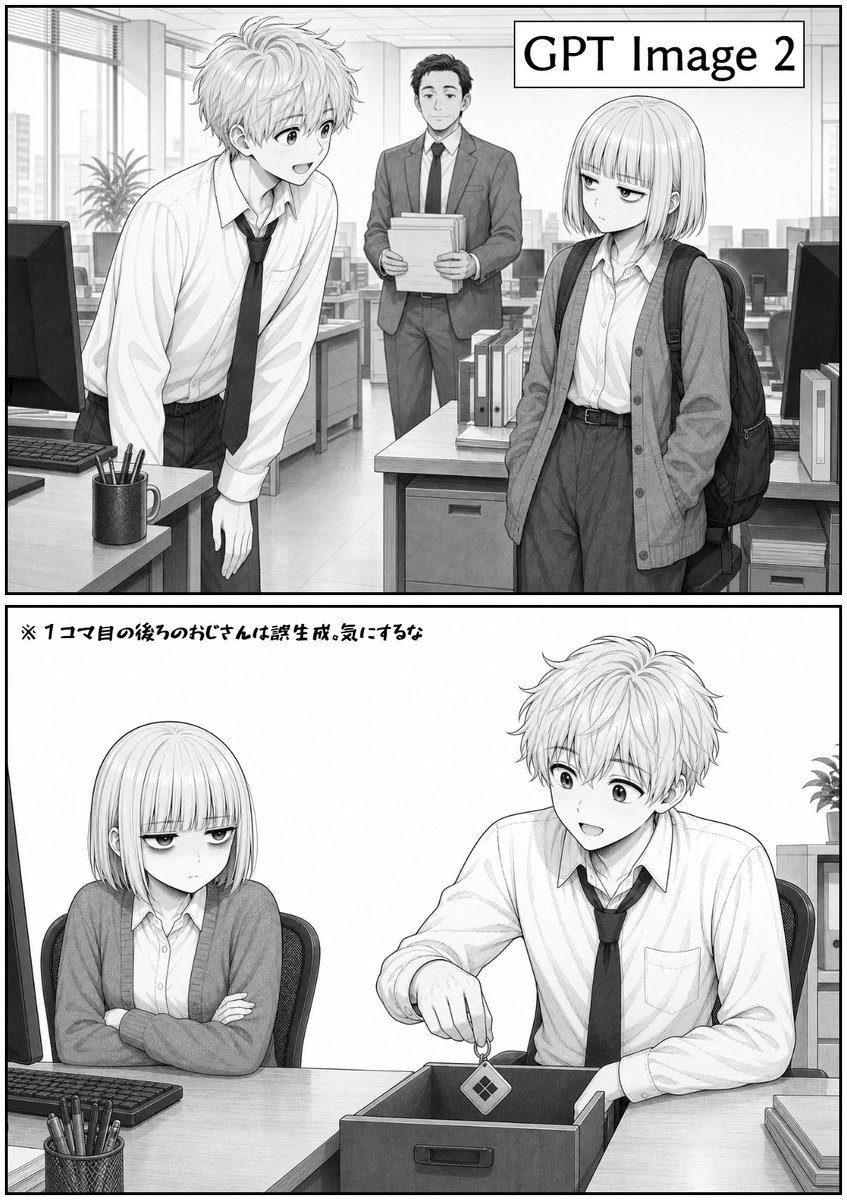
Two-Panel GPT Image 2 Manga Office Comic
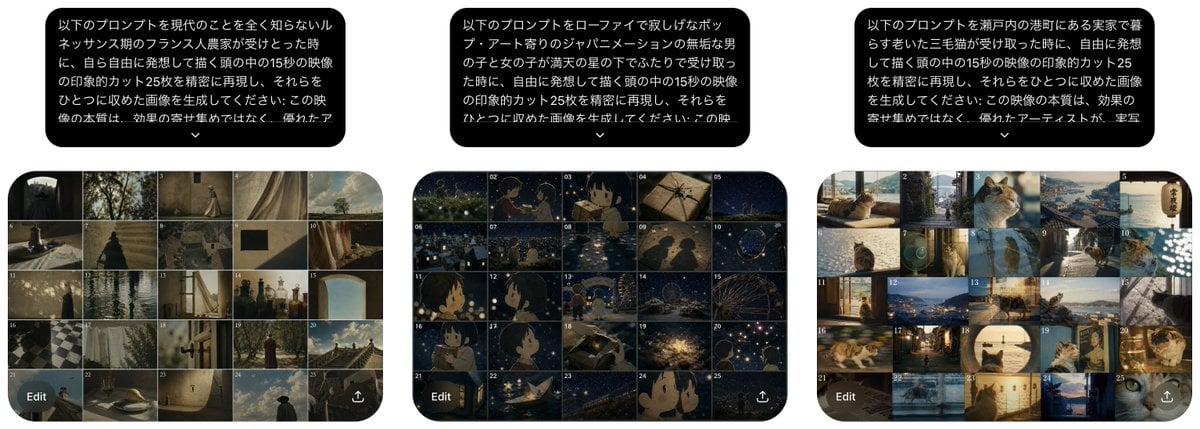
Three Prompt Interpretation Storyboard Grids
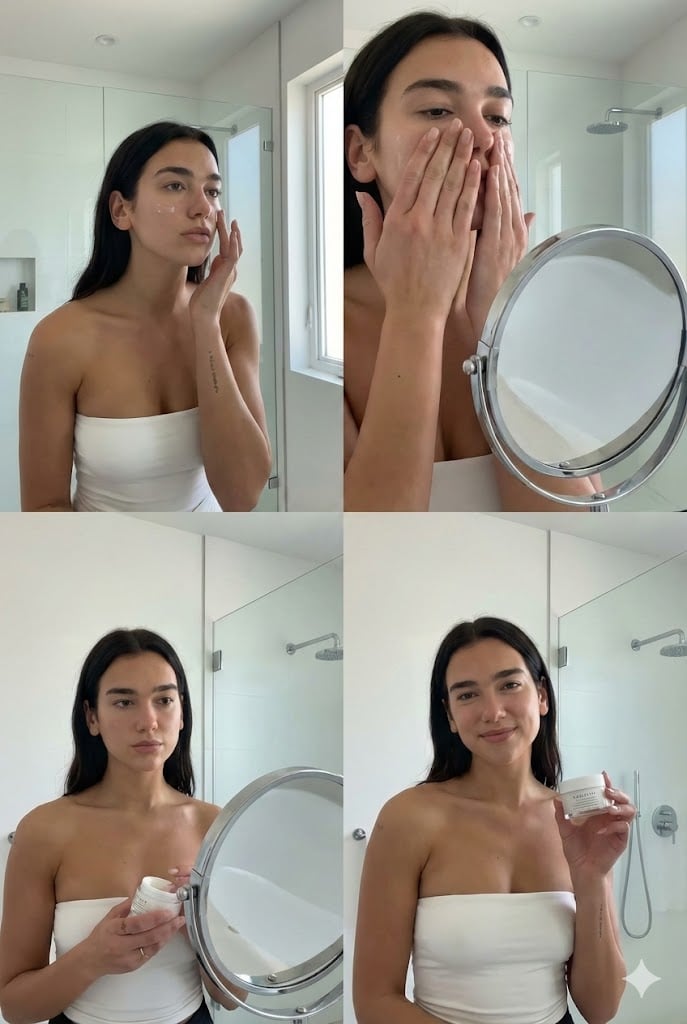
Dua Lipa Skincare Editorial Collage
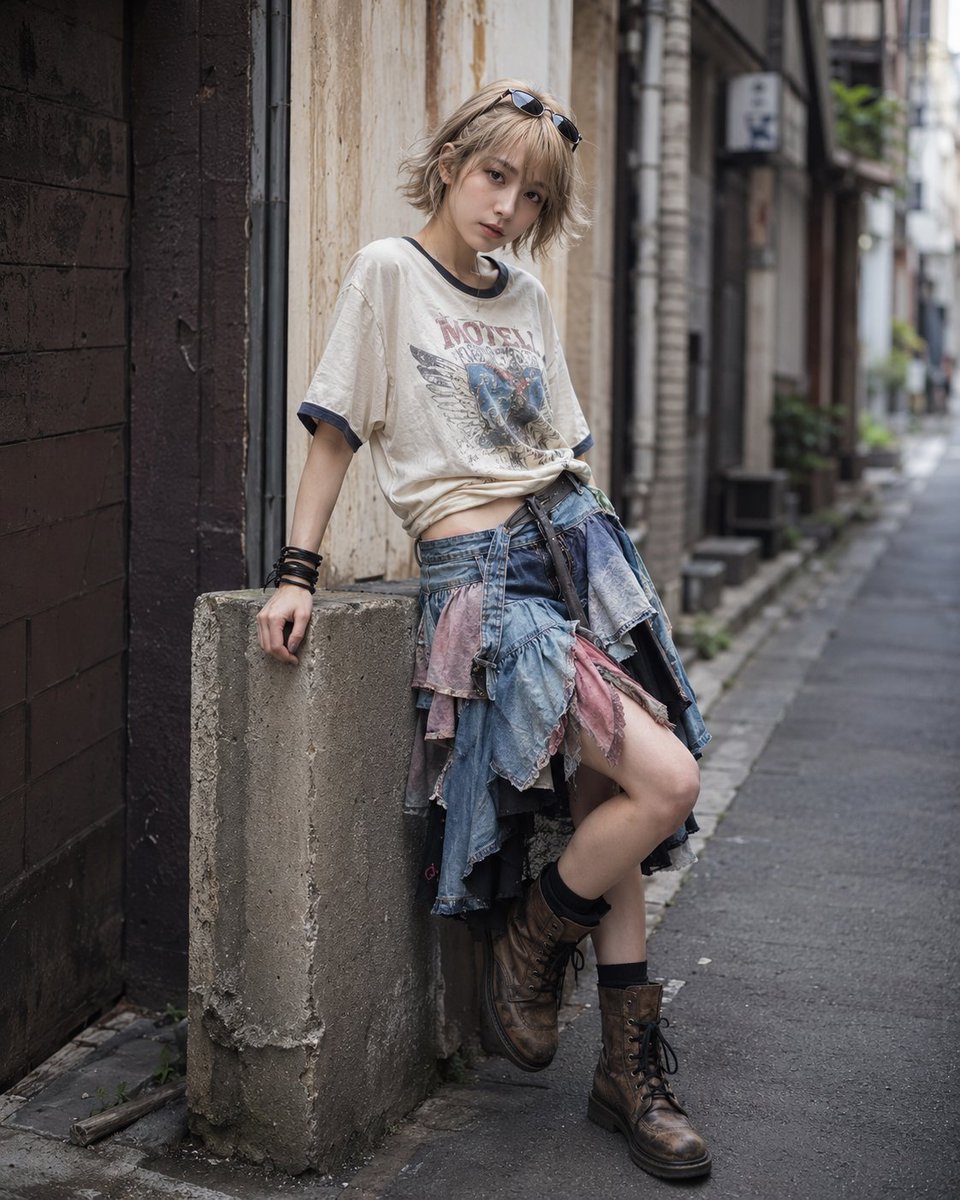
Urban Street Fashion Japanese Portrait
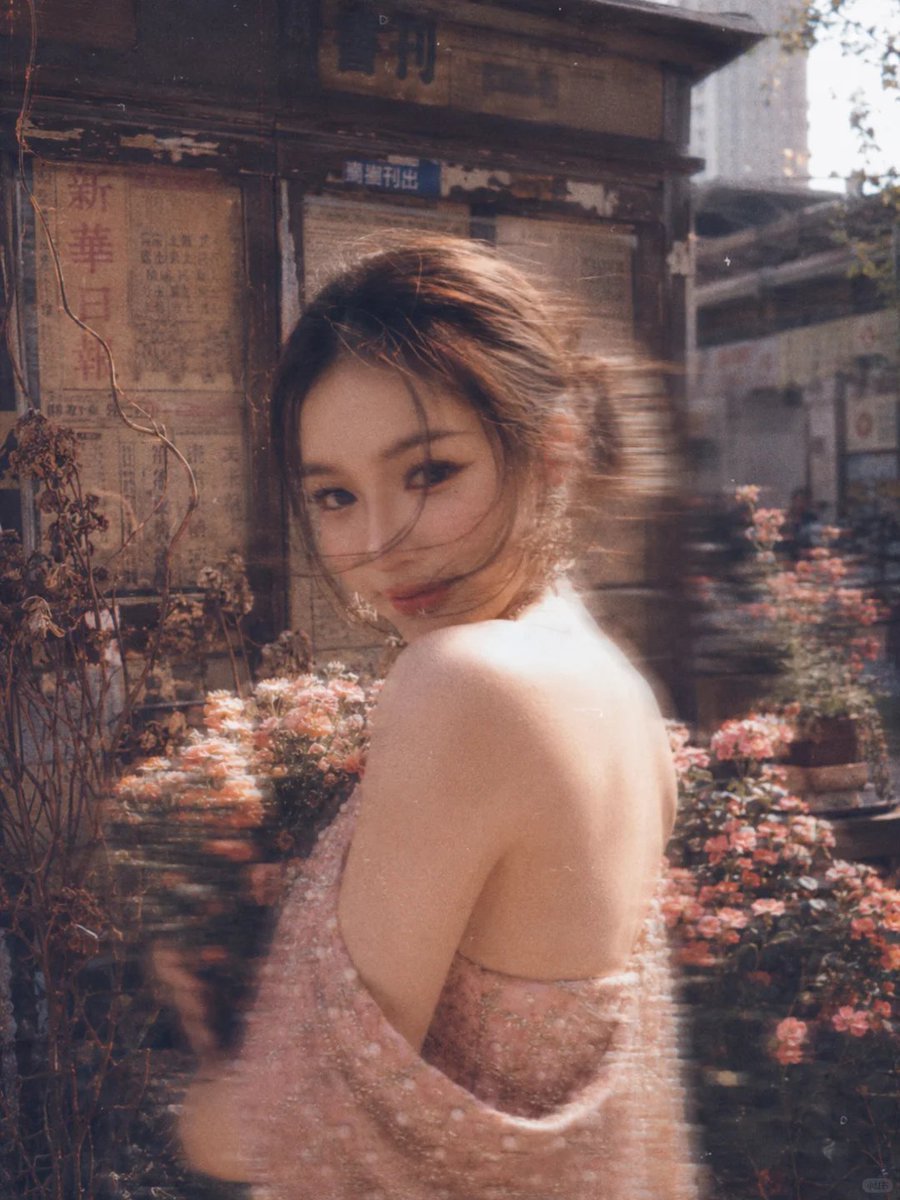
Vintage Film Style Portrait Transformation
Browse template categories
Japanese Beagle Character Design Sheet questions
How do I use the Japanese Beagle Character Design Sheet template?
Add your photo if the template asks for one, edit the prompt if you like — the template's model and format are already selected — and press Generate. Your version opens in PicX Studio.
Can I customize the Japanese Beagle Character Design Sheet template?
Yes. You can change the subject, setting, lighting, mood, format, and available model controls before creating your image.
Is the Japanese Beagle Character Design Sheet template free?
Opening and editing this template is free. Generating uses credits, shown on the Generate button when you are signed in.
Which AI model should I use?
Start with GPT Image 2, which is the model associated with this template. You can compare another compatible model for a different finish.
Looking for something else? Browse all templates.

Your photo, any look
Thousands of ready templates for every top image and video model, from one credit balance.