How do I use the Soft Girl Selfie Portrait template?
Choose the primary action to open PicX Studio with the available template settings. Review the model and format, personalize the creative direction, and generate when ready.
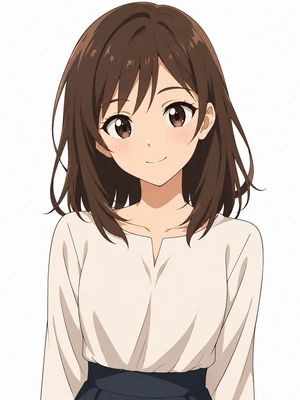
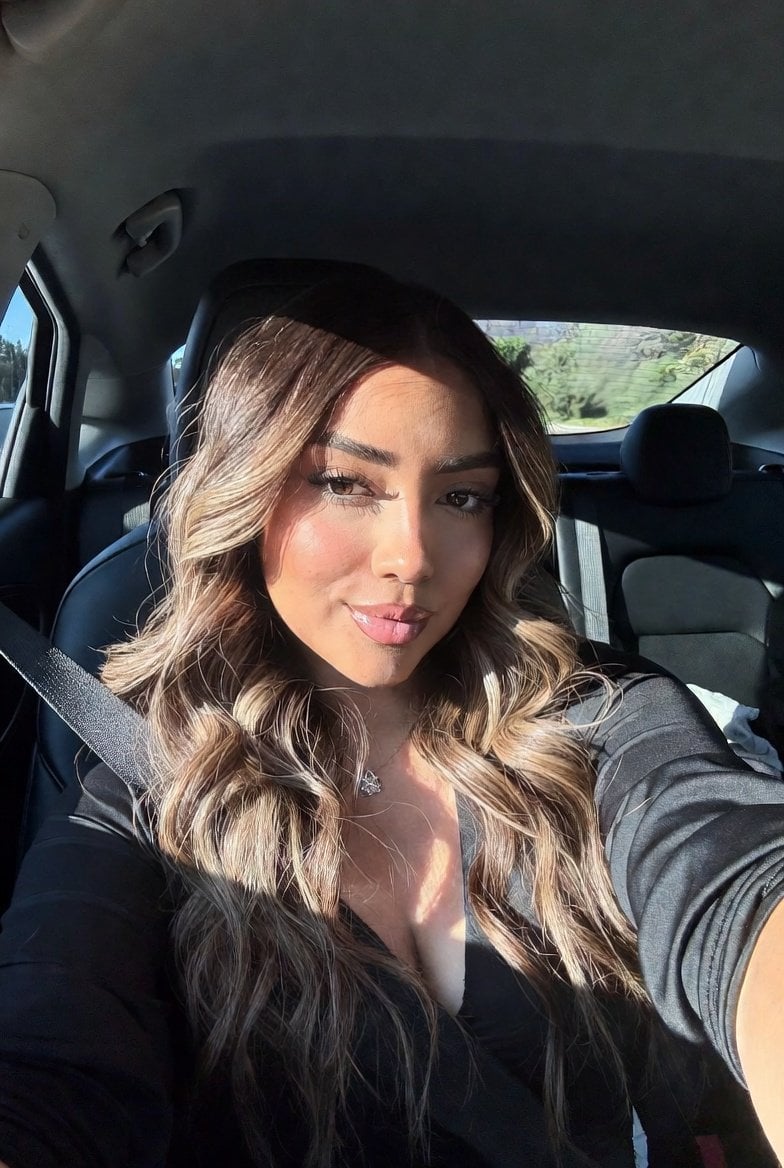
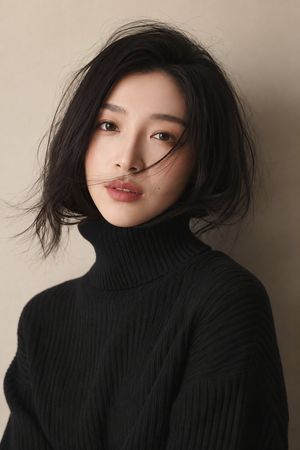
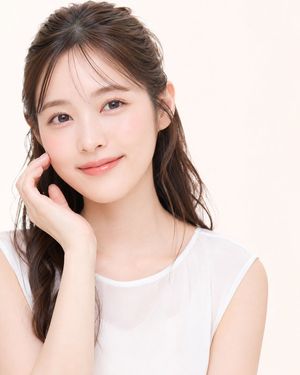
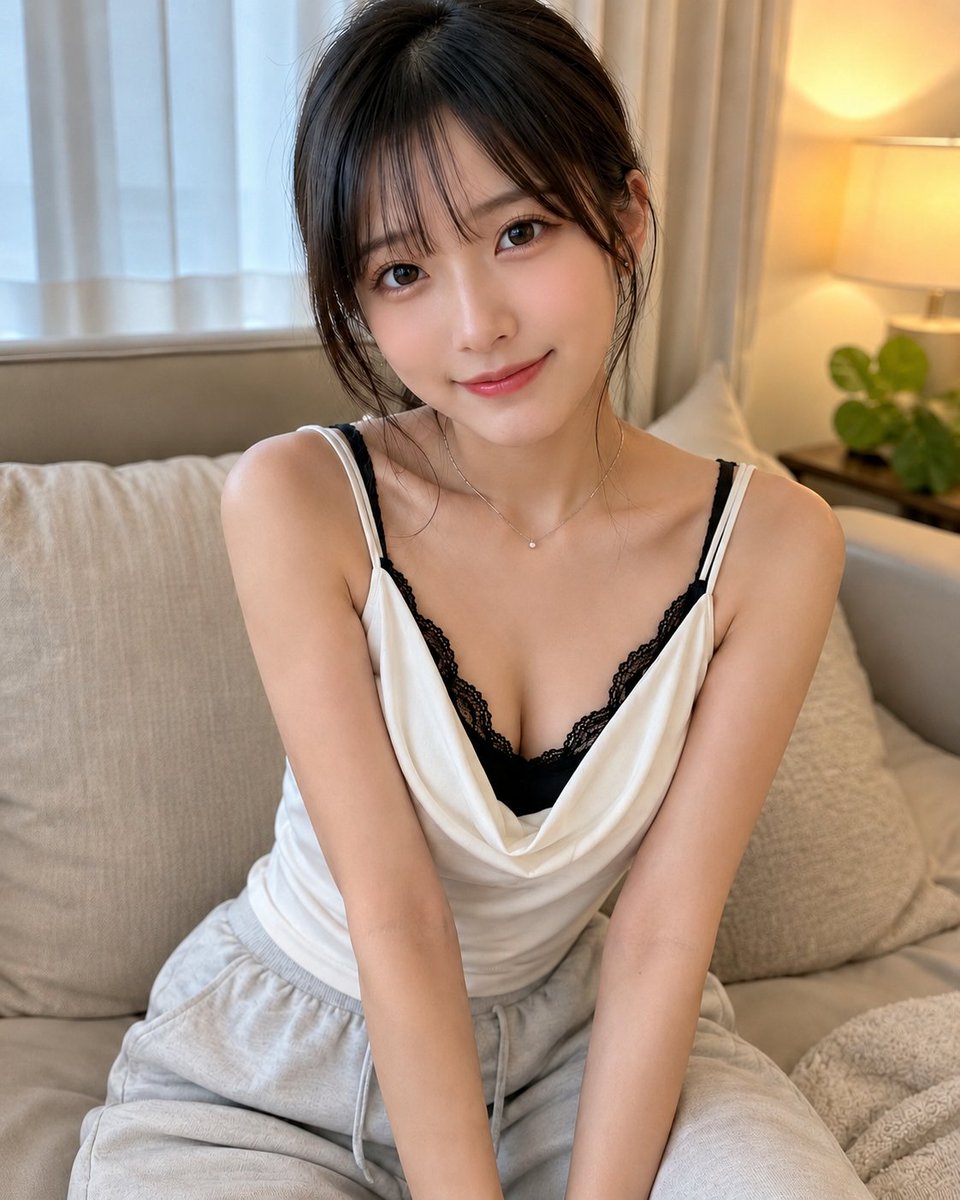
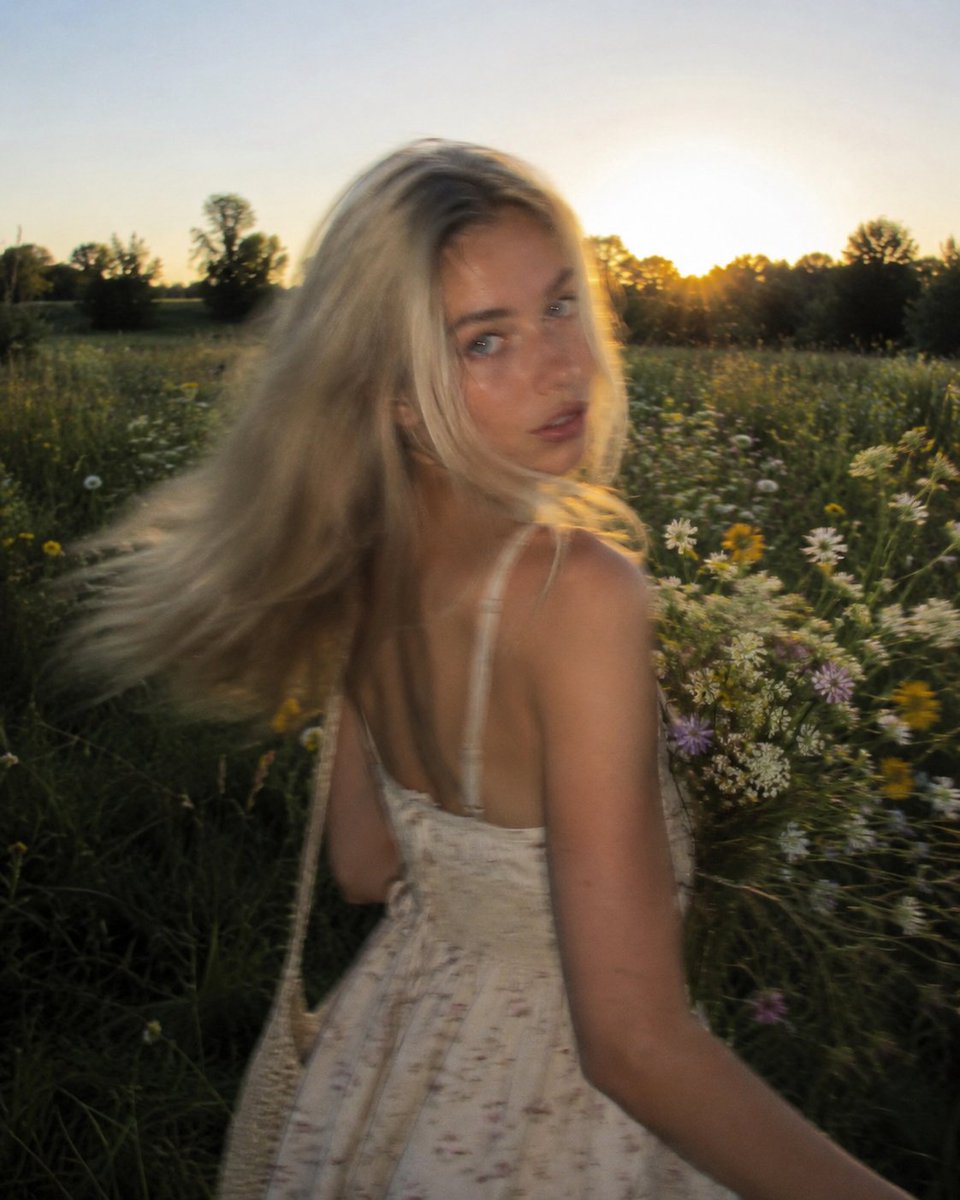
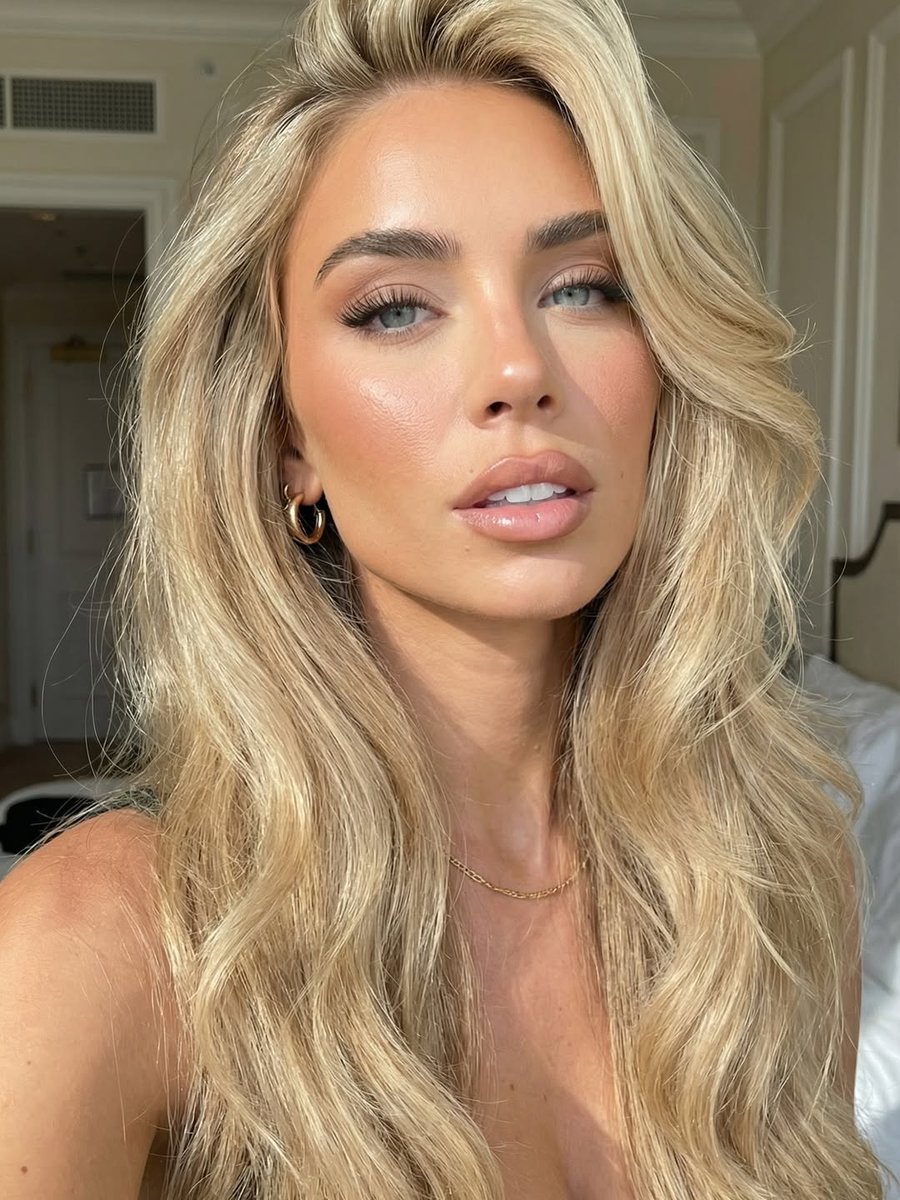
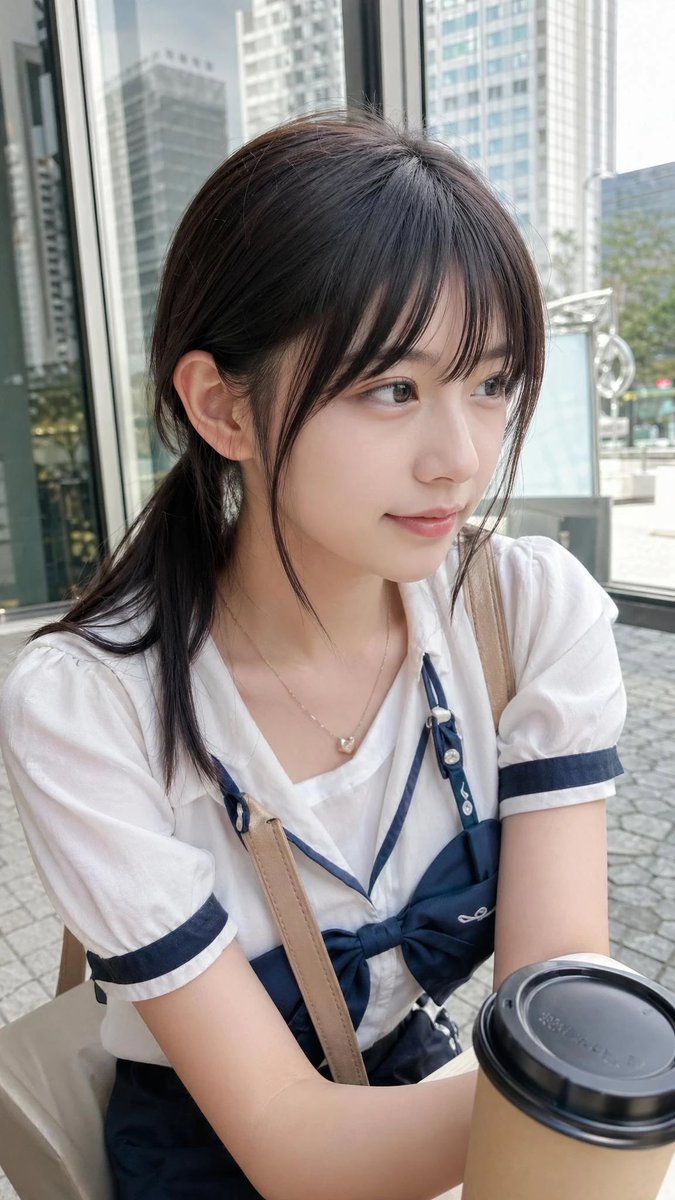
A cute, shy selfie portrait prompt with a pastel soft-girl aesthetic and rainbow striped tank top.
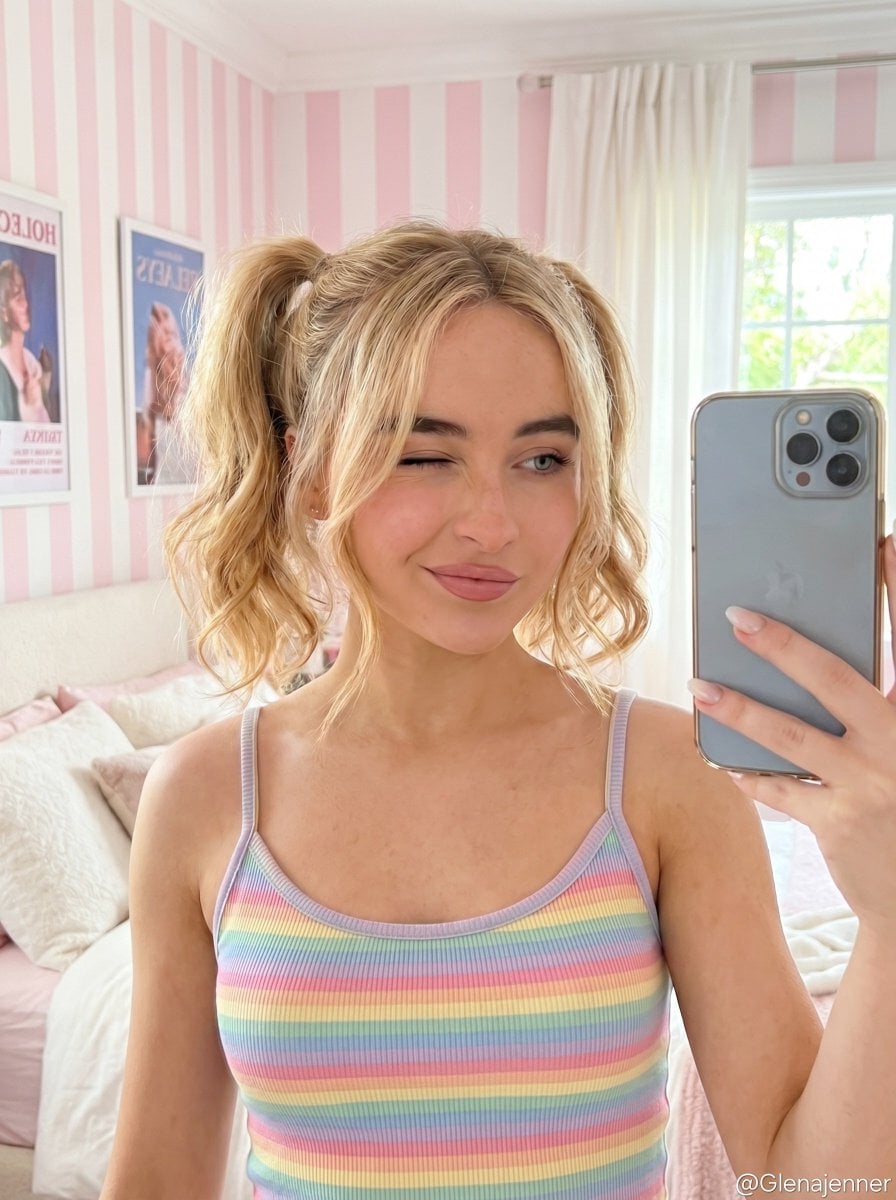
{ "prompt": { "subject": { "type": "{argument name="shot type" default="young woman selfie portrait"}", "face_reference": "use uploaded reference image face exactly", "pose": "holding camera slightly above eye level for a casual selfie", "expression": { "mood": "cute, shy, playful", "eyes": "one eye slightly squinted like a soft wink", "smile": "small closed-mouth smile", "facial_expression": "sweet innocent expression with relaxed face" } }, "appearance": { "hair": { "color": "reference image ", "style": "{argument name="hair style" default="short wavy twin ponytails"}", "details": "loose face-framing strands" }, "skin": { "tone": "fair soft skin tone", "texture": "smooth natural skin with light freckles", "finish": "clean dewy finish" }, "makeup": { "style": "minimal natural makeup", "lips": "soft pink lips", "eyes": "very subtle mascara and pastel eyeshadow" } }, "clothing": { "top": { "type": "{argument name="outfit" default="pastel rainbow striped tank top"}", "style": "cute soft-girl aesthetic" } }, "environment": { "location": "bright pastel bedroom", "background": { "wall": "pink and white vertical striped wallpaper", "decor": "soft white curtains, cozy bed, framed poster in background", "style": "cute cozy feminine room aesthetic" } }, "camera": { "angle": "selfie perspective", "framing": "medium close-up portrait", "lens": "smartphone front camera look", "focus": "sharp focus on face", "depth_of_field": "slight natural blur in background" }, "lighting": { "style": "soft natural daylight", "source": "window light from the side", "shadows": "very soft shadows", "highlights": "gentle highlights on skin and hair", "temperature": "neutral warm tones" }, "color_grading": { "style": "soft pastel Instagram aesthetic", "contrast": "low contrast", "saturation": "slightly enhanced pastel colors", "skin_smoothing": "light beauty filter", "overall_feel": "clean airy dreamy vibe" }, "quality": { "style": "photorealistic", "detail": "high detail", "texture": "smooth polished social media look" } }, "negative_prompt": [ "low quality", "blurry image", "distorted face", "extra fingers", "deformed anatomy", "harsh lighting", "heavy makeup", "oversaturated colors", "bad proportions", "grainy texture", "duplicate face", "unrealistic skin" ], "settings": { "aspect_ratio": "4:5", "steps": 30, "cfg_scale": 7, "sampler": "DPM++ 2M Karras" } }
Choose the primary action to open PicX Studio with the available template settings. Review the model and format, personalize the creative direction, and generate when ready.
Yes. You can change the subject, setting, lighting, mood, format, and available model controls before creating your image.
This template is free to open and customize. Generation usage is shown in PicX Studio before you create.
Start with Nano Banana 2, which is the model associated with this template. You can compare another compatible model for a different finish.
Follow a topic to a crawlable collection of related PicX Studio templates.