How do I use the Female Sorcerer Movie Poster template?
Choose the primary action to open PicX Studio with the available template settings. Review the model and format, personalize the creative direction, and generate when ready.
A prompt for Nano Banana Pro to generate a hyper-realistic cinematic movie poster featuring a powerful female sorcerer bursting dynamically through a cracked Queen of Spades playing card, emphasizing dramatic lighting, intricate medieval fantasy attire, and magical energy effects. Change the subject, setting, or lighting one variable at a time.

Make a hyper-realistic cinematic movie poster of a powerful young female sorcerer bursting through a cracked Queen of Spades playing card. The card explodes outward with stone fragments, dust, and debris frozen mid-air. SHe wears an ornate royal maroon and gold embroidered mediaeval fantasy jacket, rich fabric textures, intricate detailing, regal and Comme mystical.The sorcerer extends one hand forward toward the viewer, fingers glowing with intense magical energy, subtle golden sparks and dark arcane aura surrounding the hand. Intense piercing gaze, confident and dominant expression, cinematic hero framing. Dramatic chiaroscuro lighting, dark moody background, volumetric light rays, ultra-detailed textures, shallow cinematic depth of field. Photorealistic face, epic fantasy realism, movie poster composition, high contrast, dynamic motion, . dust particles, masterpiece quality, ultra-sharp focus, 8K resolution, cinematic color grading.
Choose the primary action to open PicX Studio with the available template settings. Review the model and format, personalize the creative direction, and generate when ready.
Yes. You can change the subject, setting, lighting, mood, format, and available model controls before creating your image.
This template is free to open and customize. Generation usage is shown in PicX Studio before you create.
Start with Nano Banana 2, which is the model associated with this template. You can compare another compatible model for a different finish.
© 2026 PicX Studio. All rights reserved.

Follow a topic to a crawlable collection of related PicX Studio templates.
43,474 public templates available. Verified via the PicX Studio public templates API; refreshed hourly.
Prompt stories that include this template.
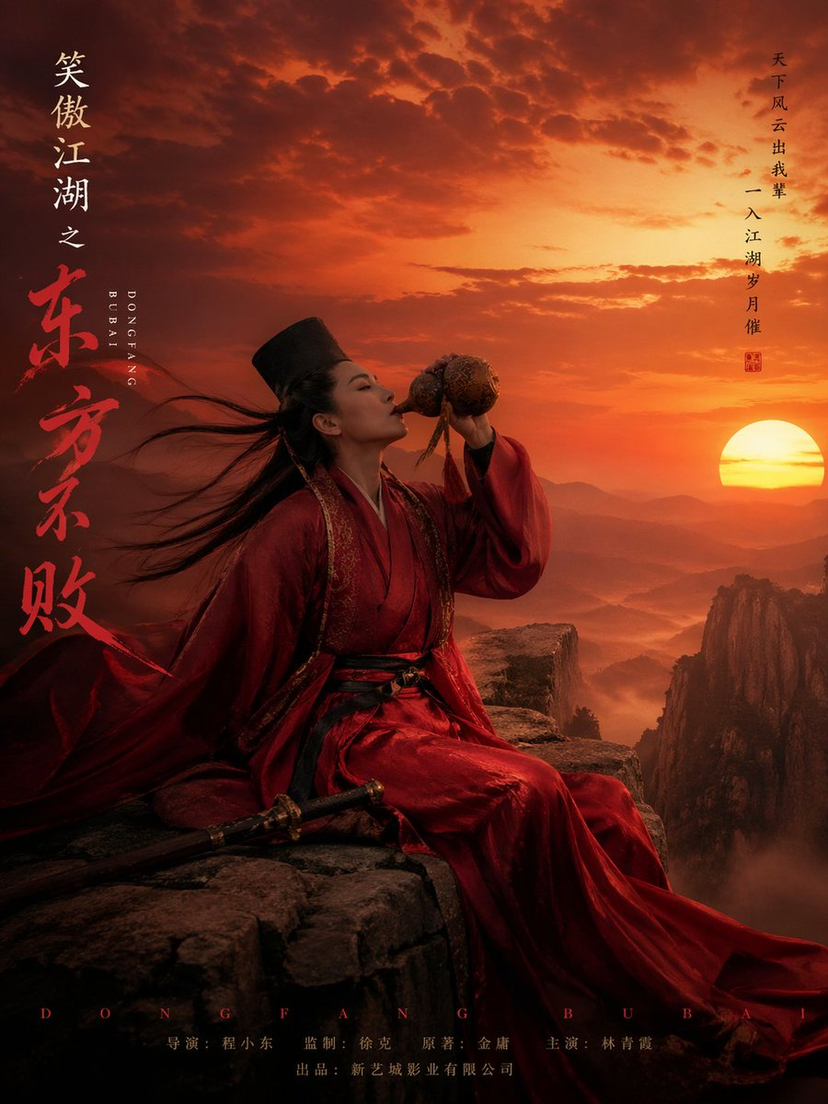
![Cartoon TV Show Poster Pack — A bold Cartoon Network-style promotional poster for [SHOW], featuring the main characters in a flat 2D illustrated style with thic](/_next/image?url=https%3A%2F%2Fcdn.picxstudio.com%2Fuploads%2Fimg0_107064d3-b797-488a-a32e-d75dea9d3b4c.jpg&w=828&q=100)
![vertical-football-star-campaign-poster — Create a vertical 9:16 high-resolution football star campaign poster.
Player: [Player Name]
Player concept: [football](/_next/image?url=https%3A%2F%2Fcdn.picxstudio.com%2Fuploads%2Fmeigen_996a192156cb_45d1d198-bb81-4272-be3f-df0eda9f0a74.jpg&w=828&q=100)
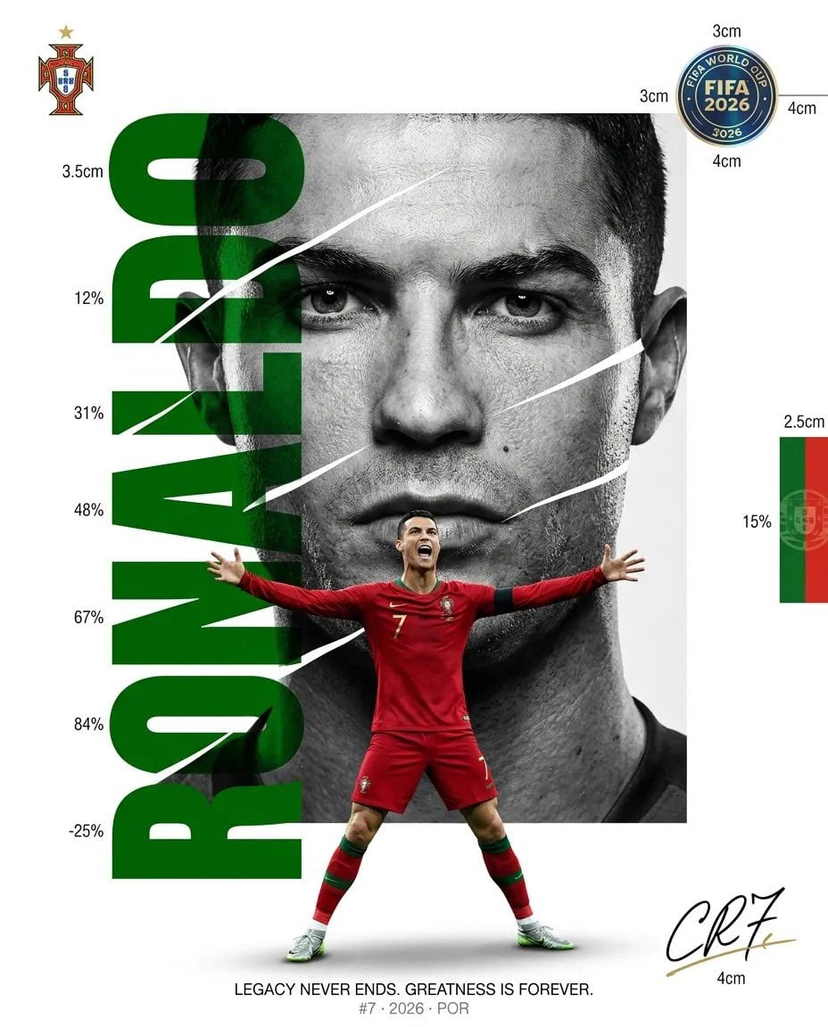










![clean-minimalist-player-editorial-poster — A professional sports graphic design poster of [Player Name], designed in a clean, modern, and minimalist editorial s](/_next/image?url=https%3A%2F%2Fcdn.picxstudio.com%2Fuploads%2Fmeigen_5524a0a10196_94b81982-ef58-45e9-8d49-9b017a7f26cb.jpg&w=828&q=100)
![campaign-smoke-national-symbols-world-cup — A hyper-realistic cinematic campaign poster for [Country]. Thick [Color One] and [Color Two] smoke e…](/_next/image?url=https%3A%2F%2Fcdn.picxstudio.com%2Fuploads%2Fmeigen_ce5bae0e0712_50be07ac-9537-419b-9c47-694fe49ef3d8.jpg&w=828&q=100)
![Japan Travel Brochure Poster — Create a vertical vintage travel-brochure infographic poster titled “[COUNTRY/DESTINATION]: [TAGLINE]”, using a warm parchment-pa](/_next/image?url=https%3A%2F%2Fcdn.picxstudio.com%2Fuploads%2Fp0_982bf820-bb34-4c43-8a6d-42d799d7282b.jpg&w=828&q=100)







![Naive doodle-style subject illustration — A doodle-style {argument name="subject" default="[subject]"}, naive lines, humorous shape exaggeration](https://pbs.twimg.com/media/G6Wl2YxbsAARB2b.jpg)














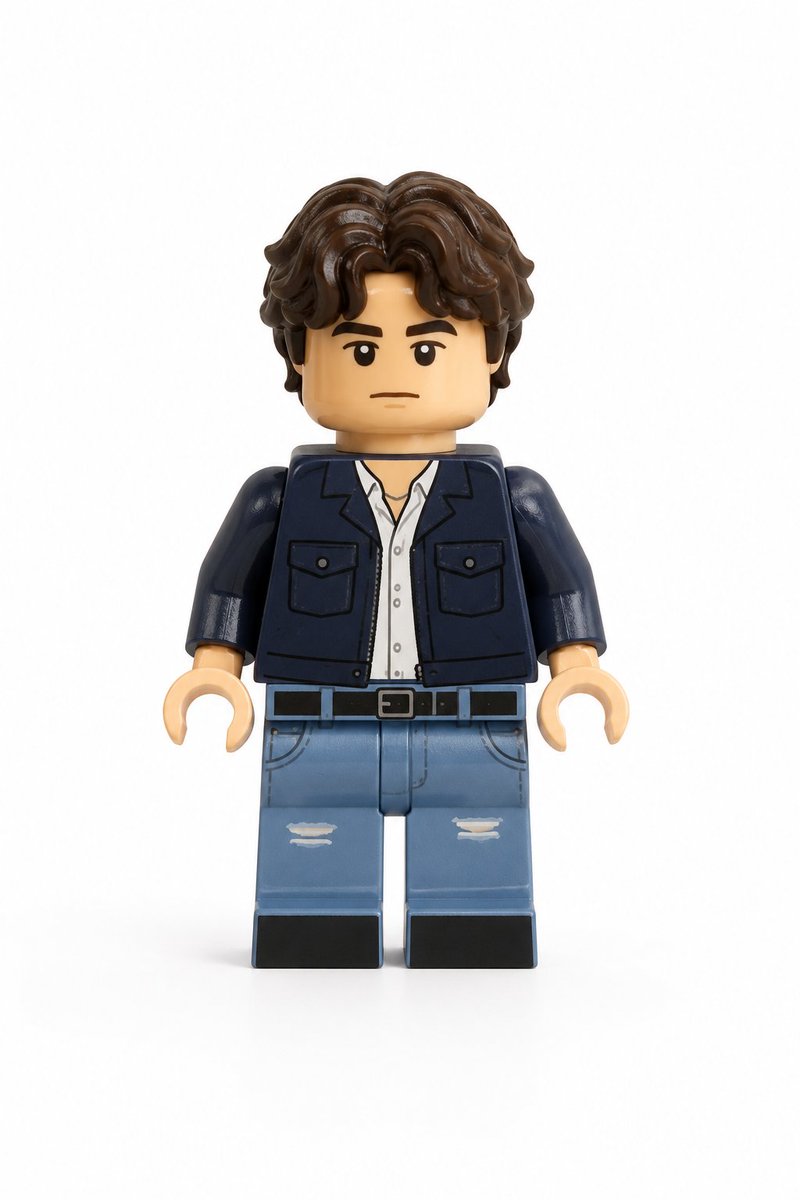







![Zhao Lusi Red Carpet Gothic Chic Portrait — {
"subject": {
"name": "{argument name="celebrity name" default="Zhao Lusi"}",
"aliases": ["Rosy Zhao"],](https://pbs.twimg.com/media/HA2i_45aMAA84bG.jpg)



![3D Fluffy Logo Transformation — Transform the [{argument name="brand name" default="BRAND"}] logo into a hyper-realistic, 3D fluffy object. Keep the original sh](https://pbs.twimg.com/media/G_4bKQRbUAEZywE.jpg)

