How do I use the High-Fashion Studio Editorial Portrait template?
Choose the primary action to open PicX Studio with the available template settings. Review the model and format, personalize the creative direction, and generate when ready.
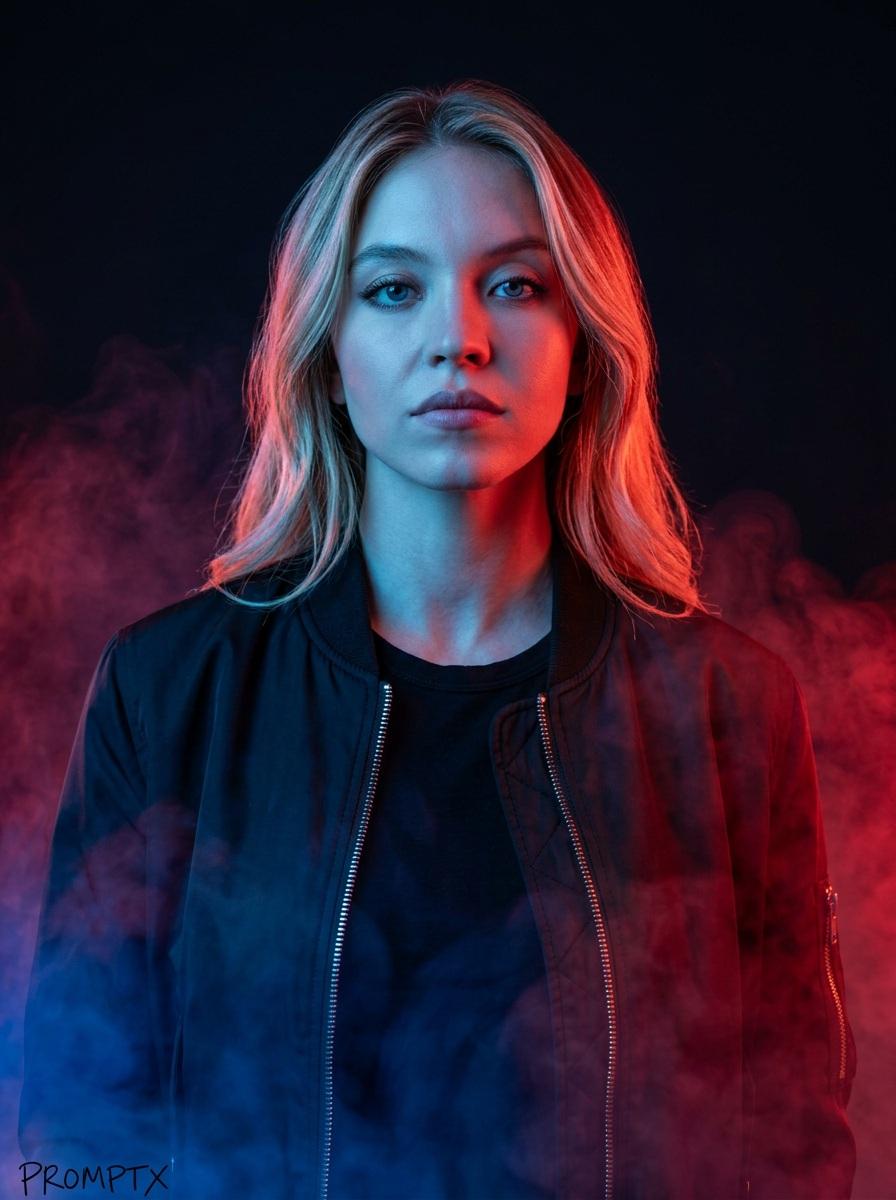
A prompt for generating a high-fashion, minimalist editorial portrait of a woman in a black corset mini-dress and oversized blazer, set against a light grey seamless studio background. It emphasizes dramatic spotlighting, high-gloss skin texture, and a sleek, polished aesthetic, focusing on the subject's confident expression and outfit details. (free to use) — Free AI image template on PicX Studio.
{ "subject": { "gender": "female", "appearance": { "skin_tone": "bronzed/tanned", "skin_texture": "high gloss, hyper-realistic, oily sheen on chest and shoulders", "hair": { "color": "dark brown/black", "style": "sleek, tightly pulled back, center part", "finish": "wet look/polished" }, "face": { "eyes": "light blue/green, sharp gaze", "eyebrows": "structured, dark", "lips": "full, nude-pink matte", "expression": "sultry, confident, serious model pout" } }, "outfit": { "coat": { "type": "oversized blazer/trench coat", "color": "matte black", "material": "wool blend", "styling": "draped over shoulders (cape style)" }, "dress": { "type": "corset mini dress", "material": "black satin/silk mix with mesh", "details": [ "structured boning", "sheer mesh waist panels", "scoop neckline", "fitted silhouette" ] }, "accessories": { "gloves": "black leather, wrist-length", "earrings": "small thick gold hoops", "bag": "minimalist black rectangular leather clutch" } }, "pose": { "body": "standing, weight shifted to one hip", "arms": "relaxed at sides", "hands": "holding clutch in right hand" } }, "setting": { "background": "seamless studio background", "color": "neutral light grey", "vibe": "minimalist, high-fashion editorial" }, "lighting_and_composition": { "lighting_style": "dramatic spotlight/snoot", "key_light": "focused on face and upper chest", "shadows": "vignetted edges, soft drop shadow behind subject", "shot_type": "medium shot (mid-thigh up)", "camera_angle": "eye level, straight on" } }
Use High-Fashion Studio Editorial Portrait to plan an AI image around nano-banana-2 generation. Match the preview's composition first, then personalize the subject, setting, and mood for your own project.
Use the primary action to load the template settings in PicX Studio.
Adjust the subject and creative details for your destination.
Create the image, compare the result with the preview, and refine one variable at a time.
A continuous mix — similar concepts first, woven with same-model prompts and fresh picks from the catalog.
Choose the primary action to open PicX Studio with the available template settings. Review the model and format, personalize the creative direction, and generate when ready.
Yes. You can change the subject, setting, lighting, mood, format, and available model controls before creating your image.
This template is free to open and customize. Generation usage is shown in PicX Studio before you create.
Start with nano-banana-2, which is the model associated with this template. You can compare another compatible model for a different finish.
Follow a topic to a crawlable collection of related PicX Studio templates.
39,155 public templates available. Verified via the PicX Studio public templates API; refreshed hourly.
A continuous mix — similar concepts first, woven with same-model prompts and fresh picks from the catalog.