How do I use the Intimate Black and White Candid Portrait template?
Choose the primary action to open PicX Studio with the available template settings. Review the model and format, personalize the creative direction, and generate when ready.
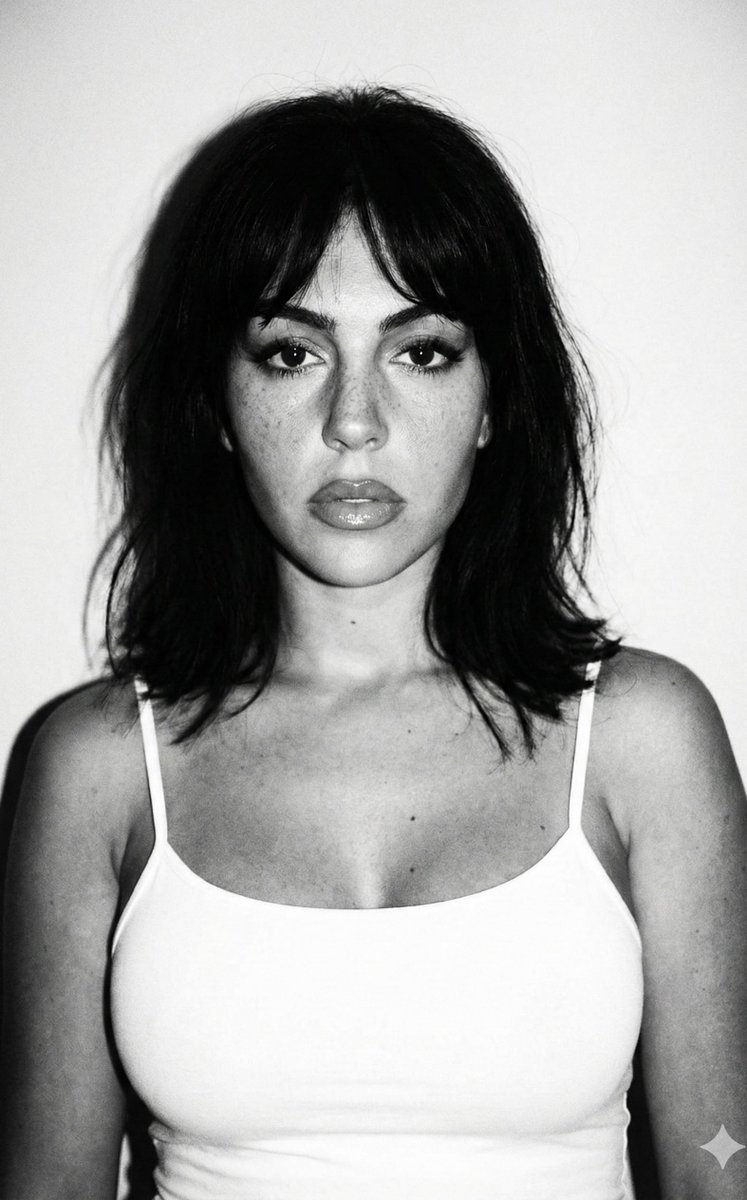
A detailed image generation prompt for a photorealistic, black and white, close-up portrait of a young woman, designed to emulate a candid selfie taken with a film camera or smartphone. Change the subject, setting, or lighting one variable at a time.

{ "image_generation_prompt": { "subject_details": { "demographics": "Young woman, caucasian, estimated early 20s", "hair": "Textured blonde curly hair styled in a messy updo/bun, loose wispy tendrils and stray hairs framing the face, backlit flyaways", "face": "Natural skin texture with visible freckles across nose and cheeks, high cheekbones, strong brushed-up eyebrows, full lips, defined jawline, light natural makeup", "gaze": "Direct eye contact, soft and alluring expression, slightly parted lips, calm demeanor" }, "apparel_and_styling": { "clothing": "{argument name="clothing item" default="Black spaghetti strap camisole top"}, V-neck, minimalist style", "accessories": "None visible", "styling": "Effortless, 'woke up like this' aesthetic, casual chic" }, "pose_and_composition": { "type": "Close-up portrait, selfie angle", "framing": "Head and shoulders, center composition", "posture": "Shoulders slightly angled, neck elongated, visible collarbones, head tilted very slightly" }, "environment_and_background": { "setting": "Indoor, domestic setting near a window", "backdrop": "Sheer textured curtains with vertical folds, soft fabric detail", "depth": "Shallow depth of field, background slightly out of focus to emphasize subject" }, "lighting_and_atmosphere": { "type": "Soft natural window lighting (diffused)", "direction": "Front-lit with slight side bias", "highlights": "Soft specular highlights on forehead, nose tip, and cheekbones", "shadows": "Gentle, non-intrusive shadows under the chin and defining the neck", "mood": "Intimate, raw, candid, serene, sentimental" }, "technical_specs": { "medium": "{argument name="medium style" default="Black and white photography"}, monochrome", "camera_emulation": "iPhone front camera or 35mm film camera equivalent", "lens": "35mm focal length (portrait appropriate but slightly wide for selfie feel)", "aperture": "f/2.8", "film_grain": "Fine film grain texture added for realism", "quality_tags": [ "Photorealistic", "8k resolution", "highly detailed skin pores", "sharp focus on eyes", "high contrast monochrome", "raw photo style" ] } } }
Choose the primary action to open PicX Studio with the available template settings. Review the model and format, personalize the creative direction, and generate when ready.
Yes. You can change the subject, setting, lighting, mood, format, and available model controls before creating your image.
This template is free to open and customize. Generation usage is shown in PicX Studio before you create.
Start with Nano Banana 2, which is the model associated with this template. You can compare another compatible model for a different finish.
Follow a topic to a crawlable collection of related PicX Studio templates.
43,474 public templates available. Verified via the PicX Studio public templates API; refreshed hourly.











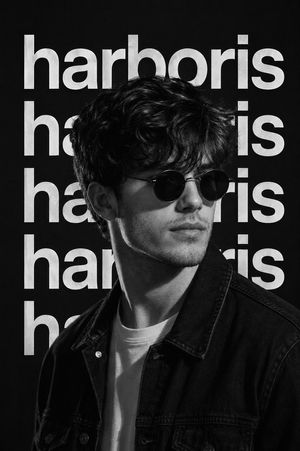
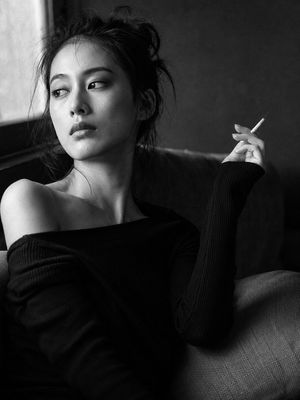


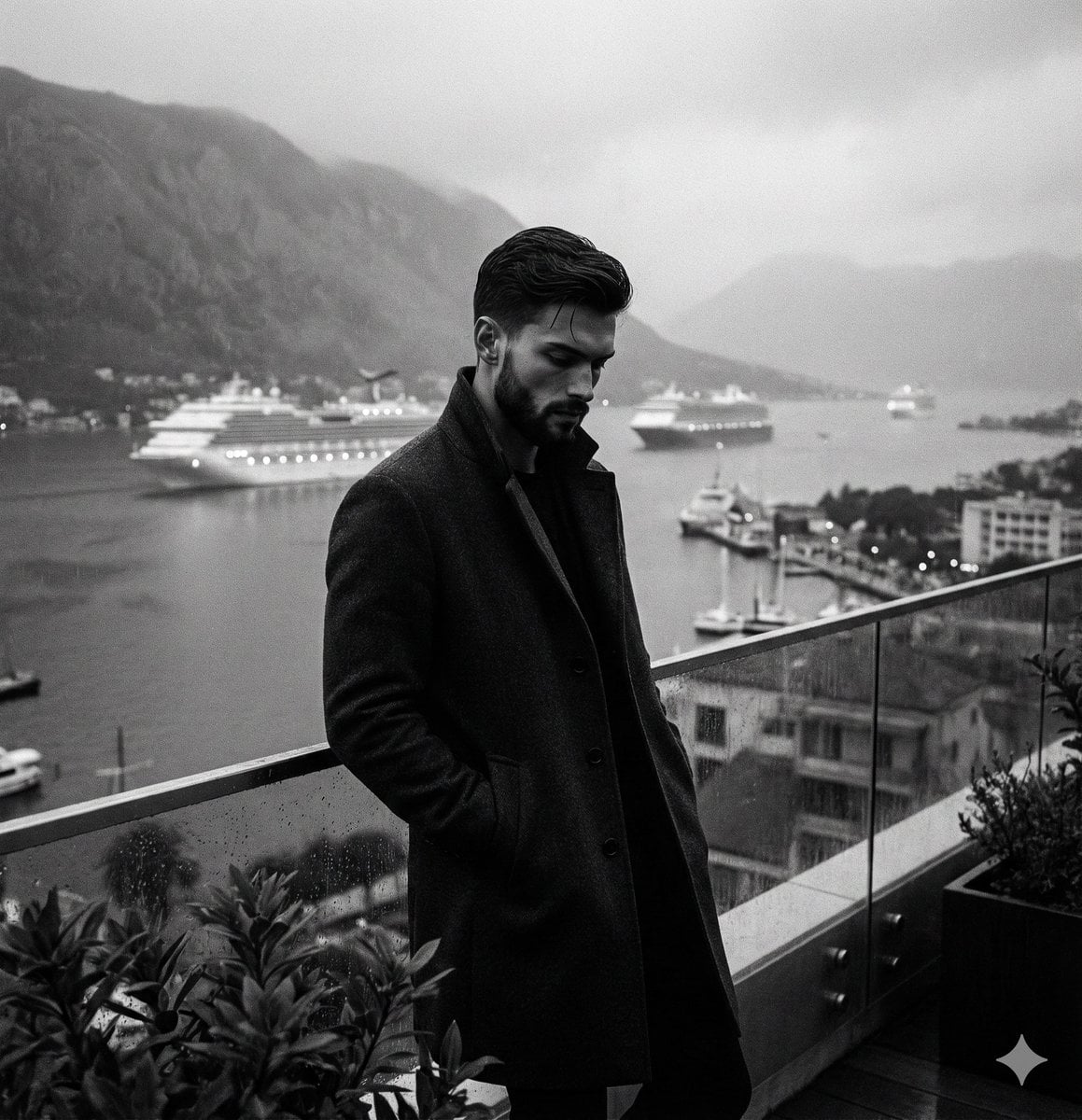


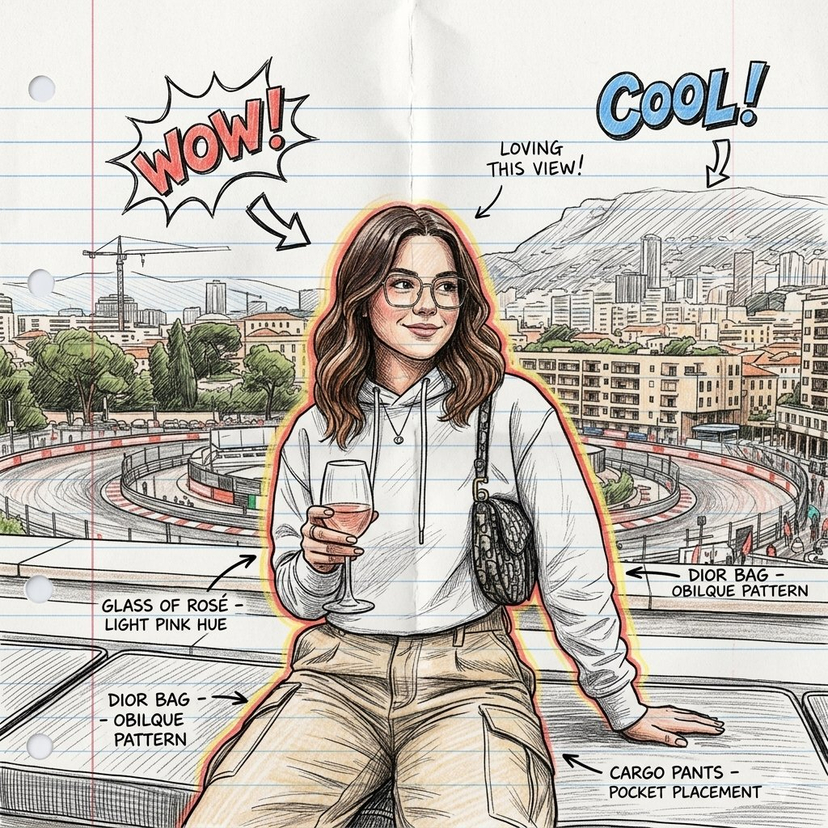
![Naive doodle-style subject illustration — A doodle-style {argument name="subject" default="[subject]"}, naive lines, humorous shape exaggeration](https://pbs.twimg.com/media/G6Wl2YxbsAARB2b.jpg)

























![Studio Portrait with Digital UI Overlay — Subject Reference: A full-body portrait of [INSERT SUBJECT NAME].
Scene Description: A full-body, centered portrait of](https://pbs.twimg.com/media/G9-jN_fXUAA3hzp.jpg)
![Candid 2026 Japanese Calendar Prompt — [テーマ]参照画像の人物をモデルとした、{argument name="年" default="2026年"}{argument name="期間" default="4月~9月"}の{argument name="月数" default="](https://cms-assets.youmind.com/media/1777022523492_228788_HGk_U6CbkAARWMV.jpg)