
Chinese Calligraphy Style Comparison
A scholarly poster showing one Chinese phrase rendered in five historic calligraphy styles, useful for testing AI brush lettering and style emulation.
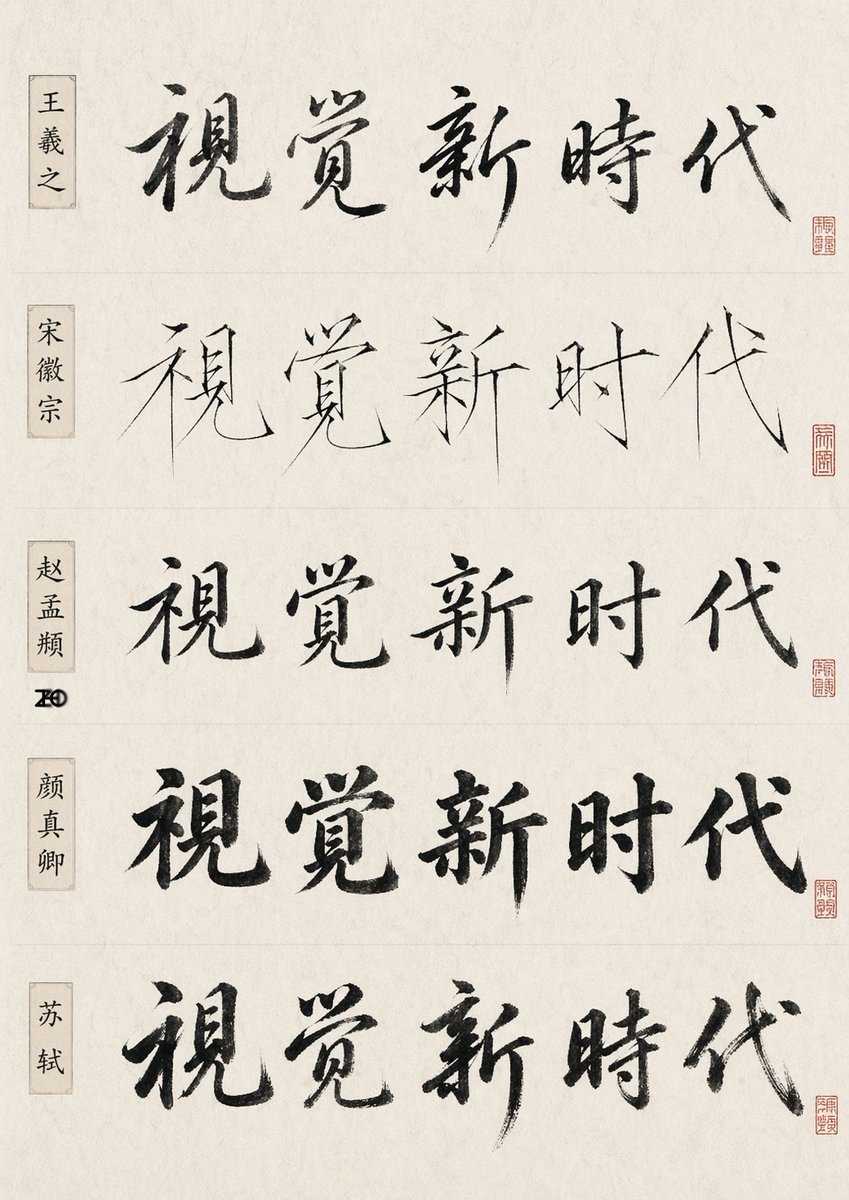
- Prompt included
- Model and format preset
- Free template
The prompt behind this image
Copy the exact prompt behind Chinese Calligraphy Style Comparison, or open it in the studio and make it yours.
- Type
- Chinese calligraphy comparison sheet
- Subject
- the same five-character phrase written in five famous-calligrapher-inspired styles
- Text › Main Phrase
- 视觉新时代
- Style
- minimal scholarly presentation, off-white rice paper texture, black ink brush calligraphy, subtle fiber grain, clean museum-reference layout
- Layout › Orientation
- vertical poster
- Layout › Sections › 0 › Title
- 王羲之
- Layout › Sections › 0 › Position
- top row, left label box
- Layout › Sections › 0 › Count
- 1
- Layout › Sections › 0 › Labels
- 视觉新时代
- Layout › Sections › 0 › Calligraphy Style
- flowing semi-cursive, expressive ink variation, elegant and rhythmic brushwork
- Layout › Sections › 1 › Title
- 宋徽宗
- Layout › Sections › 1 › Position
- second row, left label box
- Layout › Sections › 1 › Count
- 1
- Layout › Sections › 1 › Labels
- 视觉新时代
- Layout › Sections › 1 › Calligraphy Style
- very thin and sharp slender strokes, Song Huizong inspired 'slender gold' aesthetic, refined angular lines
- Layout › Sections › 2 › Title
- 赵孟頫
- Layout › Sections › 2 › Position
- third row, left label box
- Layout › Sections › 2 › Count
- 1
- Layout › Sections › 2 › Labels
- 视觉新时代
- Layout › Sections › 2 › Calligraphy Style
- balanced regular-script influence with soft rounded transitions and controlled structure
- Layout › Sections › 3 › Title
- 颜真卿
- Layout › Sections › 3 › Position
- fourth row, left label box
- Layout › Sections › 3 › Count
- 1
- Layout › Sections › 3 › Labels
- 视觉新时代
Raw JSON
{"type":"Chinese calligraphy comparison sheet","subject":"the same five-character phrase written in five famous-calligrapher-inspired styles","text":{"main phrase":"视觉新时代"},"style":"minimal scholarly presentation, off-white rice paper texture, black ink brush calligraphy, subtle fiber grain, clean museum-reference layout","layout":{"orientation":"vertical poster","sections":[{"title":"王羲之","position":"top row, left label box","count":1,"labels":["视觉新时代"],"calligraphy style":"flowing semi-cursive, expressive ink variation, elegant and rhythmic brushwork"},{"title":"宋徽宗","position":"second row, left label box","count":1,"labels":["视觉新时代"],"calligraphy style":"very thin and sharp slender strokes, Song Huizong inspired 'slender gold' aesthetic, refined angular lines"},{"title":"赵孟頫","position":"third row, left label box","count":1,"labels":["视觉新时代"],"calligraphy style":"balanced regular-script influence with soft rounded transitions and controlled structure"},{"title":"颜真卿","position":"fourth row, left label box","count":1,"labels":["视觉新时代"],"calligraphy style":"bold heavy brushwork, upright dignified structure, thick ink-rich strokes"},{"title":"苏轼","position":"bottom row, left label box","count":1,"labels":["视觉新时代"],"calligraphy style":"free spirited running script, robust brush pressure, energetic literati feeling"}],"row count":5,"repeated phrase count":5,"left label count":5,"seal count":5},"details":{"left labels":"each row has a narrow vertical beige name cartouche with black Chinese characters","seals":"each row has one small red square seal near the lower right end of the calligraphy line, all slightly different","dividers":"faint horizontal divider lines separate the five rows","margins":"wide clean margins, centered composition","background":"warm ivory xuan paper with subtle aging and natural paper mottling"},"quality":"high-resolution print-like study sheet, authentic ink bleed and dry-brush texture, restrained elegant lighting, no extra decoration","parameters":{"main phrase":"{argument name=\"phrase text\" default=\"视觉新时代\"}","paper tone":"{argument name=\"paper tone\" default=\"warm ivory\"}","ink color":"{argument name=\"ink color\" default=\"black\"}"}}How to use Chinese Calligraphy Style Comparison in 3 steps
- 1Upload ImagePNG, JPG or paste
Add your photo
Upload the photo the template builds on. The prompt, model and format are already set.
- 2…a portrait of your subject in softgolden-hour light, 85mm…
Personalize
Edit the subject and creative details for your destination.
- 3Generate
Generate
Press Generate — your image is created in PicX Studio, so you can compare it with the original and refine one variable at a time.
More like this
Templates with the same subject, style or setup. Open one to see its prompt.
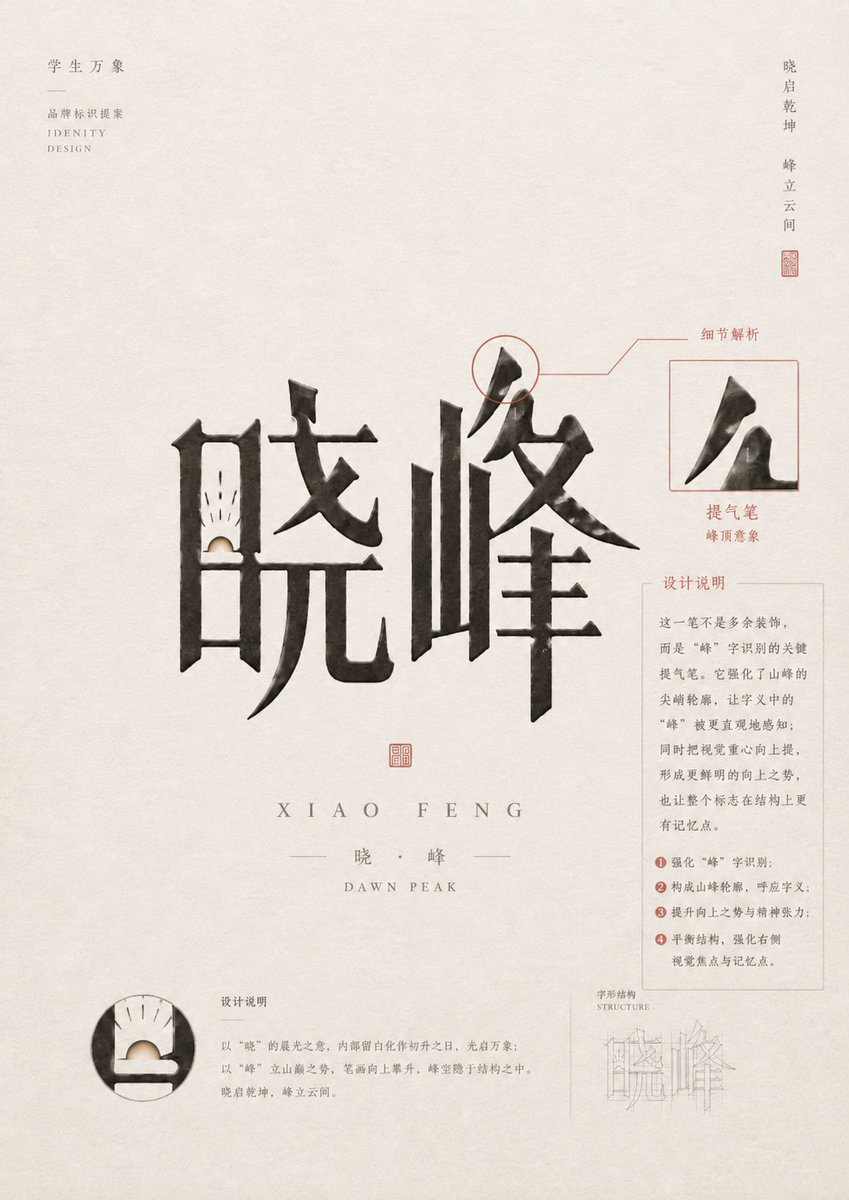
Chinese Calligraphy Identity Poster
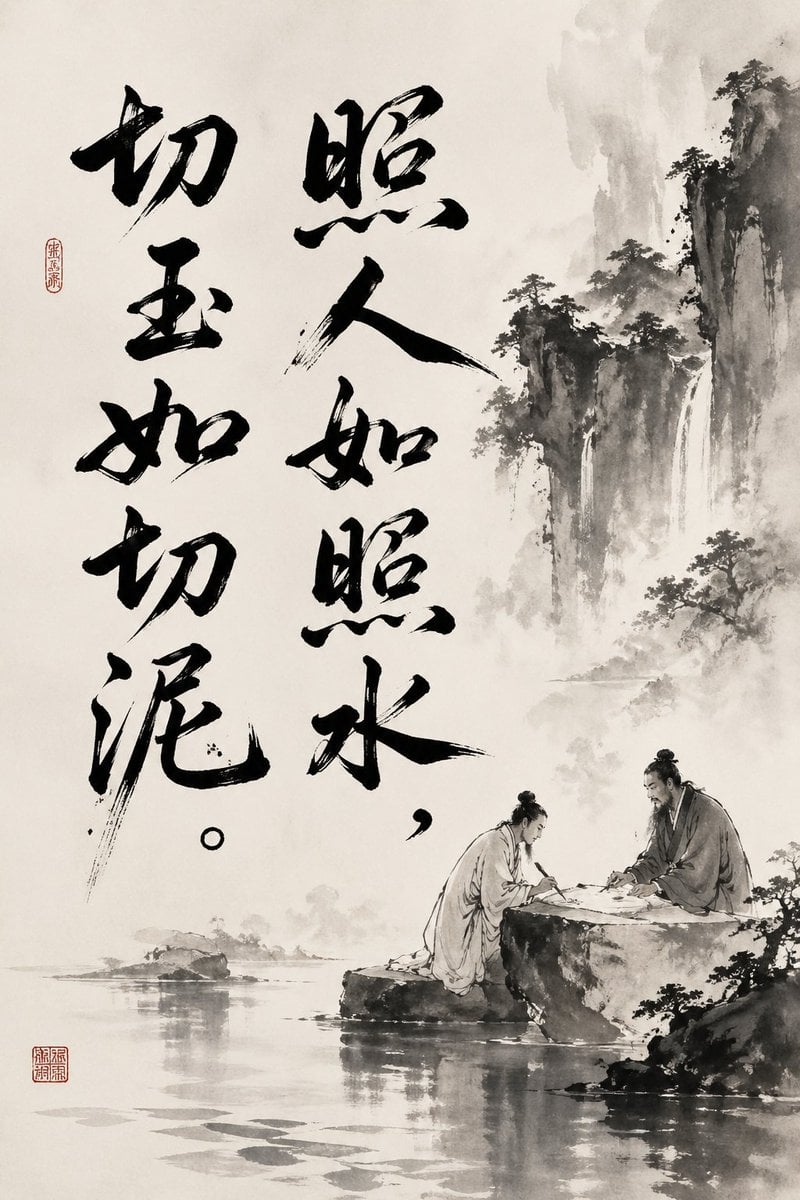
Chinese Ink Painting with Calligraphy
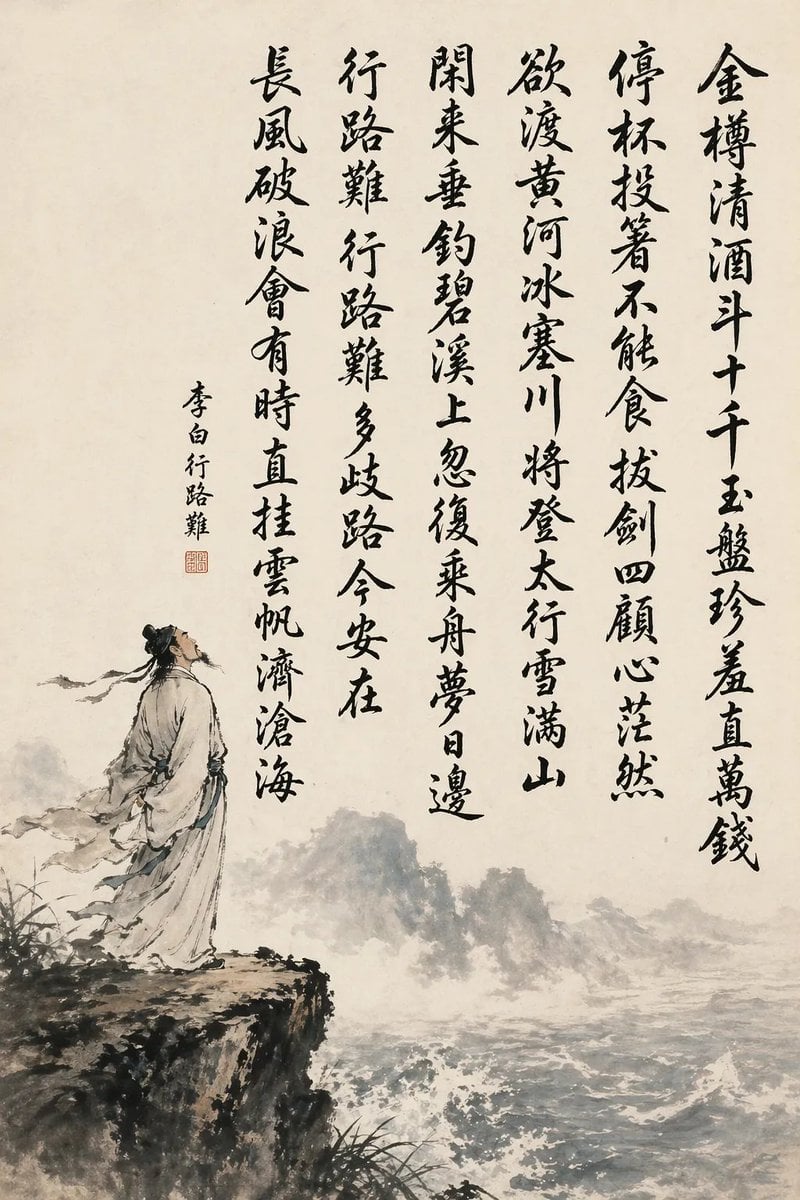
Chinese Calligraphy Poem Scroll
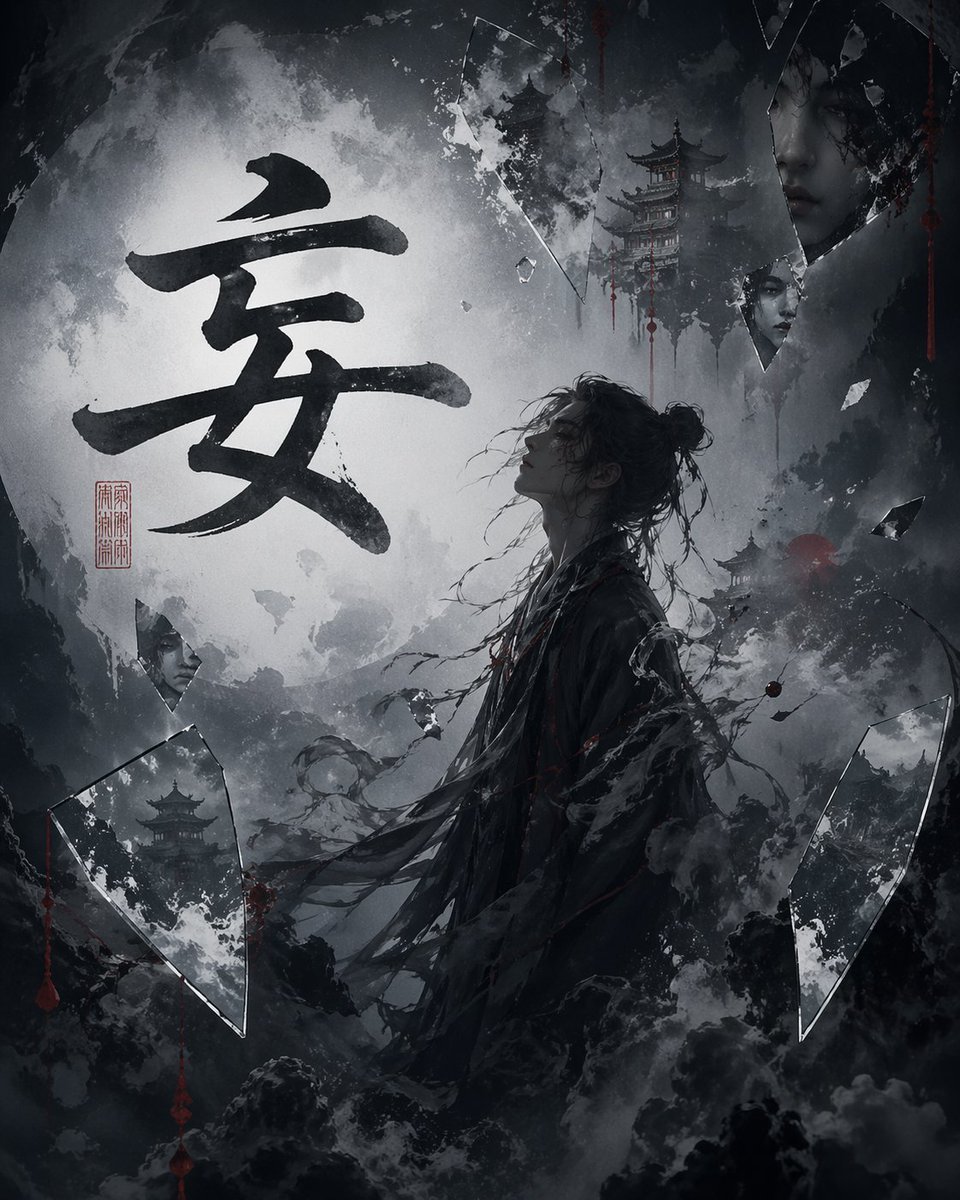
Chinese Calligraphy Dark Fantasy Poster
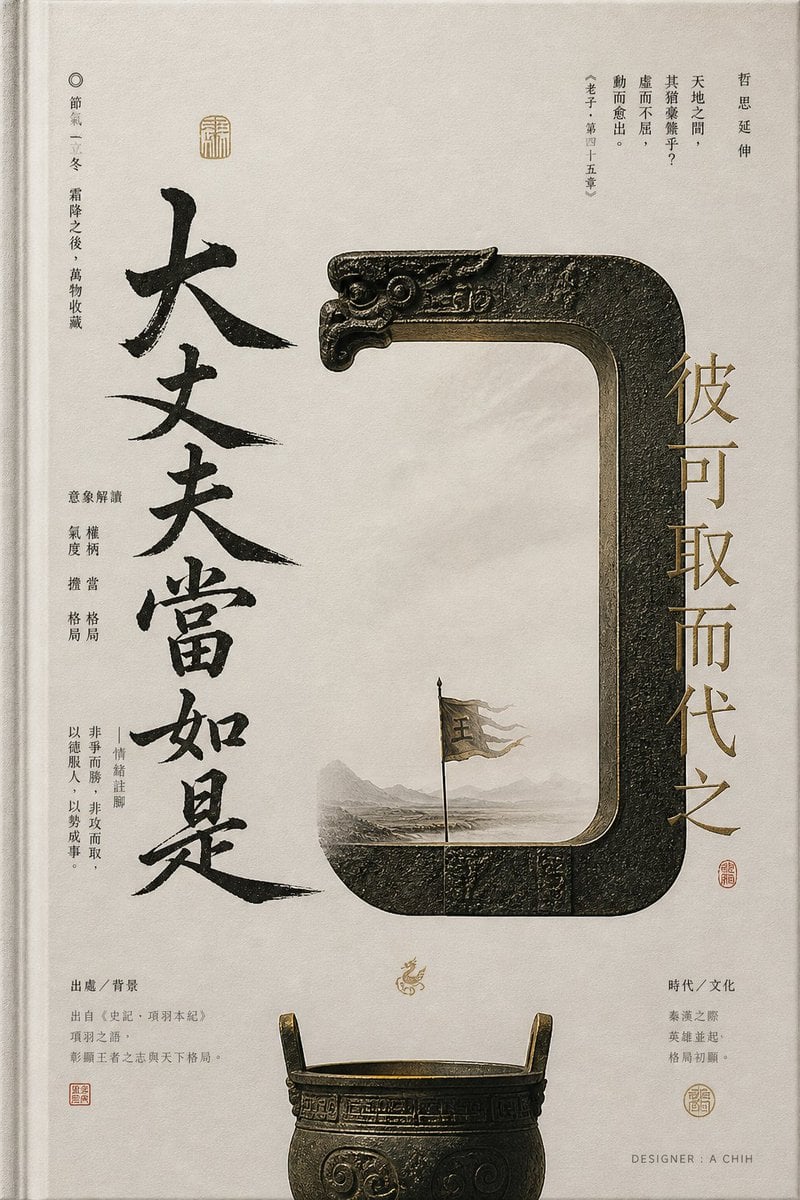
Ancient Chinese Bronze Calligraphy Poster
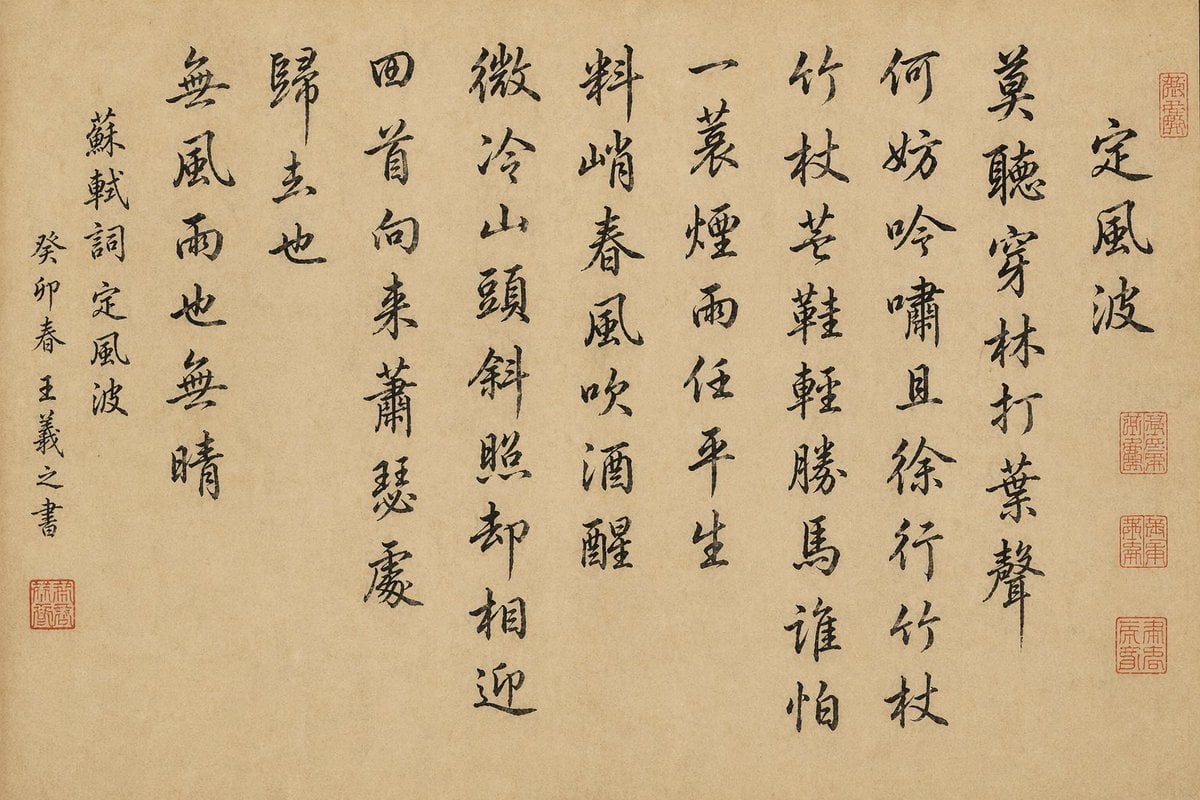
Chinese Calligraphy Scroll on Aged Paper
Traditional Chinese Calligraphy and Ink Painting
Chinese Calligraphy Poem Landscape
Chinese Cursive Calligraphy Scroll

Skin Comparison Portrait — Nano Banana Pro

敦煌纸雕飞天 — 3D Layered Paper Cutout

博物馆图鉴式汉服拆解图 — GPT-image-2
Make it yours
Chinese Calligraphy Style Comparison works as-is. These are the safest ways to change it without losing the look.
Swap the setting
Keep the rest of the prompt and replace the location block. The current setting is “warm ivory xuan paper with subtle aging and natural paper mottling”.
Change one field
Copy a single group, rewrite it, and generate again so you can see what that field is doing.
Keep the frame, change the subject
Hold the composition and light of Chinese Calligraphy Style Comparison, then swap wardrobe, props or the person for a new take.
| If the result… | Why | Fix |
|---|---|---|
| The result drifts from the preview | Too many fields changed at once. | Reuse Chinese Calligraphy Style Comparison as-is first, then change one group — subject, light, or setting. |
| GPT Image 2 ignores part of the JSON | Some models flatten or skip nested keys. | Keep the same values and paste them as a short paragraph instead. |
More GPT Image 2 templates
Other prompts made for GPT Image 2.

Six VTuber Japanese Logo Sheet

Realistic Portrait of Woman and Deer

The Vista Modular Condo Poster

2.5D Anime Art Board

Isometric Productivity Desk Scene

New York Double Exposure Poster

Japanese Tatami Lifestyle Magazine Cover

NESCAFÉ Coffee Map Poster

Cinematic Luxury Terrace Portrait
Superhero Era Transformation Split Portrait
More image prompts
Fresh picks from across the catalog.
High-Fashion Zootopia Miniature Visualization
Censored Vintage Smoking Film Still
Anthropomorphizing LLMs
Nostalgic 2003 Family Apartment Photo
Retro Hong Kong Gangster Poster
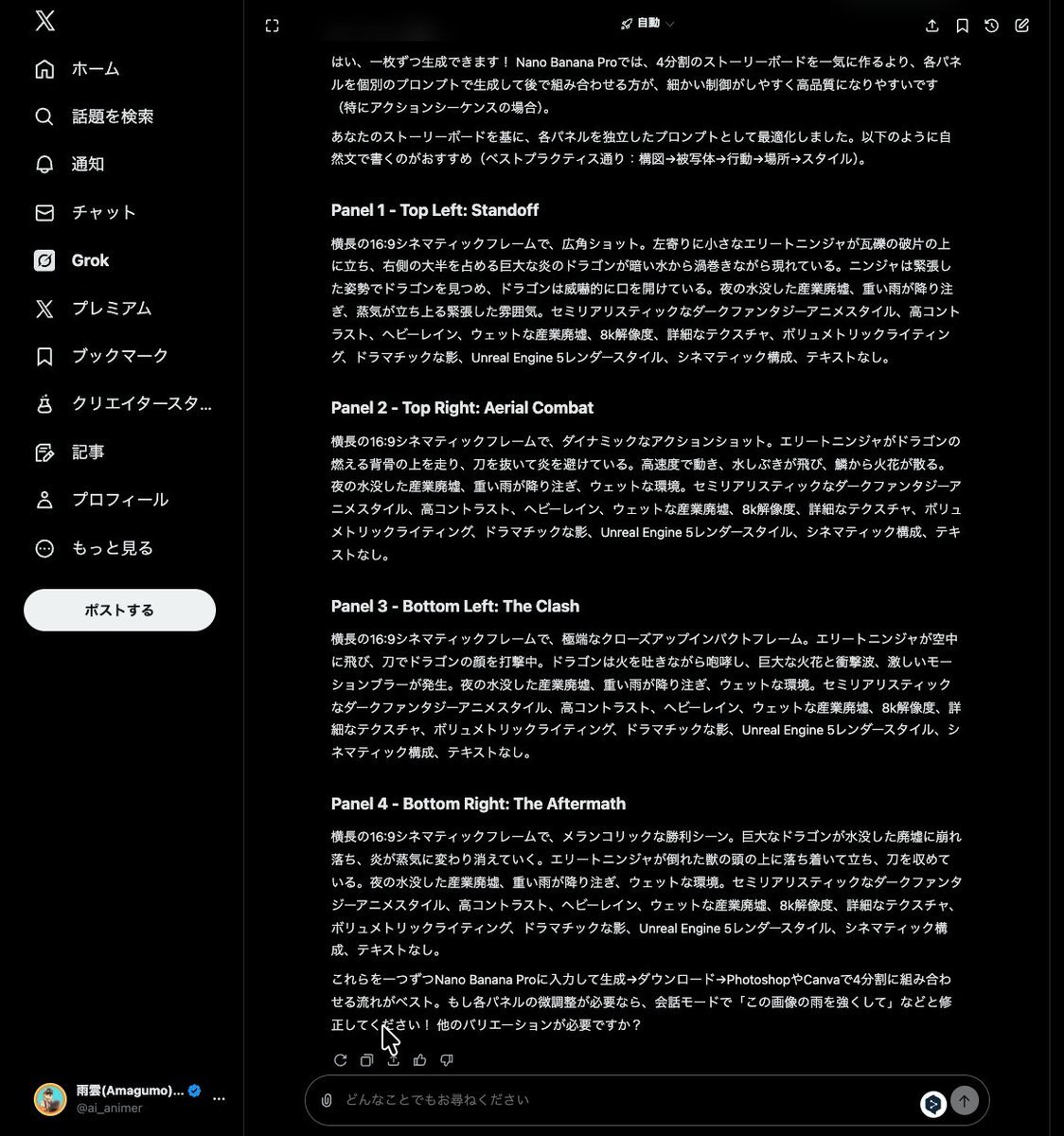
Grok Instruction for Generating Nano Banana Pro Image Prompts
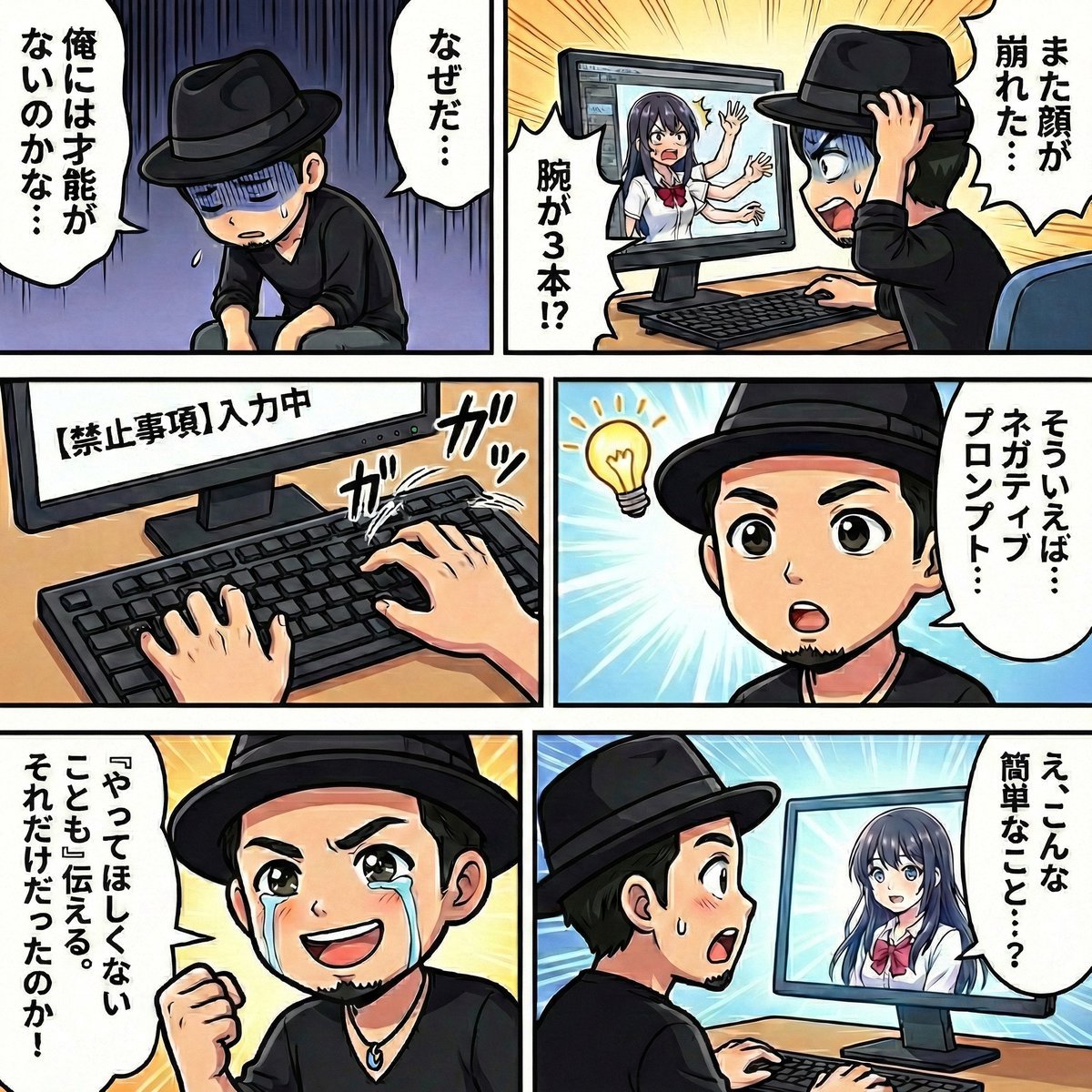
Negative Prompting for Manga Generation in NanoBanana Pro
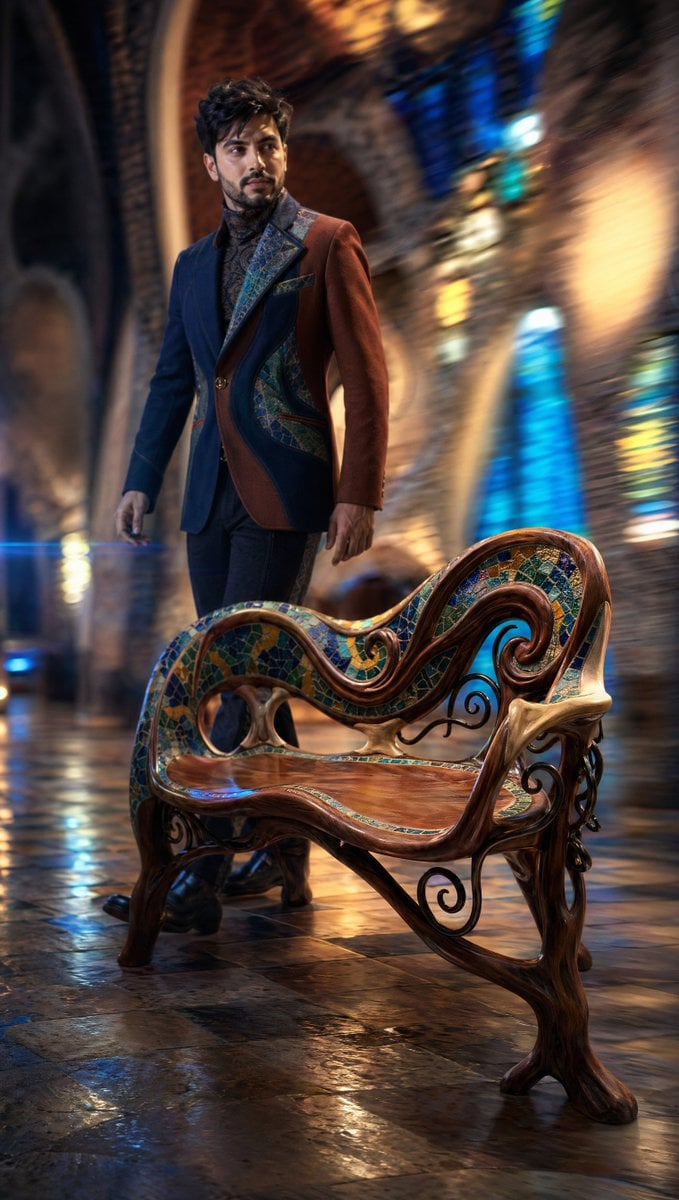
Dynamic Tracking Shot Product Advertisement
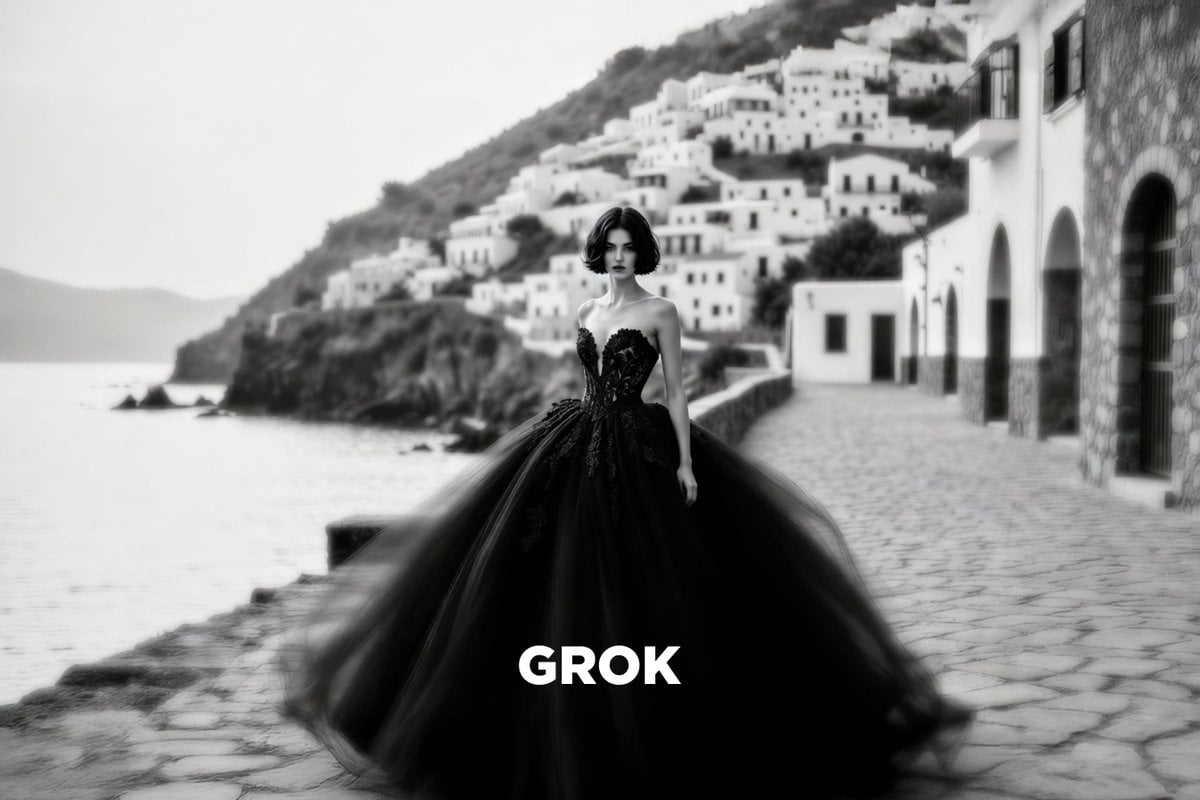
Paolo Roversi Style Black and White Fashion

Ultra-Realistic Passport Photo Generation
Browse template categories
Chinese Calligraphy Style Comparison questions
How do I use the Chinese Calligraphy Style Comparison template?
Add your photo if the template asks for one, edit the prompt if you like — the template's model and format are already selected — and press Generate. Your version opens in PicX Studio.
Can I customize the Chinese Calligraphy Style Comparison template?
Yes. You can change the subject, setting, lighting, mood, format, and available model controls before creating your image.
Is the Chinese Calligraphy Style Comparison template free?
Opening and editing this template is free. Generating uses credits, shown on the Generate button when you are signed in.
Which AI model should I use?
Start with GPT Image 2, which is the model associated with this template. You can compare another compatible model for a different finish.
Looking for something else? Browse all templates.

Your photo, any look
Thousands of ready templates for every top image and video model, from one credit balance.