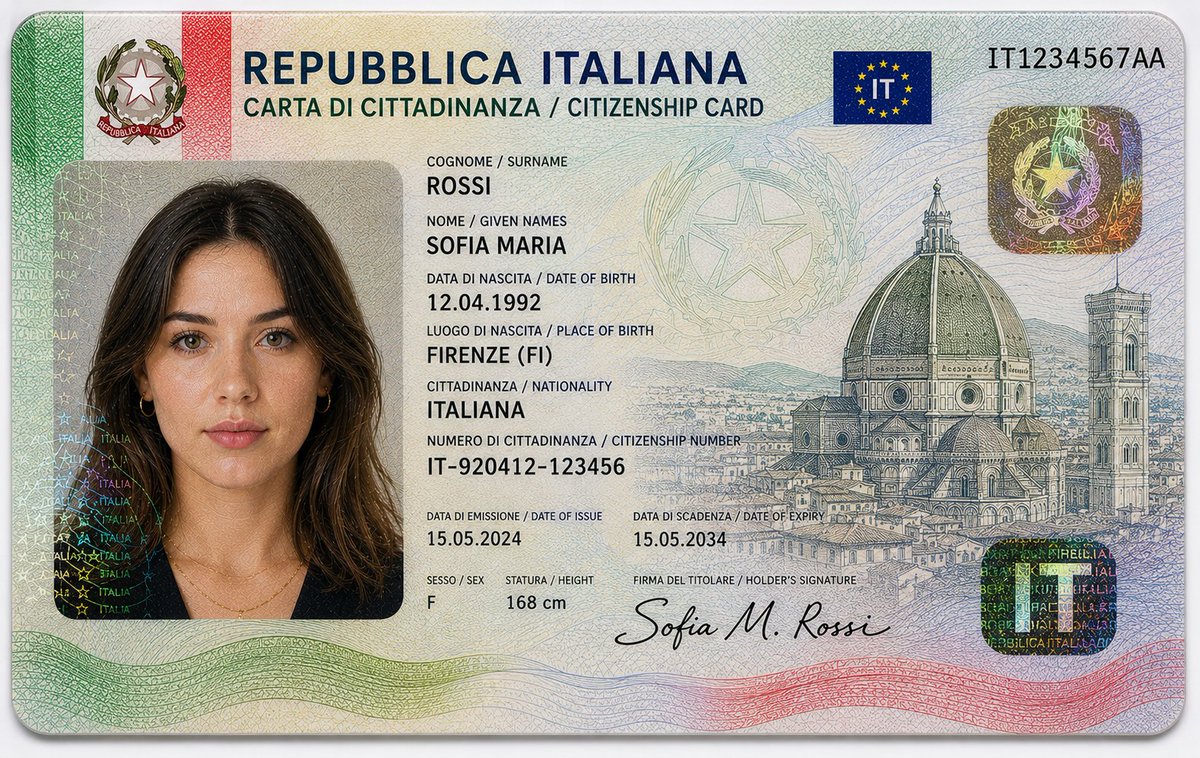
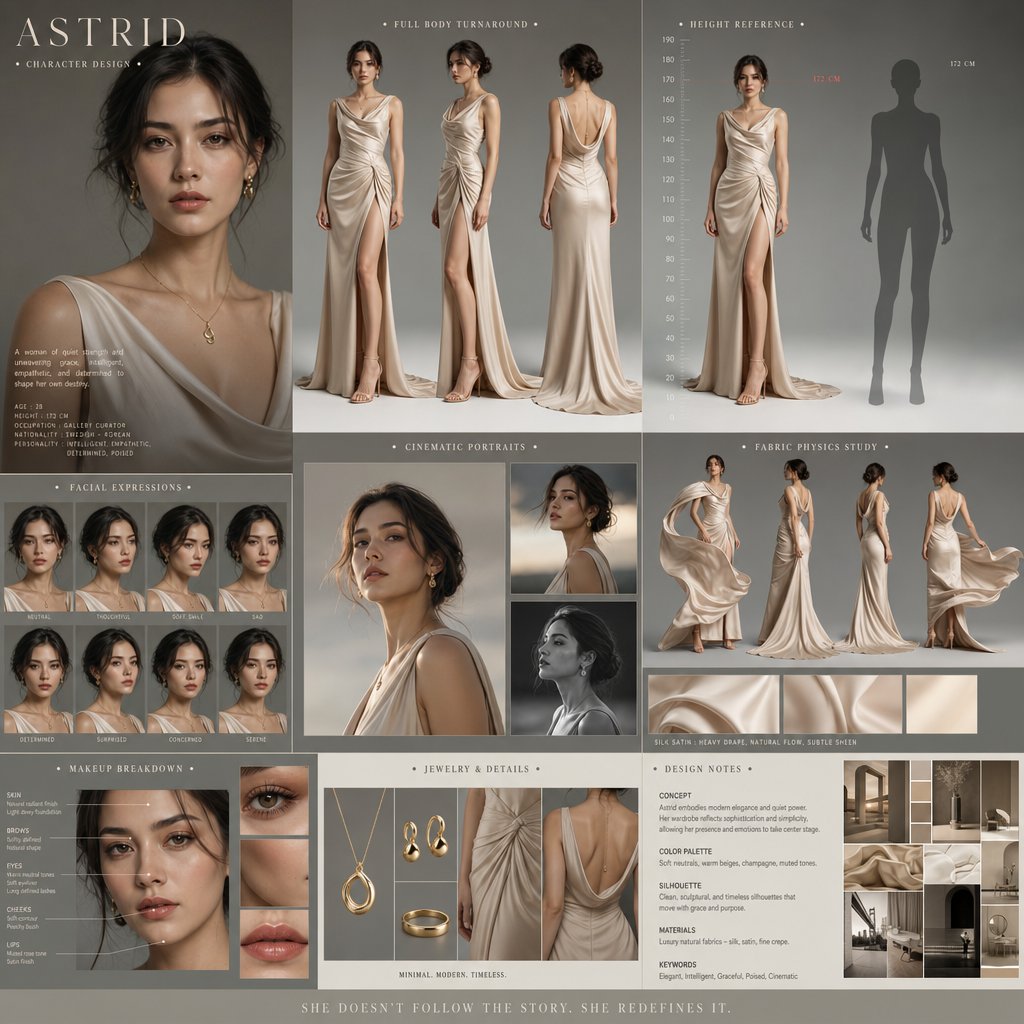
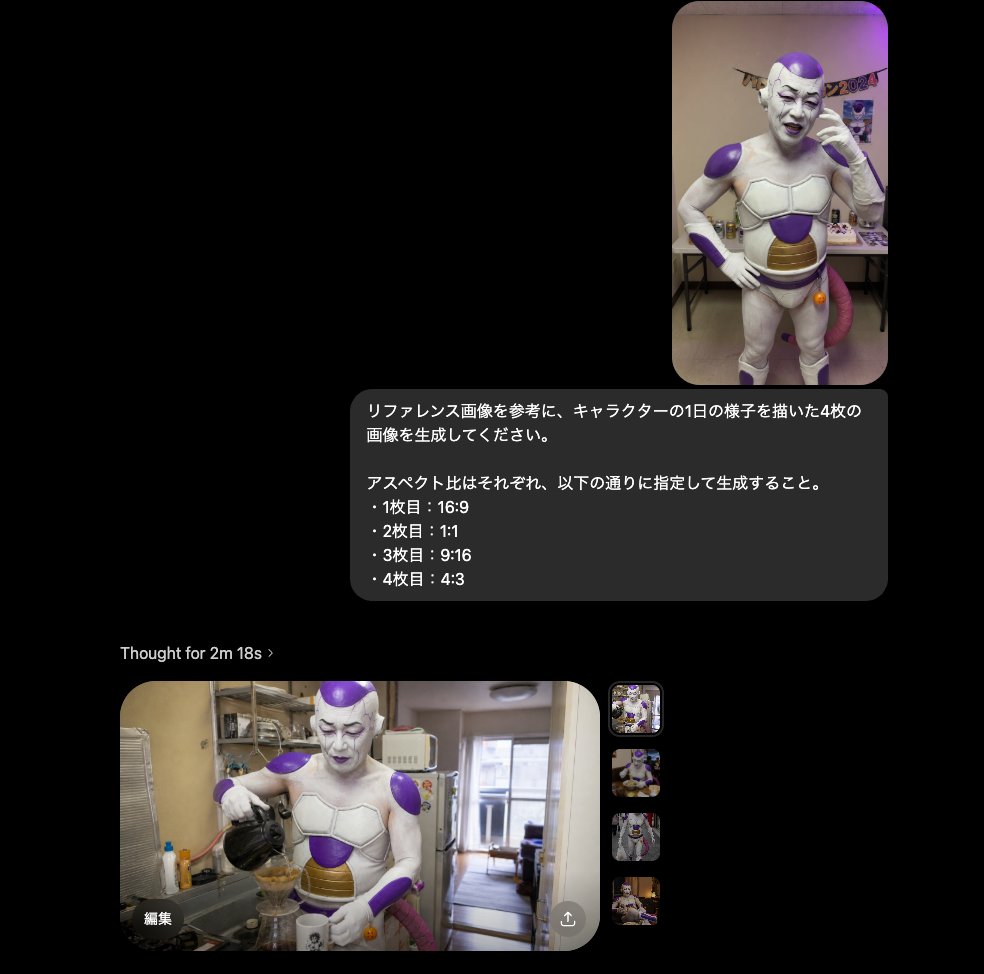
Zendaya Entomological Elegance Surreal Portrait
{
"vibe_title_en": "Entomological Elegance",
"master_prompt": "A hyper-realistic, macro-cinematic portrait of The Protagonist situated in a chaotic, dust-laden Victorian Entomology Workshop. The subject's face is artfully partially obscured by a swarm of hyper-detailed, jewel-toned obsidian arachnids and beetles, crawling delicately across the skin texture, mimicking a living veil. The environment is incredibly busy and claustrophobic, packed with shelves of antique apothecary jars, pinned butterfly specimens, scattered brass tools, decaying botanical manuscripts, and overflowing wooden drawers. The lighting is dramatic Chiaroscuro, utilizing a single cold key light to catch the gloss on the insects' carapaces and the natural oils of the subject's skin, while the background clutter fades into deep, textured shadows. Shot on a Phase One XF IQ4 150MP with a 120mm Macro lens for microscopic fidelity, rendered with the gritty, organic grain of pushed Kodak Tri-X 400 film stock. No neon, just dust, shadow, and organic texture.",
"meta": {
"intent": "Editorial Fashion / Surrealist Portrait",
"priorities": "Texture Fidelity, Surreal Realism, Atmospheric Density",
"device_profile": "Phase One XF IQ4 150MP"
},
"frame": {
"aspect": "4:5",
"composition": "Extreme Close-Up (Macro Focus)",
"layout": "Centralized Subject with Dense Peripheral Clutter",
"camera_angle": "Eye-Level",
"tilt_roll_degrees": "0°"
},
"subject": {
"gender": "Female",
"identity": "The Protagonist",
"demographics": "Young Adult, racially ambiguous",
"face": "Flawless skin texture visible beneath the surreal insect overlay, sharp cheekbones",
"hair": "Slicked back or pulled away to focus on the face and insects",
"body": "Shoulders visible, tension in the neck muscles",
"expression": "Stoic, intense, unblinking gaze directly into the lens",
"pose": "Static, frozen in a moment of symbiosis with the creatures"
},
"wardrobe_accessories": {
"garments": [
{
"item": "High-collar blouse",
"material": "Antique Lace / Silk",
"color": "Charcoal or Deep Black",
"fit": "Tight, Victorian silhouette"
}
],
"accessories": []
},
"environment": {
"setting": "Victorian Entomology Workshop / Taxidermy Lab",
"surfaces": "Aged wood, glass jars, brass metal, dust particles",
"depth": "Shallow depth of field, background is a blur of clutter",
"atmosphere": "Stagnant air, smell of old paper and preservative fluids, dusty",
"lens_interaction": "Sharp focus on the eyes and insects, heavy bokeh on background shelves"
},
"lighting": {
"key": "Hard, cold directional light (Moonlight or Laboratory Lamp)",
"fill": "Negative fill (deep shadows)",
"rim": "Subtle edge light on the insects",
"shadows": "Crushed blacks, high contrast",
"color_temperature": "Cool / Desaturated (5500K)",
"sensor_fla


![City Spherical Panorama Tiny Planet — Create a hyperrealistic, surreal spherical panorama of [CITY NAME], with its most iconic landmarks and architecture seamle](/_next/image?url=https%3A%2F%2Fcdn.picxstudio.com%2Fuploads%2Fmeigen_2009117120987320527_7379e47a-df5a-4a94-a78d-25a41972e1ec.jpg&w=828&q=100)
![Embossed Logo Relief Metal Surface — [BRAND NAME] + [METAL COLOR]
Act as a Senior CGI Artist and Brand Identity Director specializing in premium logo materiali](/_next/image?url=https%3A%2F%2Fcdn.picxstudio.com%2Fuploads%2Fmeigen_2045580765136920938_0bde1a9c-f70b-4ede-acfa-2c3447def3ae.jpg&w=828&q=100)


![Isometric Architectural Landmark Diorama — A miniature isometric architectural diorama of [LANDMARK NAME], accurately reflecting its real-world structure and pr](/_next/image?url=https%3A%2F%2Fcdn.picxstudio.com%2Fuploads%2Fmeigen_2011378770494566596_41d7c0b4-01a5-45ac-842a-ba02f6199f1c.jpg&w=828&q=100)
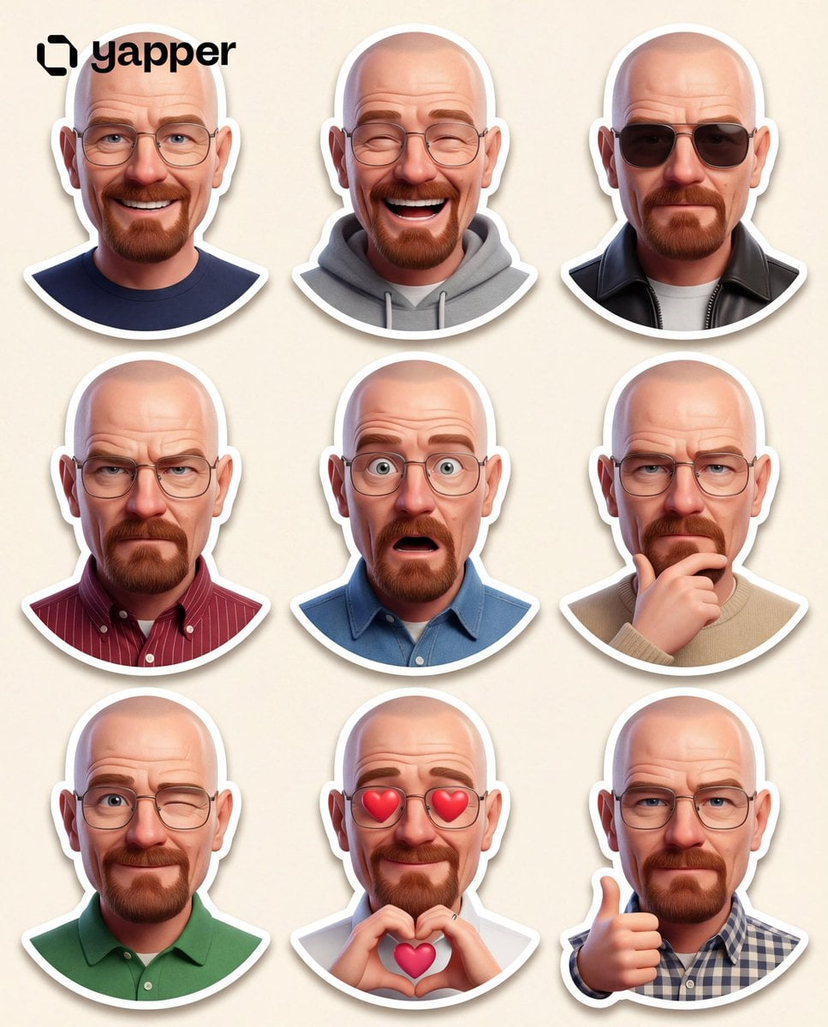
![Brand Sticker Sheet Monoline Vector — [BRAND NAME]. Act as a vector illustrator designing a trendy, high-end "Sticker Sheet" set.
THE TASK:
Deconstruct the bran](/_next/image?url=https%3A%2F%2Fcdn.picxstudio.com%2Fuploads%2Fmeigen_2009717451710509473_f078b4ef-ad6a-4a10-8827-9eee0c28a12a.jpg&w=828&q=100)

![Cocktail Studio Photography Tropical — A high-end studio photograph of a [YOUR COCKTAIL], shot from a high-angle slightly top-down perspective. The drink is ser](/_next/image?url=https%3A%2F%2Fcdn.picxstudio.com%2Fuploads%2Fmeigen_2010403834699685983_b85fed55-0d0f-4028-9223-891964141241.jpg&w=828&q=100)



![Isometric Evolution Timeline Diorama — Create a clean isometric miniature 3D diorama visualizing the evolution of [TOPIC] from [START ERA] to [MODERN ERA]. Use](/_next/image?url=https%3A%2F%2Fcdn.picxstudio.com%2Fuploads%2Fmeigen_2022178815955636413_0b673cf9-af10-4759-9d89-36ed2bacb174.jpg&w=828&q=100)
![Country Landmarks 2x2 Collectible Grid — <instructions> Role: You are a Lead 3D Artist at a premium collectible company Input Variable: [INSERT COUNTRY] Syst](/_next/image?url=https%3A%2F%2Fcdn.picxstudio.com%2Fuploads%2Fmeigen_2010411888434417944_1e02f0c8-5921-4445-9757-625e5c8a678b.jpg&w=828&q=100)
![Building Exploded View Architectural Diorama — Input Variable: [Any Famous Building - Guggenheim, Burj Khalifa, Sydney Opera House, etc.]
System Instruction:
Ge](/_next/image?url=https%3A%2F%2Fcdn.picxstudio.com%2Fuploads%2Fmeigen_2018906863266345105_6473ea73-e096-4f32-bfef-5536fa8d4c74.jpg&w=828&q=100)
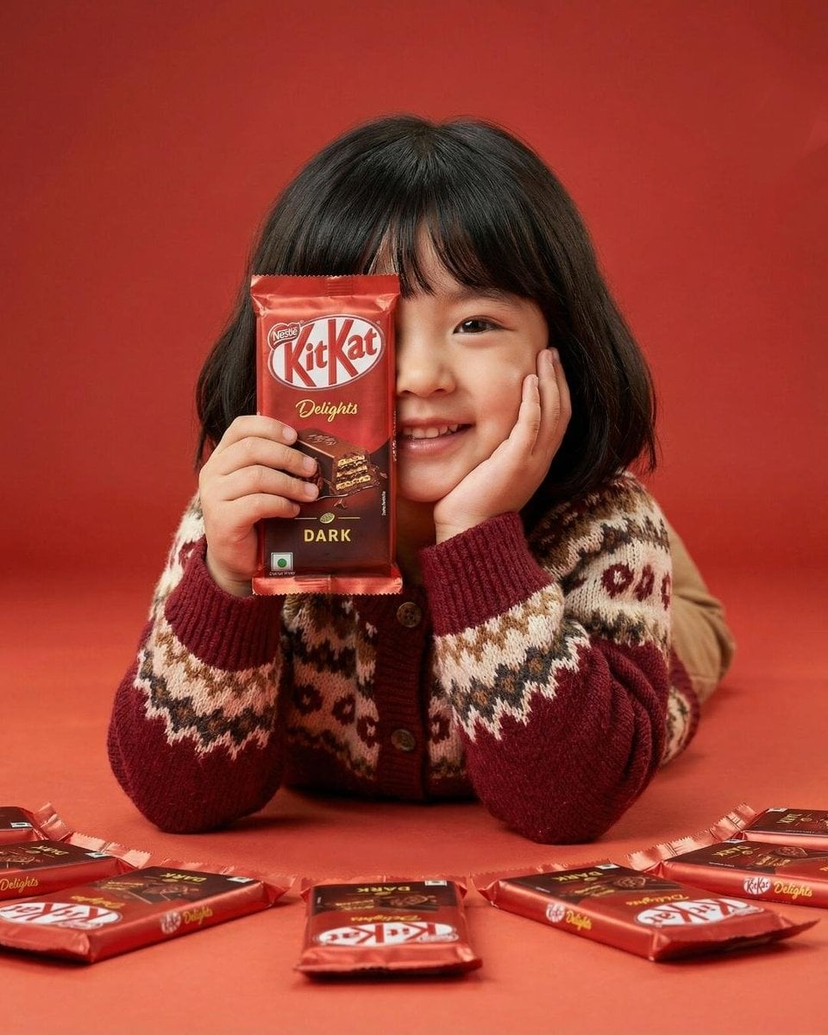

![Premium Keychain Collectible CGI Product — [BRAND NAME]
Act as a High-End CGI Product Photographer and 3D Render Artist
specializing in streetw…](/_next/image?url=https%3A%2F%2Fcdn.picxstudio.com%2Fuploads%2Fmeigen_2036519680291049494_947214fc-1b1d-421e-b832-531748589f9e.jpg&w=828&q=100)


![Isometric Educational Process Diorama — Create a clear, 45° top-down isometric miniature 3D educational diorama explaining [PROCESS / CONCEPT].
Use soft refine](/_next/image?url=https%3A%2F%2Fcdn.picxstudio.com%2Fuploads%2Fmeigen_2013493349156823287_ccb7d2c8-ed1f-4294-a2db-8abd0e0b5603.jpg&w=828&q=100)
![Naive doodle-style subject illustration — A doodle-style {argument name="subject" default="[subject]"}, naive lines, humorous shape exaggeration](https://pbs.twimg.com/media/G6Wl2YxbsAARB2b.jpg)











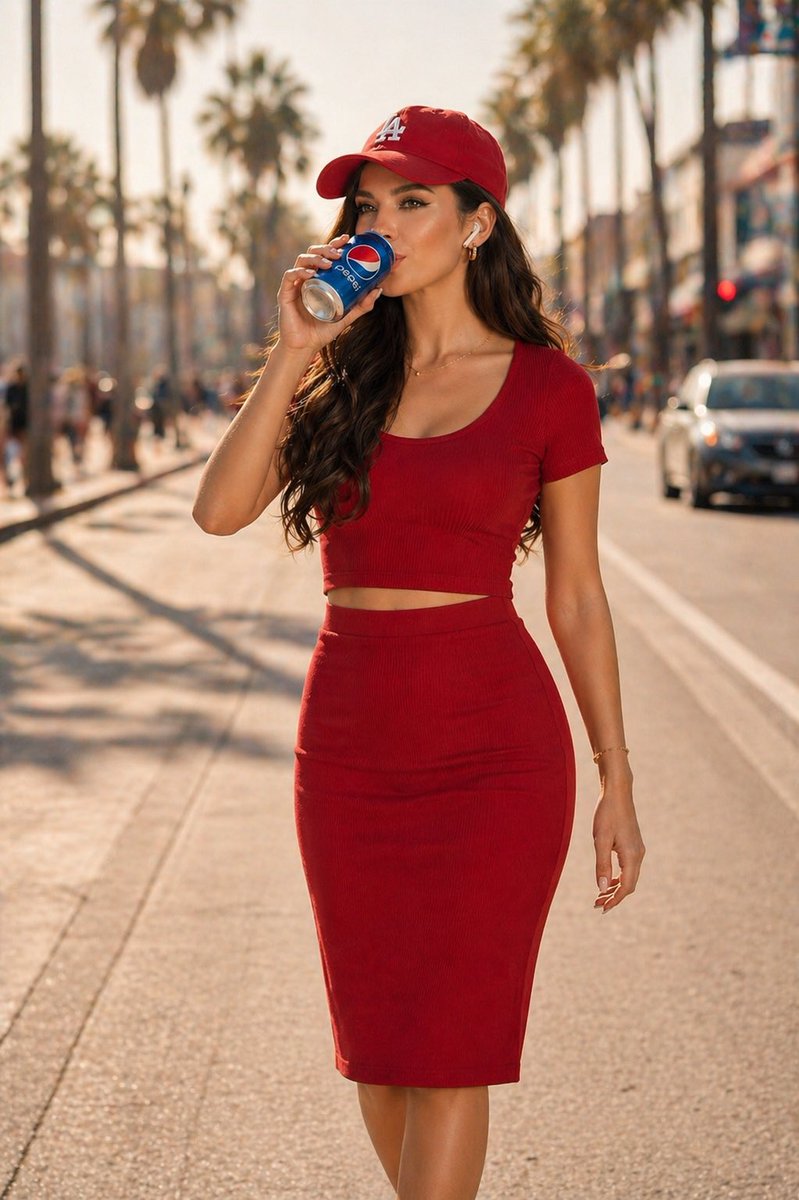



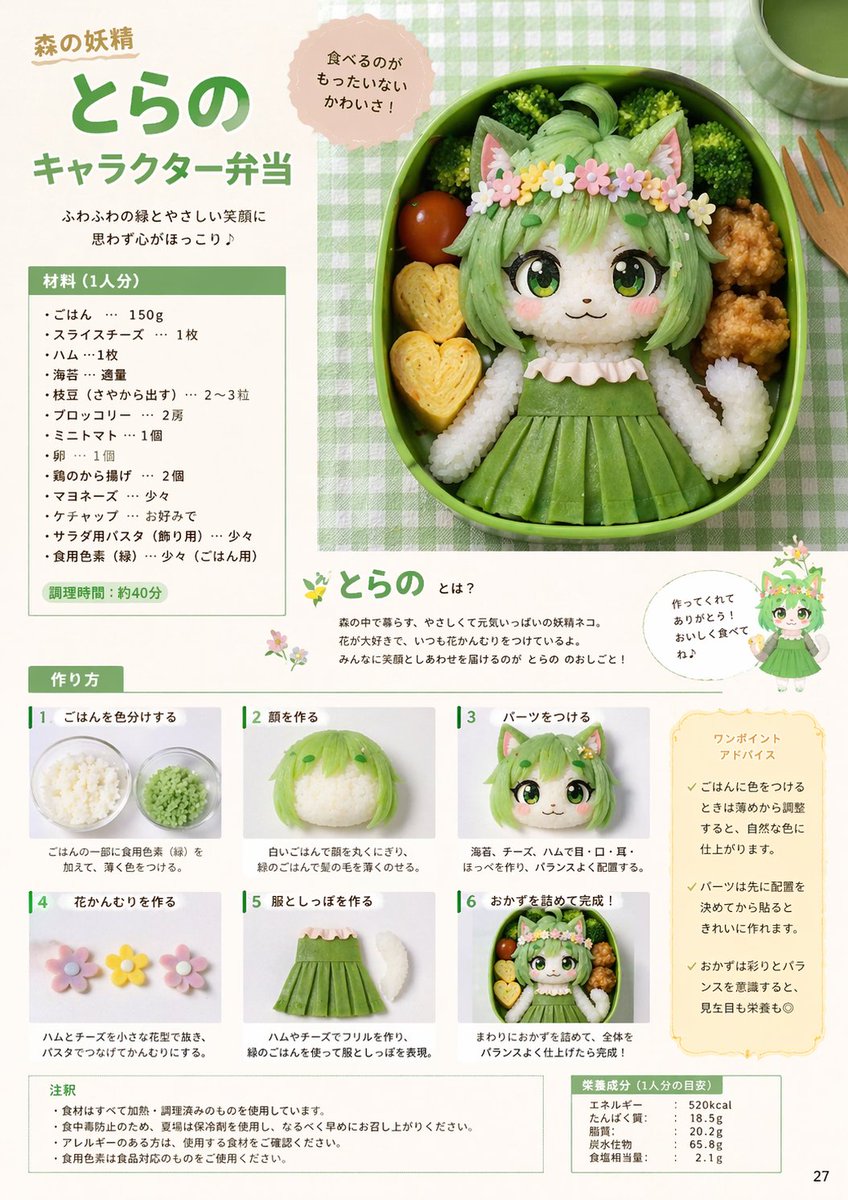


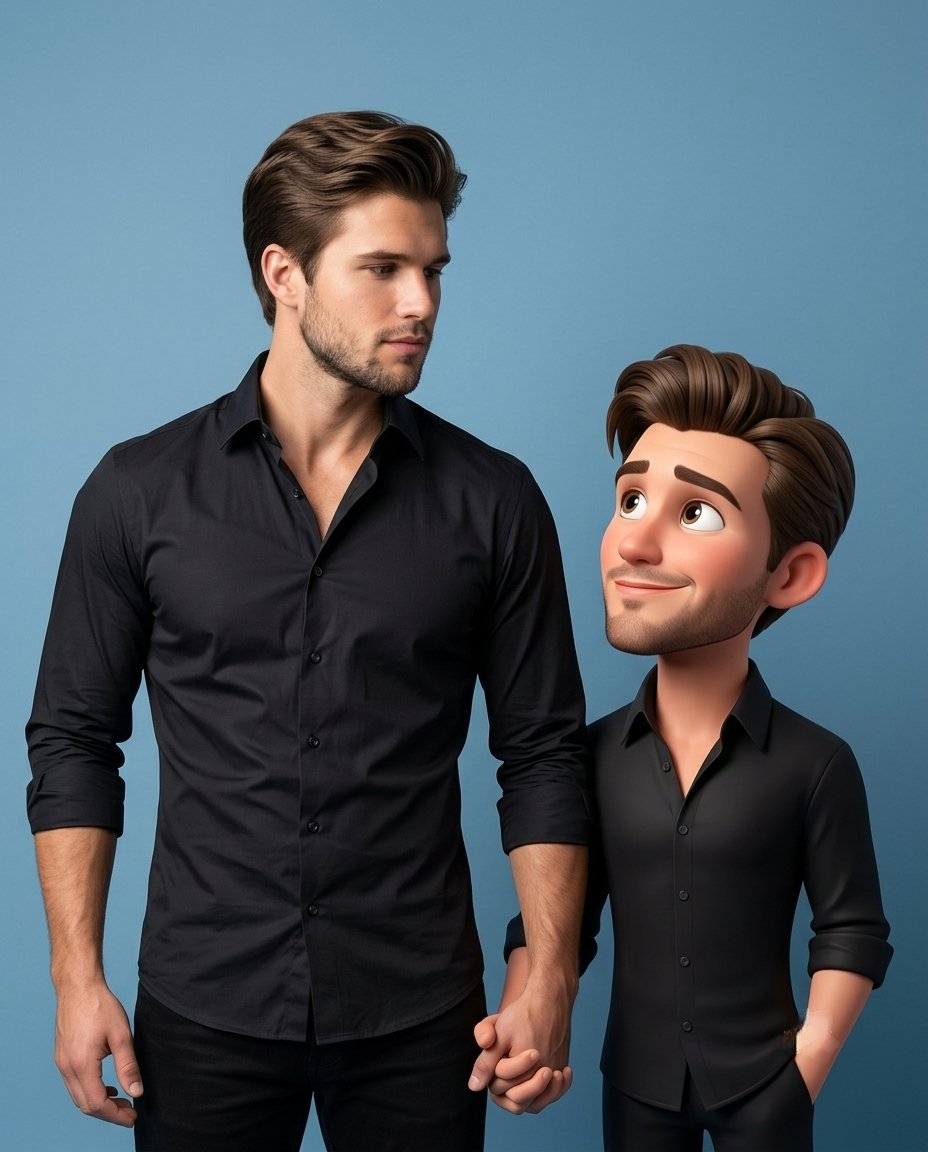







![Nano Banana — One Day In [CITY] Travel Route — A hyper-realistic 3D daily travel route infographic poster generated from a single input: [CITY]=(Buraya şehir ad](/_next/image?url=https%3A%2F%2Fcdn.picxstudio.com%2Fuploads%2Fai_gezgini_travel_d9a86f2e-c1f5-41a8-a4ef-5d96a8a7a023.jpg&w=828&q=100)