
1970s Route 66 Polaroid
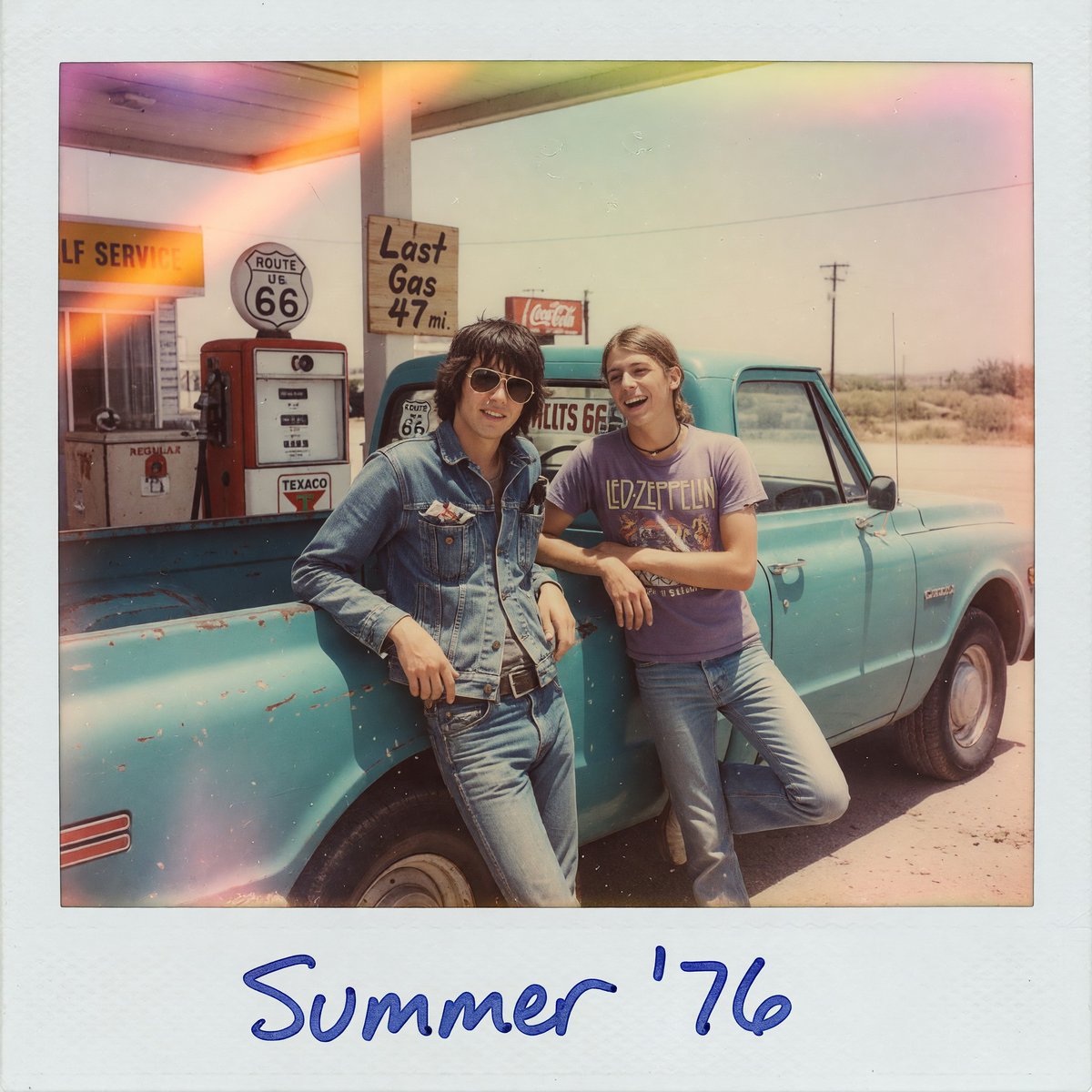
Generates a nostalgic instant-film snapshot of two friends at a vintage Route 66 gas station, ideal for retro Americana and road-trip visuals.
- Prompt included
- Model and format preset
- Free template
The prompt behind this image
Copy the exact prompt behind 1970s Route 66 Polaroid, or open it in the studio and make it yours.
Create a square vintage instant-film Polaroid photograph with a thick white border and handwritten blue marker caption reading {argument name="caption text" default="Summer '76"} centered on the bottom margin. The photo shows two young male friends posing casually at a dusty Route 66 gas station in the American Southwest in the 1970s, leaning against a weathered turquoise pickup truck with chipped paint. One friend wears a faded denim jacket and jeans with a belt, the other wears a purple {argument name="band shirt text" default="LED ZEPPELIN"} T-shirt and blue jeans; both have relaxed road-trip body language, faces softly indistinct like an old snapshot. Behind them are vintage gas pumps, a circular Route 66 sign, a rustic sign reading {argument name="roadside sign text" default="Last Gas 47 mi."}, a partial service-station sign, and a small red Coca-Cola sign; the horizon is flat desert with utility poles under a pale washed-out sky. Use authentic 1970s color film emulation: sun-bleached cyan and warm beige tones, faded contrast, visible film grain, dust specks, minor scratches, slight blur, uneven exposure, orange and pink light leaks across the top left and corners, subtle vignetting, and the tactile texture of aged instant photo paper.
How to use 1970s Route 66 Polaroid in 3 steps
- 1Upload ImagePNG, JPG or paste
Add your photo
Upload the photo the template builds on. The prompt, model and format are already set.
- 2…a portrait of your subject in softgolden-hour light, 85mm…
Personalize
Edit the subject and creative details for your destination.
- 3Generate
Generate
Press Generate — your image is created in PicX Studio, so you can compare it with the original and refine one variable at a time.
More like this
Templates with the same subject, style or setup. Open one to see its prompt.
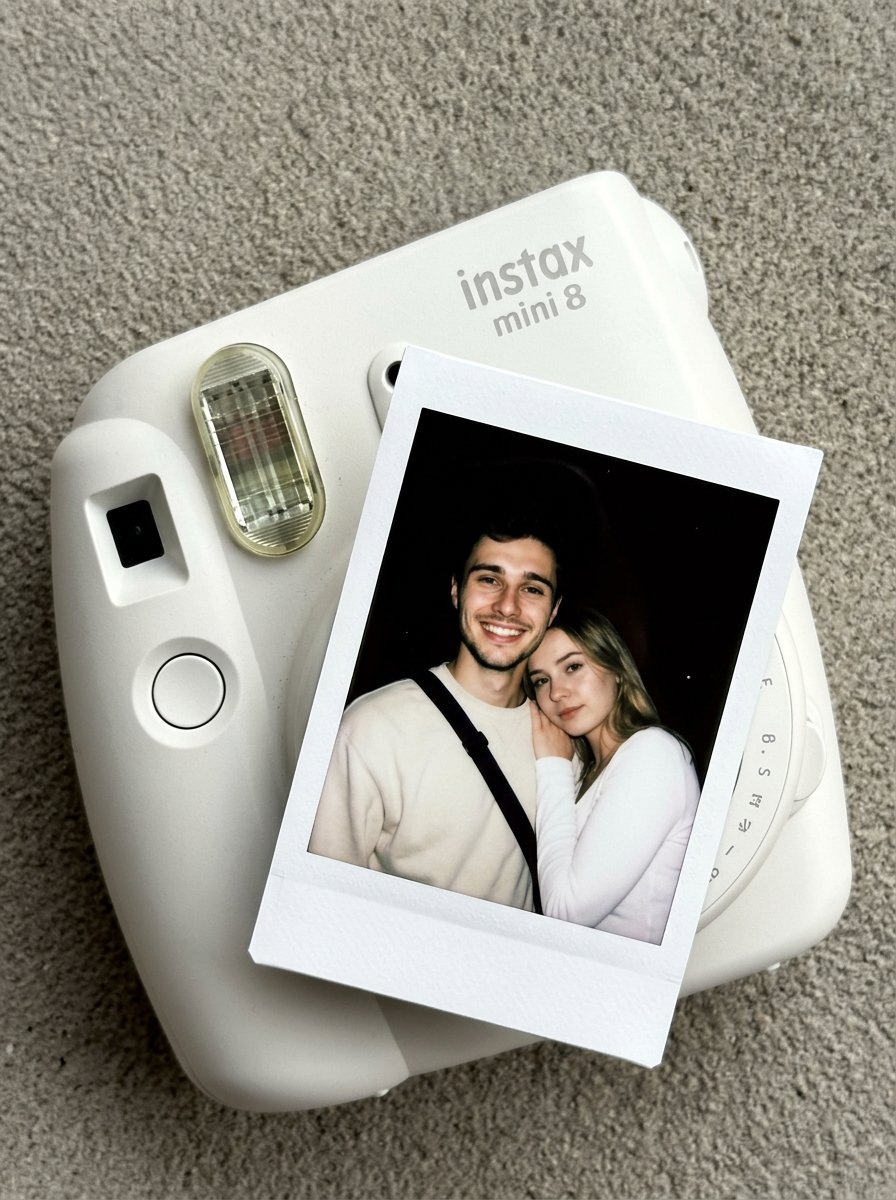
Nano Banana Pro Instax Mini 8
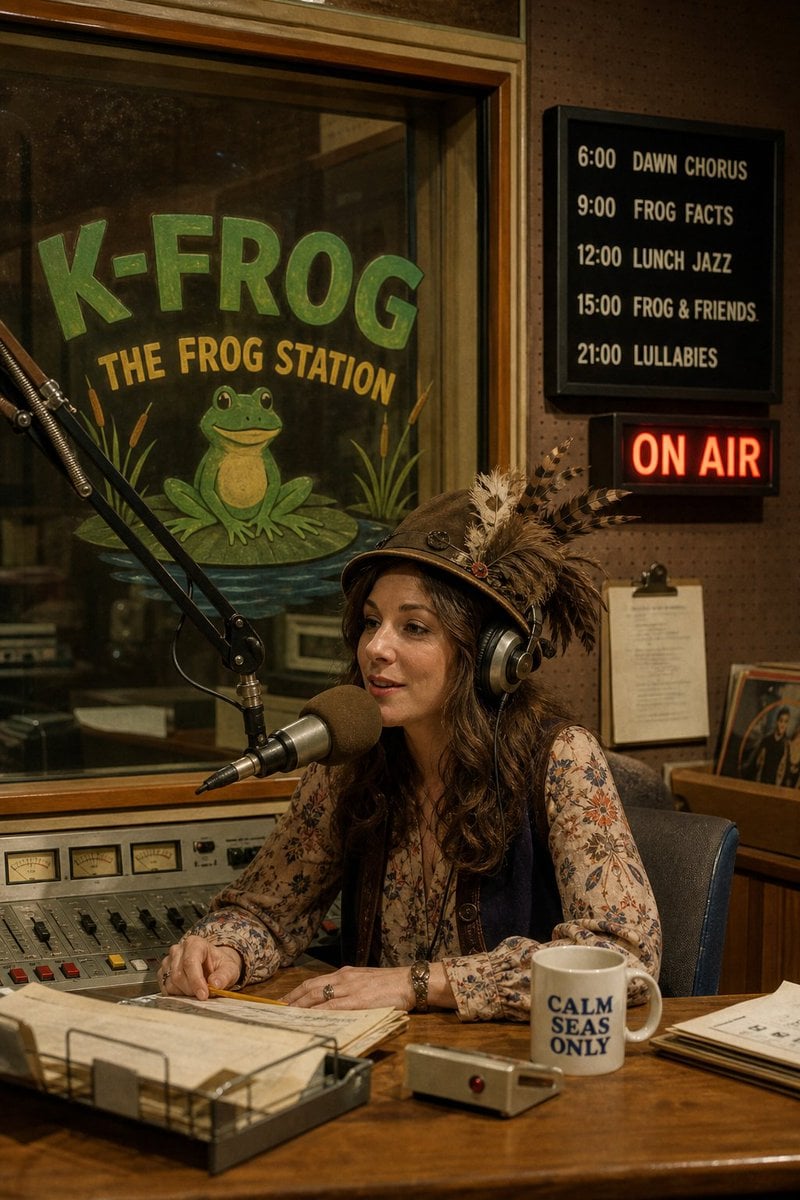
1970s Photorealistic Radio Studio Booth
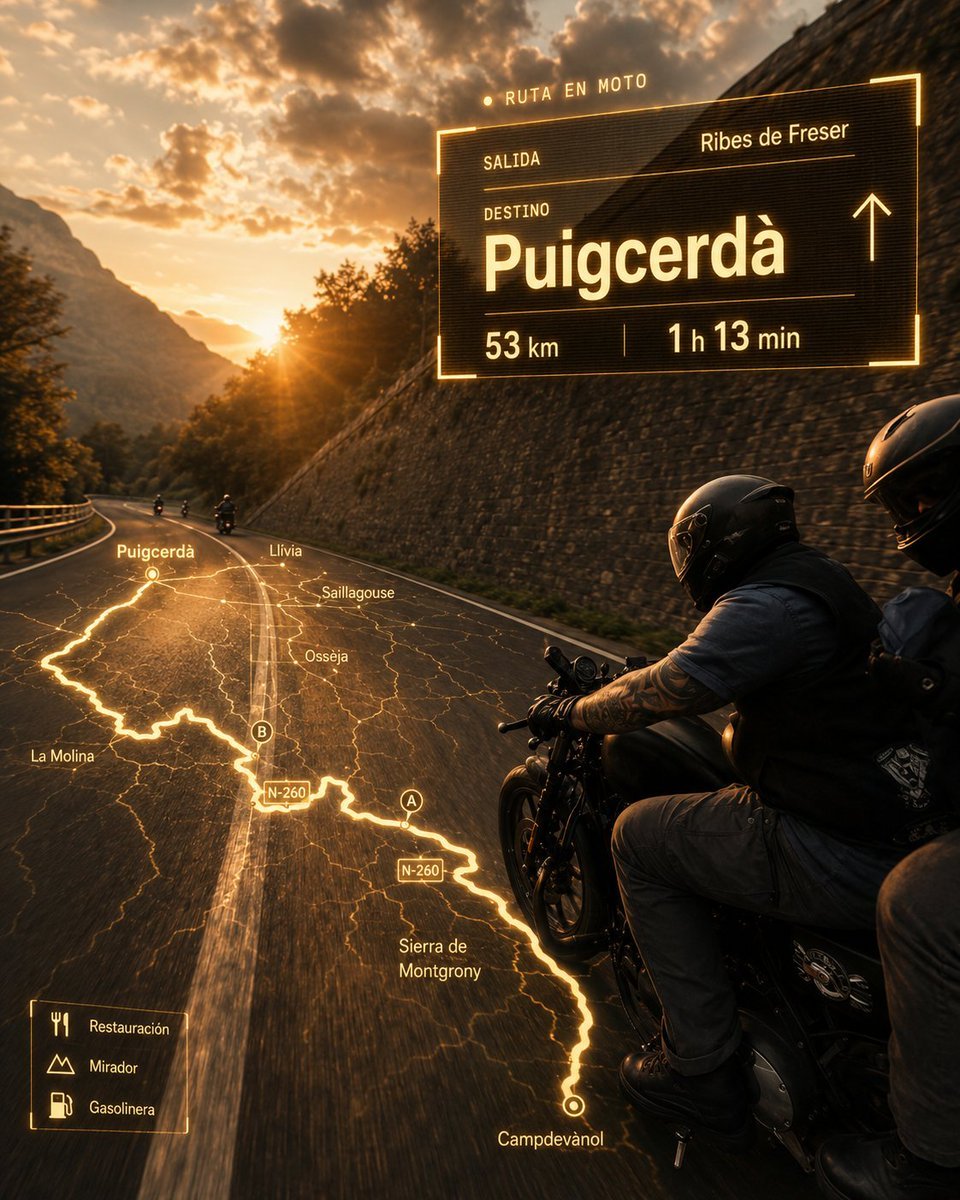
Cinematic Motorcycle Route Poster
1970s Sci-Fi Zine Ink Drawing
1970s Monochrome Close-up Portrait
1970s Manhattan Street Fashion Photo
Retro 1970s Alphabet Graphic Design
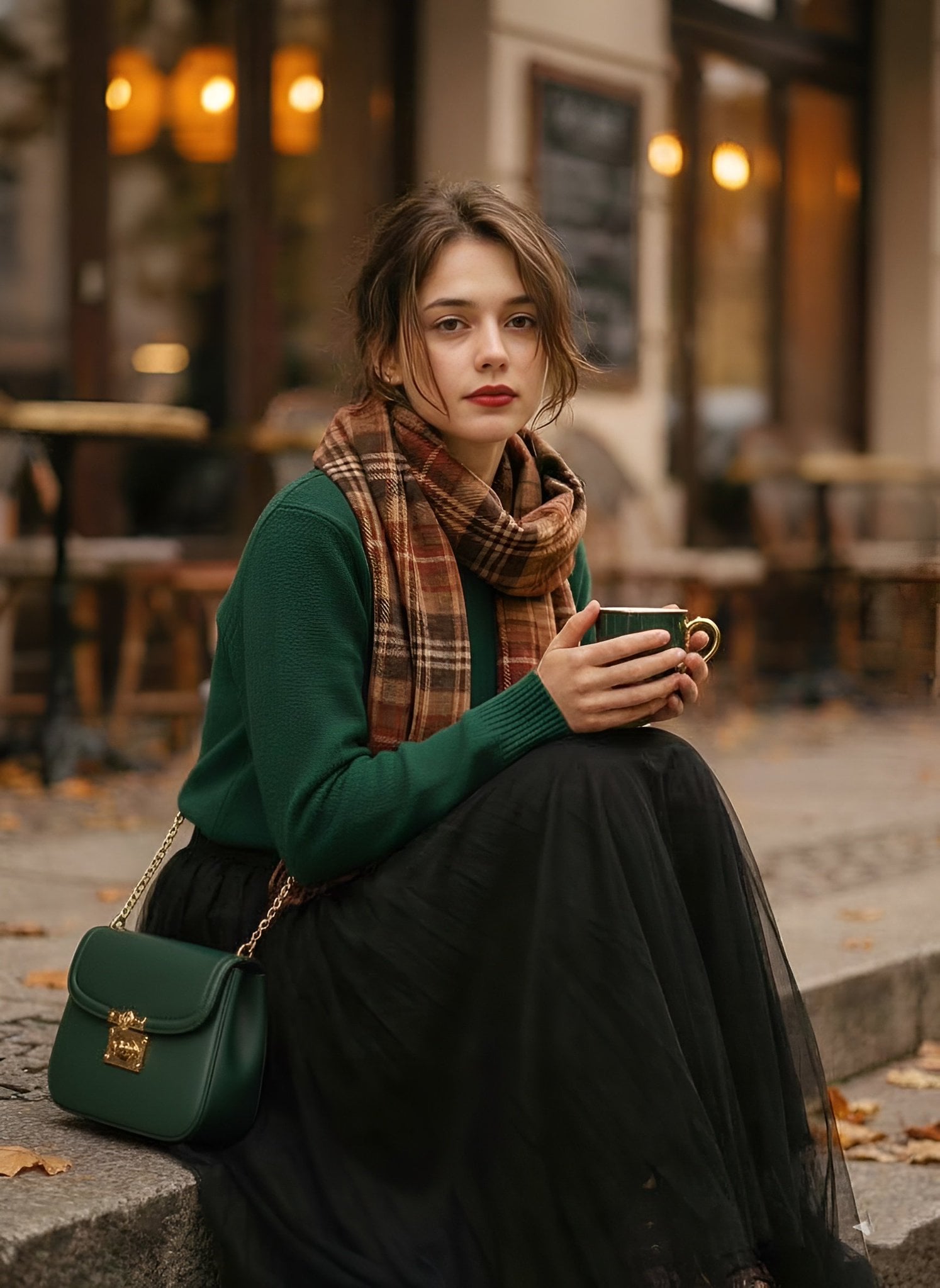
1970s Vintage Cafe Fashion Portrait

A cinematic 1970s-inspired fashion portrait of a young woman seated
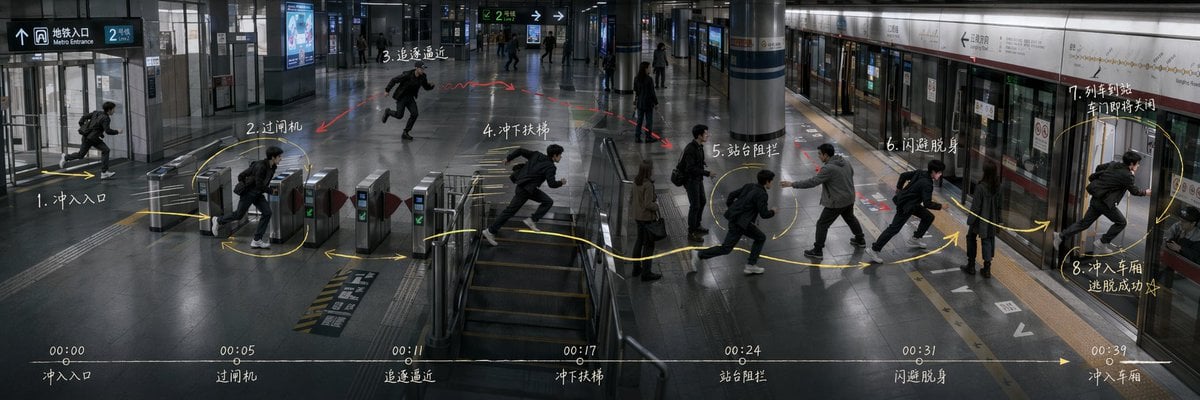
Subway Escape Storyboard Route
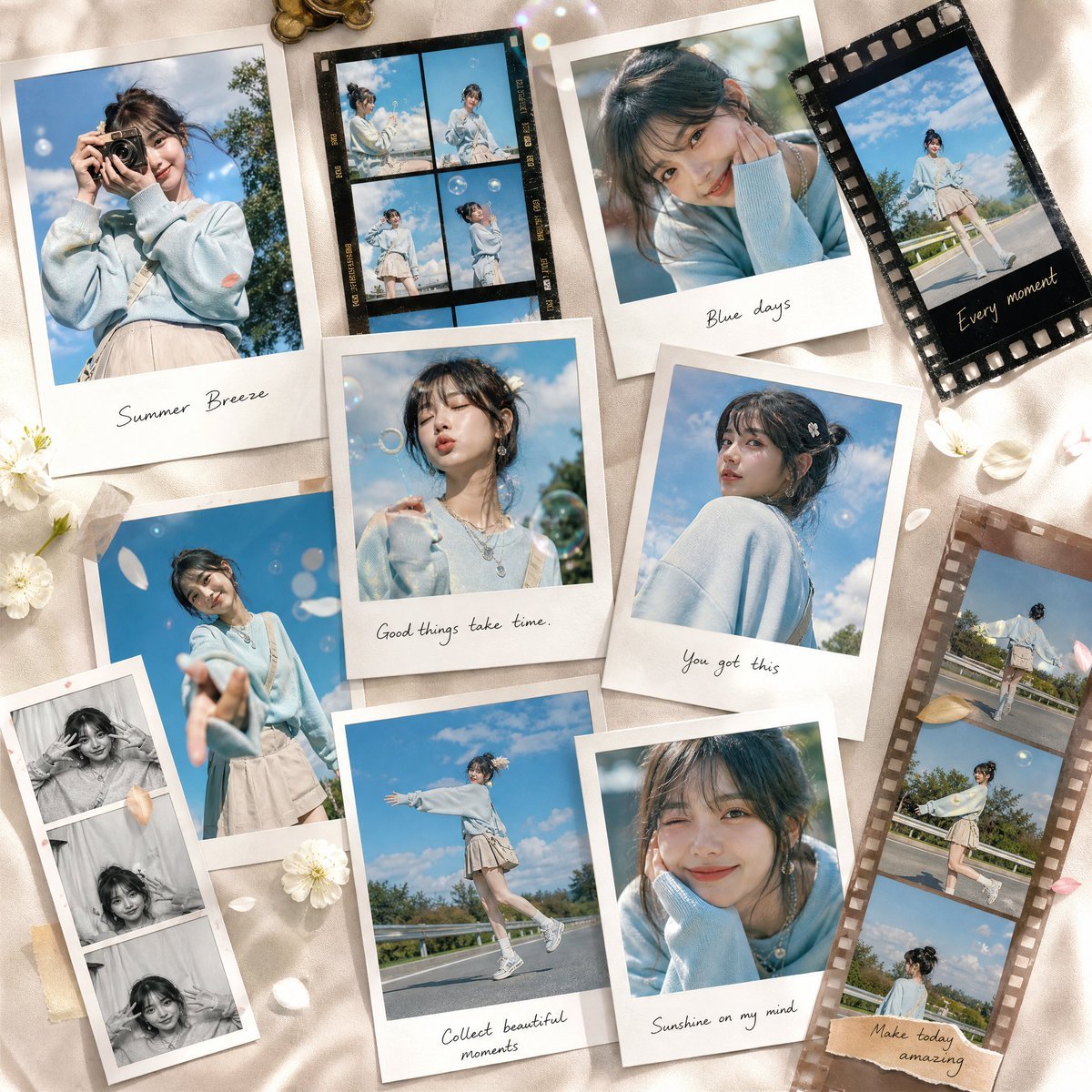
Luxury Summer Polaroid Campaign Collage
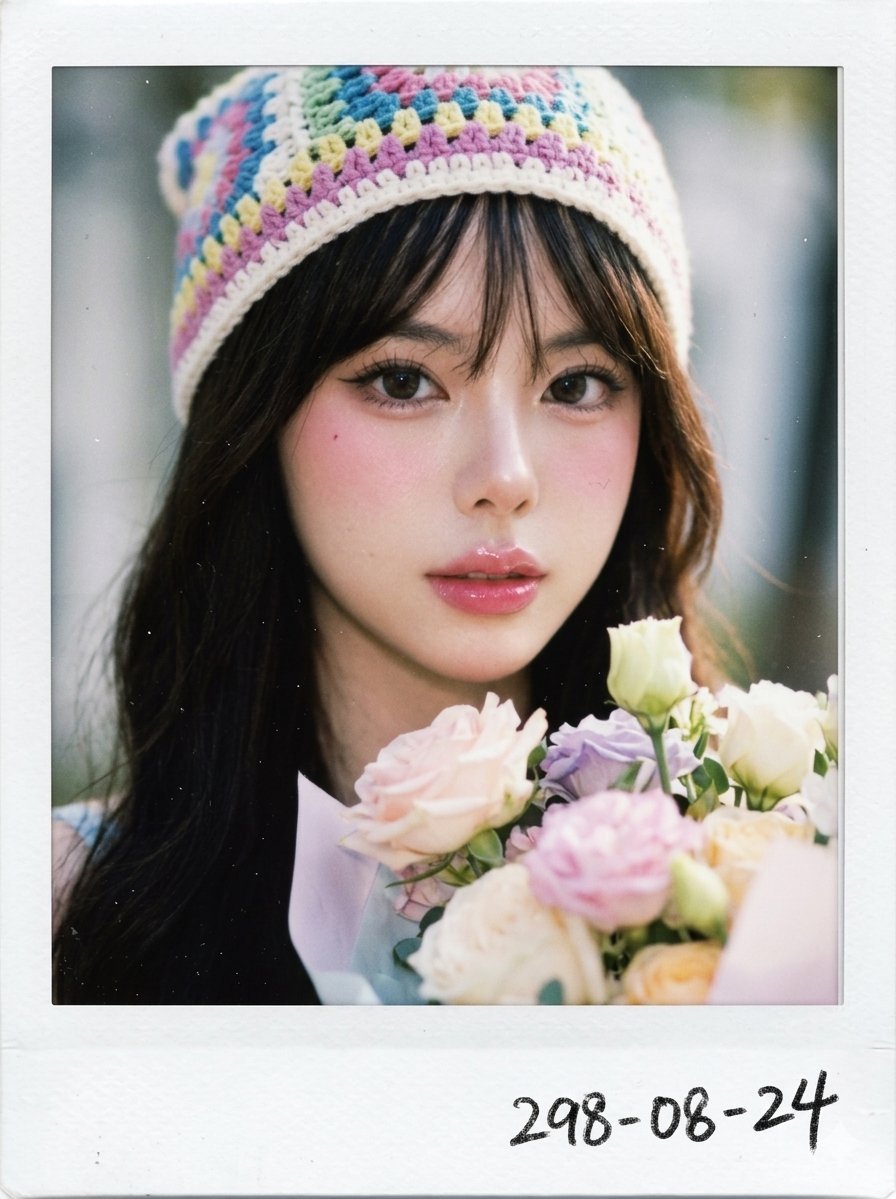
Dreamy Polaroid Portrait
Make it yours
1970s Route 66 Polaroid works as-is. These are the safest ways to change it without losing the look.
Change one field
Copy a single group, rewrite it, and generate again so you can see what that field is doing.
Keep the frame, change the subject
Hold the composition and light of 1970s Route 66 Polaroid, then swap wardrobe, props or the person for a new take.
| If the result… | Why | Fix |
|---|---|---|
| The result drifts from the preview | Too many fields changed at once. | Reuse 1970s Route 66 Polaroid as-is first, then change one group — subject, light, or setting. |
| The model over-stylizes the scene | The prose prompt leaves finish and camera underspecified. | Add one camera or lighting sentence and stay on GPT Image 2. |
More GPT Image 2 templates
Other prompts made for GPT Image 2.

Six VTuber Japanese Logo Sheet

Realistic Portrait of Woman and Deer

The Vista Modular Condo Poster

AI Model Routing Comparison Infographic

2.5D Anime Art Board

Isometric Productivity Desk Scene

New York Double Exposure Poster

Four-Panel AI Landscape Comparison

Japanese Tatami Lifestyle Magazine Cover

NESCAFÉ Coffee Map Poster
More image prompts
Fresh picks from across the catalog.

3D Social Media Profile Break-Out
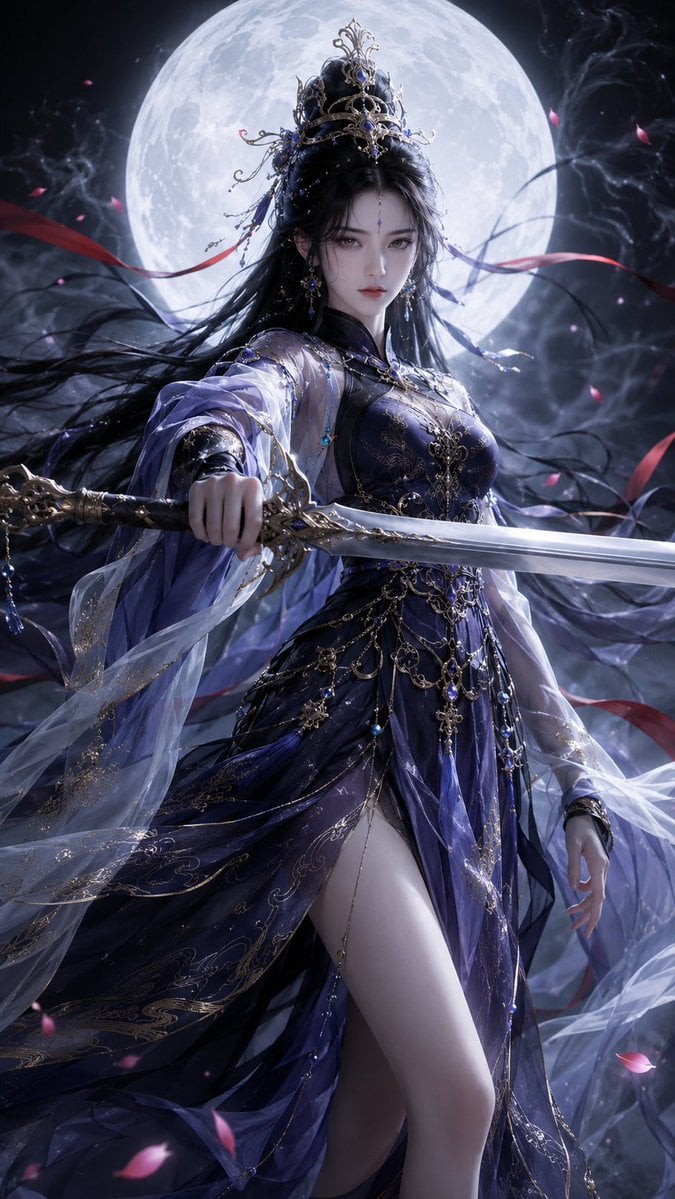
Oriental Fantasy 3D CG Heroine
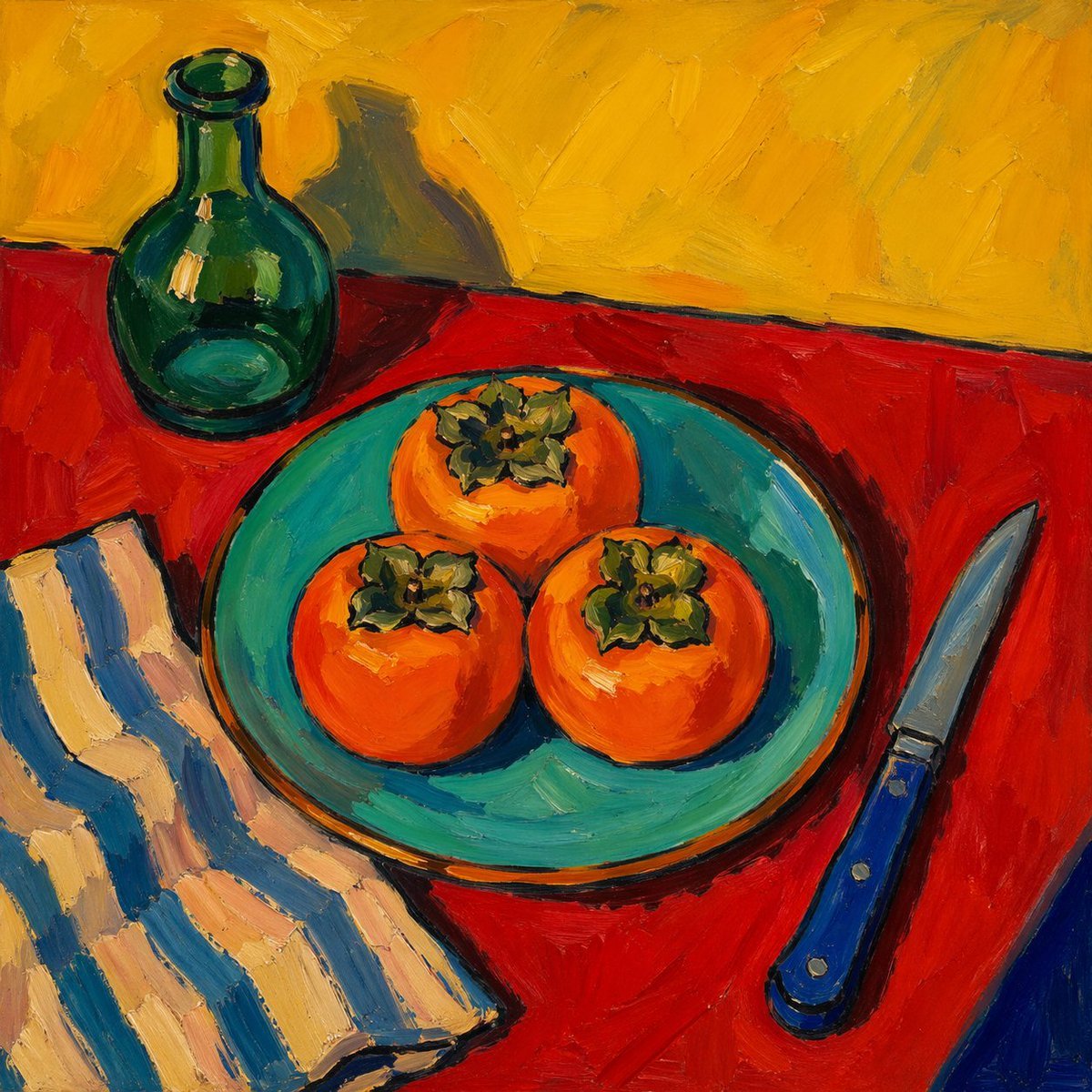
Fauvist Persimmon Still Life
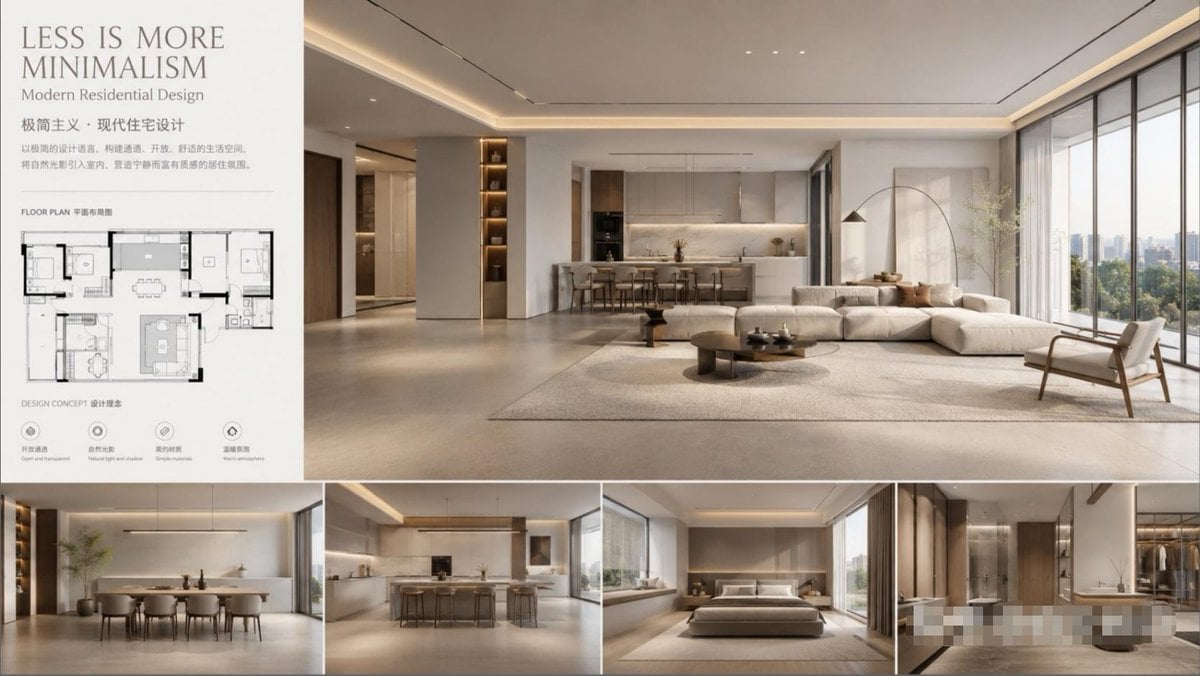
Modern Minimalist Interior Design Showcase
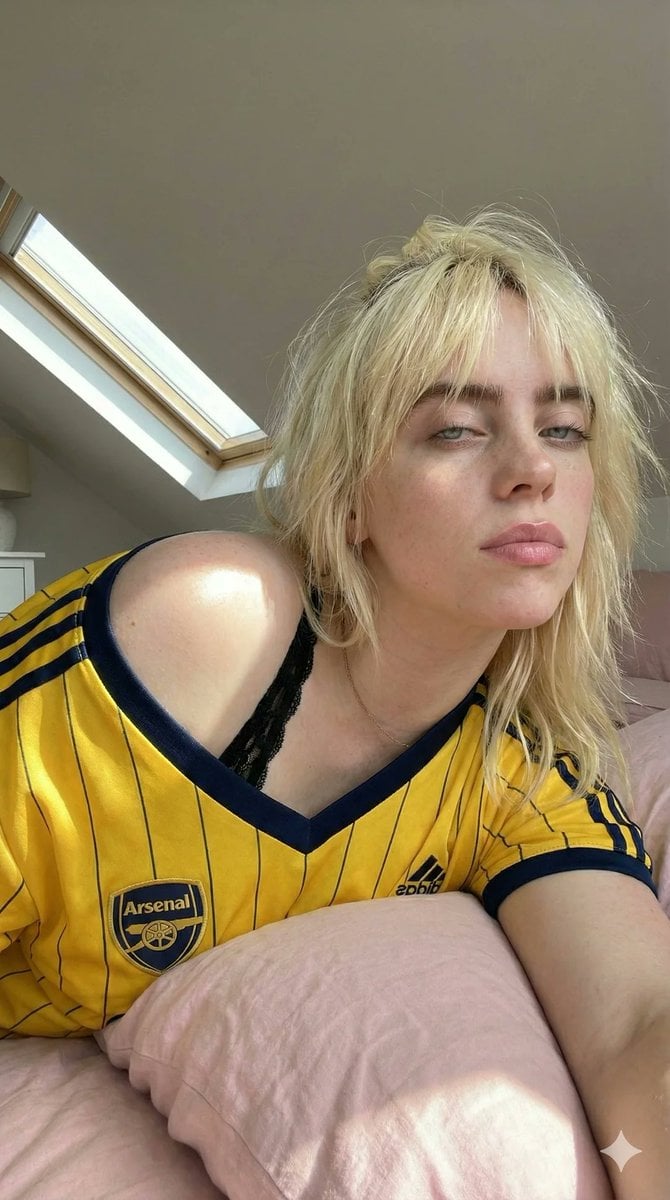
Photorealistic Soccer Jersey Selfie Portrait

Quiet Wealth GQ Portrait
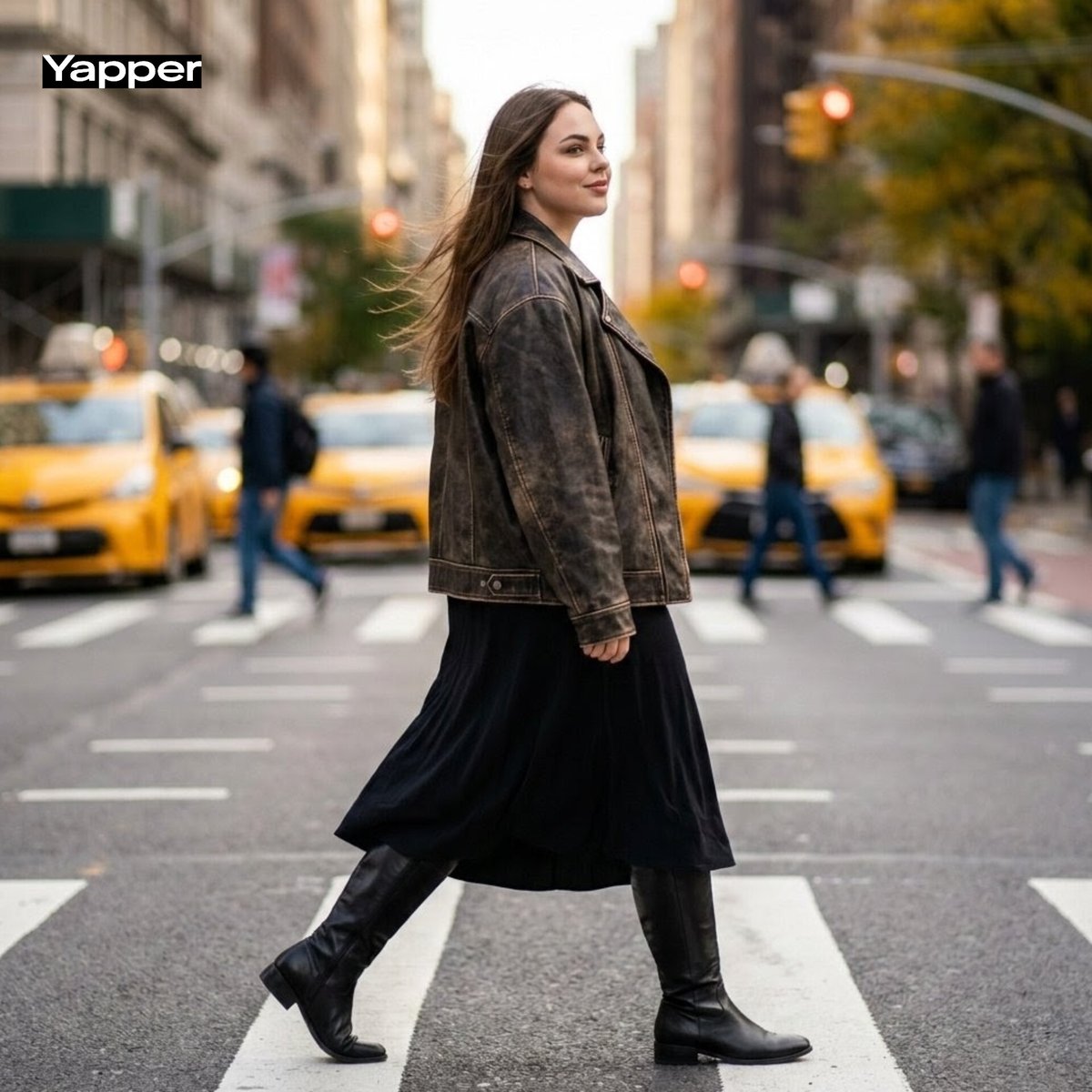
Cinematic Street Fashion Photography Prompt
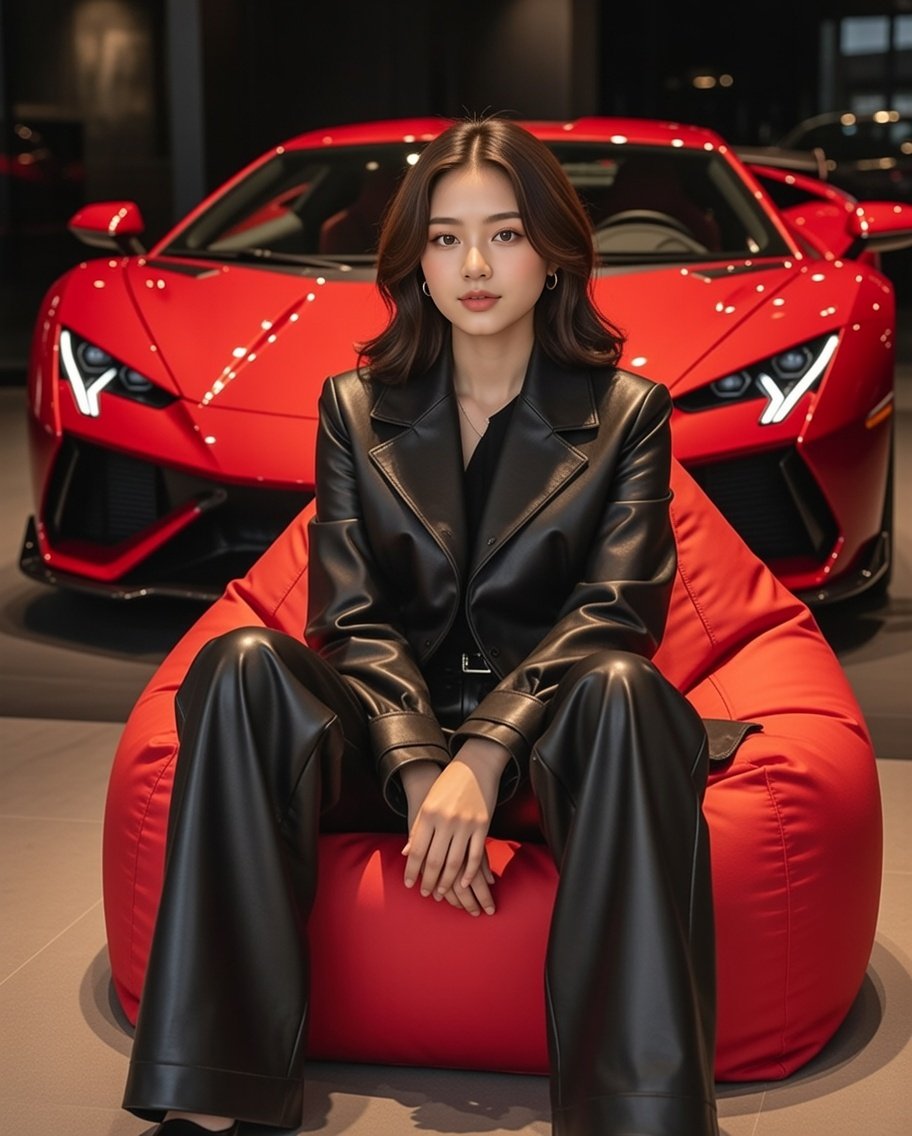
Luxury Showroom Scene with Red Supercar and All-Black Outfit
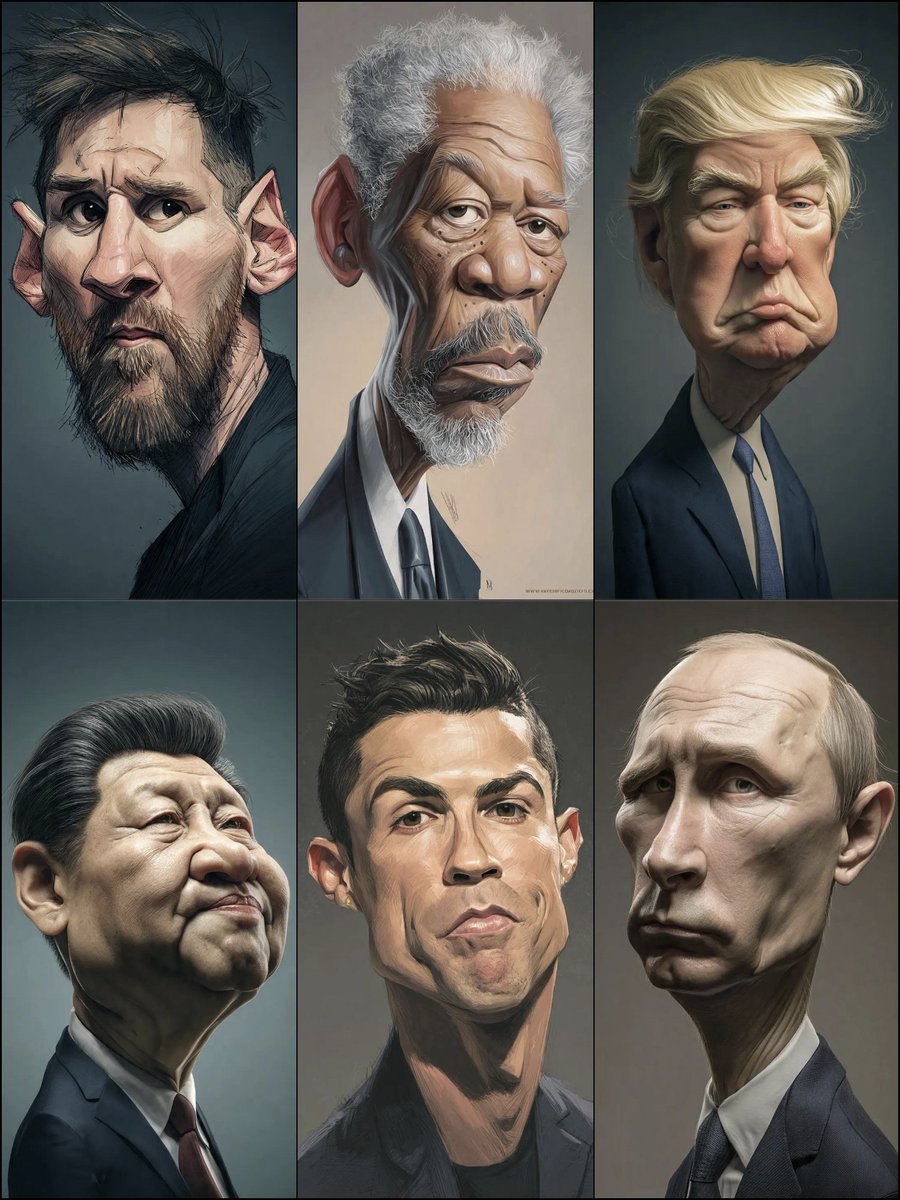
Hyperrealistic Caricature Portrait
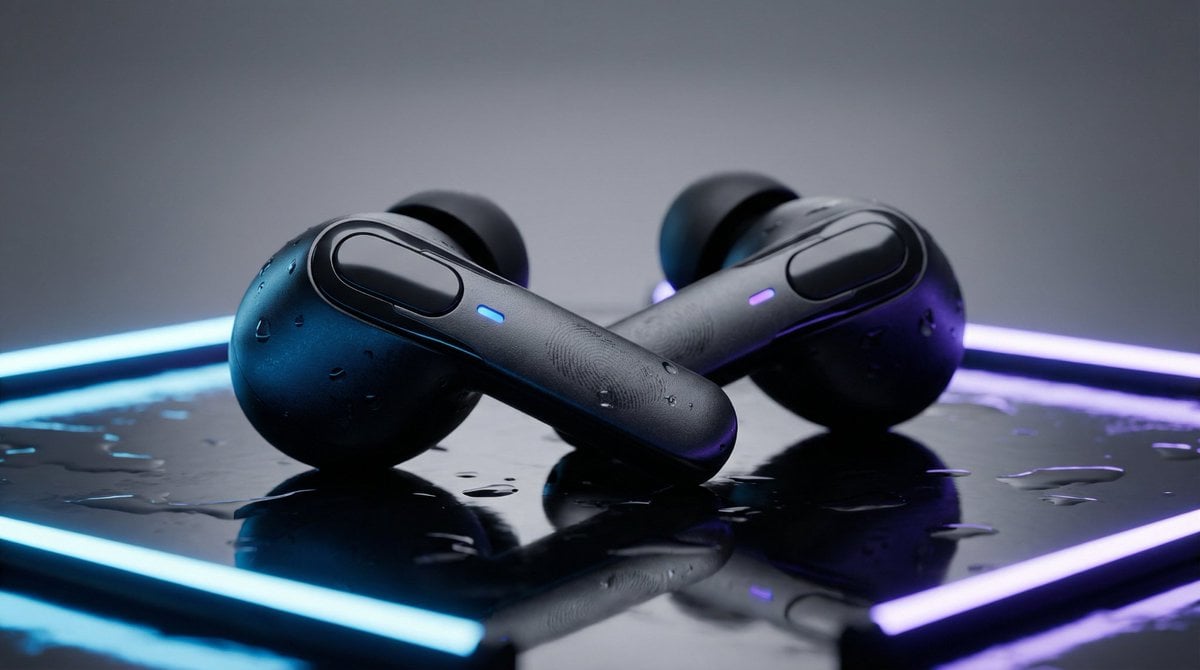
High-End Product Mockup for Wireless Earbuds
Featured in prompt roundups
Hand-picked collections that include this template.
Browse template categories
1970s Route 66 Polaroid questions
How do I use the 1970s Route 66 Polaroid template?
Add your photo if the template asks for one, edit the prompt if you like — the template's model and format are already selected — and press Generate. Your version opens in PicX Studio.
Can I customize the 1970s Route 66 Polaroid template?
Yes. You can change the subject, setting, lighting, mood, format, and available model controls before creating your image.
Is the 1970s Route 66 Polaroid template free?
Opening and editing this template is free. Generating uses credits, shown on the Generate button when you are signed in.
Which AI model should I use?
Start with GPT Image 2, which is the model associated with this template. You can compare another compatible model for a different finish.
Looking for something else? Browse all templates.

Your photo, any look
Thousands of ready templates for every top image and video model, from one credit balance.