
Subway Escape Storyboard Route
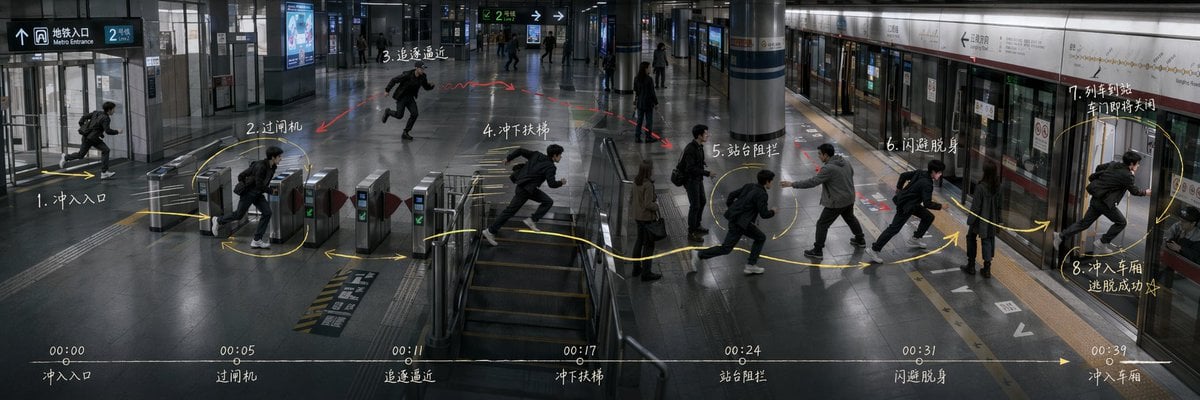
Generates an ultra-wide cinematic subway action storyboard with route arrows, numbered movement beats, and a bottom timeline for directing scene blocking.
- Prompt included
- Model and format preset
- Premium template
The prompt behind this image
Copy the exact prompt behind Subway Escape Storyboard Route, or open it in the studio and make it yours.
Goal: Create an ultra-wide 3:1 cinematic story-routing board for an action sequence in a modern subway station, showing the same protagonist repeated across one continuous space as a movement plan for directing and blocking. The scene is {argument name="story scenario" default="Subway station escape"}. Canvas: 1200×400 or similar 3:1 panoramic frame, realistic film still style, cool gray-blue lighting, high-detail interior architecture, glossy dark floor reflections, glass walls, metal ticket gates, central stair/escalator area, columns, platform screen doors, subway train on the right, overhead wayfinding signs. Use a slightly elevated wide-angle security-camera/cinematic perspective so the whole route is visible from entrance to platform. Layout: One continuous station environment from left to right: entrance at far left, ticket gates left-center, stair/escalator area center, open concourse mid-right, platform and train doors on the right. Show the same male protagonist repeated at each action beat, wearing a black jacket, dark pants, white sneakers, and a backpack, running or dodging. Add a pursuing man in a gray jacket near the platform blocking him, plus a few bystanders as background silhouettes. Action route annotations: Draw a bright hand-drawn yellow route line with arrows and loops across the floor, connecting exactly 8 numbered action nodes. Add small red arrows/scribbles for danger or pursuit. The 8 visible action nodes are: 1. rush into entrance; 2. pass ticket gate; 3. pursuit approaching; 4. rush down stairs; 5. platform blockage; 6. dodge and slip past; 7. train arriving and doors about to close; 8. rush into carriage, escape succeeds. Place these labels as white handwritten notes near the corresponding positions, using Chinese-style handwritten storyboard labeling if possible. Timeline strip: Along the bottom edge, draw one thin horizontal white timeline with a yellow arrow pointing right. Include exactly 7 timestamp markers and captions: 00:00 entrance, 00:05 ticket gate, 00:11 pursuit approaching, 00:17 rush down stairs, 00:24 platform blockage, 00:31 dodge and slip past, 00:39 enter carriage. Keep the strip subtle but legible, like a director's action planning board. Text and signage: Include realistic station signage such as Metro Entrance, platform direction arrows, route signs, and train line panels, but keep them secondary to the storyboard marks. Main handwritten annotations may use {argument name="annotation language" default="Chinese"}; keep the writing chalky white, slightly imperfect, and integrated into the image. Visual style: Photorealistic, moody, cinematic, documentary-like, with motion-blurred runners, crisp architectural details, reflective floors, cool fluorescent lighting, and overlay graphics that look manually drawn on top of a still frame. Avoid cartoon styling, avoid split panels, avoid extra action nodes, avoid logos or watermarks.
How to use Subway Escape Storyboard Route in 3 steps
- 1Upload ImagePNG, JPG or paste
Add your photo
Upload the photo the template builds on. The prompt, model and format are already set.
- 2…a portrait of your subject in softgolden-hour light, 85mm…
Personalize
Edit the subject and creative details for your destination.
- 3Generate
Generate
Press Generate — your image is created in PicX Studio, so you can compare it with the original and refine one variable at a time.
More like this
Templates with the same subject, style or setup. Open one to see its prompt.
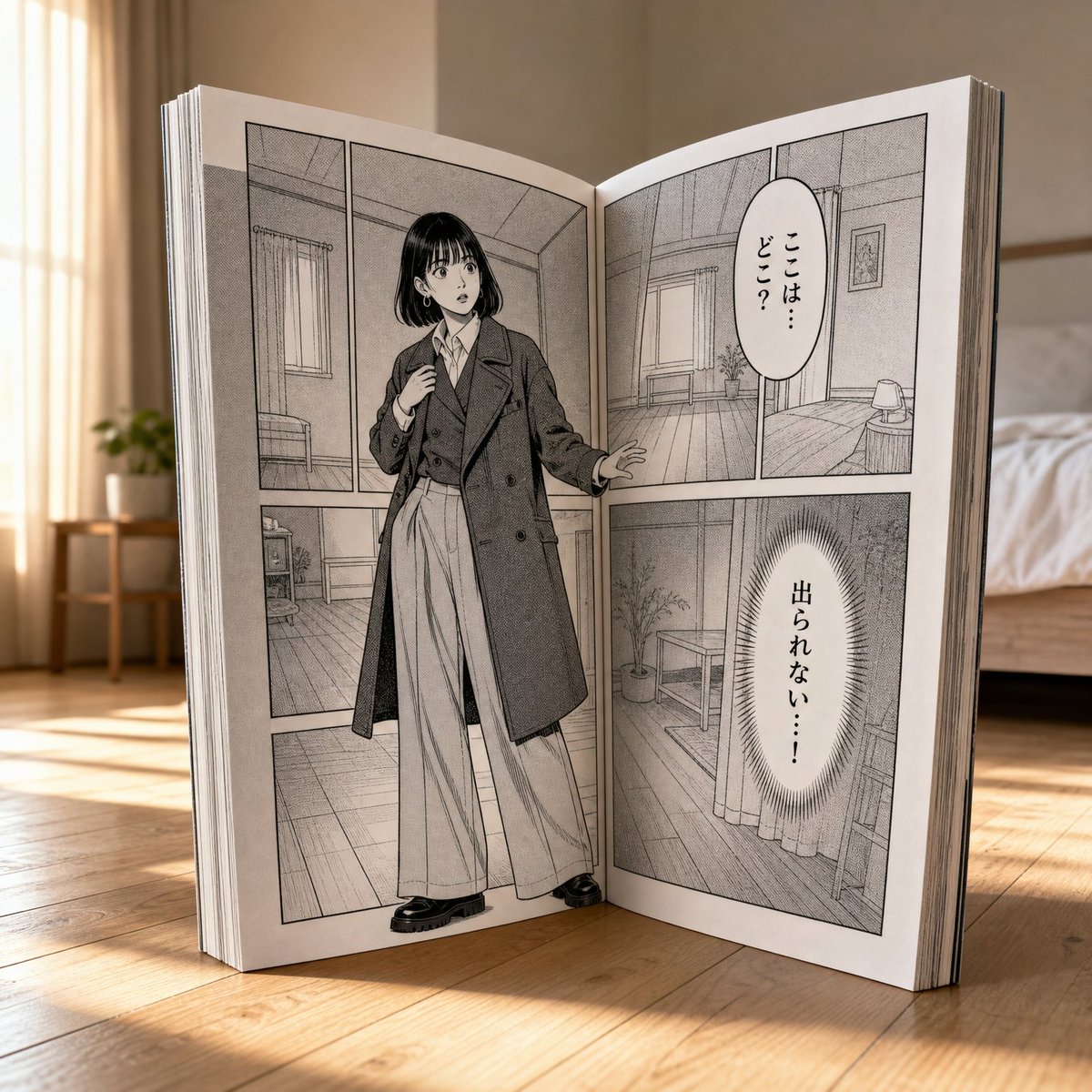
Manga Book Escape Storyboard
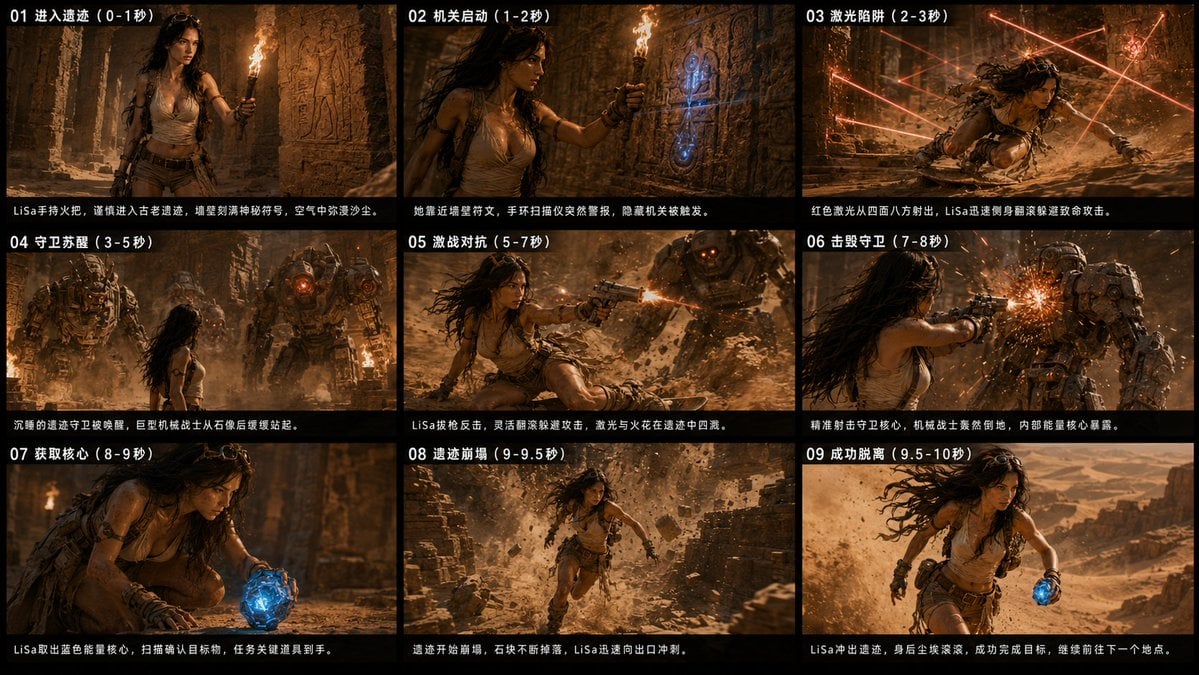
Ancient Ruin Escape Storyboard

Subway Platform Quiet Introspective Portrait
Subway Platform Quiet Introspective Portrait

Headphones Lifestyle Nine Panel Grid
Seedance - Storyboard to Movie
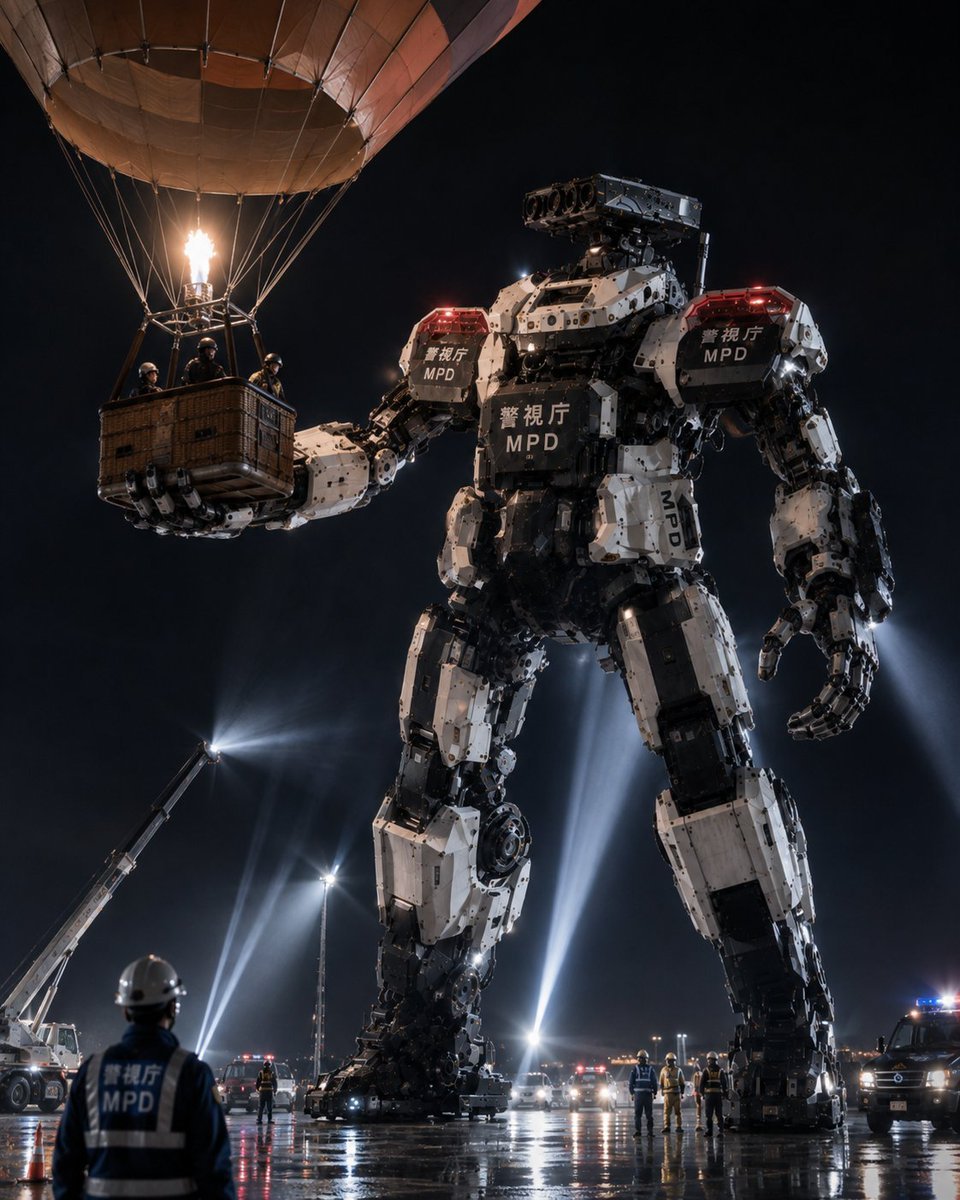
MPD Robot Arrests Balloon Escapees

Burning Gothic Flood Escape
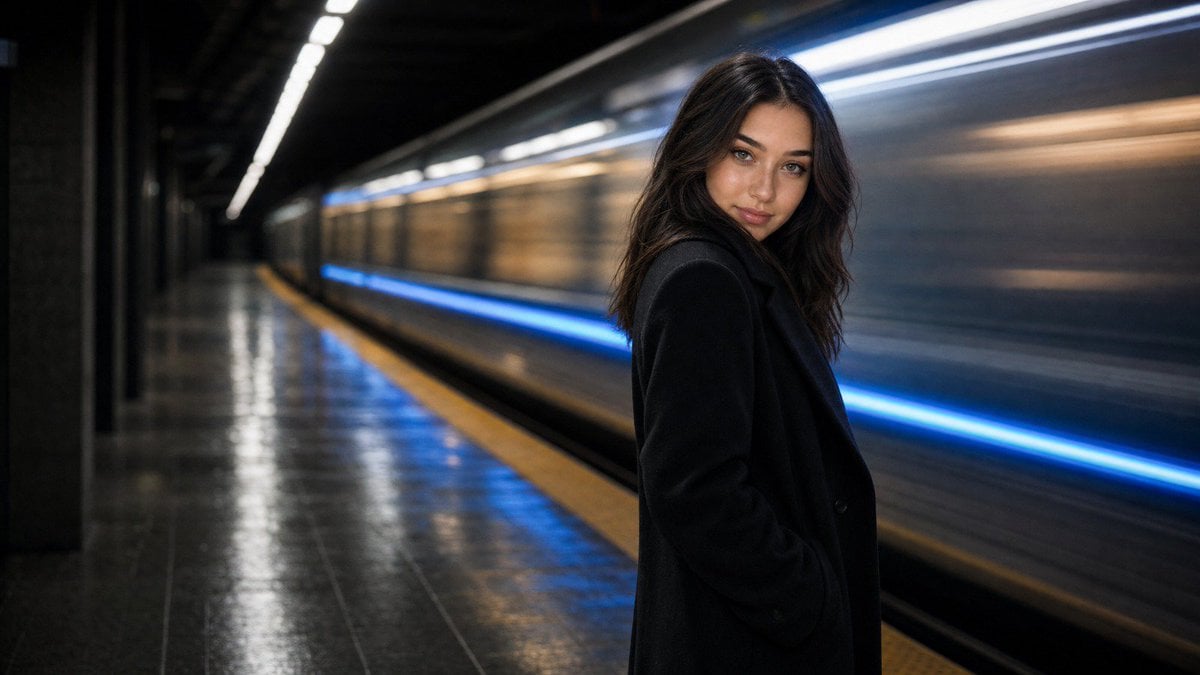
Cinematic Subway Editorial Portrait
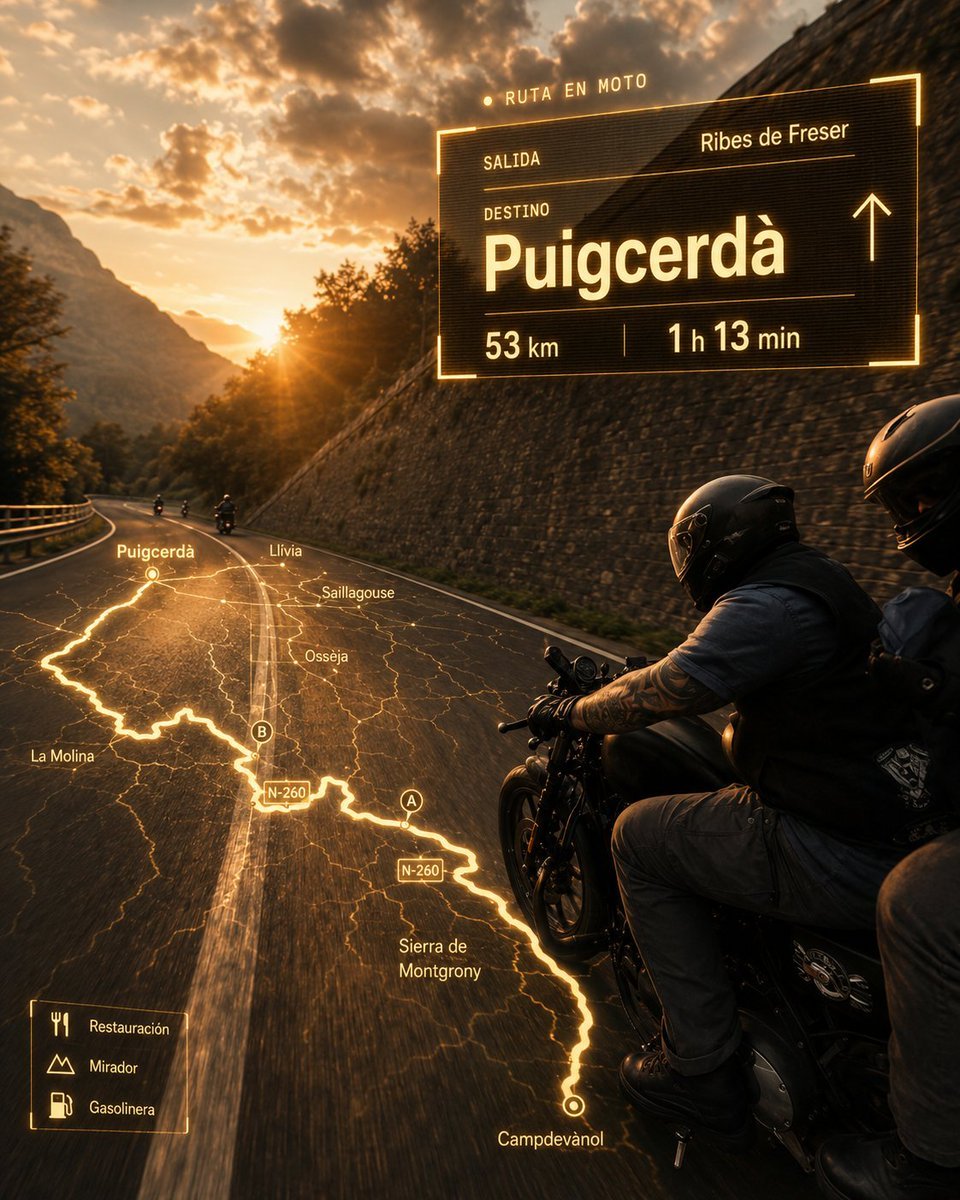
Cinematic Motorcycle Route Poster
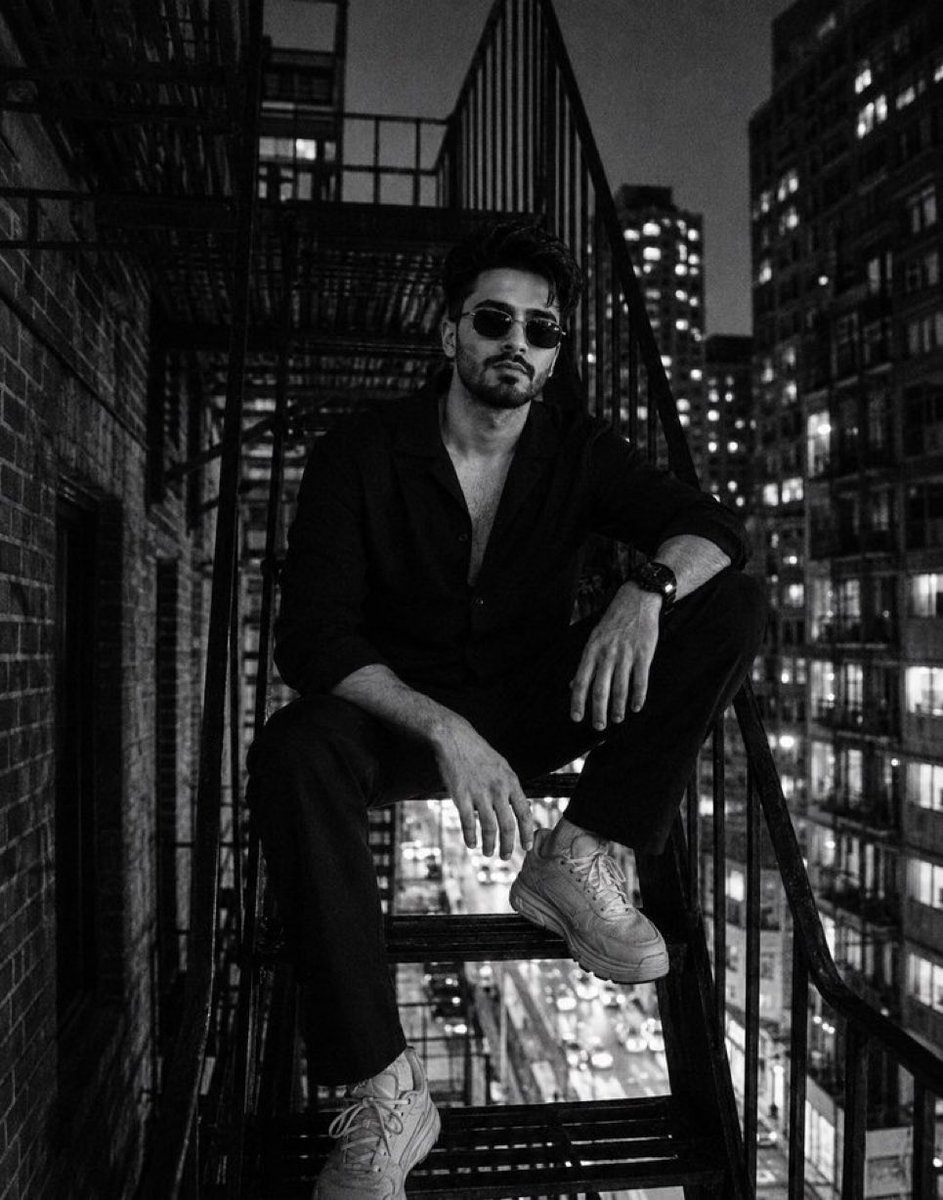
Night City Fire Escape Portrait
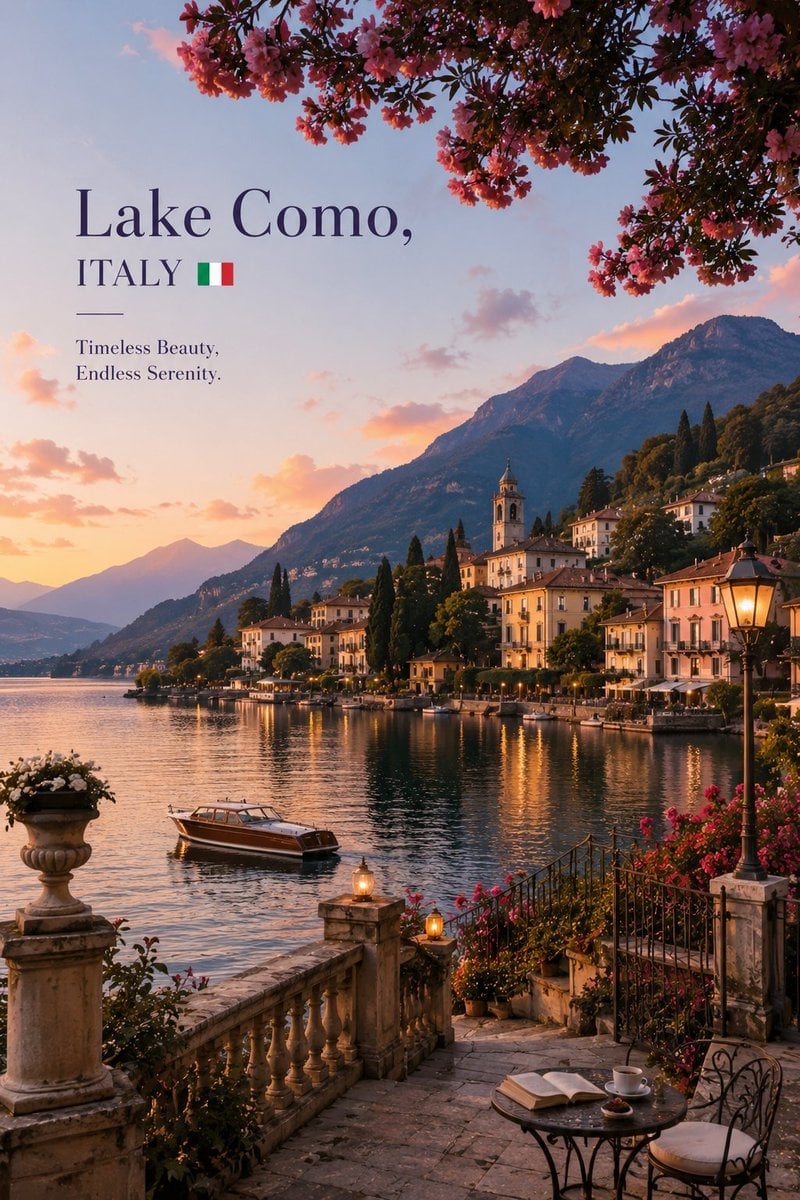
Luxury Travel Editorial Lakeside Escape
Make it yours
Subway Escape Storyboard Route works as-is. These are the safest ways to change it without losing the look.
Change one field
Copy a single group, rewrite it, and generate again so you can see what that field is doing.
Keep the frame, change the subject
Hold the composition and light of Subway Escape Storyboard Route, then swap wardrobe, props or the person for a new take.
| If the result… | Why | Fix |
|---|---|---|
| The result drifts from the preview | Too many fields changed at once. | Reuse Subway Escape Storyboard Route as-is first, then change one group — subject, light, or setting. |
| The model over-stylizes the scene | The prose prompt leaves finish and camera underspecified. | Add one camera or lighting sentence and stay on GPT Image 2. |
More GPT Image 2 templates
Other prompts made for GPT Image 2.

Six VTuber Japanese Logo Sheet

Realistic Portrait of Woman and Deer

The Vista Modular Condo Poster

AI Model Routing Comparison Infographic

2.5D Anime Art Board

Isometric Productivity Desk Scene

New York Double Exposure Poster

Four-Panel AI Landscape Comparison

Japanese Tatami Lifestyle Magazine Cover

NESCAFÉ Coffee Map Poster
More image prompts
Fresh picks from across the catalog.
Romantic Candlelit Couple Dinner

Sticker Art Style - Rainbow Girl v2
Guardian of the Night Silver Wolf
Pastel Kitten Café iPhone Lock Screen
Journey of Life Oil Painting

Japanese Educational Promo Banner
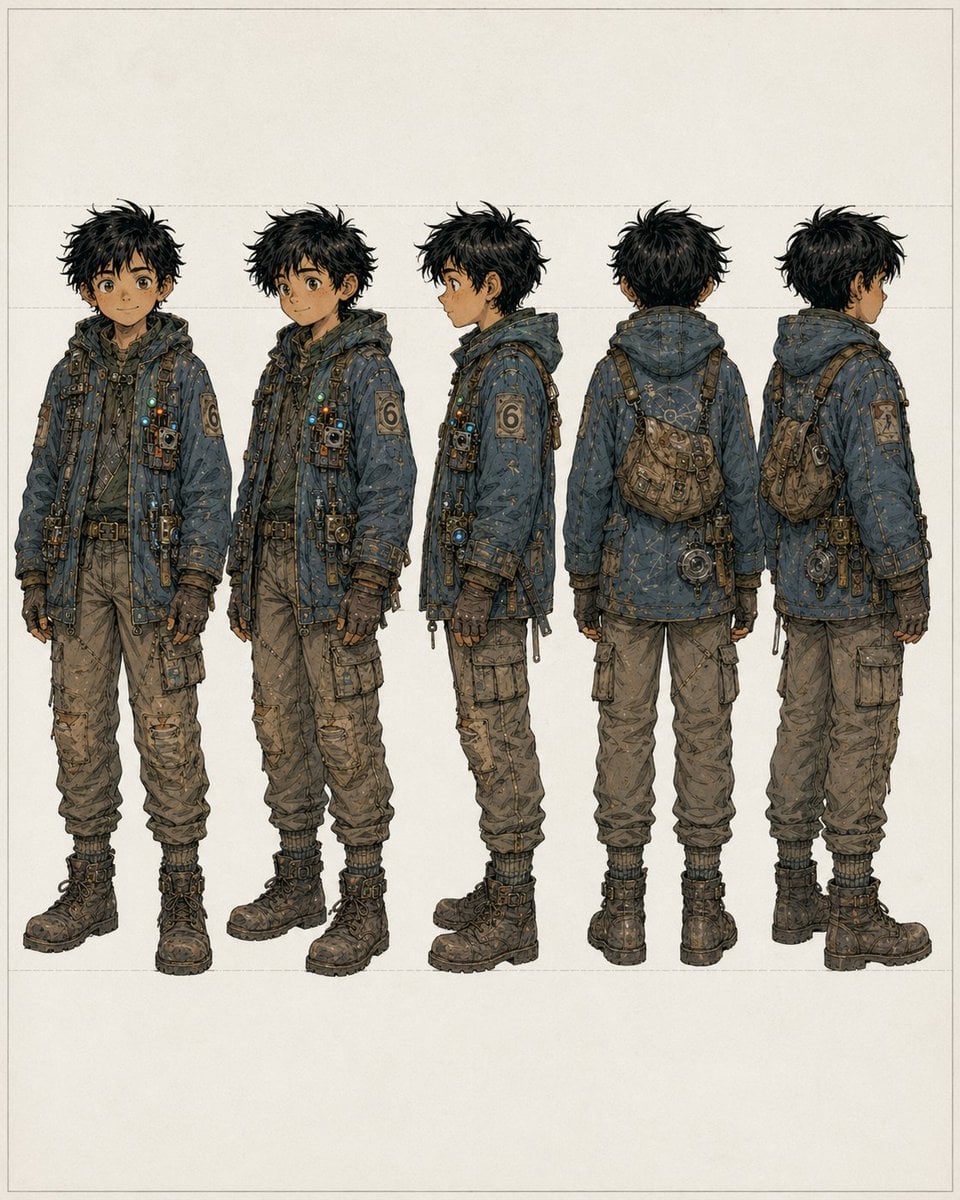
Five-View Boy Scavenger Turnaround
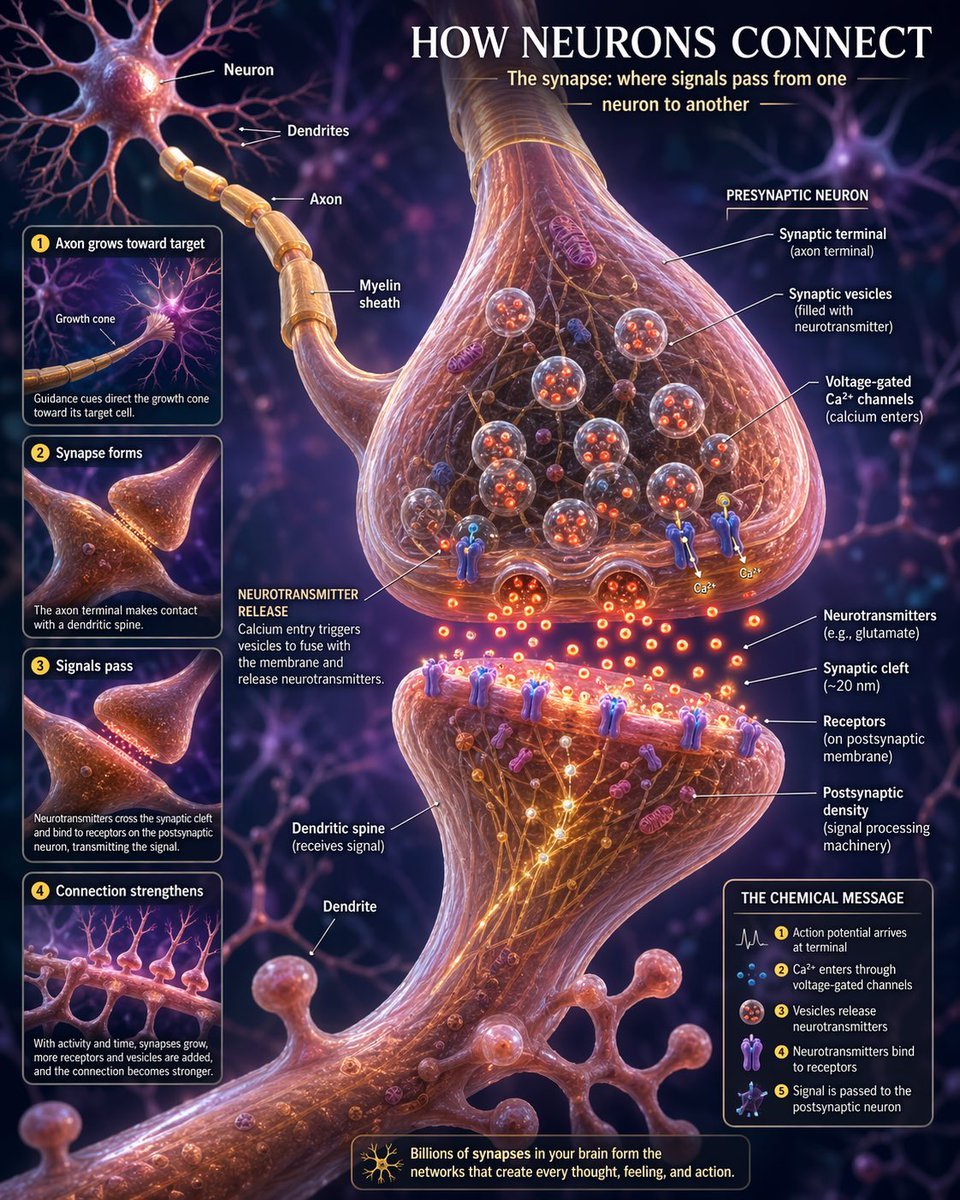
Neurons connection visualization
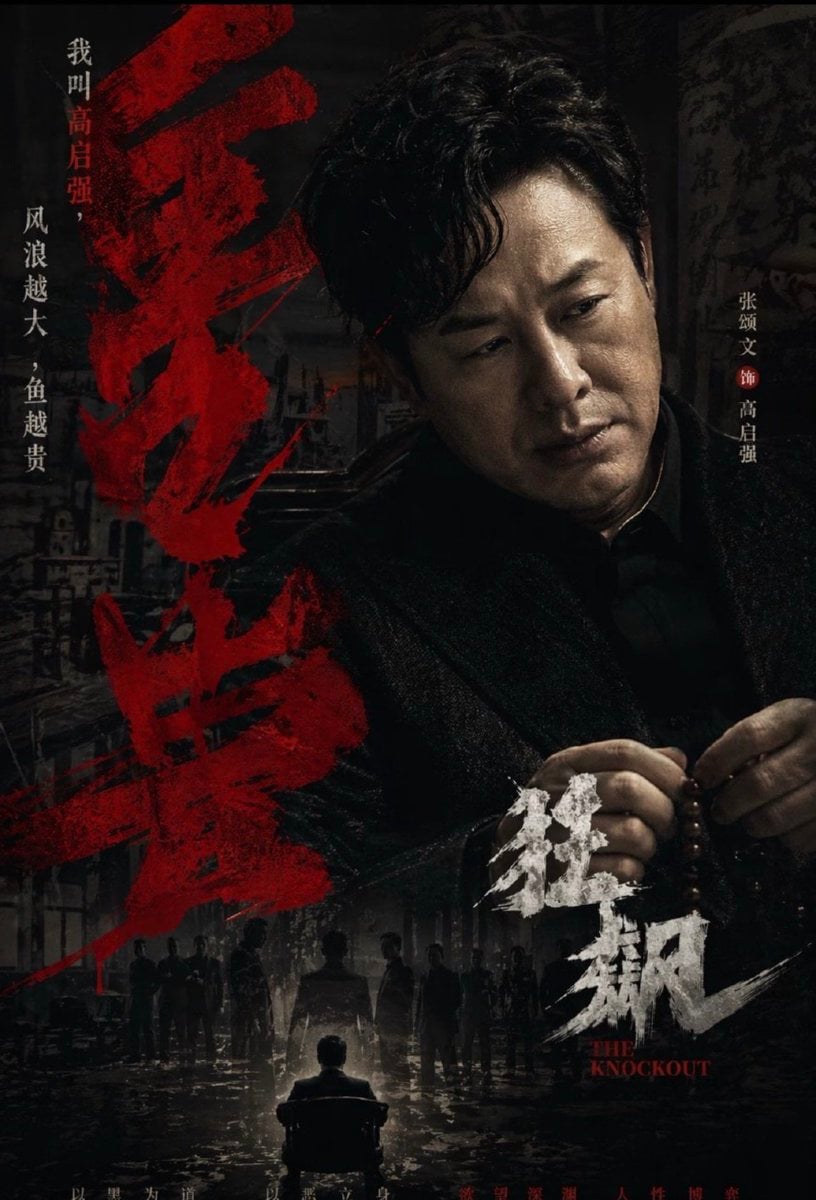
Dark Chinese Crime Drama Poster
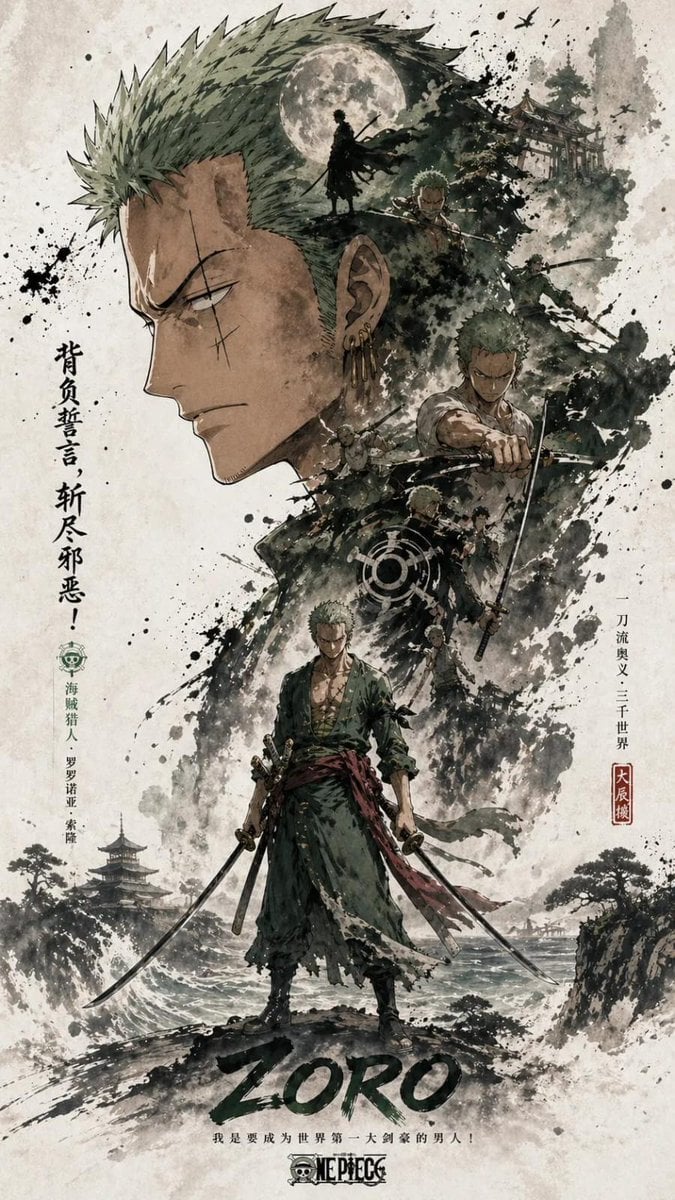
Oriental Aesthetics Silhouette Poster
Browse template categories
Subway Escape Storyboard Route questions
How do I use the Subway Escape Storyboard Route template?
Add your photo if the template asks for one, edit the prompt if you like — the template's model and format are already selected — and press Generate. Your version opens in PicX Studio.
Can I customize the Subway Escape Storyboard Route template?
Yes. You can change the subject, setting, lighting, mood, format, and available model controls before creating your image.
Is the Subway Escape Storyboard Route template free?
Opening and editing this template is free. Generating uses credits, shown on the Generate button when you are signed in.
Which AI model should I use?
Start with GPT Image 2, which is the model associated with this template. You can compare another compatible model for a different finish.
Looking for something else? Browse all templates.

Your photo, any look
Thousands of ready templates for every top image and video model, from one credit balance.