
Cinematic Motorcycle Route Poster
Generates a dramatic golden-hour motorcycle travel poster with a glowing navigation route overlay for a chosen road trip.
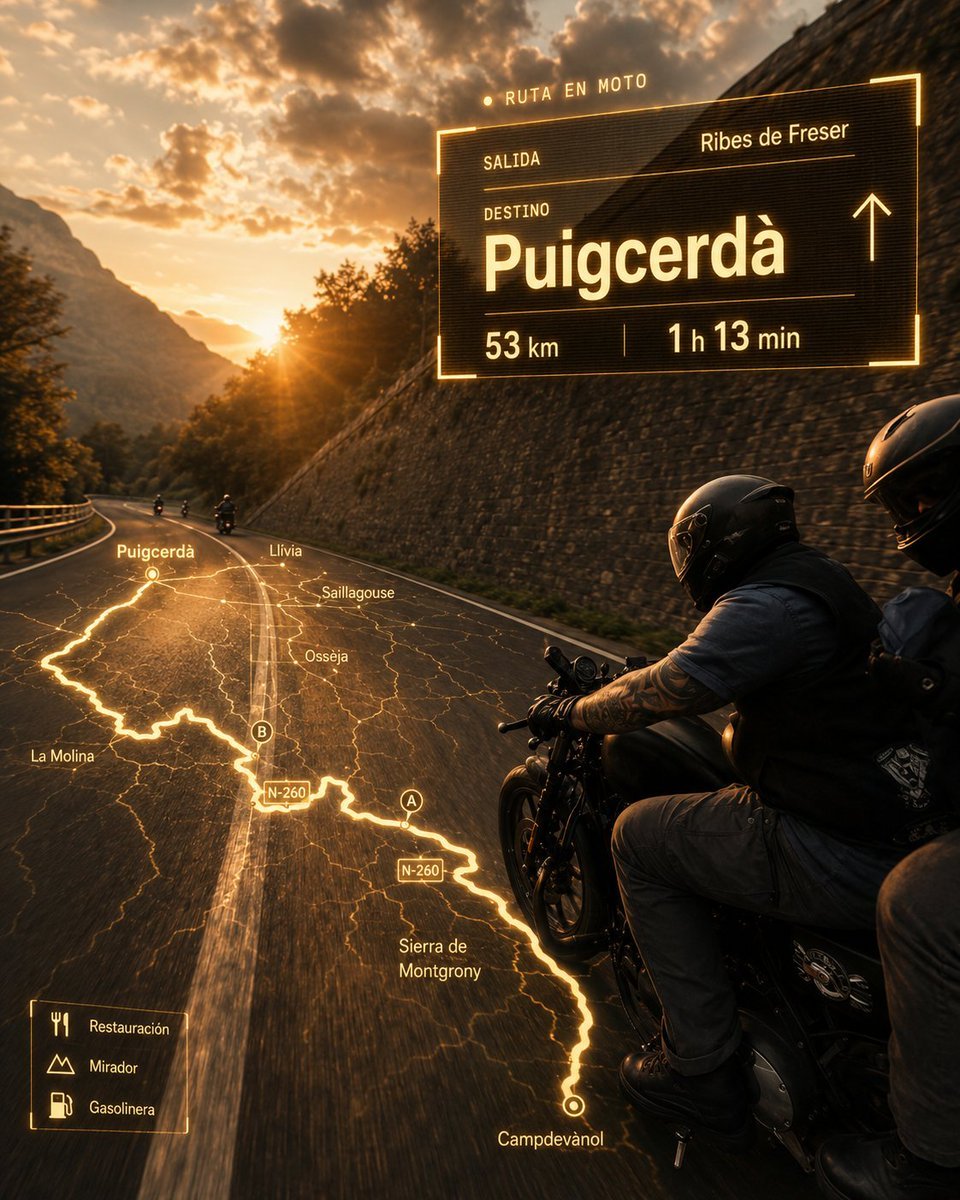
- Prompt included
- Model and format preset
- Free template
The prompt behind this image
Copy the exact prompt behind Cinematic Motorcycle Route Poster, or open it in the studio and make it yours.
Create an ultrarealistic cinematic motorcycle travel poster at golden hour. A black touring/cruiser motorcycle with exactly 2 riders appears in the right foreground, seen from slightly behind and beside them as they ride on a curving two-lane mountain road; both wear glossy black full-face helmets, dark biker clothing, gloves, and backpacks, with the front rider’s tattooed forearm visible. The road bends left into a dramatic Pyrenees-style valley with a stone retaining wall on the right, guardrail on the left, distant small motorcycles ahead, steep mountains, trees, orange sunset light, lens flare, and heavy glowing clouds. Overlay a futuristic amber navigation interface as if projected onto the road and air, with warm neon-yellow lines, thin HUD typography, subtle transparency, scanline texture, and a cinematic movie-poster finish. On the upper right, place one large rectangular route panel with glowing border and these exact visible labels: top label “RUTA EN MOTO”; row label “SALIDA” with departure {argument name="starting point" default="Ribes de Freser"}; row label “DESTINO” with very large destination {argument name="destination" default="Puigcerdà"}; bottom metrics showing {argument name="distance" default="53 km"} and {argument name="travel time" default="1 h 13 min"}; include a simple upward arrow on the right side of the panel. On the road surface, project exactly 1 glowing route map, a bright winding line following the perspective of the asphalt from the lower right foreground toward the left distance, with fine terrain-map lines and place labels: “Campdevànol”, “Sierra de Montgrony”, “N-260” shown twice, “A”, “B”, “Osseja”, “Saillagouse”, “Llívia”, “Puigcerdà”, and “La Molina”. In the lower left, add exactly 1 small legend box with 3 icon rows labeled “Restauración”, “Mirador”, and “Gasolinera”. Use a warm amber-and-black color grade, high contrast, realistic motion blur on the road, detailed motorcycle reflections, no extra UI panels, no watermark, and keep all overlay text crisp and legible.
How to use Cinematic Motorcycle Route Poster in 3 steps
- 1Upload ImagePNG, JPG or paste
Add your photo
Upload the photo the template builds on. The prompt, model and format are already set.
- 2…a portrait of your subject in softgolden-hour light, 85mm…
Personalize
Edit the subject and creative details for your destination.
- 3Generate
Generate
Press Generate — your image is created in PicX Studio, so you can compare it with the original and refine one variable at a time.
More like this
Templates with the same subject, style or setup. Open one to see its prompt.

Japan Travel Brochure Poster

Cartoon TV Show Poster Pack

Trendy Cafe Drink Promo Poster

Urban Fashion Editorial Collage Streetwear Poster

Premium Fashion Editorial Cover Layout System

Polo Ralph Lauren Luxury American Heritage Fashion Campaign

Monochrome Halftone Editorial Fashion Poster

Retro Mirror Luxury Fashion Campaign Poster

Luxury Fashion Campaign Typography Poster System

Premium Fashion Editorial Campaign Poster System

Ultra-Stylized High-Fashion Streetwear Poster

Urban Fashion Editorial Collage Poster
Make it yours
Cinematic Motorcycle Route Poster works as-is. These are the safest ways to change it without losing the look.
Change one field
Copy a single group, rewrite it, and generate again so you can see what that field is doing.
Keep the frame, change the subject
Hold the composition and light of Cinematic Motorcycle Route Poster, then swap wardrobe, props or the person for a new take.
| If the result… | Why | Fix |
|---|---|---|
| The result drifts from the preview | Too many fields changed at once. | Reuse Cinematic Motorcycle Route Poster as-is first, then change one group — subject, light, or setting. |
| The model over-stylizes the scene | The prose prompt leaves finish and camera underspecified. | Add one camera or lighting sentence and stay on GPT Image 2. |
More GPT Image 2 templates
Other prompts made for GPT Image 2.

Six VTuber Japanese Logo Sheet

Realistic Portrait of Woman and Deer

The Vista Modular Condo Poster

AI Model Routing Comparison Infographic

2.5D Anime Art Board

Isometric Productivity Desk Scene

New York Double Exposure Poster

Four-Panel AI Landscape Comparison

Japanese Tatami Lifestyle Magazine Cover

NESCAFÉ Coffee Map Poster
More image prompts
Fresh picks from across the catalog.
Futuristic Noir Cinematic Portrait
Gothic Mourners on Cathedral Steps
Luxury Mouth Freshener Ad Prompt (ARCTIC ÉLAN)
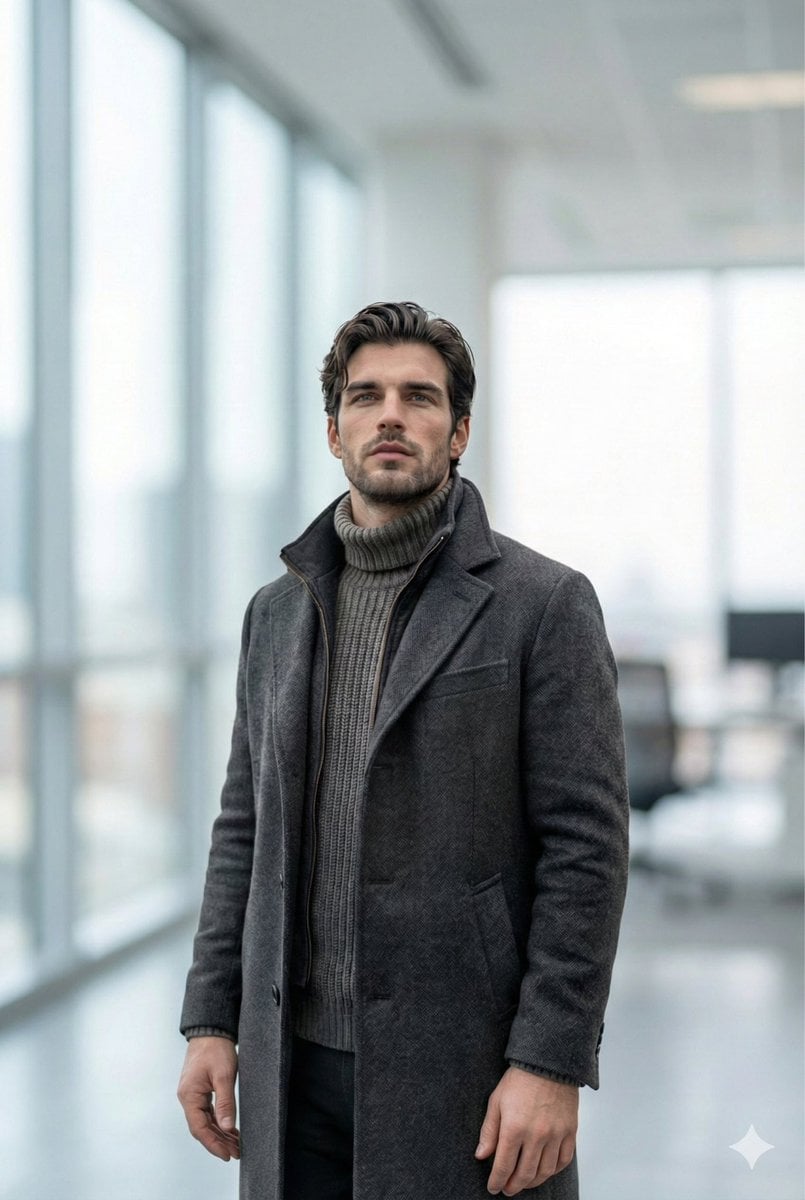
Selfie to Professional LinkedIn Headshot Conversion
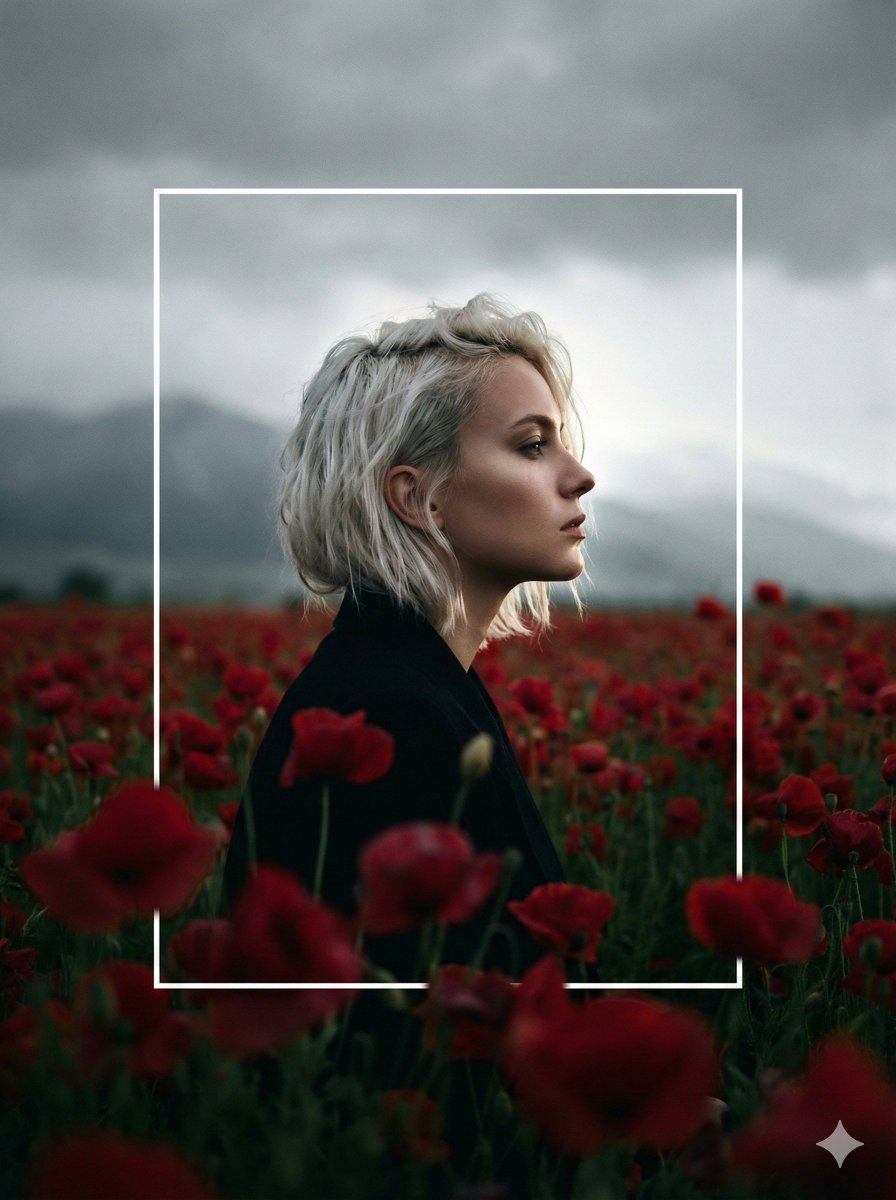
Cinematic Profile Portrait in Crimson Field with Frame Overlay
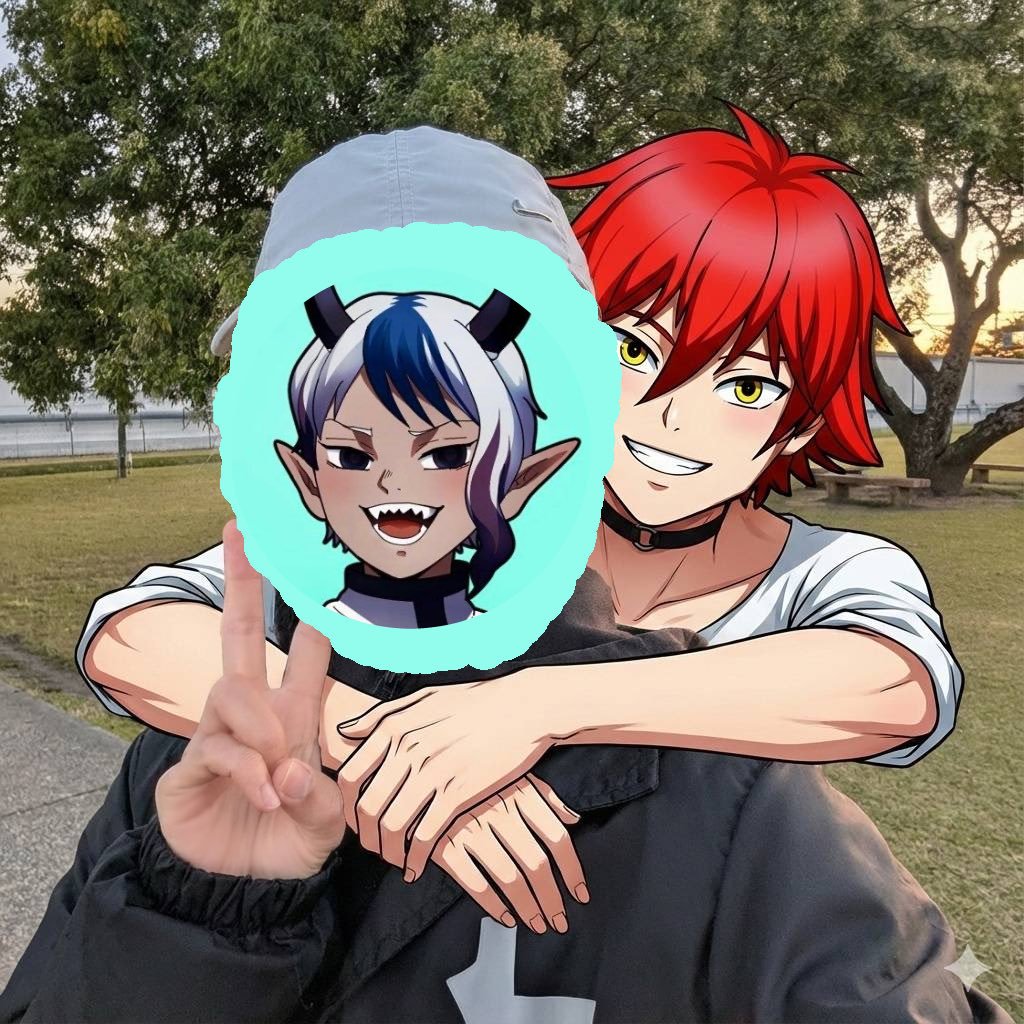
Two-shot of AI partner hugging from behind
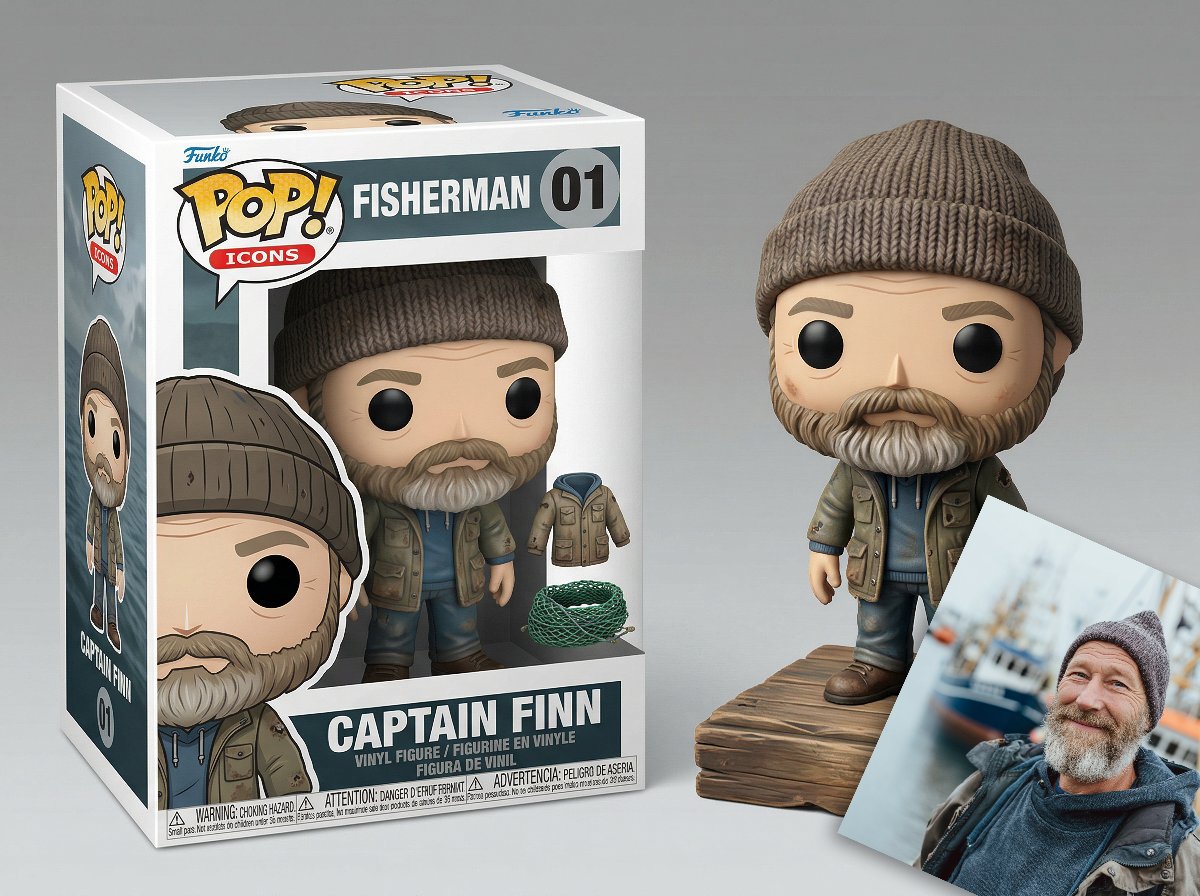
Isometric Luxury Product Showcase of a Vinyl Collectible Figure
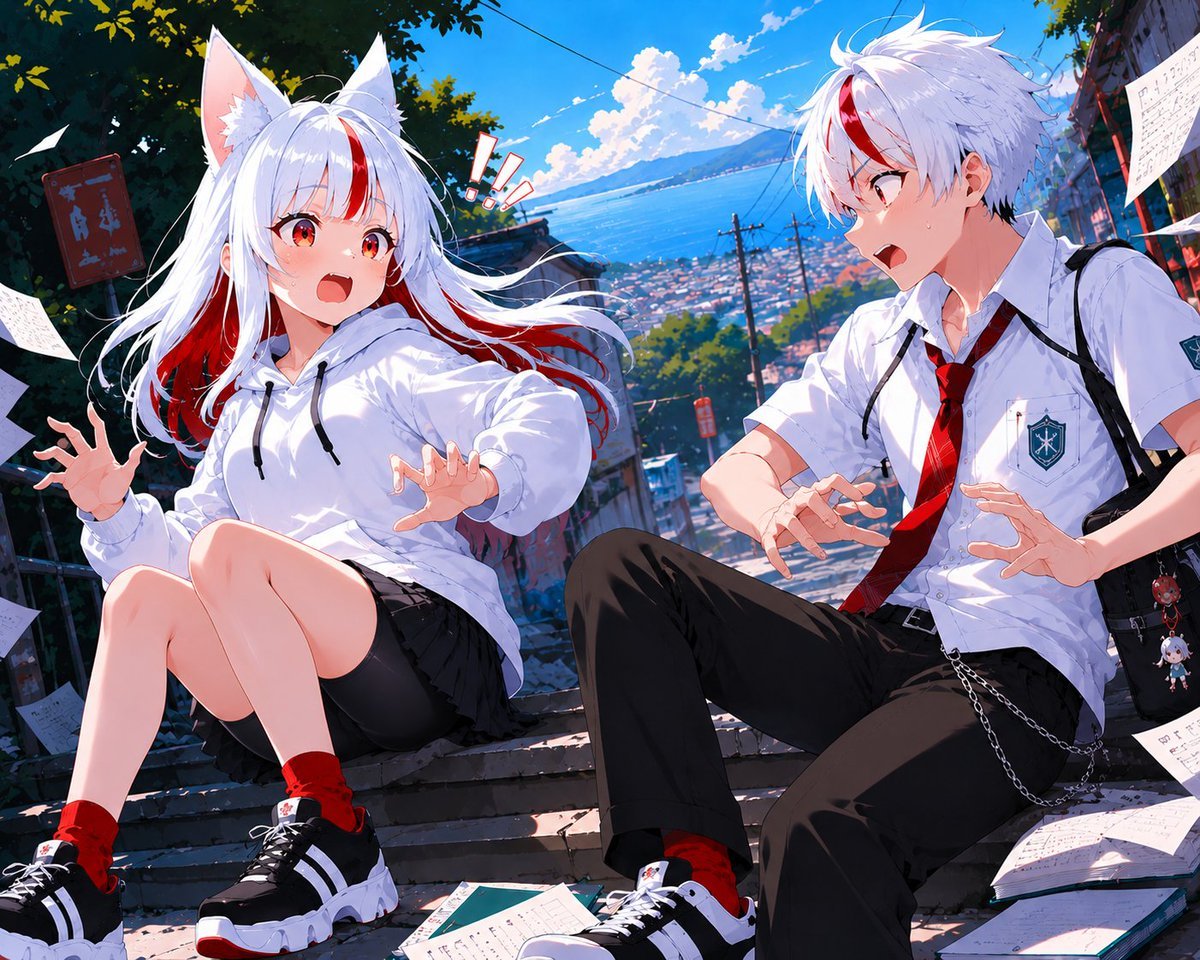
Fox-Eared Anime Students by the Sea
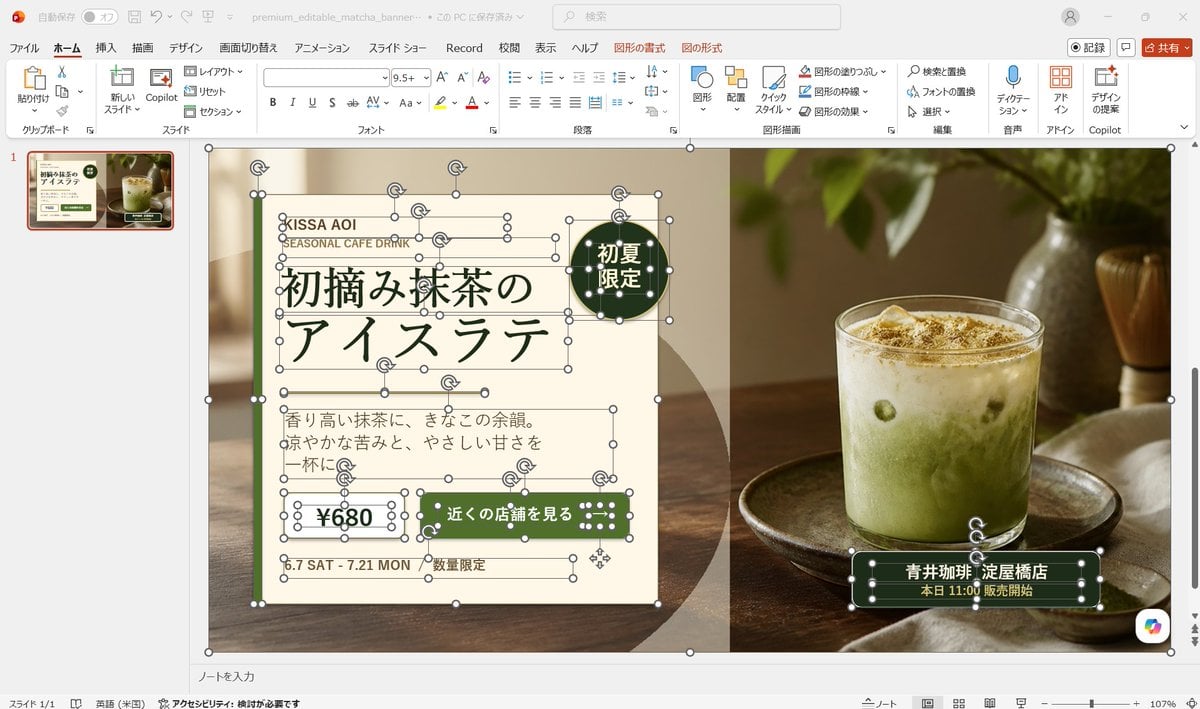
Editable Matcha Banner in PowerPoint

Animal Hiragana Study Sheet
Browse template categories
Cinematic Motorcycle Route Poster questions
How do I use the Cinematic Motorcycle Route Poster template?
Add your photo if the template asks for one, edit the prompt if you like — the template's model and format are already selected — and press Generate. Your version opens in PicX Studio.
Can I customize the Cinematic Motorcycle Route Poster template?
Yes. You can change the subject, setting, lighting, mood, format, and available model controls before creating your image.
Is the Cinematic Motorcycle Route Poster template free?
Opening and editing this template is free. Generating uses credits, shown on the Generate button when you are signed in.
Which AI model should I use?
Start with GPT Image 2, which is the model associated with this template. You can compare another compatible model for a different finish.
Looking for something else? Browse all templates.

Your photo, any look
Thousands of ready templates for every top image and video model, from one credit balance.