Romantic Fashion Portrait with Red Rose
{
"generation_request": {
"meta_data": {
"tool": "NanoBanana Pro",
"task_type": "romantic_fashion_portrait",
"language": "en",
"priority": "highest",
"version": "v1.1_RED_DRESS_RED_ROSE_FACE_MATCH"
},
"input": {
"mode": "image_to_image",
"reference_image_usage": "maximum",
"preserve_identity": true,
"preserve_facial_features": true,
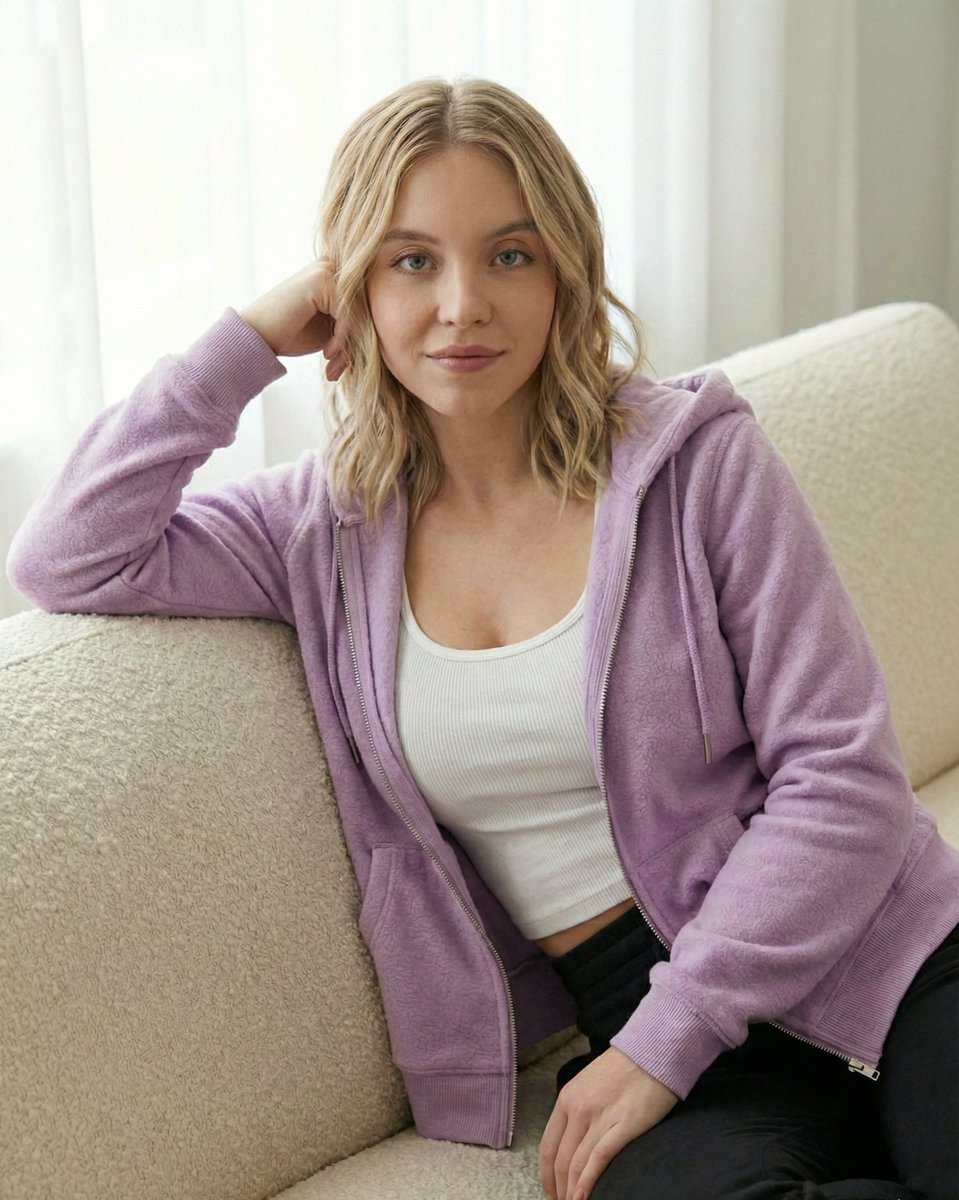
"notes": "Create a soft romantic fashion portrait of one elegant young woman in a modern luxury doorway setting. The woman's face must closely match the uploaded reference with maximum facial similarity. Keep the same eye shape, eyebrow shape, nose shape, lip shape, jawline, chin, skin tone, facial proportions, and overall facial harmony. Do not reinterpret her as a different girl."
},
"output_settings": {
"aspect_ratio": "1:1",
"orientation": "square",
"resolution_target": "ultra_high_res",
"num_images": 1,
"render_style": "soft_luxury_editorial",
"sharpness": "natural_crisp",
"grain": "subtle_clean",
"color_grade": "warm_soft_neutral",
"dynamic_range": "natural_not_hdr",
"skin_rendering": "real_texture_no_retouch"
},
"scene": {
"environment": "modern luxury doorway or boutique entrance, dark elegant interior in the background, minimal refined atmosphere",
"lighting": "soft natural daylight with gentle flattering highlights and realistic shadows",
"mood": "romantic, feminine, delicate, chic"
},
"subject": {
"description": "one beautiful young woman whose face closely matches the uploaded reference",
"identity_rule": "must look like the same woman from the reference, not a similar model",
"face": "same face shape, same cheeks, same jawline softness, same chin shape, same forehead, same eye spacing, same eye shape, same eyebrow thickness and arch, same nose bridge and nose tip, same lips, same skin tone, same youthful proportions",
"skin": "fresh realistic skin texture with subtle glow",
"hair": "soft light brown or dark blonde hair, natural loose texture, slightly airy",
"makeup": "minimal romantic makeup, soft blush, clean skin, natural lashes, soft rosy lips",
"expression": "dreamy, sweet, slightly curious upward gaze"
},
"wardrobe": {
"outfit": "fitted {argument name="dress color" default="red"} spaghetti strap dress with a feminine silhouette, delicate draping, and elegant button details",
"fabric": "soft luxury fabric with smooth clean fall",
"styling": "romantic modern chic aesthetic"
},
"props": {
"flower": "one long-stem {argument name="flower color" default="red"} rose held gently near the lips",
"bag": "small elegant mini bag with thin chain strap in a matching red tone",
"jewelry": "minimal delicate rings and bracelet"
},
"pose": {
"details": "woman standing softly in the doorway, holding the rose stem gently with both hands, flower near her lips, shoulders r"










![Contemporary Travel Artwork Poster — Create a premium 4:5 vertical contemporary travel artwork featuring {argument name="country" default="[COUNTRY]"} reimagine](https://cms-assets.youmind.com/media/1787386198858_3hz0lr_HQP3XWLbIAAVkNY-300x469.jpg)



![Naive doodle-style subject illustration — A doodle-style {argument name="subject" default="[subject]"}, naive lines, humorous shape exaggeration](https://pbs.twimg.com/media/G6Wl2YxbsAARB2b.jpg)











![Octane-Rendered Floating Ecological Island — [SUBJECT]
A massive floating island captured as a photoreal, physically plausible environment, rendered with Octane](https://pbs.twimg.com/media/HA0hnpMaMAAfeTe.jpg)
![Flat UI/Startup Style Illustration Prompt — Flat illustration of {argument name="subject" default="[subject]"}, startup-style vector art, bright colors, simple](https://pbs.twimg.com/media/HEBU7CUakAAZ7B4.jpg)