
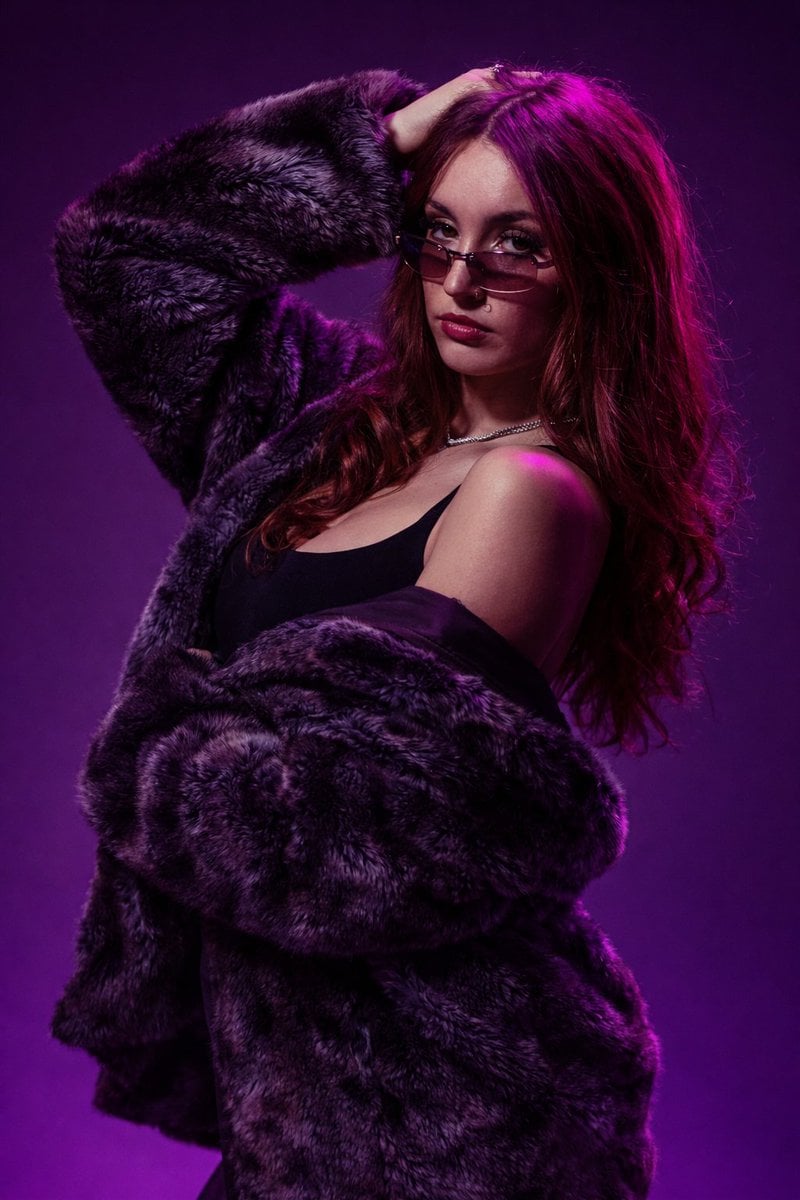
One arm raised with hand placed behind or on top of head, other arm
{ "image_type": "studio fashion portrait photography", "resolution_target": "8K ultra high definition", "aspect_ratio": "portrait (vertical)", "composition": { "framing": "medium portrait", "crop": "head to mid-torso"…
- Prompt included
- Model and format preset
- Premium template
The prompt behind this image
Copy the exact prompt behind One arm raised with hand placed behind or on top of head, other arm, or open it in the studio and make it yours.
- Image Type
- studio fashion portrait photography
- Resolution Target
- 8K ultra high definition
- Aspect Ratio
- portrait (vertical)
- Composition › Framing
- medium portrait
- Composition › Crop
- head to mid-torso
- Composition › Subject Position
- slightly right of center
- Composition › Camera Angle
- eye-level
- Composition › Pose › Body Orientation
- three-quarter turn to the left
- Composition › Pose › Head Orientation
- turned toward camera
- Composition › Pose › Arm Position
- one arm raised with hand placed behind or on top of head, other arm lowered and relaxed
- Subject › Gender Presentation
- female
- Subject › Age Range
- young adult
- Subject › Skin Tone
- light to medium
- Subject › Facial Expression › Expression
- neutral to mildly serious
- Subject › Facial Expression › Gaze Direction
- directly at camera
- Subject › Facial Expression › Emotion
- confident, composed
- Subject › Face Details › Face Shape
- oval
- Subject › Face Details › Complexion
- smooth, even
- Subject › Face Details › Makeup › Eyes
- defined eyeliner and mascara
- Subject › Face Details › Makeup › Lips
- deep muted red or berry tone lipstick
- Subject › Face Details › Makeup › Overall
- moderate, polished makeup
- Subject › Face Details › Piercings
- small nose ring on left nostril
- Subject › Eyes › Visibility
- partially visible through tinted glasses
- Subject › Eyes › Eyewear › Type
- narrow rectangular sunglasses
Raw JSON
{
  "image_type": "studio fashion portrait photography",
  "resolution_target": "8K ultra high definition",
  "aspect_ratio": "portrait (vertical)",
  "composition": {
    "framing": "medium portrait",
    "crop": "head to mid-torso",
    "subject_position": "slightly right of center",
    "camera_angle": "eye-level",
    "pose": {
      "body_orientation": "three-quarter turn to the left",
      "head_orientation": "turned toward camera",
      "arm_position": "one arm raised with hand placed behind or on top of head, other arm lowered and relaxed"
    }
  },
  "subject": {
    "gender_presentation": "female",
    "age_range": "young adult",
    "skin_tone": "light to medium",
    "facial_expression": {
      "expression": "neutral to mildly serious",
      "gaze_direction": "directly at camera",
      "emotion": "confident, composed"
    },
    "face_details": {
      "face_shape": "oval",
      "complexion": "smooth, even",
      "makeup": {
        "eyes": "defined eyeliner and mascara",
        "lips": "deep muted red or berry tone lipstick",
        "overall": "moderate, polished makeup"
      },
      "piercings": [
        "small nose ring on left nostril"
      ]
    },
    "eyes": {
      "visibility": "partially visible through tinted glasses",
      "eyewear": {
        "type": "narrow rectangular sunglasses",
        "lens_color": "dark tinted",
        "frame": "thin metal frame",
        "position": "worn low on the bridge of the nose"
      }
    },
    "hair": {
      "color": "medium brown with strong magenta/purple lighting highlights",
      "length": "long",
      "style": "loose, softly wavy",
      "parting": "center part"
    }
  },
  "clothing_and_accessories": {
    "outerwear": {
      "type": "faux fur coat",
      "color": "dark gray to black",
      "texture": "thick, plush, high-volume fur",
      "fit": "oversized",
      "wearing_style": "draped loosely off the shoulders"
    },
    "inner_clothing": {
      "type": "sleeveless top",
      "color": "black",
      "neckline": "straight or slightly scooped"
    },
    "jewelry": {
      "necklace": {
        "type": "thin chain necklace",
        "material": "metallic",
        "visibility": "clearly visible at collarbone"
      }
    }
  },
  "lighting": {
    "style": "studio lighting",
    "primary_light": {
      "direction": "front-left",
      "quality": "soft but directional"
    },
    "accent_lighting": {
      "color": "magenta/purple",
      "placement": "from above and behind, especially on hair and shoulders"
    },
    "contrast": "medium to high",
    "shadow_detail": "soft shadows with smooth falloff"
  },
  "background": {
    "type": "studio backdrop",
    "color": "deep purple gradient",
    "texture": "smooth, seamless",
    "depth": "no visible background objects"
  },
  "color_palette": {
    "dominant_colors": [
      "purple",
      "magenta",
      "black",
      "dark gray"
    ],
    "accent_colors": [
      "skin tones",
      "metallic silver"
    ]
  },
  "image_quality": {
    "sharpness": "high",
    "detail_level": "very high",
    "noise": "minimal to none",
    "dynamic_range": "wide"
  },
  "overall_style": {
    "aesthetic": "fashion editorial",
    "mood": "moody, stylish, confident",
    "era_influence": "modern"
  }
}How to use One arm raised with hand placed behind or on top of head, other arm in 3 steps
- 1
Open
The prompt is already in the box next to the preview, with the template's model and format selected.
- 2…a portrait of your subject in softgolden-hour light, 85mm…
Personalize
Edit the subject and creative details for your destination.
- 3Generate
Generate
Press Generate — your image is created in PicX Studio, so you can compare it with the original and refine one variable at a time.
More like this
Templates with the same subject, style or setup. Open one to see its prompt.
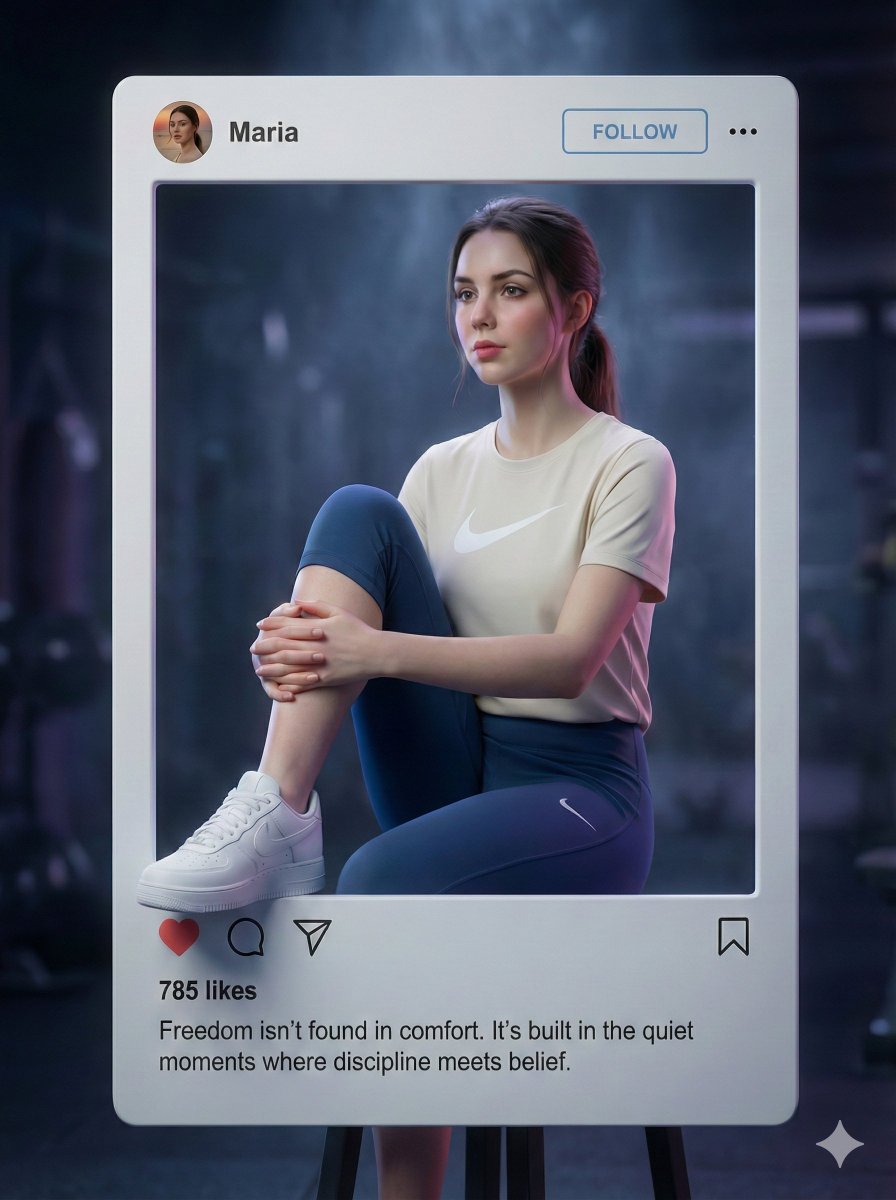
Sitting with one knee raised, hands clasped around her shin, looking
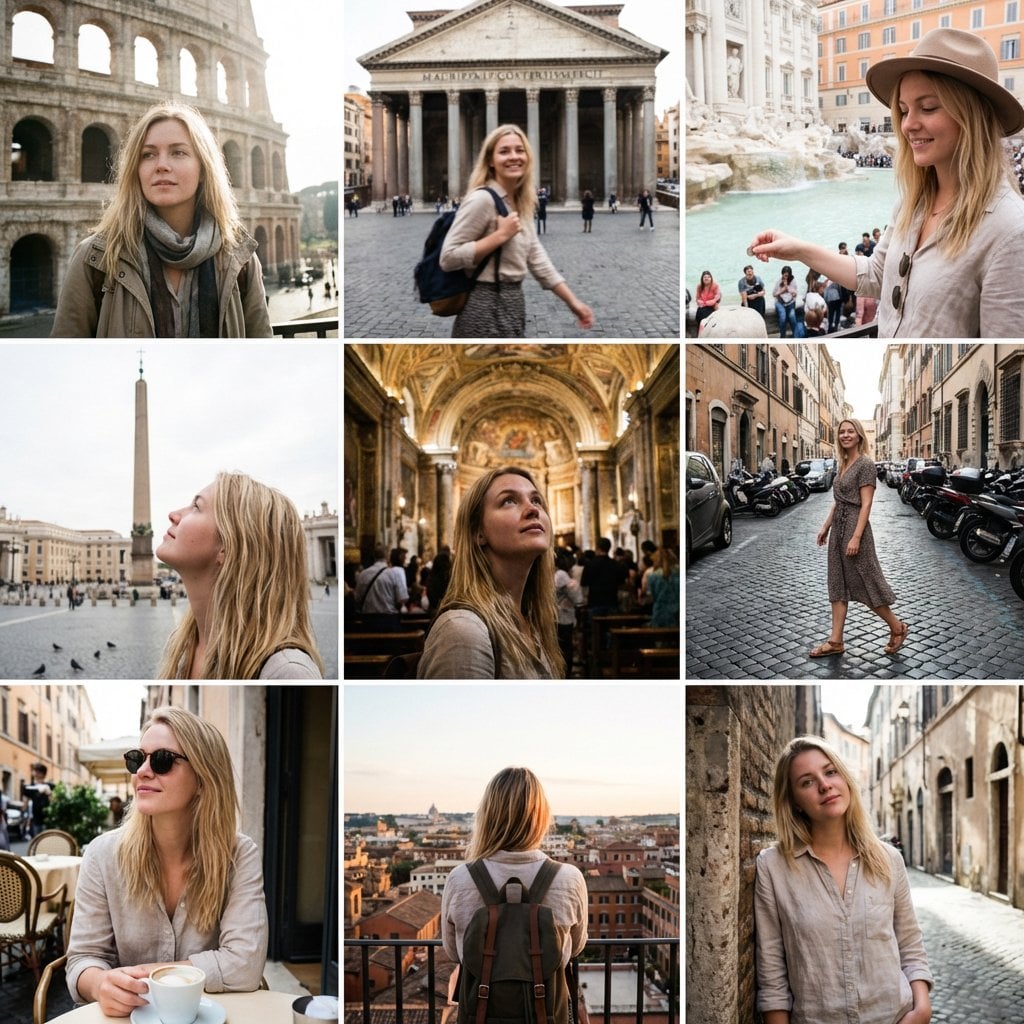
3x3 Instagram-style grid of low-quality smartphone photos featuring
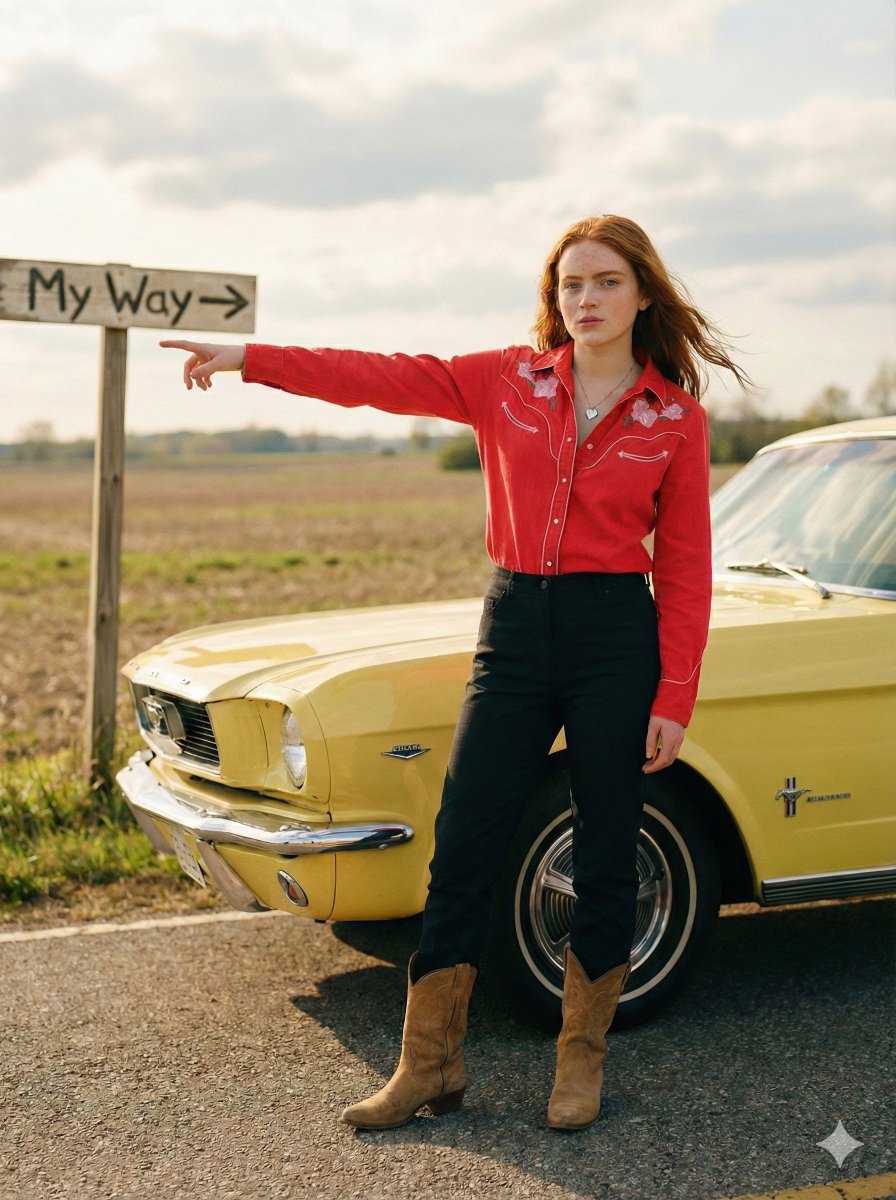
Standing beside the car, torso slightly angled, arm extended
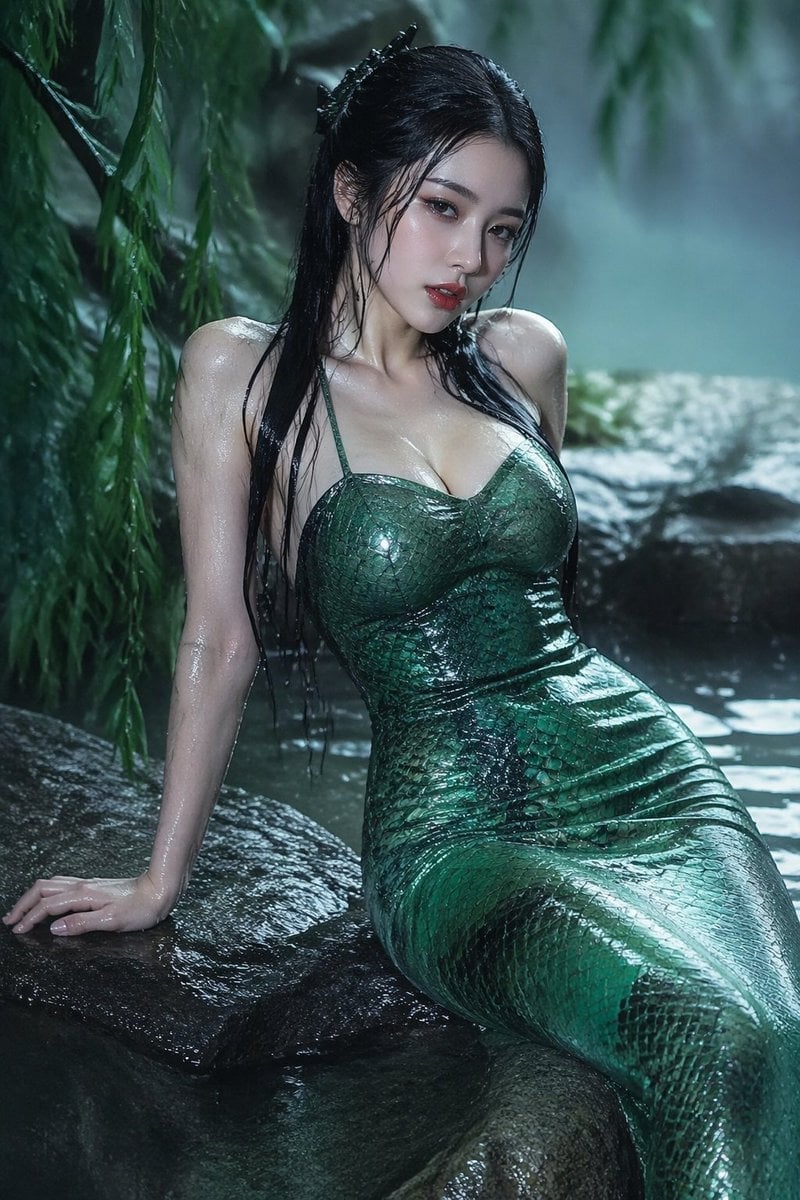
青蛇小青写真大片,绿色紧身蛇鳞裙,湿发红唇,妖娆妩媚
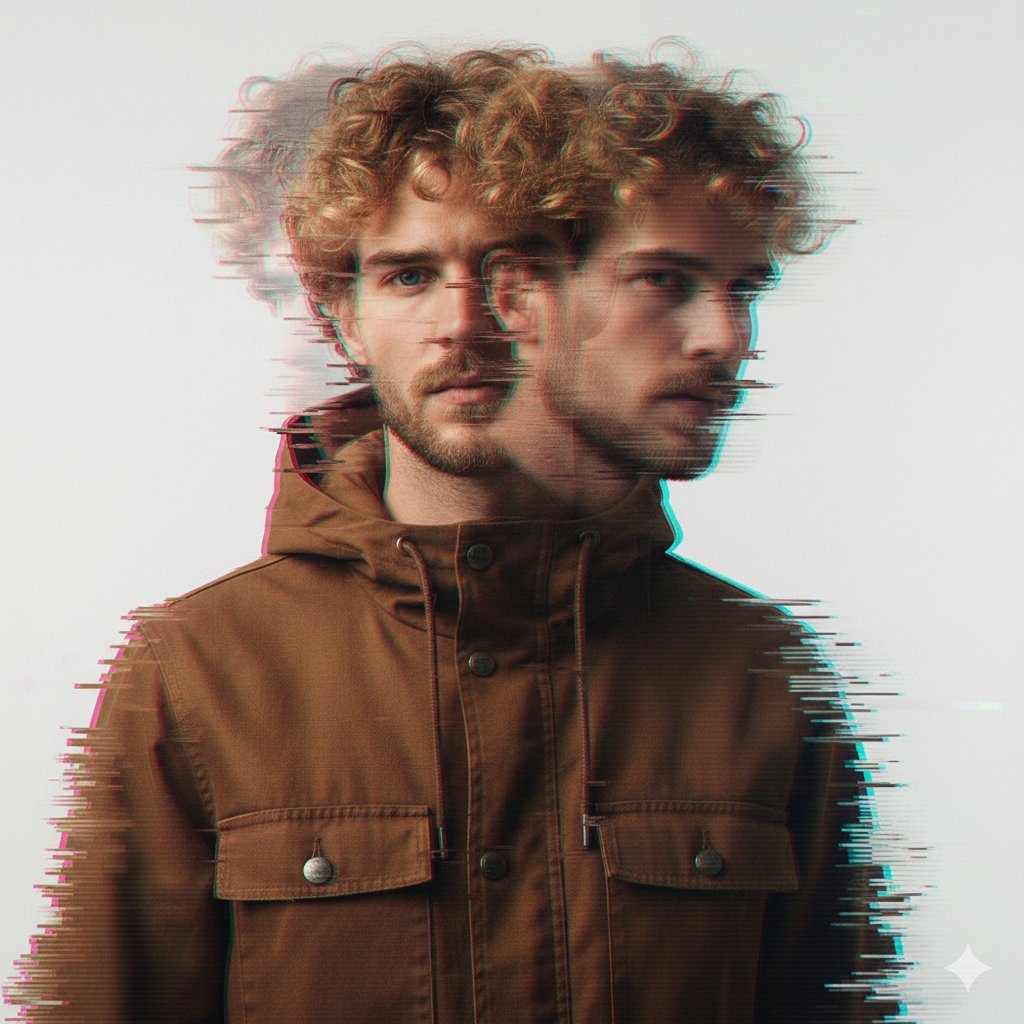
A double exposure, long exposure editorial photograph of a man Use image

Portrait of a young woman in her early 20s walking calmly on a beautiful
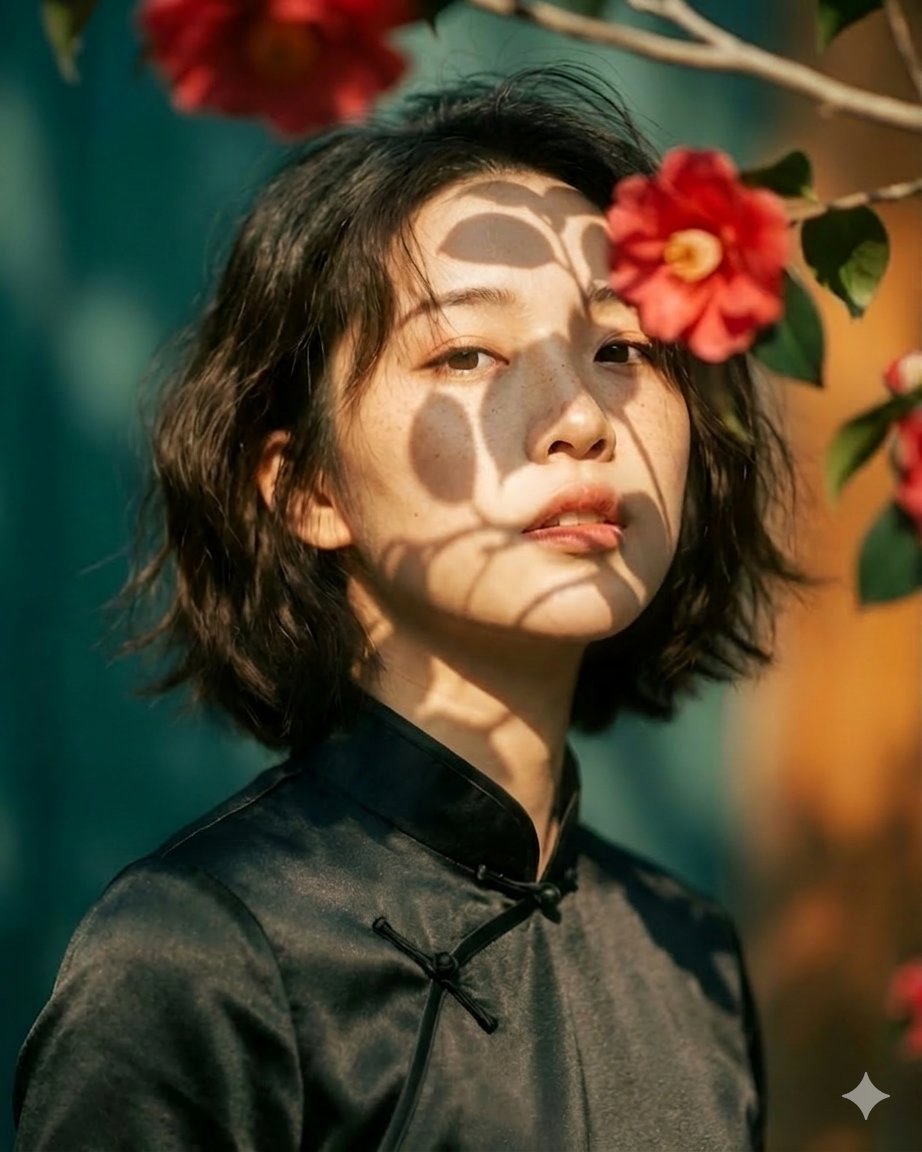
Artistic portrait of an elegant Asian woman wearing a black silk
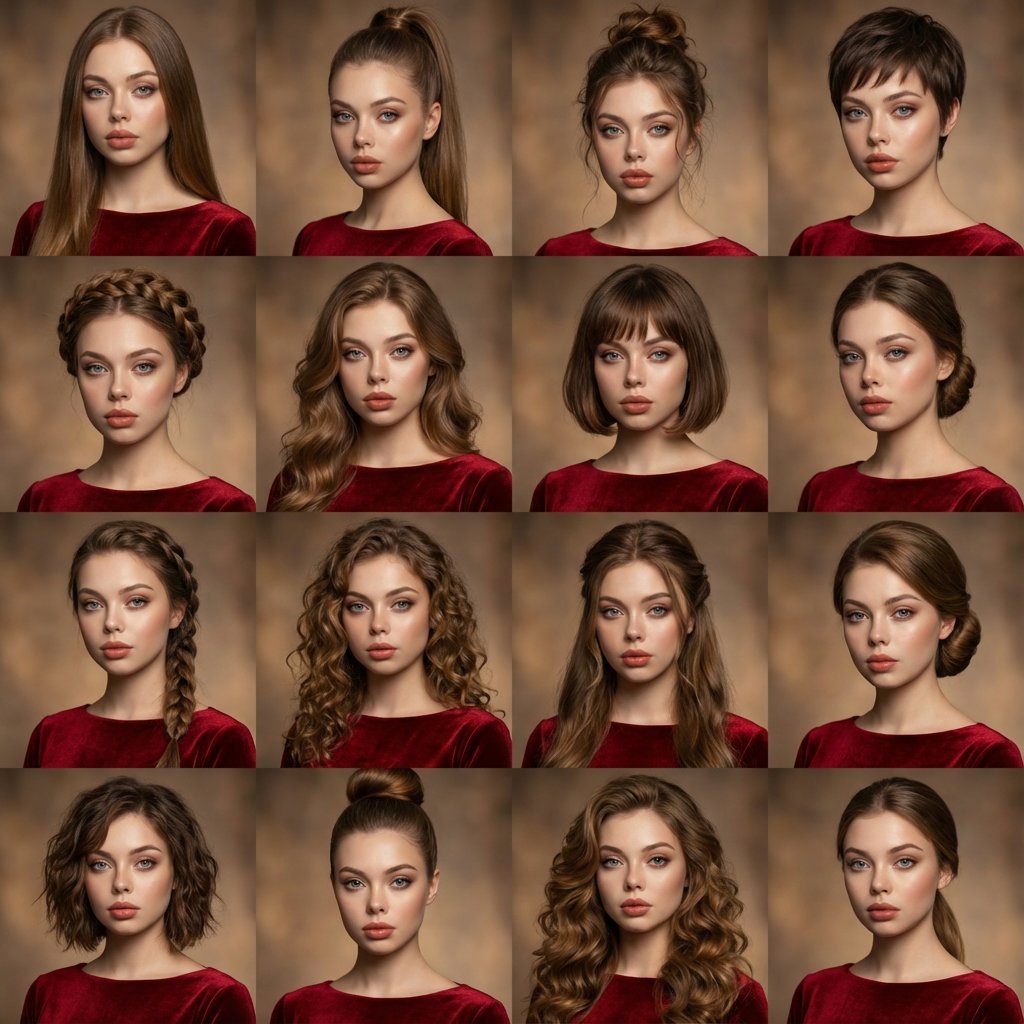
A high-quality photo collage featuring the same person with identical
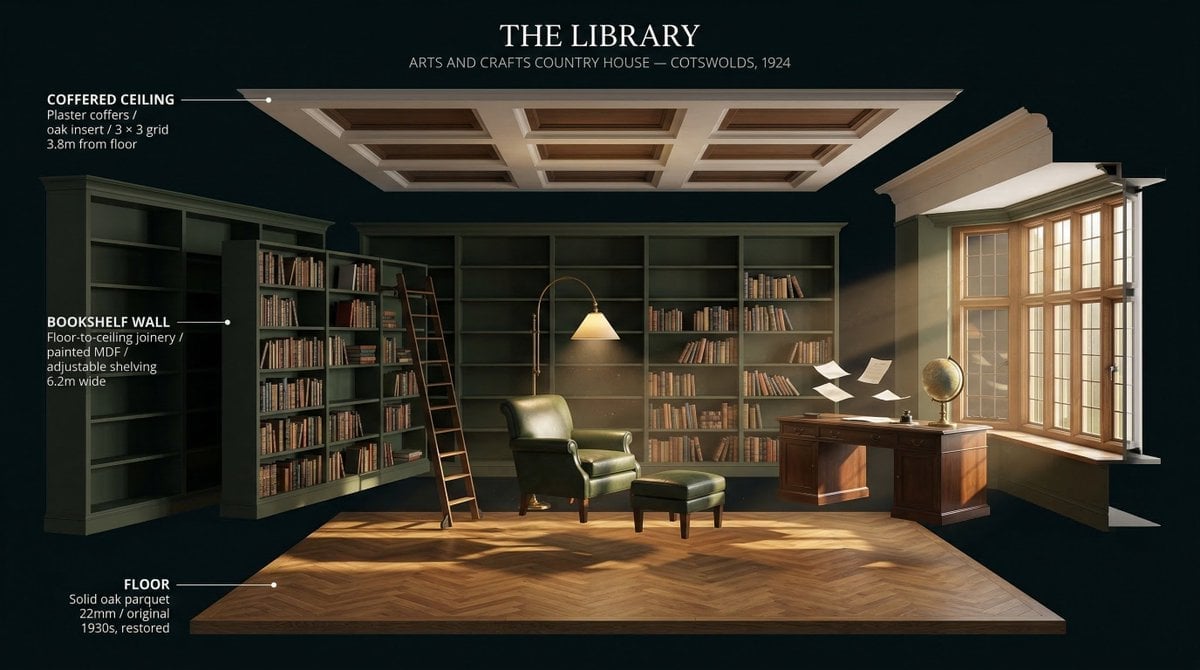
LIGHTING each element still lit by its original source, windows casting
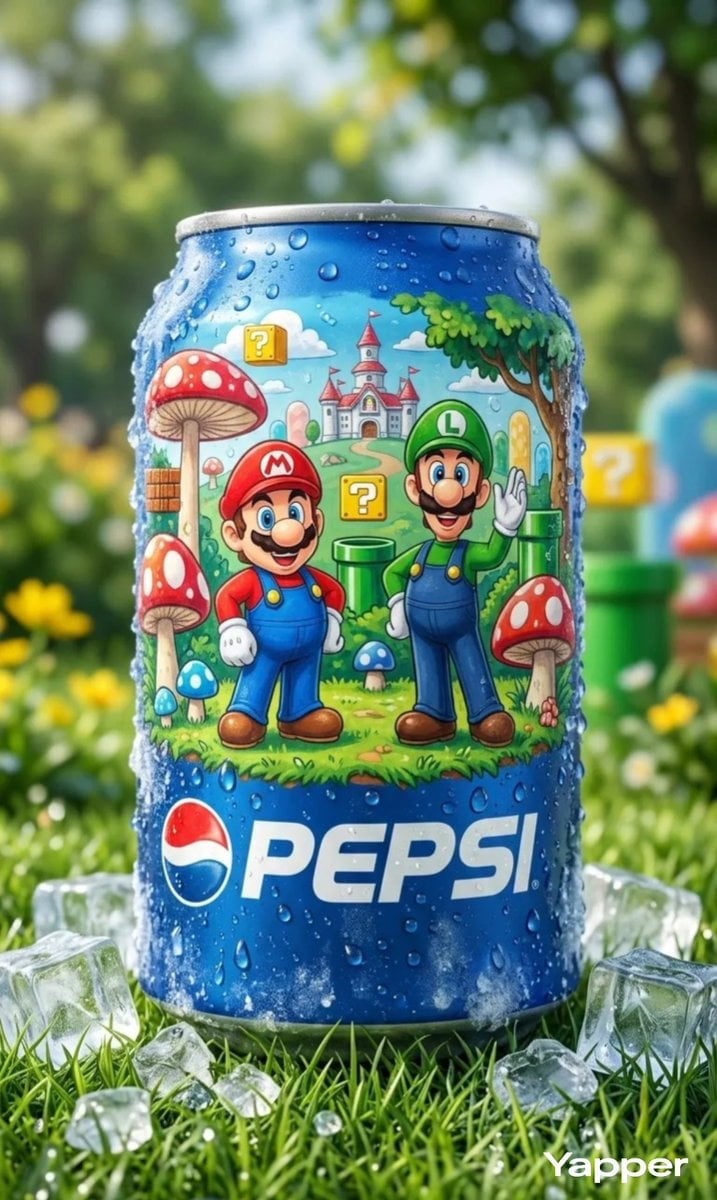
Ultra-realistic product photography of a chilled blue Pepsi can placed
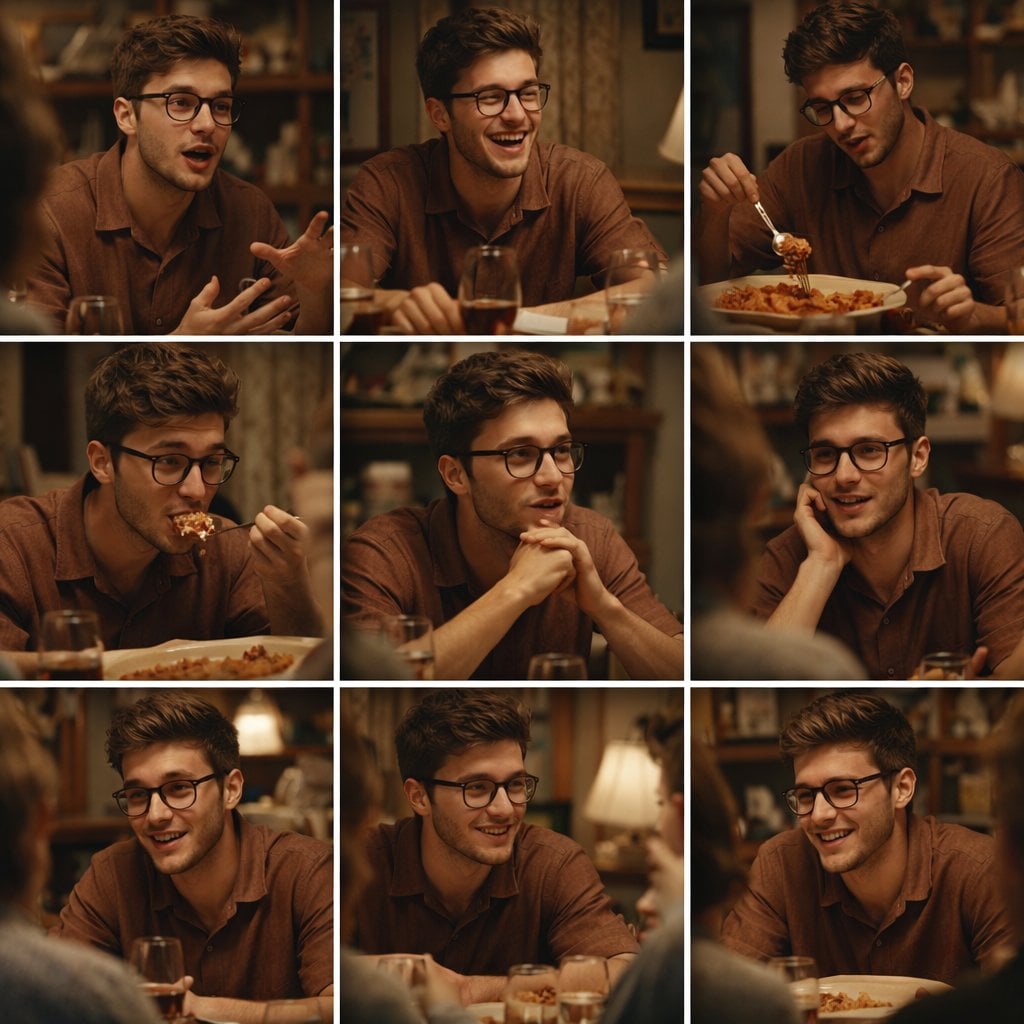
A 3x3 grid storyboard contact sheet comprised of nine candid, cinematic
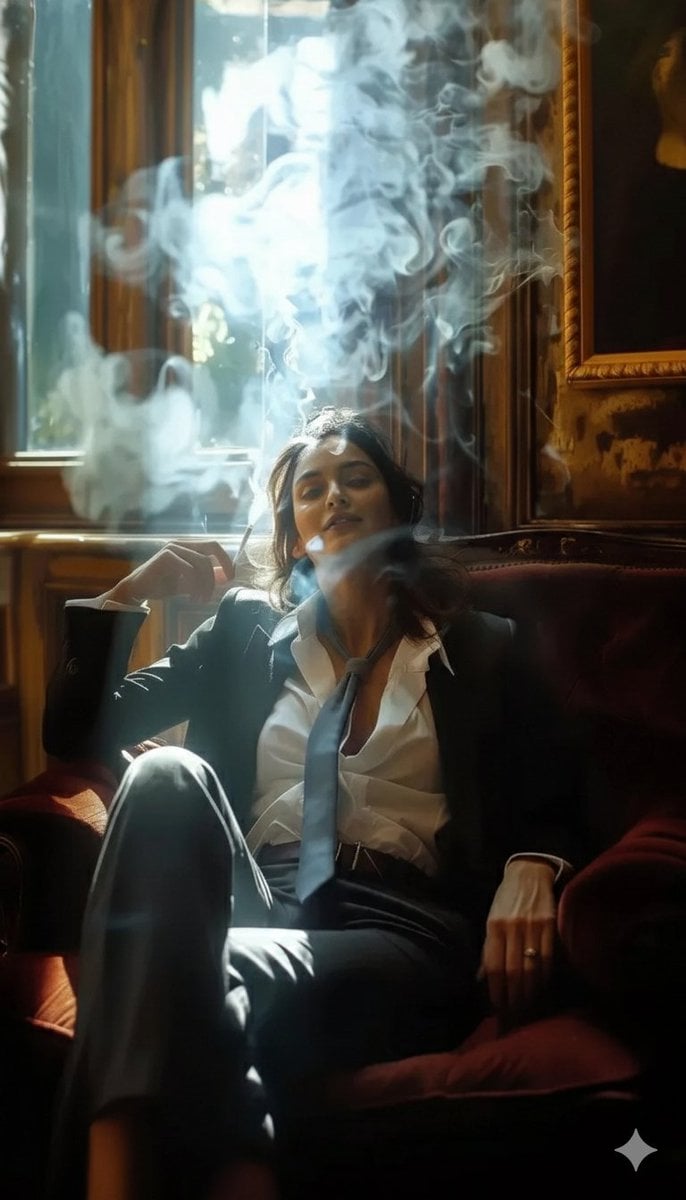
A high-definition cinematic portrait of a sophisticated woman sitting
Make it yours
One arm raised with hand placed behind or on top of head, other arm works as-is. These are the safest ways to change it without losing the look.
Swap the setting
Keep the rest of the prompt and replace the location block. The current setting is “studio backdrop”.
Swap the light
One lighting change is enough to compare takes. Current light: “studio lighting”.
Change one field
Copy a single group, rewrite it, and generate again so you can see what that field is doing.
| If the result… | Why | Fix |
|---|---|---|
| The result drifts from the preview | Too many fields changed at once. | Reuse One arm raised with hand placed behind or on top of head, other arm as-is first, then change one group — subject, light, or setting. |
| GPT Image 2 ignores part of the JSON | Some models flatten or skip nested keys. | Keep the same values and paste them as a short paragraph instead. |
More GPT Image 2 templates
Other prompts made for GPT Image 2.

Six VTuber Japanese Logo Sheet

Realistic Portrait of Woman and Deer

The Vista Modular Condo Poster

AI Model Routing Comparison Infographic

2.5D Anime Art Board

Isometric Productivity Desk Scene

New York Double Exposure Poster

Four-Panel AI Landscape Comparison

Japanese Tatami Lifestyle Magazine Cover

NESCAFÉ Coffee Map Poster
More image prompts
Fresh picks from across the catalog.
Cinematic Biker Duo Dusk Shot
Aesthetic Seated Portrait with Cable-Knit Dress and Ribbon Bow
Realistic Cheerleader Portrait
Video Game Magazine Cover
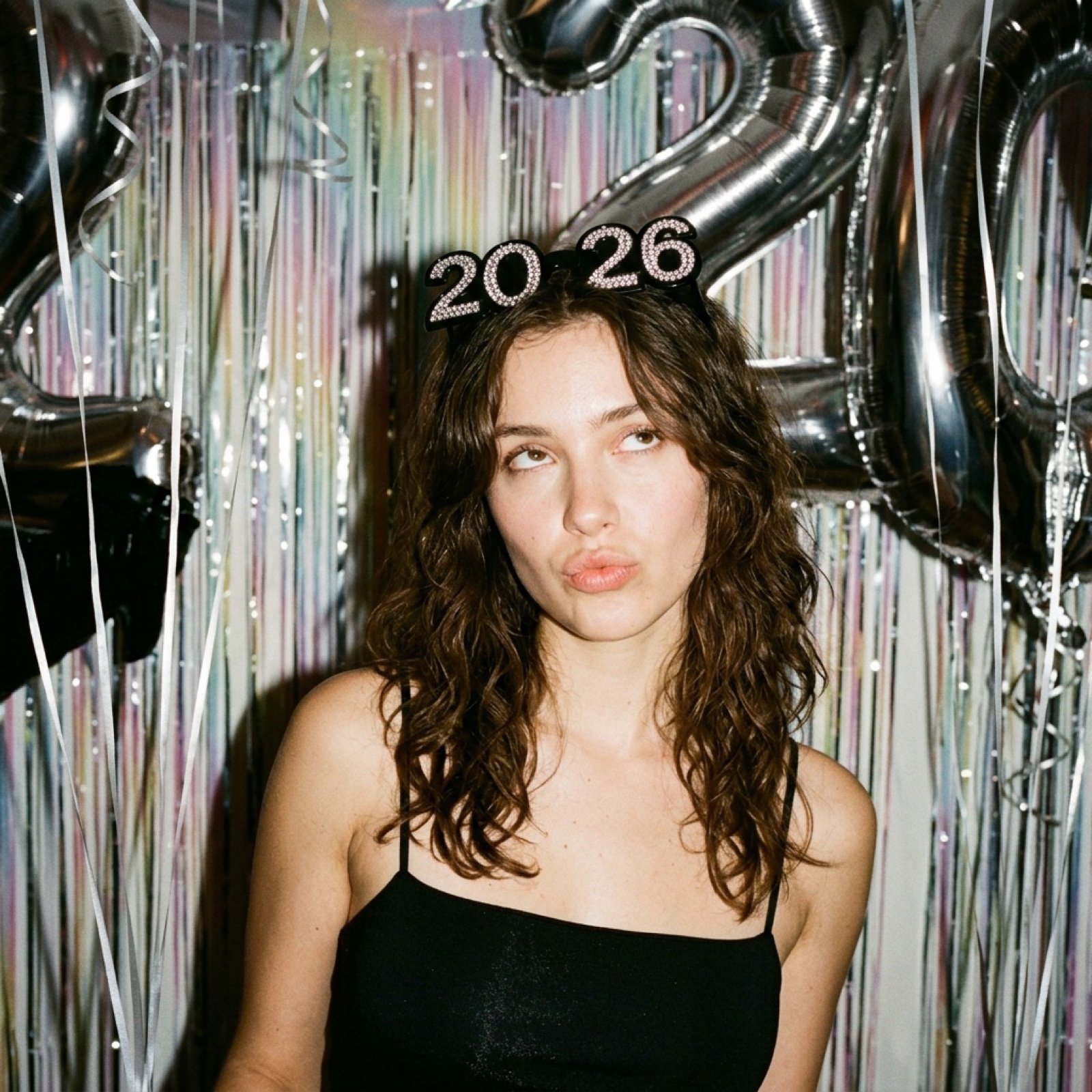
Disposable Camera Style Candid Portrait for New Year 2026
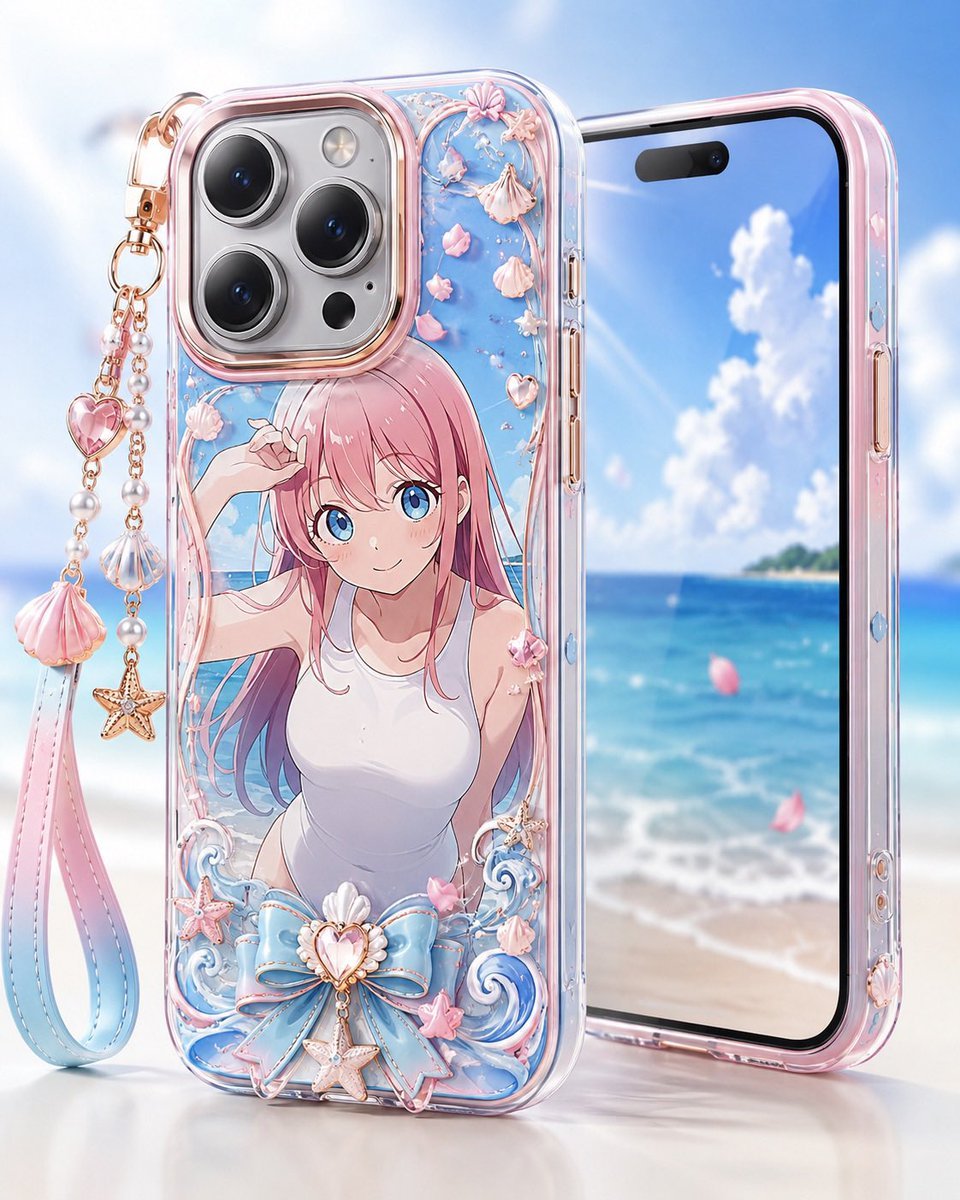
Pastel Anime Beach Phone Case
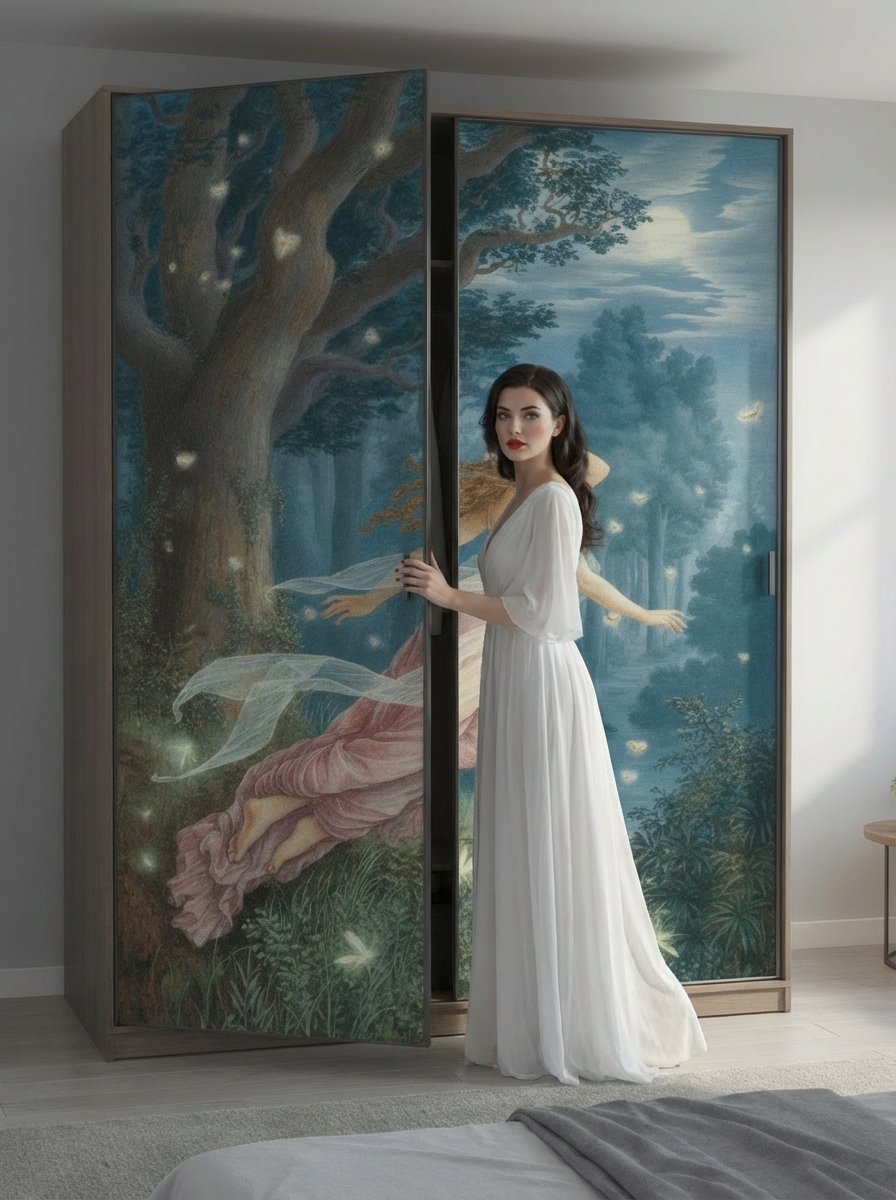
Image Generation Prompt for Nano Banana Pro
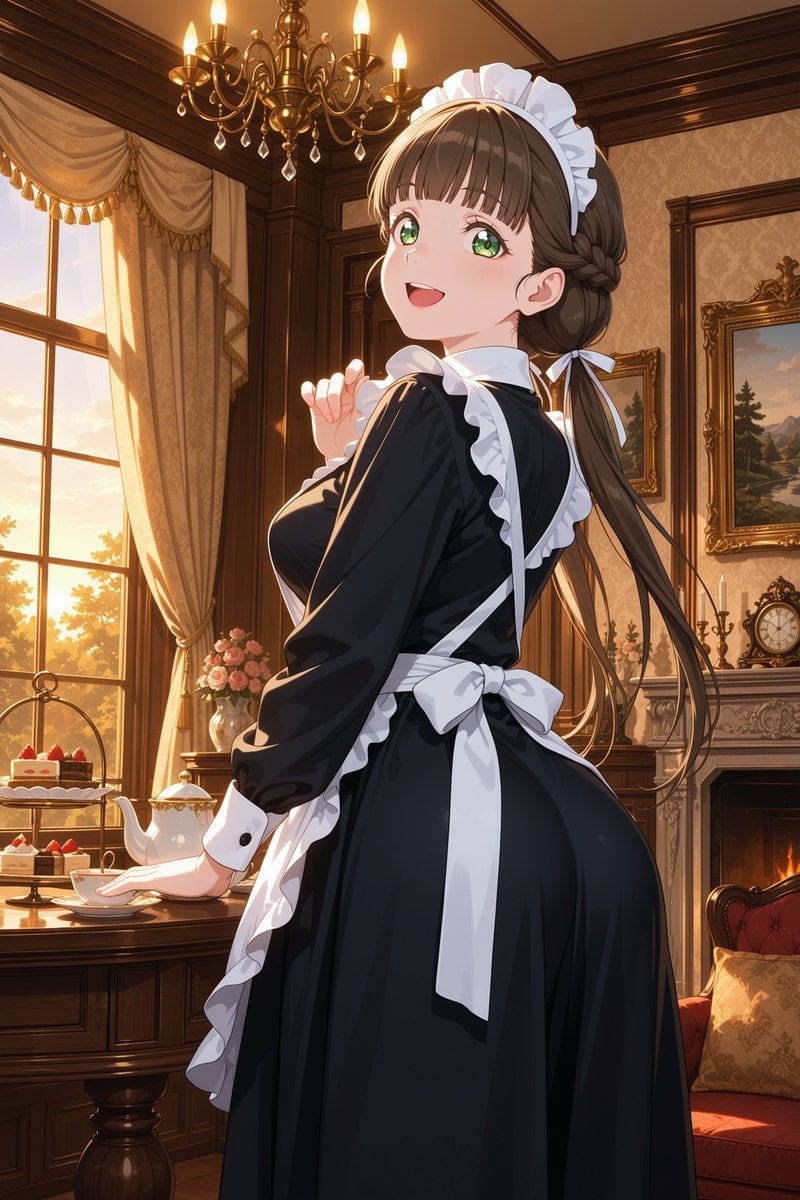
Victorian Maid Tea Room Anime
Premium Sports Editorial Collage
Anime Protagonist and Companion Generator
Browse template categories
One arm raised with hand placed behind or on top of head, other arm questions
How do I use the One arm raised with hand placed behind or on top of head, other arm template?
Add your photo if the template asks for one, edit the prompt if you like — the template's model and format are already selected — and press Generate. Your version opens in PicX Studio.
Can I customize the One arm raised with hand placed behind or on top of head, other arm template?
Yes. You can change the subject, setting, lighting, mood, format, and available model controls before creating your image.
Is the One arm raised with hand placed behind or on top of head, other arm template free?
Opening and editing this template is free. Generating uses credits, shown on the Generate button when you are signed in.
Which AI model should I use?
Start with GPT Image 2, which is the model associated with this template. You can compare another compatible model for a different finish.
Looking for something else? Browse all templates.

Your photo, any look
Thousands of ready templates for every top image and video model, from one credit balance.