
1970s Manhattan Street Fashion Photo
Generates a realistic vintage 1970s street-fashion portrait on a busy Manhattan sidewalk for cinematic editorial or historical fashion imagery.
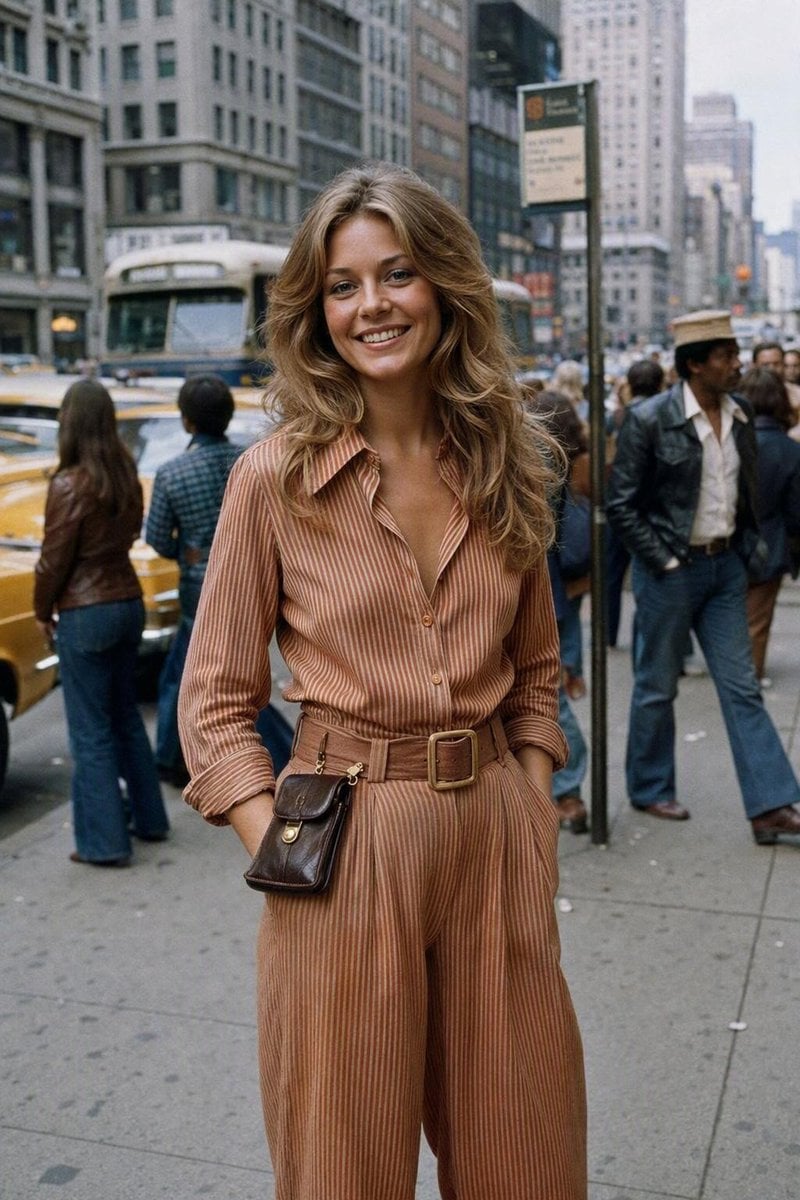
- Prompt included
- Model and format preset
- Free template
The prompt behind this image
Copy the exact prompt behind 1970s Manhattan Street Fashion Photo, or open it in the studio and make it yours.
Create a realistic candid 1970s street-fashion photograph in portrait orientation, shot on a busy Manhattan sidewalk at eye level with a slight documentary feel. The main subject is a smiling {argument name="subject" default="young woman"} standing centered in the foreground, looking directly into the camera with relaxed confidence, hands in pockets. She has {argument name="hair style" default="long feathered honey-blonde wavy hair with a center part"}, natural makeup, sun-kissed skin, and an authentic 1970s look. She wears a {argument name="outfit" default="rusty peach and tan vertical-striped long-sleeve jumpsuit with a pointed collar, deep open neckline, rolled cuffs, wide-leg trousers, and a matching wide belt with a large square buckle"}. Add one visible accessory: a small dark brown leather crossbody pouch hanging at her hip. The background should show a lively 1970s New York city scene with tall midtown buildings, a crowded sidewalk, a bus, yellow taxis, a bus-stop sign, and pedestrians in period clothing including flared jeans, leather jackets, wide collars, and hats. Use muted Kodak film colors, soft grain, slightly imperfect focus, natural overcast daylight, realistic skin texture, 35mm film street photography, shallow-to-medium depth of field, subtle motion blur in the background, no modern cars, no smartphones, no contemporary signage, no studio lighting, no artificial glamour retouching. Make it feel like {argument name="photo era" default="a real candid moment captured on film in the 1970s"}.
How to use 1970s Manhattan Street Fashion Photo in 3 steps
- 1Upload ImagePNG, JPG or paste
Add your photo
Upload the photo the template builds on. The prompt, model and format are already set.
- 2…a portrait of your subject in softgolden-hour light, 85mm…
Personalize
Edit the subject and creative details for your destination.
- 3Generate
Generate
Press Generate — your image is created in PicX Studio, so you can compare it with the original and refine one variable at a time.
More like this
Templates with the same subject, style or setup. Open one to see its prompt.

Face-Locked Cream Half-Zip Street Walk

Nano Banana - Street Paris T-Shirt

Frozen Street Luxe Graffiti Fashion Campaign

Blue Hour Editorial Fashion Portrait
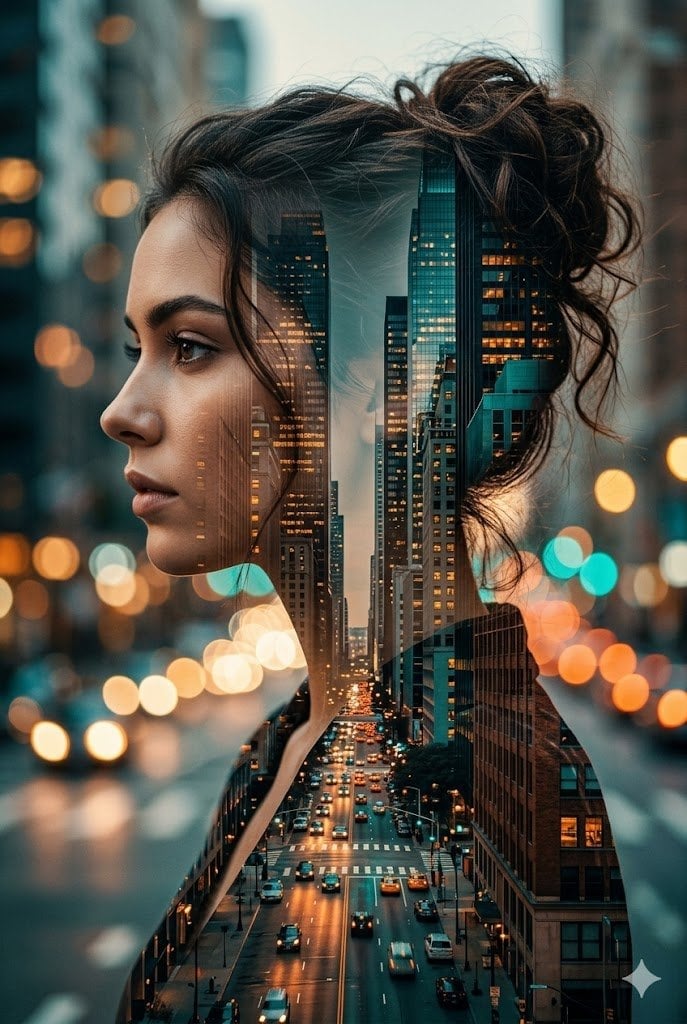
Double Exposure City Street Portrait

Two Tickets, One Night

Meet Me When It Rains

Two Hearts. One Scooter.

80s College Gate

1988 Mall Style

80s Polka Dot Saree

1986 Street Couple
Make it yours
1970s Manhattan Street Fashion Photo works as-is. These are the safest ways to change it without losing the look.
Change one field
Copy a single group, rewrite it, and generate again so you can see what that field is doing.
Keep the frame, change the subject
Hold the composition and light of 1970s Manhattan Street Fashion Photo, then swap wardrobe, props or the person for a new take.
| If the result… | Why | Fix |
|---|---|---|
| The result drifts from the preview | Too many fields changed at once. | Reuse 1970s Manhattan Street Fashion Photo as-is first, then change one group — subject, light, or setting. |
| The model over-stylizes the scene | The prose prompt leaves finish and camera underspecified. | Add one camera or lighting sentence and stay on GPT Image 2. |
More GPT Image 2 templates
Other prompts made for GPT Image 2.

Six VTuber Japanese Logo Sheet

Realistic Portrait of Woman and Deer

The Vista Modular Condo Poster

AI Model Routing Comparison Infographic

2.5D Anime Art Board

Isometric Productivity Desk Scene

New York Double Exposure Poster

Four-Panel AI Landscape Comparison

Japanese Tatami Lifestyle Magazine Cover

NESCAFÉ Coffee Map Poster
More image prompts
Fresh picks from across the catalog.
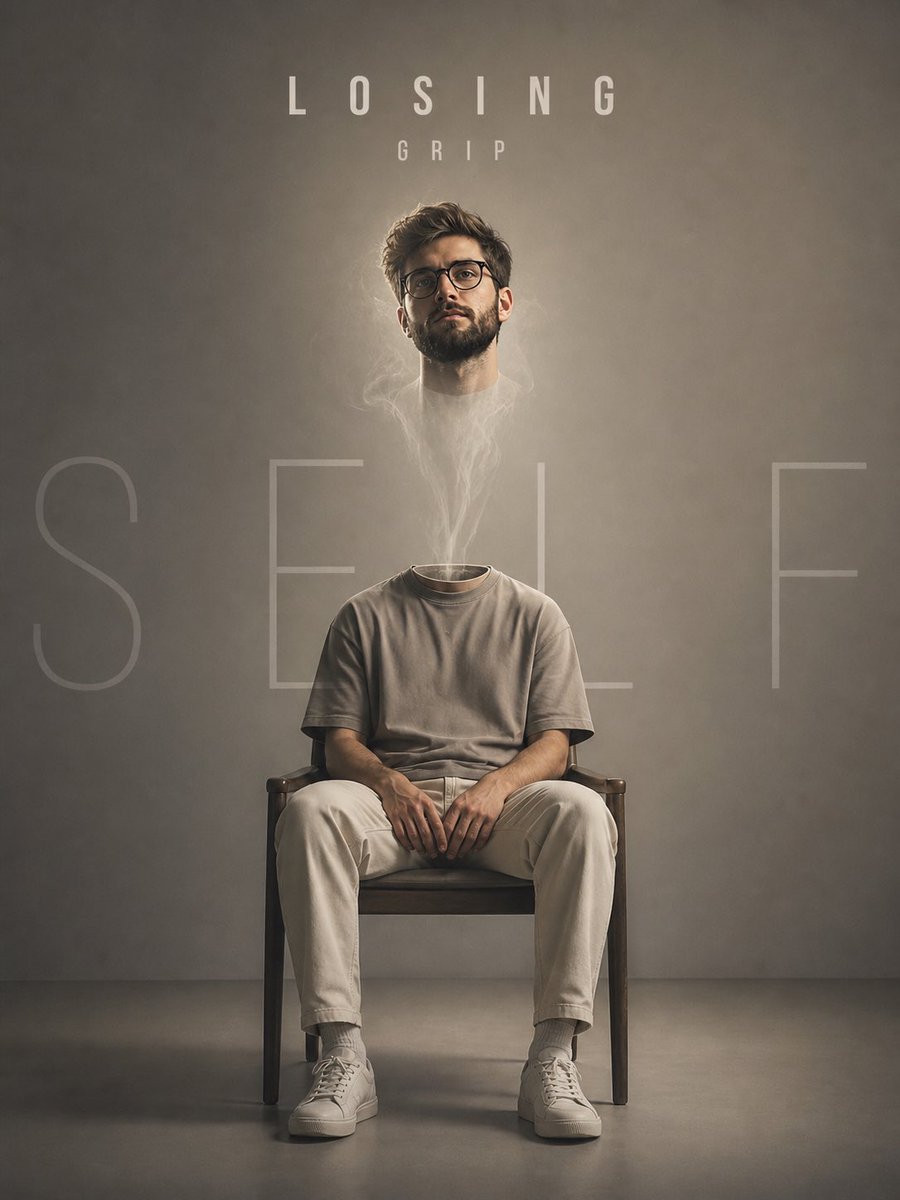
Floating Head Concept Art
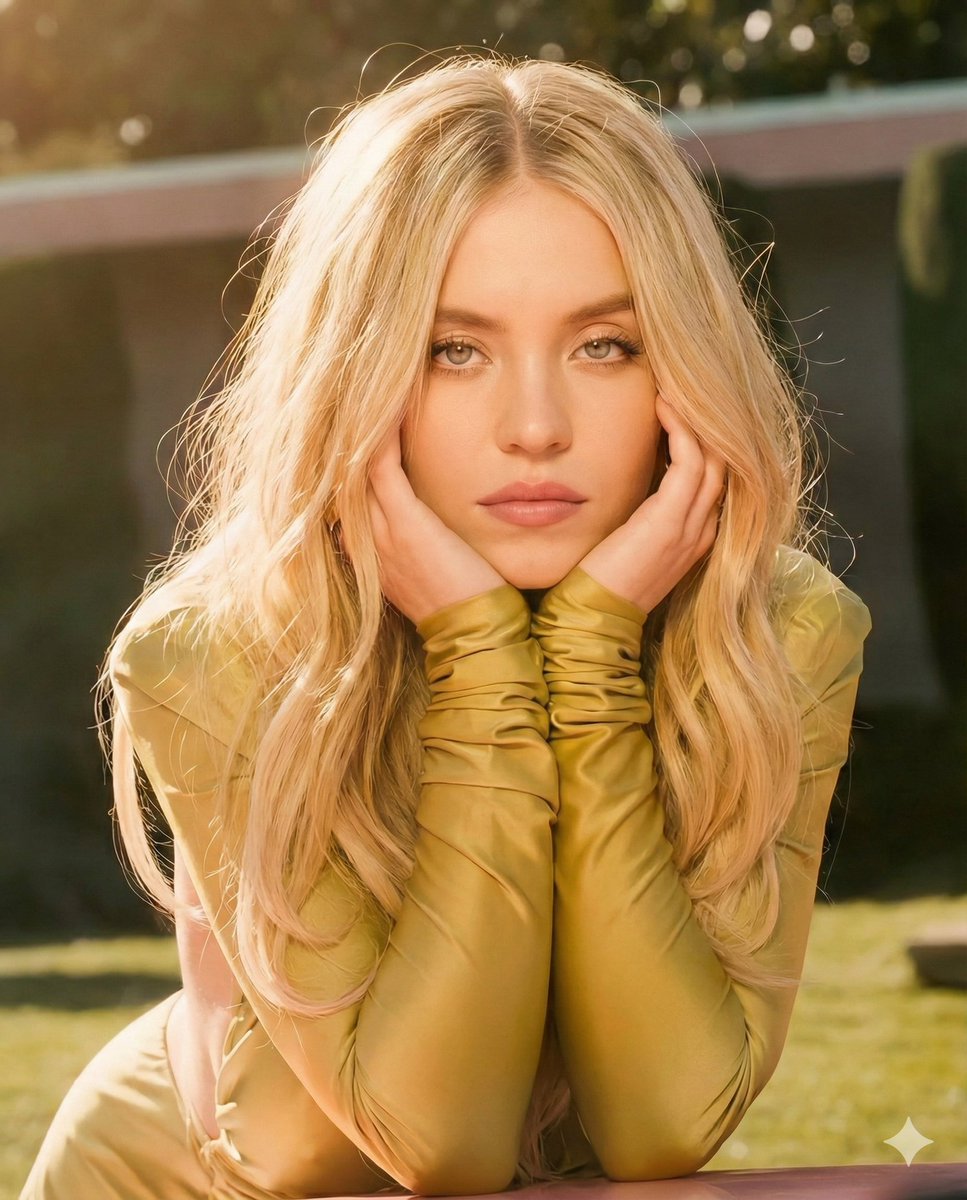
Golden Hour Cinematic Portrait Prompt
Cinematic Beachwear Model Portrait
1Wrd Ad Generator
Gpt2 Profile Avatar Dreamy Oriental Female Portrait
Anime Mecha Wrapped Train at Station
AI Fashion Prompt: Monochromatic Minimalist Utilitarian Style
K-Beauty Morning Glow Portrait

博物馆图鉴式汉服拆解图 — GPT-image-2
Black and White Multiple Exposure Portrait
Featured in prompt roundups
Hand-picked collections that include this template.
Browse template categories
1970s Manhattan Street Fashion Photo questions
How do I use the 1970s Manhattan Street Fashion Photo template?
Add your photo if the template asks for one, edit the prompt if you like — the template's model and format are already selected — and press Generate. Your version opens in PicX Studio.
Can I customize the 1970s Manhattan Street Fashion Photo template?
Yes. You can change the subject, setting, lighting, mood, format, and available model controls before creating your image.
Is the 1970s Manhattan Street Fashion Photo template free?
Opening and editing this template is free. Generating uses credits, shown on the Generate button when you are signed in.
Which AI model should I use?
Start with GPT Image 2, which is the model associated with this template. You can compare another compatible model for a different finish.
Looking for something else? Browse all templates.

Your photo, any look
Thousands of ready templates for every top image and video model, from one credit balance.