How do I use the Dreamy Polaroid Portrait template?
Choose the primary action to open PicX Studio with the available template settings. Review the model and format, personalize the creative direction, and generate when ready.
A prompt for generating a hyper-photorealistic Polaroid-style portrait with a soft, feminine mood and visible film grain.
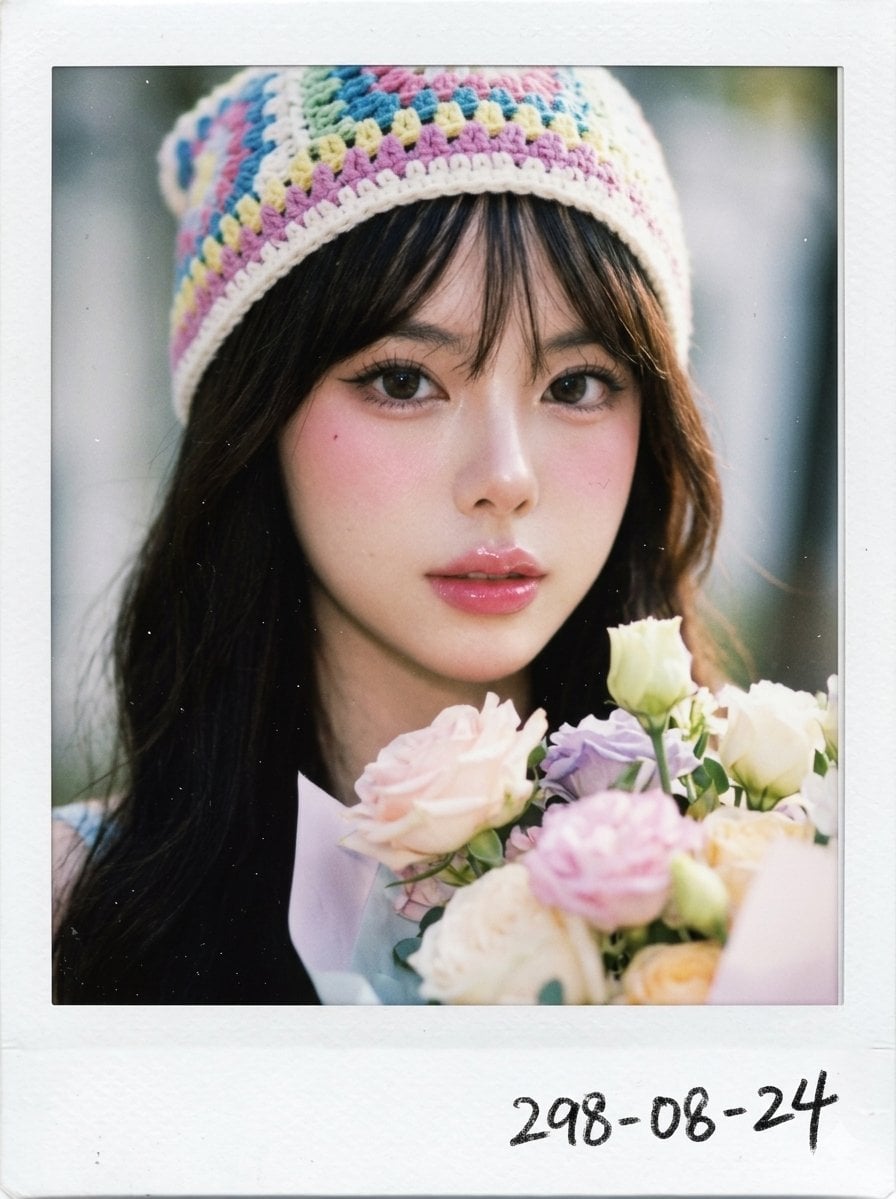
A hyper-photorealistic Polaroid photo of the same subject in the attached image, close-up portrait holding a {argument name="flowers" default="pastel flower bouquet"}, wearing a {argument name="headwear" default="colorful pastel crochet beanie"}, gentle daylight, dreamy feminine mood, instant-film softness, creamy skin highlights, faded pastel colors, visible film grain, tiny dust specks, real white Polaroid frame, soft facial texture, soft relaxed gaze, imperfect candid crop. {argument name="makeup" default="Douyin make up, pink lip gloss"}. Negative prompt: AI doll skin, over-smoothed face, fake lashes, distorted fingers, unrealistic eyes, digital HDR, cartoon, watermark. Floating border
Choose the primary action to open PicX Studio with the available template settings. Review the model and format, personalize the creative direction, and generate when ready.
Yes. You can change the subject, setting, lighting, mood, format, and available model controls before creating your image.
This template is free to open and customize. Generation usage is shown in PicX Studio before you create.
Start with Nano Banana 2, which is the model associated with this template. You can compare another compatible model for a different finish.
Follow a topic to a crawlable collection of related PicX Studio templates.