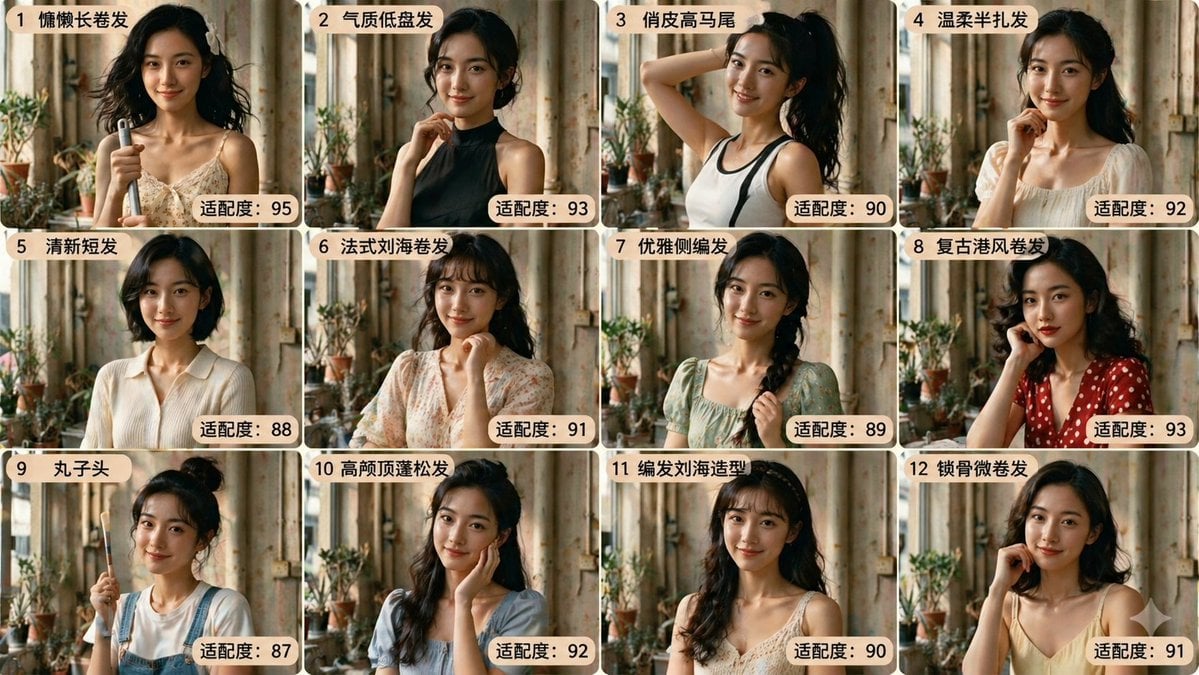
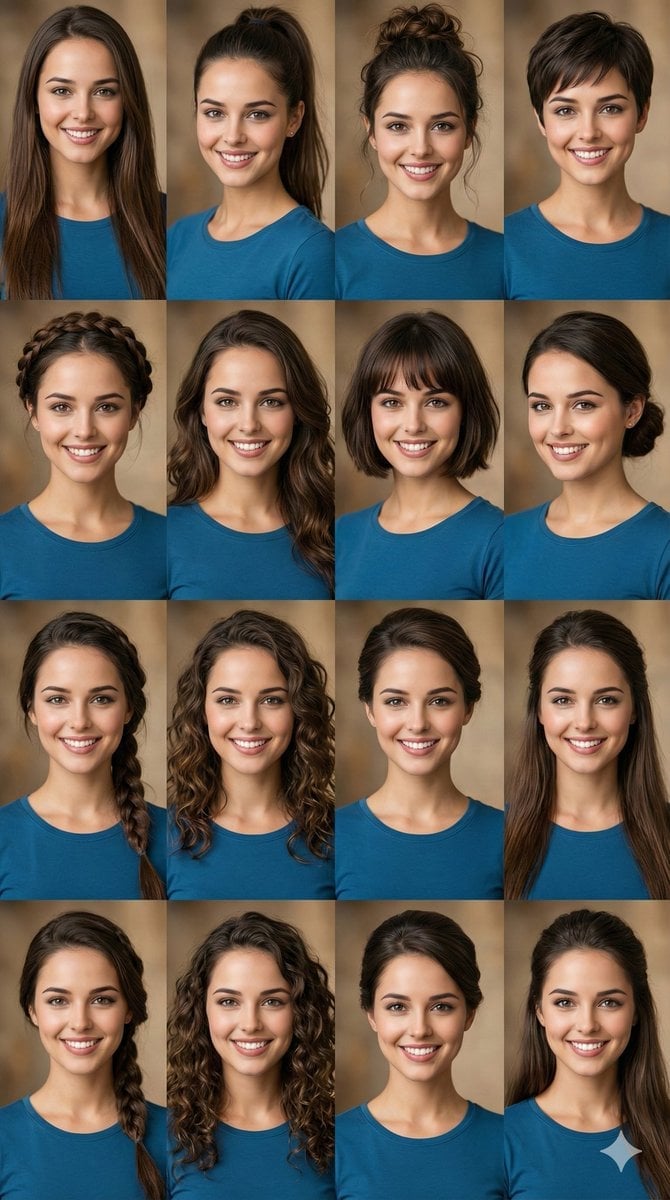
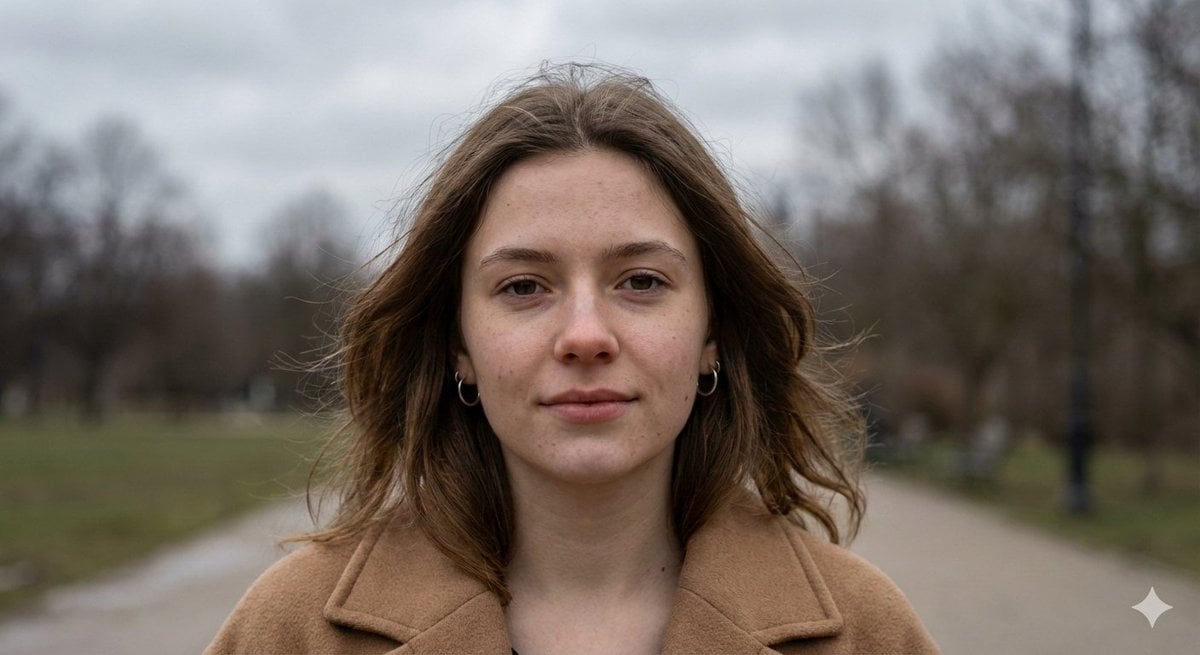
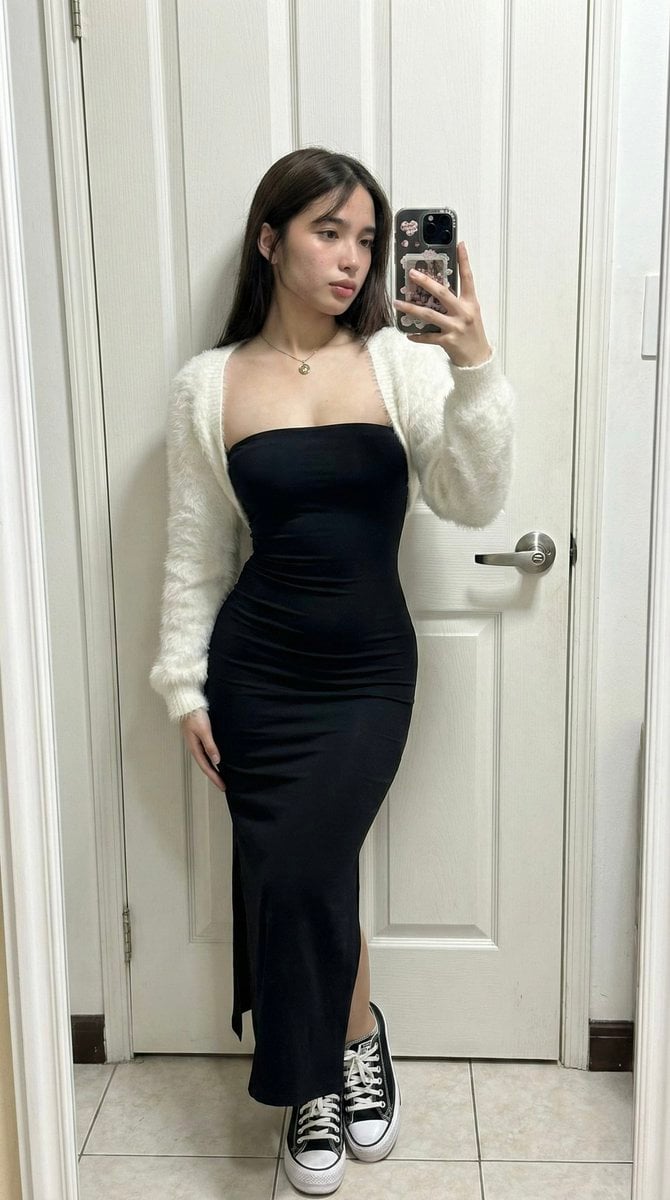
How do I use the Exaggerated 3D Caricature Character template?
Edit the prompt in the box under the preview — the template's model and format are already selected — and press Generate. Your version appears right on this page.
Curated from MeiGen gallery (ID: 2032256273782358153) by simeon-sanai.

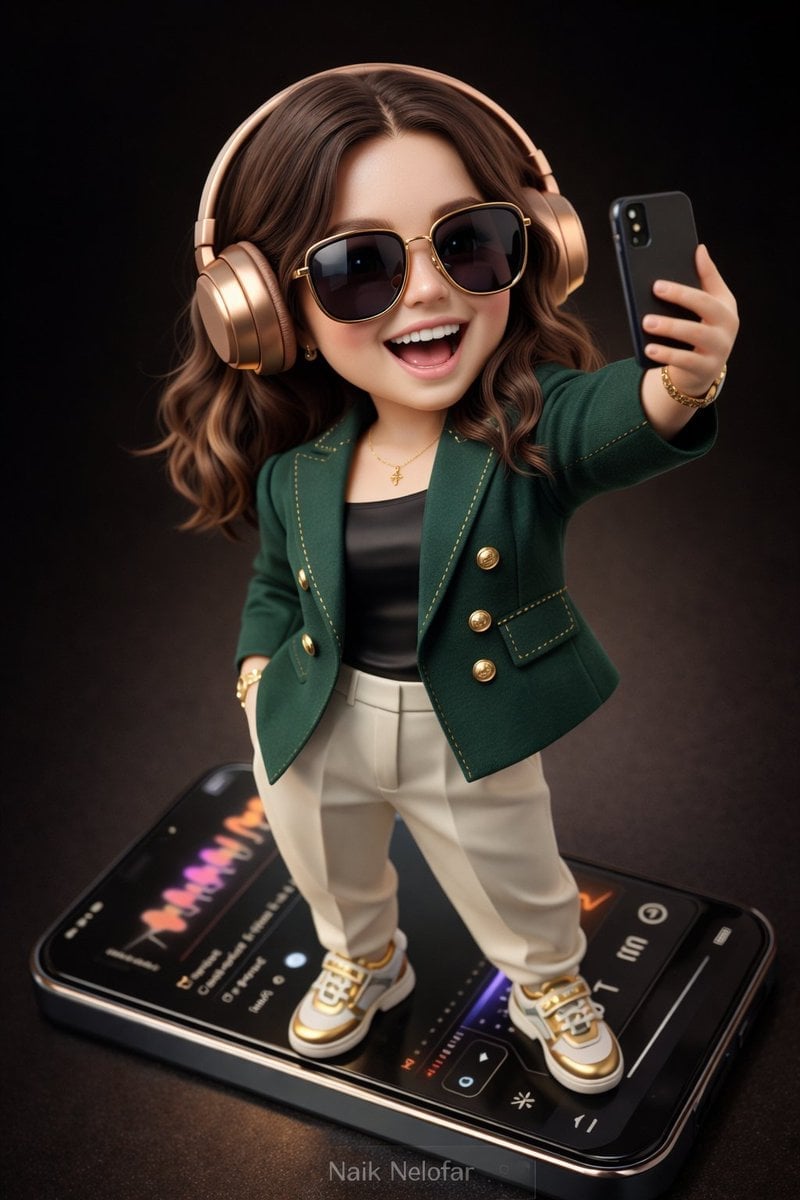
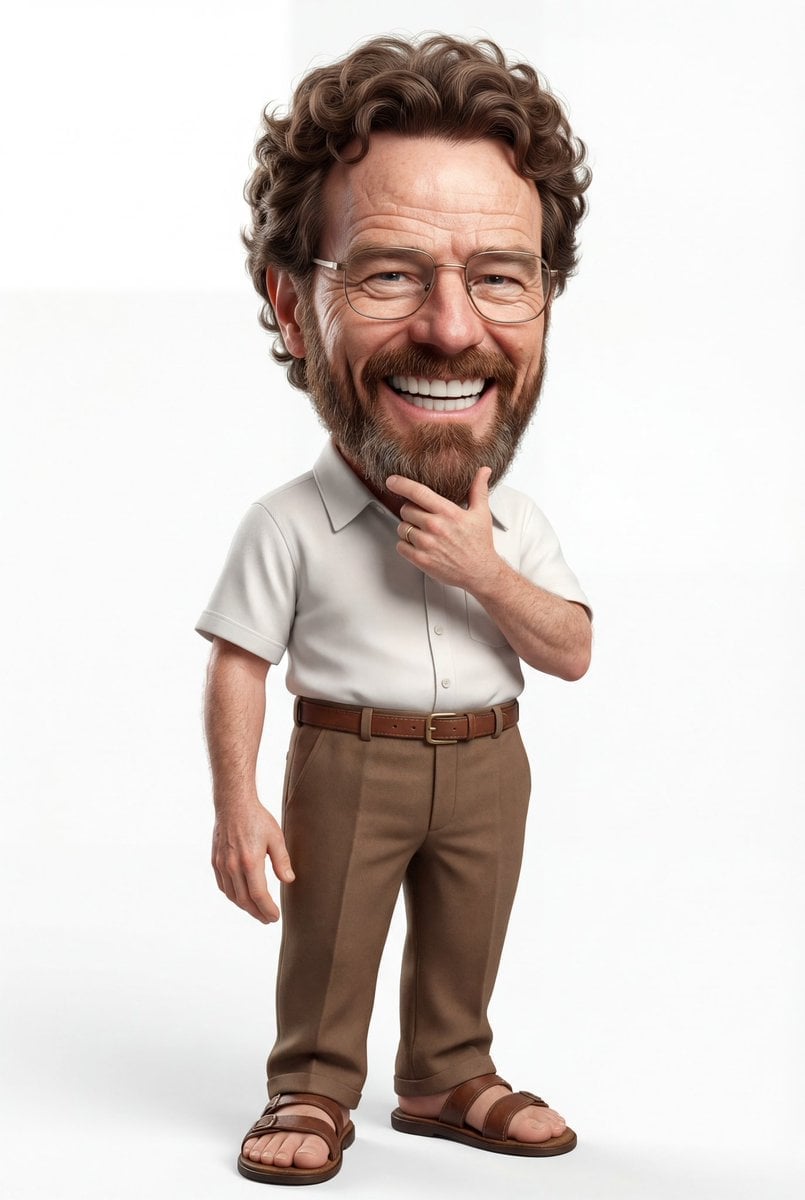
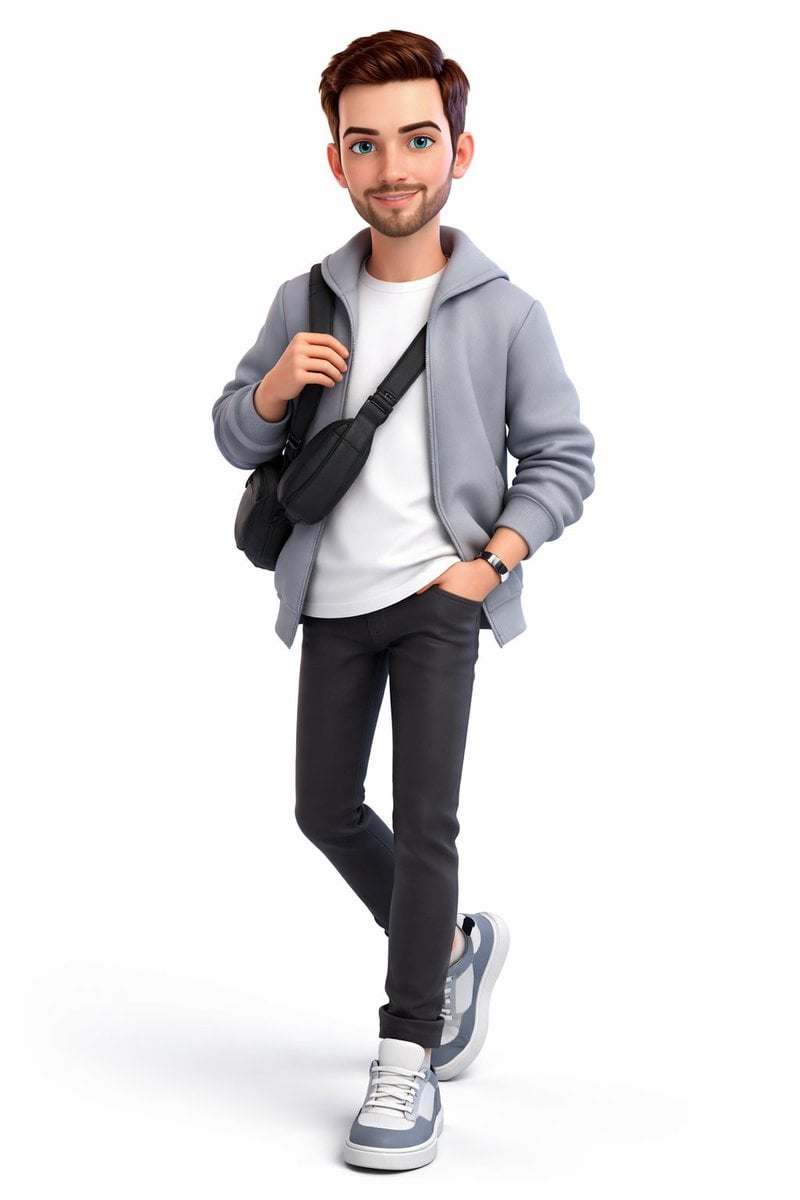
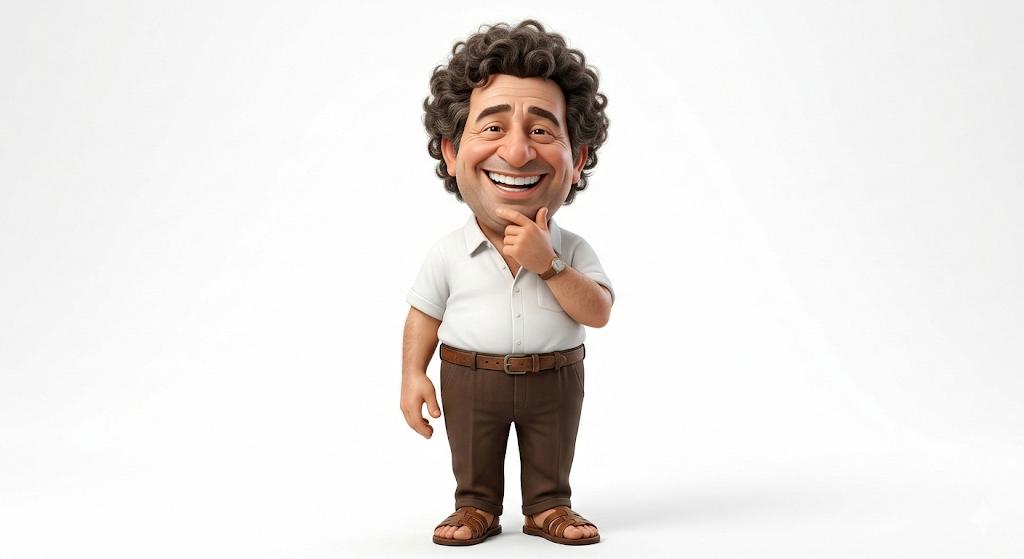
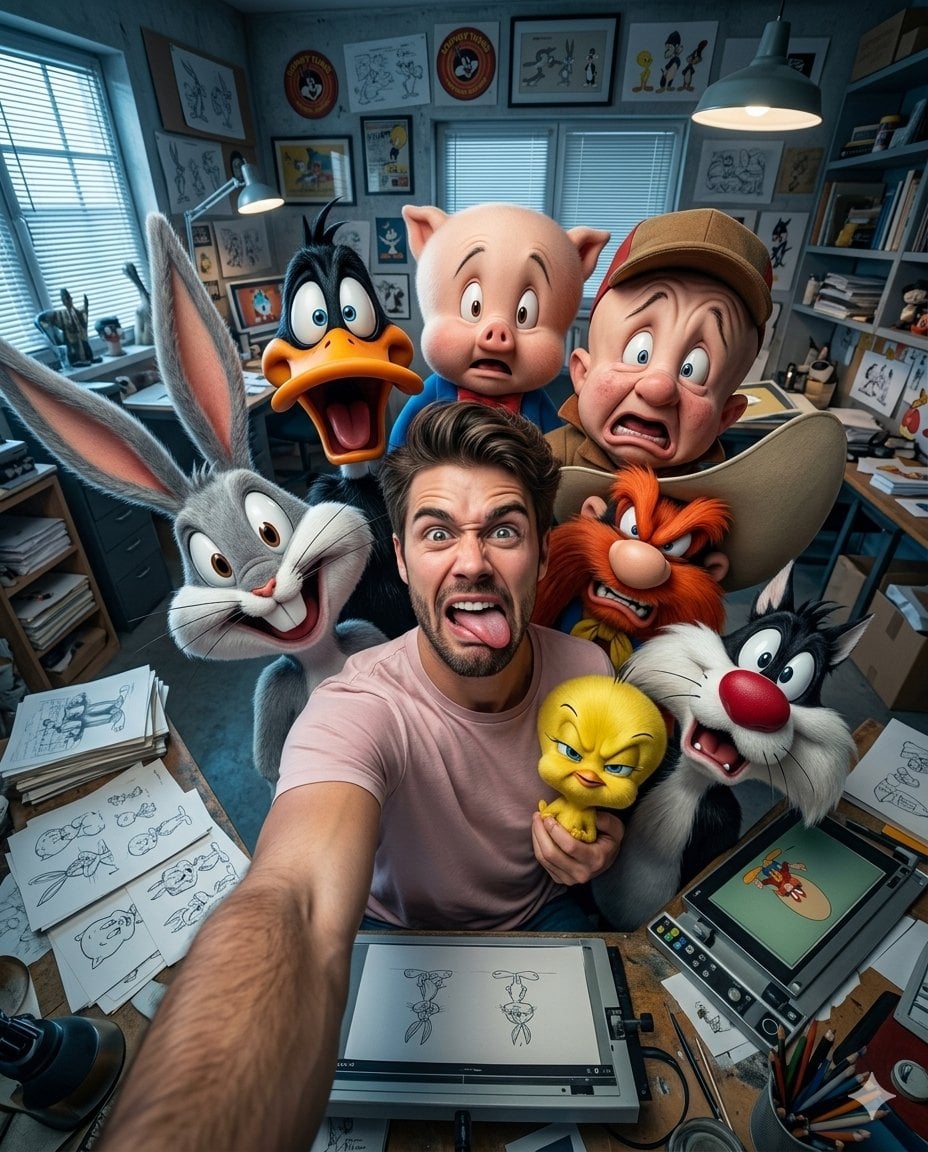
Create an exaggerated stylized 3D caricature character portrait with strong intentional deformation and a clean, controlled surface finish.
Create an exaggerated stylized 3D caricature character portrait with strong intentional deformation and a clean, controlled surface finish.
Edit the prompt in the box under the preview — the template's model and format are already selected — and press Generate. Your version appears right on this page.
Yes. You can change the subject, setting, lighting, mood, format, and available model controls before creating your image.
Opening and editing this template is free. Generating uses credits, shown on the Generate button when you are signed in.
Choose a compatible model in PicX Studio based on the style, speed, and output controls your project needs.
Follow a topic to a crawlable collection of related PicX Studio templates.