
Realistic Fisherman in Minecraft Lake
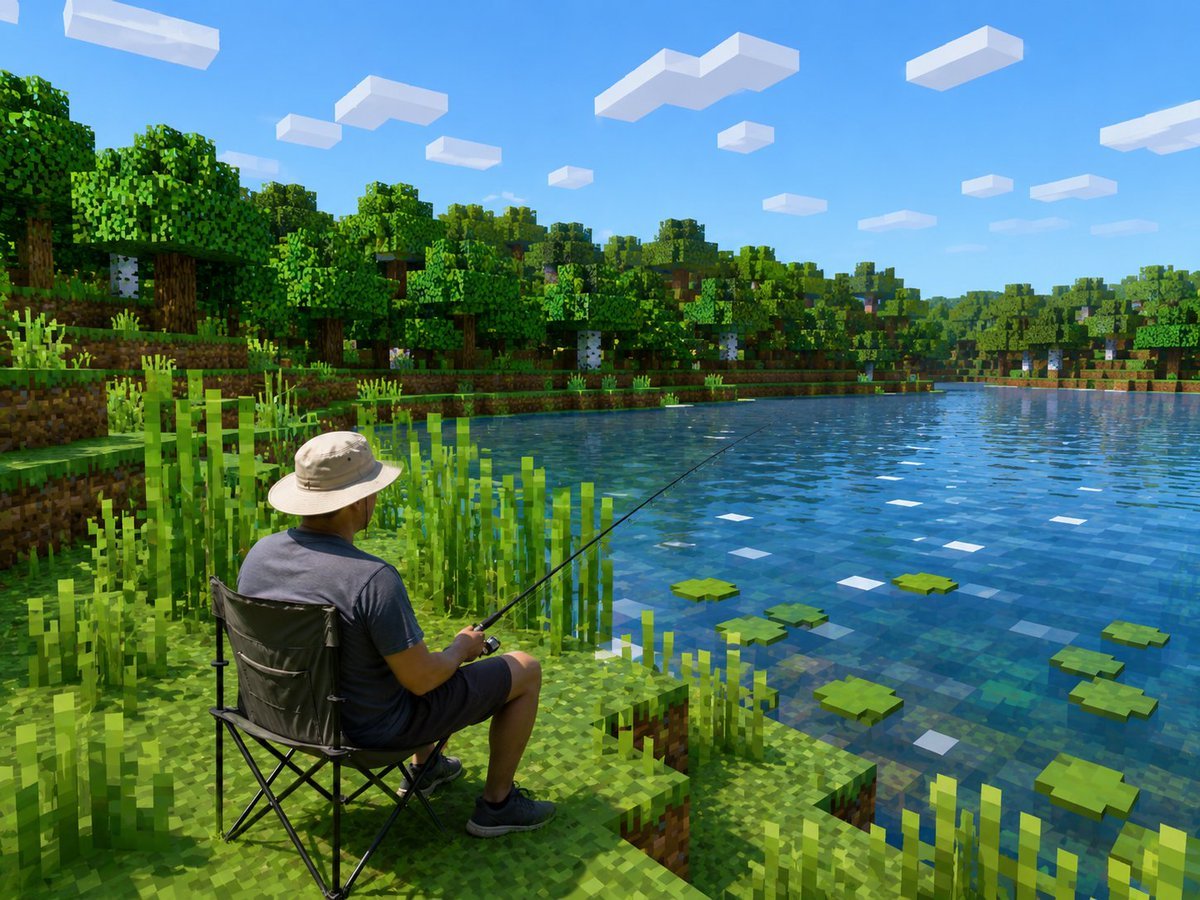
Generates a realistic person fishing within a bright Minecraft-style voxel lakeside scene for surreal photo-to-game transformations.
- Prompt included
- Model and format preset
- Free template
The prompt behind this image
Copy the exact prompt behind Realistic Fisherman in Minecraft Lake, or open it in the studio and make it yours.
Create a photorealistic Minecraft-style screenshot showing {argument name="main subject" default="an adult man fishing from a folding camping chair"} beside a calm lake. Keep the human subject realistic and unchanged in proportions and clothing, but transform the entire environment into a bright blocky voxel world inspired by Minecraft. The scene is viewed from behind and slightly above the seated person on the lower left foreground: he wears a light beige wide-brim sun hat, dark gray T-shirt, dark shorts, and black sneakers, holding a long thin fishing rod angled diagonally out over the water. He sits on a black collapsible camping chair on a stepped grassy dirt block shoreline. Surround him with tall square reeds and pixelated grass. The lake fills the right half of the image, with transparent blue blocky water, subtle square reflections, exactly 7 visible green lily pads scattered on the surface, and small white square highlights. Across the lake is a dense voxel forest with oak and birch trees, layered grassy banks, dirt blocks, trunks, leaves, and undergrowth. The sky is vivid clear blue with exactly 13 rectangular white block clouds at different sizes and distances. Use crisp sunlight, saturated greens and blues, realistic lighting and shadows, high-resolution game screenshot quality, strong contrast between the realistic person and the fully Minecraft-like environment, no UI, no text, no watermark.
How to use Realistic Fisherman in Minecraft Lake in 3 steps
- 1Upload ImagePNG, JPG or paste
Add your photo
Upload the photo the template builds on. The prompt, model and format are already set.
- 2…a portrait of your subject in softgolden-hour light, 85mm…
Personalize
Edit the subject and creative details for your destination.
- 3Generate
Generate
Press Generate — your image is created in PicX Studio, so you can compare it with the original and refine one variable at a time.
More like this
Templates with the same subject, style or setup. Open one to see its prompt.
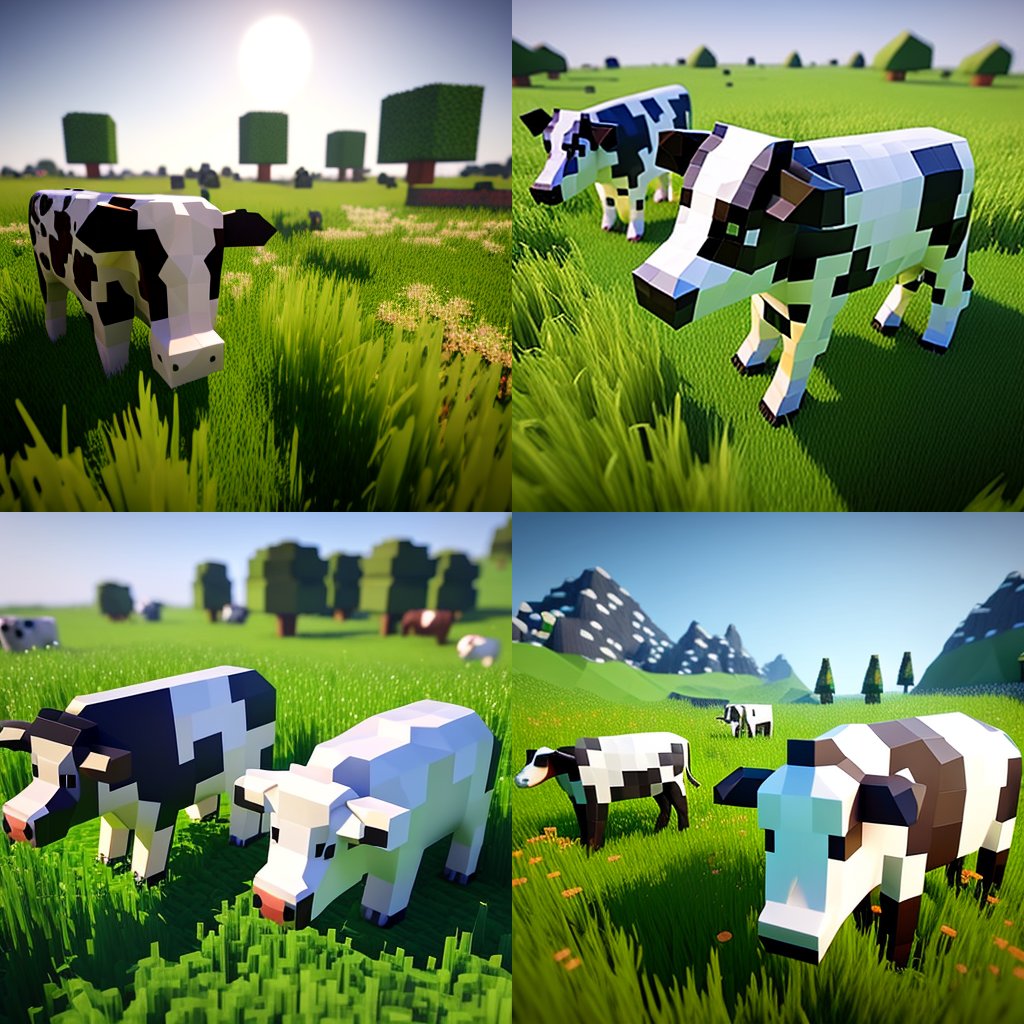
Hyper-Realistic Minecraft Cows Grazing

Hyper-Realistic Minecraft POV Portrait

Minecraft Homage Illustrious Style

Minecraft Voxel Pixel Art Aesthetic System

Minecraft Next-Gen Voxel World Screenshot

Minecraft Japanese Research Lab Exploration

Teen Girl Alpine Lake Mountain View

Mountain Lake Sunset Landscape

Photoreal Village Lanterns Minecraft Scene

Photoreal Snow Biome Name Tag UI

Minecraft You Died Winter Death Screen

Photoreal Selfie Minecraft Block World
Make it yours
Realistic Fisherman in Minecraft Lake works as-is. These are the safest ways to change it without losing the look.
Change one field
Copy a single group, rewrite it, and generate again so you can see what that field is doing.
Keep the frame, change the subject
Hold the composition and light of Realistic Fisherman in Minecraft Lake, then swap wardrobe, props or the person for a new take.
| If the result… | Why | Fix |
|---|---|---|
| The result drifts from the preview | Too many fields changed at once. | Reuse Realistic Fisherman in Minecraft Lake as-is first, then change one group — subject, light, or setting. |
| The model over-stylizes the scene | The prose prompt leaves finish and camera underspecified. | Add one camera or lighting sentence and stay on GPT Image 2. |
More GPT Image 2 templates
Other prompts made for GPT Image 2.

Six VTuber Japanese Logo Sheet

Realistic Portrait of Woman and Deer

The Vista Modular Condo Poster

AI Model Routing Comparison Infographic

2.5D Anime Art Board

Isometric Productivity Desk Scene

New York Double Exposure Poster

Four-Panel AI Landscape Comparison

Japanese Tatami Lifestyle Magazine Cover

NESCAFÉ Coffee Map Poster
More image prompts
Fresh picks from across the catalog.

Warm Portrait of Woman and Kitten Peeking Under Paper
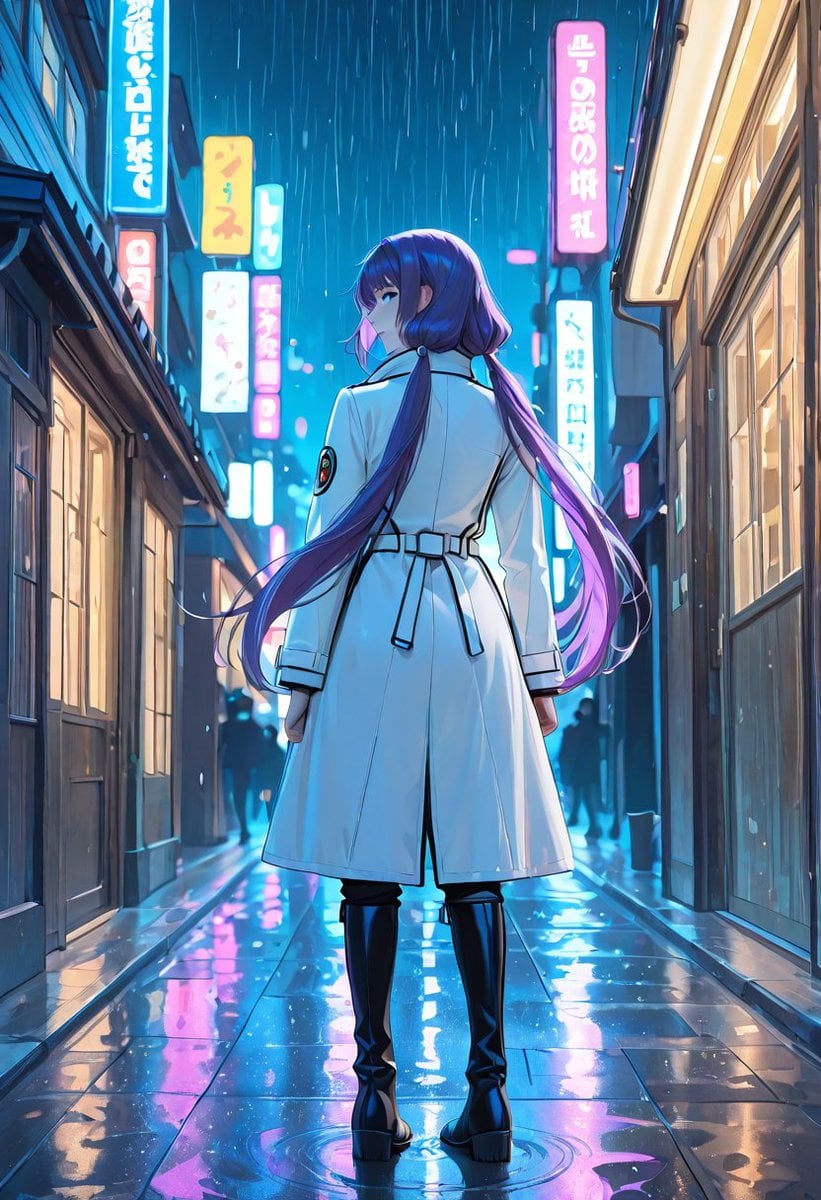
Rainy Neon Anime Alley Woman
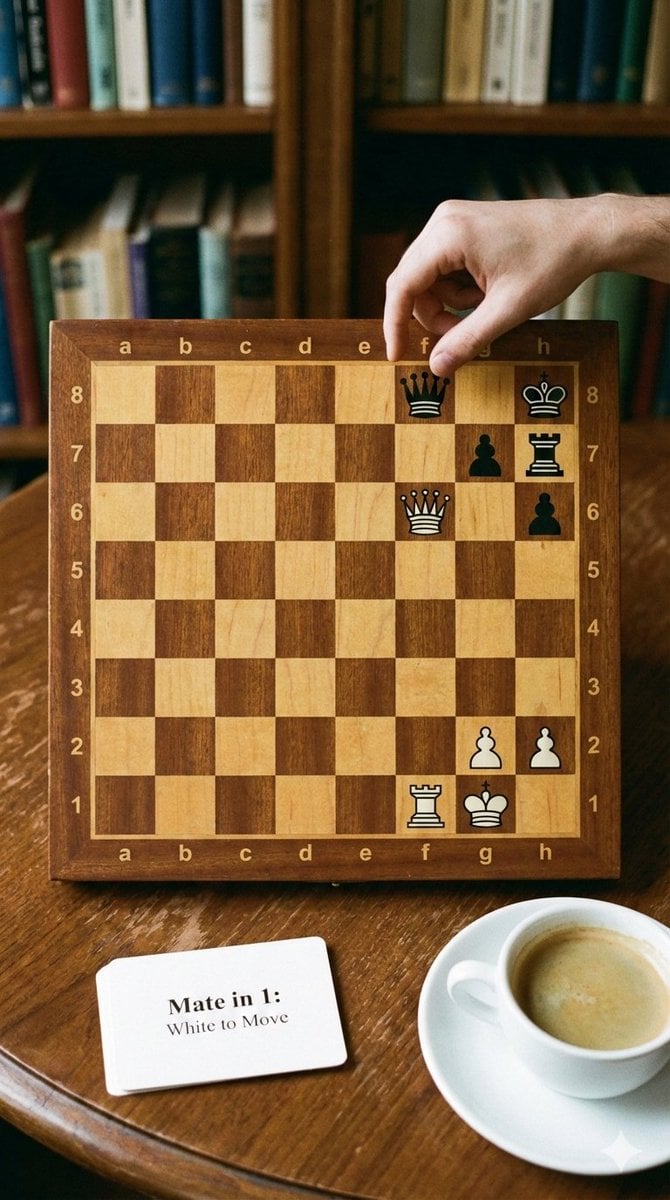
Phone-friendly mate-in-one chess puzzle image
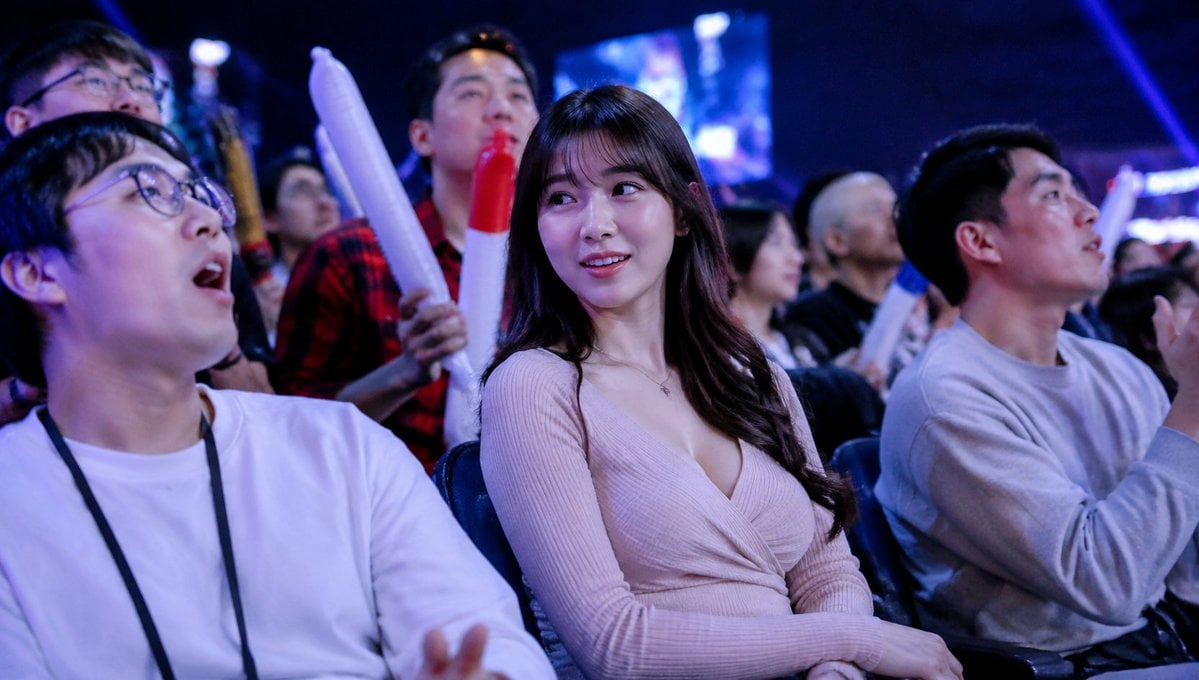
Blurred Esports Audience Crowd Shot
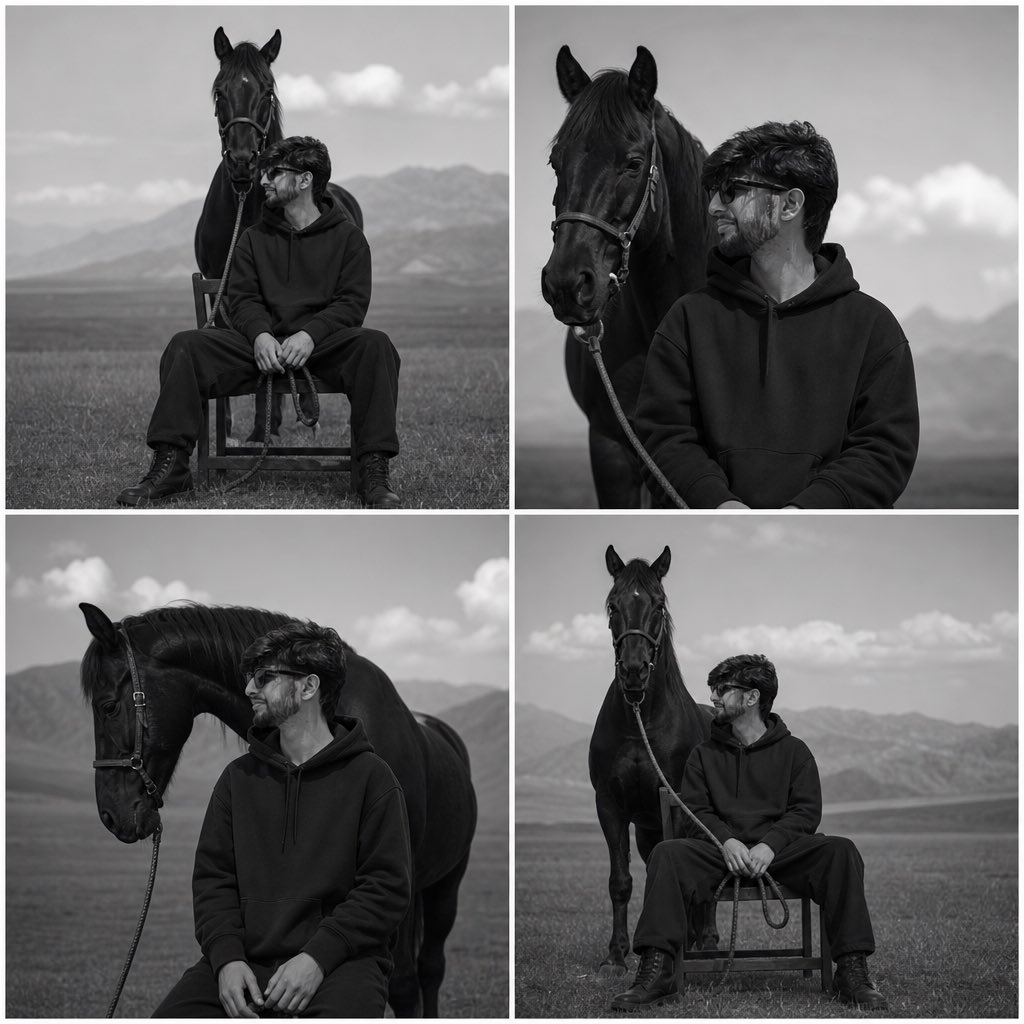
Monochrome Horse Field Portrait
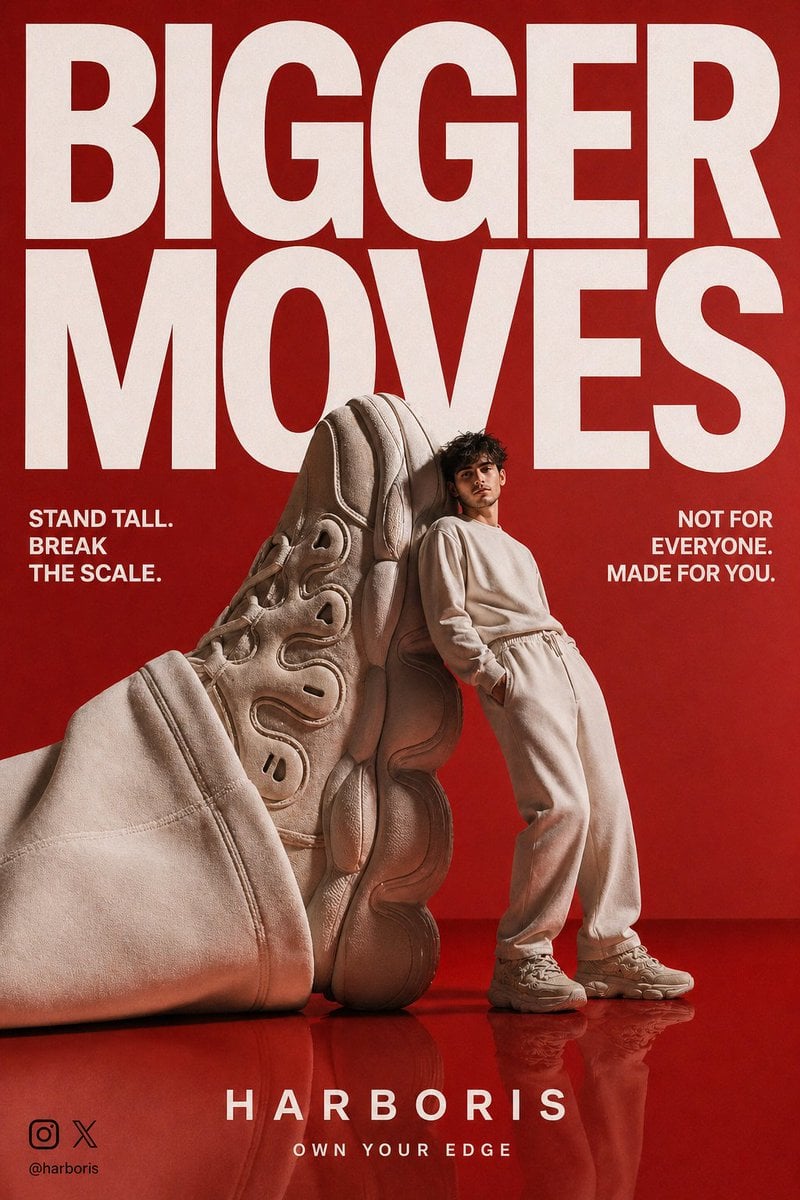
High-End Streetwear Campaign Poster
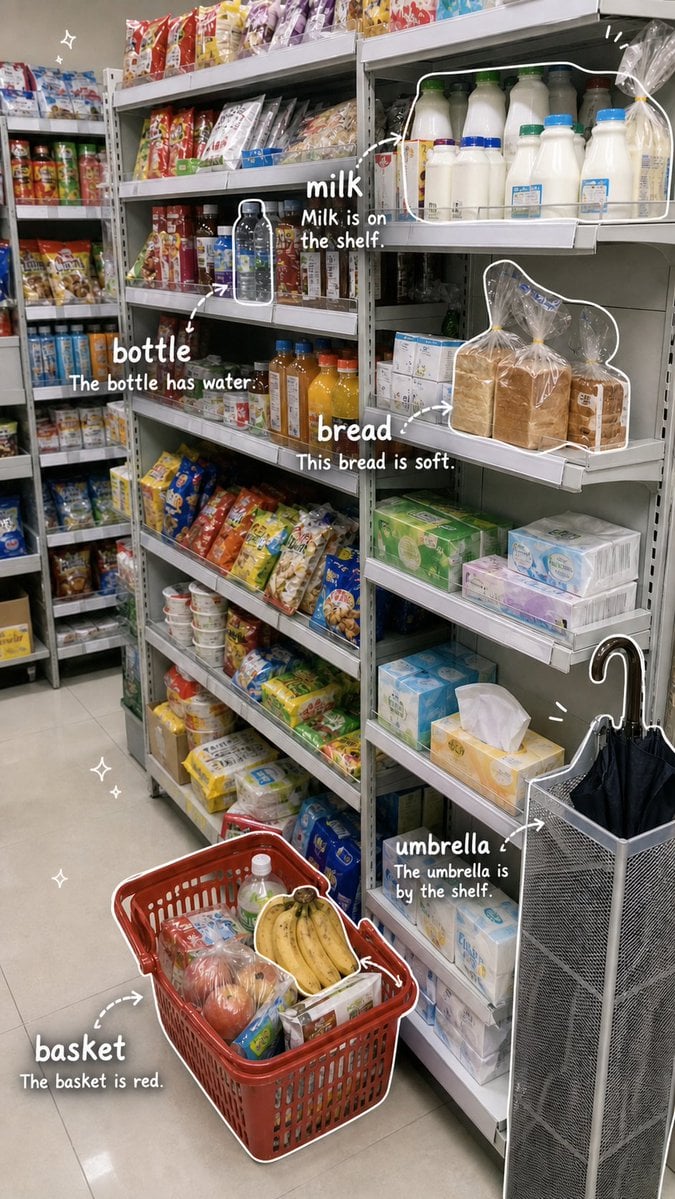
Grocery Vocabulary Notebook Photo
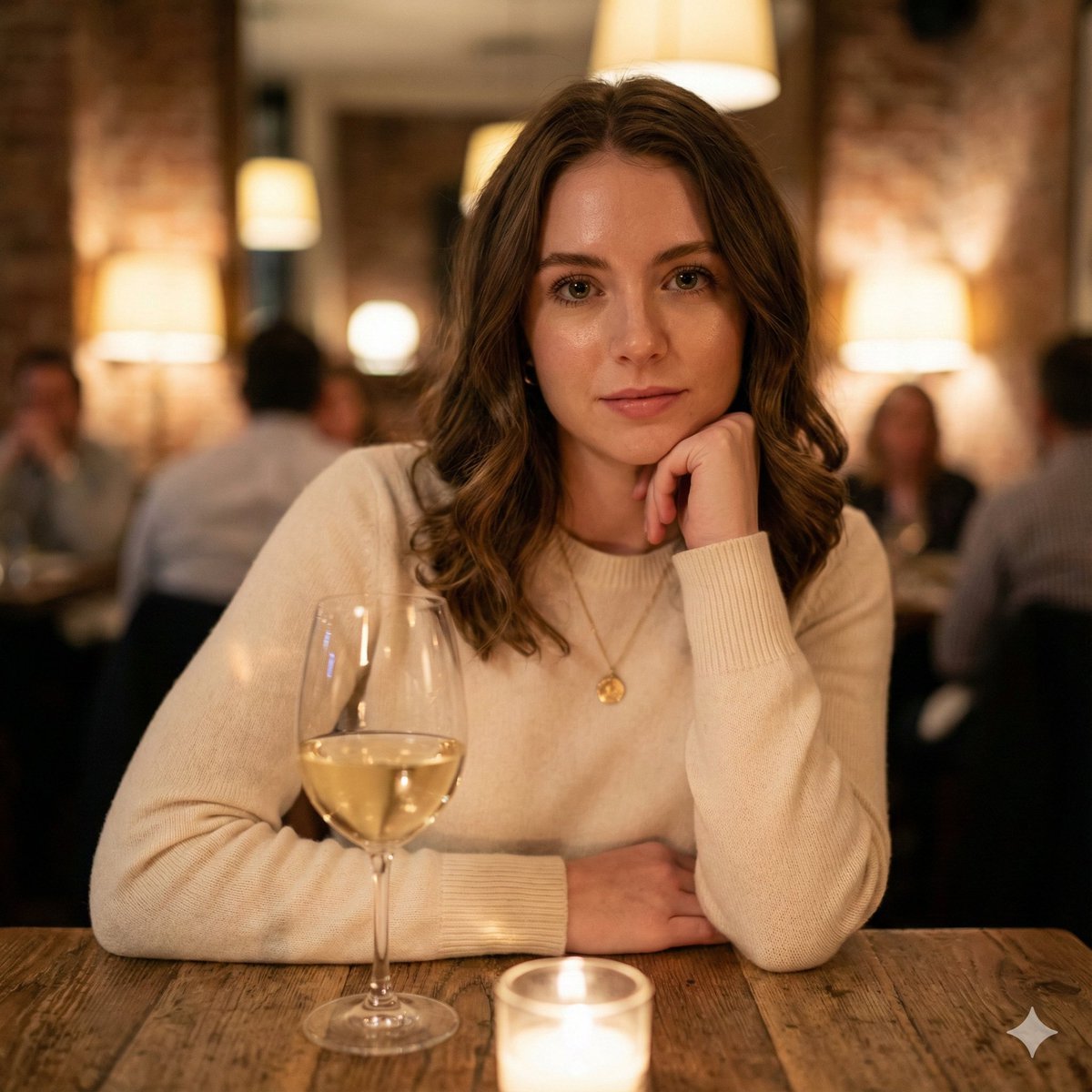
Hyper-Realistic Restaurant Portrait with Rembrandt Lighting

Super Kawaii Three Kittens Poster

Surreal Coffee Cup Artwork Prompt
Featured in prompt roundups
Hand-picked collections that include this template.
Browse template categories
Realistic Fisherman in Minecraft Lake questions
How do I use the Realistic Fisherman in Minecraft Lake template?
Add your photo if the template asks for one, edit the prompt if you like — the template's model and format are already selected — and press Generate. Your version opens in PicX Studio.
Can I customize the Realistic Fisherman in Minecraft Lake template?
Yes. You can change the subject, setting, lighting, mood, format, and available model controls before creating your image.
Is the Realistic Fisherman in Minecraft Lake template free?
Opening and editing this template is free. Generating uses credits, shown on the Generate button when you are signed in.
Which AI model should I use?
Start with GPT Image 2, which is the model associated with this template. You can compare another compatible model for a different finish.
Looking for something else? Browse all templates.

Your photo, any look
Thousands of ready templates for every top image and video model, from one credit balance.