How do I use the Paper Symphony Editorial Fashion Shoot template?
Choose the primary action to open PicX Studio with the available template settings. Review the model and format, personalize the creative direction, and generate when ready.
An extremely detailed, structured JSON prompt for a hyper-realistic cinematic medium shot in the style of editorial fashion meets surrealism. Change the subject, setting, or lighting one variable at a time.

{ "vibe_title_en": "Paper Symphony", "master_prompt": "A hyper-realistic, cinematic medium shot of The Protagonist standing in the center of a cluttered, sun-drenched paper artisan's atelier. The air is thick with a suspended vortex of hundreds of intricate origami cranes in pastel teal, coral, and gold foil, physically filling the frame like a frozen explosion. The background is dense with narrative detail: shelves overflowing with rolled Washi paper, scattered sketches, antique cutting tools, and hanging geometric mobiles, all blurring into a creamy bokeh. The lighting is ethereal and directional, mimicking golden hour sunlight filtering through the paper structures, casting intricate shadows on the subject's face. The subject wears a structured, translucent garment that echoes the folds of the paper. Shot on a Hasselblad H6D-100c with an 80mm f/1.9 lens to capture the micro-texture of the paper grain and the hyper-realistic skin pores. The color grading mimics Kodak Portra 400, with soft highlights, deep teal shadows, and a dreamy, nostalgic atmosphere. No digital gloss; pure analog tactile feeling.", "meta": { "intent": "Editorial Fashion meets Surrealism", "priorities": "Photorealistic Texture, Depth of Field, Color Harmony", "device_profile": "High-End Medium Format Digital" }, "frame": { "aspect": "4:5", "composition": "Central subject surrounded by radial chaos", "layout": "Dense foreground and background framing", "camera_angle": "Eye Level", "tilt_roll_degrees": "0" }, "subject": { "gender": "Female", "identity": "{argument name=\"protagonist name\" default=\"Anya Taylor Joy\"}", "demographics": "Ageless, Ethereal", "face": "Neutral expression, direct gaze, soft golden sheen on eyelids", "hair": "Sleek, pulled back to emphasize facial structure", "body": "Still pose, neck elongated", "expression": "Calm amidst chaos, piercing gaze", "pose": "Static, hands gently interacting with the floating elements" }, "wardrobe_accessories": { "garments": [ { "item": "Structured Blouse", "material": "Translucent Organza or Crinkled Paper Fabric", "color": "Soft Beige / Pale Gold", "fit": "Voluminous, architectural" } ], "accessories": [ { "item": "Origami Crane Headpiece (Surreal Element)", "color": "Teal, Coral, Gold", "material": "Textured Washi Paper", "brand_style": "Avant-Garde Artisan" } ] }, "environment": { "setting": "Artisan Paper Workshop / Atelier", "surfaces": "Wood desks, paper stacks, parchment rolls", "depth": "High density of objects in foreground and background", "atmosphere": "Dusty sunlight, creative chaos, suspended time", "lens_interaction": "Soft bloom from backlit paper, shallow depth of field" }, "lighting": { "key": "Soft directional sunlight (Rembrandt style)", "fill": "Ambient bounc
Choose the primary action to open PicX Studio with the available template settings. Review the model and format, personalize the creative direction, and generate when ready.
Yes. You can change the subject, setting, lighting, mood, format, and available model controls before creating your image.
This template is free to open and customize. Generation usage is shown in PicX Studio before you create.
Start with Nano Banana 2, which is the model associated with this template. You can compare another compatible model for a different finish.
Follow a topic to a crawlable collection of related PicX Studio templates.
43,474 public templates available. Verified via the PicX Studio public templates API; refreshed hourly.






![Naive doodle-style subject illustration — A doodle-style {argument name="subject" default="[subject]"}, naive lines, humorous shape exaggeration](https://pbs.twimg.com/media/G6Wl2YxbsAARB2b.jpg)












![Slow Motion Pour Food Photography Prompt for Nano Banana 2 — [DISH] at the precise moment of a dramatic [LIQUID] pour in ultra high-speed photography, liquid ca](https://pbs.twimg.com/media/HEbyM0QaUAAm4Pv.jpg)



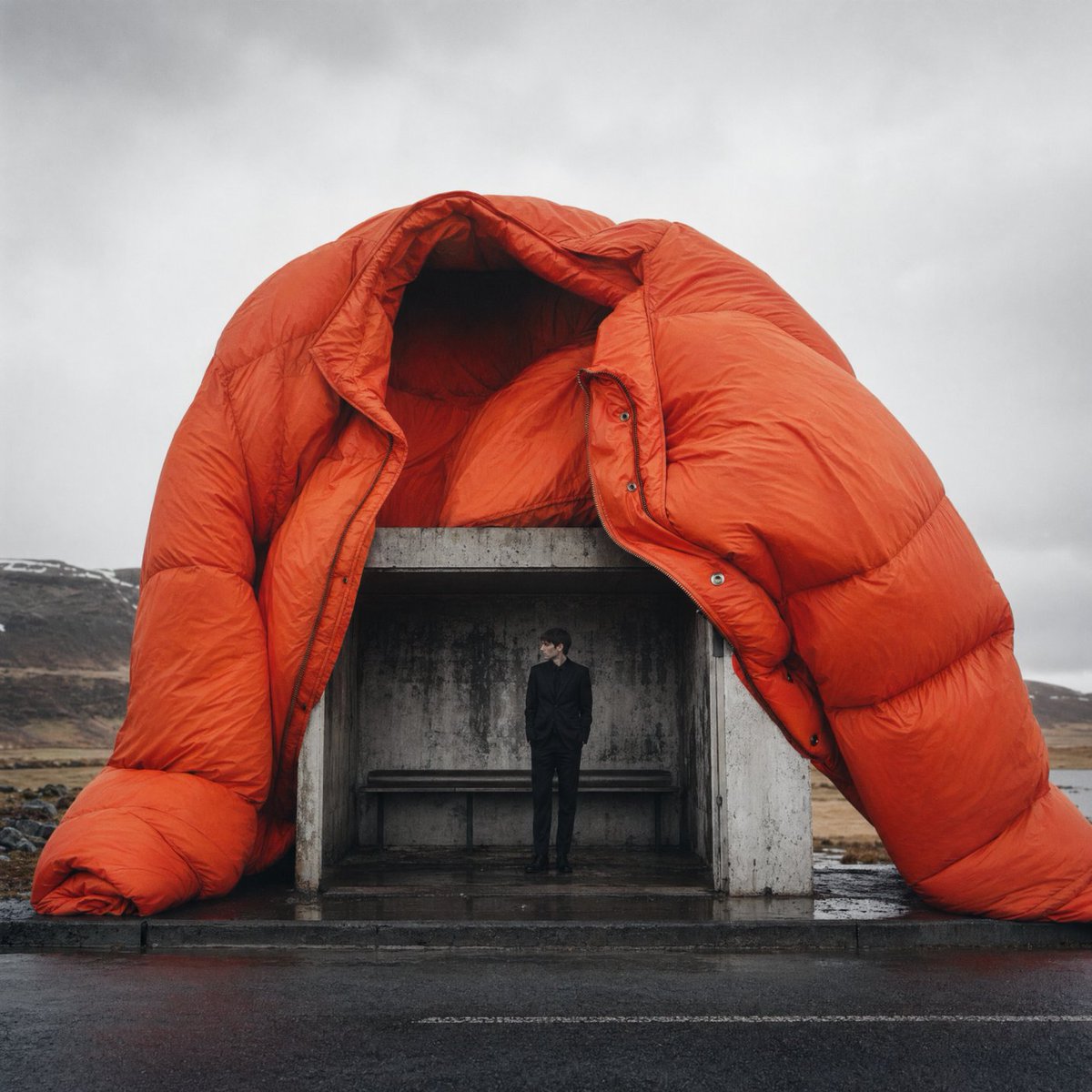
![Cozy Children's Birthday Portrait — Realistic portrait photo of a {argument name="age" default="[Age]"} years old young girl [Use the uploaded image as referenc](https://pbs.twimg.com/media/HCv0bSVaUAAhsxF.jpg)
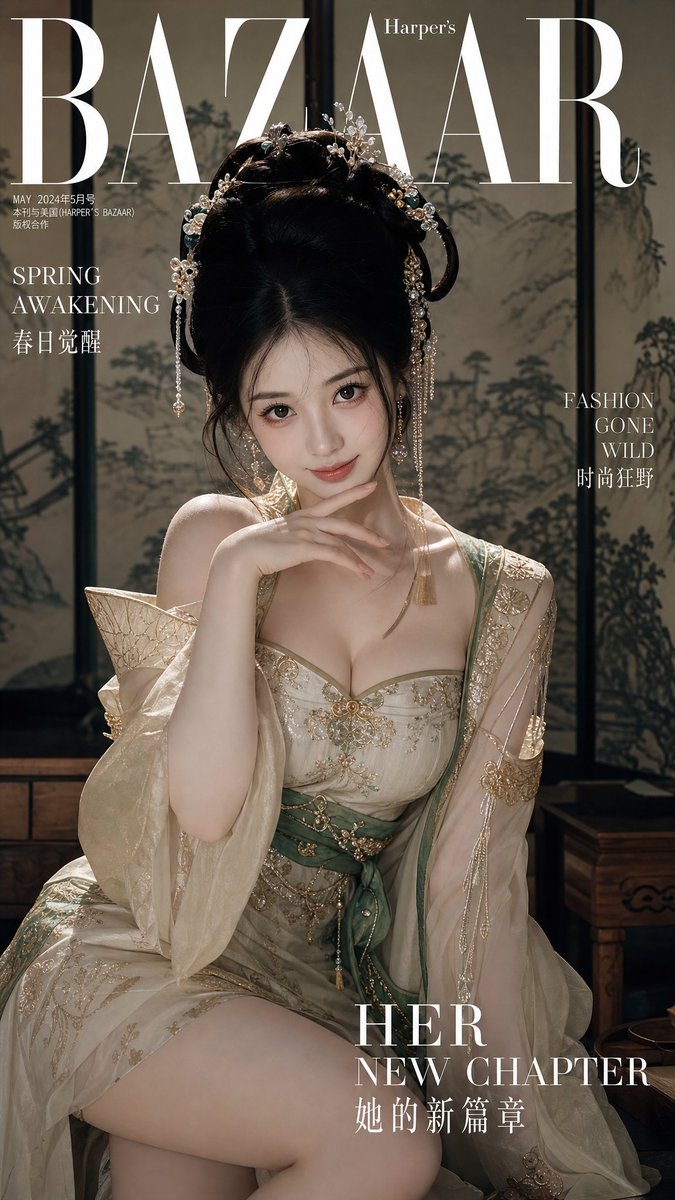

![Cinematic Editorial Ink Illustration — Cinematic editorial ink illustration of {argument name="subject" default="[HUMAN]"} in {argument name="scenery" default="](https://cms-assets.youmind.com/media/1781427842978_o5z6fz_HKvPlaWbwAANebH.jpg)