
Mecha Articulation Test Hangar
Generates a detailed anime-style sci-fi scene of a giant original mecha being tested and maintained in an industrial hangar.
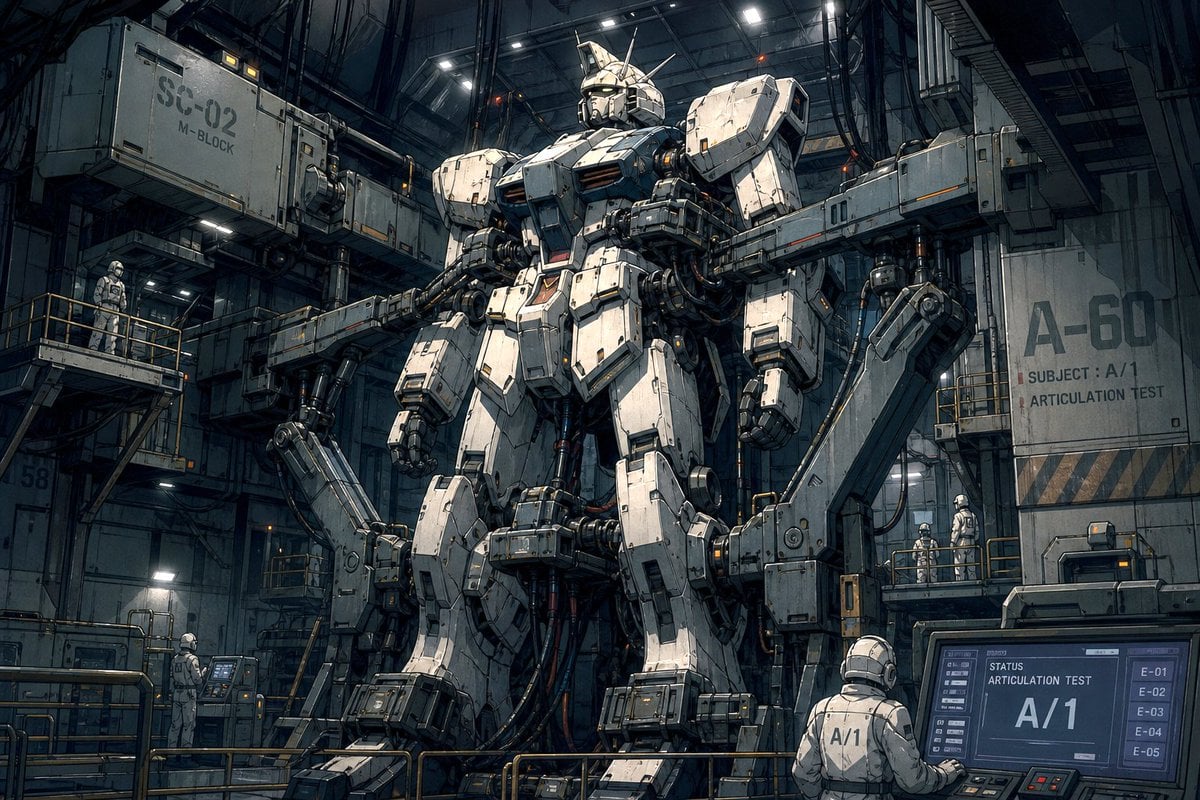
- Prompt included
- Model and format preset
- Premium template
The prompt behind this image
Copy the exact prompt behind Mecha Articulation Test Hangar, or open it in the studio and make it yours.
Create a wide cinematic Japanese robot-anime illustration of a massive humanoid combat mecha undergoing maintenance and articulation testing inside a dark industrial hangar. The central subject is a towering white and gunmetal-gray armored robot, approximately Gundam-like but original, standing upright in a launch bay with bulky shoulder armor, angular chest plates, segmented waist armor, heavy forearms, large mechanical hands, thick thigh and shin armor, broad blocky feet, a helmet-like head with a narrow visor face, a central forehead crest, and several antenna fins. Add exposed pistons, cables, hydraulic joints, panel seams, scratches, grime, orange warning lights, and small decal markings across the armor. The hangar is huge, vertical, and shadowy, filled with steel gantries, catwalks, cranes, articulated support arms gripping the robot at the torso and legs, dangling cables, maintenance rails, ladders, and overhead strip lights. Include exactly 6 visible human technicians in white helmets and pale maintenance suits for scale: 1 on the left upper catwalk, 1 standing at a lower-left control console, 2 together on the right mid-level catwalk, 1 seated or standing at the foreground-right computer station facing away with “A/1” on the back, and 1 small technician near the central lower platform partially obscured by machinery. Place readable industrial text on the environment: a large crate or gantry label “SC-02” with smaller “M-BLOCK” on the upper left, a wall label “A-60” on the right with smaller text “SUBJECT : A/1” and “ARTICULATION TEST,” and a foreground monitor showing “STATUS,” “ARTICULATION TEST,” large “A/1,” plus a vertical list “E-01,” “E-02,” “E-03,” “E-04,” “E-05.” Use {argument name="mecha identifier" default="A/1"} as the recurring test subject code, {argument name="hangar block label" default="SC-02"} on the upper-left industrial structure, and {argument name="test label" default="ARTICULATION TEST"} on signage and monitor screens. Visual style: highly detailed hand-painted anime concept art, realistic mecha engineering, gritty sci-fi military maintenance bay, teal-gray shadows with warm amber accent lights, dense linework, dramatic low-angle perspective, cinematic 16:9 composition, sharp focus, no logo, no watermark.
How to use Mecha Articulation Test Hangar in 3 steps
- 1Upload ImagePNG, JPG or paste
Add your photo
Upload the photo the template builds on. The prompt, model and format are already set.
- 2…a portrait of your subject in softgolden-hour light, 85mm…
Personalize
Edit the subject and creative details for your destination.
- 3Generate
Generate
Press Generate — your image is created in PicX Studio, so you can compare it with the original and refine one variable at a time.
More like this
Templates with the same subject, style or setup. Open one to see its prompt.
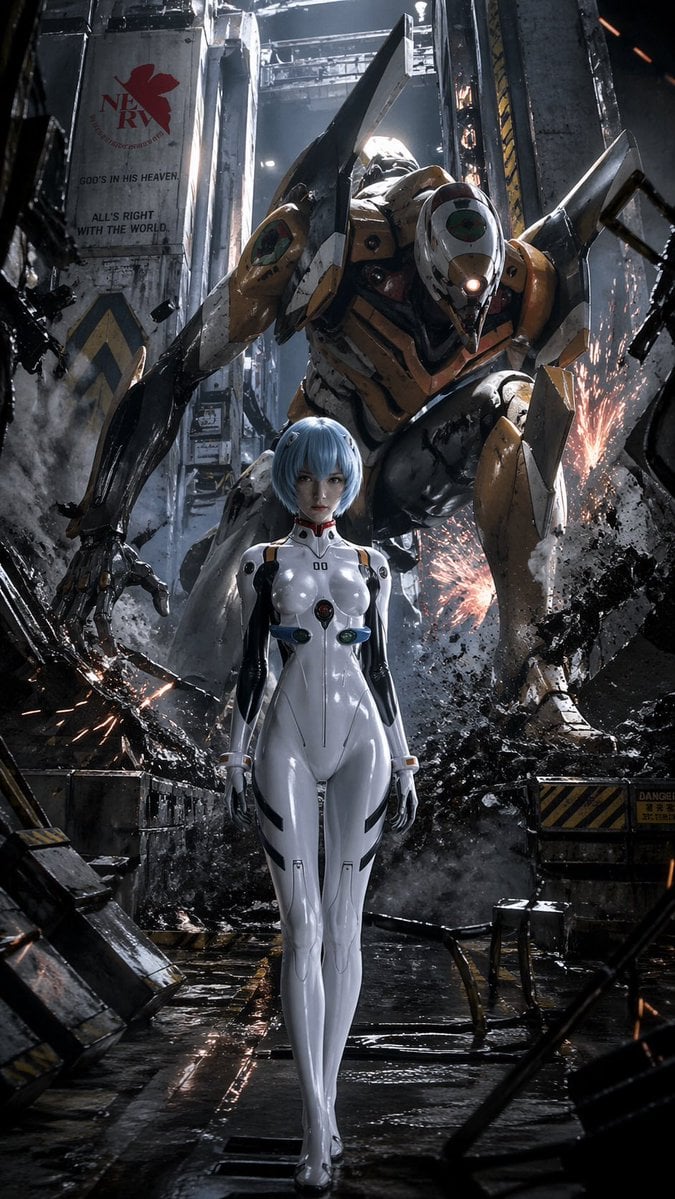
Evangelion-Inspired Mecha Hangar Poster
Debug Test
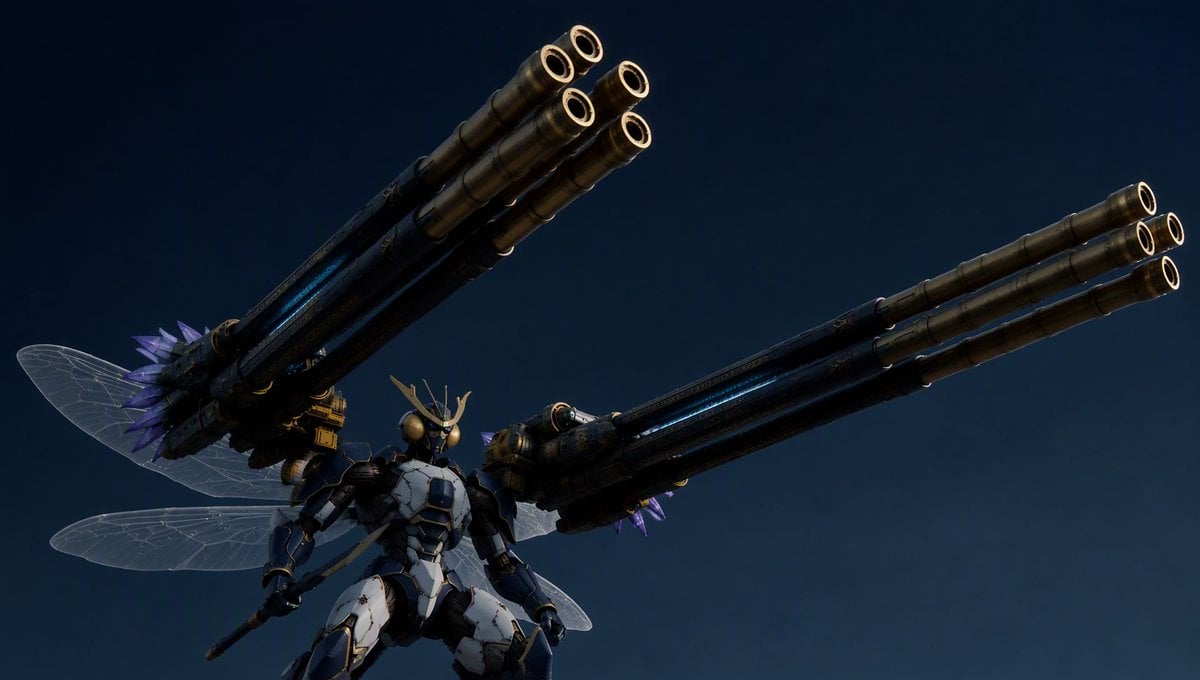
Insect Mecha Cannon Attack
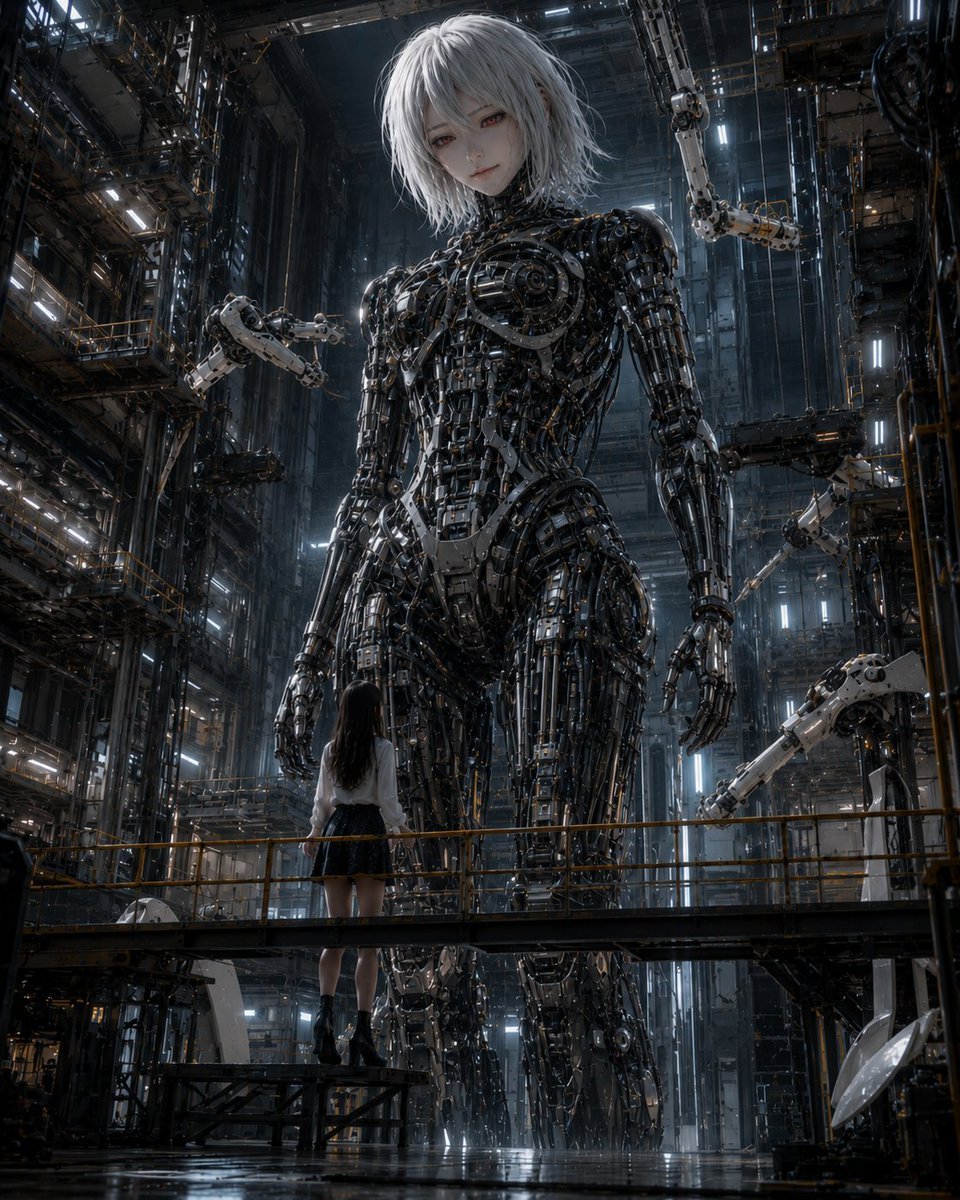
Giant Android and Pilot in Hangar
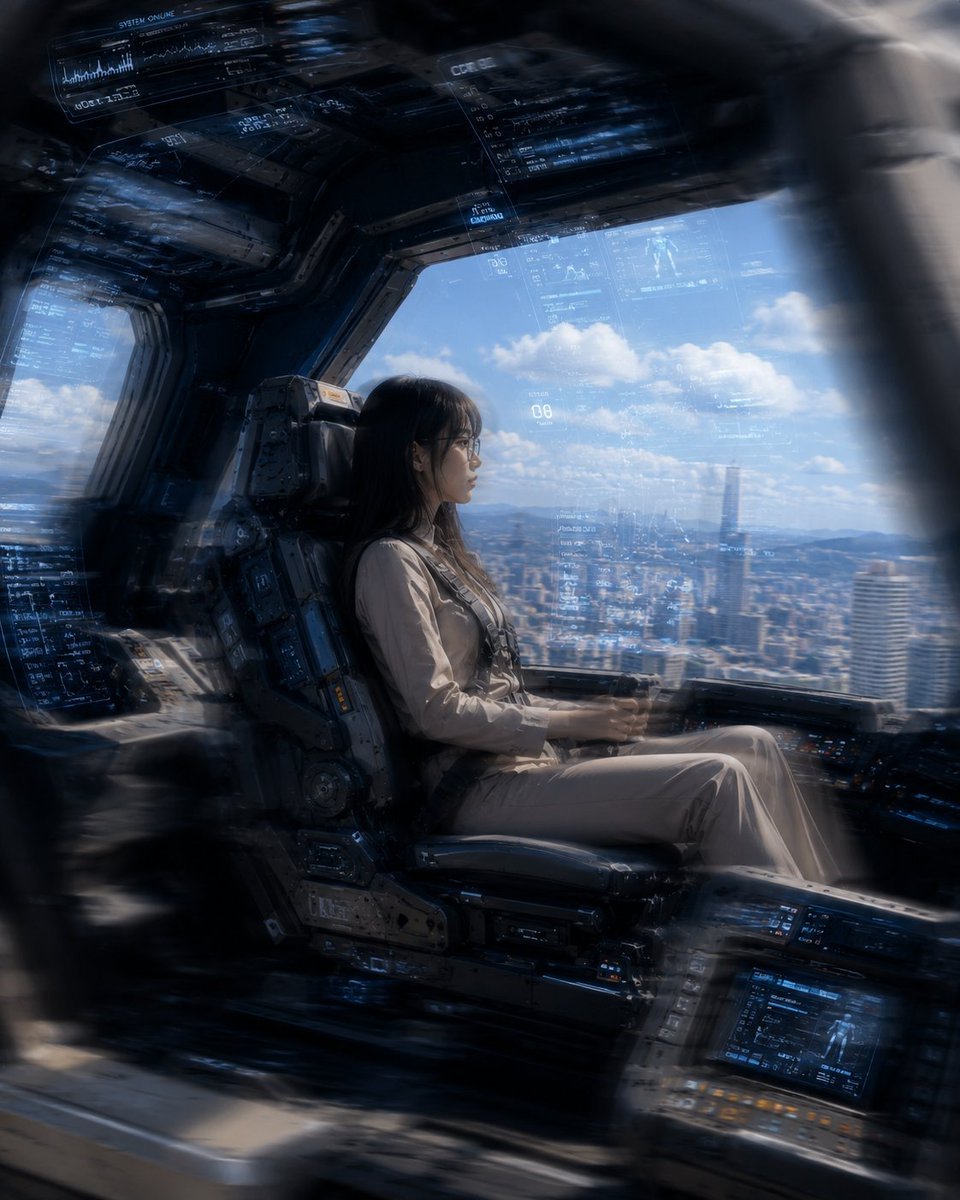
Mecha Cockpit Pilot Scene

Gothic Mecha Sword Warrior
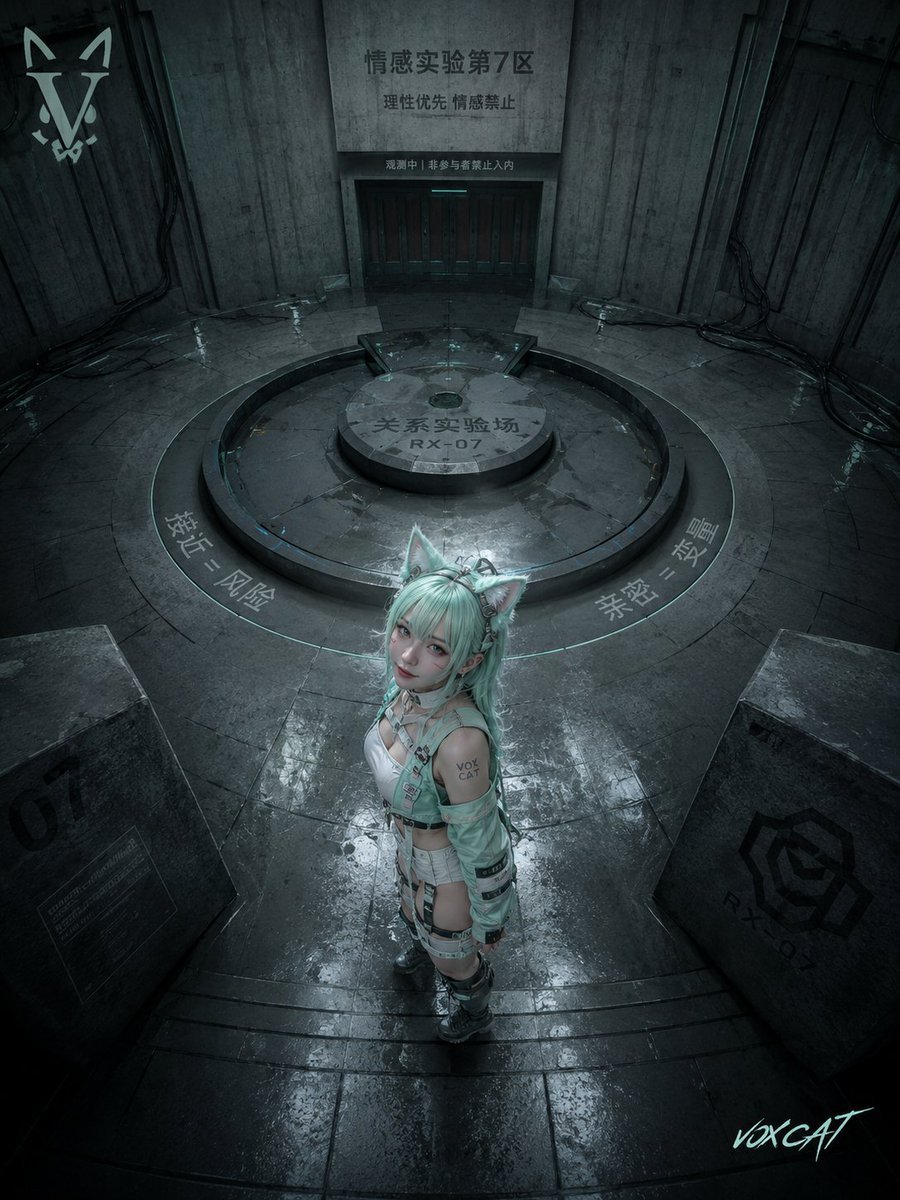
Overhead Sci-Fi Catgirl Test Yard
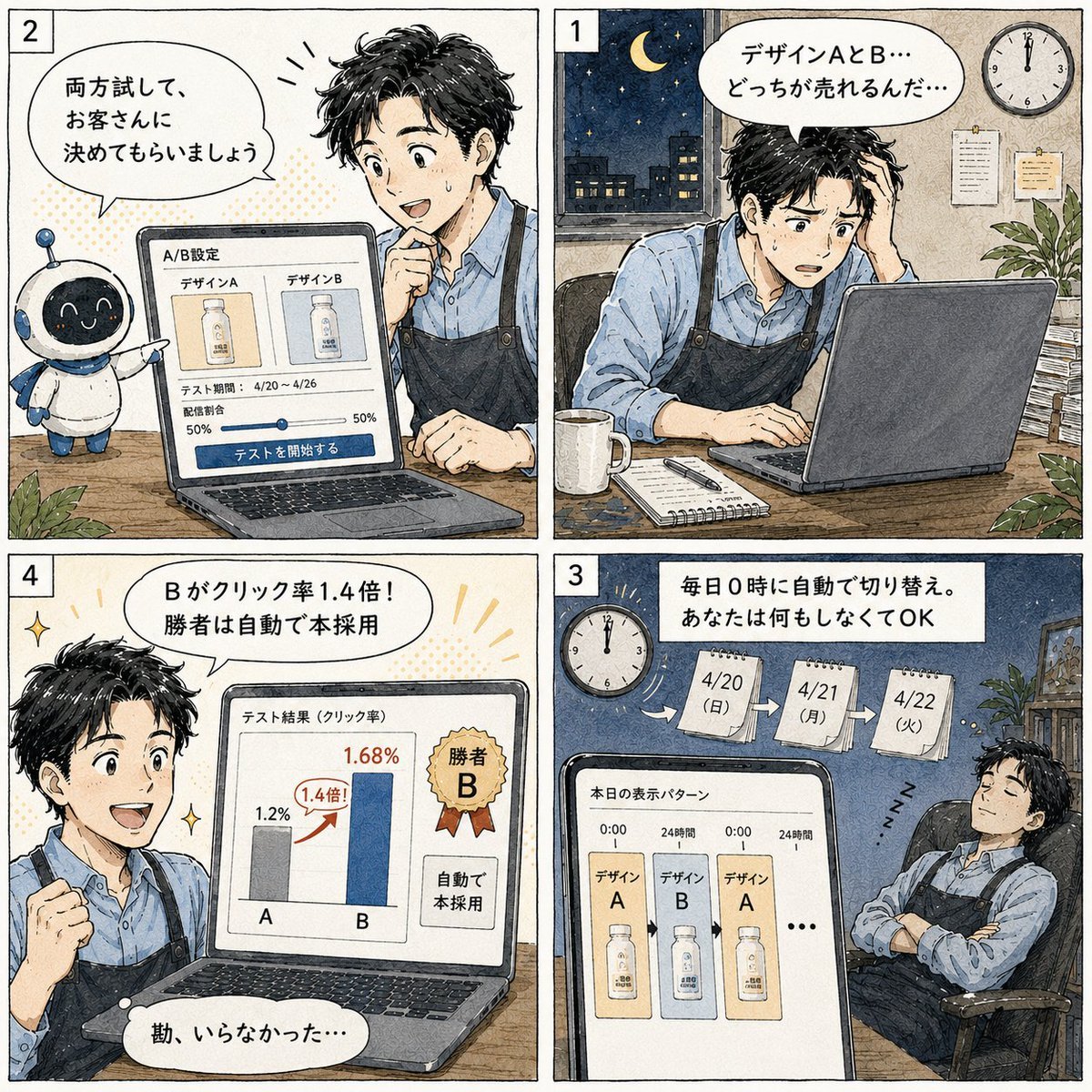
Japanese Manga A/B Testing Comic
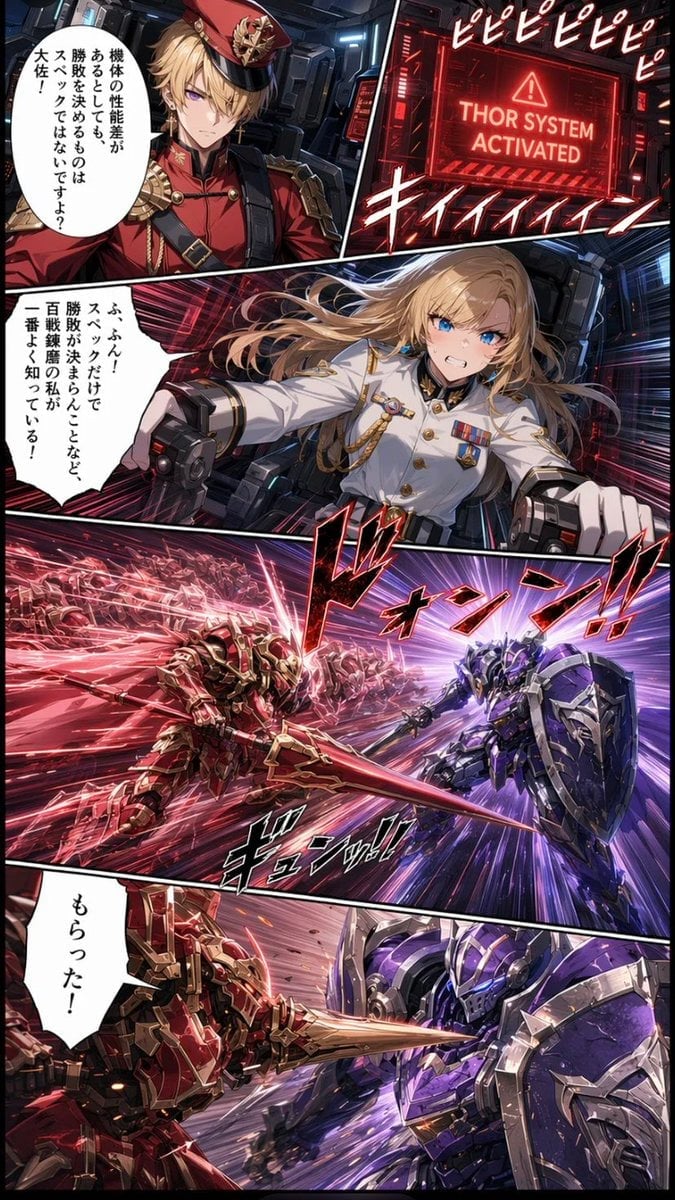
Japanese Webtoon Mecha Battle Page
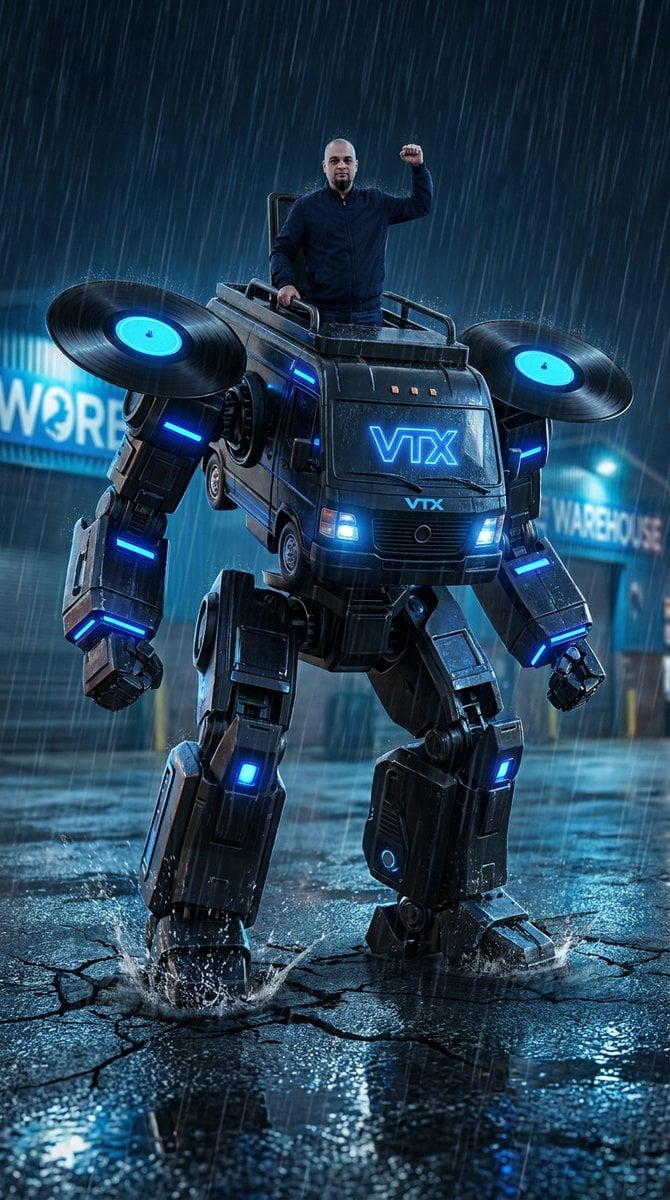
Humanoid Mecha Robot at Night
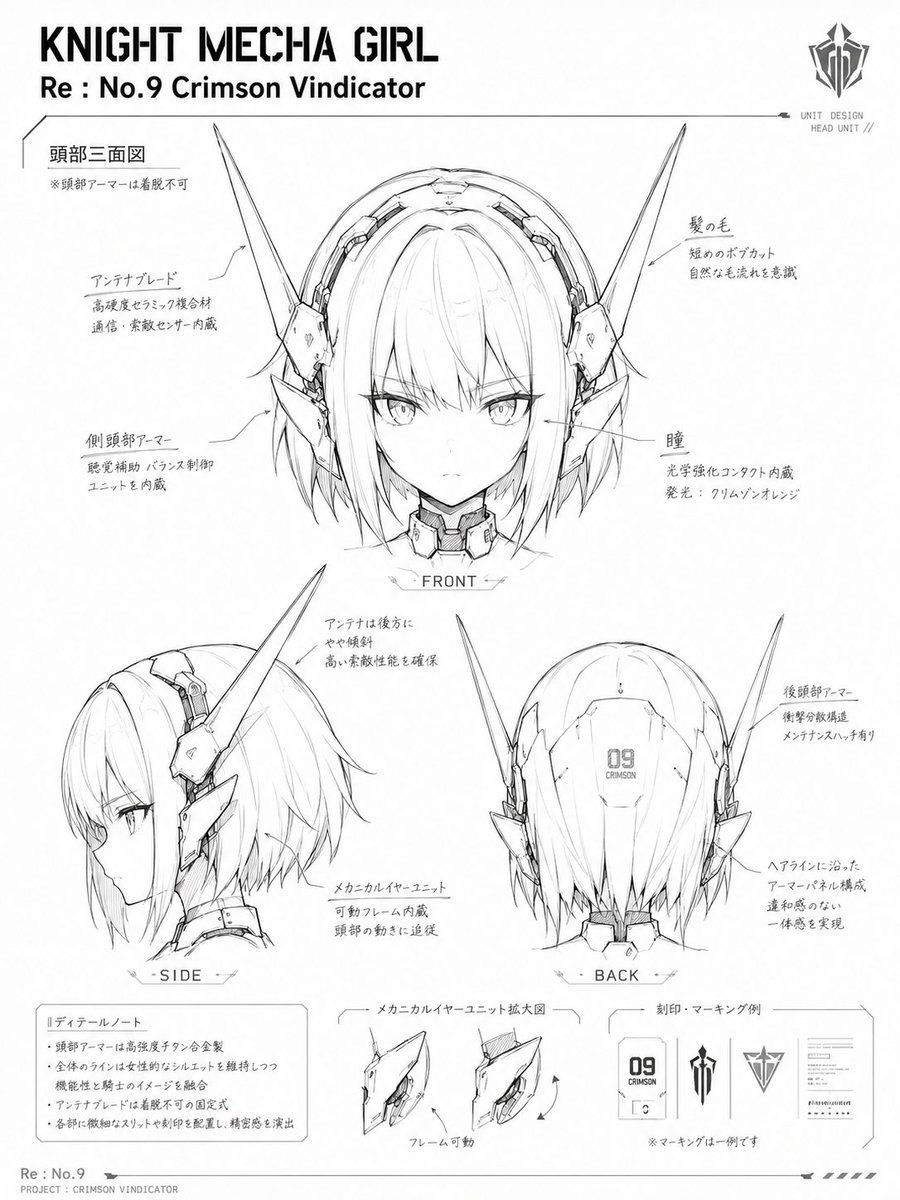
Knight Mecha Girl Model Kit Style
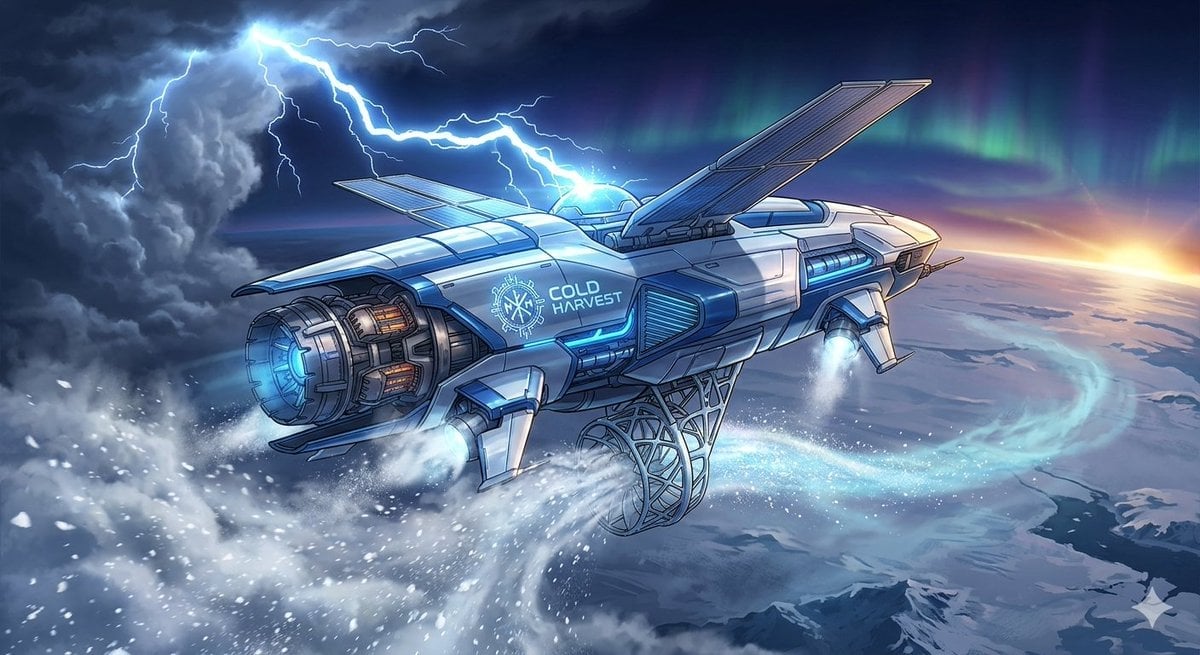
Weather Control Mecha Concept Art
Make it yours
Mecha Articulation Test Hangar works as-is. These are the safest ways to change it without losing the look.
Change one field
Copy a single group, rewrite it, and generate again so you can see what that field is doing.
Keep the frame, change the subject
Hold the composition and light of Mecha Articulation Test Hangar, then swap wardrobe, props or the person for a new take.
| If the result… | Why | Fix |
|---|---|---|
| The result drifts from the preview | Too many fields changed at once. | Reuse Mecha Articulation Test Hangar as-is first, then change one group — subject, light, or setting. |
| The model over-stylizes the scene | The prose prompt leaves finish and camera underspecified. | Add one camera or lighting sentence and stay on GPT Image 2. |
More GPT Image 2 templates
Other prompts made for GPT Image 2.

Six VTuber Japanese Logo Sheet

Realistic Portrait of Woman and Deer

The Vista Modular Condo Poster

AI Model Routing Comparison Infographic

2.5D Anime Art Board

Isometric Productivity Desk Scene

New York Double Exposure Poster

Four-Panel AI Landscape Comparison

Japanese Tatami Lifestyle Magazine Cover

NESCAFÉ Coffee Map Poster
More image prompts
Fresh picks from across the catalog.
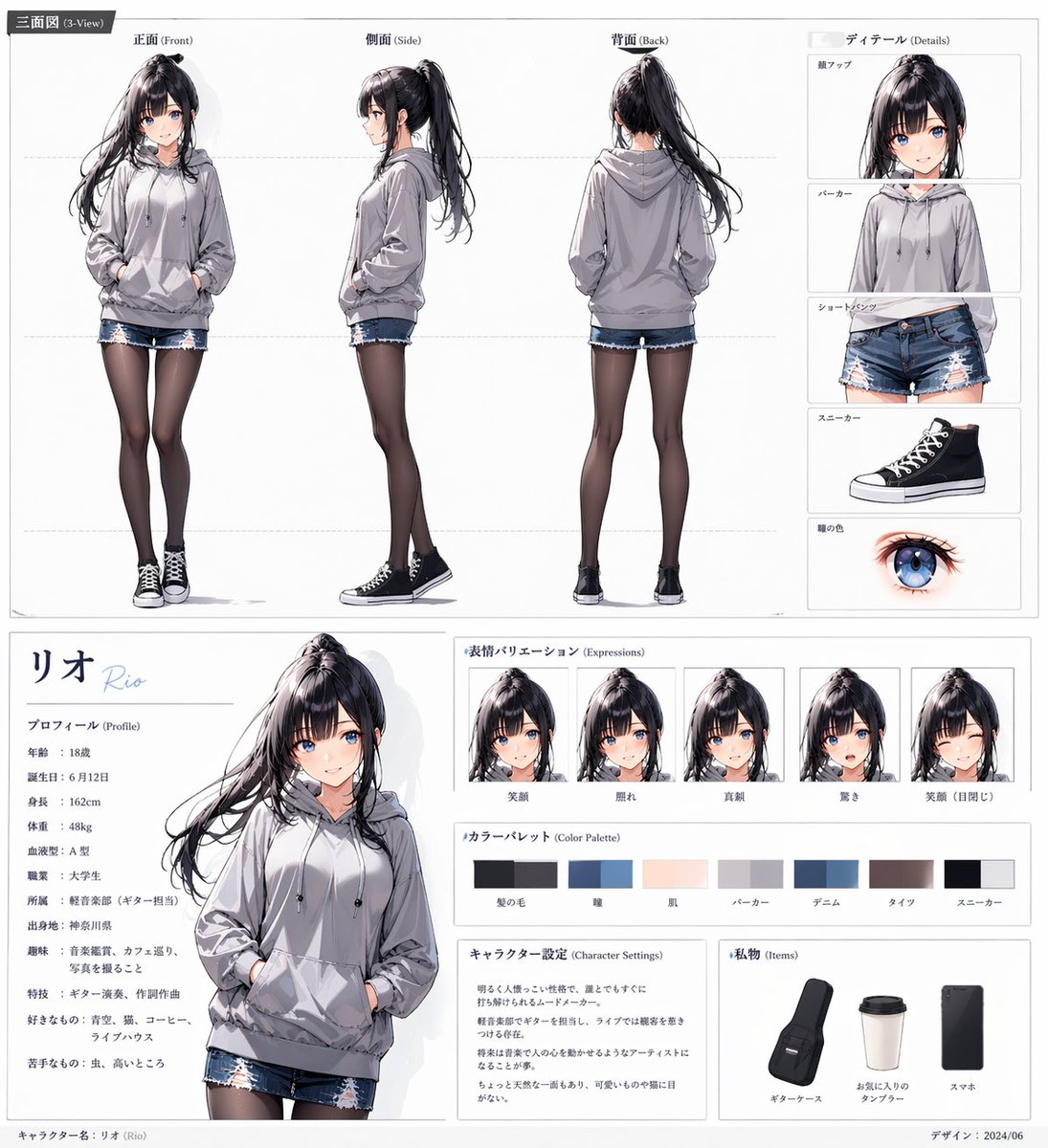
Anime Character Sheet for Rio
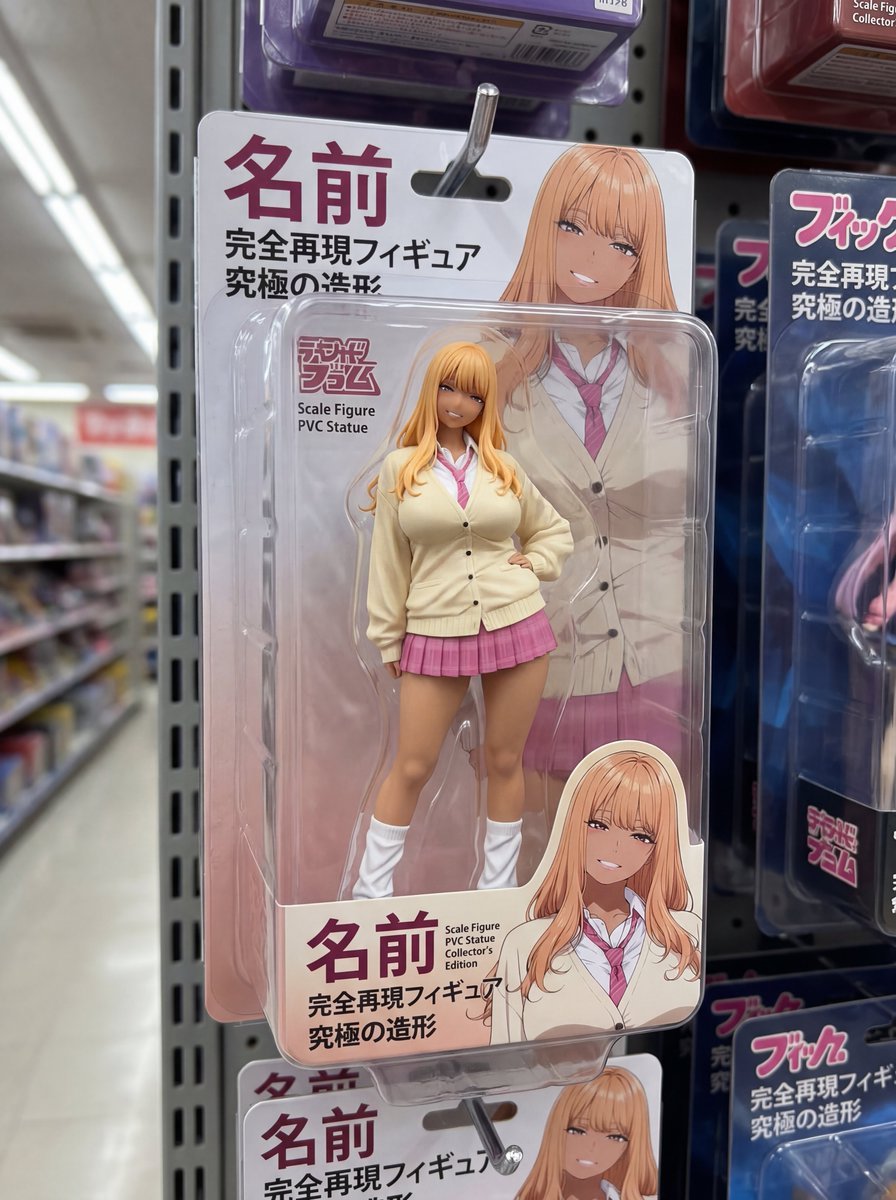
Nano Banana 2 prompt for creating packaged figures
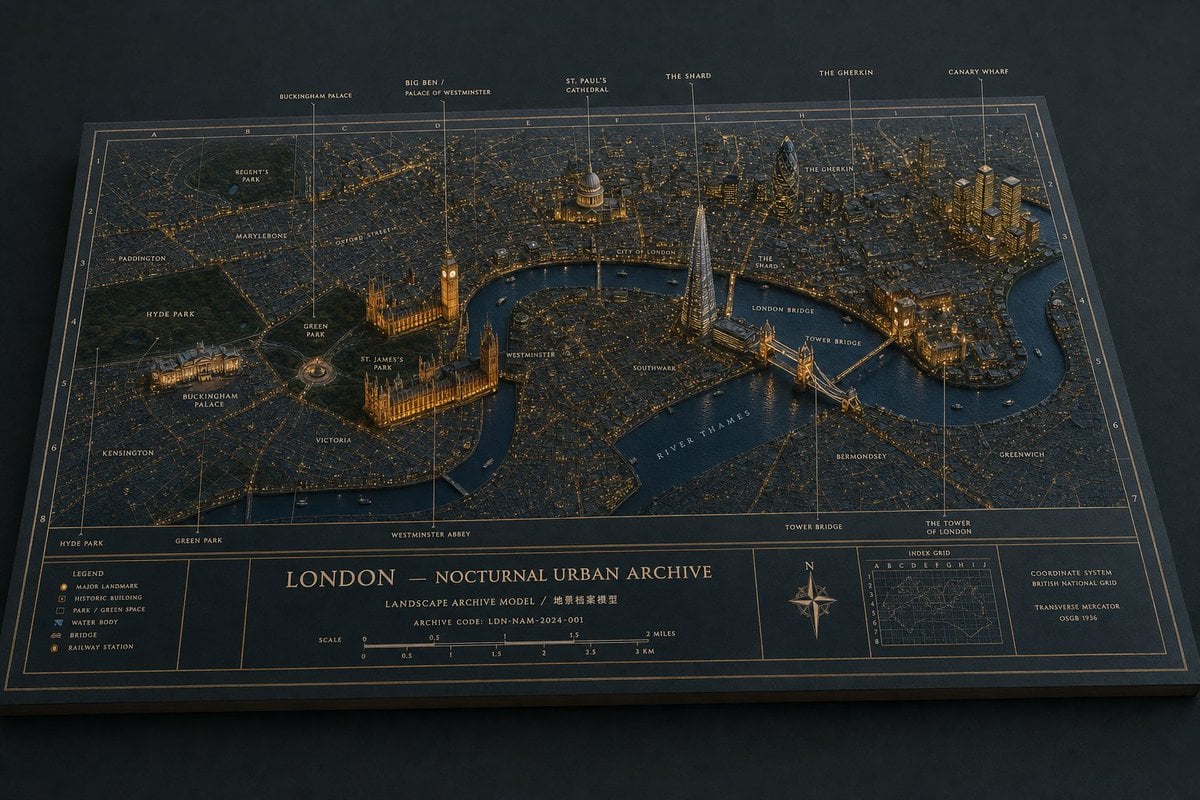
London Nocturnal Urban Archive Diorama
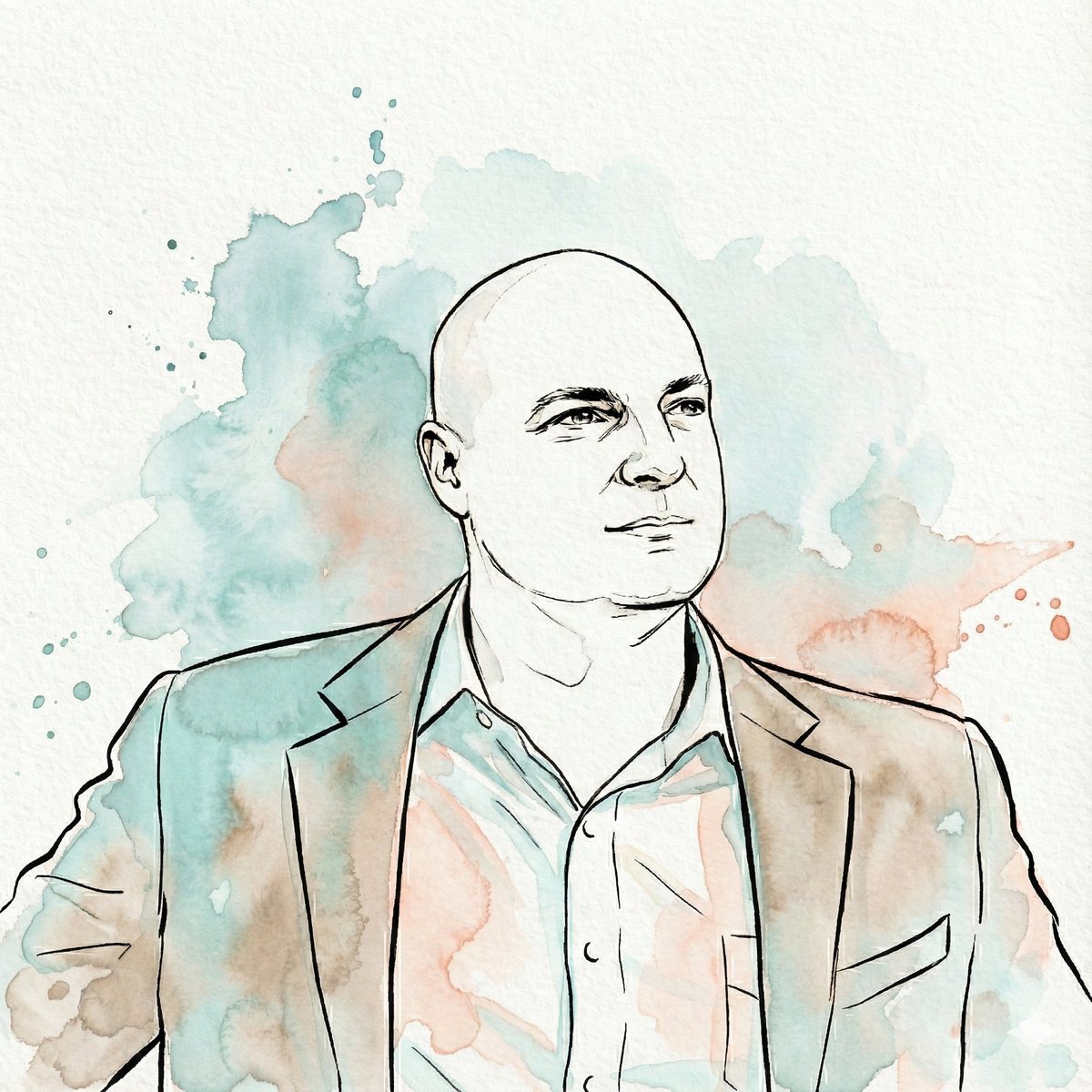
Image-to-Watercolor Illustration Prompt
Nano Banana Pro Eyes in Shadow
Mugshot AI Filter Trend Portrait Prompt
Night Empress Digital Collage
Google Nano Banana Pro Skincare Product

Colored Anime Manga Splash Panel
Quiet Luxury Travel Photography on the Amalfi Coast
Browse template categories
Mecha Articulation Test Hangar questions
How do I use the Mecha Articulation Test Hangar template?
Add your photo if the template asks for one, edit the prompt if you like — the template's model and format are already selected — and press Generate. Your version opens in PicX Studio.
Can I customize the Mecha Articulation Test Hangar template?
Yes. You can change the subject, setting, lighting, mood, format, and available model controls before creating your image.
Is the Mecha Articulation Test Hangar template free?
Opening and editing this template is free. Generating uses credits, shown on the Generate button when you are signed in.
Which AI model should I use?
Start with GPT Image 2, which is the model associated with this template. You can compare another compatible model for a different finish.
Looking for something else? Browse all templates.

Your photo, any look
Thousands of ready templates for every top image and video model, from one credit balance.