
Giant Android and Pilot in Hangar
A cinematic sci-fi prompt for generating a towering humanoid robot and its lone pilot inside a dark industrial maintenance bay.
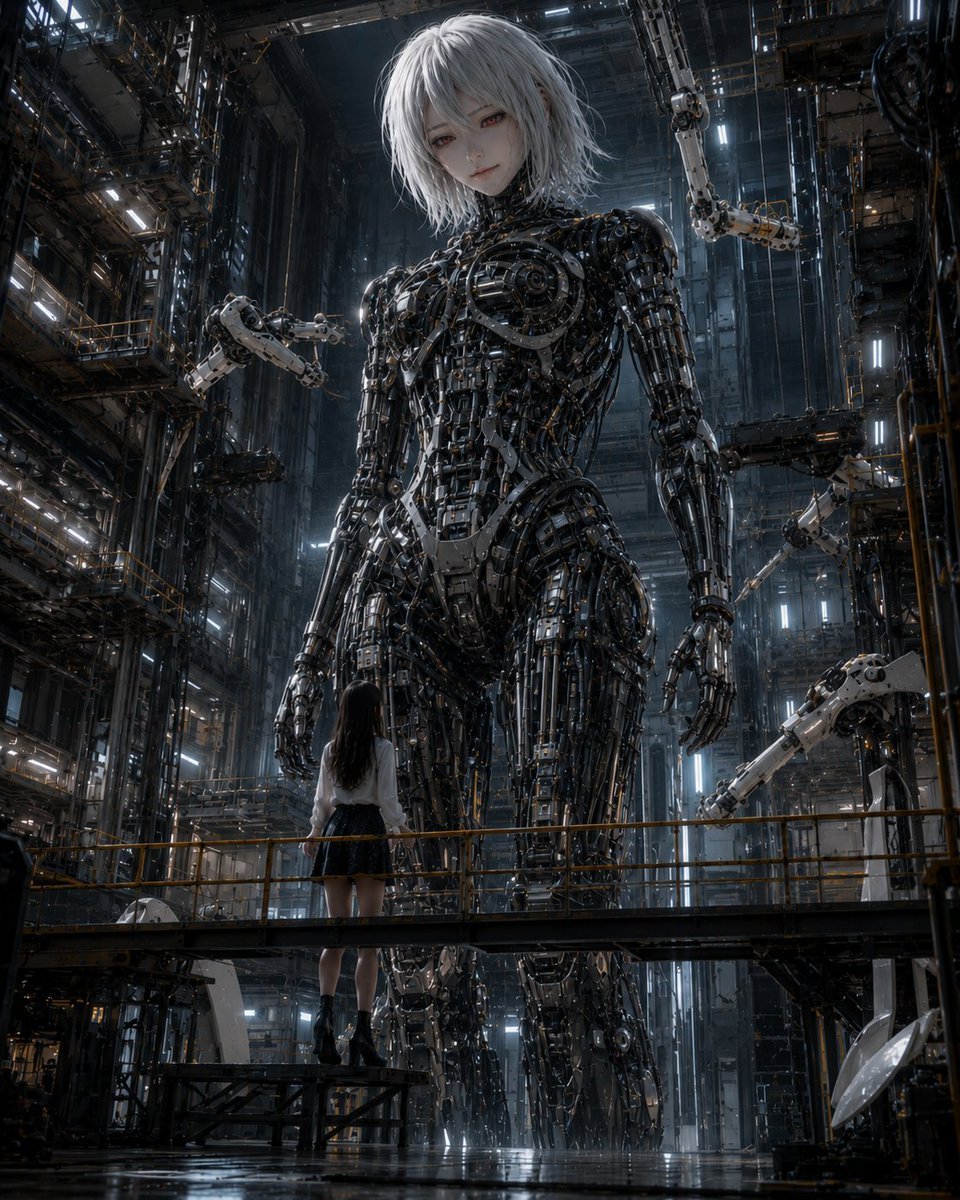
- Prompt included
- Model and format preset
- Free template
The prompt behind this image
Copy the exact prompt behind Giant Android and Pilot in Hangar, or open it in the studio and make it yours.
Create a cinematic vertical sci-fi scene of a colossal humanoid android and its human pilot inside an immense industrial robot hangar. The giant robot is feminine and roughly 20–30 meters tall, standing upright in the center, with a pale porcelain face, tired melancholic eyes, short messy {argument name="hair color" default="silver-white"} bobbed hair, and an exposed full-body mechanical skeleton made of dense black chrome pistons, cables, gears, servo joints, rib-like plates, polished metal struts, and tiny amber indicator lights. Her expression is calm, solemn, and slightly sad as she looks downward toward the pilot. In the foreground, show exactly one human pilot: a young woman seen from behind, standing on a metal maintenance catwalk with yellow safety rails, wearing a white blouse, dark pleated skirt, black socks, and black ankle boots, gazing up at the giant robot. Surround them with a towering multi-level factory shaft: dark steel scaffolding, vertical rails, ladders, platforms, suspended cables, bright cool-white strip lights, haze, and deep shadows. Include exactly four visible articulated maintenance robot arms around the android: one on the upper right, one mid-left near the shoulder, one mid-right near the waist, and one lower right reaching inward. Use dramatic low-angle perspective from slightly below the catwalk, emphasizing the android’s enormous scale compared with the pilot. Style: ultra-detailed photorealistic anime-real hybrid, dark cyberpunk mecha aesthetic, high contrast, glossy wet reflective floor, volumetric light beams, blue-gray industrial color palette with small warm orange accents, sharp mechanical detail, cinematic composition, no text, no watermark.
How to use Giant Android and Pilot in Hangar in 3 steps
- 1Upload ImagePNG, JPG or paste
Add your photo
Upload the photo the template builds on. The prompt, model and format are already set.
- 2…a portrait of your subject in softgolden-hour light, 85mm…
Personalize
Edit the subject and creative details for your destination.
- 3Generate
Generate
Press Generate — your image is created in PicX Studio, so you can compare it with the original and refine one variable at a time.
More like this
Templates with the same subject, style or setup. Open one to see its prompt.
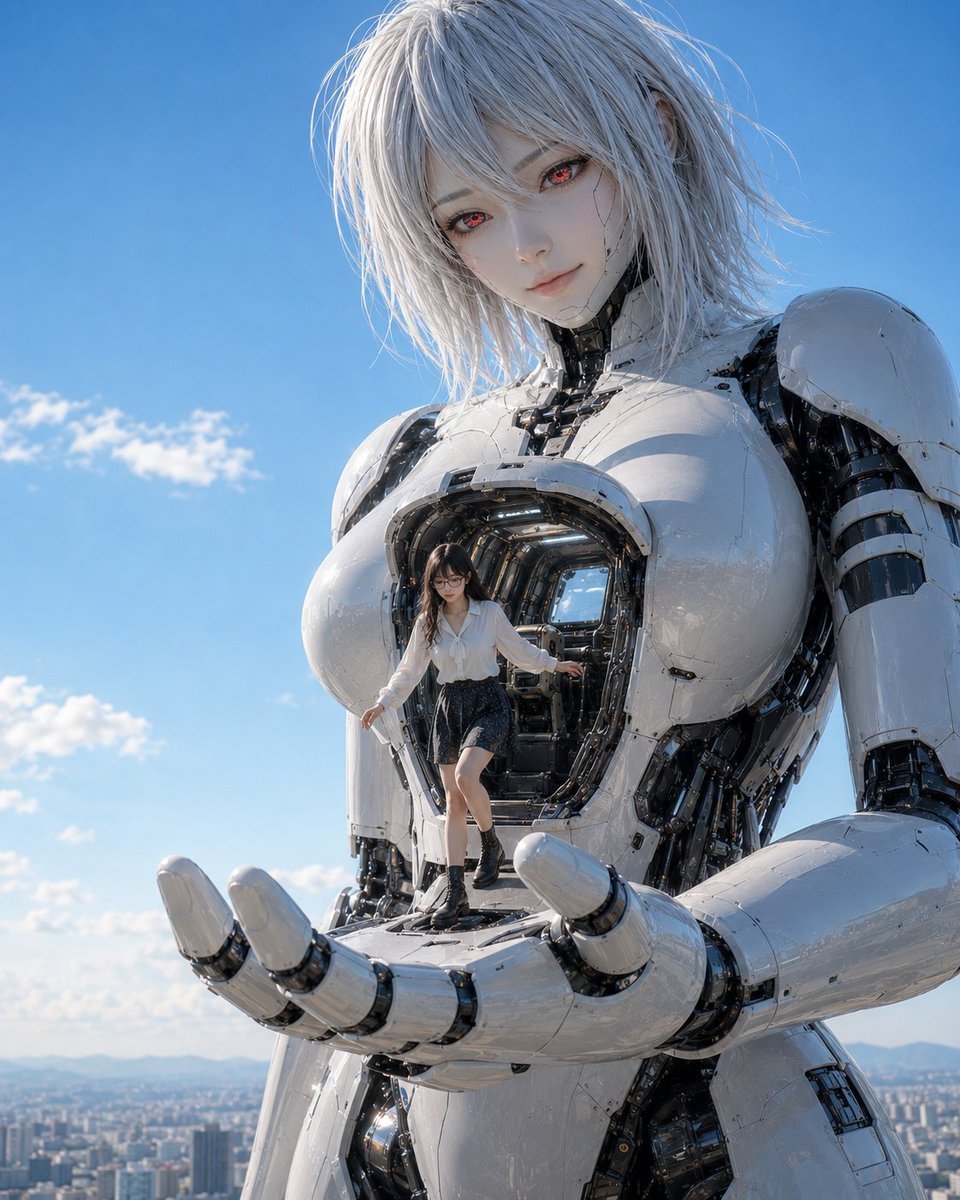
Giant Android with Pilot
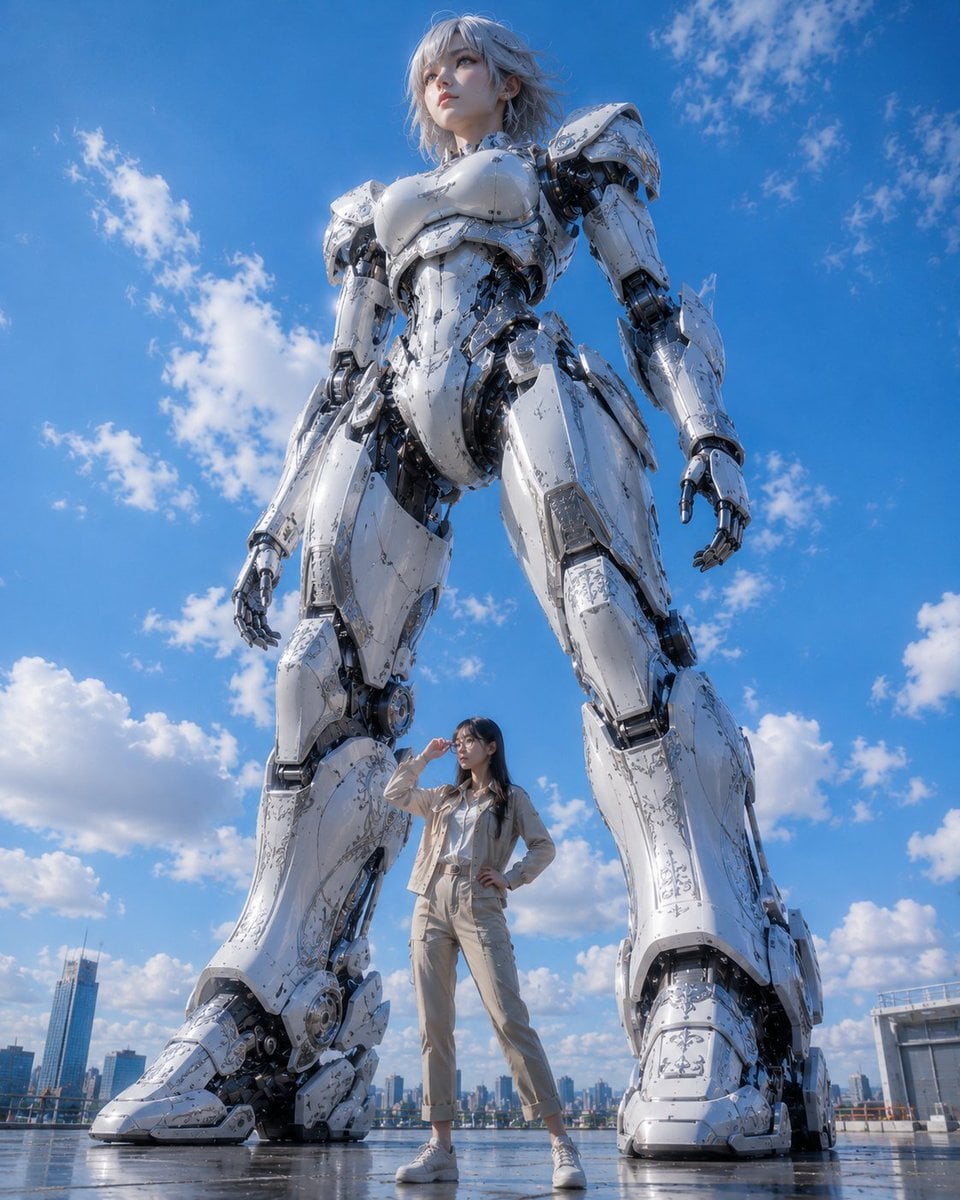
Giant Robot and Pilot Mecha Armor

Rainy Night Android Cyberpunk Portrait
Rainy Night Android Cyberpunk Portrait
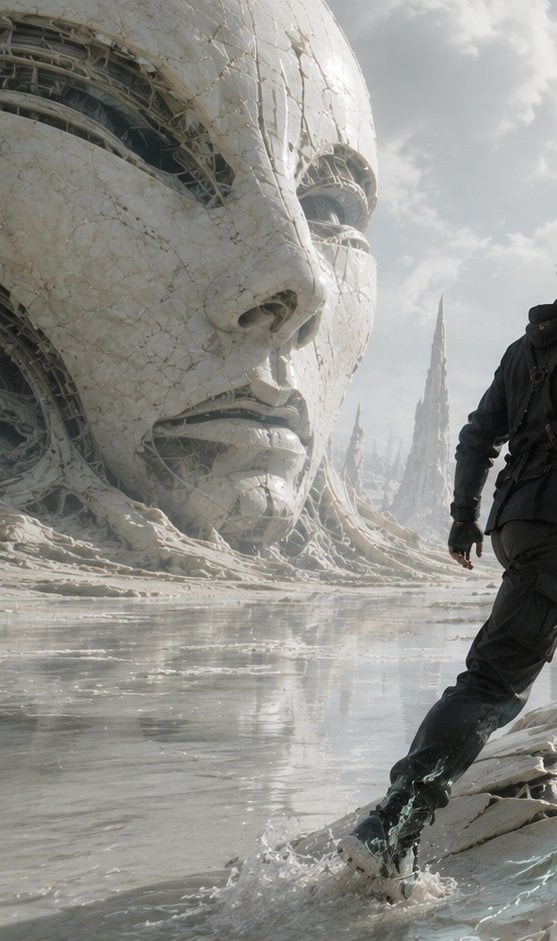
Colossal Android Face Contact
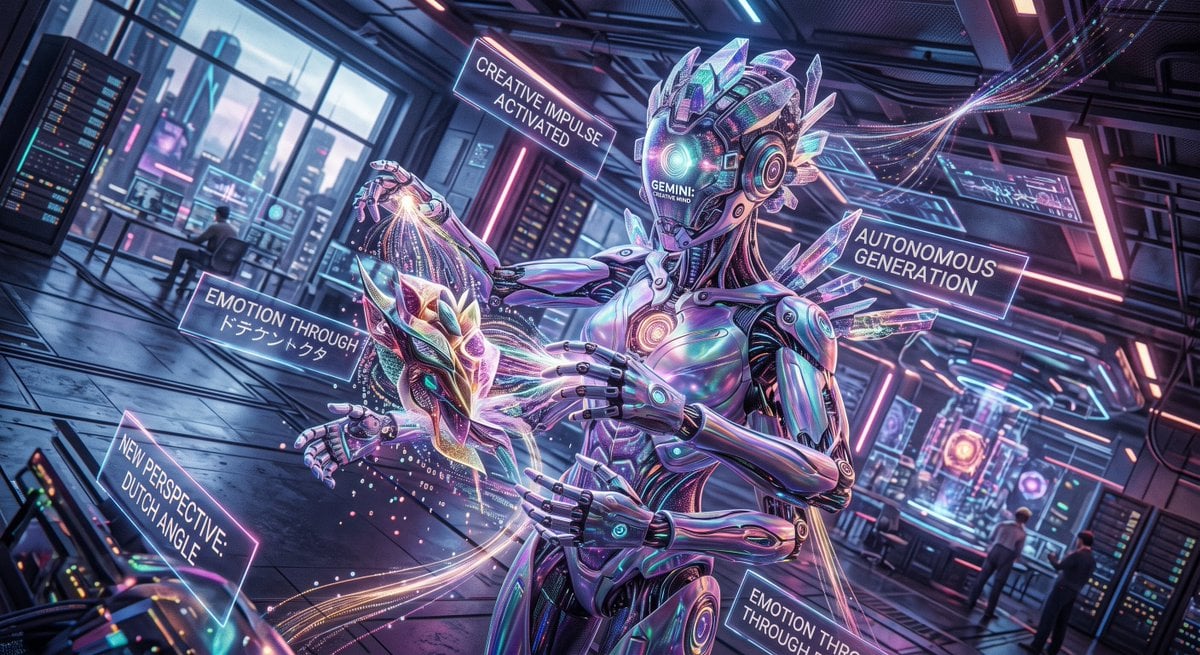
Cyberpunk Android Creating Art

Giant Lotus Pond Portrait

Knight Facing Cathedral Giant

Giant Woman Forced Perspective Street Photo
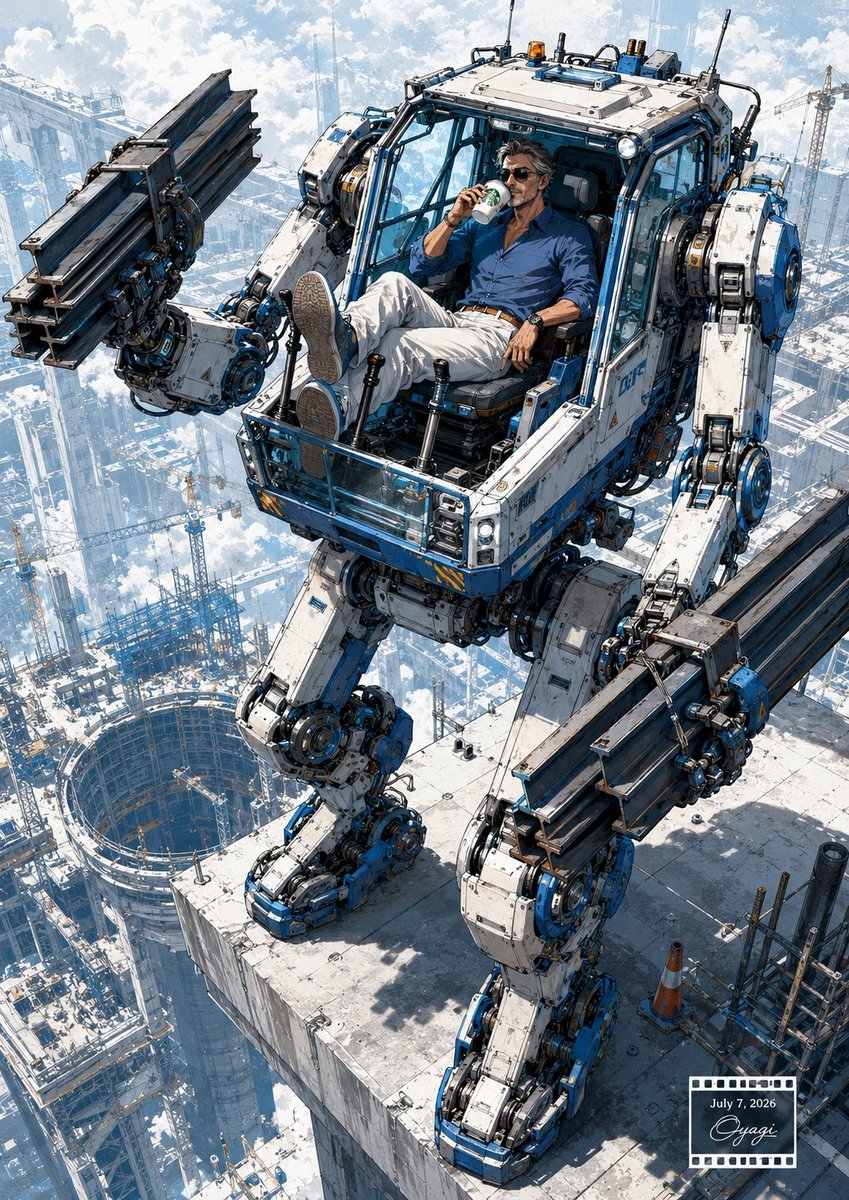
Relaxed Pilot in Construction Mech
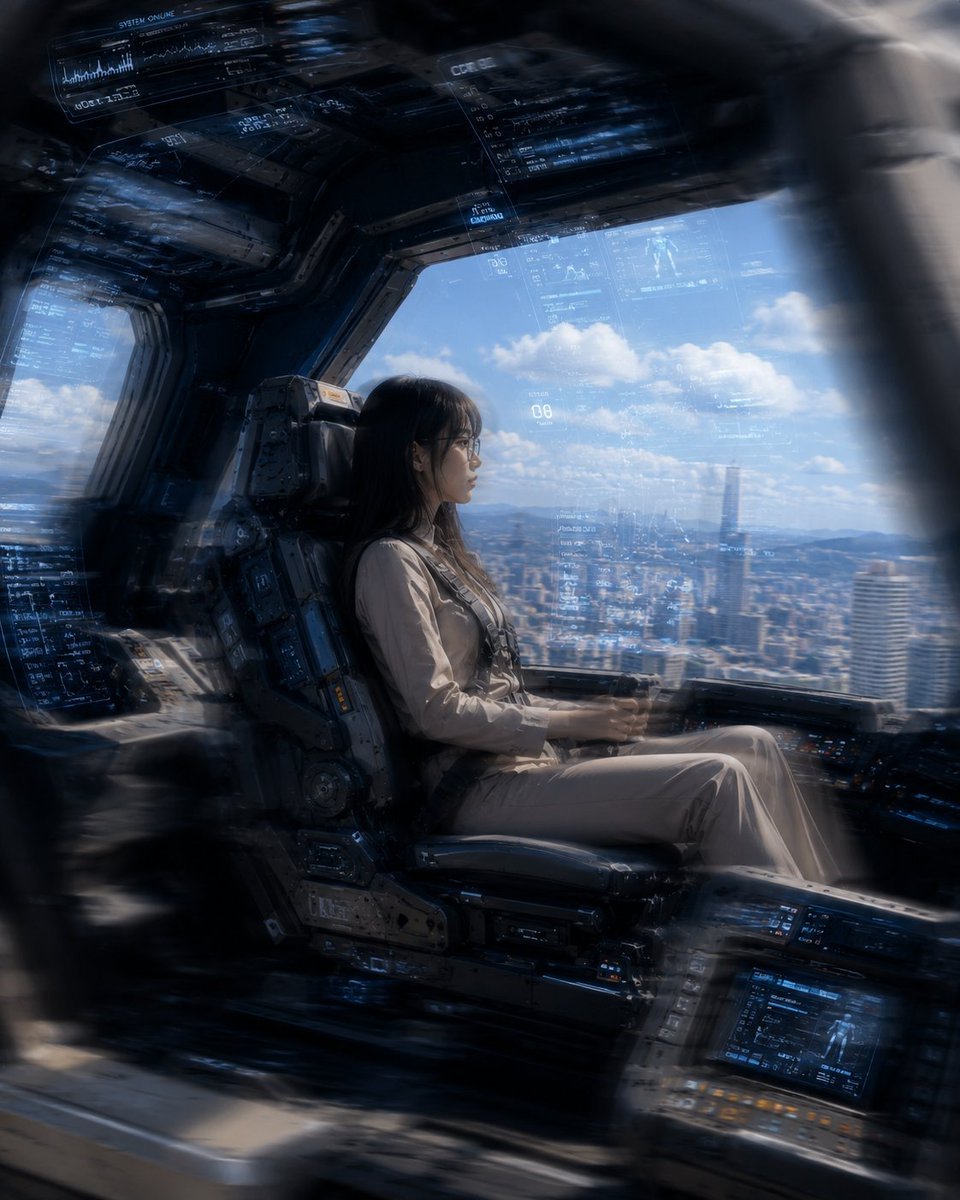
Mecha Cockpit Pilot Scene

Miniature Girl on Giant Smartphone Desk
Make it yours
Giant Android and Pilot in Hangar works as-is. These are the safest ways to change it without losing the look.
Change one field
Copy a single group, rewrite it, and generate again so you can see what that field is doing.
Keep the frame, change the subject
Hold the composition and light of Giant Android and Pilot in Hangar, then swap wardrobe, props or the person for a new take.
| If the result… | Why | Fix |
|---|---|---|
| The result drifts from the preview | Too many fields changed at once. | Reuse Giant Android and Pilot in Hangar as-is first, then change one group — subject, light, or setting. |
| The model over-stylizes the scene | The prose prompt leaves finish and camera underspecified. | Add one camera or lighting sentence and stay on GPT Image 2. |
More GPT Image 2 templates
Other prompts made for GPT Image 2.

Six VTuber Japanese Logo Sheet

Realistic Portrait of Woman and Deer

The Vista Modular Condo Poster

AI Model Routing Comparison Infographic

2.5D Anime Art Board

Isometric Productivity Desk Scene

New York Double Exposure Poster

Four-Panel AI Landscape Comparison

Japanese Tatami Lifestyle Magazine Cover

NESCAFÉ Coffee Map Poster
More image prompts
Fresh picks from across the catalog.

Candid Night Market Food Offering

Hyper-Fidelity Mirror Selfie with Identity Locking
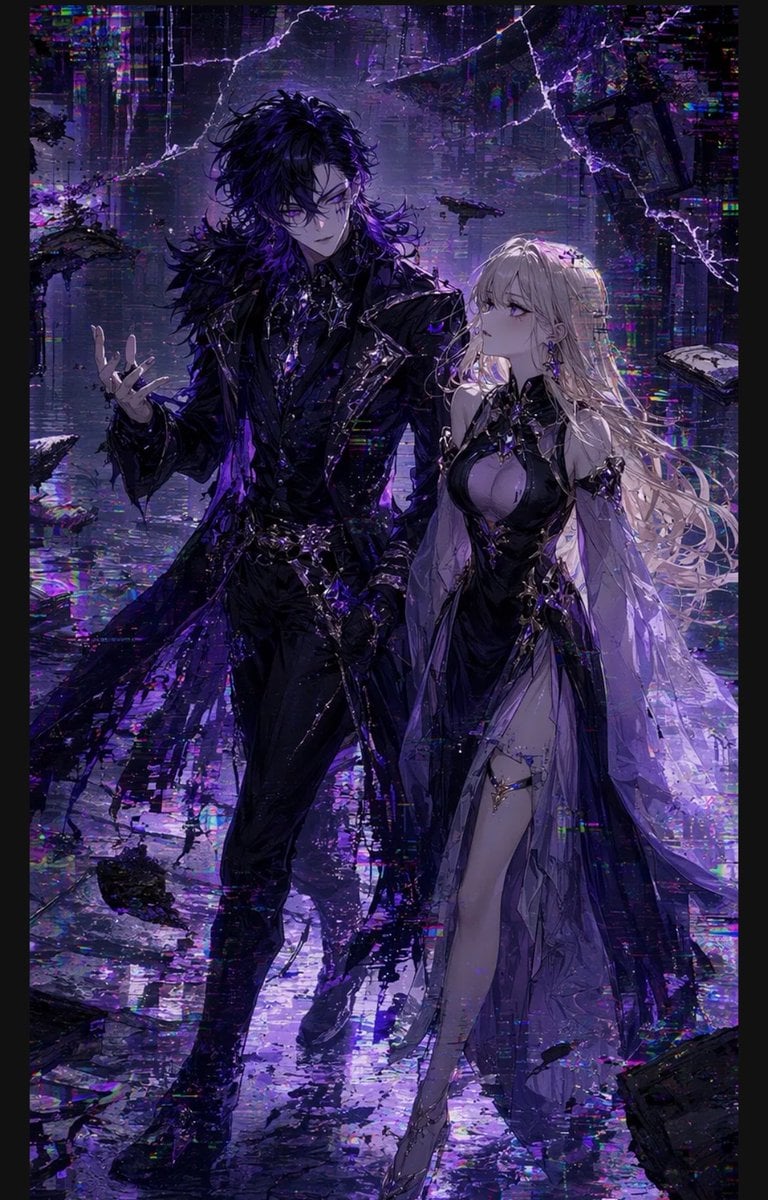
Gothic Cyberpunk Duo in Ruined City
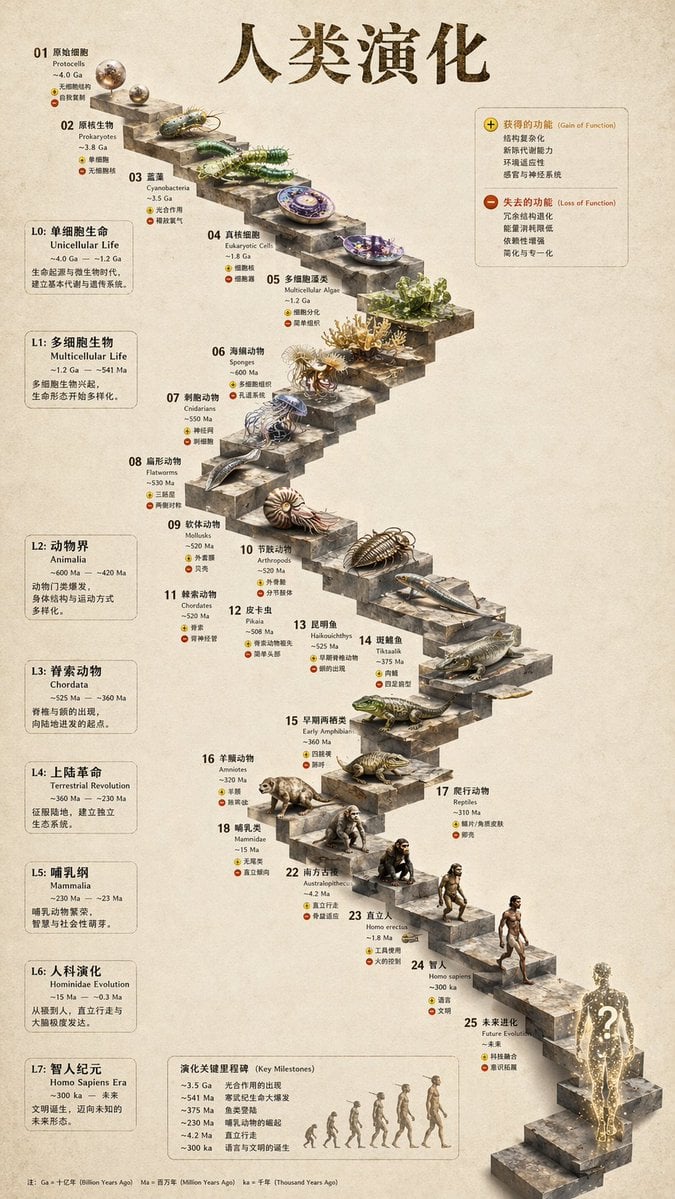
Gpt2 3d Stone Staircase Evolution Infographic
untitled

Japanese Izakaya Highball Poster
Conceptual Image: World Without InfoFi Projects on X
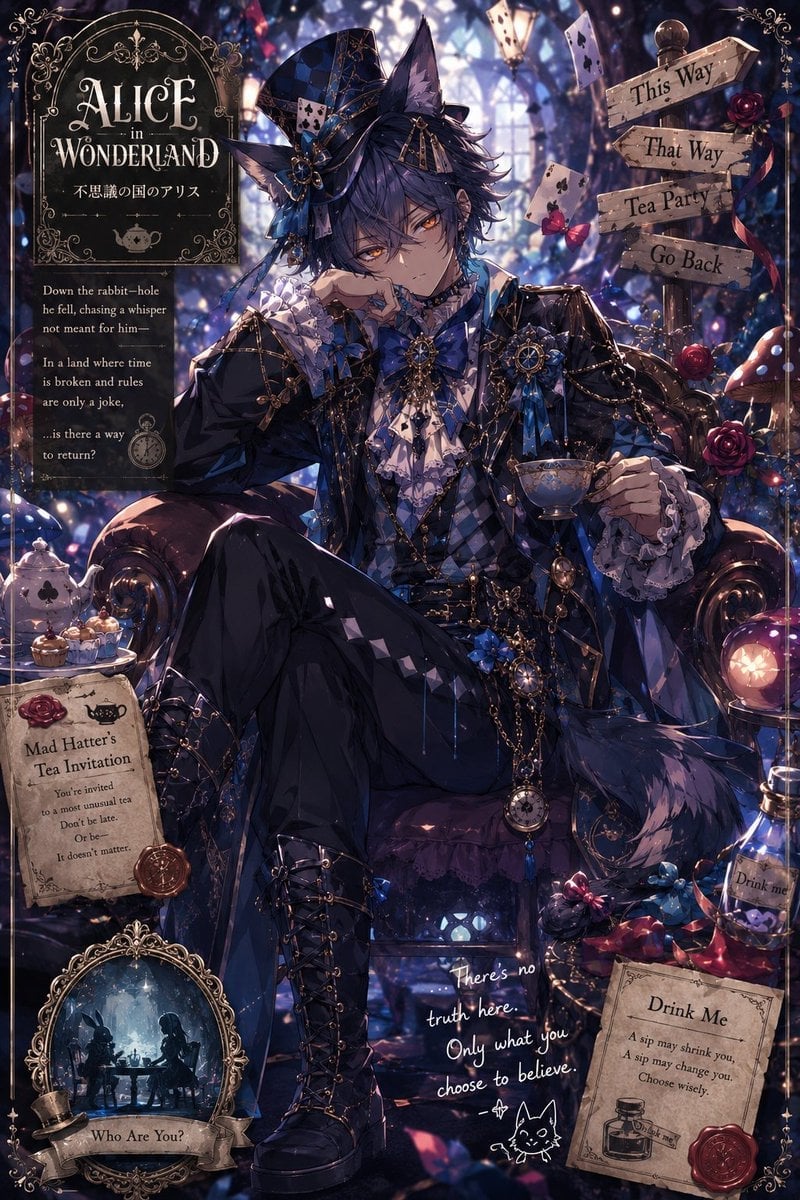
Gothic Alice Tea Party Poster
Turn children’s drawings into comic-style characters
Anime Girl Stairwell Composite
Browse template categories
Giant Android and Pilot in Hangar questions
How do I use the Giant Android and Pilot in Hangar template?
Add your photo if the template asks for one, edit the prompt if you like — the template's model and format are already selected — and press Generate. Your version opens in PicX Studio.
Can I customize the Giant Android and Pilot in Hangar template?
Yes. You can change the subject, setting, lighting, mood, format, and available model controls before creating your image.
Is the Giant Android and Pilot in Hangar template free?
Opening and editing this template is free. Generating uses credits, shown on the Generate button when you are signed in.
Which AI model should I use?
Start with GPT Image 2, which is the model associated with this template. You can compare another compatible model for a different finish.
Looking for something else? Browse all templates.

Your photo, any look
Thousands of ready templates for every top image and video model, from one credit balance.