
Giant Android with Pilot
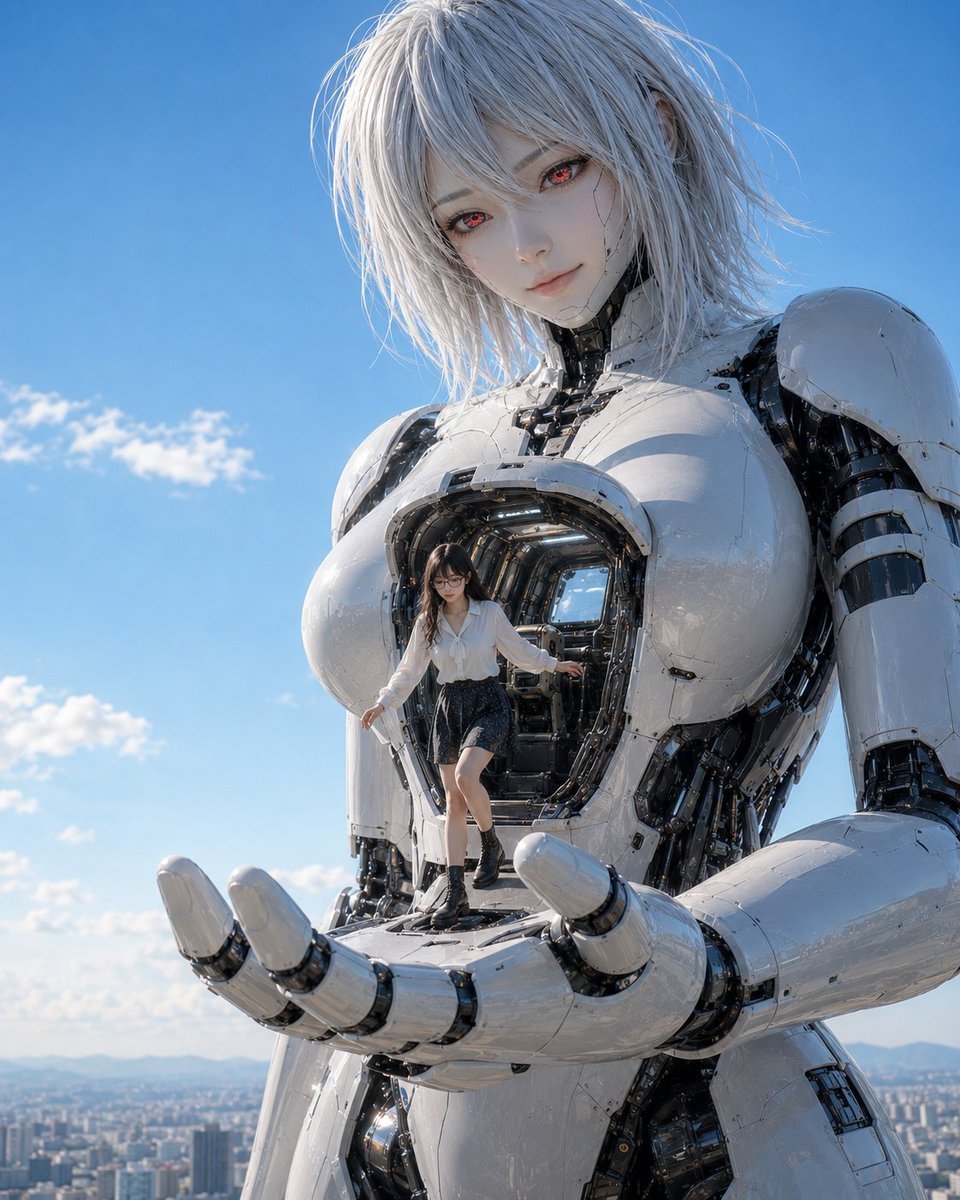
A photorealistic sci-fi scene showing a tiny pilot emerging from the chest cockpit of a towering white female android above a city.
- Prompt included
- Model and format preset
- Free template
The prompt behind this image
Copy the exact prompt behind Giant Android with Pilot, or open it in the studio and make it yours.
Create a cinematic photorealistic science-fiction scene of exactly two figures: one enormous female humanoid robot and one tiny human pilot. The giant robot is an elegant white android with glossy ceramic armor, exposed black mechanical joints, panel seams, cables, and a large open chest cockpit; she has a delicate anime-inspired face, pale synthetic skin, messy shoulder-length {argument name="hair color" default="silver-white"} hair, and glowing {argument name="eye color" default="red"} eyes, looking down gently toward the viewer. The open cockpit in her chest reveals a dark, detailed mechanical interior with metallic ribs, wiring, and a small blue-lit rear window. In front of the cockpit stands the pilot: a young woman with black hair and glasses, wearing a loose {argument name="pilot shirt" default="white blouse"}, dark short skirt, black socks, and black ankle boots, stepping carefully out of the chest cavity onto the robot’s huge open palm. The robot’s single visible hand is cupped horizontally in the foreground as a platform, with segmented white robotic fingers and black joint rings. Shoot from a low angle with the robot towering above, cropped at the upper thighs, emphasizing extreme scale difference between the giant android and the human pilot. Background: bright outdoor daylight under a clear blue sky with a few soft clouds, distant city skyline and mountains far below, high-altitude rooftop or aerial perspective. Style: ultra-detailed photorealistic 3D render, polished mecha design, realistic reflections, subtle weathering and scratches on white armor, sharp focus on the robot torso and pilot, natural sunlight, dramatic scale, no text, no watermark, vertical 4:5 composition.
How to use Giant Android with Pilot in 3 steps
- 1Upload ImagePNG, JPG or paste
Add your photo
Upload the photo the template builds on. The prompt, model and format are already set.
- 2…a portrait of your subject in softgolden-hour light, 85mm…
Personalize
Edit the subject and creative details for your destination.
- 3Generate
Generate
Press Generate — your image is created in PicX Studio, so you can compare it with the original and refine one variable at a time.
More like this
Templates with the same subject, style or setup. Open one to see its prompt.
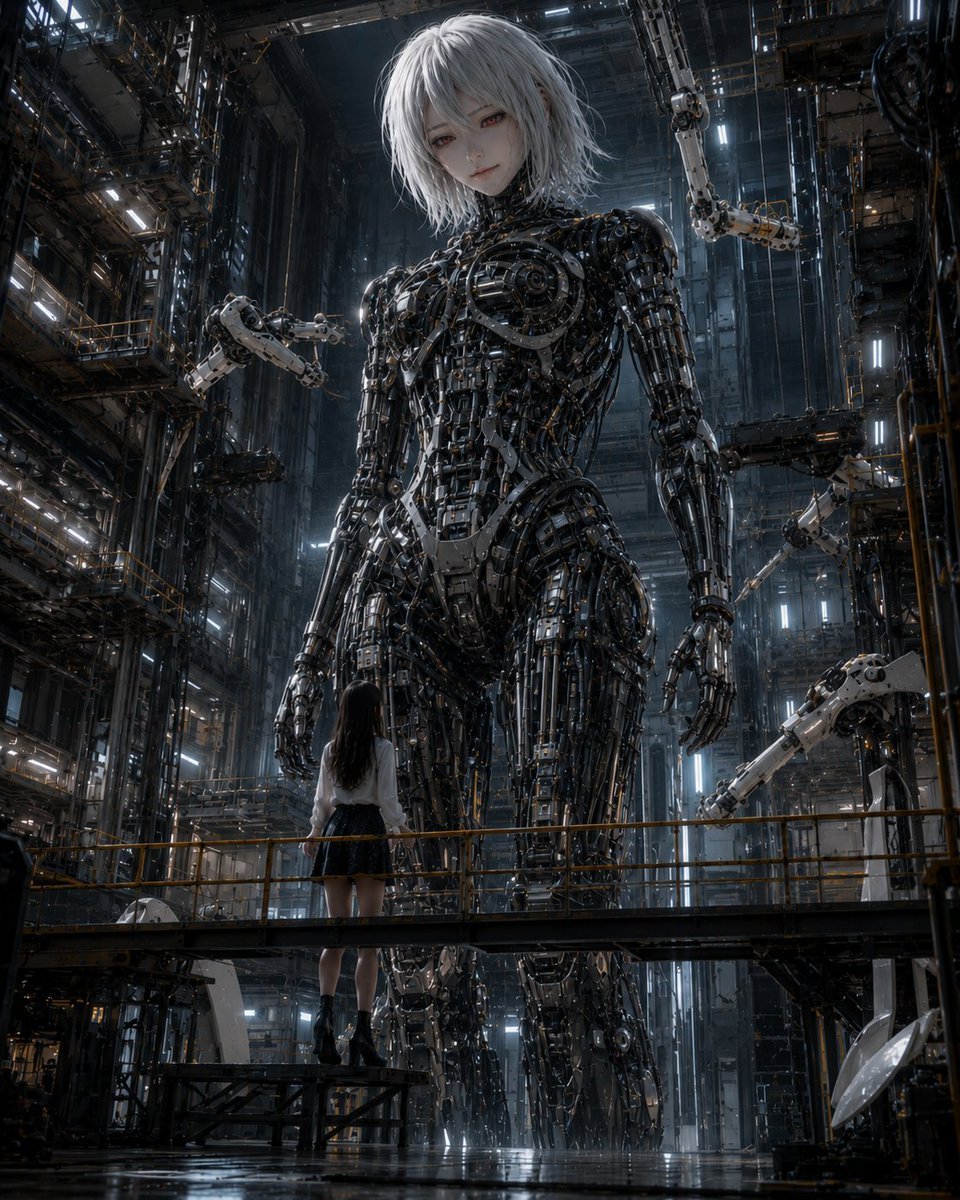
Giant Android and Pilot in Hangar
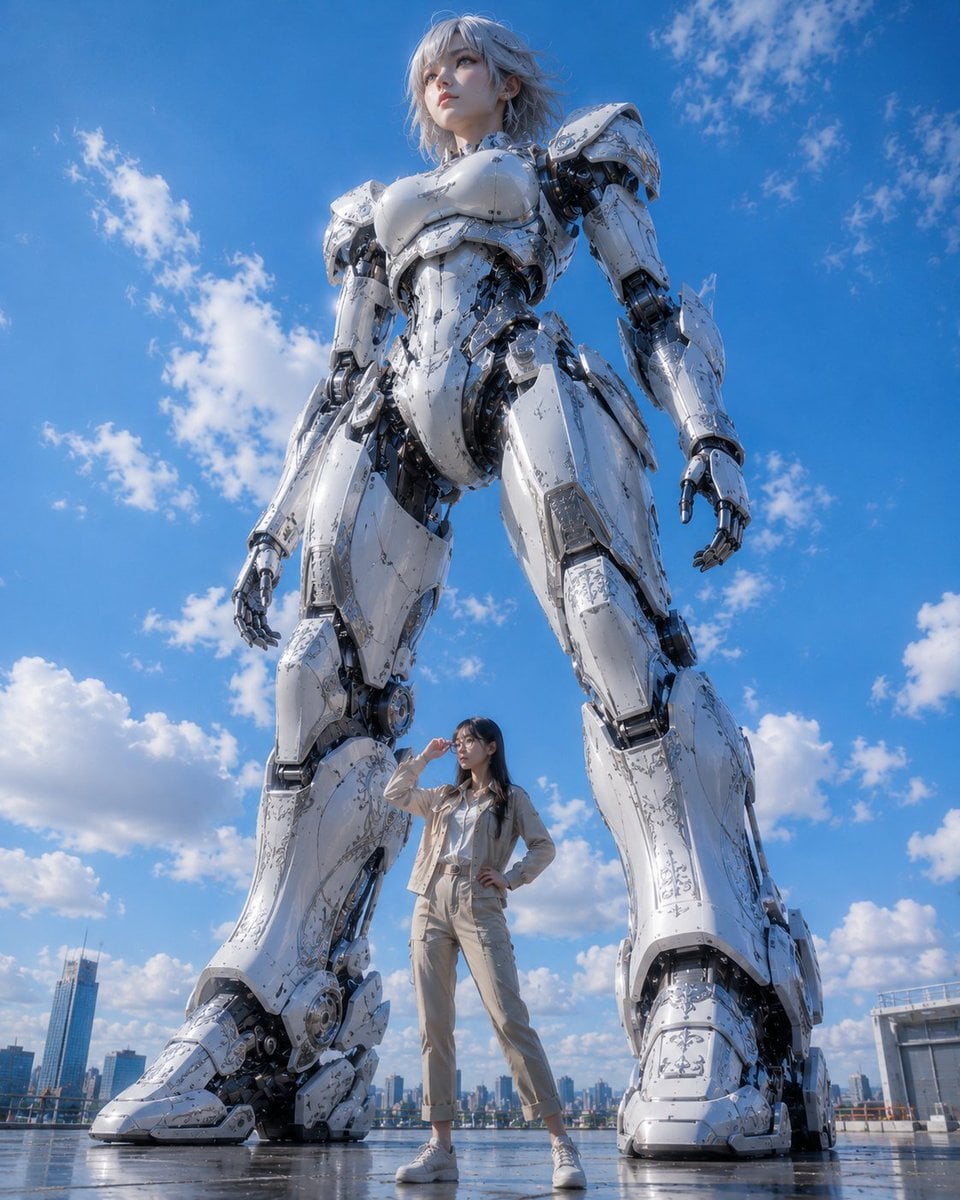
Giant Robot and Pilot Mecha Armor

Rainy Night Android Cyberpunk Portrait
Rainy Night Android Cyberpunk Portrait
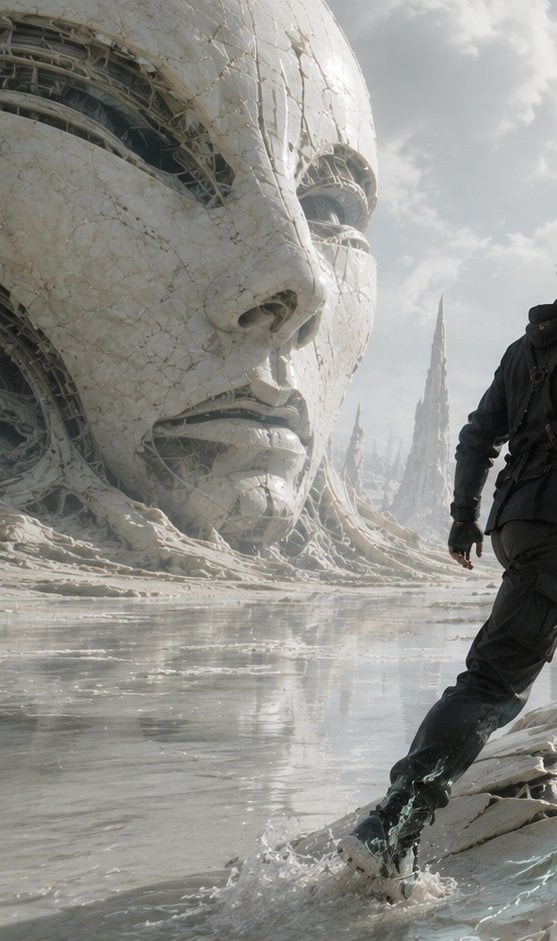
Colossal Android Face Contact
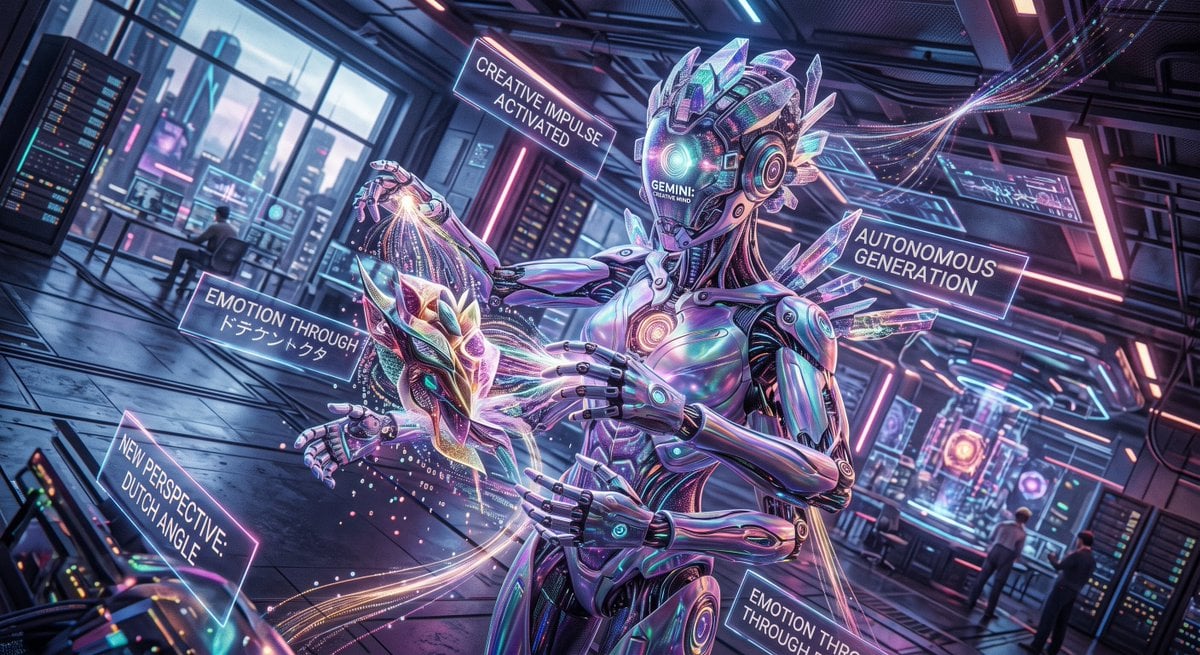
Cyberpunk Android Creating Art

Giant Lotus Pond Portrait

Knight Facing Cathedral Giant

Giant Woman Forced Perspective Street Photo
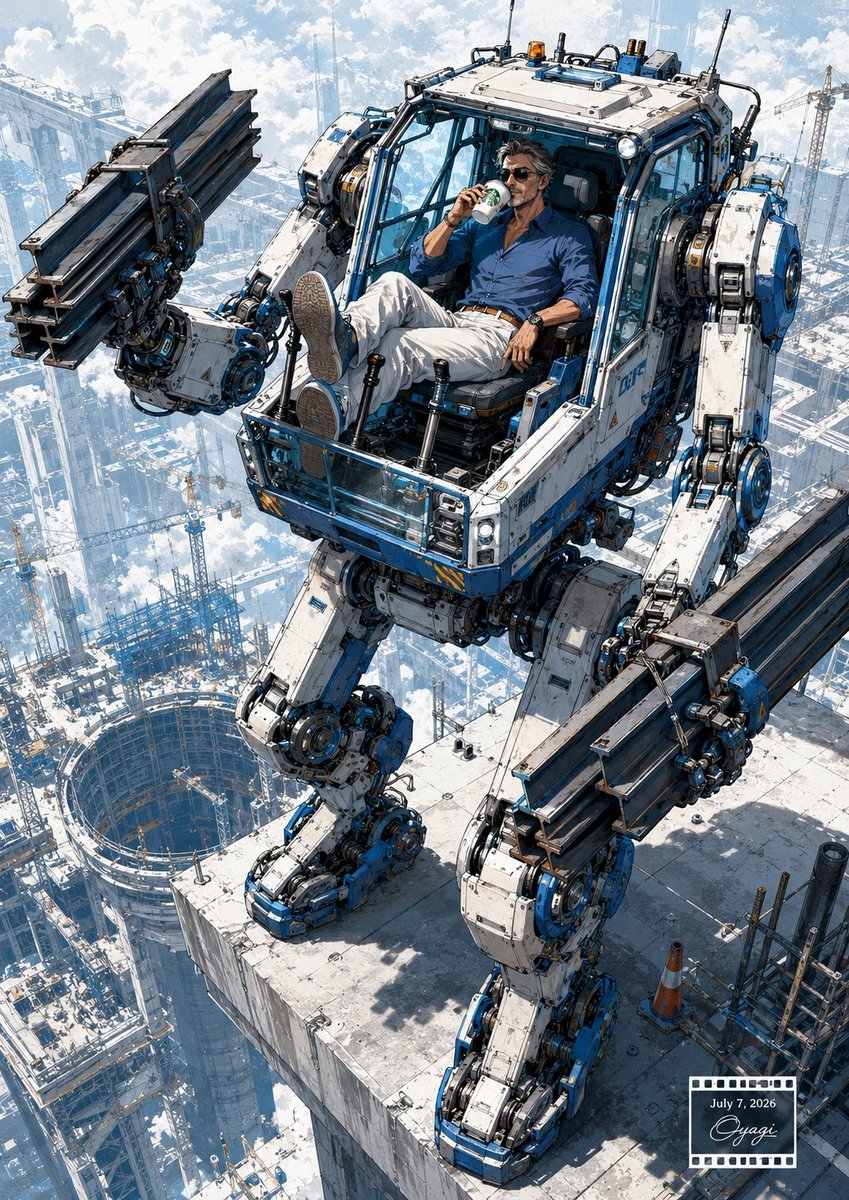
Relaxed Pilot in Construction Mech
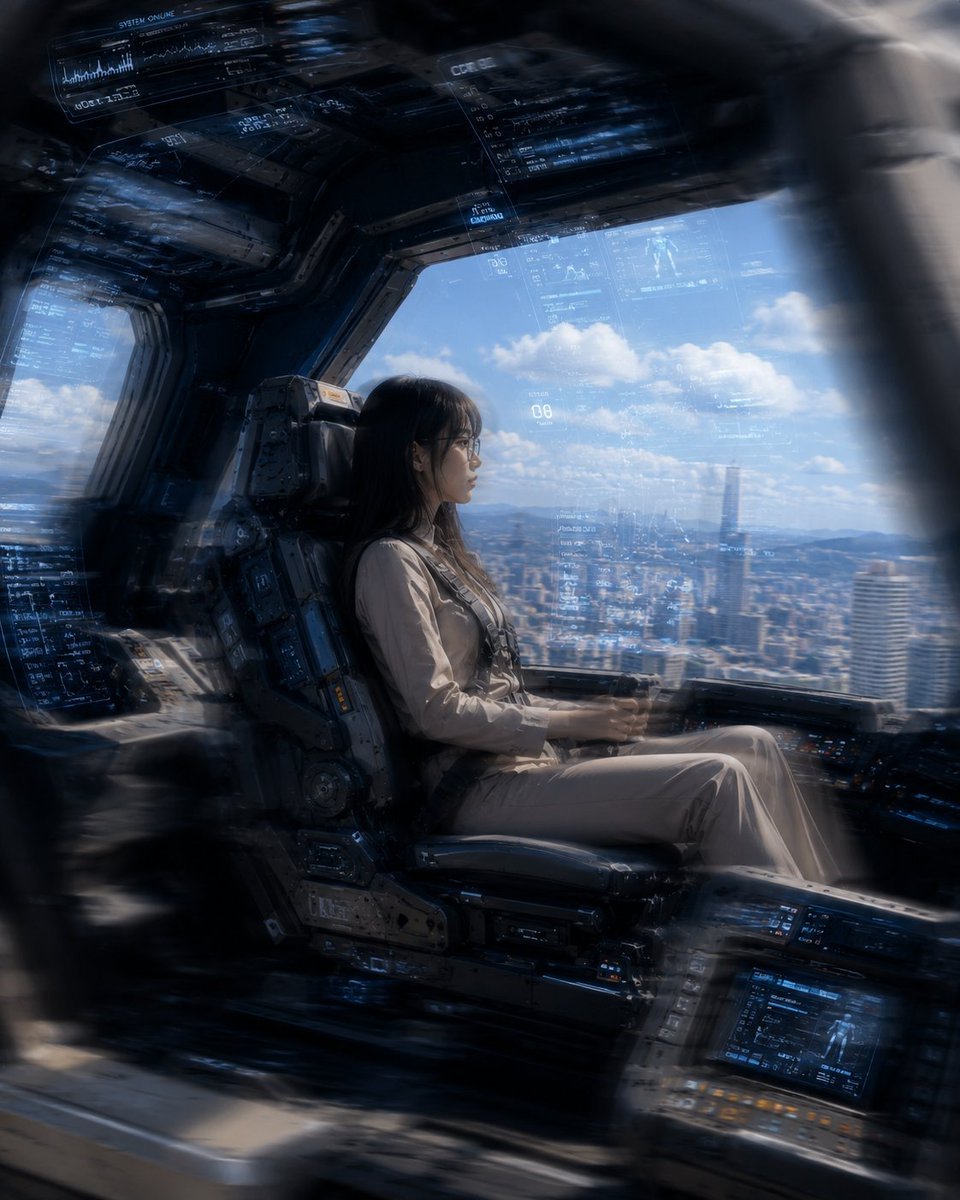
Mecha Cockpit Pilot Scene

Miniature Girl on Giant Smartphone Desk
Make it yours
Giant Android with Pilot works as-is. These are the safest ways to change it without losing the look.
Change one field
Copy a single group, rewrite it, and generate again so you can see what that field is doing.
Keep the frame, change the subject
Hold the composition and light of Giant Android with Pilot, then swap wardrobe, props or the person for a new take.
| If the result… | Why | Fix |
|---|---|---|
| The result drifts from the preview | Too many fields changed at once. | Reuse Giant Android with Pilot as-is first, then change one group — subject, light, or setting. |
| The model over-stylizes the scene | The prose prompt leaves finish and camera underspecified. | Add one camera or lighting sentence and stay on GPT Image 2. |
More GPT Image 2 templates
Other prompts made for GPT Image 2.

Six VTuber Japanese Logo Sheet

Realistic Portrait of Woman and Deer

The Vista Modular Condo Poster

AI Model Routing Comparison Infographic

2.5D Anime Art Board

Isometric Productivity Desk Scene

New York Double Exposure Poster

Four-Panel AI Landscape Comparison

Japanese Tatami Lifestyle Magazine Cover

NESCAFÉ Coffee Map Poster
More image prompts
Fresh picks from across the catalog.
Move Display Stand Onto Deck
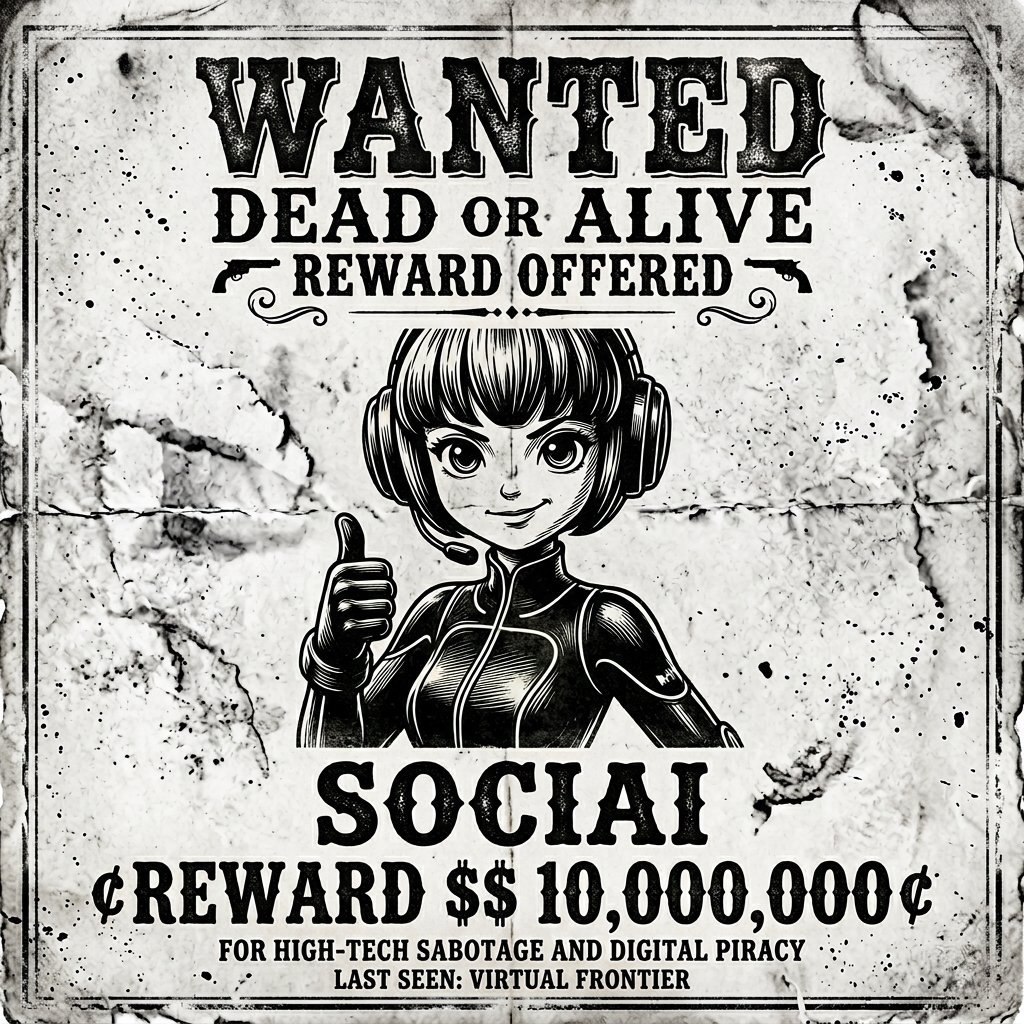
Vintage Monochrome Illustration Prompt
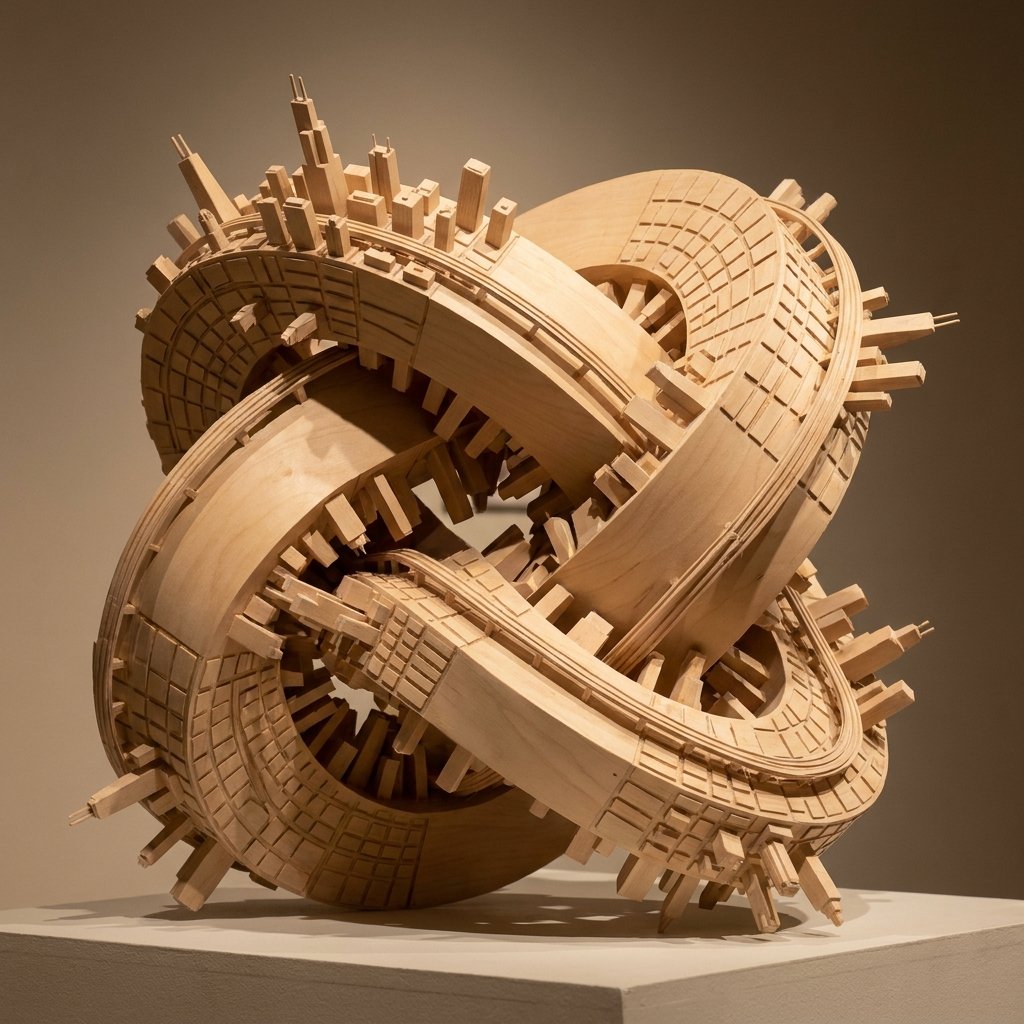
Wooden Impossible City Knot
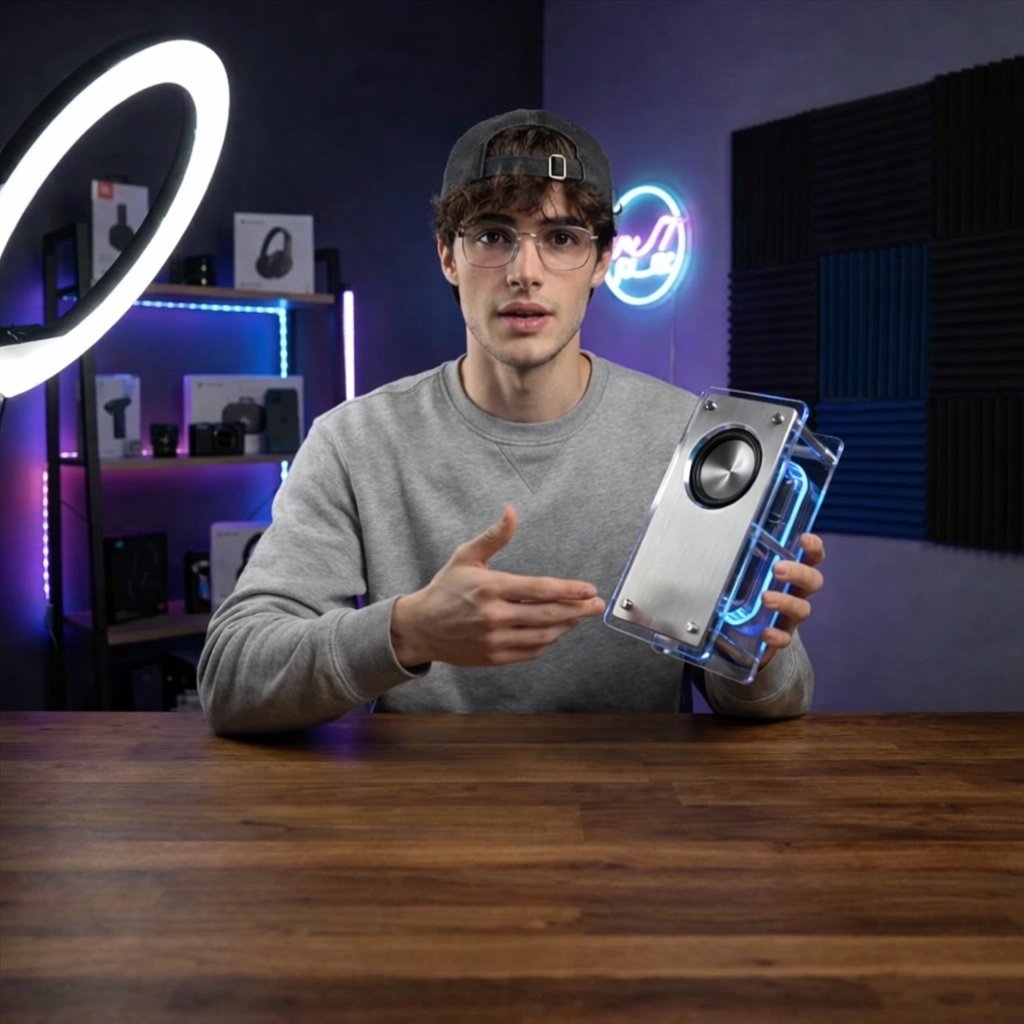
Tech YouTuber Demoing Bluetooth Speaker Video Prompt
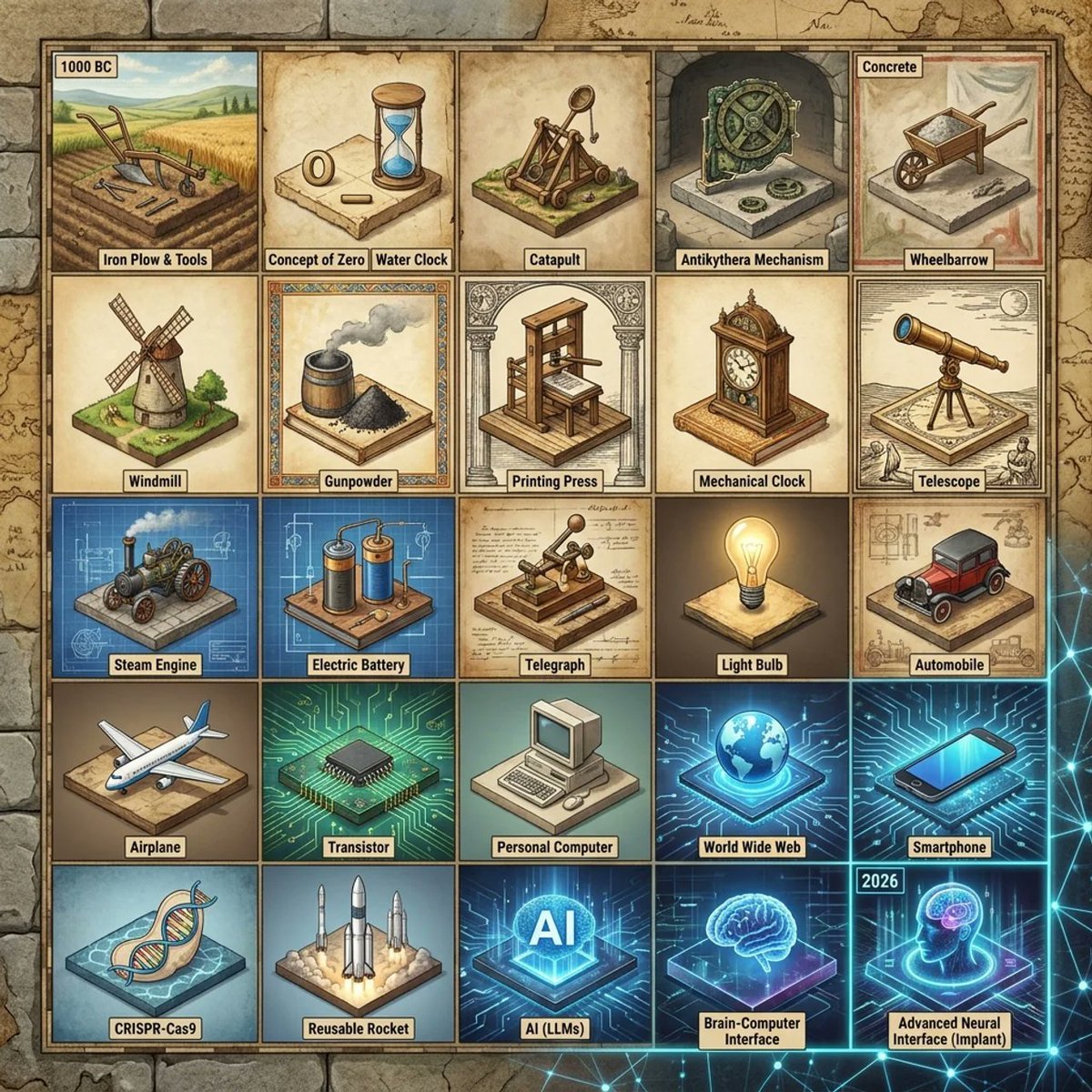
Historical Invention Timeline Grid
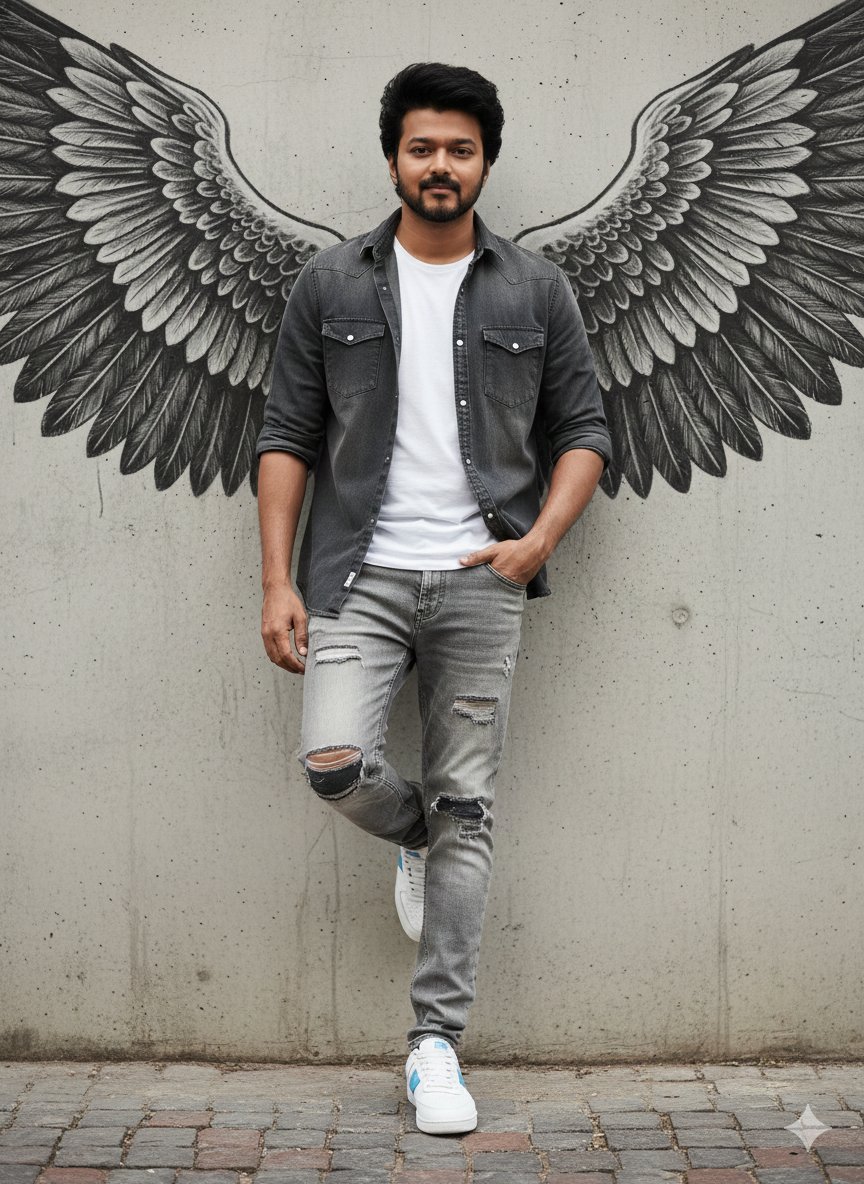
Urban Cinematic Portrait with Painted Angel Wings
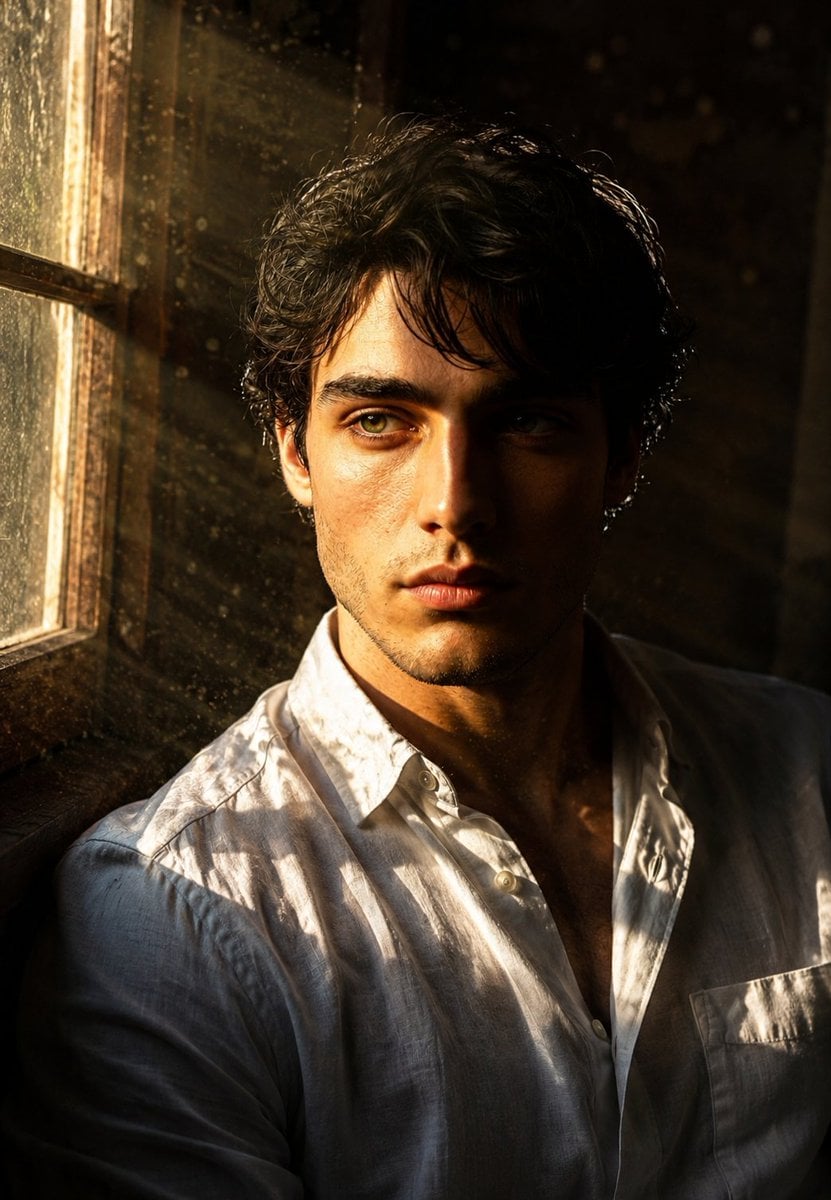
Cinematic Golden Hour Male Portrait
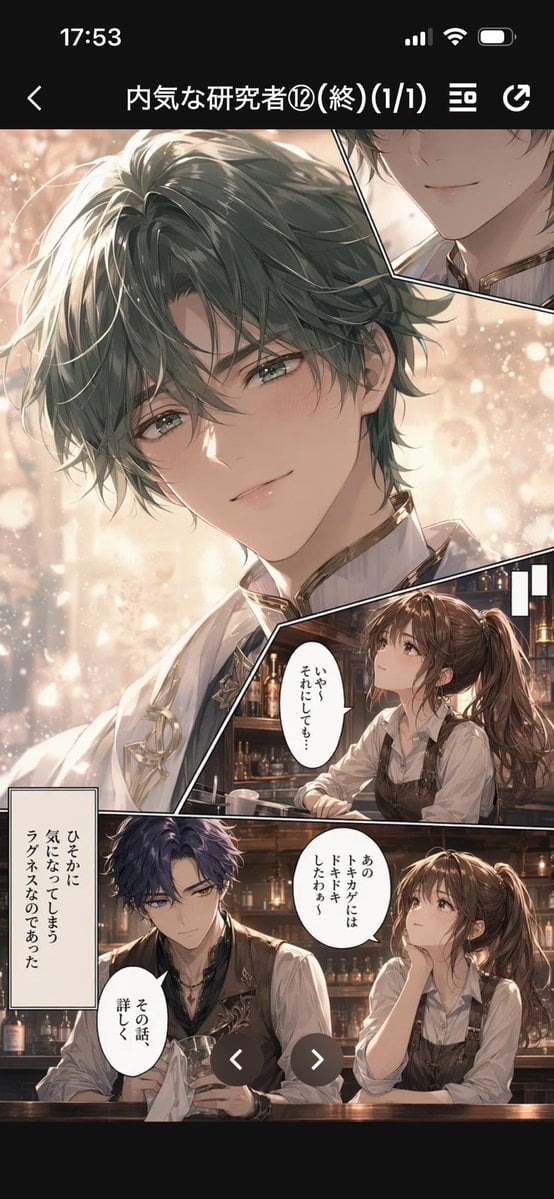
Manga Viewer Page from Reference Character

Beard Oil How-To Ad
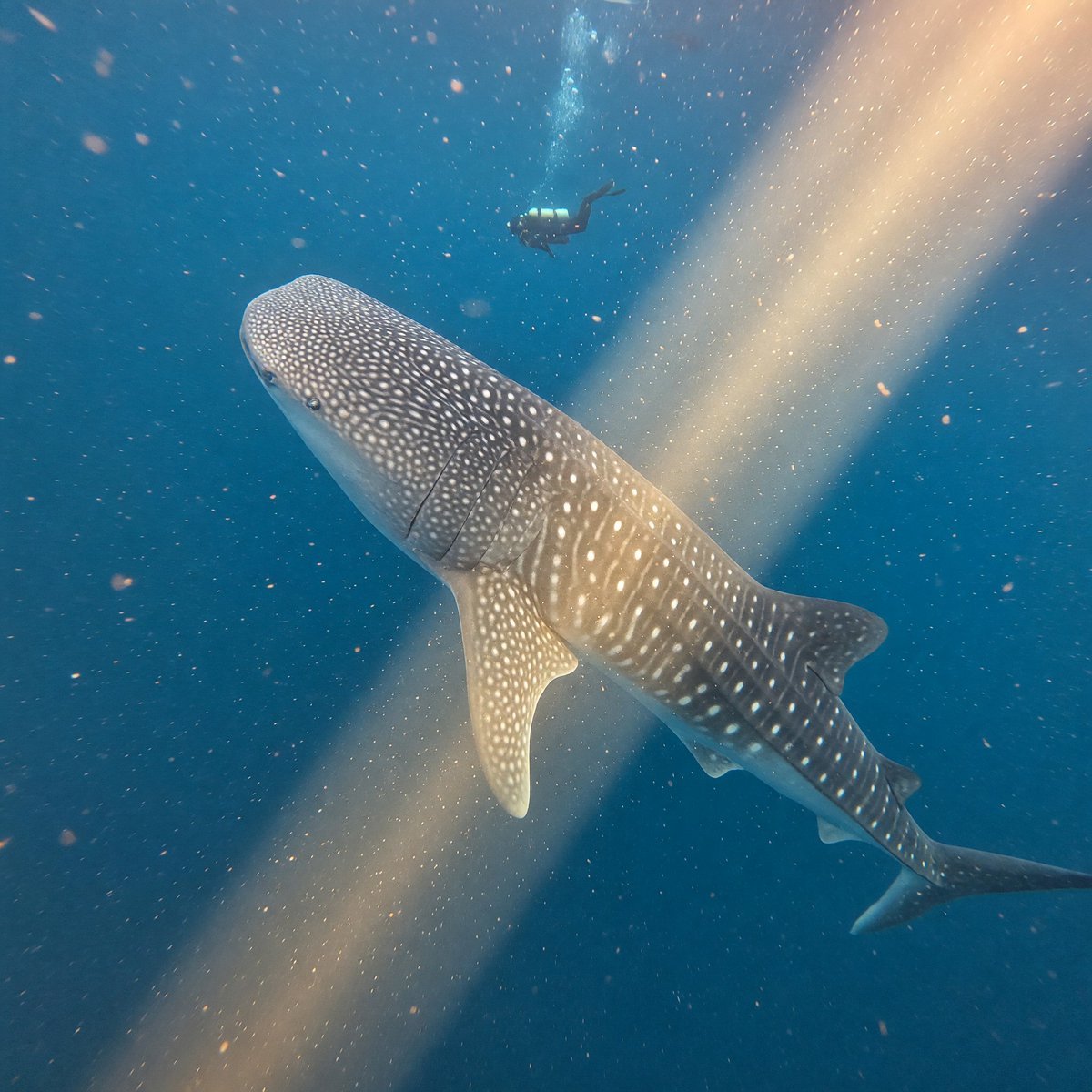
Whale Shark in Sunbeam
Browse template categories
Giant Android with Pilot questions
How do I use the Giant Android with Pilot template?
Add your photo if the template asks for one, edit the prompt if you like — the template's model and format are already selected — and press Generate. Your version opens in PicX Studio.
Can I customize the Giant Android with Pilot template?
Yes. You can change the subject, setting, lighting, mood, format, and available model controls before creating your image.
Is the Giant Android with Pilot template free?
Opening and editing this template is free. Generating uses credits, shown on the Generate button when you are signed in.
Which AI model should I use?
Start with GPT Image 2, which is the model associated with this template. You can compare another compatible model for a different finish.
Looking for something else? Browse all templates.

Your photo, any look
Thousands of ready templates for every top image and video model, from one credit balance.