
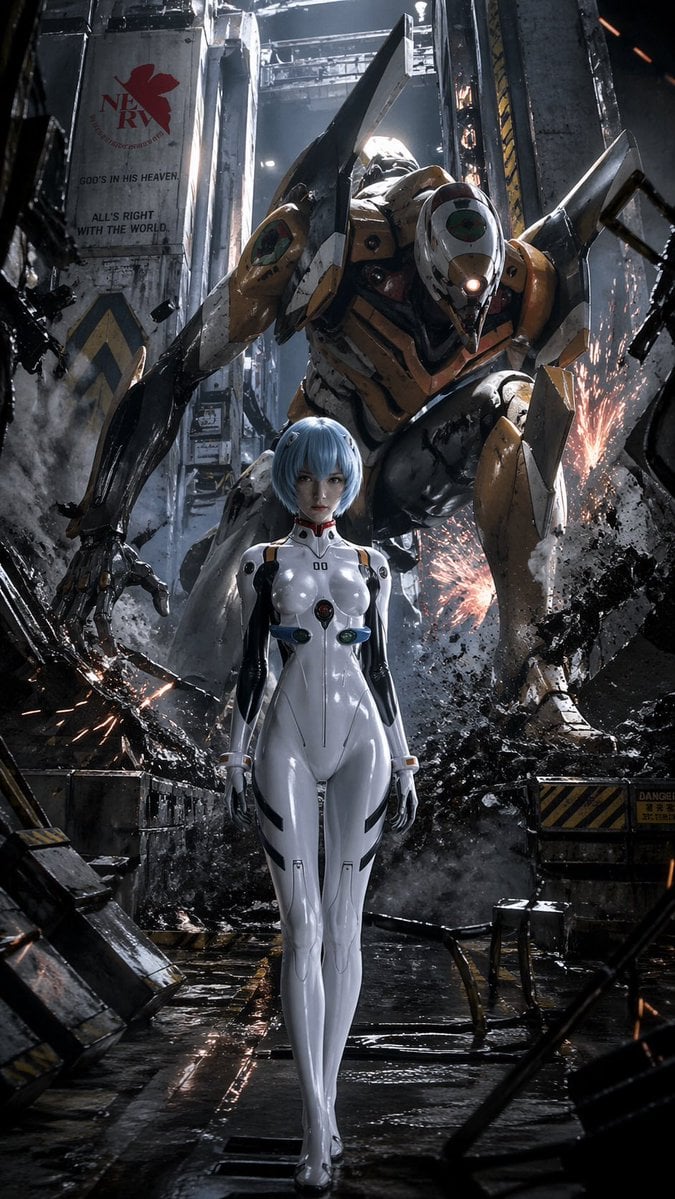
Evangelion-Inspired Mecha Hangar Poster
A cinematic sci-fi poster prompt for generating a realistic anime pilot standing before a massive battle-worn mecha in a ruined industrial hangar.
- Prompt included
- Model and format preset
- Free template
The prompt behind this image
Copy the exact prompt behind Evangelion-Inspired Mecha Hangar Poster, or open it in the studio and make it yours.
A dramatic vertical sci-fi anime poster in a gritty Evangelion-inspired hangar corridor, showing a pale blue short-bob girl in a glossy white futuristic plugsuit walking forward in the exact center foreground with a calm, emotionless posture, arms relaxed at her sides, while a towering orange-and-black biomechanical mecha crouches protectively and menacingly behind her, filling most of the background. The girl should resemble {argument name="character design" default="a Rei Ayanami-inspired pilot"}, with short icy blue hair, very pale skin, and a skintight white suit with black side panels, subtle gray seam lines, and 4 colored circular chest details in red, green, blue, and dark metallic tones. The mecha should resemble {argument name="mecha design" default="an EVA Unit-00-inspired robot"}, with heavy angular armor, a cyclopean faceplate, long clawed arms, crouched legs, battle-worn yellow-orange plating, black and dark gray understructure, scratches, grime, and damage. Set the scene in a devastated industrial bay with collapsed metal beams, broken concrete, smoke, steam, dangling cables, wet reflective flooring, and bright orange sparks erupting from shattered machinery on both sides. On the left wall, include a large worn NERV-style mural with a red leaf logo and the text {argument name="wall slogan" default="GOD'S IN HIS HEAVEN. ALL'S RIGHT WITH THE WORLD."}. Use cinematic low-angle composition, strong depth, photorealistic materials, hard rim lighting from above, cool steel-blue shadows, warm spark highlights, volumetric haze, ultra-detailed textures, high contrast, ominous atmosphere, and premium movie-poster polish. Make it feel like {argument name="franchise mood" default="a dark live-action Evangelion poster"}, hyper-detailed, realistic, intense, and iconic.
How to use Evangelion-Inspired Mecha Hangar Poster in 3 steps
- 1Upload ImagePNG, JPG or paste
Add your photo
Upload the photo the template builds on. The prompt, model and format are already set.
- 2…a portrait of your subject in softgolden-hour light, 85mm…
Personalize
Edit the subject and creative details for your destination.
- 3Generate
Generate
Press Generate — your image is created in PicX Studio, so you can compare it with the original and refine one variable at a time.
More like this
Templates with the same subject, style or setup. Open one to see its prompt.

Japan Travel Brochure Poster

Cartoon TV Show Poster Pack

Trendy Cafe Drink Promo Poster

Urban Fashion Editorial Collage Streetwear Poster

Premium Fashion Editorial Cover Layout System

Polo Ralph Lauren Luxury American Heritage Fashion Campaign

Monochrome Halftone Editorial Fashion Poster

Retro Mirror Luxury Fashion Campaign Poster

Luxury Fashion Campaign Typography Poster System

Premium Fashion Editorial Campaign Poster System

Ultra-Stylized High-Fashion Streetwear Poster

Urban Fashion Editorial Collage Poster
Make it yours
Evangelion-Inspired Mecha Hangar Poster works as-is. These are the safest ways to change it without losing the look.
Change one field
Copy a single group, rewrite it, and generate again so you can see what that field is doing.
Keep the frame, change the subject
Hold the composition and light of Evangelion-Inspired Mecha Hangar Poster, then swap wardrobe, props or the person for a new take.
| If the result… | Why | Fix |
|---|---|---|
| The result drifts from the preview | Too many fields changed at once. | Reuse Evangelion-Inspired Mecha Hangar Poster as-is first, then change one group — subject, light, or setting. |
| The model over-stylizes the scene | The prose prompt leaves finish and camera underspecified. | Add one camera or lighting sentence and stay on GPT Image 2. |
More GPT Image 2 templates
Other prompts made for GPT Image 2.

Six VTuber Japanese Logo Sheet

Realistic Portrait of Woman and Deer

The Vista Modular Condo Poster

AI Model Routing Comparison Infographic

2.5D Anime Art Board

Isometric Productivity Desk Scene

New York Double Exposure Poster

Four-Panel AI Landscape Comparison

Japanese Tatami Lifestyle Magazine Cover

NESCAFÉ Coffee Map Poster
More image prompts
Fresh picks from across the catalog.
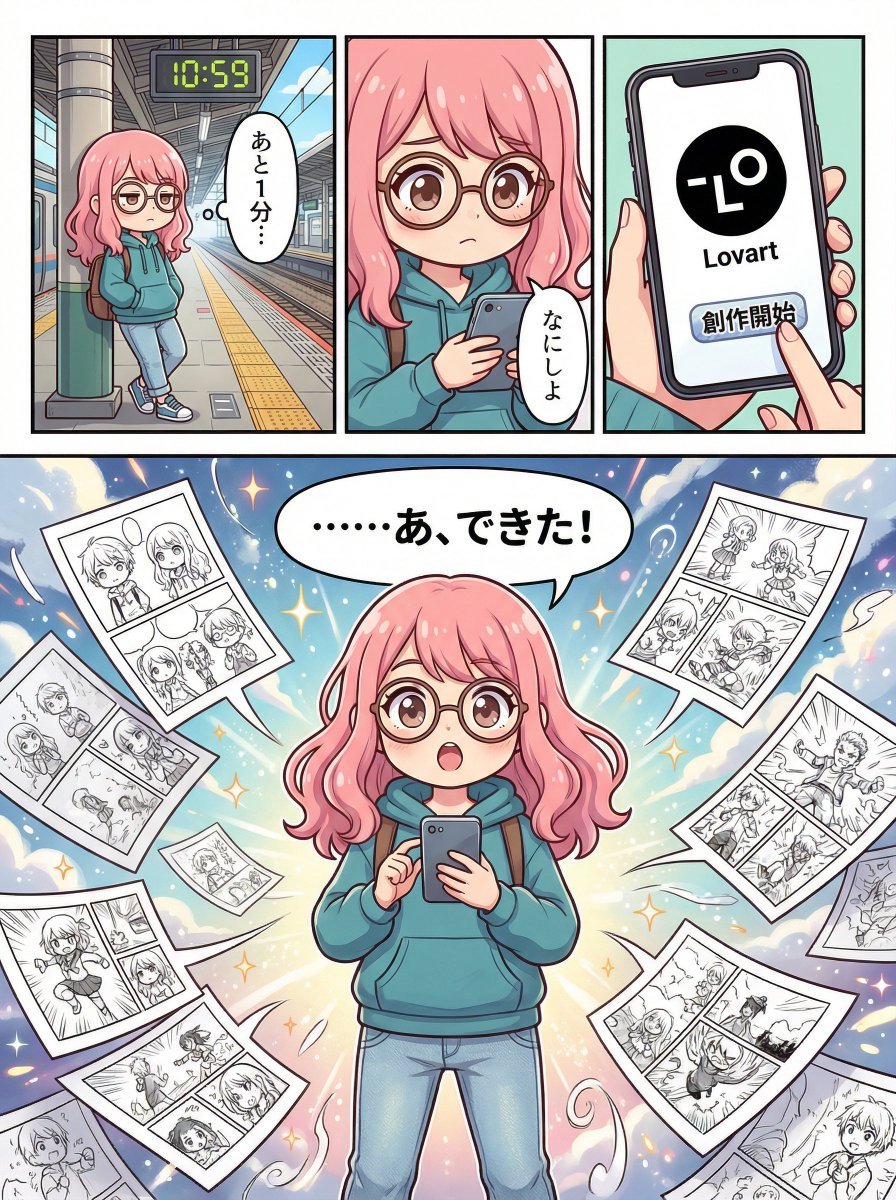
Four-Panel Manga Creation about Lovart App

Dark, High-Contrast Poster Design Prompt with Amber Lenses
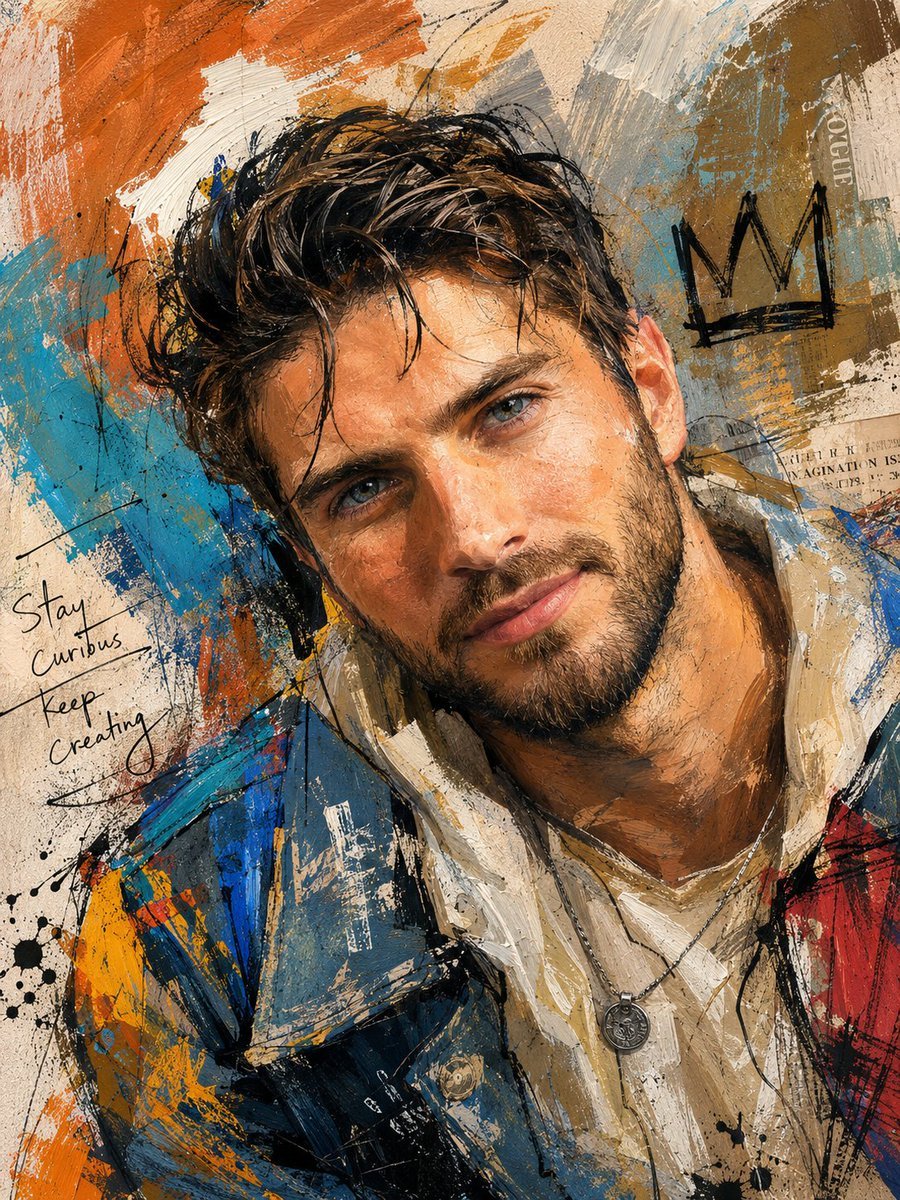
Handcrafted Mixed Media Portrait Painting
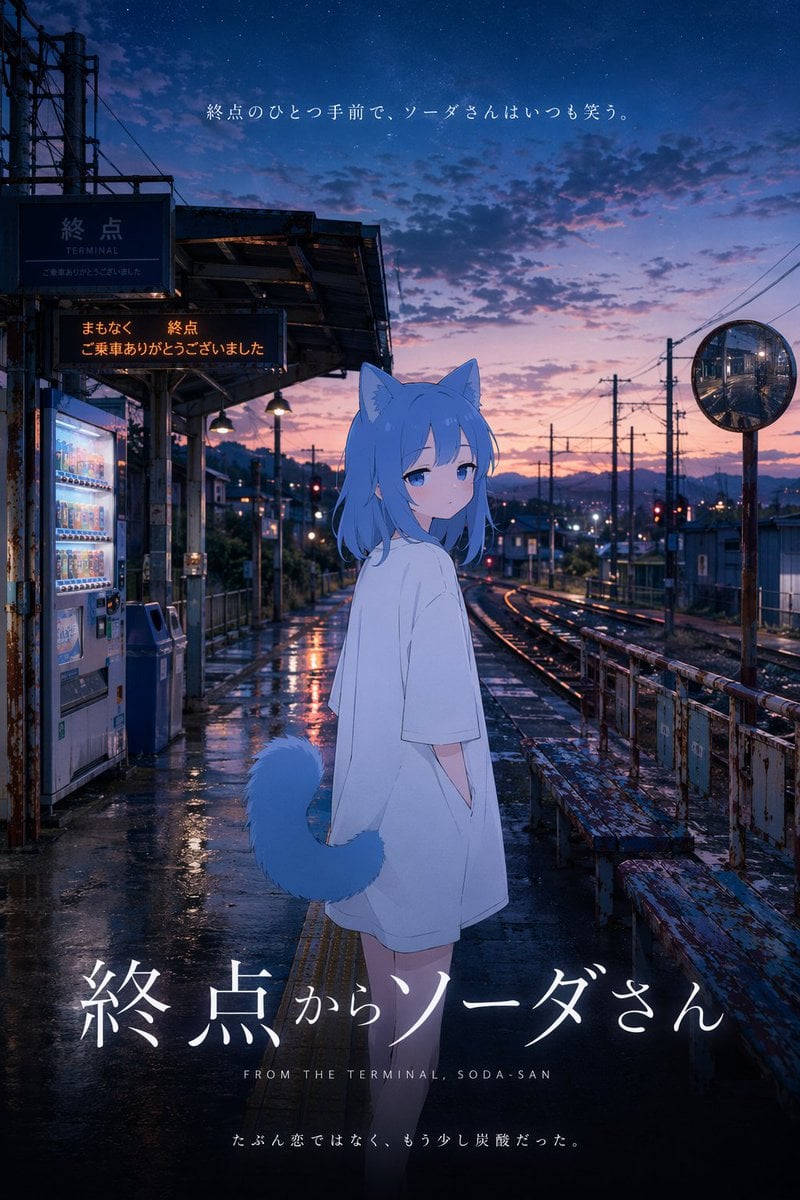
Cinematic Anime Train Station Poster
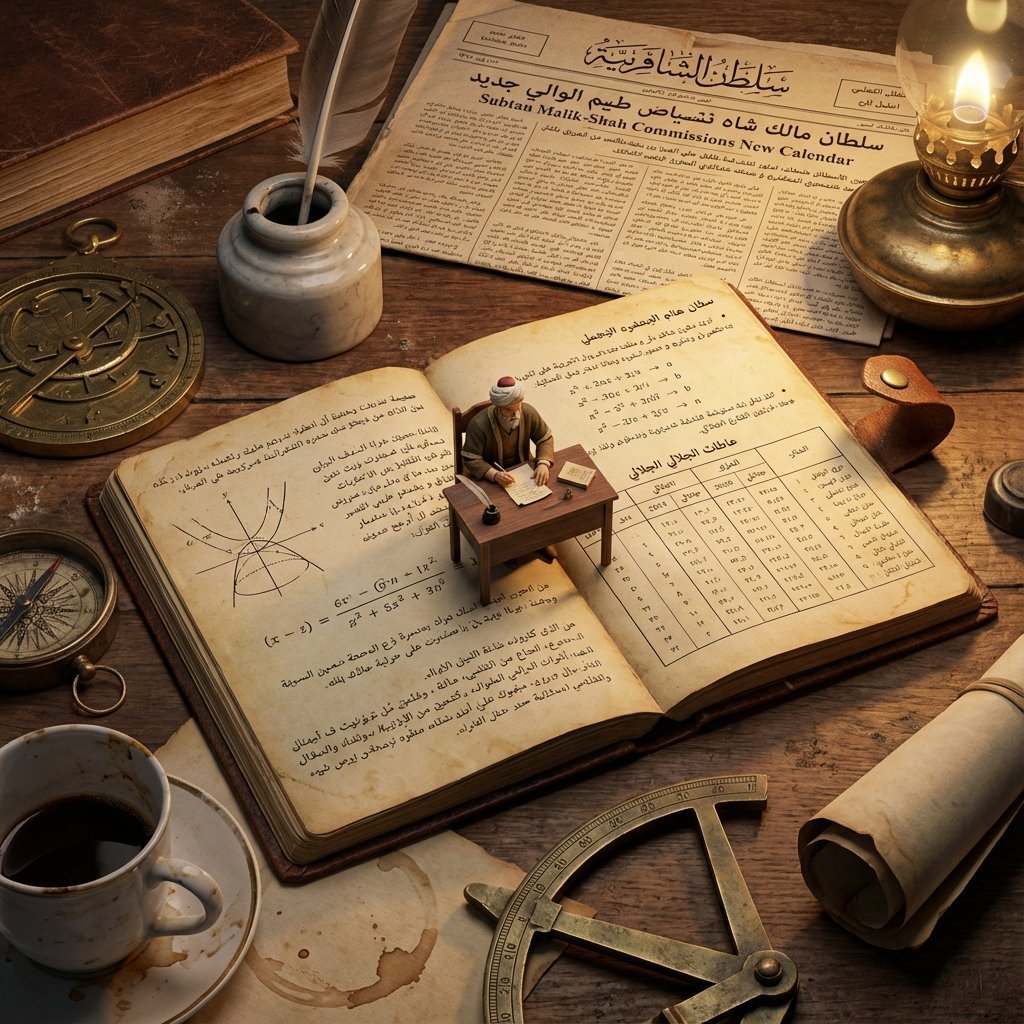
Macro Diorama of a Historical Scientist's Workspace
Pixar/DreamWorks Cozy Autumn 3D Girl Prompt
Oriental Fantasy 3D CG Illustration
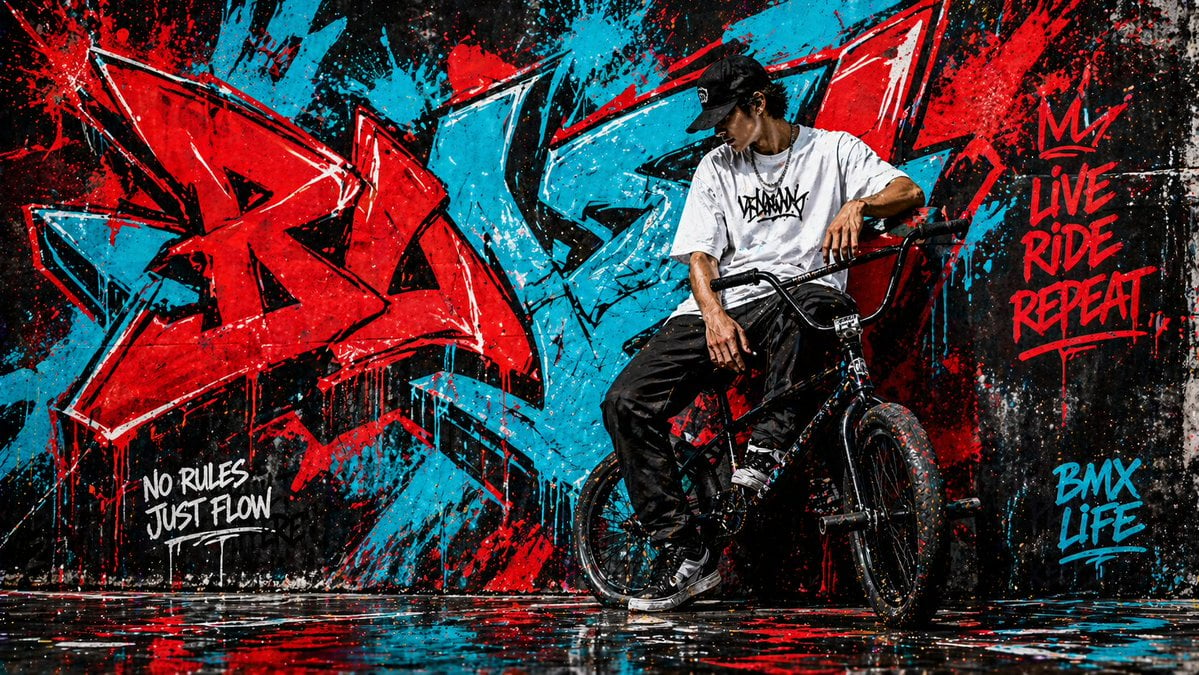
Graffiti Wall Urban Artwork
Akita Dog Embroidered Patch Design
Cyber-Cinematic Split Lighting Portrait Prompt
Browse template categories
Evangelion-Inspired Mecha Hangar Poster questions
How do I use the Evangelion-Inspired Mecha Hangar Poster template?
Add your photo if the template asks for one, edit the prompt if you like — the template's model and format are already selected — and press Generate. Your version opens in PicX Studio.
Can I customize the Evangelion-Inspired Mecha Hangar Poster template?
Yes. You can change the subject, setting, lighting, mood, format, and available model controls before creating your image.
Is the Evangelion-Inspired Mecha Hangar Poster template free?
Opening and editing this template is free. Generating uses credits, shown on the Generate button when you are signed in.
Which AI model should I use?
Start with GPT Image 2, which is the model associated with this template. You can compare another compatible model for a different finish.
Looking for something else? Browse all templates.

Your photo, any look
Thousands of ready templates for every top image and video model, from one credit balance.