How do I use the Goth Punk Girl Meets Wall Doodle template?
Edit the prompt in the box under the preview — the template's model and format are already selected — and press Generate. Your version appears right on this page.
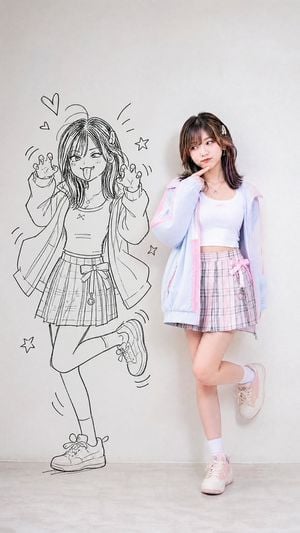
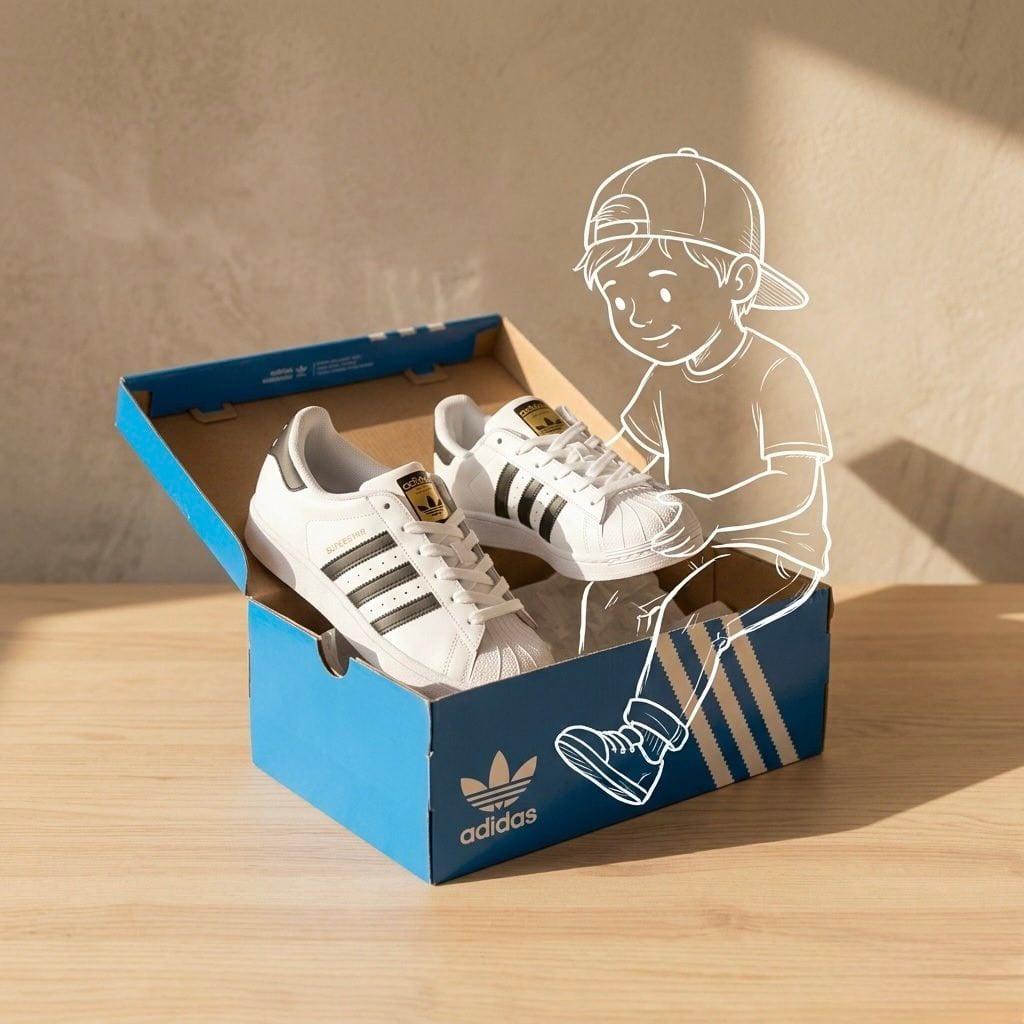
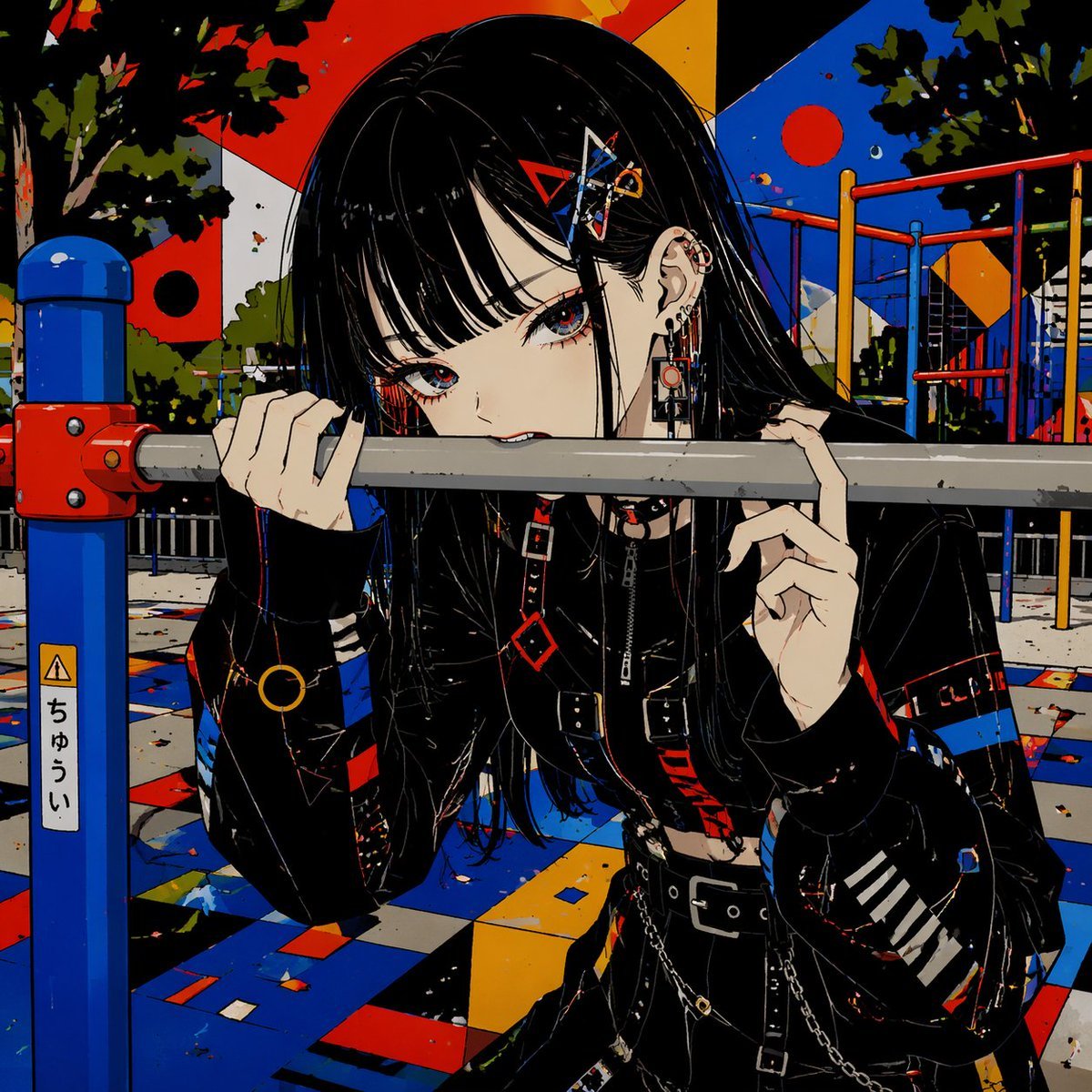
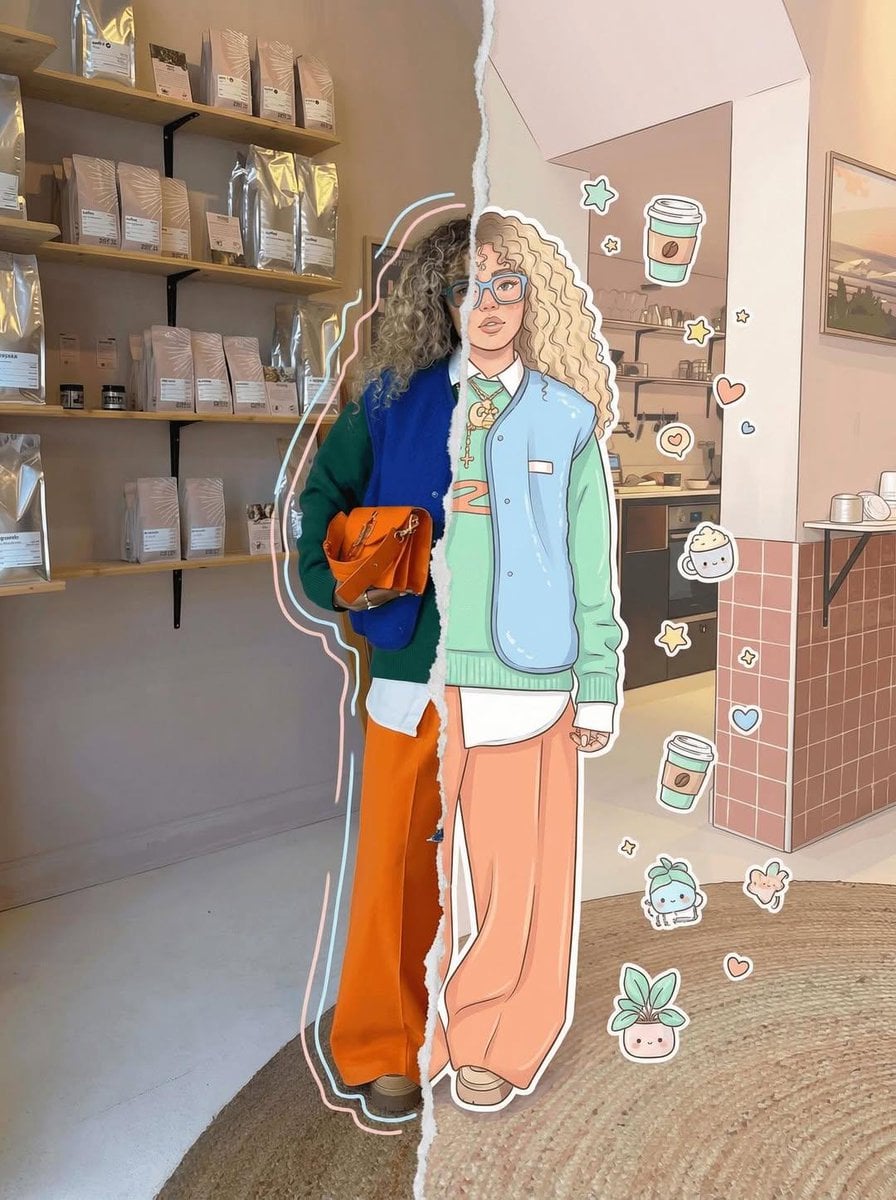
A cinematic urban fashion scene of a goth-punk woman interacting with a matching hand-drawn graffiti character on an alley wall.

This template uses your photo — add one with the + button.
Create a cinematic vertical street photograph in a gritty urban alley at golden hour, showing a real young goth-punk woman with {argument name="hair color" default="black teased shaggy hair"} standing on the left side of a concrete utility pole and leaning toward a wall mural on the right as if flirting with or meeting her illustrated alter ego. She wears a dark oversized plaid flannel shirt, black layered top, studded belt, ripped black skinny jeans, fingerless gloves, layered necklaces, heavy eyeliner, dark lipstick, and tall black platform lace-up boots with buckles; one boot is lifted behind her in a playful pose, her hands resting on the pole, gaze turned toward the drawing. The environment is a narrow weathered alley with cracked asphalt, rough stucco walls, metal pipes, stickers, faded graffiti tags, grime, and warm backlit sunlight creating long shadows and shallow depth of field. On the right wall, draw exactly 1 large black ink graffiti-style cartoon character matching her punk aesthetic: wild long black hair, huge laughing smile, plaid shirt, ripped pants, platform boots, one leg kicked up, leaning toward the pole; surround it with exactly 9 doodle elements: 2 hearts above, 1 skull speech bubble, 3 five-point stars, and 3 short motion/emphasis line clusters. Make the mural look hand-drawn directly on the wall in messy expressive black marker lines, while the real person remains photorealistic. Use high-detail textures, natural lens blur, moody fashion-editorial lighting, rebellious cute punk energy, and a realistic color grade with muted browns, charcoal blacks, and warm highlights. No extra people, no readable brand logos, no watermark.
Create a cinematic vertical street photograph in a gritty urban alley at golden hour, showing a real young goth-punk woman with {argument name="hair color" default="black teased shaggy hair"} standing on the left side of a concrete utility pole and leaning toward a wall mural on the right as if flirting with or meeting her illustrated alter ego. She wears a dark oversized plaid flannel shirt, black layered top, studded belt, ripped black skinny jeans, fingerless gloves, layered necklaces, heavy eyeliner, dark lipstick, and tall black platform lace-up boots with buckles; one boot is lifted behind her in a playful pose, her hands resting on the pole, gaze turned toward the drawing. The environment is a narrow weathered alley with cracked asphalt, rough stucco walls, metal pipes, stickers, faded graffiti tags, grime, and warm backlit sunlight creating long shadows and shallow depth of field. On the right wall, draw exactly 1 large black ink graffiti-style cartoon character matching her punk aesthetic: wild long black hair, huge laughing smile, plaid shirt, ripped pants, platform boots, one leg kicked up, leaning toward the pole; surround it with exactly 9 doodle elements: 2 hearts above, 1 skull speech bubble, 3 five-point stars, and 3 short motion/emphasis line clusters. Make the mural look hand-drawn directly on the wall in messy expressive black marker lines, while the real person remains photorealistic. Use high-detail textures, natural lens blur, moody fashion-editorial lighting, rebellious cute punk energy, and a realistic color grade with muted browns, charcoal blacks, and warm highlights. No extra people, no readable brand logos, no watermark.
Edit the prompt in the box under the preview — the template's model and format are already selected — and press Generate. Your version appears right on this page.
Yes. You can change the subject, setting, lighting, mood, format, and available model controls before creating your image.
Opening and editing this template is free. Generating uses credits, shown on the Generate button when you are signed in.
Start with GPT Image 2, which is the model associated with this template. You can compare another compatible model for a different finish.
Follow a topic to a crawlable collection of related PicX Studio templates.