
Cinematic Portrait of Subject Floating High Above Clouds
An intense, highly restrictive prompt designed to create a surreal, cinematic photograph of a subject floating weightlessly high above a cloud layer.
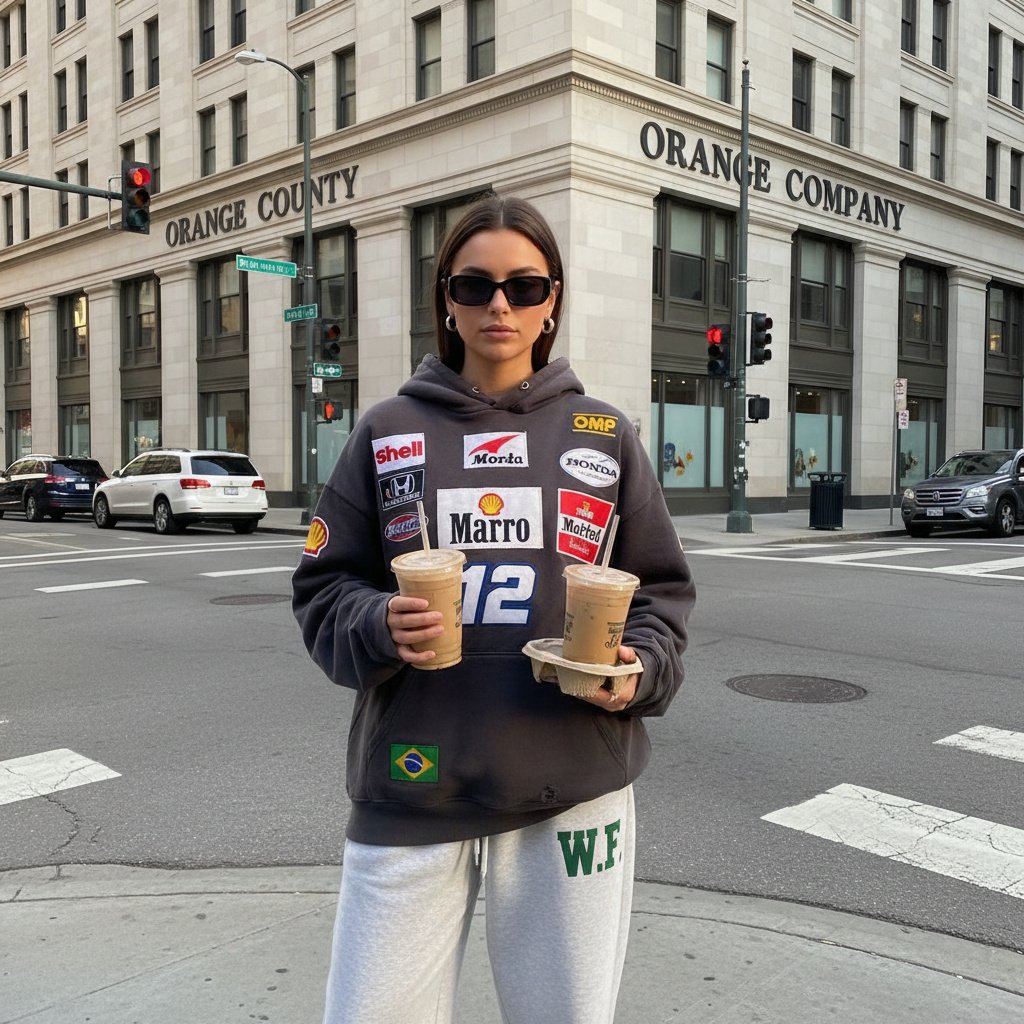
- Prompt included
- Model and format preset
- Free template
The prompt behind this image
Copy the exact prompt behind Cinematic Portrait of Subject Floating High Above Clouds, or open it in the studio and make it yours.
TASK: Use the subject from the uploaded photo as the exact person in the final image. SUBJECT RULES (STRICT): - Use the uploaded photo as the sole reference for the person. - Preserve the subject’s identity, facial features, body proportions, hairstyle, clothing, and overall likeness. - Do NOT change the subject’s face, age, gender, or identity. - Do NOT stylize the subject into a cartoon or illustration. - The subject must remain fully photorealistic. SCENE & COMPOSITION: Create a surreal, cinematic photograph of the subject suspended in mid-air, floating as if gently falling, frozen in perfect stillness high above the Earth. The subject’s body appears weightless with a natural falling posture. Clothing and loose elements subtly ripple in the wind. ENVIRONMENT: - High-altitude sky scene above the cloud layer. - Overcast yet luminous sky with towering storm clouds breaking apart. - Soft, realistic sunlight rays piercing through gaps in the clouds. - Natural volumetric light beams and atmospheric depth. - Subtle cloud vapor and mist drifting around the subject. - A distant commercial passenger airplane appears in the background, small in scale, flying horizontally through the clouds. - The airplane must remain far behind the subject and never overlap or distract from them. - A few birds are also present at varying distances, closer than the airplane, with slight motion blur to reinforce depth and scale. LIGHTING & COLOR: - Ultra-realistic natural lighting. - Cool blues and soft whites dominate the palette. - Warm golden highlights from sunlight striking cloud edges and parts of the subject. - High dynamic range with realistic contrast. CAMERA & REALISM: - Cinematic photography style. - Realistic depth of field (no artificial or extreme blur). - Correct perspective and scale consistent with high altitude aviation. - No fantasy lighting, no glowing outlines, no surreal distortions beyond the floating effect. MOOD & STYLE: - Dramatic yet calm. - Minimalist composition. - Strong sense of altitude, silence, and suspension. - Hyper-realistic weather, clouds, and atmospheric detail. - Looks like a high-end cinematic still, not digital art. HARD RULES: - Do NOT change the subject’s identity or pose beyond floating. - Do NOT add text, logos, UI, or watermarks. - Do NOT introduce sci-fi or fantasy elements. - Keep everything physically believable and grounded in realism.
How to use Cinematic Portrait of Subject Floating High Above Clouds in 3 steps
- 1Upload ImagePNG, JPG or paste
Add your photo
Upload the photo the template builds on. The prompt, model and format are already set.
- 2…a portrait of your subject in softgolden-hour light, 85mm…
Personalize
Edit the subject and creative details for your destination.
- 3Generate
Generate
Press Generate — your image is created in PicX Studio, so you can compare it with the original and refine one variable at a time.
More like this
Templates with the same subject, style or setup. Open one to see its prompt.

Found Photograph: Us, 1970

80s Couple Studio Portrait

80s Bollywood Star

80s Golden Hour Cinema

Me in 1985

1985 Studio Portrait

Celestial Palace Above Clouds
Futuristic Metropolis Above the Clouds
Floating Woman in Celestial Clouds

Hyper-Realistic Minecraft POV Portrait
Grand Staircase Above the Clouds

Rooftop Fisheye — Cat-Ear Balaclava at Golden Hour
Make it yours
Cinematic Portrait of Subject Floating High Above Clouds works as-is. These are the safest ways to change it without losing the look.
Change one field
Copy a single group, rewrite it, and generate again so you can see what that field is doing.
Keep the frame, change the subject
Hold the composition and light of Cinematic Portrait of Subject Floating High Above Clouds, then swap wardrobe, props or the person for a new take.
| If the result… | Why | Fix |
|---|---|---|
| The result drifts from the preview | Too many fields changed at once. | Reuse Cinematic Portrait of Subject Floating High Above Clouds as-is first, then change one group — subject, light, or setting. |
| The model over-stylizes the scene | The prose prompt leaves finish and camera underspecified. | Add one camera or lighting sentence and stay on Nano Banana 2. |
More Nano Banana 2 templates
Other prompts made for Nano Banana 2.

Photorealistic Leaf Shaped Like a Dragon

K-Pop Idol Portrait Grid for Rapid Selection

Poetic Rain Forest Portrait During Golden Hour

Urban Street Portrait with Cartoon Inner Self Duo

Candid Nighttime Photo with Cat Prompt

High-Concept 3D Diorama Generation Prompt

Cinematic Futuristic Studio Portrait Template

Skincare Editorial Photography Collage Prompt

Hyper-Realistic Commercial Product Photography (Splash Effect)

Hyper-Realistic Nightclub Portrait Prompt
More image prompts
Fresh picks from across the catalog.
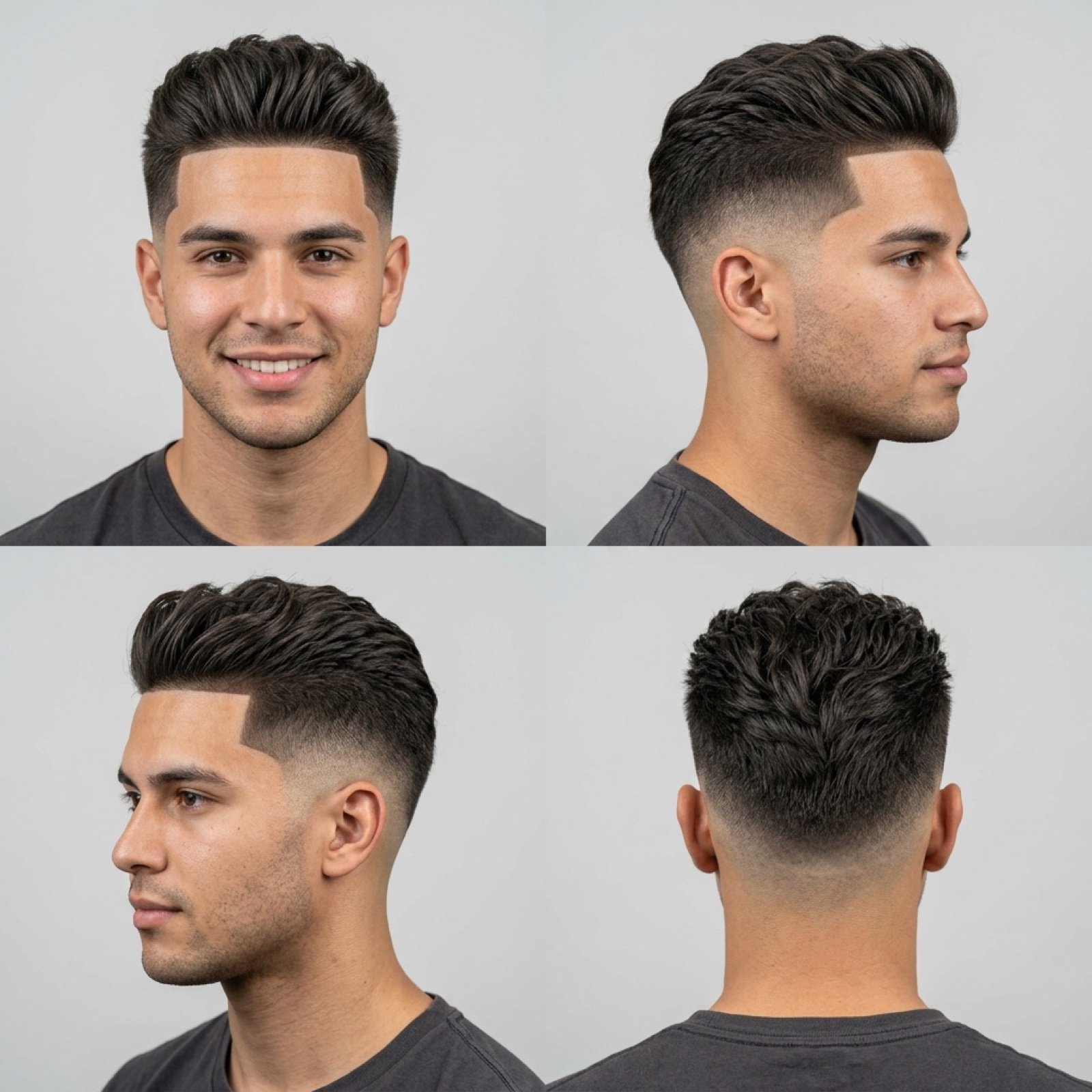
Barbershop Haircut Reference Photo Grid
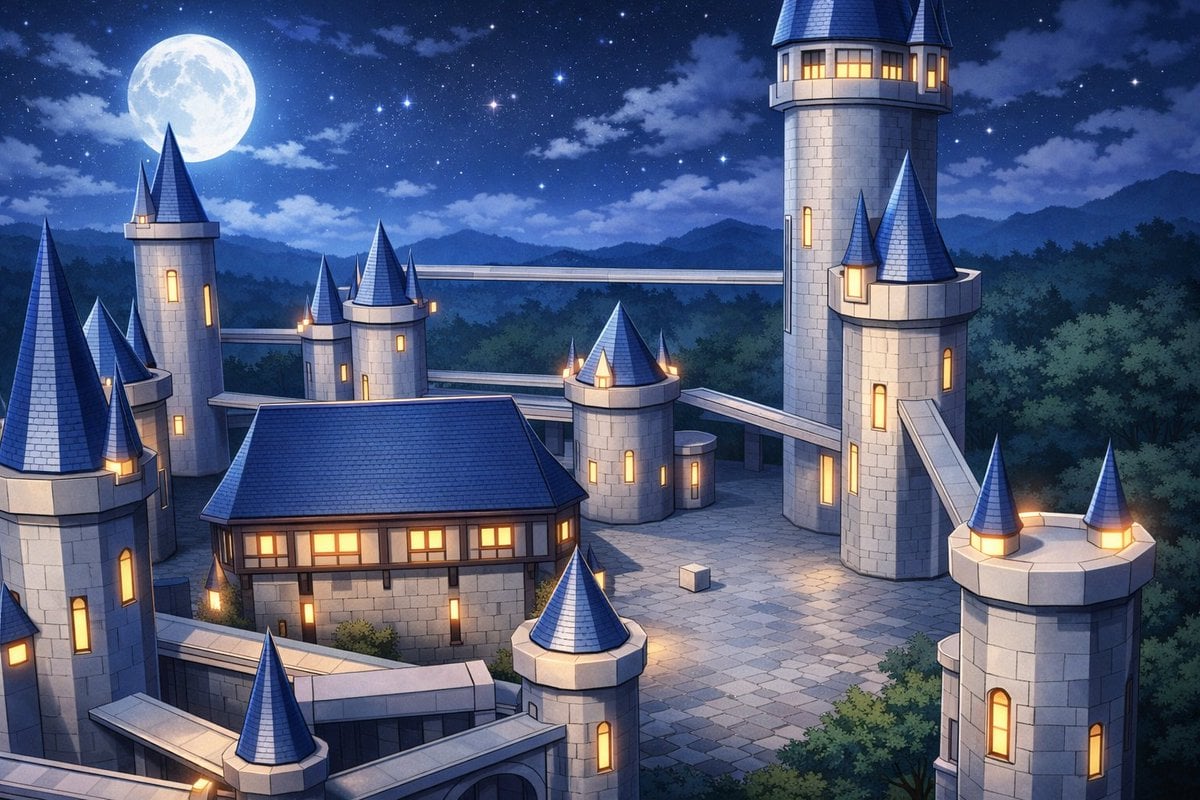
Anime Fantasy Castle at Night
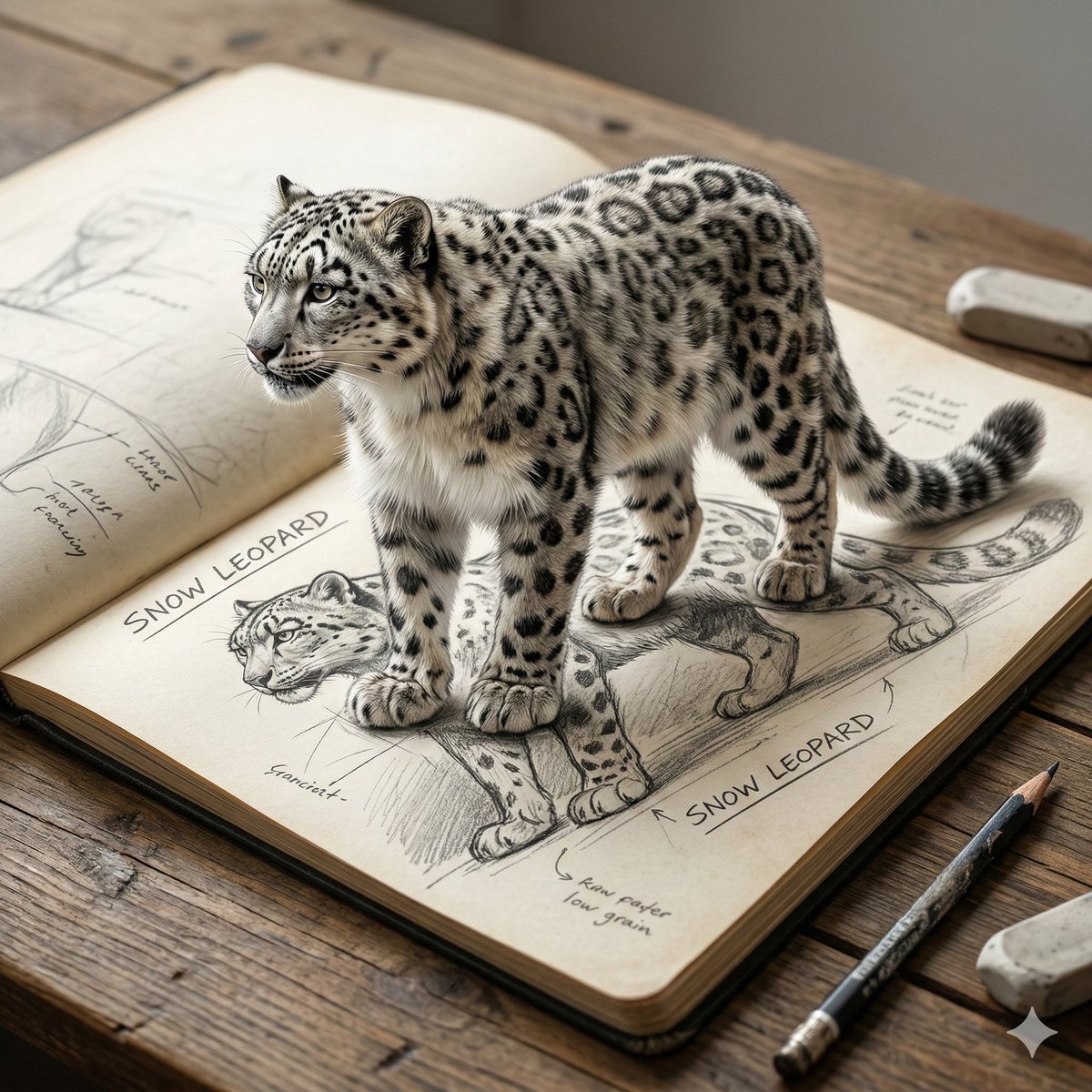
Nano Banana 2 General Image Generation Prompt
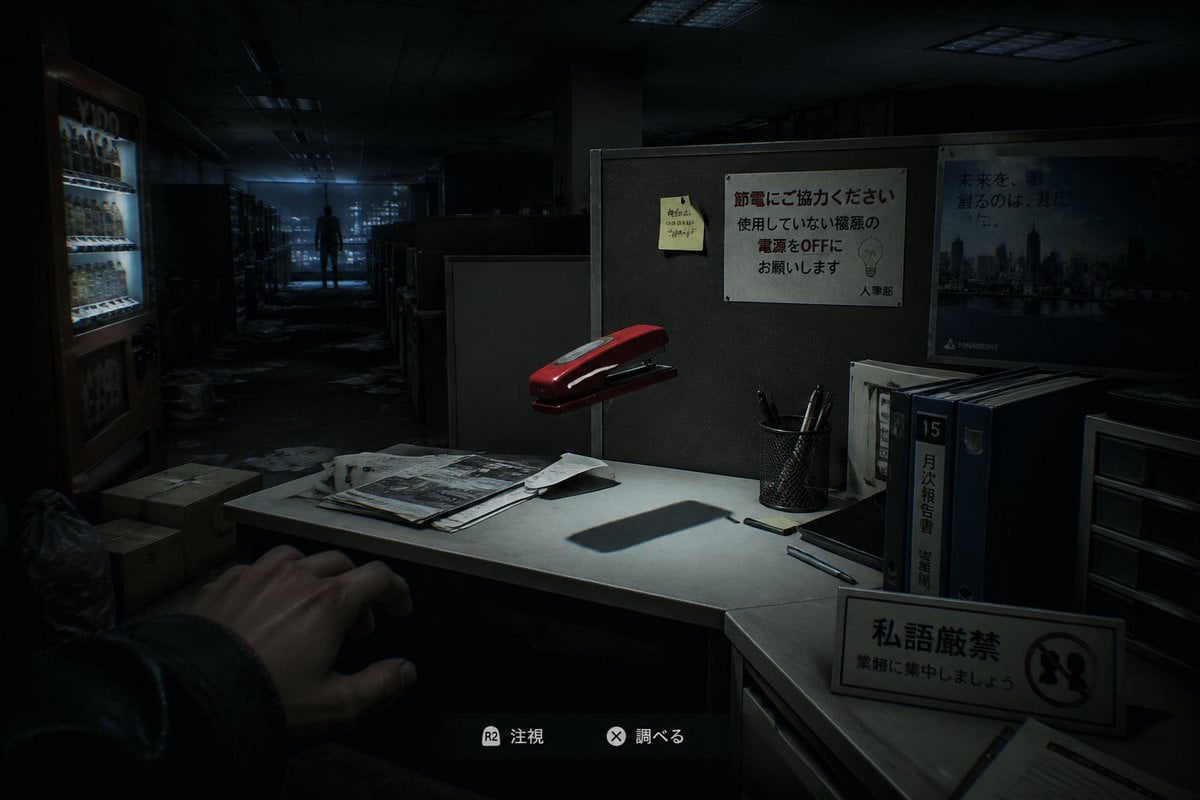
Japanese Office Horror Game Screenshot
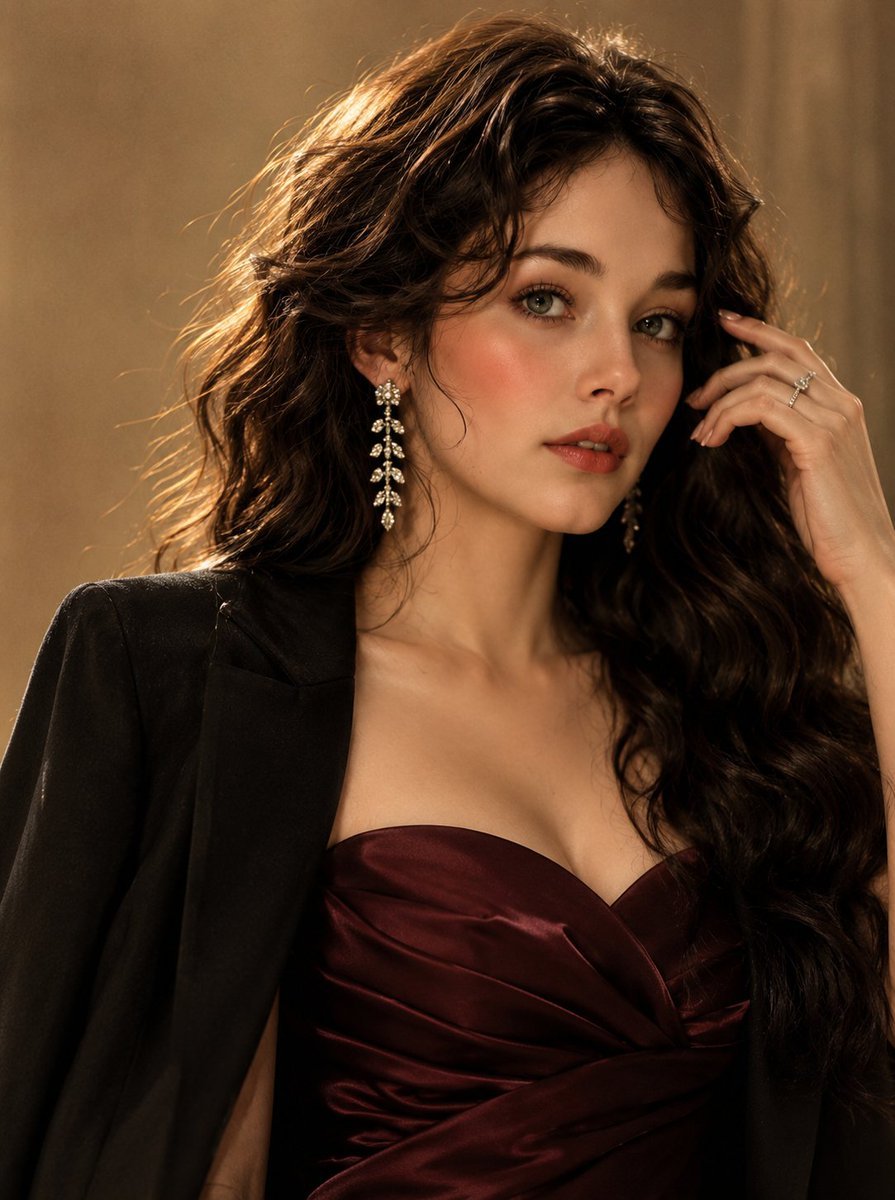
Luxury Korean Beauty Editorial

Tea Brand Product Advertisement Mockup
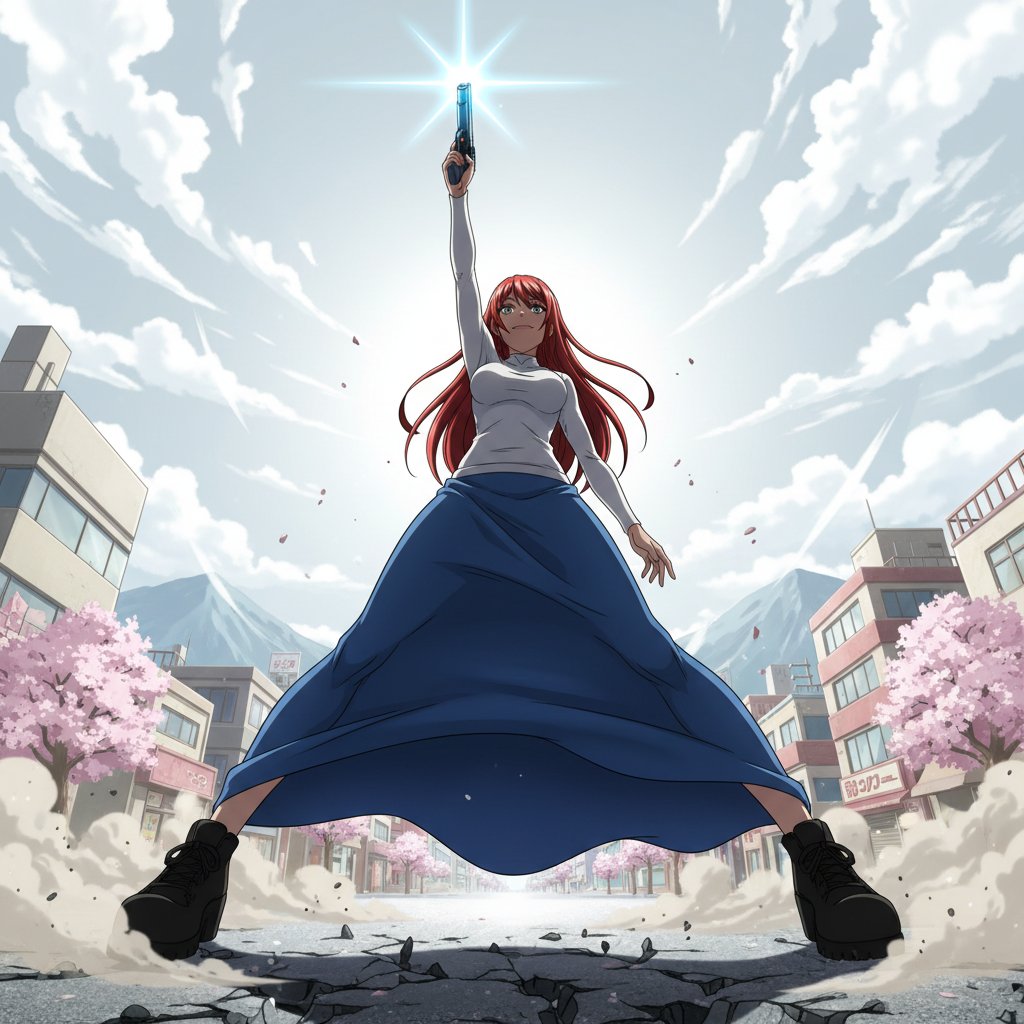
Nano Banana Prompt for Heroic Low-Angle Pose with Beam Weapon
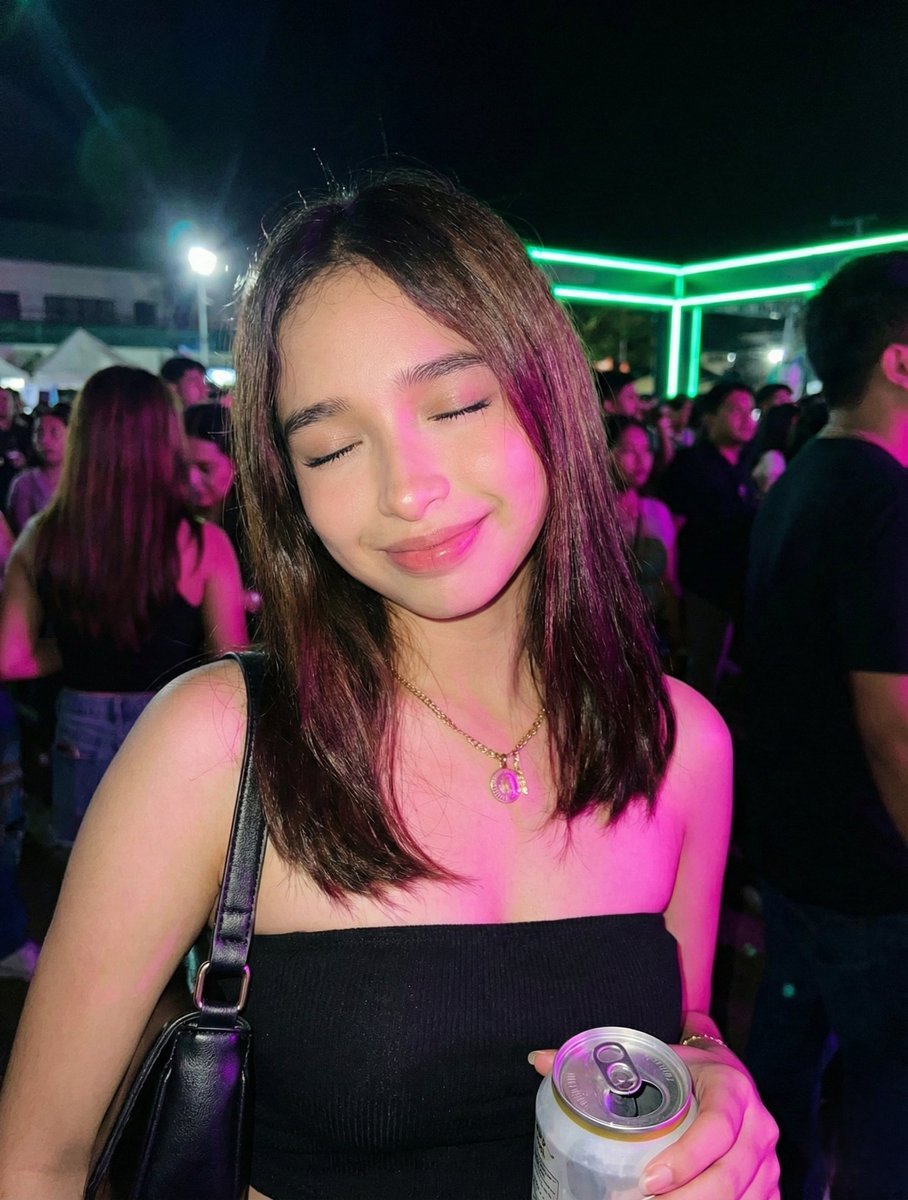
Night Party Portrait with Identity Lock Prompt
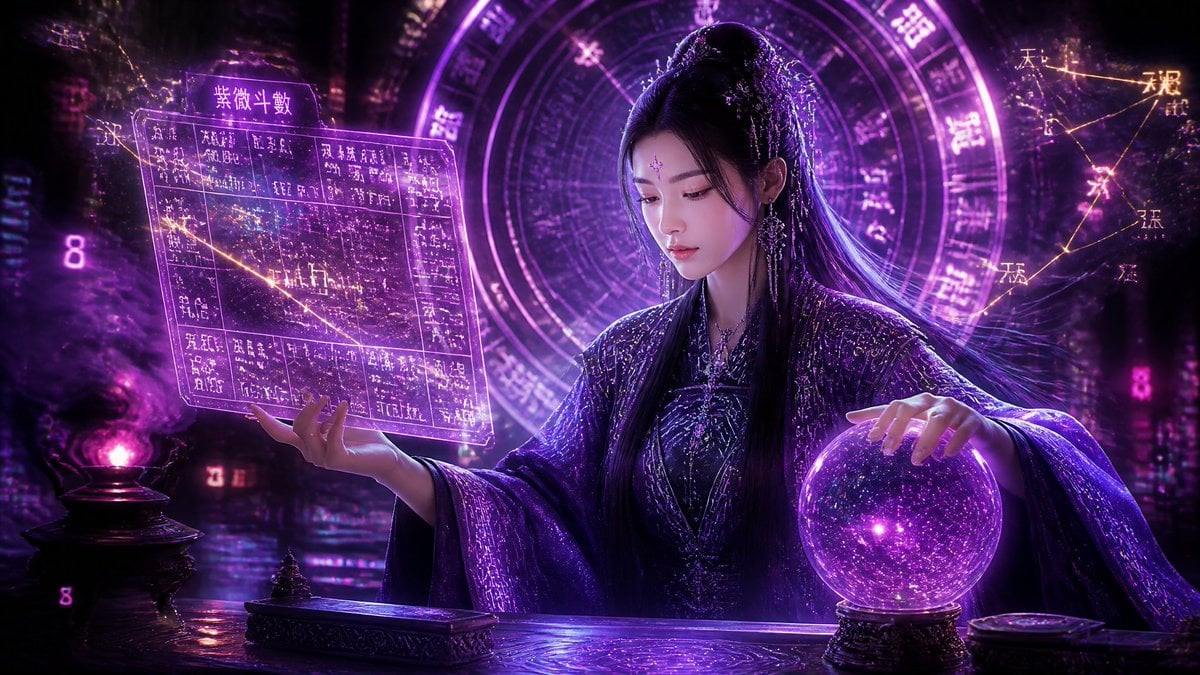
Cyberpunk Neon Chinese Diviner

Gpt2 E Commerce Main Image 9 Panel Product Tvc Storyboard
Browse template categories
Cinematic Portrait of Subject Floating High Above Clouds questions
How do I use the Cinematic Portrait of Subject Floating High Above Clouds template?
Add your photo if the template asks for one, edit the prompt if you like — the template's model and format are already selected — and press Generate. Your version opens in PicX Studio.
Can I customize the Cinematic Portrait of Subject Floating High Above Clouds template?
Yes. You can change the subject, setting, lighting, mood, format, and available model controls before creating your image.
Is the Cinematic Portrait of Subject Floating High Above Clouds template free?
Opening and editing this template is free. Generating uses credits, shown on the Generate button when you are signed in.
Which AI model should I use?
Start with Nano Banana 2, which is the model associated with this template. You can compare another compatible model for a different finish.
Looking for something else? Browse all templates.

Your photo, any look
Thousands of ready templates for every top image and video model, from one credit balance.