
Cinematic Train Window View in European Spring
A detailed prompt for generating a cinematic, ultra-realistic image from a first-person perspective inside a modern European train.
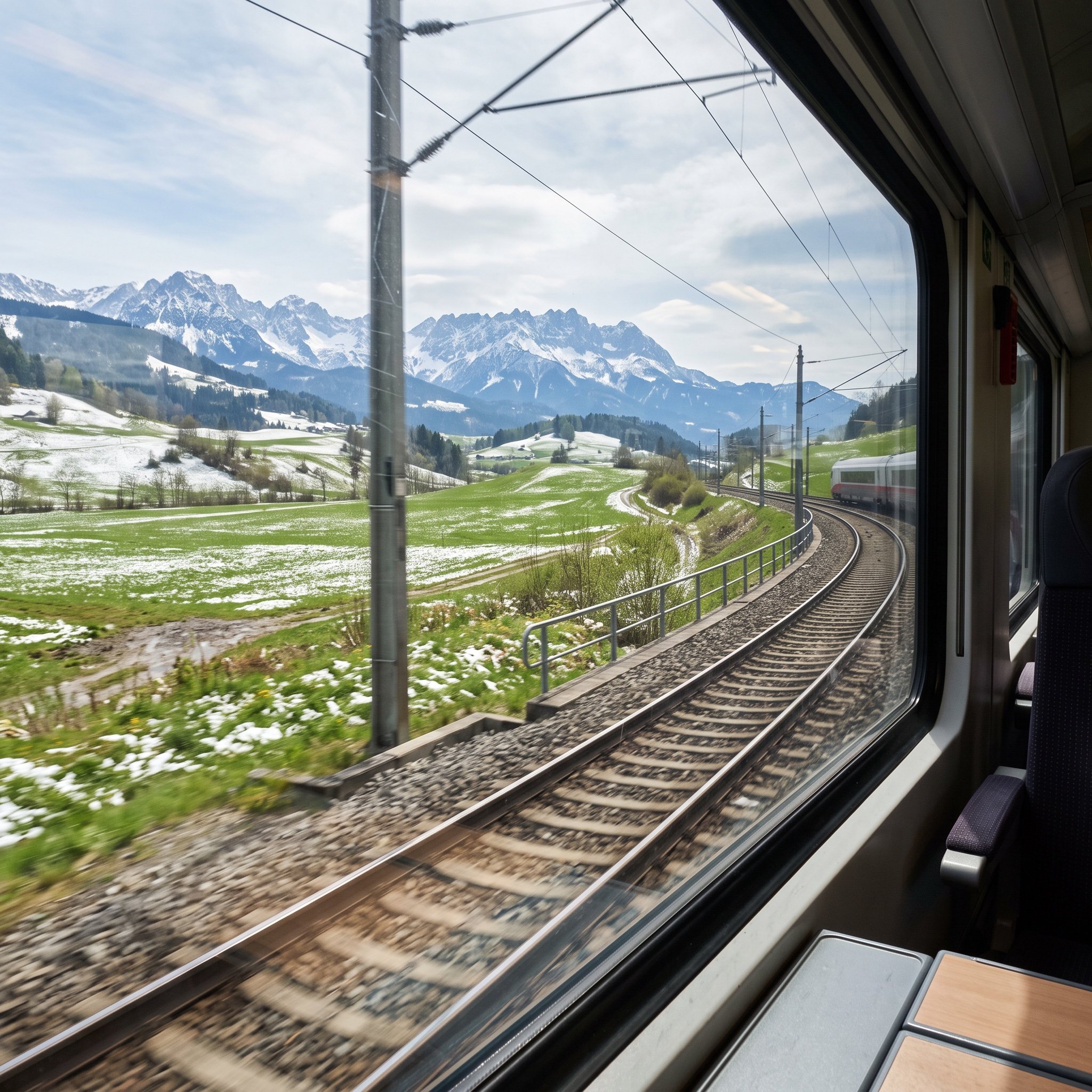
- Prompt included
- Model and format preset
- Free template
The prompt behind this image
Copy the exact prompt behind Cinematic Train Window View in European Spring, or open it in the studio and make it yours.
First-person passenger-seat perspective inside a modern European train, camera positioned beside the right-side window. The train is smoothly turning right along curved tracks, visible through the lower edge of the window. Foreground shows slight motion blur on nearby grass and trackside elements, while the midground remains crisp. Outside scenery captures early European spring: vibrant green grasslands partially covered with thin, melting snow patches, damp soil visible beneath. Small wildflowers and fresh vegetation emerge through the snow. Gentle hills transition into tall, snow-dusted mountains in the far distance, softly layered with atmospheric haze. Sky is pale blue with scattered spring clouds, sunlight diffused and natural, casting soft highlights on snow and grass. Interior window glass shows subtle reflections, faint scratches, and light dust particles catching the sun. Calm, peaceful mood, quiet travel moment. Ultra-realistic, cinematic composition, wide-angle lens, deep depth of field, natural color grading, high dynamic range, 8K detail, realistic lighting, physically accurate materials.
How to use Cinematic Train Window View in European Spring in 3 steps
- 1
Open
The prompt is already in the box next to the preview, with the template's model and format selected.
- 2…a portrait of your subject in softgolden-hour light, 85mm…
Personalize
Edit the subject and creative details for your destination.
- 3Generate
Generate
Press Generate — your image is created in PicX Studio, so you can compare it with the original and refine one variable at a time.
More like this
Templates with the same subject, style or setup. Open one to see its prompt.
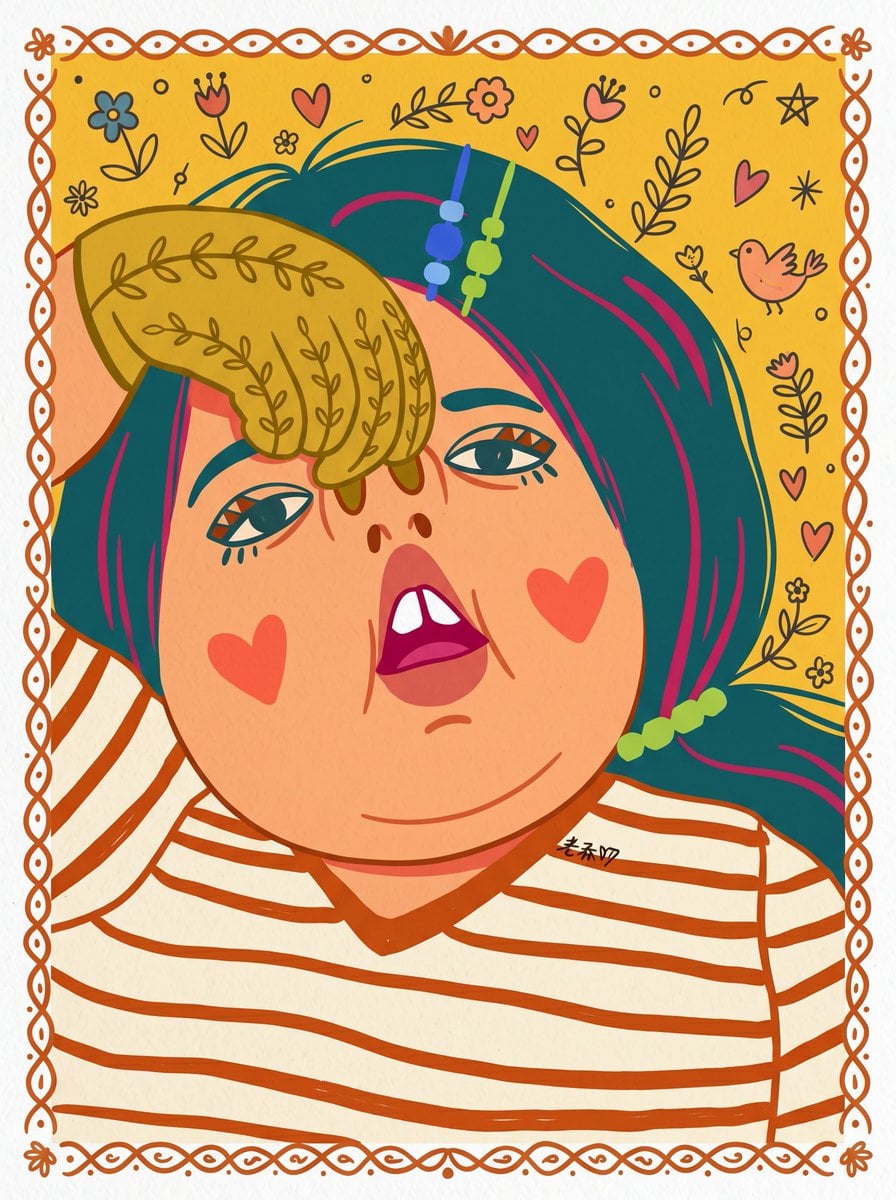
Toon Cartoon Train Window
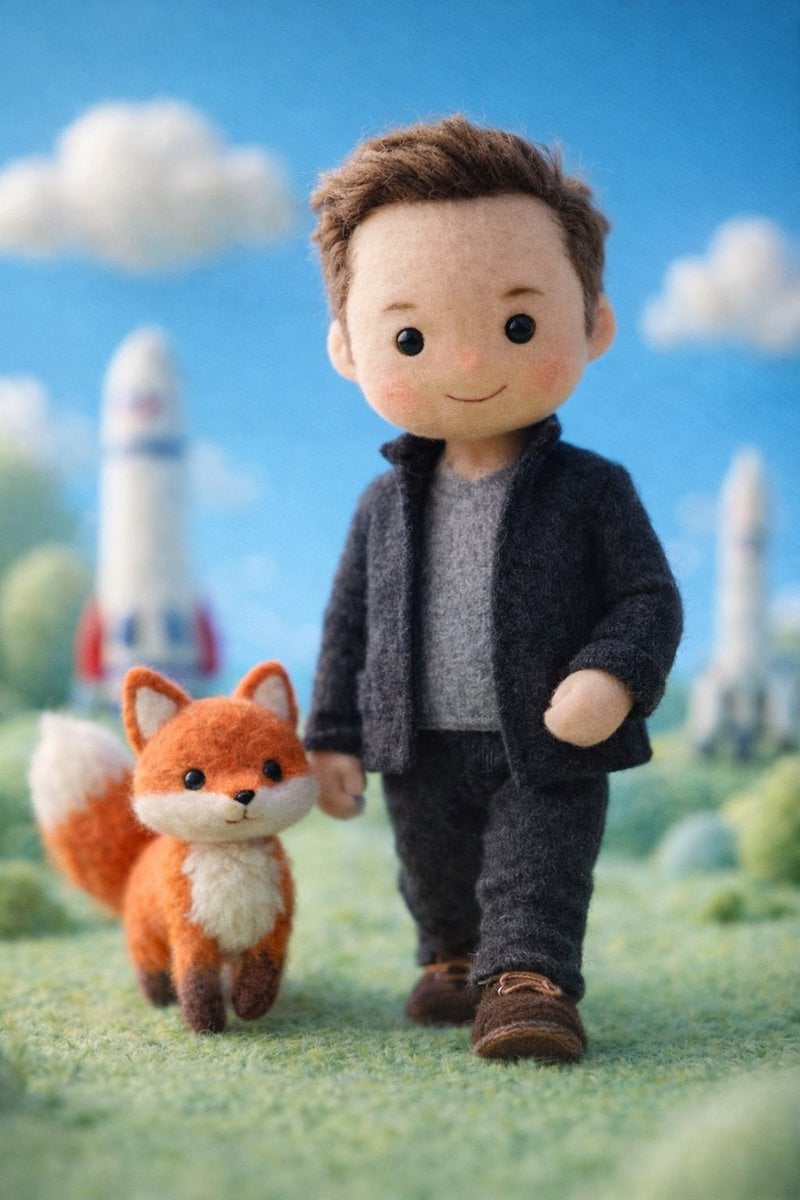
Paper Cut Train Window
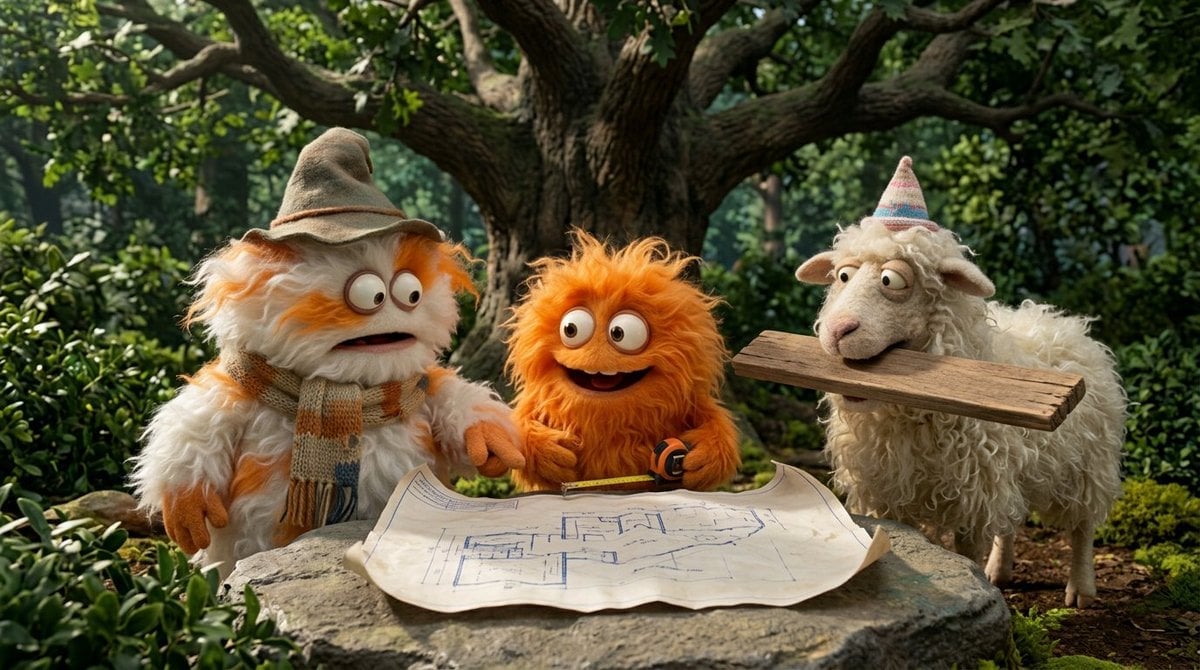
Pixel Limited Train Window

Watercolor Anim Train Window

Motion Graphics Train Window
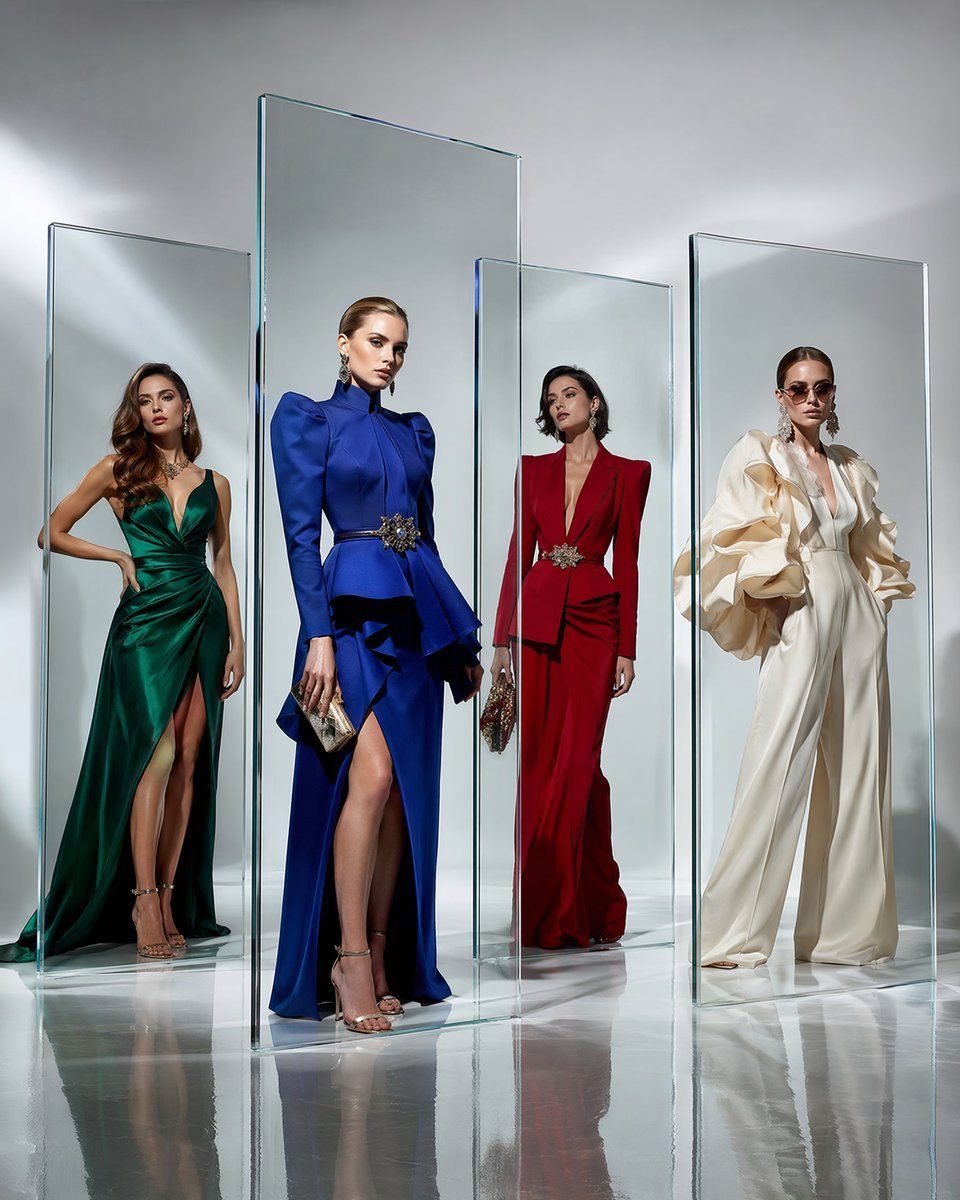
Crystal Panel European Couture Fashion Composite

Rainy Café Window Moody Portrait

Parisian Outdoor Café Silver-Hair Portrait

Face-Locked Train Window Lifestyle Portrait
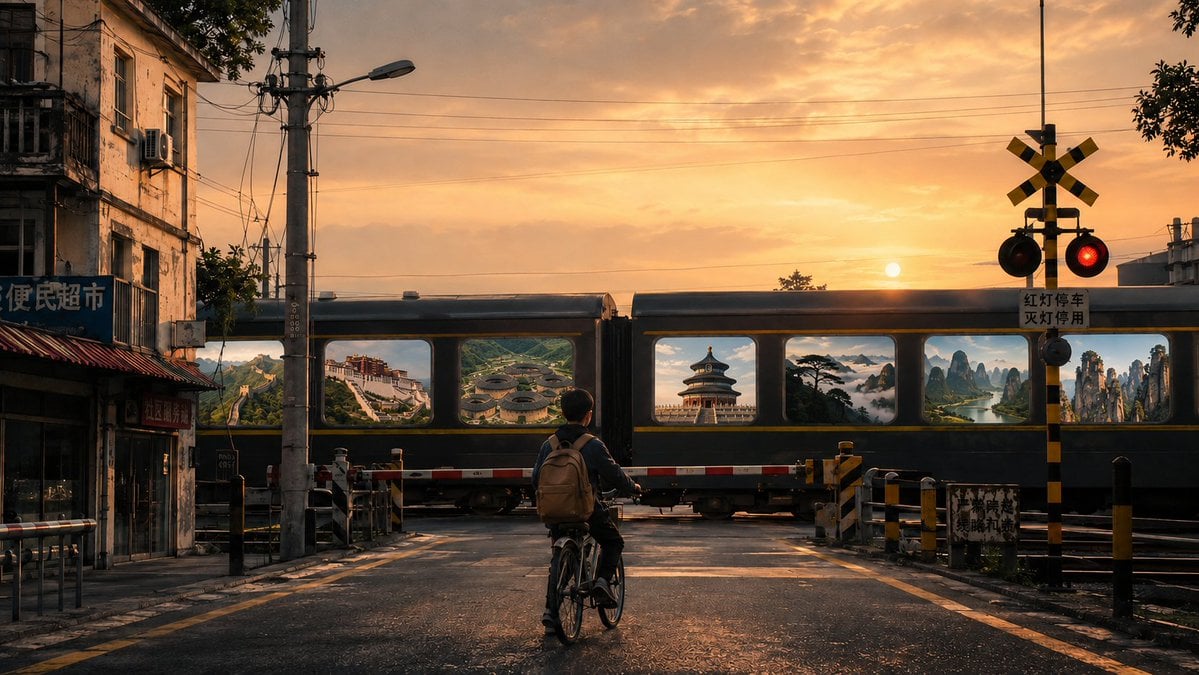
Surreal Train Window Scenery

Nano Banana 2 Tulip Field

Nano Banana - Window Wine Red Dress
Make it yours
Cinematic Train Window View in European Spring works as-is. These are the safest ways to change it without losing the look.
Change one field
Copy a single group, rewrite it, and generate again so you can see what that field is doing.
Keep the frame, change the subject
Hold the composition and light of Cinematic Train Window View in European Spring, then swap wardrobe, props or the person for a new take.
| If the result… | Why | Fix |
|---|---|---|
| The result drifts from the preview | Too many fields changed at once. | Reuse Cinematic Train Window View in European Spring as-is first, then change one group — subject, light, or setting. |
| The model over-stylizes the scene | The prose prompt leaves finish and camera underspecified. | Add one camera or lighting sentence and stay on Nano Banana 2. |
More Nano Banana 2 templates
Other prompts made for Nano Banana 2.

Photorealistic Leaf Shaped Like a Dragon

K-Pop Idol Portrait Grid for Rapid Selection

Poetic Rain Forest Portrait During Golden Hour

Urban Street Portrait with Cartoon Inner Self Duo

Candid Nighttime Photo with Cat Prompt

High-Concept 3D Diorama Generation Prompt

Cinematic Futuristic Studio Portrait Template

Skincare Editorial Photography Collage Prompt

Hyper-Realistic Commercial Product Photography (Splash Effect)

Hyper-Realistic Nightclub Portrait Prompt
More image prompts
Fresh picks from across the catalog.
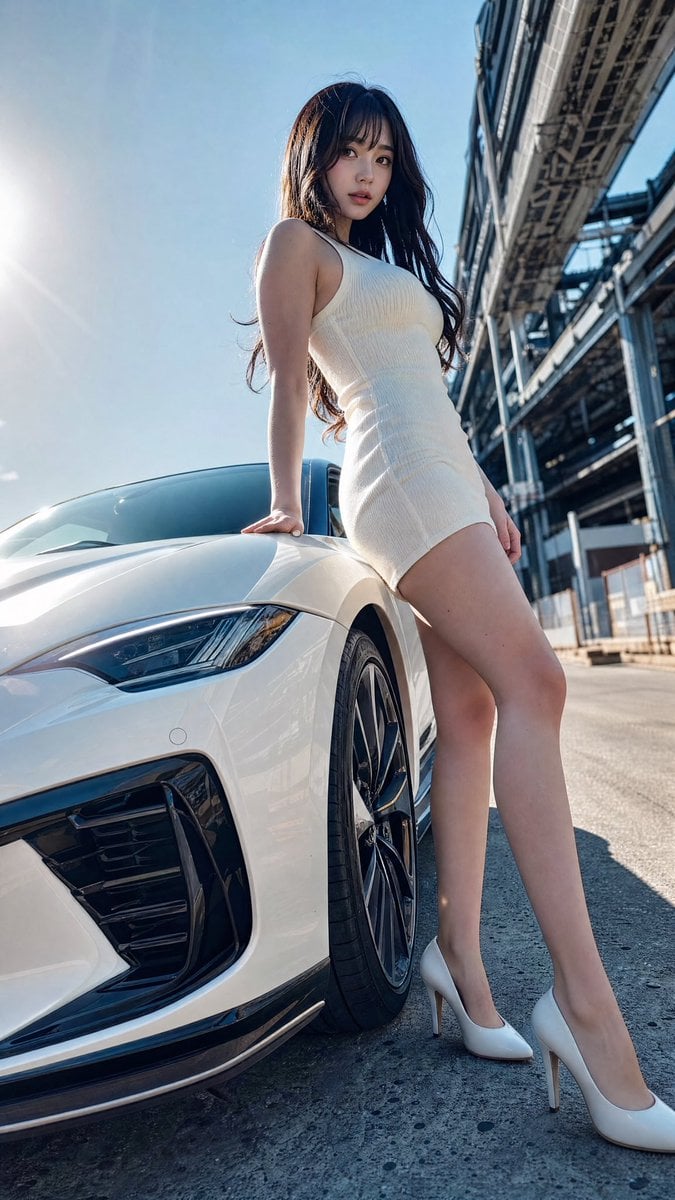
Sports Car Advertisement with Japanese Girl

Generating Visuals from Real-Time Korean News
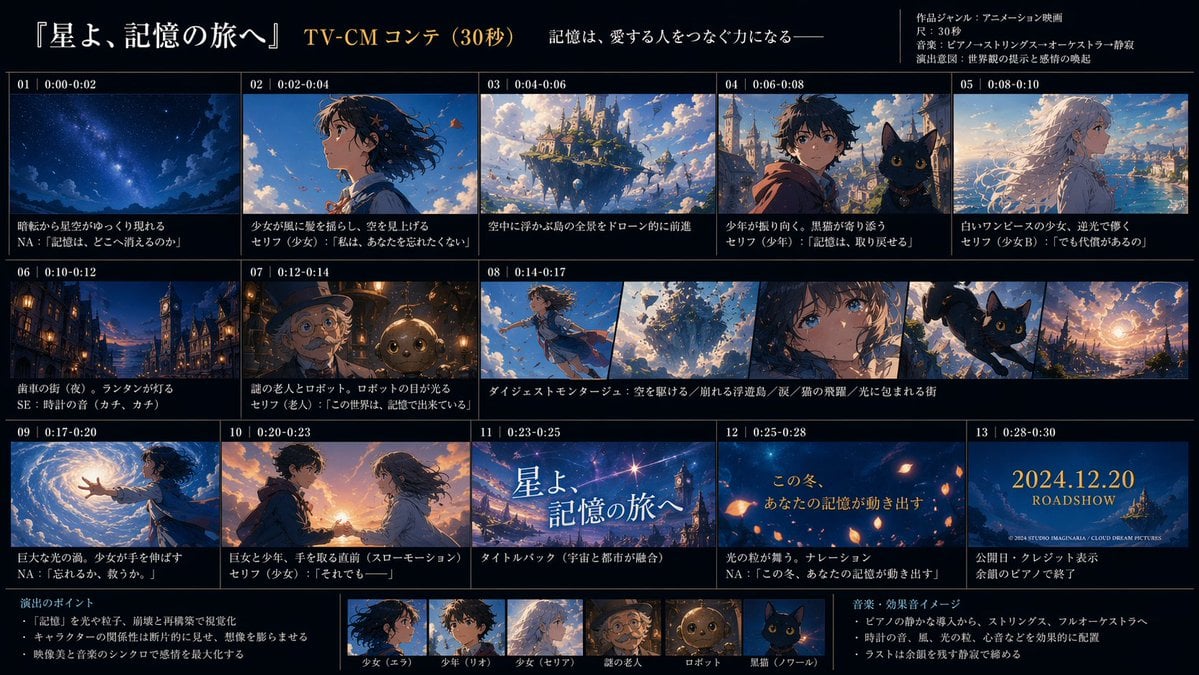
Anime TV CM Storyboard Sheet
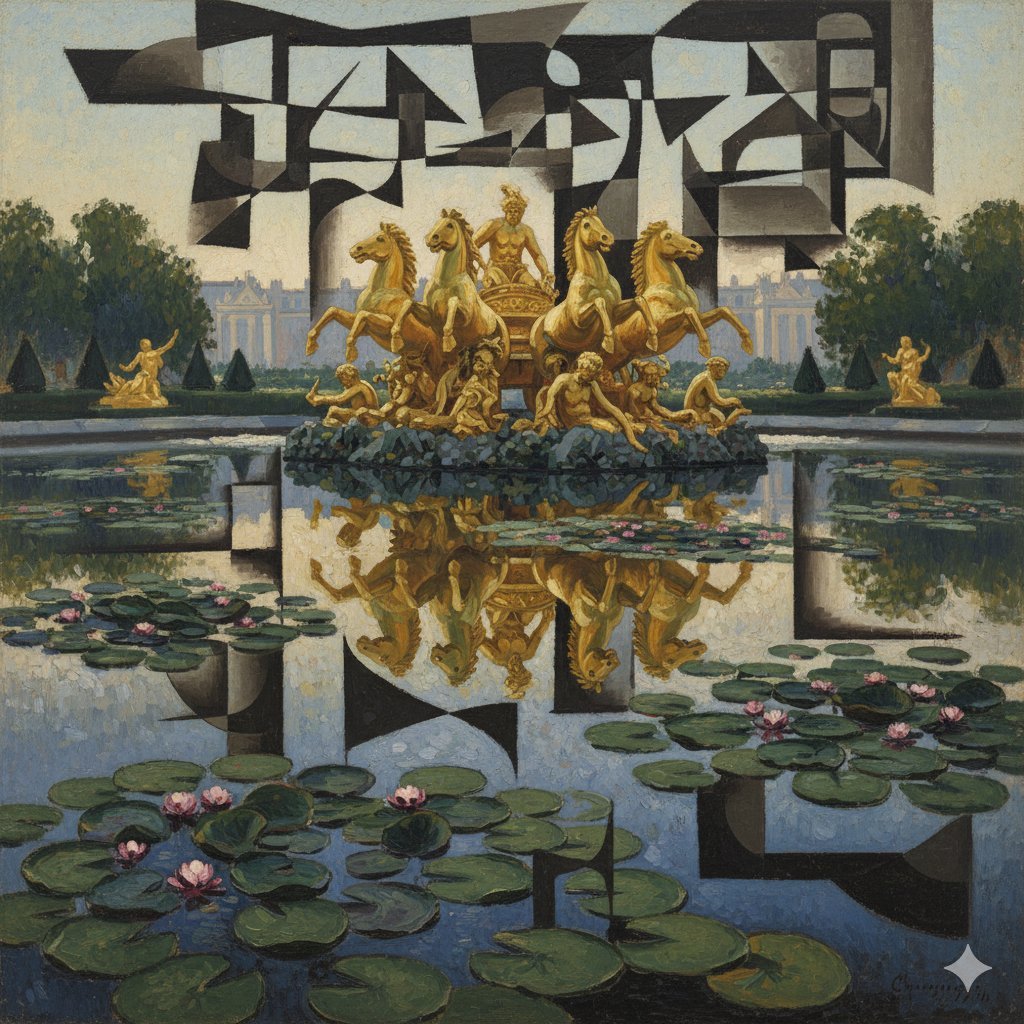
Image Style Transfer: Converting Photo to Picasso's Cubism
lza 1
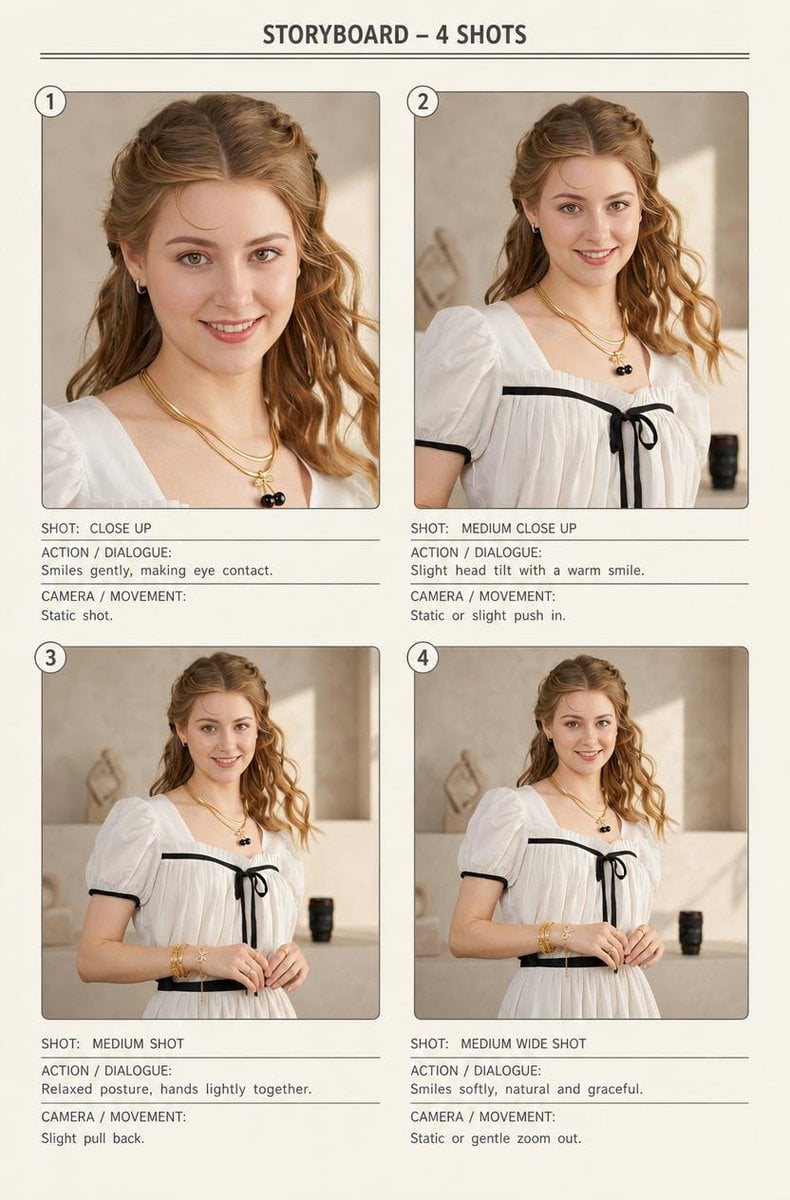
Four-Shot Fashion Storyboard
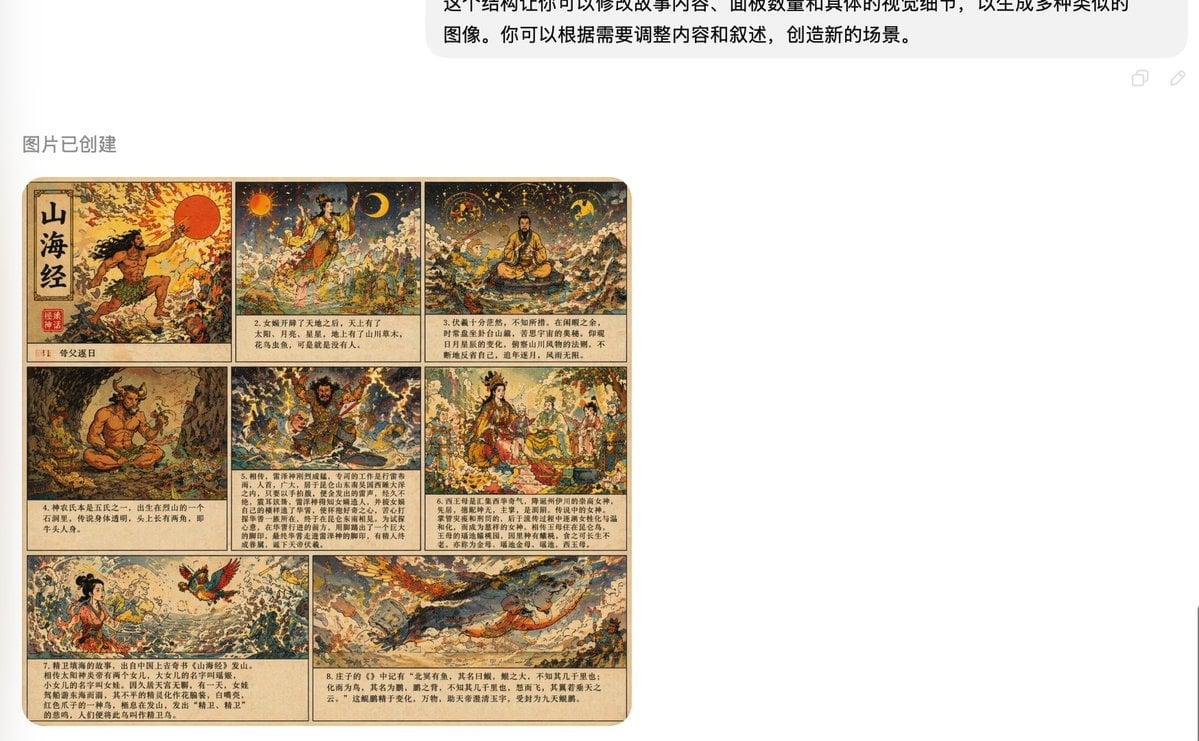
Shan Hai Jing Vintage Comic Page
POV Seaside Elf Maid Dinner
3x3 Cinematic Profile Grid with Identity Lock
Ultra-Photorealistic Tenniscore Event Portrait
Browse template categories
Cinematic Train Window View in European Spring questions
How do I use the Cinematic Train Window View in European Spring template?
Add your photo if the template asks for one, edit the prompt if you like — the template's model and format are already selected — and press Generate. Your version opens in PicX Studio.
Can I customize the Cinematic Train Window View in European Spring template?
Yes. You can change the subject, setting, lighting, mood, format, and available model controls before creating your image.
Is the Cinematic Train Window View in European Spring template free?
Opening and editing this template is free. Generating uses credits, shown on the Generate button when you are signed in.
Which AI model should I use?
Start with Nano Banana 2, which is the model associated with this template. You can compare another compatible model for a different finish.
Looking for something else? Browse all templates.

Your photo, any look
Thousands of ready templates for every top image and video model, from one credit balance.