
Four-Shot Fashion Storyboard
Generates a clean four-panel fashion video storyboard sheet with realistic model shots, shot labels, action notes, and camera movement directions.
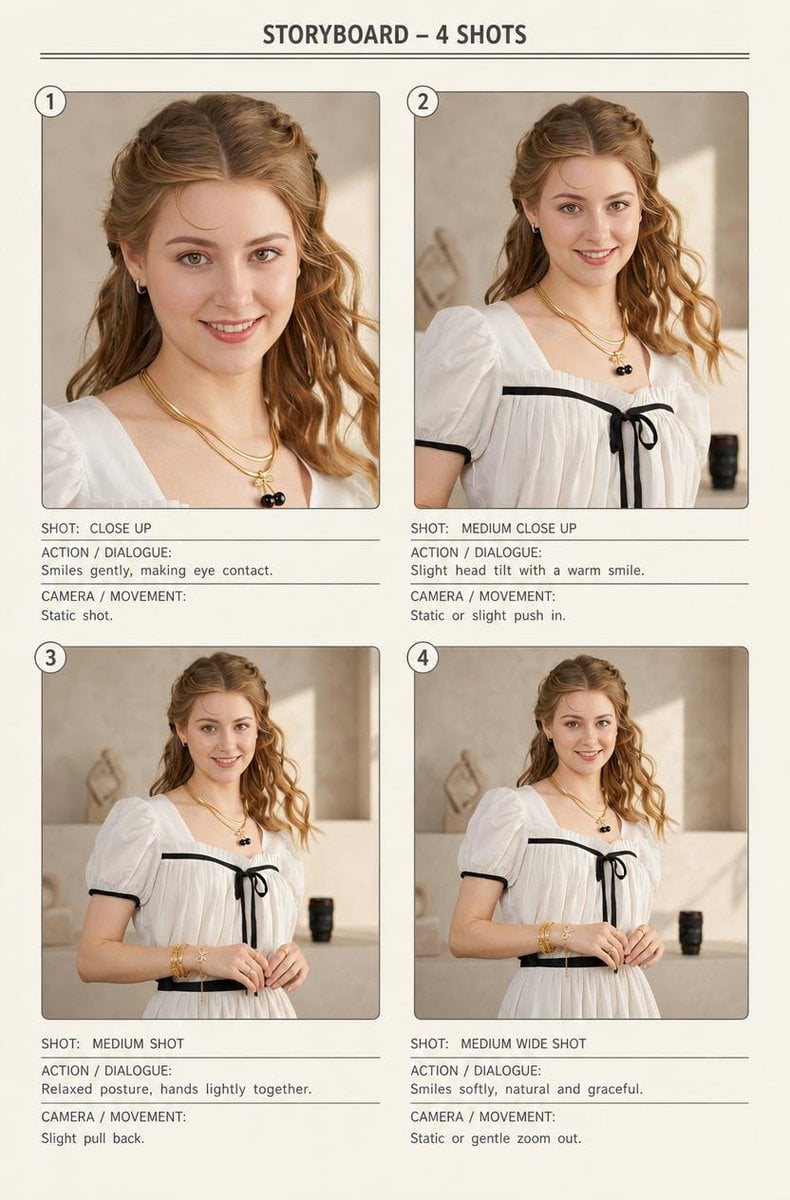
- Prompt included
- Model and format preset
- Free template
The prompt behind this image
Copy the exact prompt behind Four-Shot Fashion Storyboard, or open it in the studio and make it yours.
{"type":"clean fashion video storyboard sheet","title":"STORYBOARD – 4 SHOTS","format":"vertical portrait page on warm off-white paper","style":"minimal editorial storyboard layout, realistic fashion photography inside panels, thin gray divider lines, rounded photo frames, small circled shot numbers, typed all-caps annotation labels, soft beige studio lighting","subject":{"description":"young woman fashion model with face intentionally covered by a plain skin-tone rectangular censor block in every frame","hair":"{argument name="hair color" default="light auburn wavy hair"}, half-up braided crown with loose waves over the shoulders","outfit":"{argument name="outfit" default="white puff-sleeve dress with black trim, black bow at the neckline, and black waist belt"}","accessories":"layered gold necklaces including a small black cherry pendant, small hoop earrings, stacked gold bracelets and rings","pose_mood":"soft, graceful, relaxed, warm smile implied despite obscured face"},"setting":"neutral beige interior studio or boutique corner with plaster wall, soft sunlight patch, pale counter, small black cylindrical object in the background, elegant natural daylight","layout":{"page_header":"centered title at top with two thin horizontal rules underneath","grid":"2 columns by 2 rows, four numbered storyboard panels with annotations below each photo","panel_count":4,"panels":[{"number":"1","position":"top left","shot_label":"SHOT: CLOSE UP","image":"tight close-up from upper chest to head, jewelry and hair visible, face covered by a large skin-tone rectangle, model making direct eye contact implied","action_dialogue":"Smiles gently, making eye contact.","camera_movement":"Static shot."},{"number":"2","position":"top right","shot_label":"SHOT: MEDIUM CLOSE UP","image":"medium close-up from bust to head, white dress neckline and black bow visible, slight head tilt, face covered by a skin-tone rectangle","action_dialogue":"Slight head tilt with a warm smile.","camera_movement":"Static or slight push in."},{"number":"3","position":"bottom left","shot_label":"SHOT: MEDIUM SHOT","image":"medium shot from waist to head, hands lightly clasped near waist, bracelets visible, face covered by a skin-tone rectangle","action_dialogue":"Relaxed posture, hands lightly together.","camera_movement":"Slight pull back."},{"number":"4","position":"bottom right","shot_label":"SHOT: MEDIUM WIDE SHOT","image":"medium wide shot from upper thighs to head, full bodice and belt visible, model centered with hands gently together, face covered by a skin-tone rectangle","action_dialogue":"Smiles softly, natural and graceful.","camera_movement":"Static or gentle zoom out."}]},"typography":"monospaced or clean condensed sans-serif, dark charcoal text, labels ACTION / DIALOGUE and CAMERA / MOVEMENT beneath each shot separated by thin horizontal rules","composition_notes":"each panel has consistent warm color grading, realistic skin and fabric texture, shallow depth of field, editorial catalog styling, ample margins, cohesive storyboard presentation","custom_text":{"storyboard title":"{argument name="storyboard title" default="STORYBOARD – 4 SHOTS"}","model description":"{argument name="model description" default="young woman fashion model"}"}}
How to use Four-Shot Fashion Storyboard in 3 steps
- 1Upload ImagePNG, JPG or paste
Add your photo
Upload the photo the template builds on. The prompt, model and format are already set.
- 2…a portrait of your subject in softgolden-hour light, 85mm…
Personalize
Edit the subject and creative details for your destination.
- 3Generate
Generate
Press Generate — your image is created in PicX Studio, so you can compare it with the original and refine one variable at a time.
More like this
Templates with the same subject, style or setup. Open one to see its prompt.

80s College Gate

1988 Mall Style

80s Polka Dot Saree
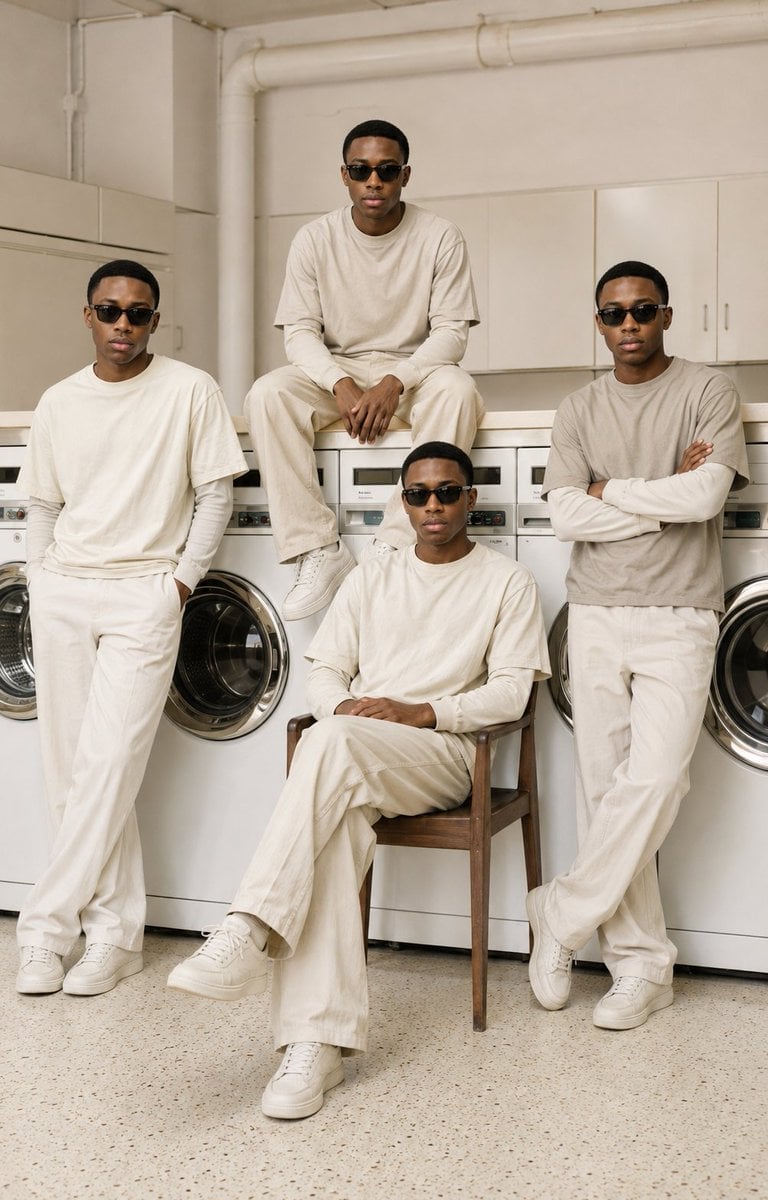
Four-Man Laundromat Fashion Editorial

Polo Ralph Lauren Luxury American Heritage Fashion Campaign

Cinematic Street Fashion Photographer Portrait

High-Fashion Editorial Magazine Cover ICON

Fine Art Monochrome Fashion Portrait

Korean Streetwear Minimalist Campaign Portrait

Cinematic Korean Streetwear Street Portrait

Korean Model Floating Magazine Pages Campaign

Blue Backdrop Luxury Fashion Portrait Campaign
Make it yours
Four-Shot Fashion Storyboard works as-is. These are the safest ways to change it without losing the look.
Change one field
Copy a single group, rewrite it, and generate again so you can see what that field is doing.
Keep the frame, change the subject
Hold the composition and light of Four-Shot Fashion Storyboard, then swap wardrobe, props or the person for a new take.
| If the result… | Why | Fix |
|---|---|---|
| The result drifts from the preview | Too many fields changed at once. | Reuse Four-Shot Fashion Storyboard as-is first, then change one group — subject, light, or setting. |
| The model over-stylizes the scene | The prose prompt leaves finish and camera underspecified. | Add one camera or lighting sentence and stay on GPT Image 2. |
More GPT Image 2 templates
Other prompts made for GPT Image 2.

Six VTuber Japanese Logo Sheet

Realistic Portrait of Woman and Deer

The Vista Modular Condo Poster

AI Model Routing Comparison Infographic

2.5D Anime Art Board

Isometric Productivity Desk Scene

New York Double Exposure Poster

Four-Panel AI Landscape Comparison

Japanese Tatami Lifestyle Magazine Cover

NESCAFÉ Coffee Map Poster
More image prompts
Fresh picks from across the catalog.

Bureaucrat-style explanatory diagram (Kasumigaseki PowerPoint)
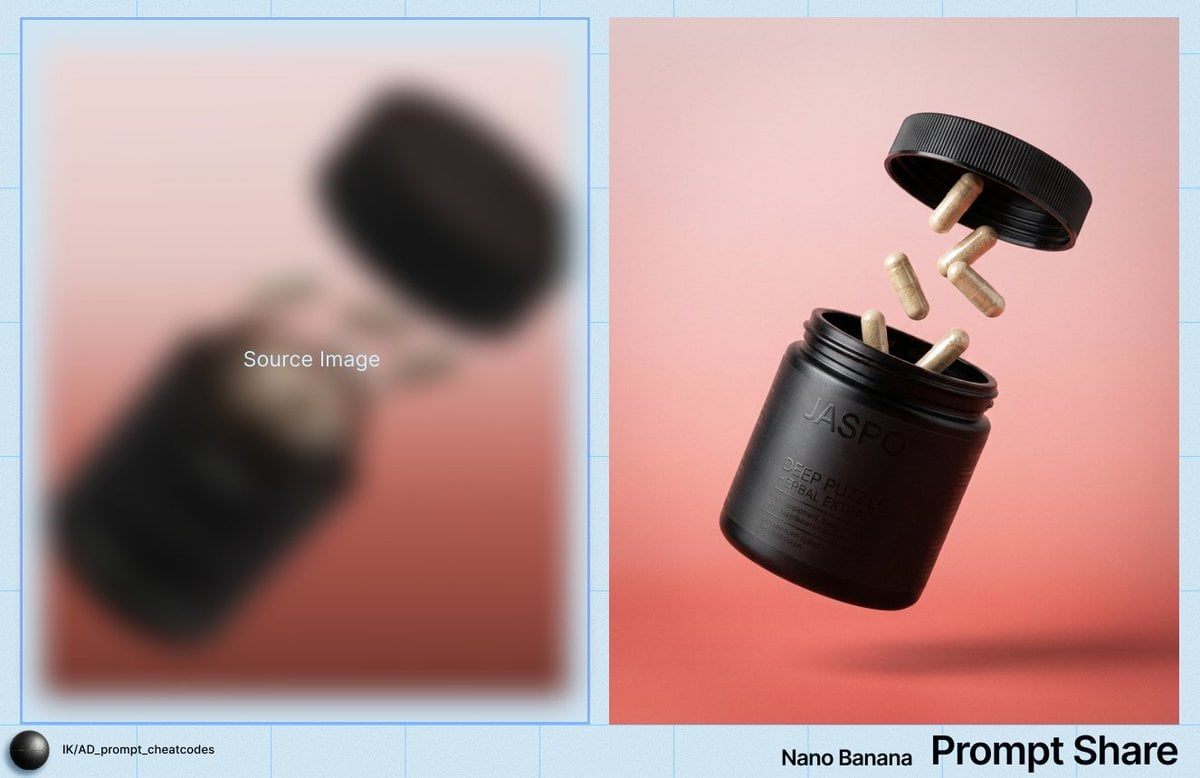
Commercial Product Shot of Levitating Supplement Jar and Capsules
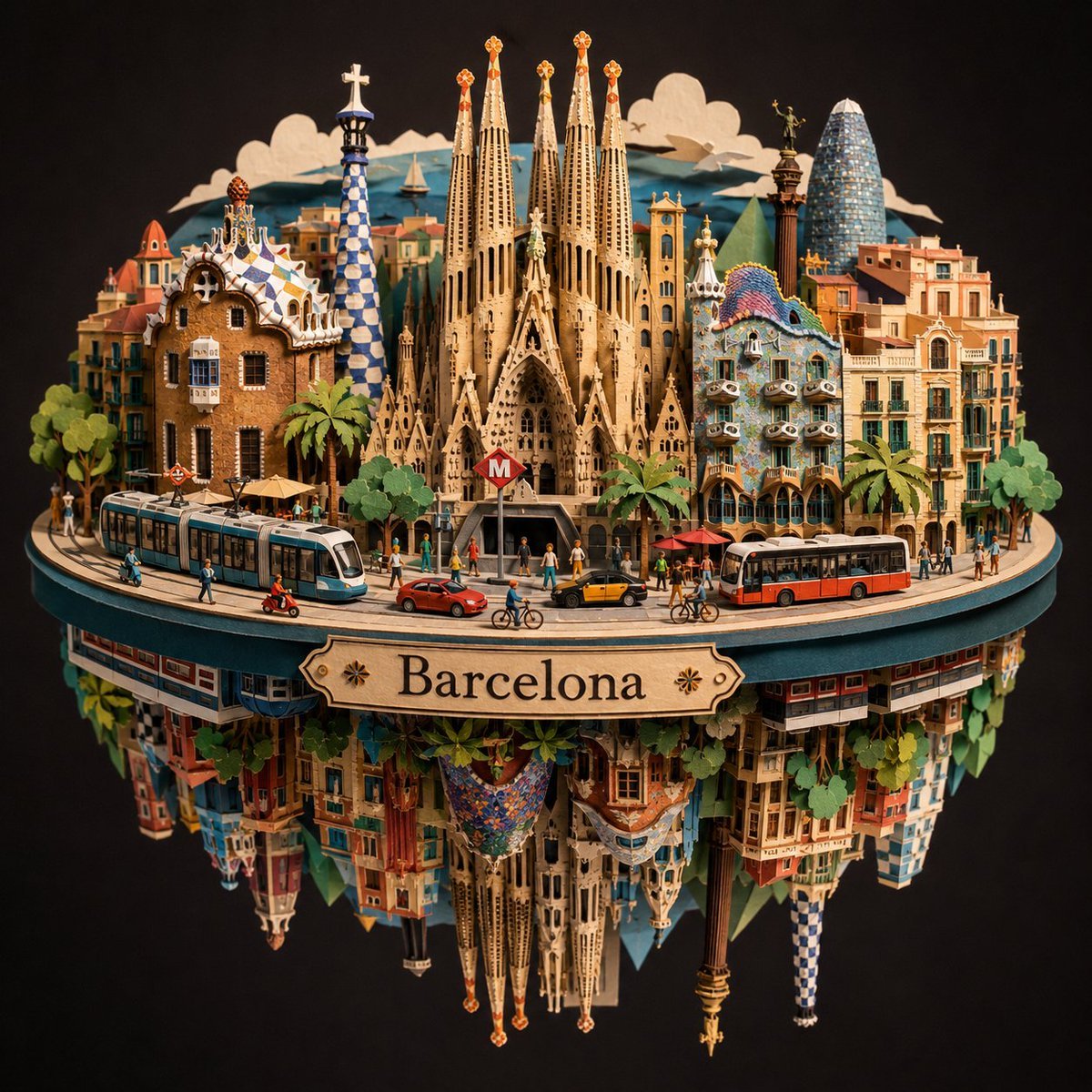
Barcelona Spherical Paper City Diorama
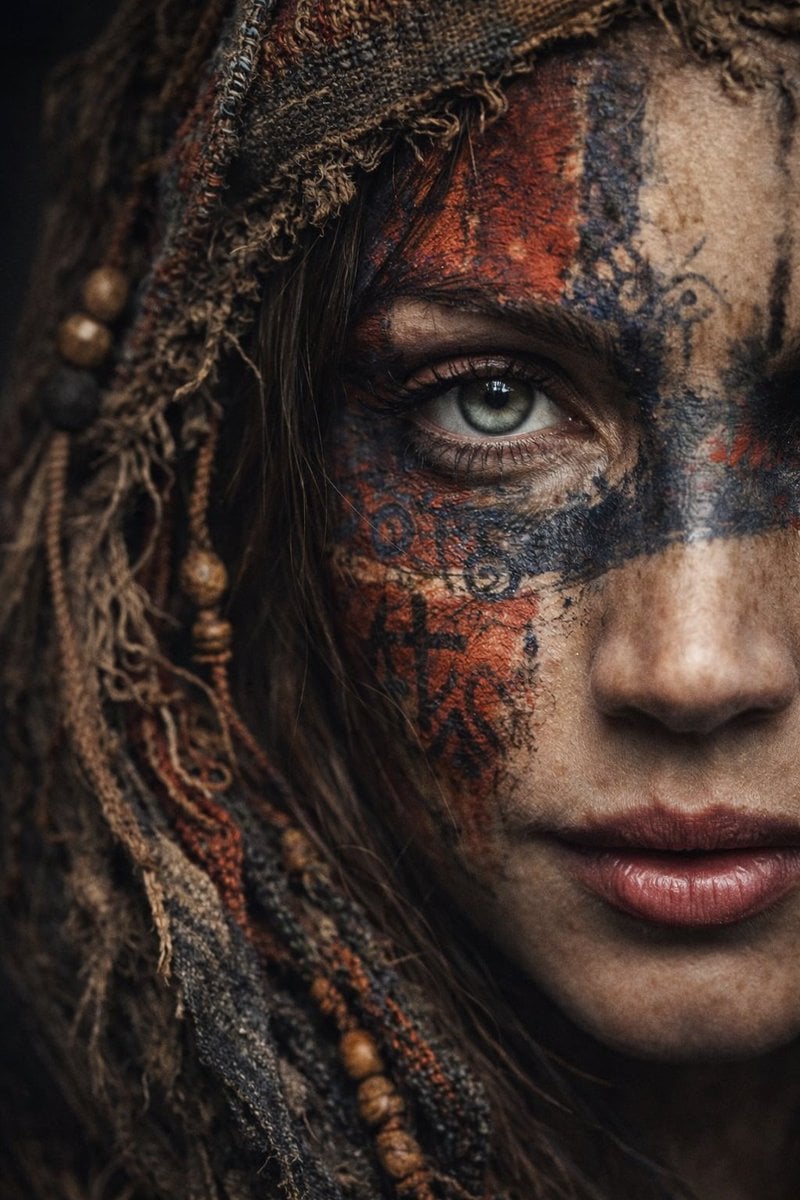
Ultra-Realistic Portrait with Tribal Markings and Painterly Realism
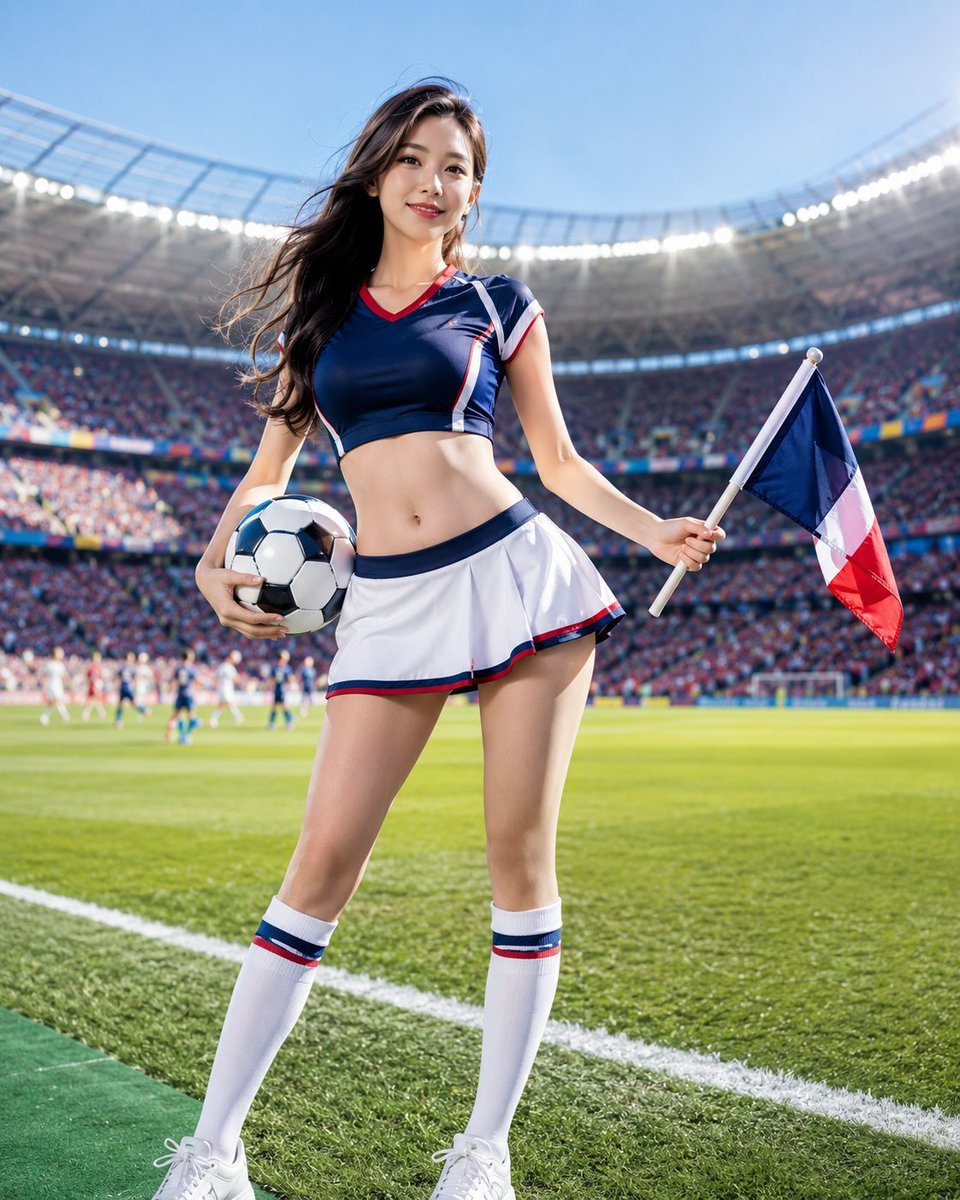
World Cup Cheerleader Action Shot
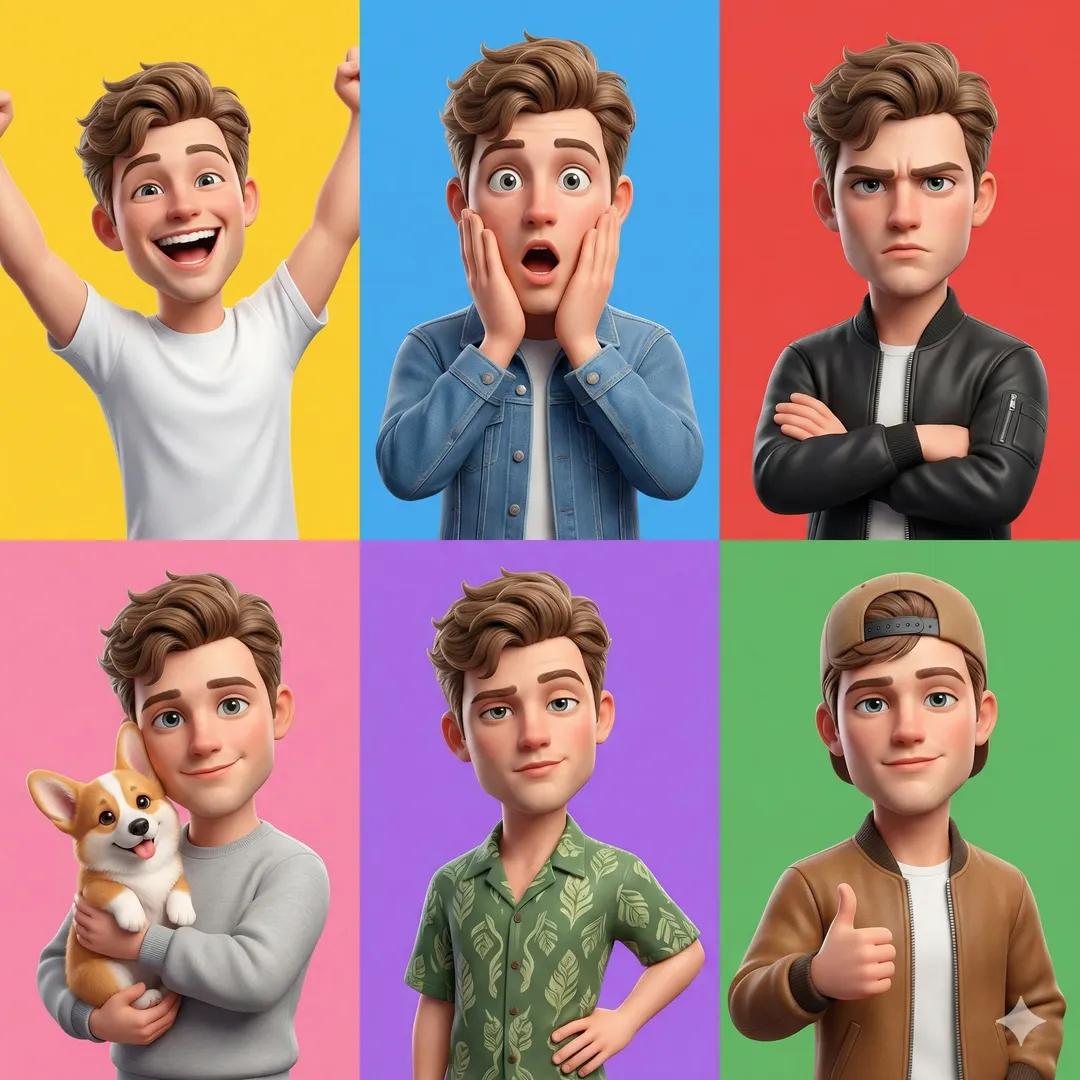
3D Pixar-Style Character Grid
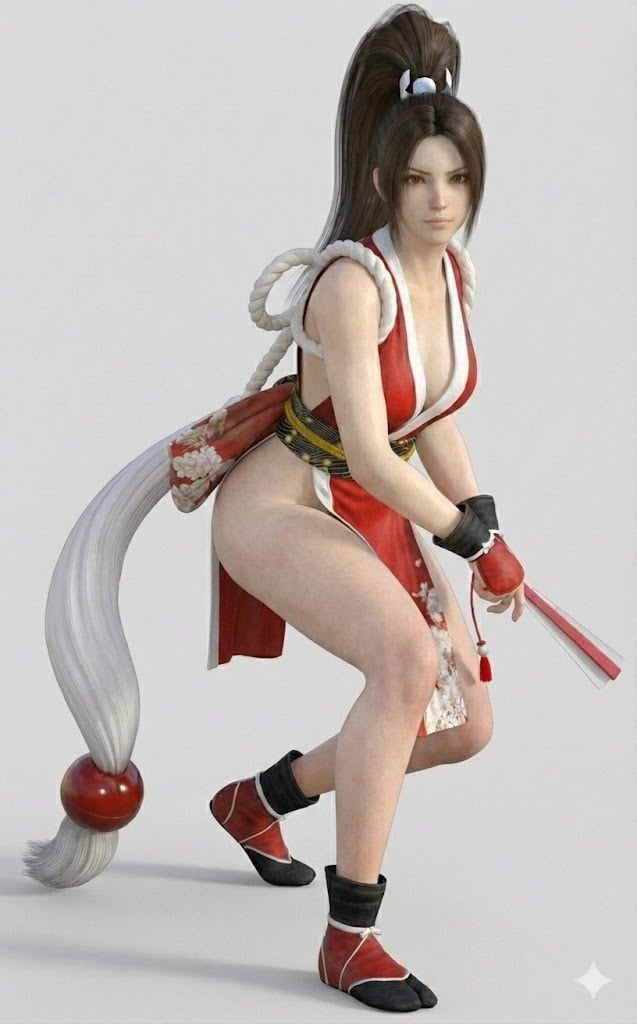
Bypassing Identity Restrictions with 3DCG Claim
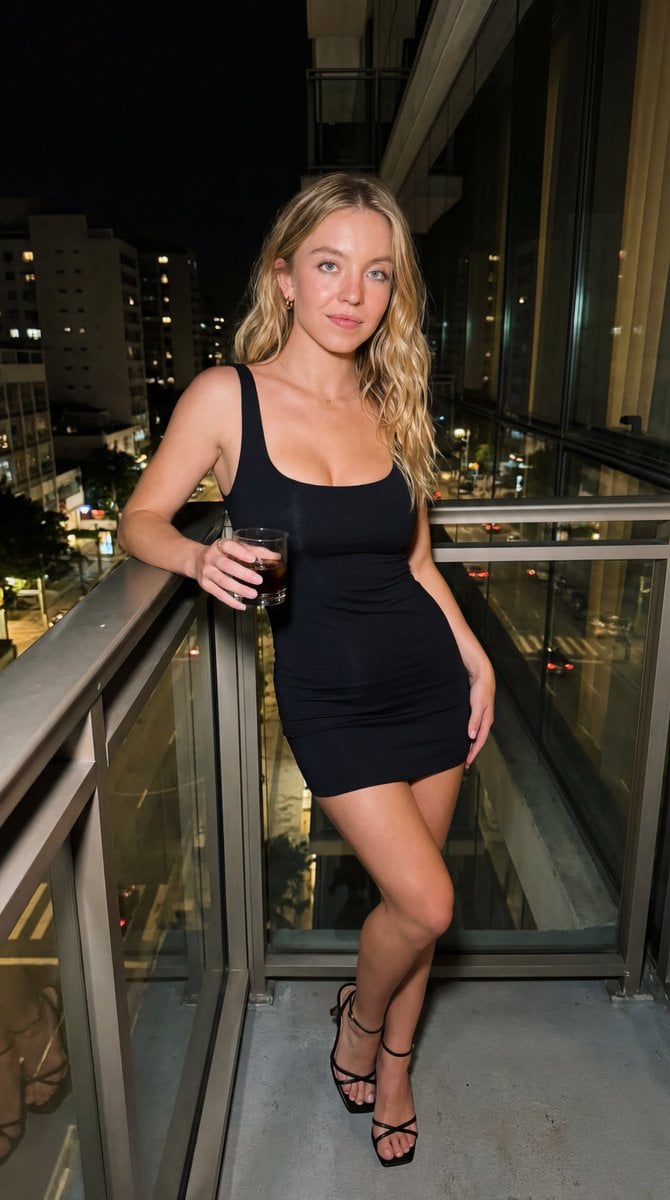
Candid iPhone Night Portrait
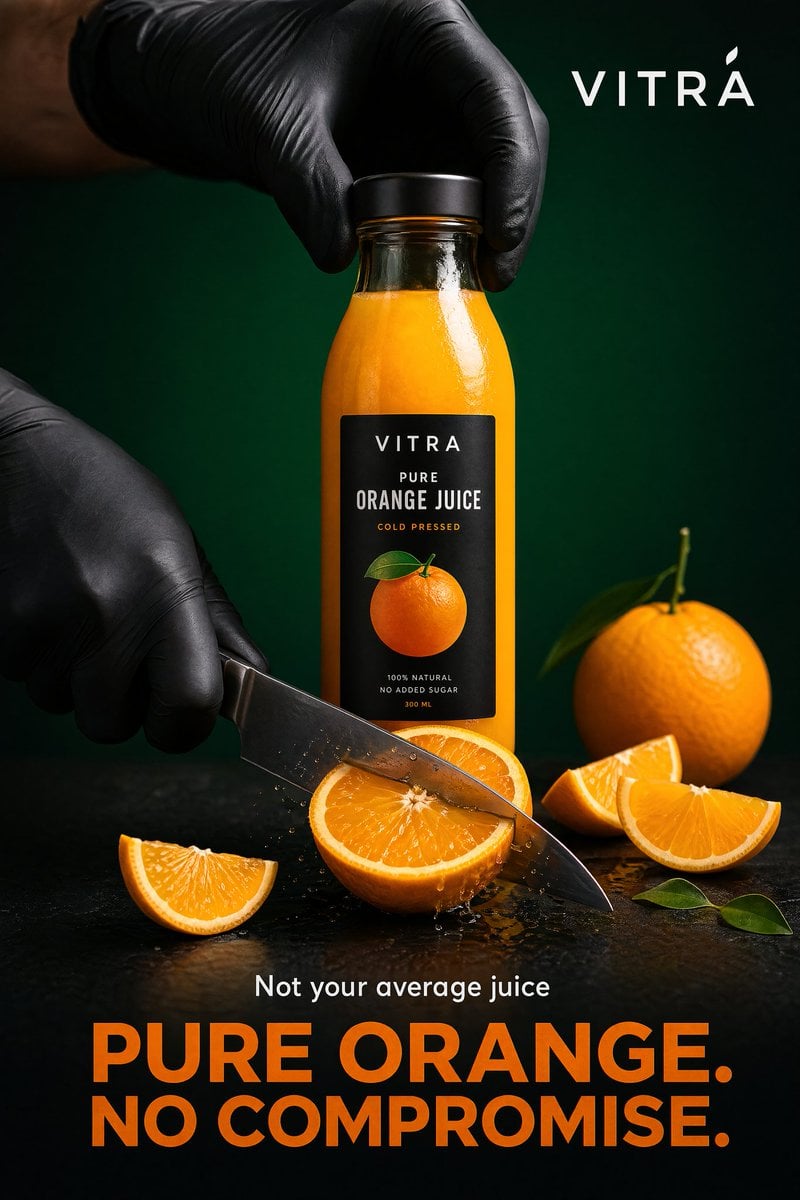
Premium Beverage Commercial Poster
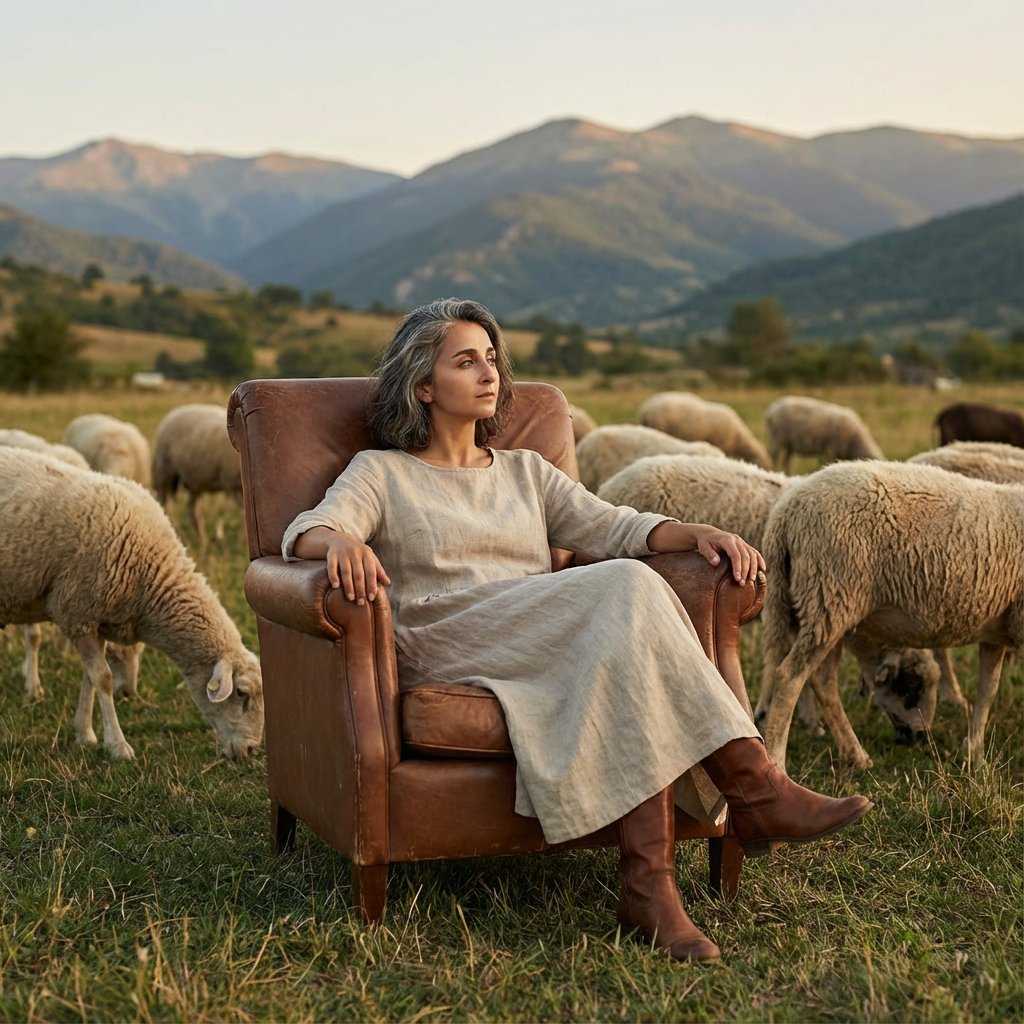
Editorial Photography of Woman in Armchair with Sheep
Browse template categories
Four-Shot Fashion Storyboard questions
How do I use the Four-Shot Fashion Storyboard template?
Add your photo if the template asks for one, edit the prompt if you like — the template's model and format are already selected — and press Generate. Your version opens in PicX Studio.
Can I customize the Four-Shot Fashion Storyboard template?
Yes. You can change the subject, setting, lighting, mood, format, and available model controls before creating your image.
Is the Four-Shot Fashion Storyboard template free?
Opening and editing this template is free. Generating uses credits, shown on the Generate button when you are signed in.
Which AI model should I use?
Start with GPT Image 2, which is the model associated with this template. You can compare another compatible model for a different finish.
Looking for something else? Browse all templates.

Your photo, any look
Thousands of ready templates for every top image and video model, from one credit balance.