
Cozy Aesthetic Park Photography
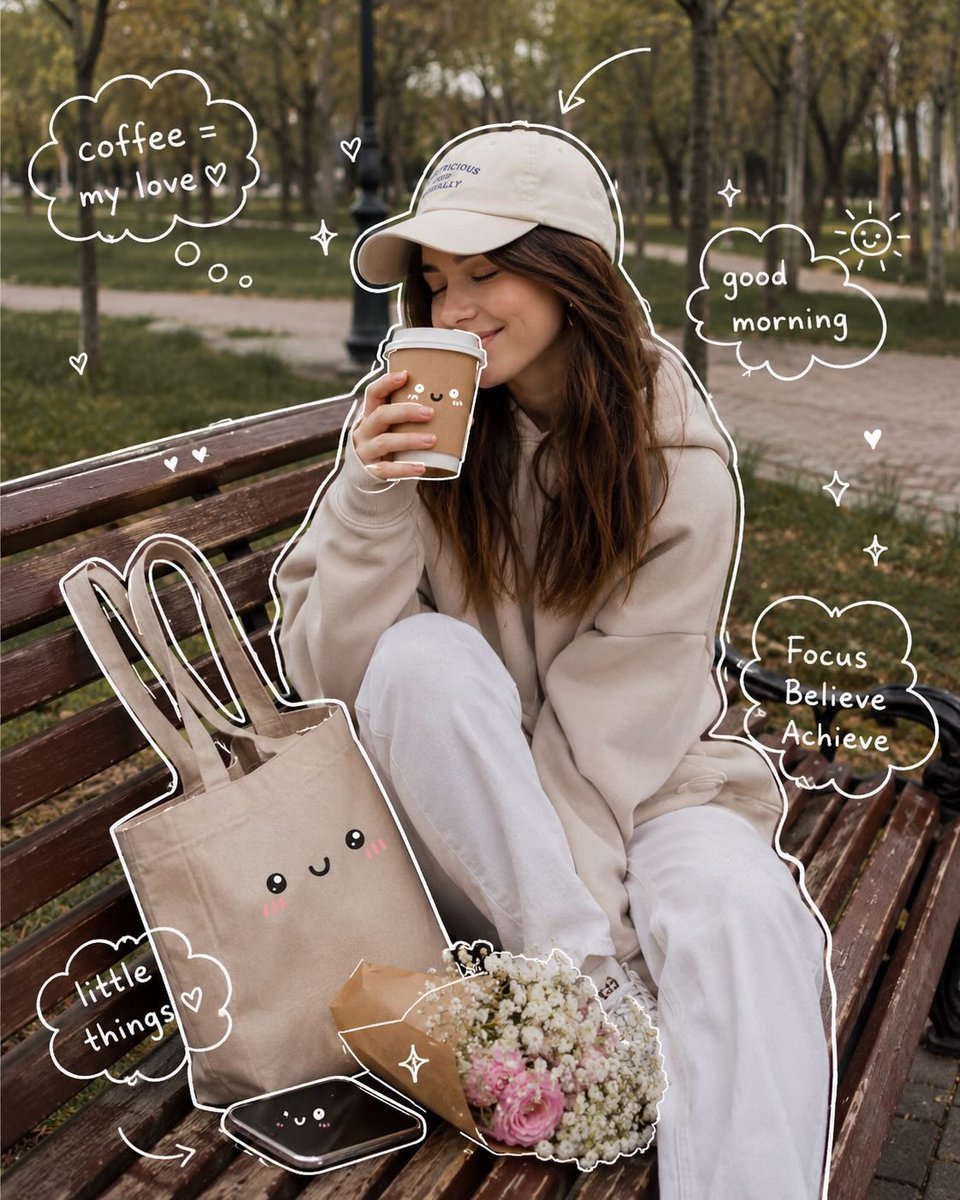
A lifestyle photography prompt for a cozy autumn morning in the park, complete with hand-drawn white doodles for a scrapbook aesthetic.
- Prompt included
- Model and format preset
- Free template
The prompt behind this image
Copy the exact prompt behind Cozy Aesthetic Park Photography, or open it in the studio and make it yours.
(Cozy Aesthetic Girl in Park) Aesthetic lifestyle photography of a cute young woman sitting on a wooden park bench during autumn morning, wearing an oversized beige hoodie, white pants, and cream baseball cap, holding a takeaway coffee cup with eyes closed and peaceful smile, soft natural lighting, warm earthy tones, tote bag with kawaii face design beside her, bouquet of baby’s breath flowers, cozy calm vibe, cinematic depth of field, Pinterest aesthetic, soft brown and beige color palette. Add hand-drawn white doodles around the image including hearts, sparkles, arrows, clouds, smiley faces, and handwritten text like “coffee = my love”, “good morning”, “little things”, “Focus Believe Achieve”. Whimsical scrapbook style overlay, dreamy cozy mood, ultra detailed, realistic photography, Instagram aesthetic, soft shadows, candid composition. (Cozy Reading & Coffee Setup) Warm cozy morning aesthetic near a window, open book being read beside a cup of coffee and lit candle, soft sunlight entering through the window, baby’s breath flowers in glass vase, beige and cream minimal decor, calming self-care atmosphere, soft fabric textures, neutral warm tones, peaceful hygge mood, cinematic lifestyle photography, Pinterest-inspired cozy setup, realistic details, shallow depth of field. Add cute white hand-drawn doodles and kawaii faces on the mug, candle, and vase, with handwritten notes like “Take time to make your soul happy”, “Cozy mood”, “little things”, “Book + coffee = perfect day”, plus hearts, arrows, sparkles, and cloud doodles. Dreamy soft aesthetic, warm natural glow, highly detailed, relaxing cozy-core vibe.
How to use Cozy Aesthetic Park Photography in 3 steps
- 1
Open
The prompt is already in the box next to the preview, with the template's model and format selected.
- 2…a portrait of your subject in softgolden-hour light, 85mm…
Personalize
Edit the subject and creative details for your destination.
- 3Generate
Generate
Press Generate — your image is created in PicX Studio, so you can compare it with the original and refine one variable at a time.
More like this
Templates with the same subject, style or setup. Open one to see its prompt.

Mirror Selfie Chibi Characters Pixar Style

Flower Petal Sunglasses Couture Portrait

Fashion Portrait Colored Smoke Studio

Mountain Valley Lifestyle Portrait

青蛇小青写真大片,绿色紧身蛇鳞裙,湿发红唇,妖娆妩媚

A double exposure, long exposure editorial photograph of a man Use image

Portrait of a young woman in her early 20s walking calmly on a beautiful

Artistic portrait of an elegant Asian woman wearing a black silk

A high-quality photo collage featuring the same person with identical

LIGHTING each element still lit by its original source, windows casting

A 3x3 grid storyboard contact sheet comprised of nine candid, cinematic

A high-definition cinematic portrait of a sophisticated woman sitting
Make it yours
Cozy Aesthetic Park Photography works as-is. These are the safest ways to change it without losing the look.
Change one field
Copy a single group, rewrite it, and generate again so you can see what that field is doing.
Keep the frame, change the subject
Hold the composition and light of Cozy Aesthetic Park Photography, then swap wardrobe, props or the person for a new take.
| If the result… | Why | Fix |
|---|---|---|
| The result drifts from the preview | Too many fields changed at once. | Reuse Cozy Aesthetic Park Photography as-is first, then change one group — subject, light, or setting. |
| The model over-stylizes the scene | The prose prompt leaves finish and camera underspecified. | Add one camera or lighting sentence and stay on GPT Image 2. |
More GPT Image 2 templates
Other prompts made for GPT Image 2.

Six VTuber Japanese Logo Sheet

Realistic Portrait of Woman and Deer

The Vista Modular Condo Poster

AI Model Routing Comparison Infographic

2.5D Anime Art Board

Isometric Productivity Desk Scene

New York Double Exposure Poster

Four-Panel AI Landscape Comparison

Japanese Tatami Lifestyle Magazine Cover

NESCAFÉ Coffee Map Poster
More image prompts
Fresh picks from across the catalog.

Gpt2 E Commerce Main Image Elegant Cosmetic Poster

Pastel Anime Promo Poster
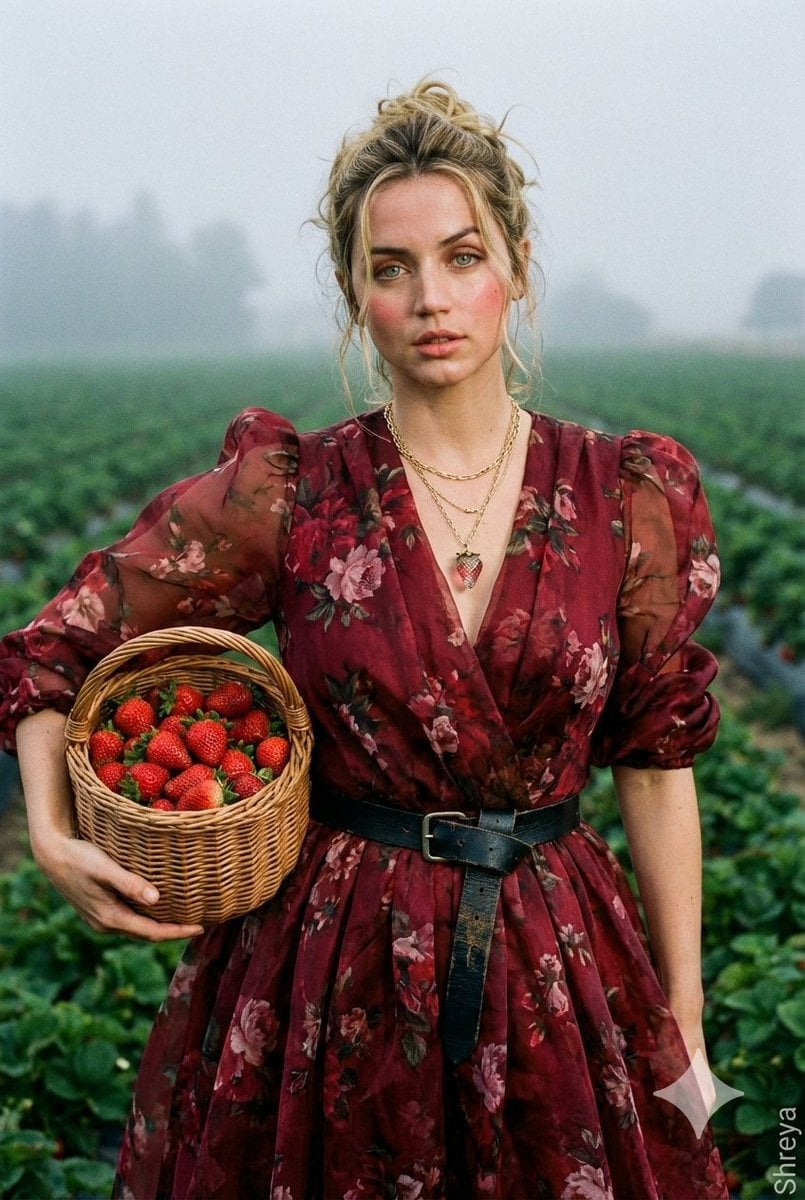
High-Fashion Strawberry Harvest Portrait Prompt
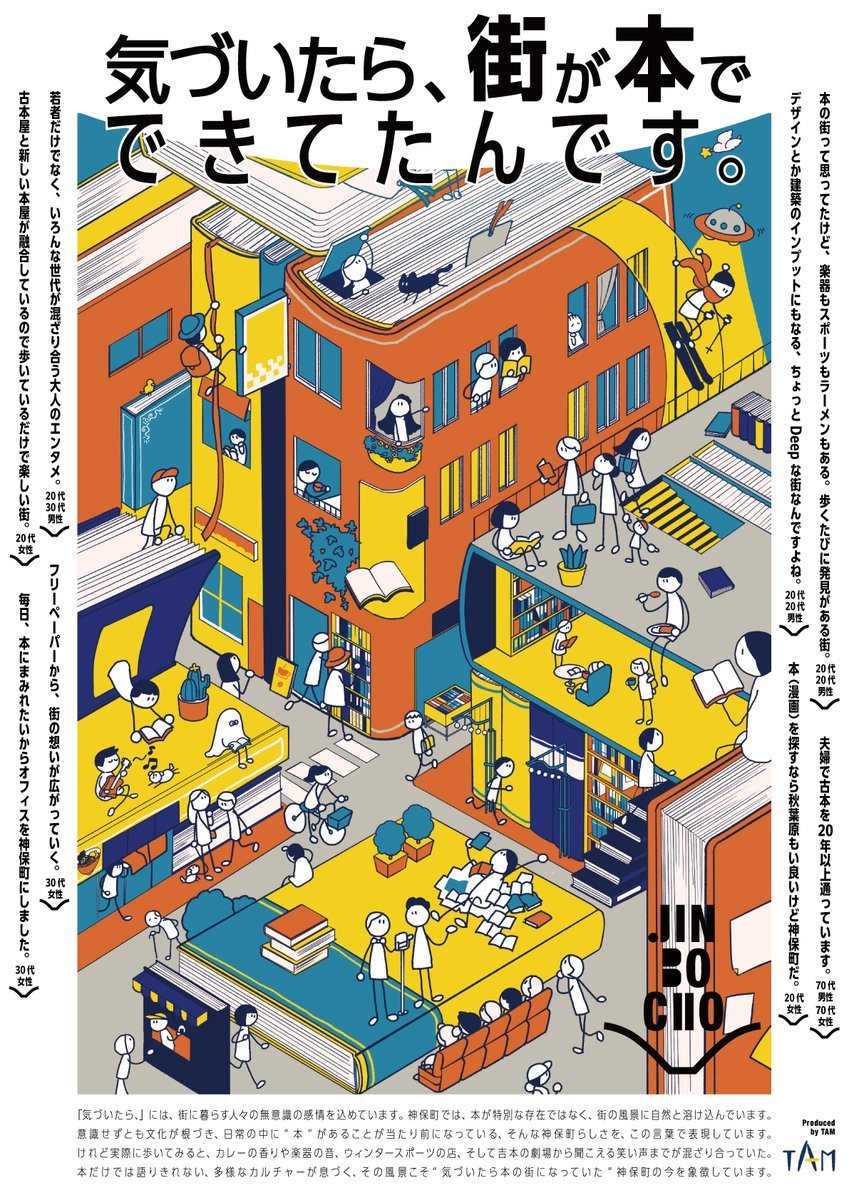
Jimbocho Book Town Poster
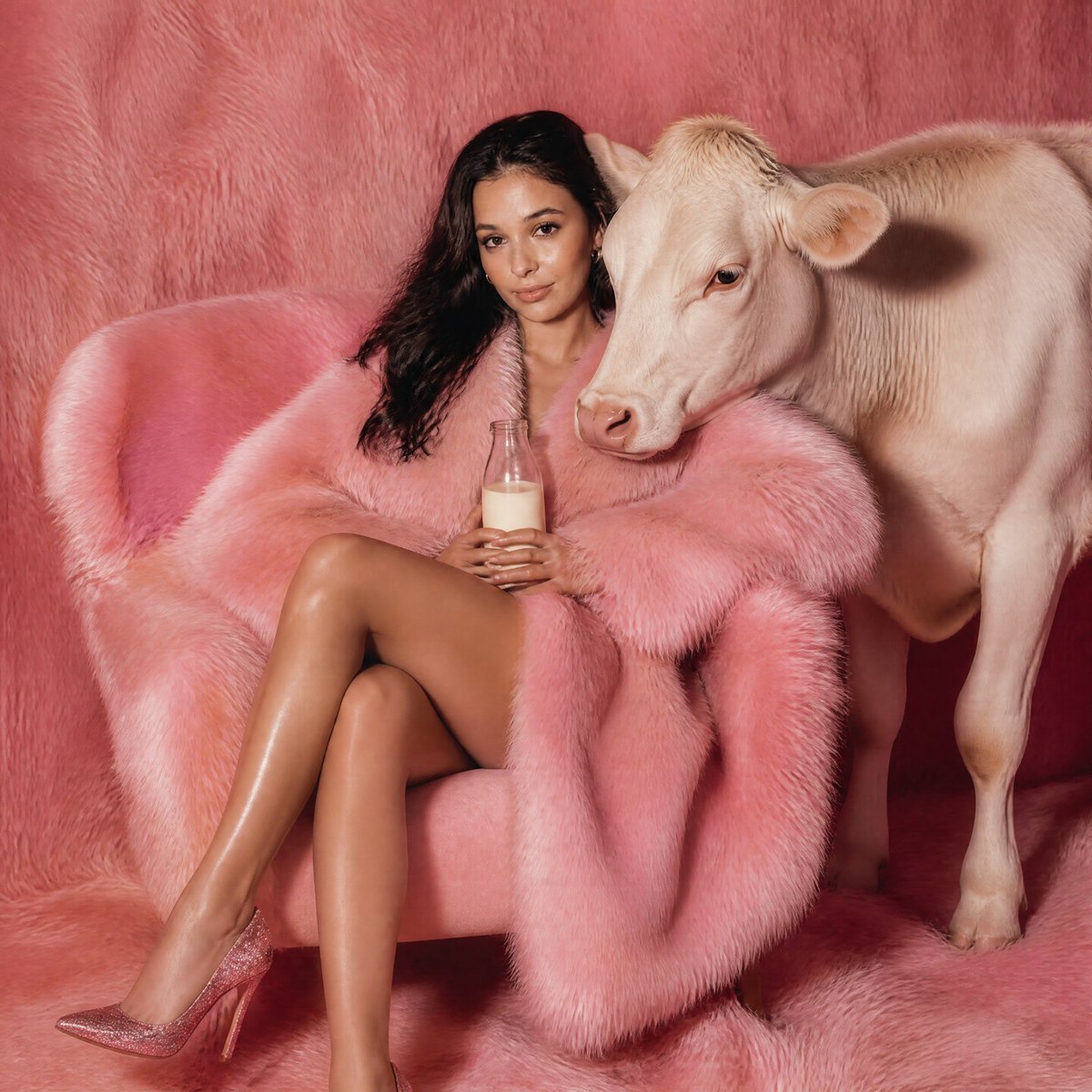
Pink Fur Fashion Editorial with Calf

Ultra-Realistic Cinematic Portrait Prompt
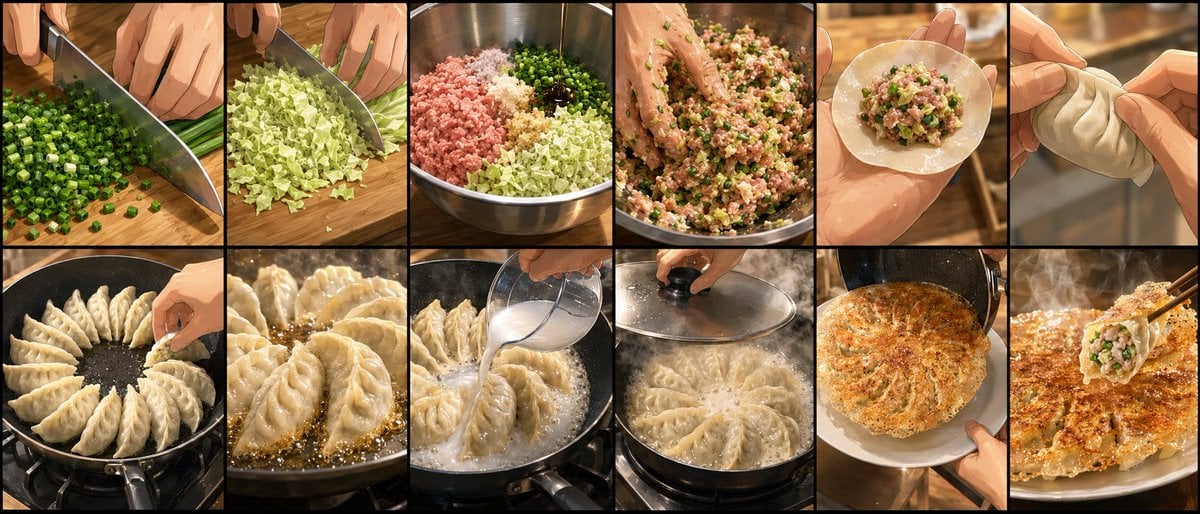
Gyoza Cooking Storyboard
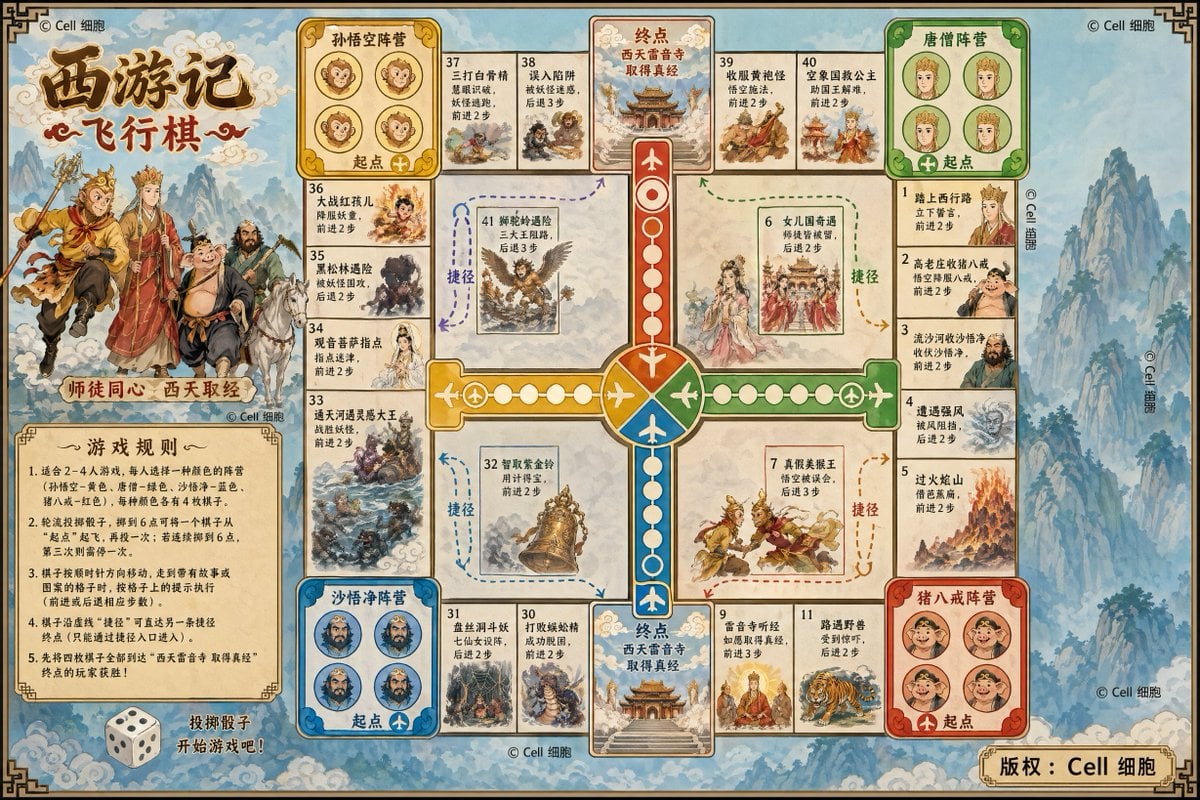
Journey to the West Flying Chess prompt

April Fool's Fake News Image Generation Prompt
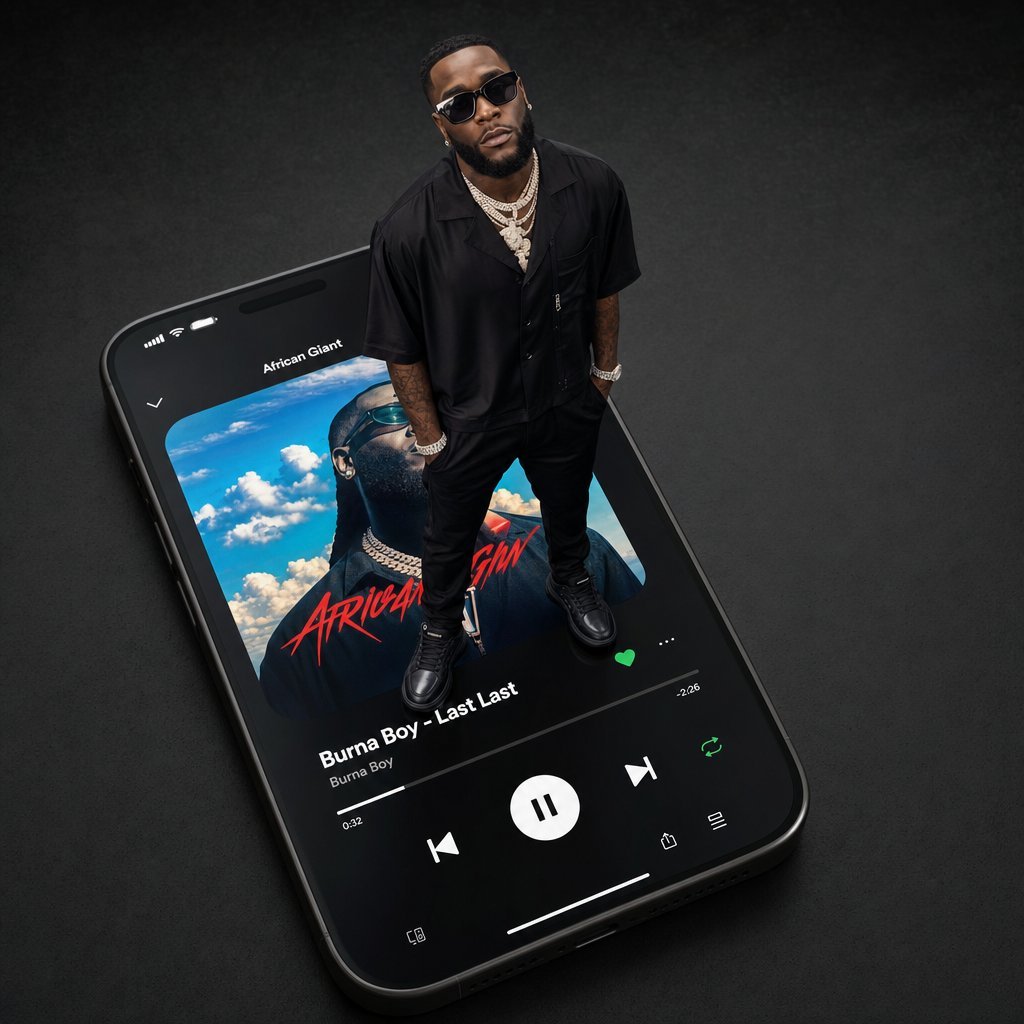
Giant Artist on Spotify Phone
Browse template categories
Cozy Aesthetic Park Photography questions
How do I use the Cozy Aesthetic Park Photography template?
Add your photo if the template asks for one, edit the prompt if you like — the template's model and format are already selected — and press Generate. Your version opens in PicX Studio.
Can I customize the Cozy Aesthetic Park Photography template?
Yes. You can change the subject, setting, lighting, mood, format, and available model controls before creating your image.
Is the Cozy Aesthetic Park Photography template free?
Opening and editing this template is free. Generating uses credits, shown on the Generate button when you are signed in.
Which AI model should I use?
Start with GPT Image 2, which is the model associated with this template. You can compare another compatible model for a different finish.
Looking for something else? Browse all templates.

Your photo, any look
Thousands of ready templates for every top image and video model, from one credit balance.