
Pastel Anime Promo Poster
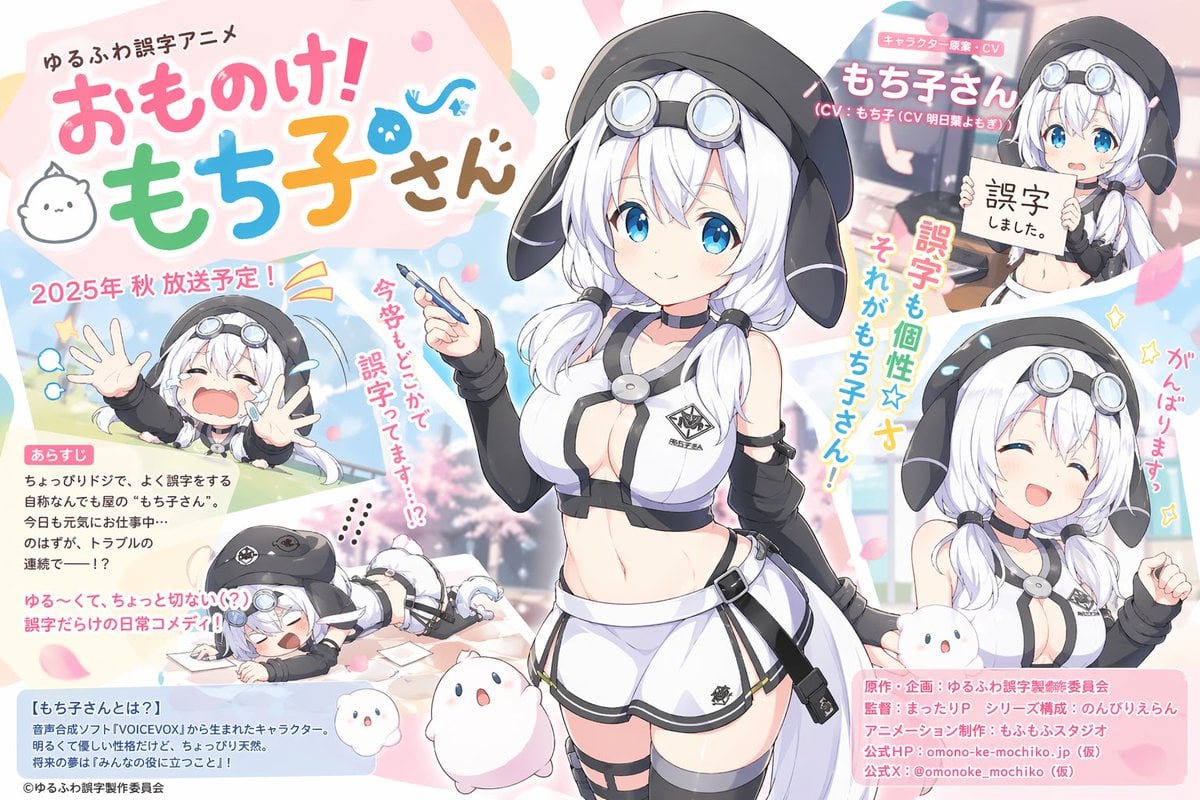
A colorful Japanese anime announcement poster featuring a white-haired mascot girl with multiple comedic inset scenes, ideal for recreating TV-series key visuals or parody promotional art.
- Prompt included
- Model and format preset
- Free template
The prompt behind this image
Copy the exact prompt behind Pastel Anime Promo Poster, or open it in the studio and make it yours.
Create a bright pastel anime promotional poster for a fictional slice-of-life comedy series. The composition is a single-page Japanese key visual with one central heroine surrounded by 5 inset moments and blocks of Japanese promotional text, like an anime announcement poster. The main character is {argument name="character name" default="もち子さん"}, a cute anime girl with short white hair fading slightly to silver, large vivid blue eyes, soft blush, and twin low ponytails tied near the shoulders. She wears an oversized black hood shaped like floppy dog ears, round silver goggles resting on top of her head, a black choker with a metallic round ornament, a futuristic white-and-black cropped sleeveless top with dark trim and a small emblem on the chest, detached black arm sleeves, very short white shorts with black edging, a thigh strap on one leg, and a small side pouch on her hip. Her body proportions are youthful anime stylization with a slim, petite build and slightly exaggerated chest, rendered in polished modern moe character design. In the center she stands full body, smiling gently and holding a pen in one hand as if she is about to make a mistake while writing, facing the viewer in a confident but sweet pose. Around her place 5 supporting vignette images of the same character: 1) upper left, a chibi-style scene of her outside with both hands thrown forward, crying dramatically with a huge open mouth; 2) lower left, a comic scene of her collapsed face-down on a desk or floor with scattered papers, exhausted and flustered; 3) upper right, a bust shot where she holds up a paper sign with Japanese writing, looking apologetic; 4) lower right, a cheerful half-body portrait with closed smiling eyes and one fist raised in encouragement; 5) a small background portrait in the top-right area behind text, used like a character callout. Include exactly 2 small white mascot creatures near the bottom center, both round and mochi-like with tiny dot eyes and tiny mouths, one larger and one smaller, floating or standing beside the heroine. Use a soft spring palette with pink, sky blue, mint green, peach, cream, and white, with scattered cherry blossom petals and rounded graphic shapes in the background. The background should feel airy and celebratory, with subtle outdoor scenery blur and decorative swooshes, stars, and bubbles. Fill the poster with Japanese typography in a playful commercial-anime style: a large multicolored title at top left, small header text above it, a red seasonal broadcast announcement, a pink "あらすじ" synopsis box on the left with several lines of body text, a blue explanatory box at bottom left, vertical and angled exclamatory phrases around the character, and a pink production-credit block at bottom right. Add a prominent character name banner in the upper right. Keep all text looking like authentic printed Japanese promotional copy, using rounded colorful fonts for the title and clean magazine-style fonts for the smaller text. Overall mood: adorable, comedic, slightly chaotic, professionally designed anime key art for a new TV series announcement in 16:9 landscape format.
How to use Pastel Anime Promo Poster in 3 steps
- 1Upload ImagePNG, JPG or paste
Add your photo
Upload the photo the template builds on. The prompt, model and format are already set.
- 2…a portrait of your subject in softgolden-hour light, 85mm…
Personalize
Edit the subject and creative details for your destination.
- 3Generate
Generate
Press Generate — your image is created in PicX Studio, so you can compare it with the original and refine one variable at a time.
More like this
Templates with the same subject, style or setup. Open one to see its prompt.

Captain Tsubasa Anime World Cup Poster

Gpt2 Youtube Thumbnail Anime Music Bootcamp Promo Poster

Premium Vintage Travel Poster Landscape
Premium Vintage Travel Poster Landscape
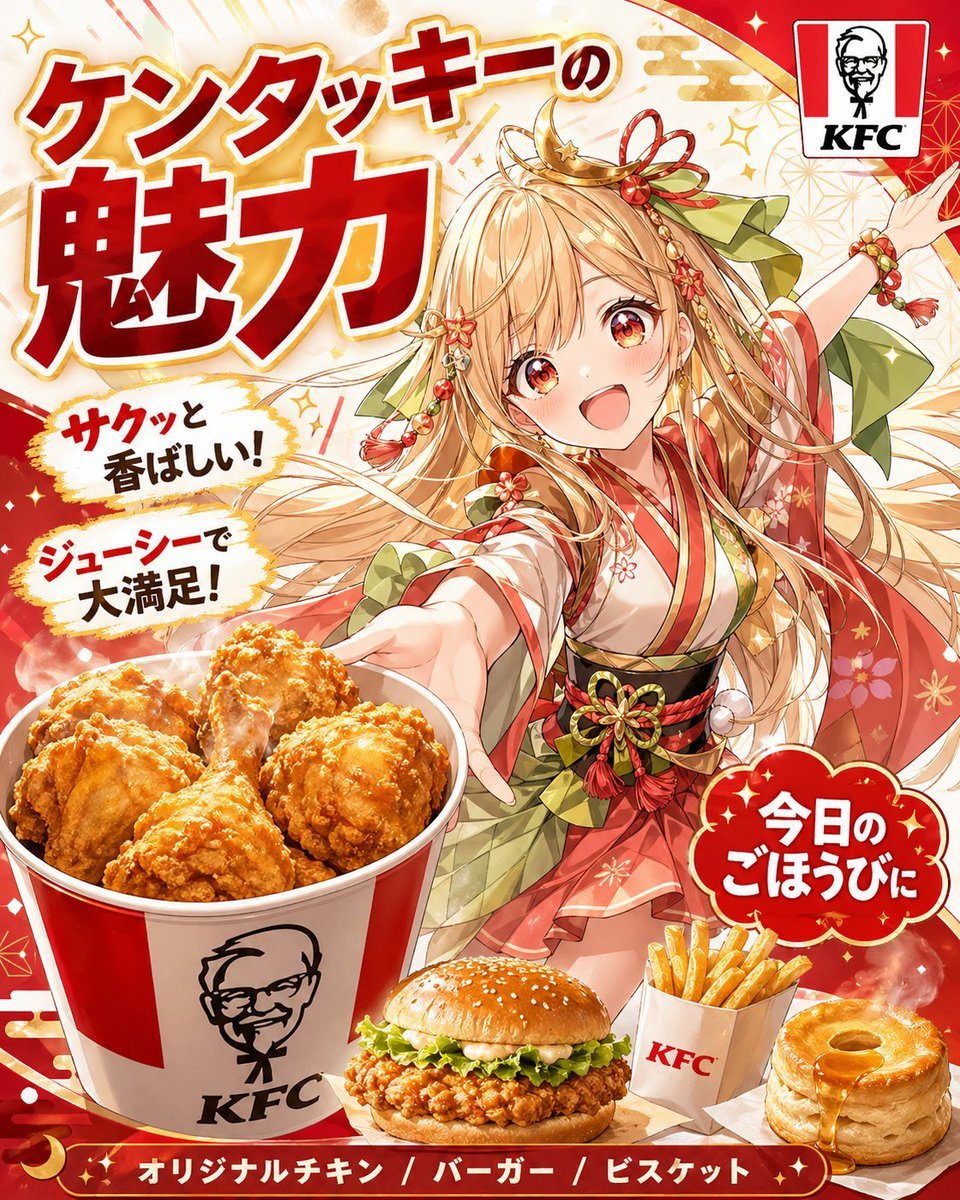
Anime KFC Princess Promo Poster
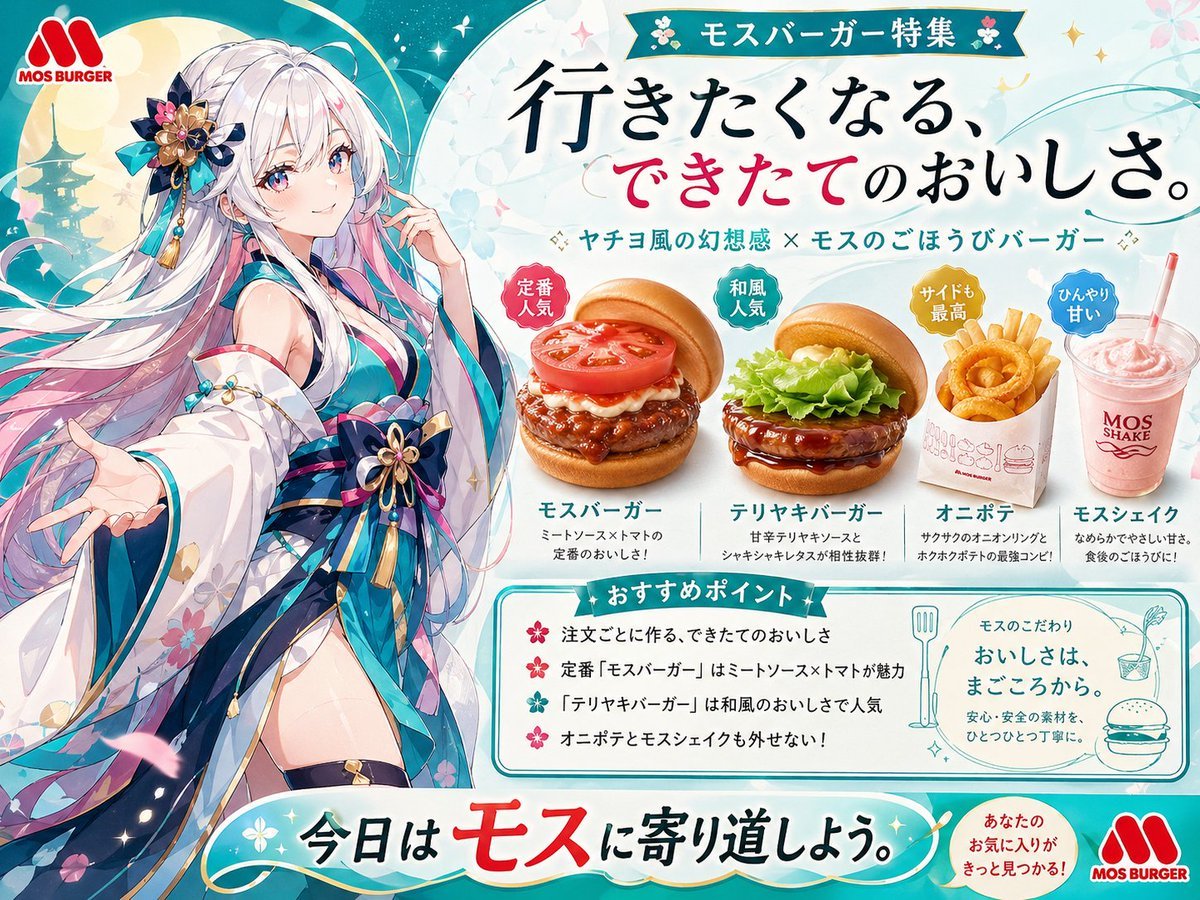
Anime MOS Burger Promo Poster
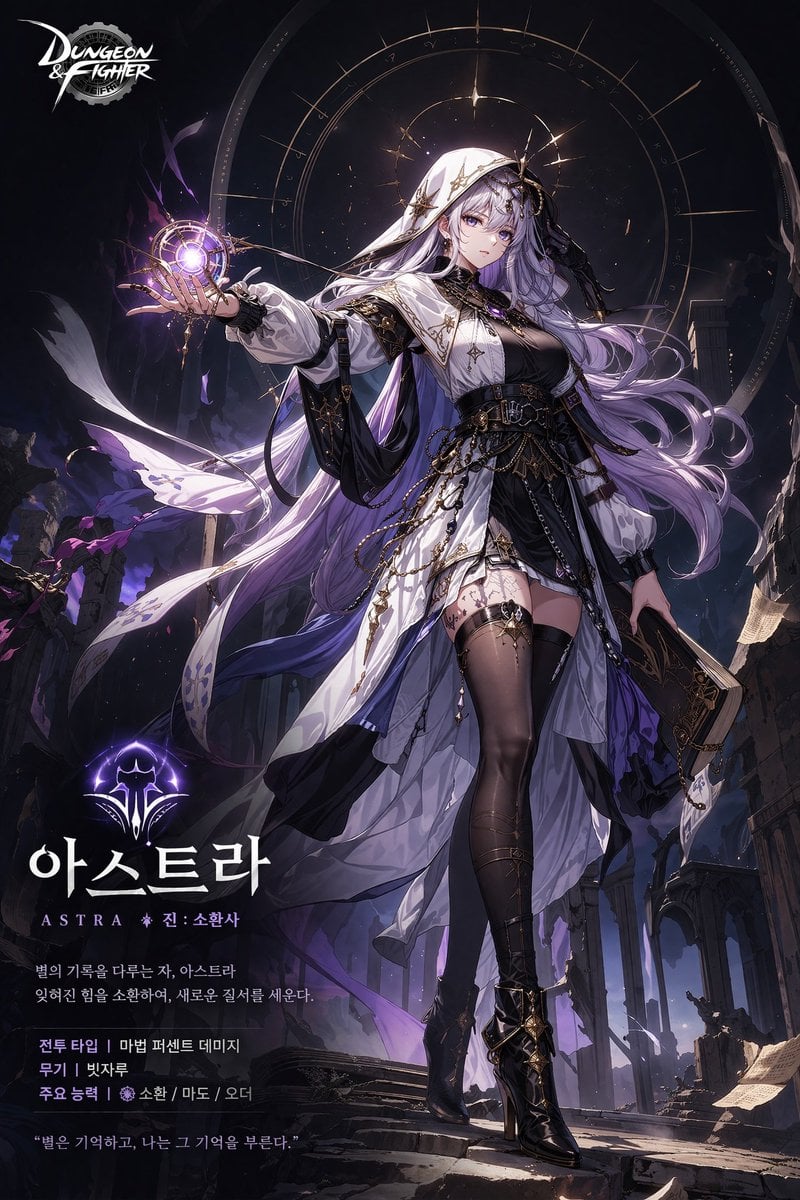
Anime Game Character Promo Poster
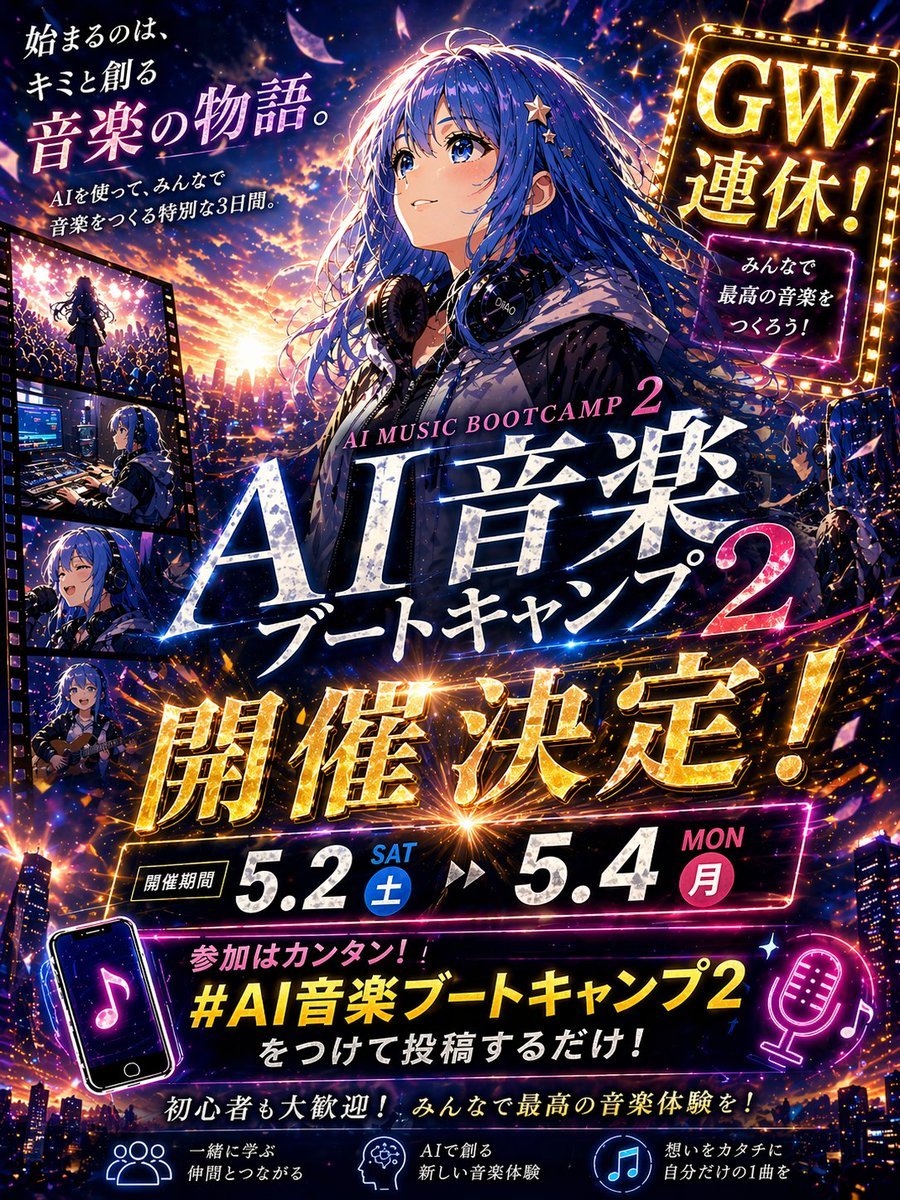
Anime Music Bootcamp Promo Poster

Japan Travel Brochure Poster

Pastel Anime Idol Concert Finale

Pastel Anime Summer Beach Collage

Nice Day Anime Poster
Make it yours
Pastel Anime Promo Poster works as-is. These are the safest ways to change it without losing the look.
Change one field
Copy a single group, rewrite it, and generate again so you can see what that field is doing.
Keep the frame, change the subject
Hold the composition and light of Pastel Anime Promo Poster, then swap wardrobe, props or the person for a new take.
| If the result… | Why | Fix |
|---|---|---|
| The result drifts from the preview | Too many fields changed at once. | Reuse Pastel Anime Promo Poster as-is first, then change one group — subject, light, or setting. |
| The model over-stylizes the scene | The prose prompt leaves finish and camera underspecified. | Add one camera or lighting sentence and stay on GPT Image 2. |
More GPT Image 2 templates
Other prompts made for GPT Image 2.

Six VTuber Japanese Logo Sheet

Realistic Portrait of Woman and Deer

The Vista Modular Condo Poster

AI Model Routing Comparison Infographic

2.5D Anime Art Board

Isometric Productivity Desk Scene

New York Double Exposure Poster

Four-Panel AI Landscape Comparison

Japanese Tatami Lifestyle Magazine Cover

NESCAFÉ Coffee Map Poster
More image prompts
Fresh picks from across the catalog.

Rugged Cyberpunk Man HUD Portrait
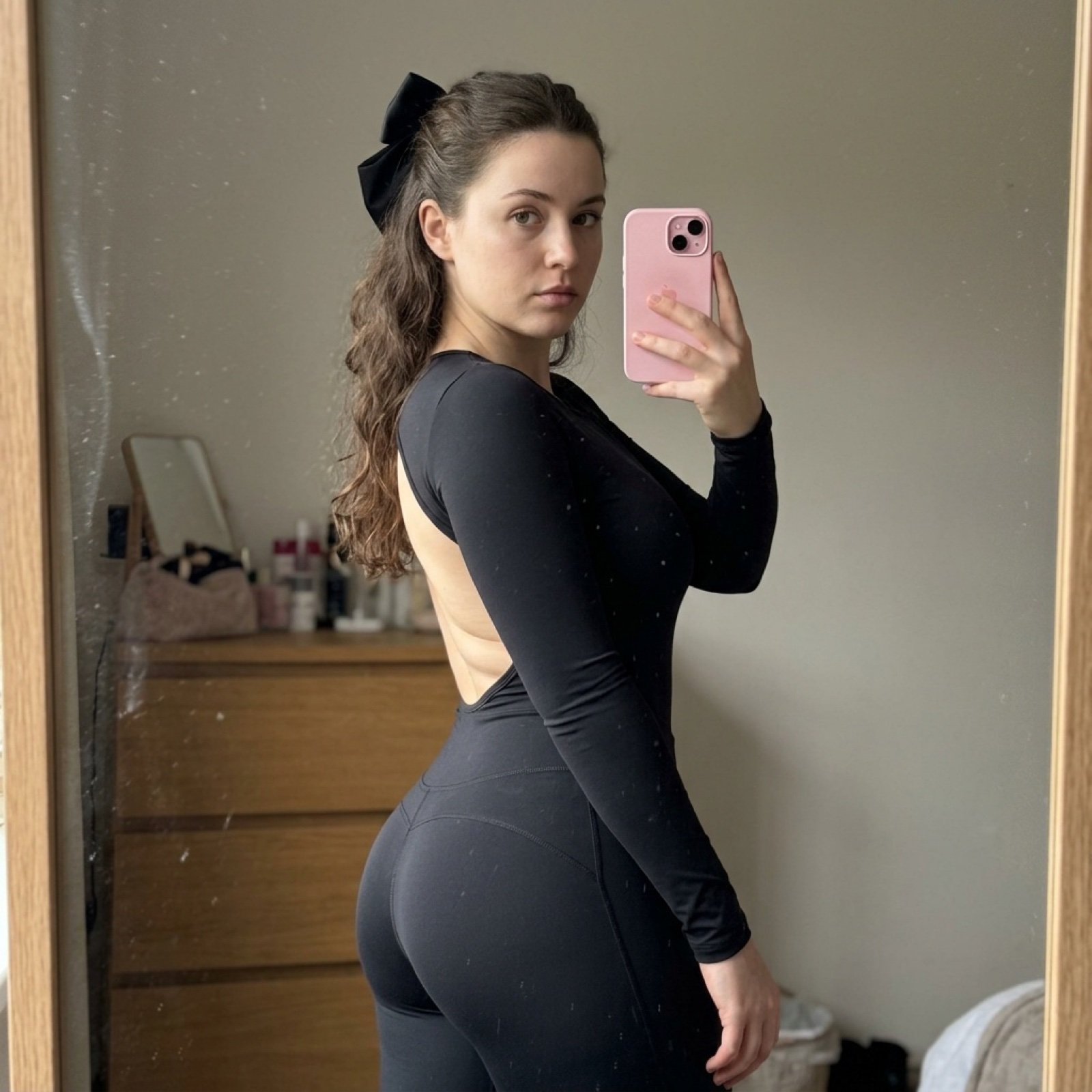
Detailed Side-Profile Mirror Selfie in Bodysuit
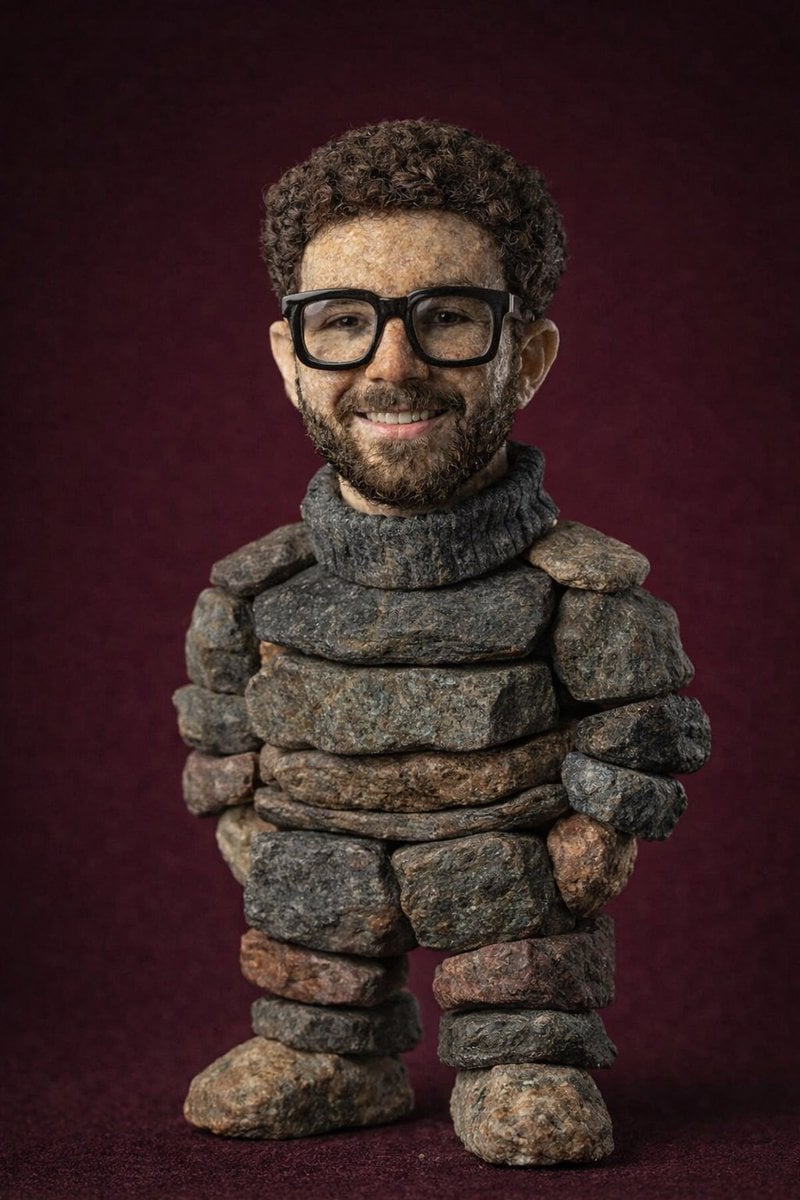
Handcrafted Stone Figurine Transformation Prompt
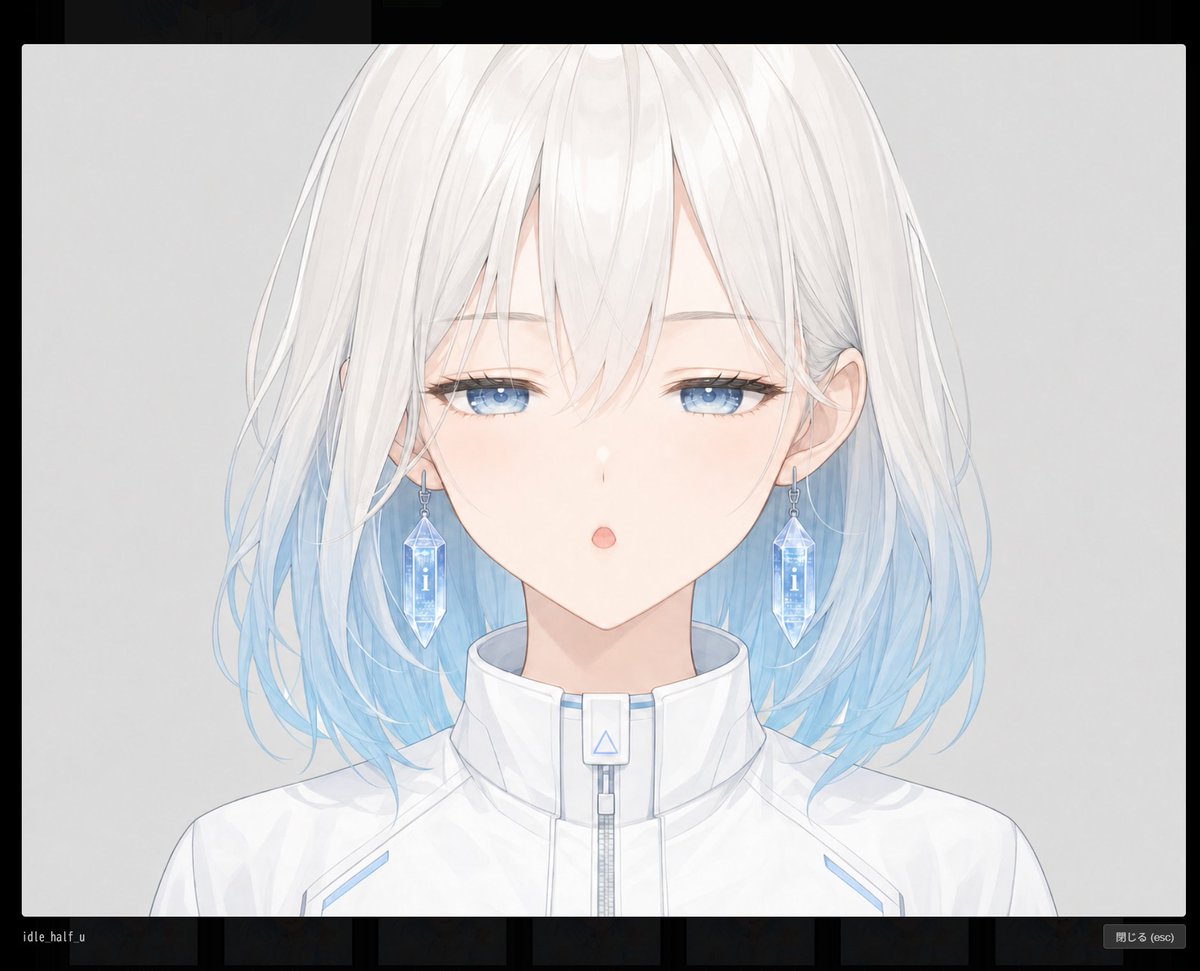
Anime Face Mask Portrait Template
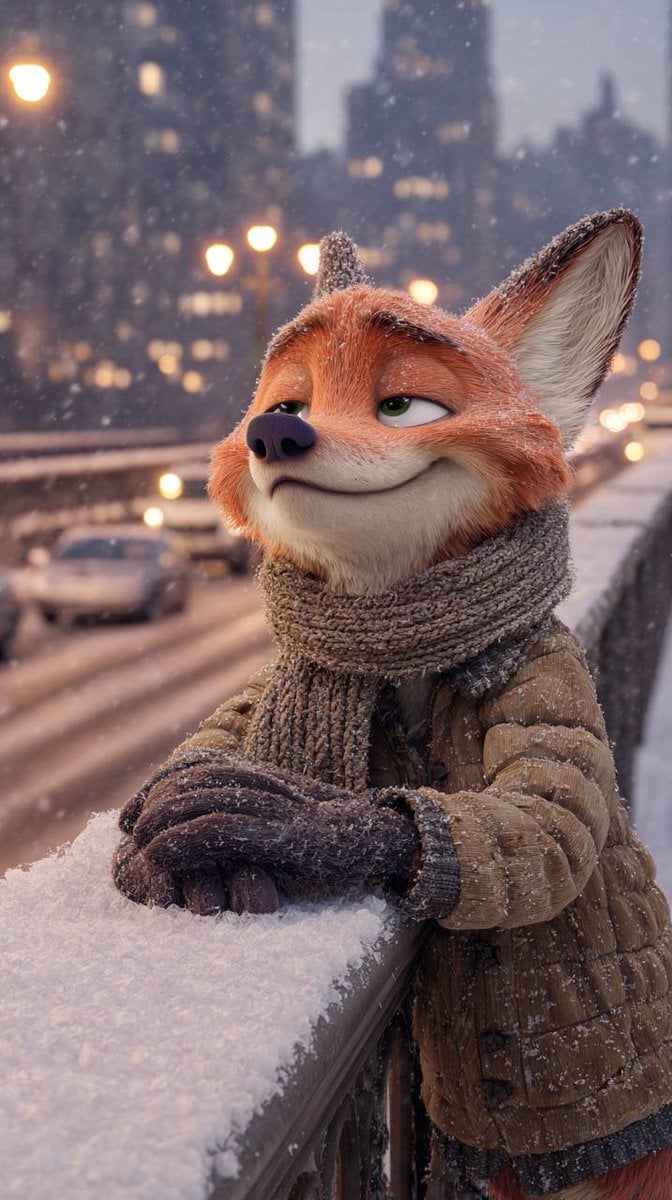
Anthropomorphic Fox in a Winter City
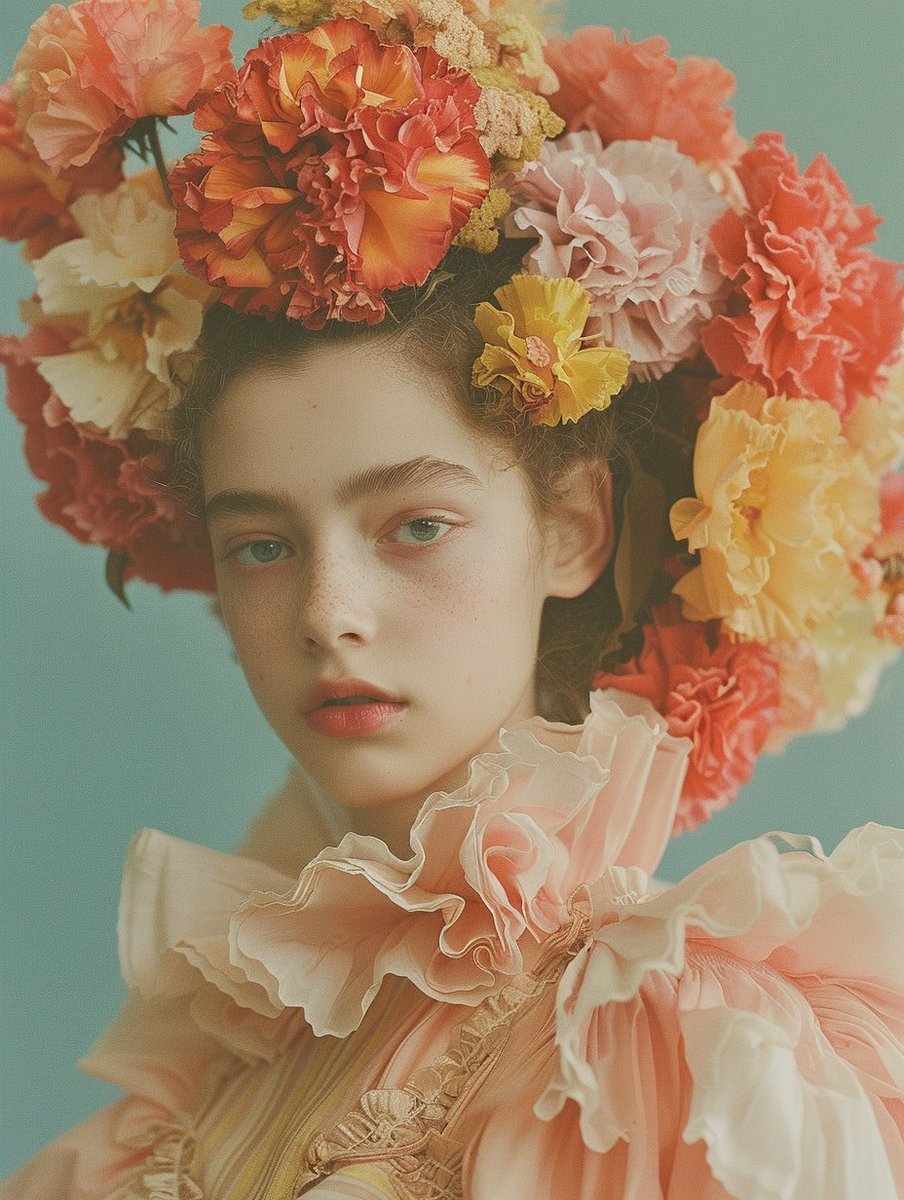
Disposable Photography Style Fashion Model Portrait
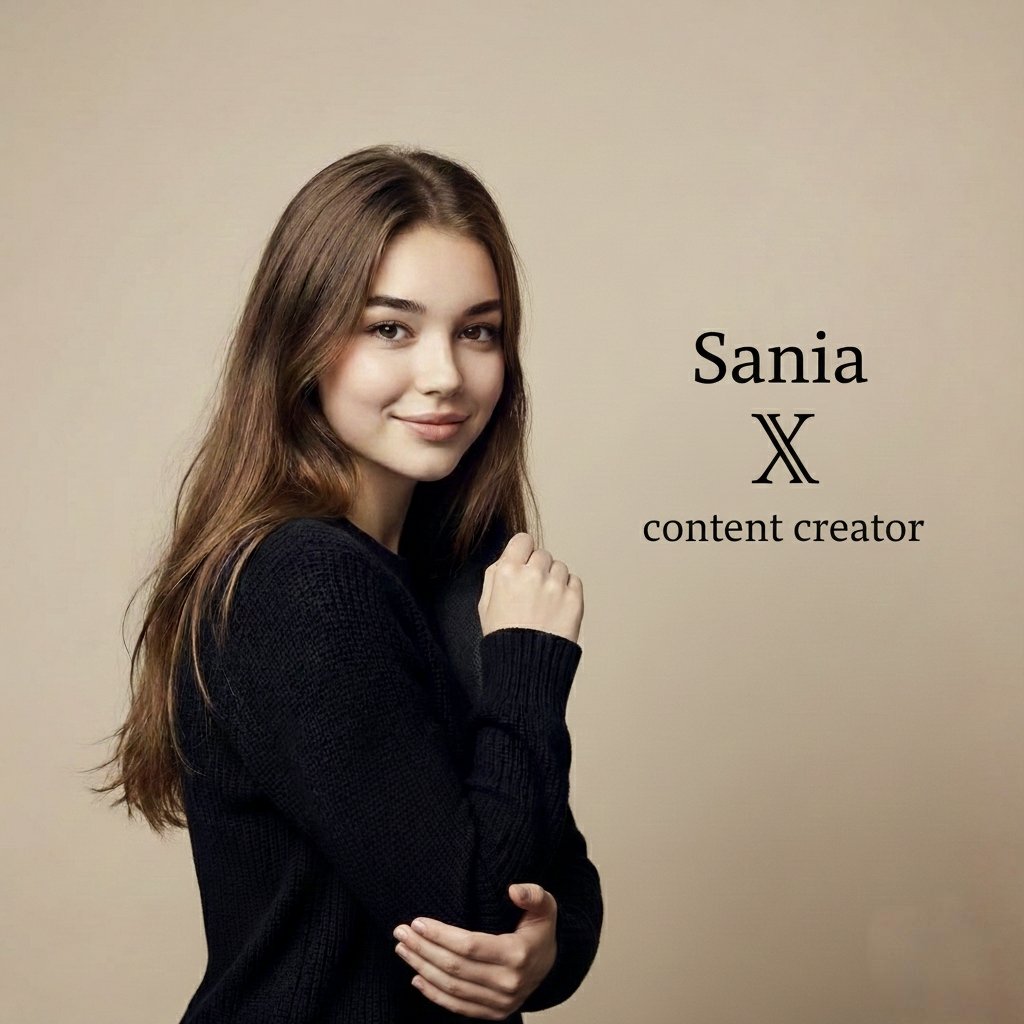
High-end professional studio portrait with custom text overlay
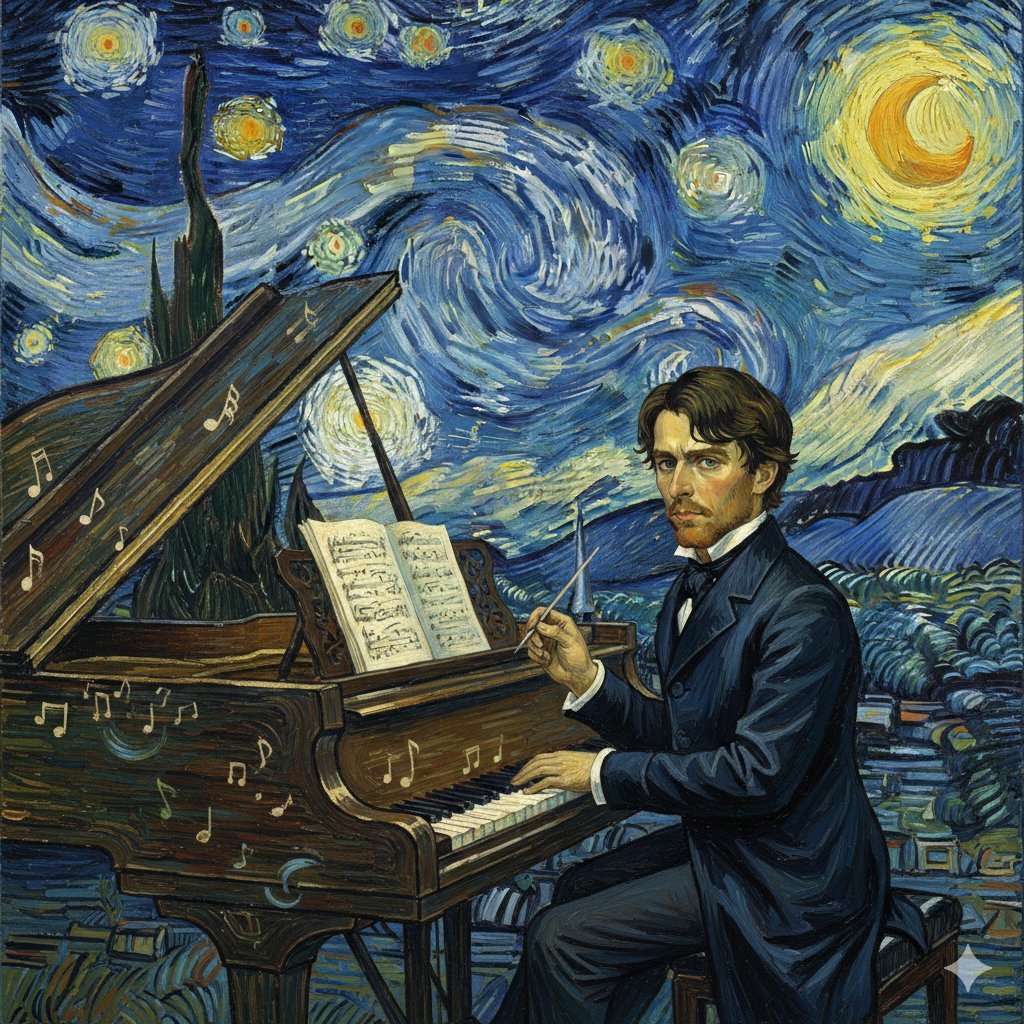
Chopin in Van Gogh's Starry Night Style Prompt
Origami Pop-Up T-Rex Book Ad
Warrior Princess Artistic Poster
Browse template categories
Pastel Anime Promo Poster questions
How do I use the Pastel Anime Promo Poster template?
Add your photo if the template asks for one, edit the prompt if you like — the template's model and format are already selected — and press Generate. Your version opens in PicX Studio.
Can I customize the Pastel Anime Promo Poster template?
Yes. You can change the subject, setting, lighting, mood, format, and available model controls before creating your image.
Is the Pastel Anime Promo Poster template free?
Opening and editing this template is free. Generating uses credits, shown on the Generate button when you are signed in.
Which AI model should I use?
Start with GPT Image 2, which is the model associated with this template. You can compare another compatible model for a different finish.
Looking for something else? Browse all templates.

Your photo, any look
Thousands of ready templates for every top image and video model, from one credit balance.