
Reinecke Undine Forest Title Card
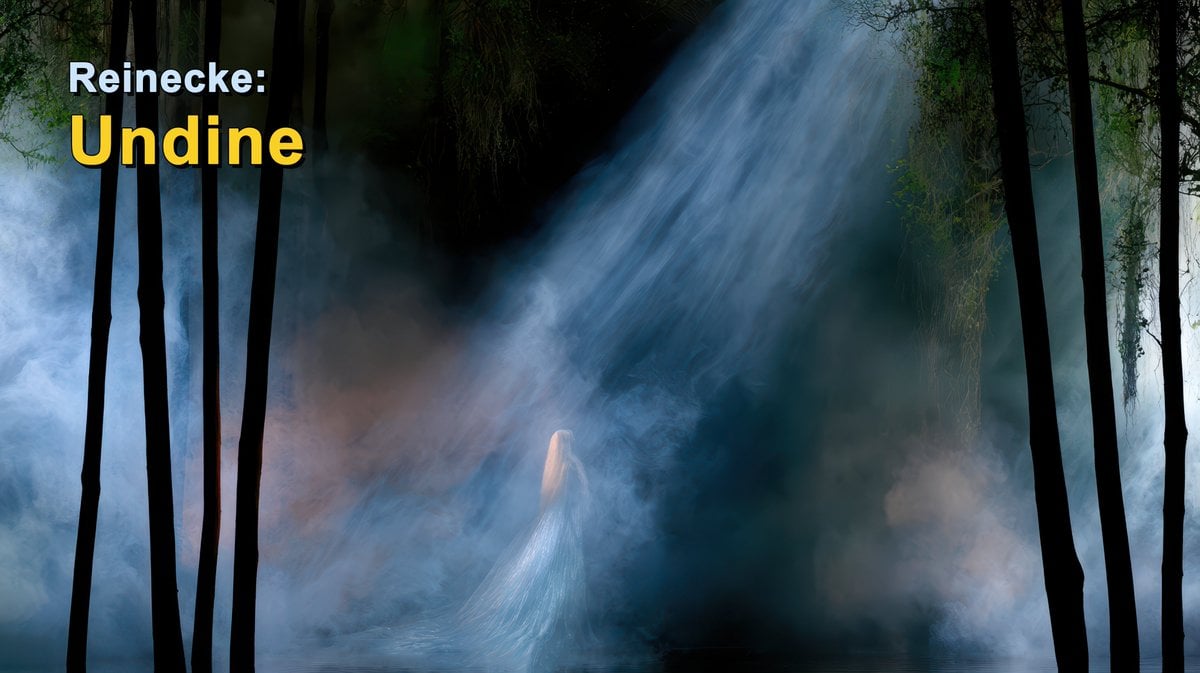
A cinematic Romantic-era music title card showing a misty moonlit forest with a ghostly water spirit and bold composer-work text.
- Prompt included
- Model and format preset
- Free template
The prompt behind this image
Copy the exact prompt behind Reinecke Undine Forest Title Card, or open it in the studio and make it yours.
Create a cinematic horizontal title card for a classical music video about {argument name="composer and work" default="Reinecke: Undine"}. Use a 16:9 widescreen canvas. The scene is a dark Romantic forest at night, filled with blue-gray mist and water vapor, with a shallow reflective pool along the bottom edge. A powerful diagonal shaft of cold moonlight enters from the upper right and illuminates a ghostly water spirit or undine standing near the lower center, small in scale, with very long pale blonde hair and a translucent silver-blue gown that blends into the fog and water. Frame the image with exactly 9 prominent black tree trunks in the foreground: 5 clustered on the left side and 4 on the right side, with thin hanging branches and moss near the top. The atmosphere should feel mysterious, mythic, and operatic, with deep greens, blacks, cyan-blue haze, and soft volumetric lighting. Add bold title text in the upper left: exactly 2 lines, line 1 reads {argument name="top title text" default="Reinecke:"} in white, smaller bold sans-serif, and line 2 reads {argument name="main title text" default="Undine"} in large bright yellow bold sans-serif with a subtle dark shadow. Keep the typography clean and highly legible, leave the rest of the image free of text, no logos, no watermark.
How to use Reinecke Undine Forest Title Card in 3 steps
- 1Upload ImagePNG, JPG or paste
Add your photo
Upload the photo the template builds on. The prompt, model and format are already set.
- 2…a portrait of your subject in softgolden-hour light, 85mm…
Personalize
Edit the subject and creative details for your destination.
- 3Generate
Generate
Press Generate — your image is created in PicX Studio, so you can compare it with the original and refine one variable at a time.
More like this
Templates with the same subject, style or setup. Open one to see its prompt.
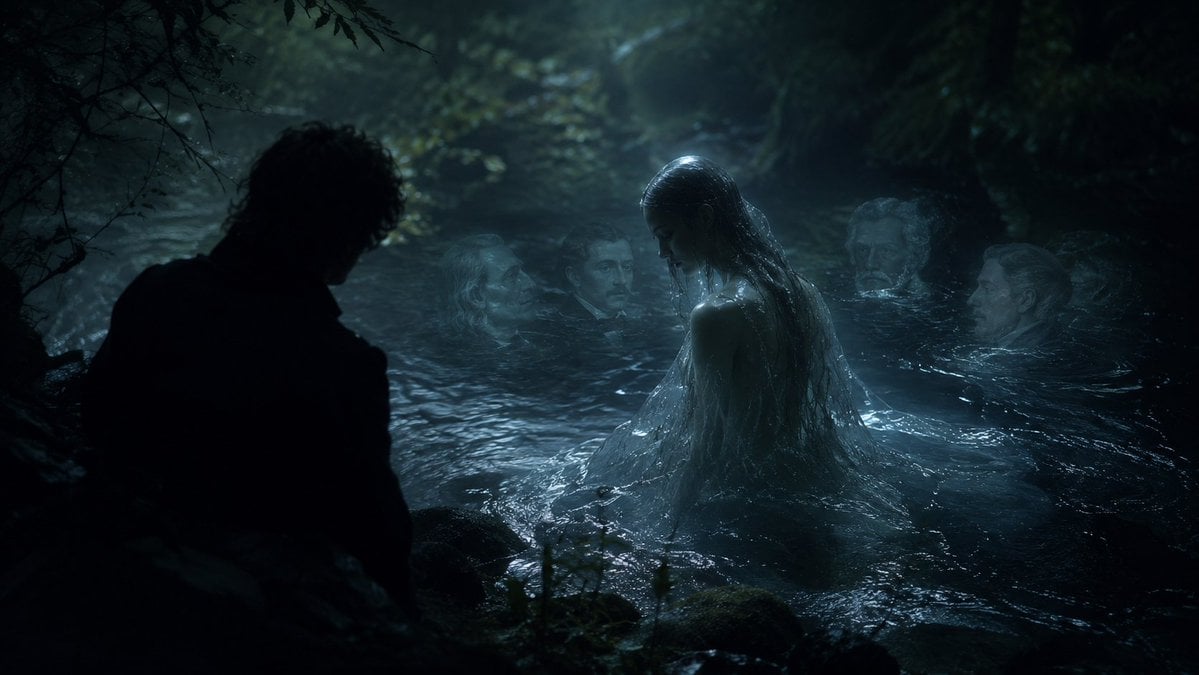
Moonlit Undine Forest Lake
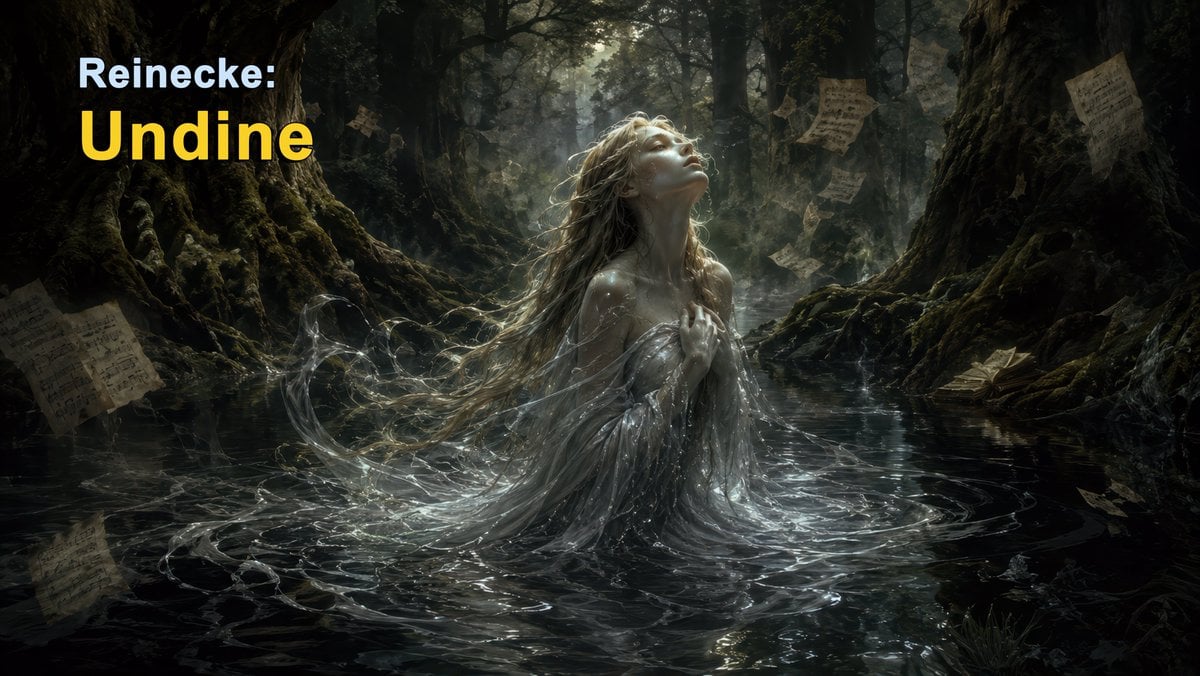
Dark Forest Undine Album Cover

Layered Paper Cut Forest Diorama

Skate VHS Title Card
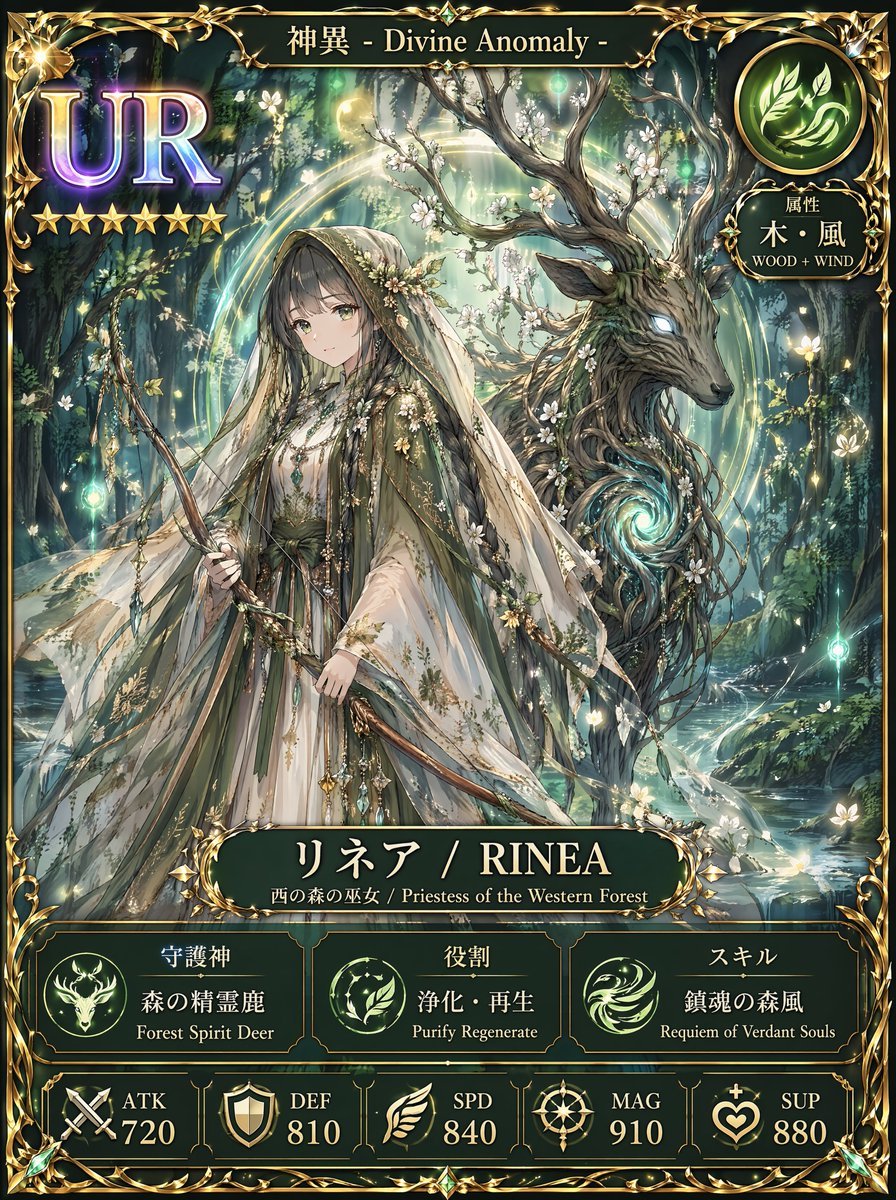
Fantasy UR Forest Priestess Card

Sakura Travel Cinema Title Card
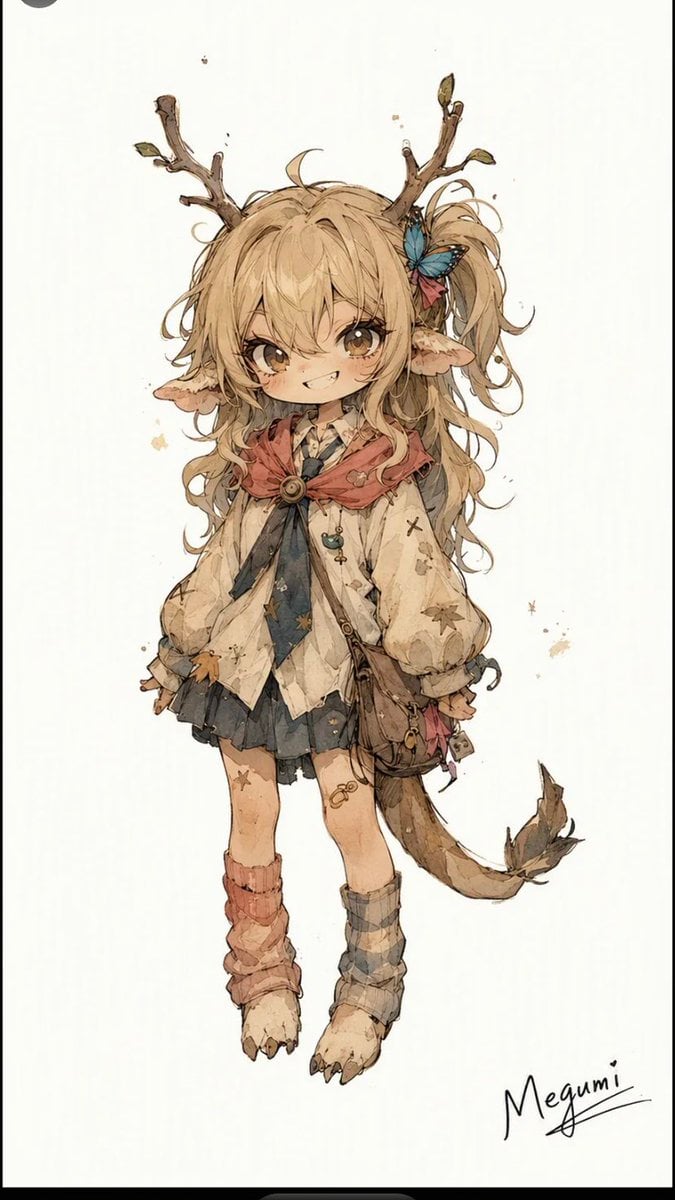
Mischievous Forest Faun Girl

Teal Japanese Handwritten Lyric Card

Reiwa Slang Reaction Gacha Card
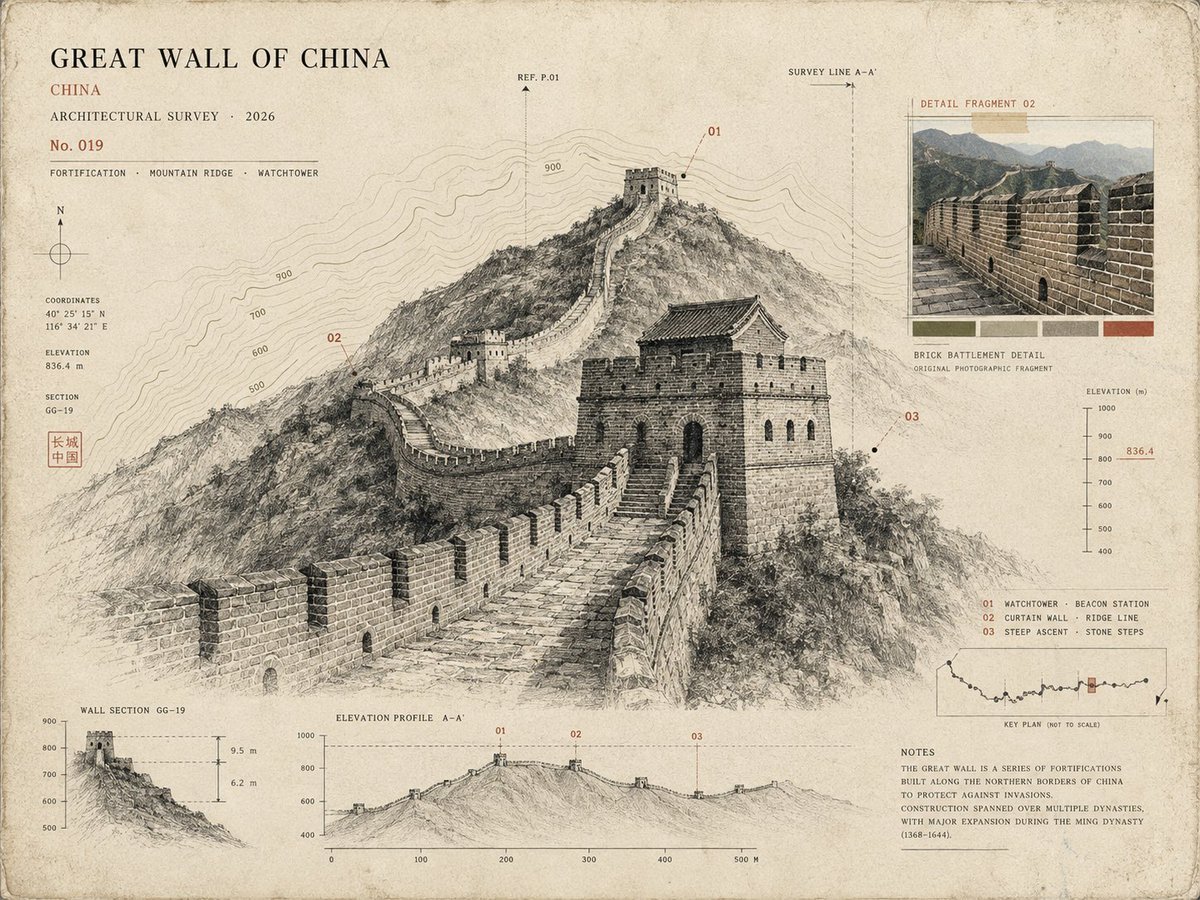
Architectural Museum Specimen Card

High-quality 3D metallic typography composition of the title, set
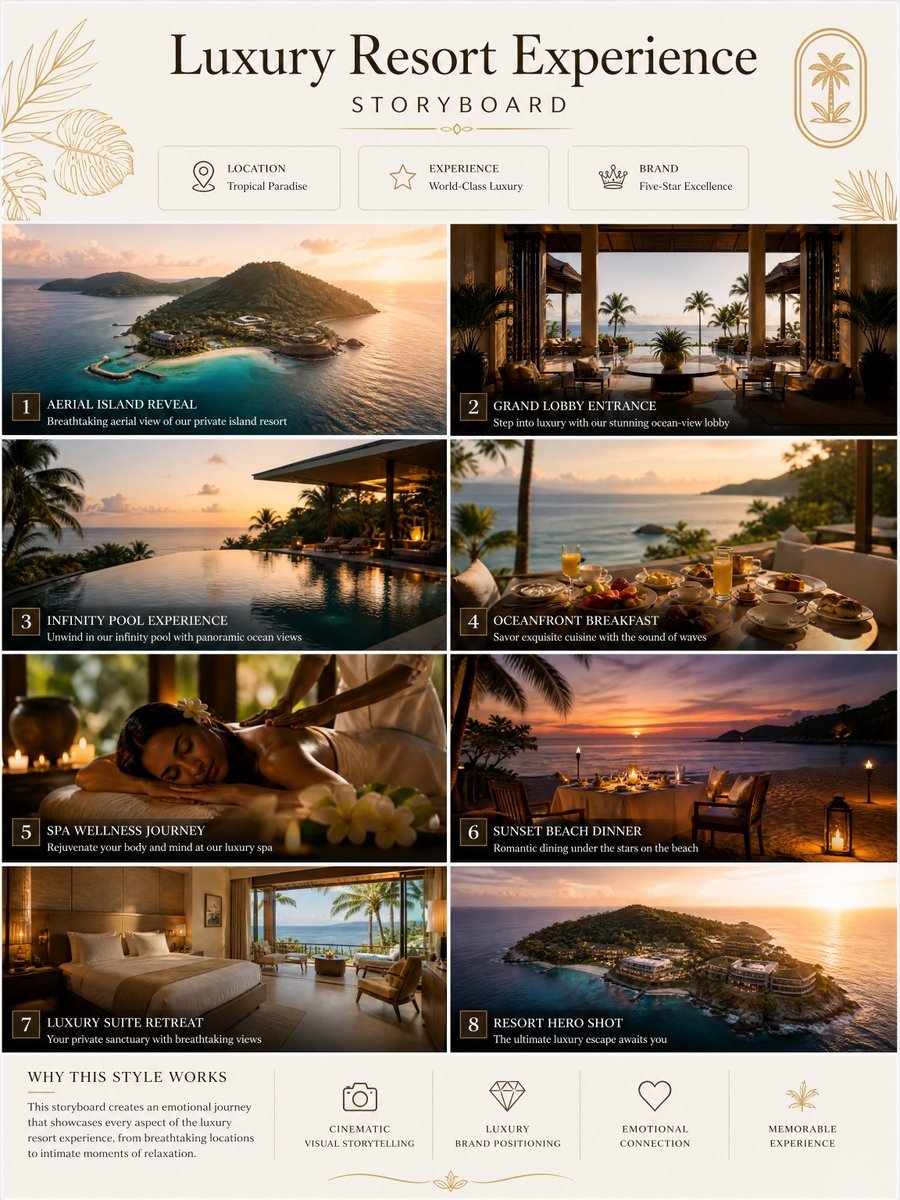
GPT image 2 × Gemini Omni flash Prompt :- TITLE
Make it yours
Reinecke Undine Forest Title Card works as-is. These are the safest ways to change it without losing the look.
Change one field
Copy a single group, rewrite it, and generate again so you can see what that field is doing.
Keep the frame, change the subject
Hold the composition and light of Reinecke Undine Forest Title Card, then swap wardrobe, props or the person for a new take.
| If the result… | Why | Fix |
|---|---|---|
| The result drifts from the preview | Too many fields changed at once. | Reuse Reinecke Undine Forest Title Card as-is first, then change one group — subject, light, or setting. |
| The model over-stylizes the scene | The prose prompt leaves finish and camera underspecified. | Add one camera or lighting sentence and stay on GPT Image 2. |
More GPT Image 2 templates
Other prompts made for GPT Image 2.

Six VTuber Japanese Logo Sheet

Realistic Portrait of Woman and Deer

The Vista Modular Condo Poster

AI Model Routing Comparison Infographic

2.5D Anime Art Board

Isometric Productivity Desk Scene

New York Double Exposure Poster

Four-Panel AI Landscape Comparison

Japanese Tatami Lifestyle Magazine Cover

NESCAFÉ Coffee Map Poster
More image prompts
Fresh picks from across the catalog.
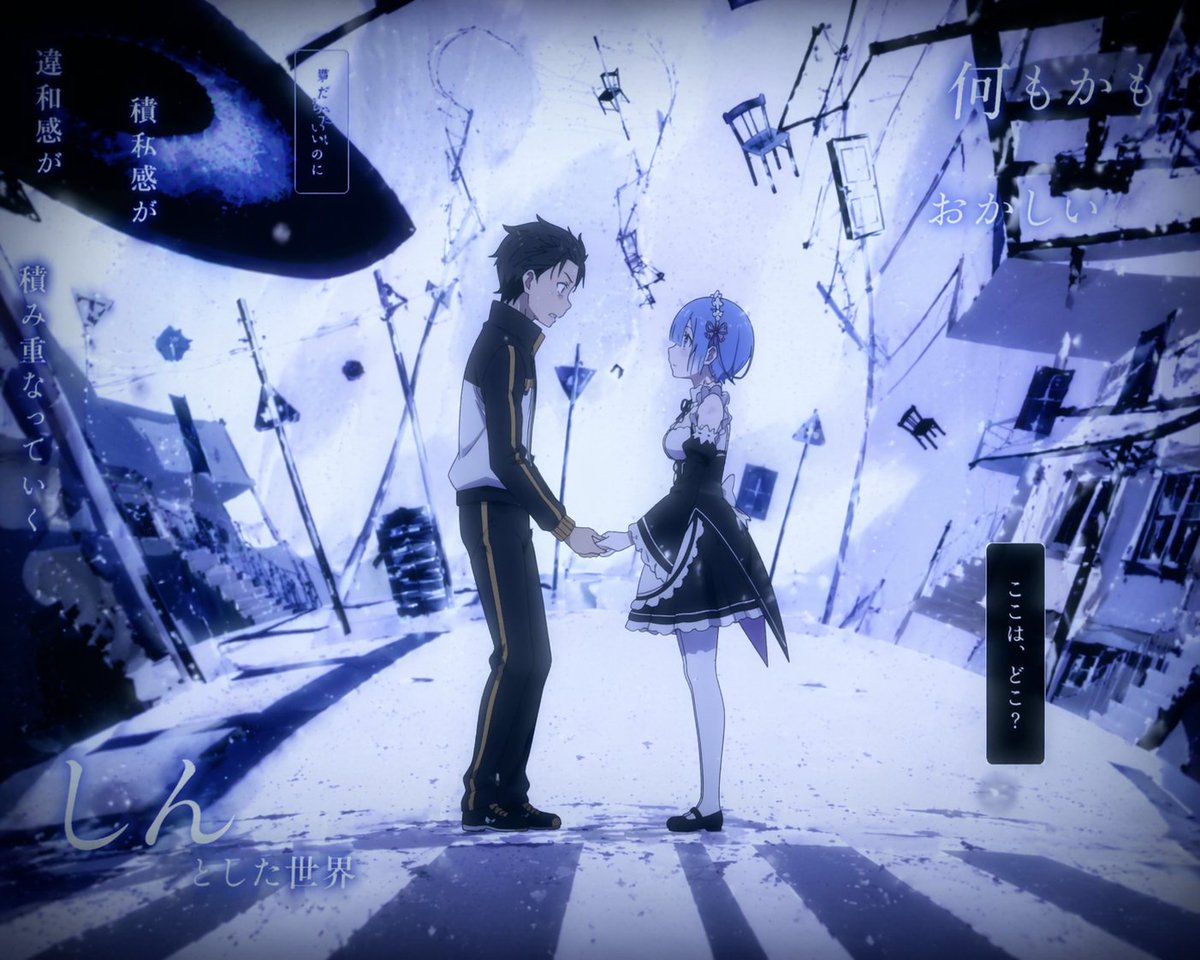
Surreal Anime Couple Illustration with Text Overlays
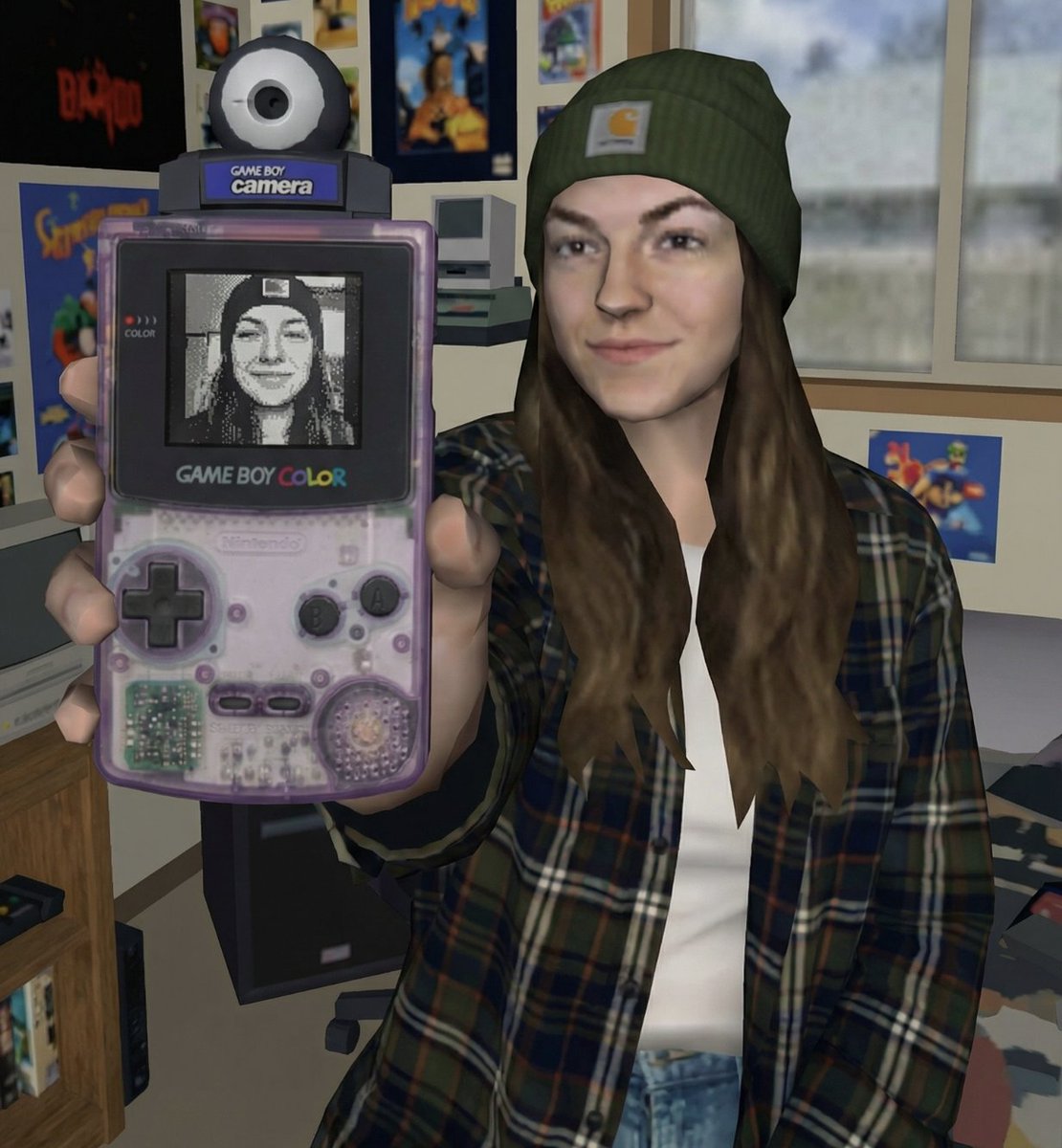
Early 2000s Video Game Render Style Transfer
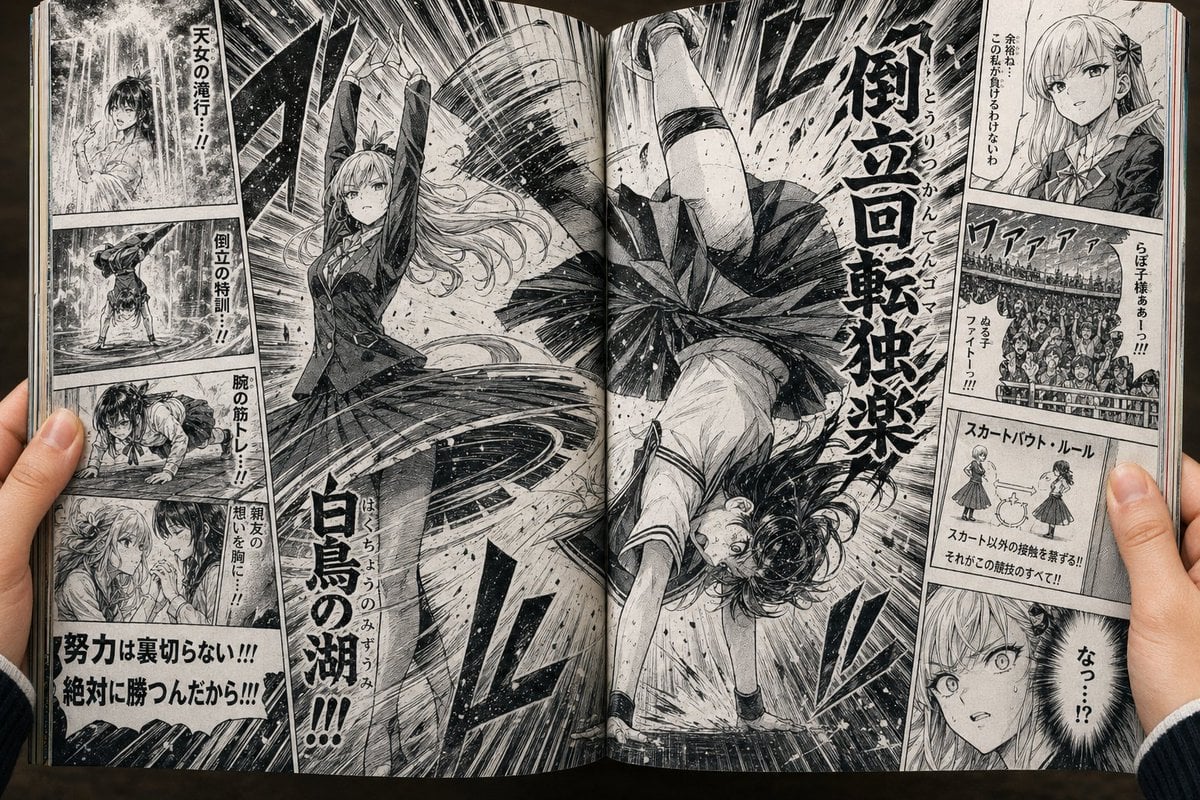
Open Manga Spread of Skirt Battle

2000s Aesthetic Flash Selfie Prompt
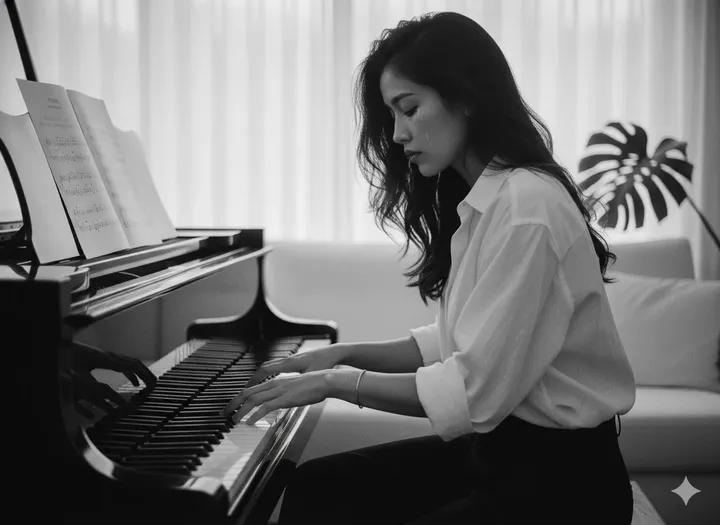
80 Year Old Rapper Mv Seedance 2 0 Stree
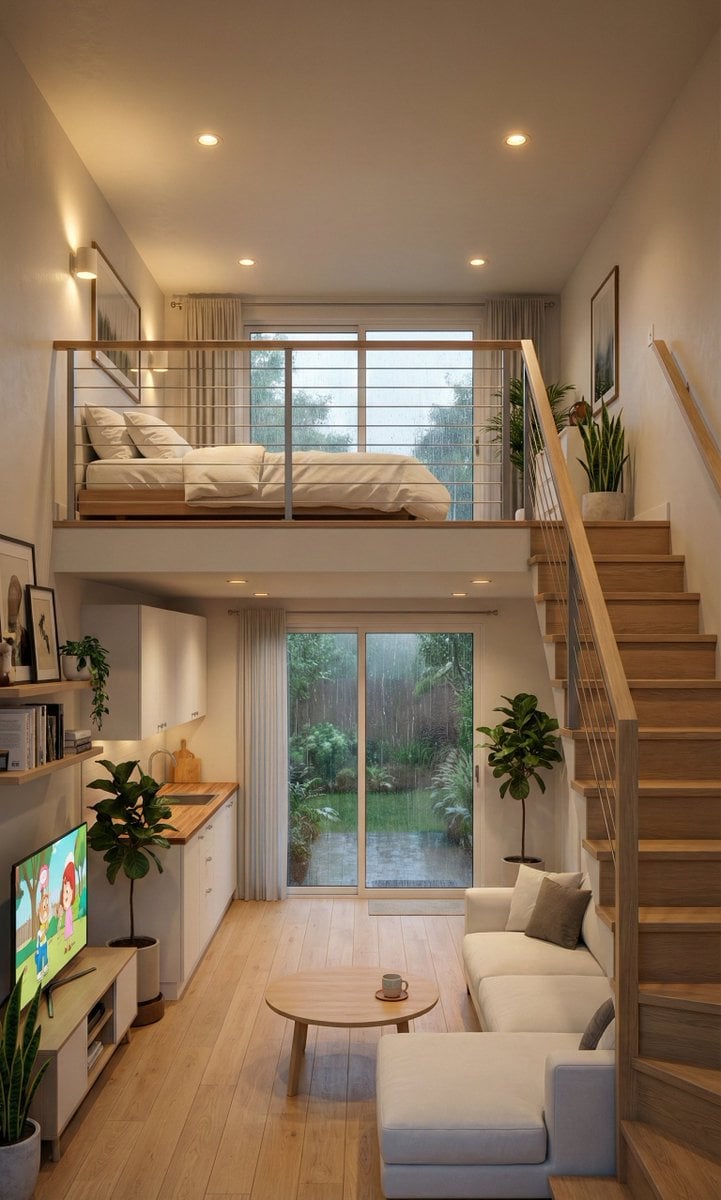
Cozy Split-Level Studio Apartment with Rainy Garden View (Structured)
Minimalist Modern Magazine Illustration Style

Cinematic Video of Cake Making Process

Meme to Ultra-Realistic Image Prompt

Cinematic Scene for Happy Women's Day
Browse template categories
Reinecke Undine Forest Title Card questions
How do I use the Reinecke Undine Forest Title Card template?
Add your photo if the template asks for one, edit the prompt if you like — the template's model and format are already selected — and press Generate. Your version opens in PicX Studio.
Can I customize the Reinecke Undine Forest Title Card template?
Yes. You can change the subject, setting, lighting, mood, format, and available model controls before creating your image.
Is the Reinecke Undine Forest Title Card template free?
Opening and editing this template is free. Generating uses credits, shown on the Generate button when you are signed in.
Which AI model should I use?
Start with GPT Image 2, which is the model associated with this template. You can compare another compatible model for a different finish.
Looking for something else? Browse all templates.

Your photo, any look
Thousands of ready templates for every top image and video model, from one credit balance.