
Moonlit Undine Forest Lake
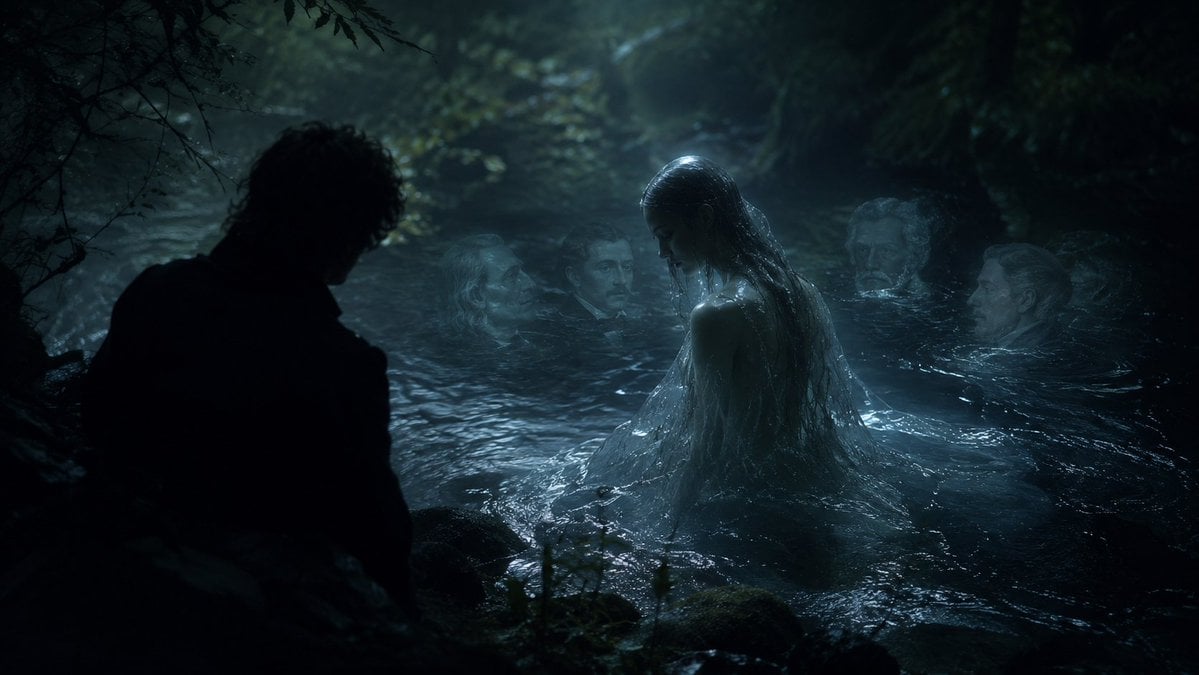
A cinematic gothic fantasy scene of an Undine-like water spirit rising from a dark forest lake while a silhouetted man watches.
- Prompt included
- Model and format preset
- Free template
The prompt behind this image
Copy the exact prompt behind Moonlit Undine Forest Lake, or open it in the studio and make it yours.
Create a dark cinematic fantasy scene inspired by {argument name="musical work" default="Carl Reinecke's Undine sonata"}: a moonlit German forest pool at night, with black trees and tangled branches enclosing a cold lake. Show exactly five human figures: one male figure in the left foreground seen only as a near-black silhouette from behind, crouched or standing at the water's edge; one central water nymph rising waist-deep from the lake with long soaked dark hair, pale wet skin, and a translucent drenched gown clinging to her body; and three ghostly pale faces or heads partially submerged in the water behind her, spaced across the middle and right background like drowned witnesses. The central nymph should be the brightest focal point, lit by cool blue moonlight and mist, while the man remains almost completely unlit. The water should look black, rippling, reflective, and protective, with small waves around the nymph and dim highlights on mossy rocks in the foreground. Use a realistic film-still style, gothic romantic atmosphere, low-key lighting, teal-blue color grading, heavy shadows, fog, wet textures, shallow depth of field, and a sense of betrayal and quiet menace. Keep the composition wide and horizontal, like a dramatic movie frame, with no text, no modern objects, and no visible instruments.
How to use Moonlit Undine Forest Lake in 3 steps
- 1Upload ImagePNG, JPG or paste
Add your photo
Upload the photo the template builds on. The prompt, model and format are already set.
- 2…a portrait of your subject in softgolden-hour light, 85mm…
Personalize
Edit the subject and creative details for your destination.
- 3Generate
Generate
Press Generate — your image is created in PicX Studio, so you can compare it with the original and refine one variable at a time.
More like this
Templates with the same subject, style or setup. Open one to see its prompt.

Teen Girl Alpine Lake Mountain View
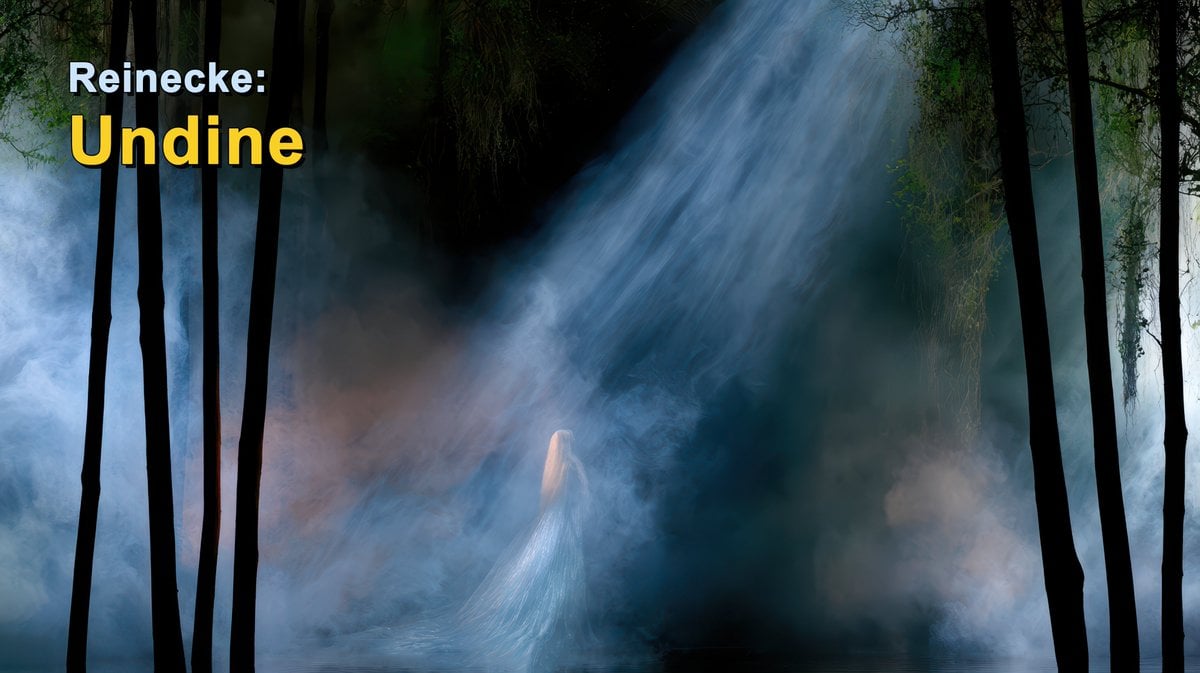
Reinecke Undine Forest Title Card
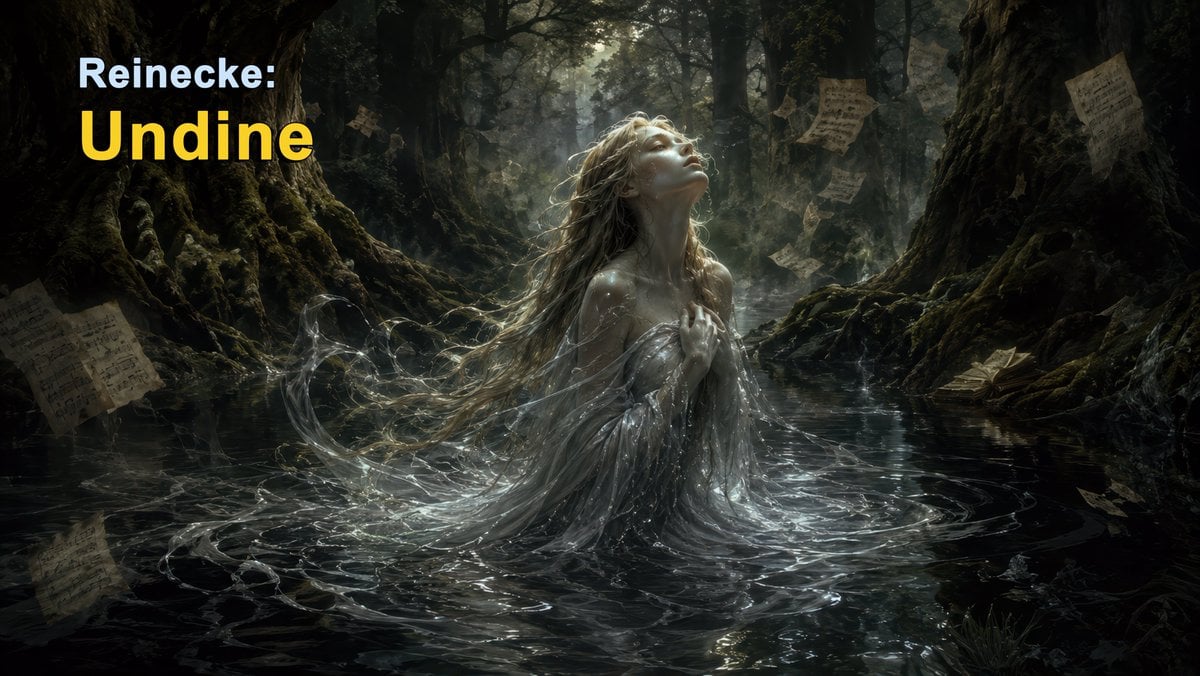
Dark Forest Undine Album Cover
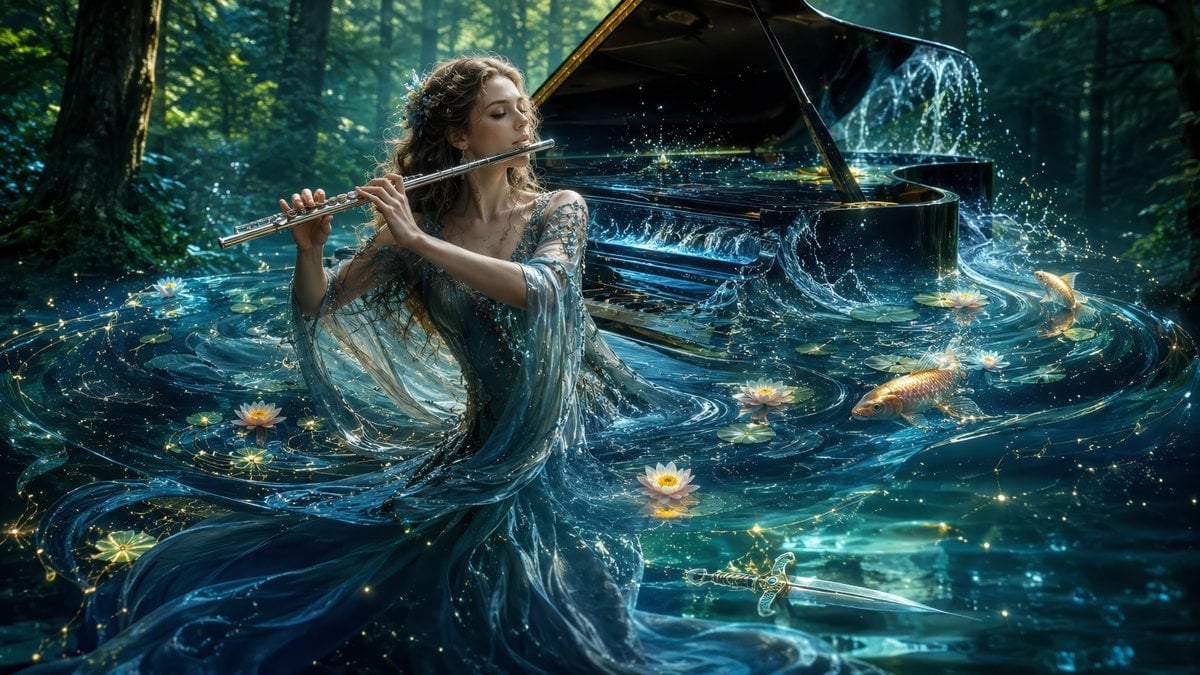
Undine Flutist in Enchanted Lake

Layered Paper Cut Forest Diorama

Mountain Lake Sunset Landscape
Warm Lakeside Travel Selfie

Moonlit Fox Mask Night Market

Lone Mountaineer in Moonlit Snow

Moonlit Ghost Lotus Anime Portrait
Mischievous Forest Faun Girl
Celestial Jade Palace Lake
Make it yours
Moonlit Undine Forest Lake works as-is. These are the safest ways to change it without losing the look.
Change one field
Copy a single group, rewrite it, and generate again so you can see what that field is doing.
Keep the frame, change the subject
Hold the composition and light of Moonlit Undine Forest Lake, then swap wardrobe, props or the person for a new take.
| If the result… | Why | Fix |
|---|---|---|
| The result drifts from the preview | Too many fields changed at once. | Reuse Moonlit Undine Forest Lake as-is first, then change one group — subject, light, or setting. |
| The model over-stylizes the scene | The prose prompt leaves finish and camera underspecified. | Add one camera or lighting sentence and stay on GPT Image 2. |
More GPT Image 2 templates
Other prompts made for GPT Image 2.

Six VTuber Japanese Logo Sheet

Realistic Portrait of Woman and Deer

The Vista Modular Condo Poster

AI Model Routing Comparison Infographic

2.5D Anime Art Board

Isometric Productivity Desk Scene

New York Double Exposure Poster

Four-Panel AI Landscape Comparison

Japanese Tatami Lifestyle Magazine Cover

NESCAFÉ Coffee Map Poster
More image prompts
Fresh picks from across the catalog.
Object-to-Dystopian Building Transformation
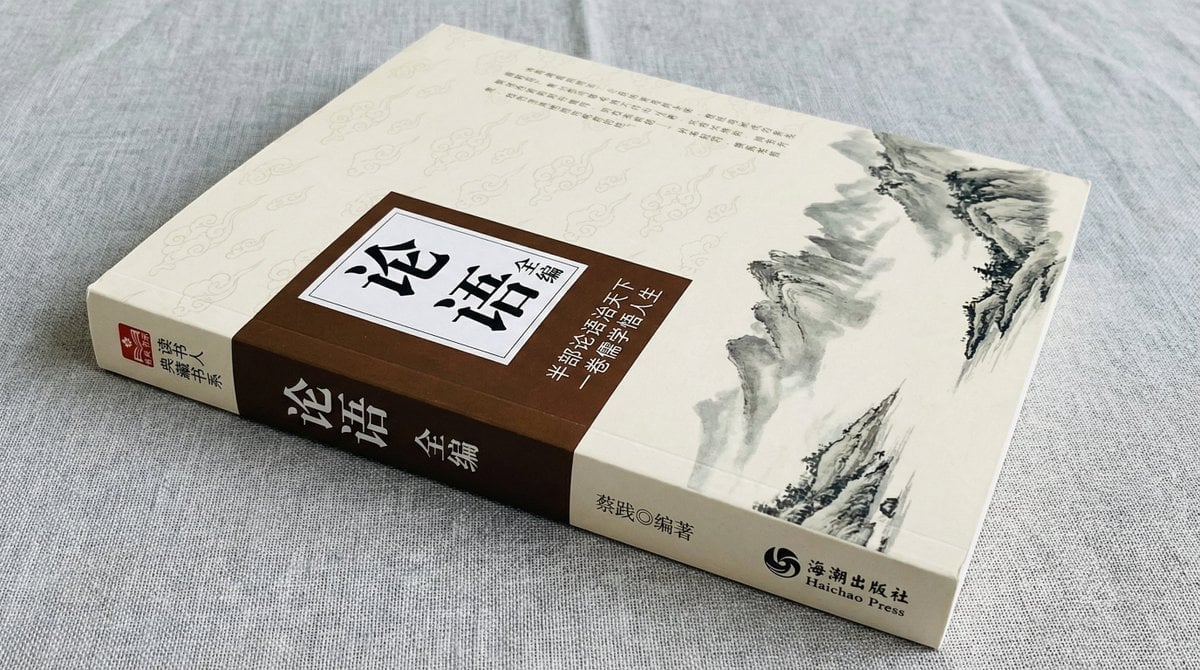
Book Product Photography Prompt
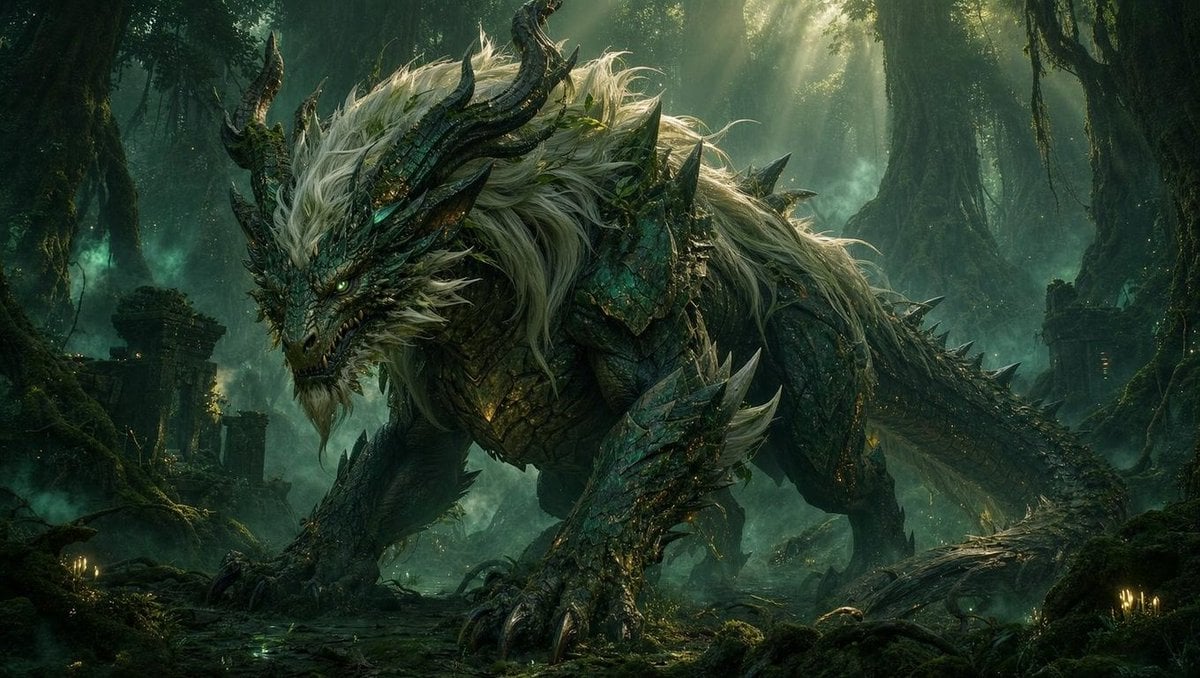
Dragon Wolf in Jungle Ruins
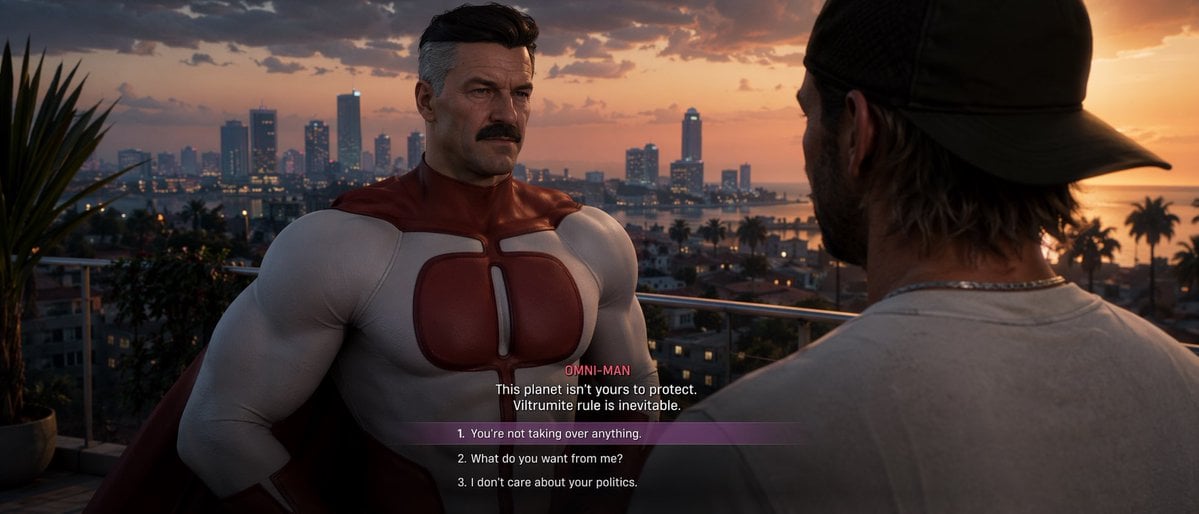
GTA-Style Dialogue Screenshot
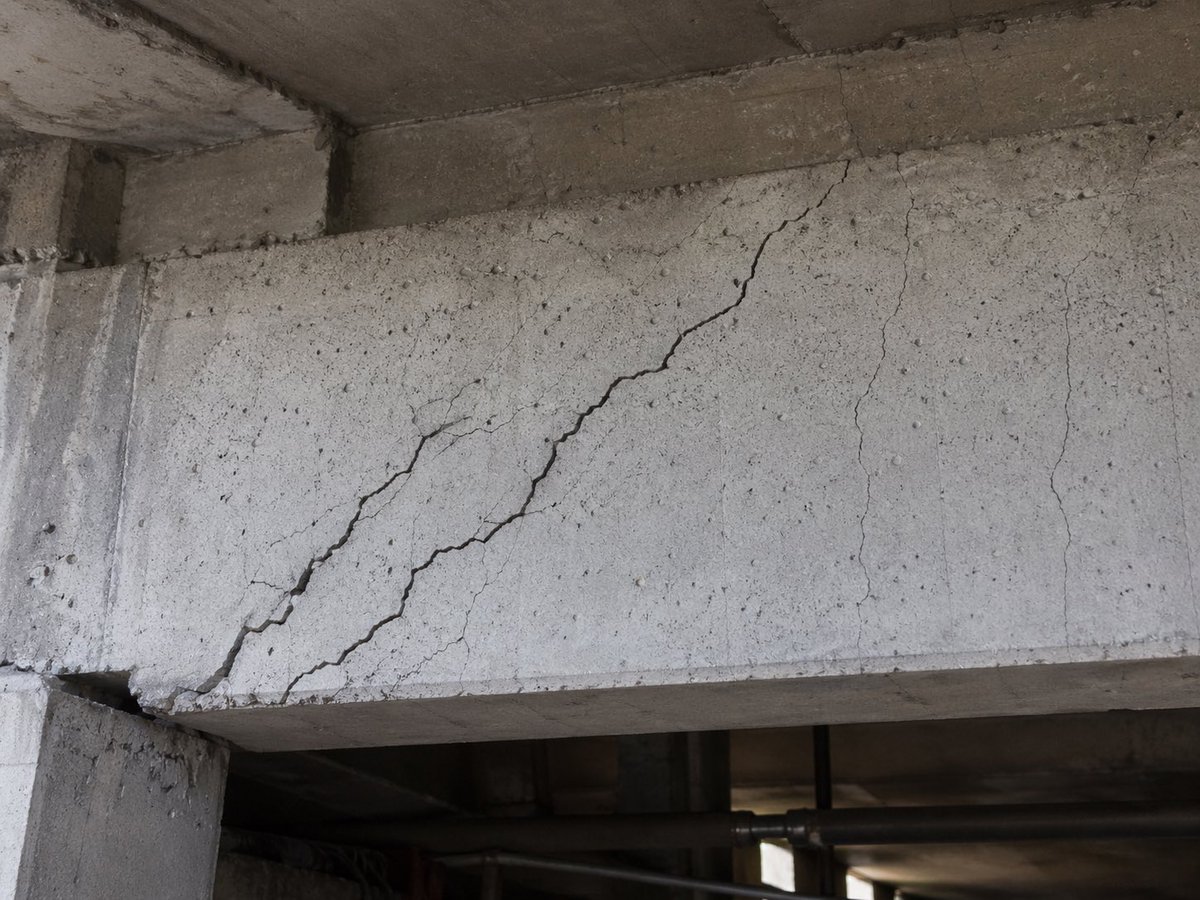
Realistic Cracked Concrete Beam
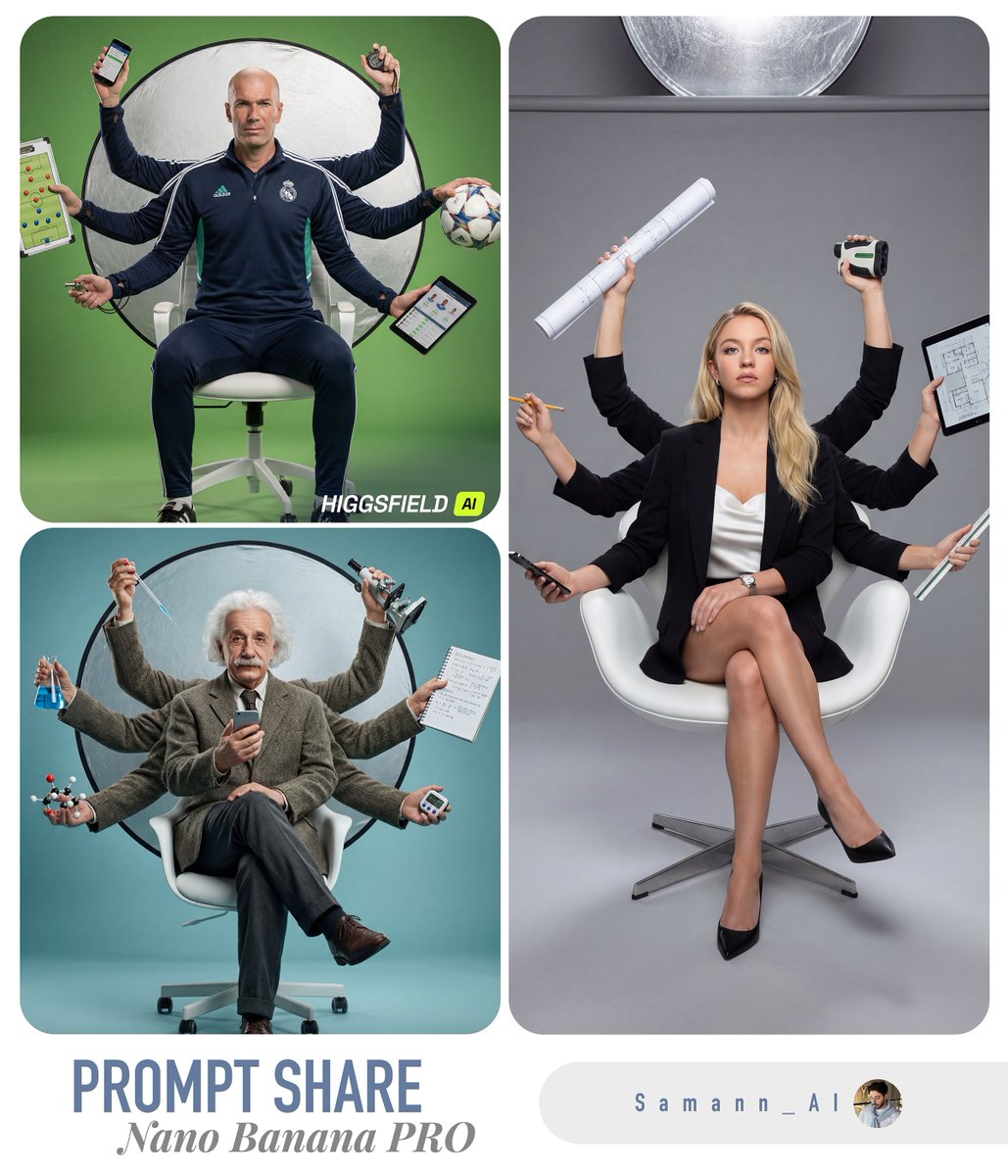
Hyper-Real Multi-Arm Professional Portrait
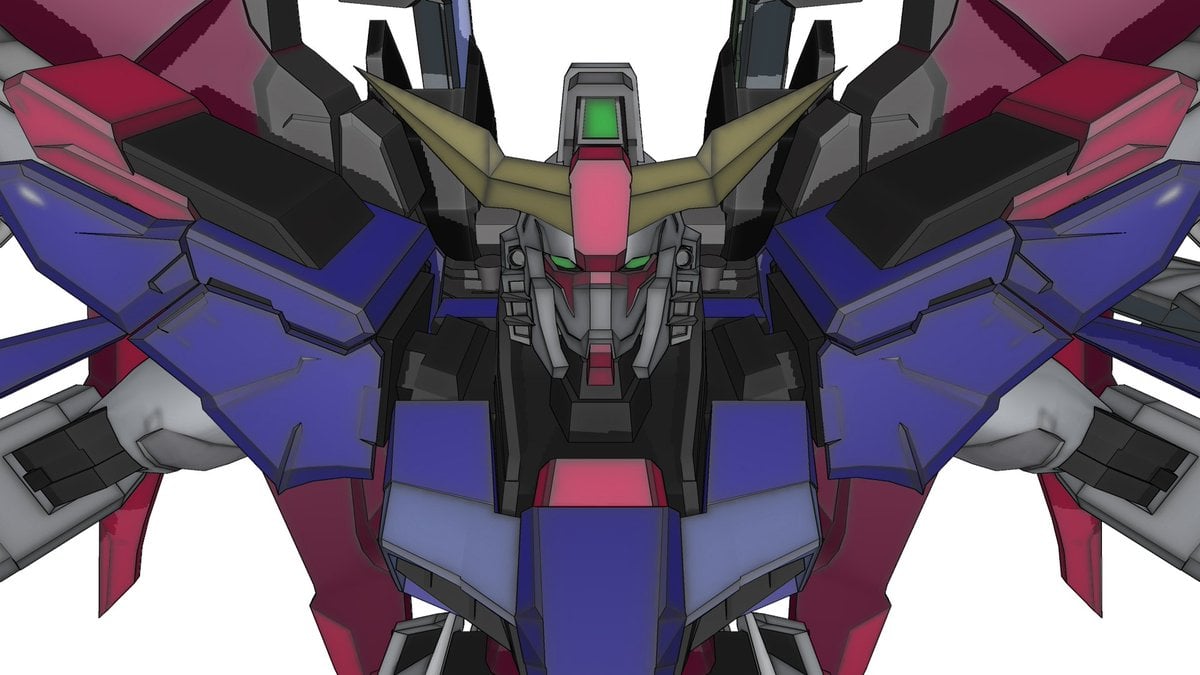
Using Nano Banana Pro as a Shading Tool for MMD Output
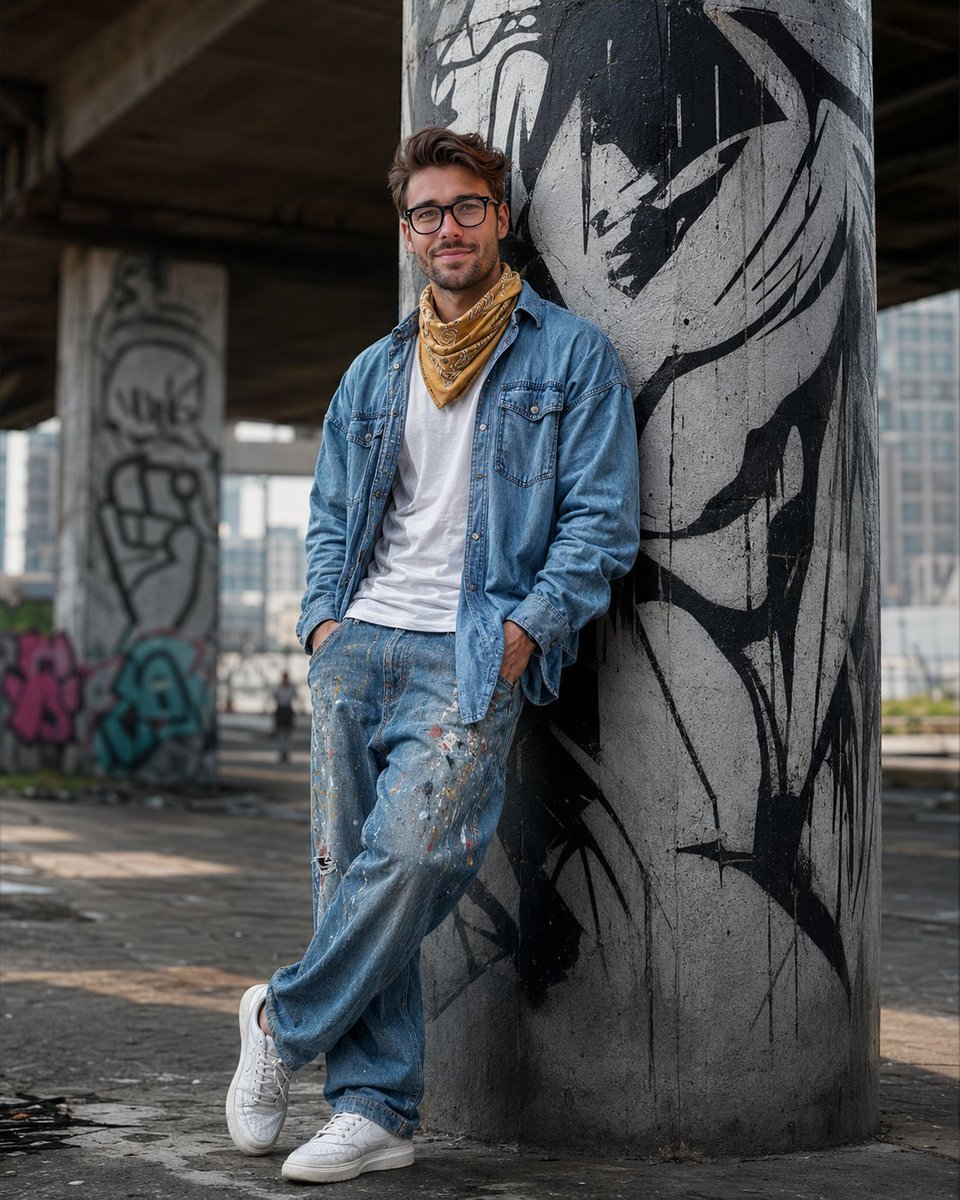
South Asian Streetwear Portrait
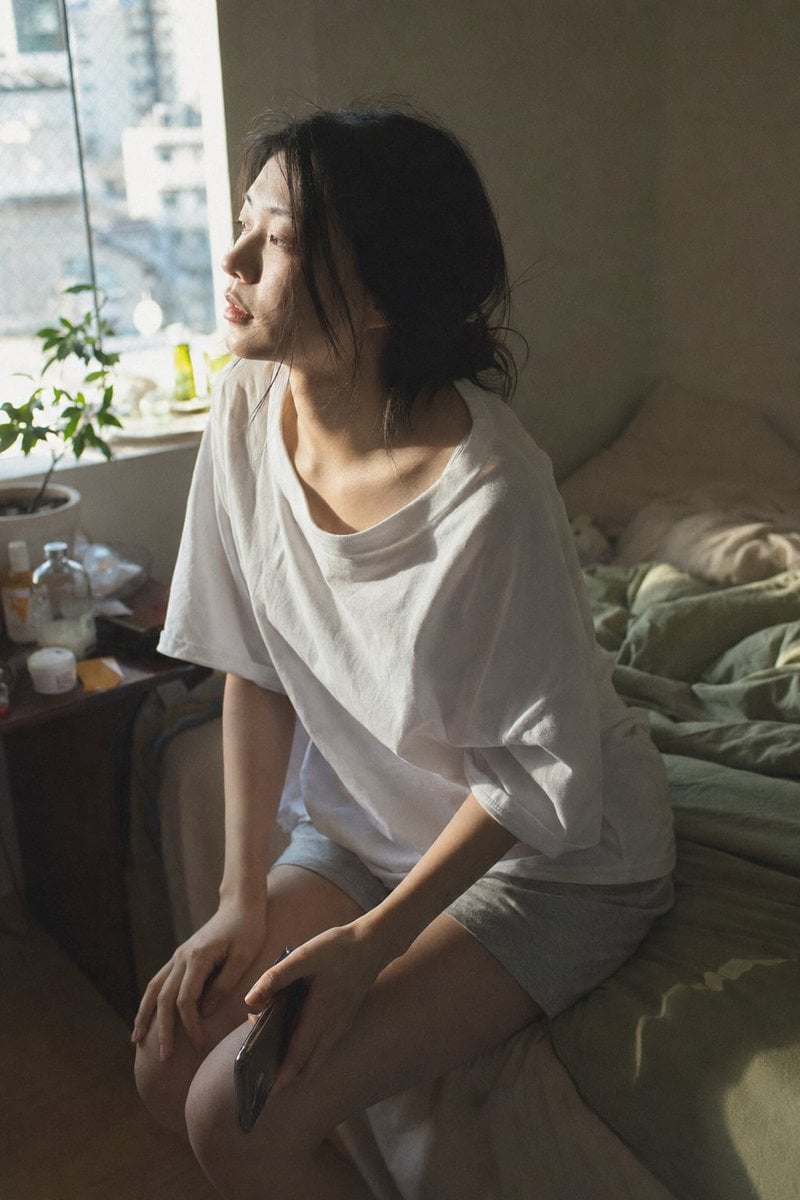
Candid Morning Bedroom Portrait
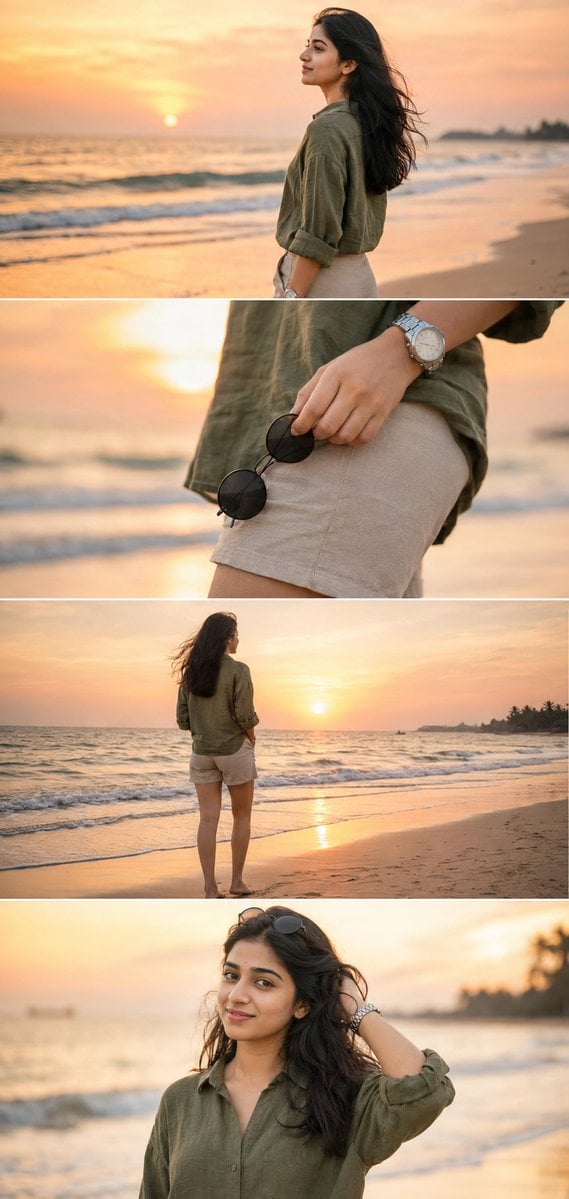
Premium Instagram Beach Photoshoot Collage
Browse template categories
Moonlit Undine Forest Lake questions
How do I use the Moonlit Undine Forest Lake template?
Add your photo if the template asks for one, edit the prompt if you like — the template's model and format are already selected — and press Generate. Your version opens in PicX Studio.
Can I customize the Moonlit Undine Forest Lake template?
Yes. You can change the subject, setting, lighting, mood, format, and available model controls before creating your image.
Is the Moonlit Undine Forest Lake template free?
Opening and editing this template is free. Generating uses credits, shown on the Generate button when you are signed in.
Which AI model should I use?
Start with GPT Image 2, which is the model associated with this template. You can compare another compatible model for a different finish.
Looking for something else? Browse all templates.

Your photo, any look
Thousands of ready templates for every top image and video model, from one credit balance.