
Dragon Wolf in Jungle Ruins
A cinematic dark fantasy prompt for generating a colossal dragon-wolf chimera prowling through misty ancient jungle ruins.
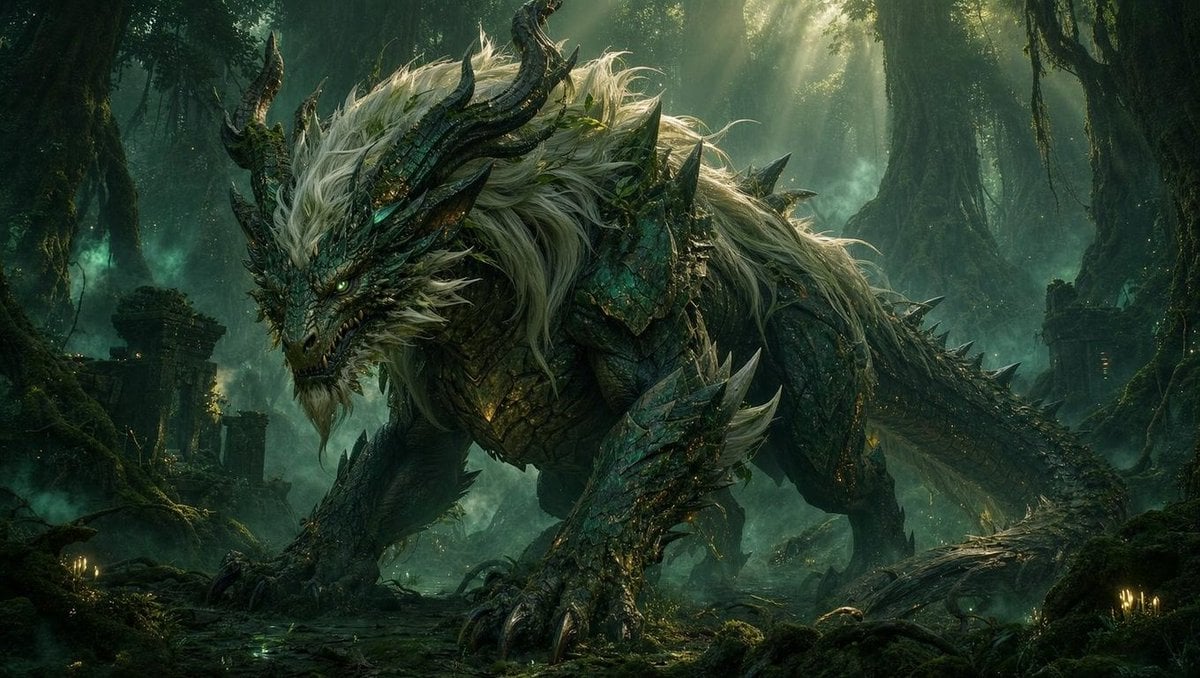
- Prompt included
- Model and format preset
- Free template
The prompt behind this image
Copy the exact prompt behind Dragon Wolf in Jungle Ruins, or open it in the studio and make it yours.
Create a cinematic dark fantasy concept-art scene in a dense ancient jungle ruin. A colossal dragon-wolf chimera dominates the frame, crouched low and prowling from left to right, with a snarling reptilian dragon head, glowing green eyes, sharp teeth, twisted black horns, a long scaled tail, huge clawed forelegs, and layered emerald-black armor-like scales. Give the creature a wild mane of long {argument name="mane color" default="silver-white"} hair flowing over its head, neck, shoulders, and back, with jagged dorsal spines and thorn-like spikes along its limbs and tail. Set it among mossy stone ruins, broken pillars, tangled roots, hanging vines, wet forest floor, small candle-like glows, and teal mist. Use dramatic sunbeams breaking through the high canopy, volumetric fog, backlighting, rim light on the fur and scales, deep shadows, rich green and turquoise color grading, highly detailed textures, epic scale, ultra-realistic fantasy illustration, wide landscape composition, no text, no watermark.
How to use Dragon Wolf in Jungle Ruins in 3 steps
- 1Upload ImagePNG, JPG or paste
Add your photo
Upload the photo the template builds on. The prompt, model and format are already set.
- 2…a portrait of your subject in softgolden-hour light, 85mm…
Personalize
Edit the subject and creative details for your destination.
- 3Generate
Generate
Press Generate — your image is created in PicX Studio, so you can compare it with the original and refine one variable at a time.
More like this
Templates with the same subject, style or setup. Open one to see its prompt.

Minecraft Fantasy Kingdom Voxel Landscape
Red Hoodie Dragon-Wolf Warrior
Anime Mage and Fire Dragon Ruins

Ancient Temple Portrait — White Dress Nano Banana
Seedance - Dragon vs Python Battle
Prehistoric Redwood Jungle

Japanese Jungle Theme Park Parody Poster
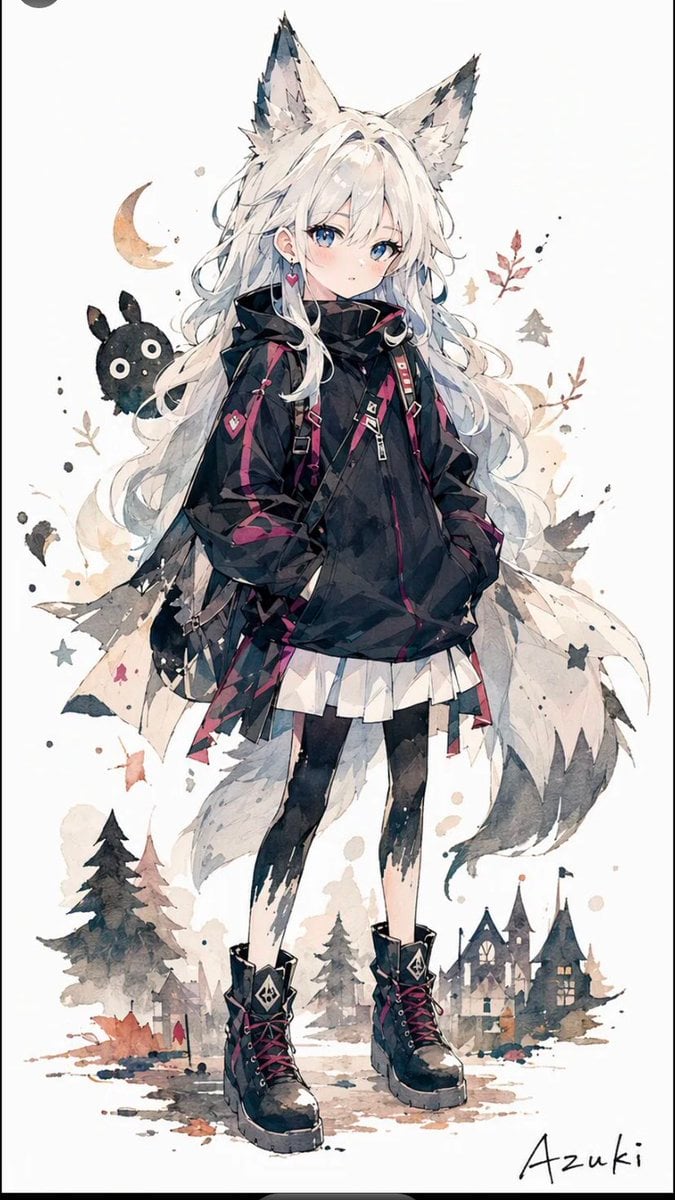
Solitary Wolf-Girl Fantasy Character
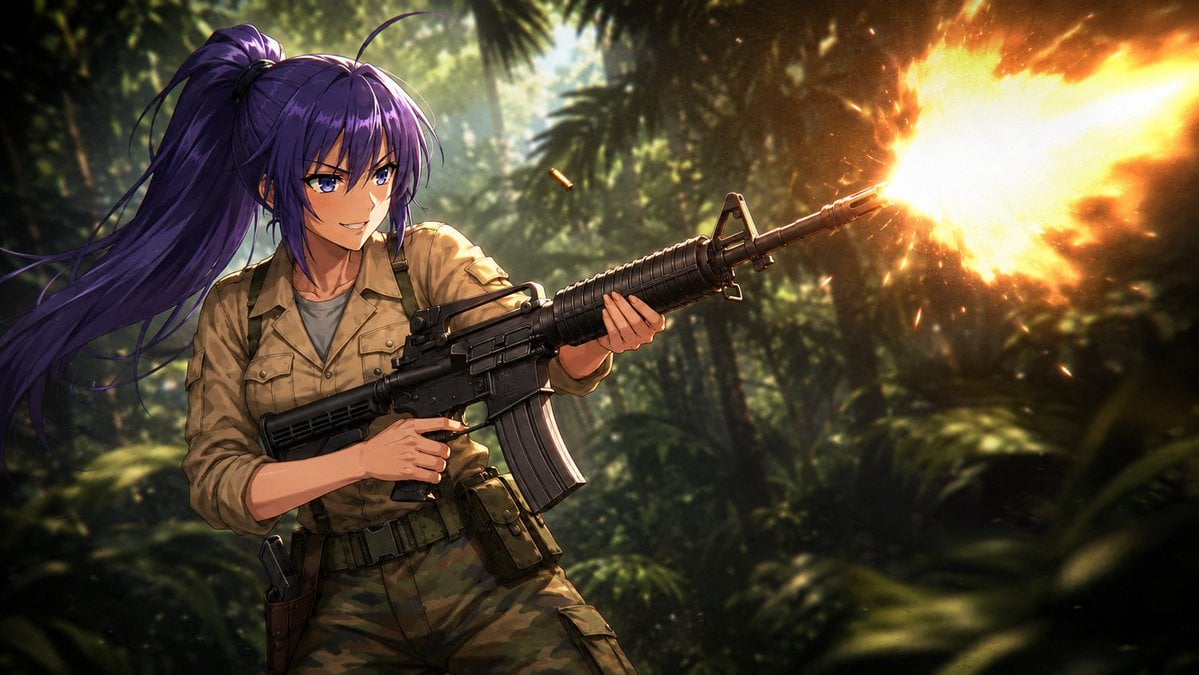
Anime Jungle Rifle Action Scene
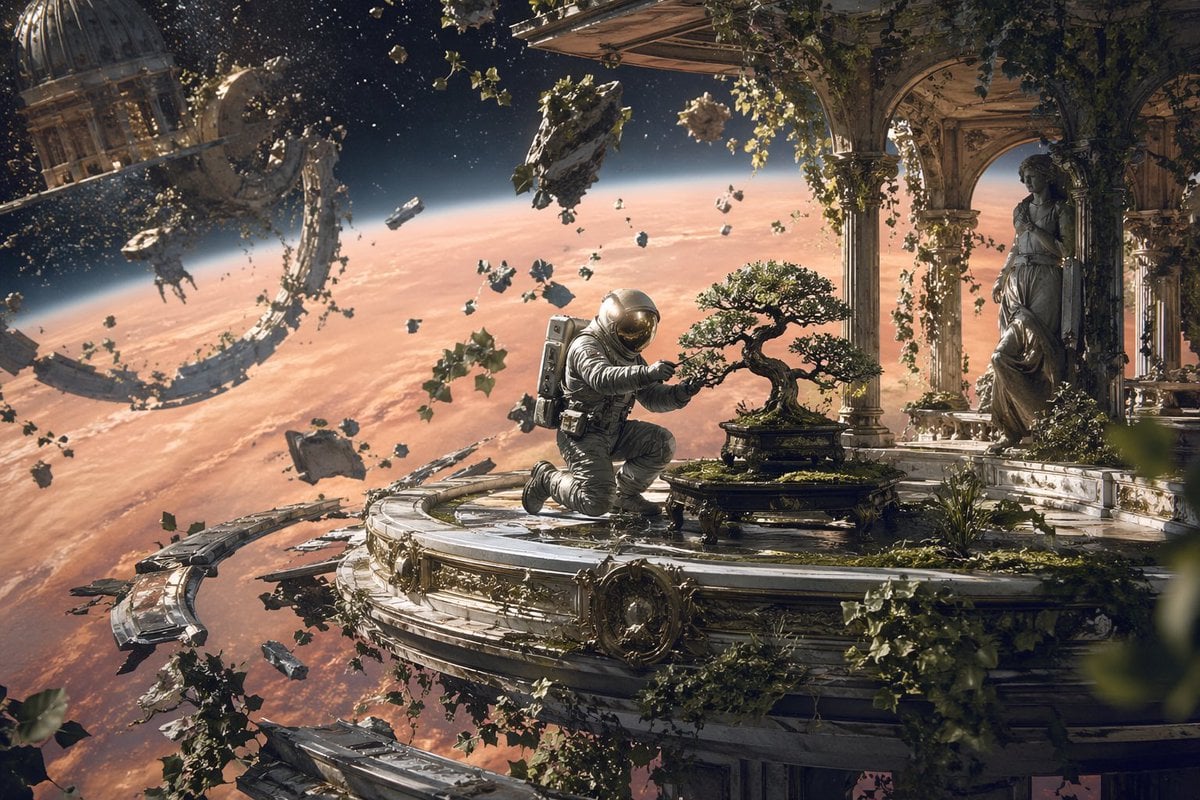
Astronaut Tending Bonsai in Space Ruins
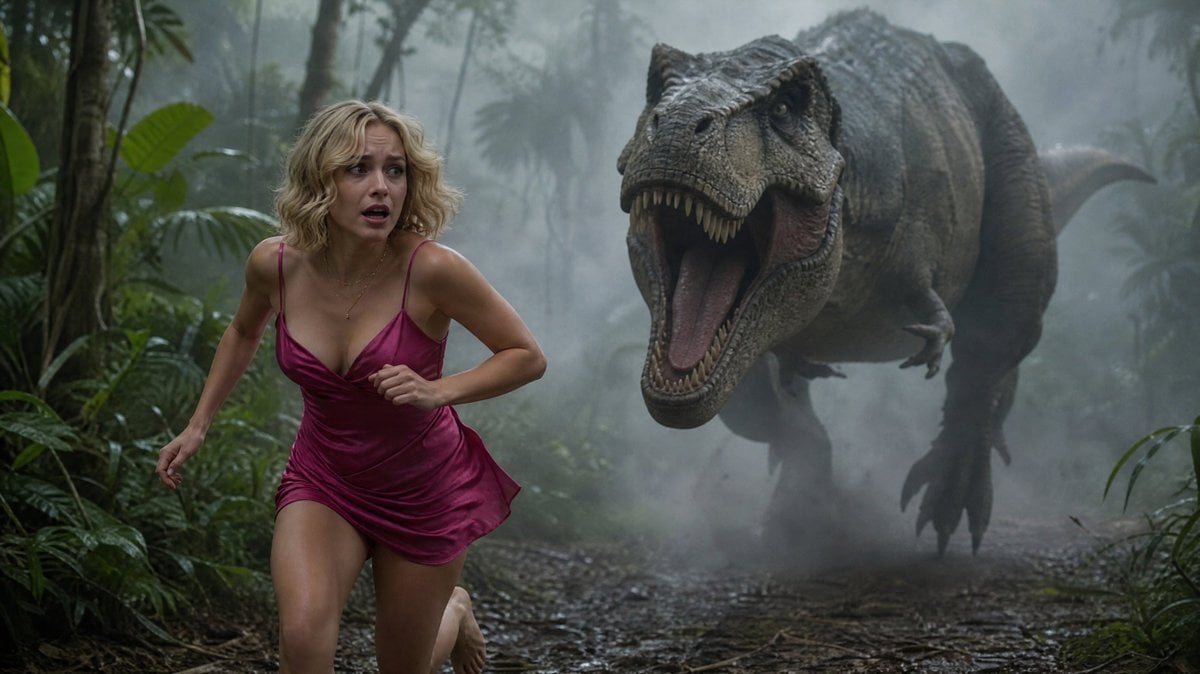
Terrified Woman Pursued by T-Rex in Jungle
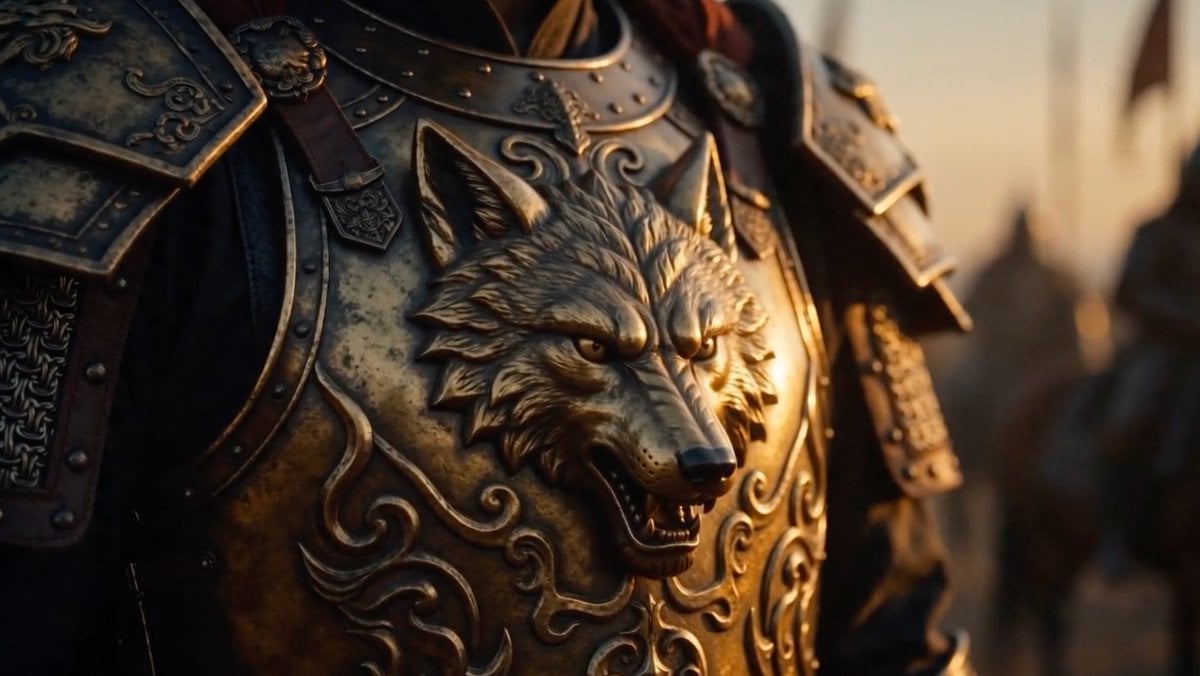
Cinematic Wolf Armor Close-Up
Make it yours
Dragon Wolf in Jungle Ruins works as-is. These are the safest ways to change it without losing the look.
Change one field
Copy a single group, rewrite it, and generate again so you can see what that field is doing.
Keep the frame, change the subject
Hold the composition and light of Dragon Wolf in Jungle Ruins, then swap wardrobe, props or the person for a new take.
| If the result… | Why | Fix |
|---|---|---|
| The result drifts from the preview | Too many fields changed at once. | Reuse Dragon Wolf in Jungle Ruins as-is first, then change one group — subject, light, or setting. |
| The model over-stylizes the scene | The prose prompt leaves finish and camera underspecified. | Add one camera or lighting sentence and stay on GPT Image 2. |
More GPT Image 2 templates
Other prompts made for GPT Image 2.

Six VTuber Japanese Logo Sheet

Realistic Portrait of Woman and Deer

The Vista Modular Condo Poster

AI Model Routing Comparison Infographic

2.5D Anime Art Board

Isometric Productivity Desk Scene

New York Double Exposure Poster

Four-Panel AI Landscape Comparison

Japanese Tatami Lifestyle Magazine Cover

NESCAFÉ Coffee Map Poster
More image prompts
Fresh picks from across the catalog.
Pikachu Mirror Selfie
Cozy Pixel Farm Island Village
Crossover Platform Fighter Screenshot
Anime Pokémon Shop Outfit Teaser Poster
Origami Style Global Infographic
Cyberpunk Action Hero Transformation
Colorful Children's Shoe Ad
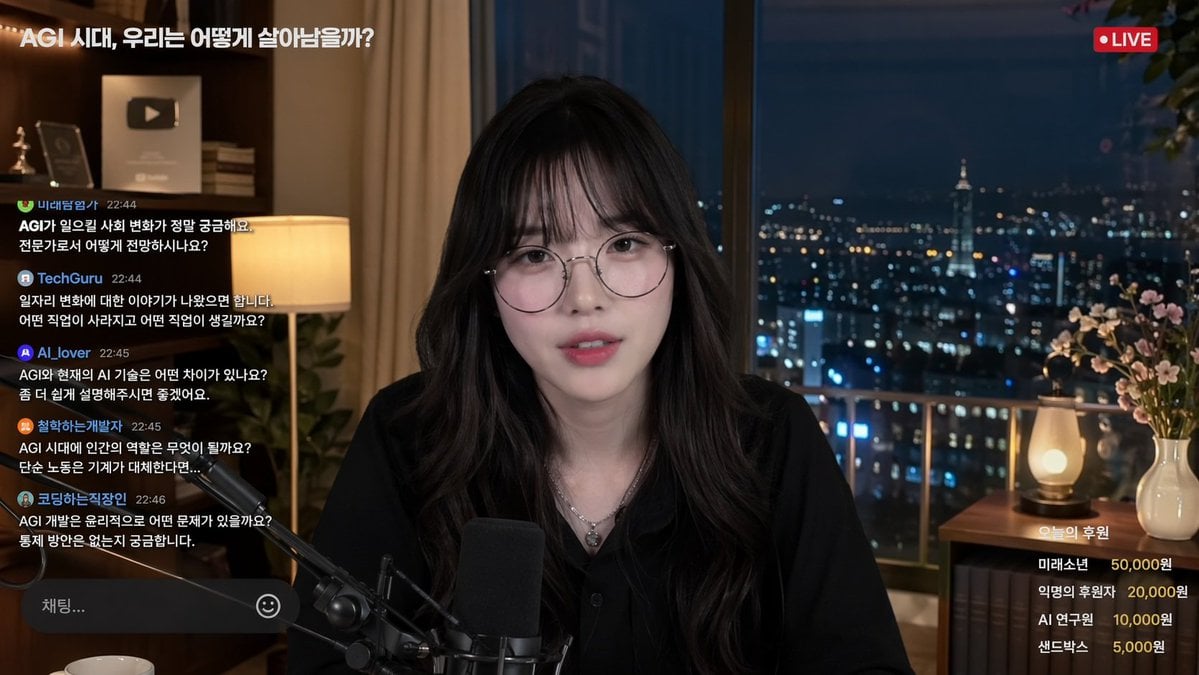
Livestream Interface Mockup

Ultra-Sharp 4K Selfie Portrait Prompt

Apartment Standing Pose Transformation
Browse template categories
Dragon Wolf in Jungle Ruins questions
How do I use the Dragon Wolf in Jungle Ruins template?
Add your photo if the template asks for one, edit the prompt if you like — the template's model and format are already selected — and press Generate. Your version opens in PicX Studio.
Can I customize the Dragon Wolf in Jungle Ruins template?
Yes. You can change the subject, setting, lighting, mood, format, and available model controls before creating your image.
Is the Dragon Wolf in Jungle Ruins template free?
Opening and editing this template is free. Generating uses credits, shown on the Generate button when you are signed in.
Which AI model should I use?
Start with GPT Image 2, which is the model associated with this template. You can compare another compatible model for a different finish.
Looking for something else? Browse all templates.

Your photo, any look
Thousands of ready templates for every top image and video model, from one credit balance.