
Prehistoric Redwood Jungle
A photorealistic cinematic prompt for generating a humid prehistoric redwood jungle with ferns, vines, mist, and volumetric sunbeams.
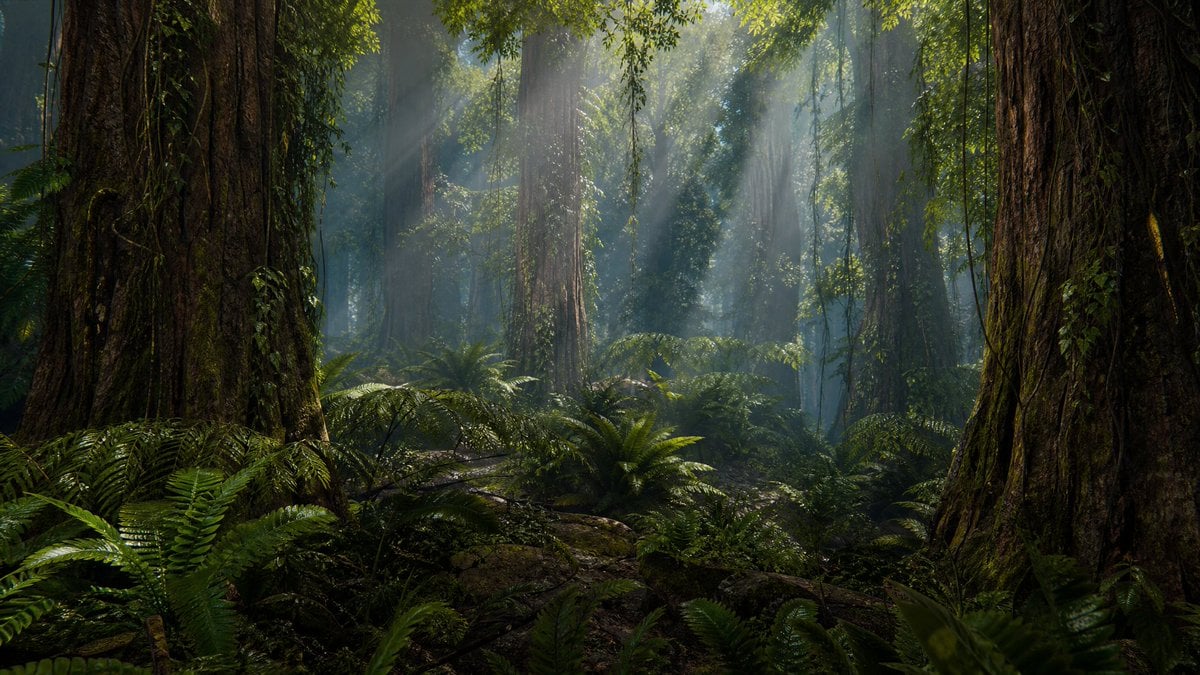
- Prompt included
- Model and format preset
- Free template
The prompt behind this image
Copy the exact prompt behind Prehistoric Redwood Jungle, or open it in the studio and make it yours.
Create a hyper-realistic 3D CGI cinematic wide shot of a dense, humid {argument name="prehistoric jungle type" default="prehistoric redwood jungle"} at midday, with no animals or people visible. The composition is a 16:9 landscape view from the forest floor, framed by two enormous ancient redwood trunks in the extreme foreground, one on the left and one on the right, their bark deeply ridged, damp, mossy, and covered with creeping vines. Fill the midground and background with many towering vertical tree trunks fading into bluish atmospheric haze, thick hanging vines descending from the canopy, and lush prehistoric ferns covering the ground. Include exactly two dominant foreground tree trunks, numerous smaller background trunks, and dense layers of fern fronds, moss, roots, fallen branches, and wet dark soil. Sunlight breaks through the high green canopy as strong volumetric god rays angled downward through humid mist, illuminating floating moisture and patches of glossy foliage. Use {argument name="lighting mood" default="cool green-blue mist with warm midday sunbeams"}, deep shadows, high dynamic range, realistic subsurface leaf translucency, wet bark specular highlights, and a cinematic natural-history documentary look. Camera: low eye-level forest-floor perspective, wide-angle lens, deep environment depth with soft atmospheric perspective, ultra-detailed textures, photorealistic rendering, no text, no watermark, no buildings, no modern objects.
How to use Prehistoric Redwood Jungle in 3 steps
- 1Upload ImagePNG, JPG or paste
Add your photo
Upload the photo the template builds on. The prompt, model and format are already set.
- 2…a portrait of your subject in softgolden-hour light, 85mm…
Personalize
Edit the subject and creative details for your destination.
- 3Generate
Generate
Press Generate — your image is created in PicX Studio, so you can compare it with the original and refine one variable at a time.
More like this
Templates with the same subject, style or setup. Open one to see its prompt.
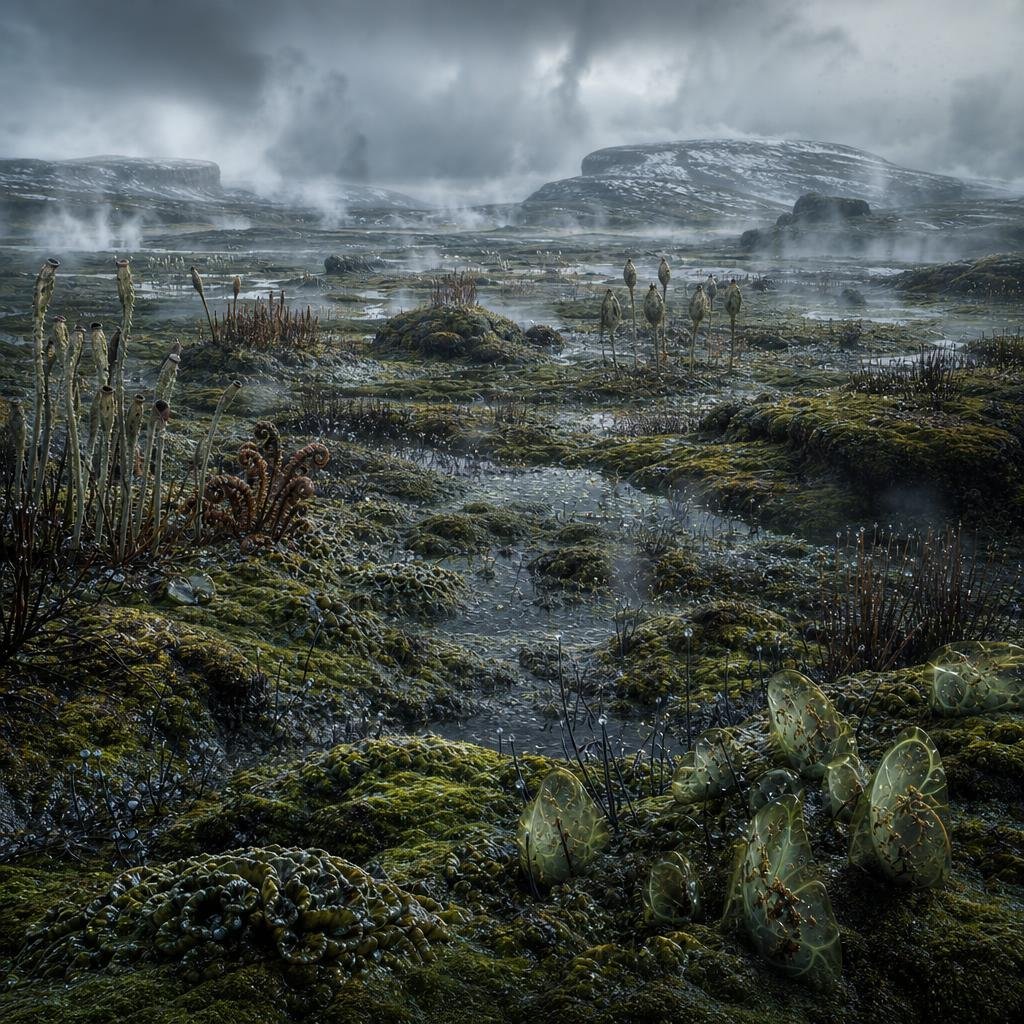
Ancient Prehistoric Swamp Landscape
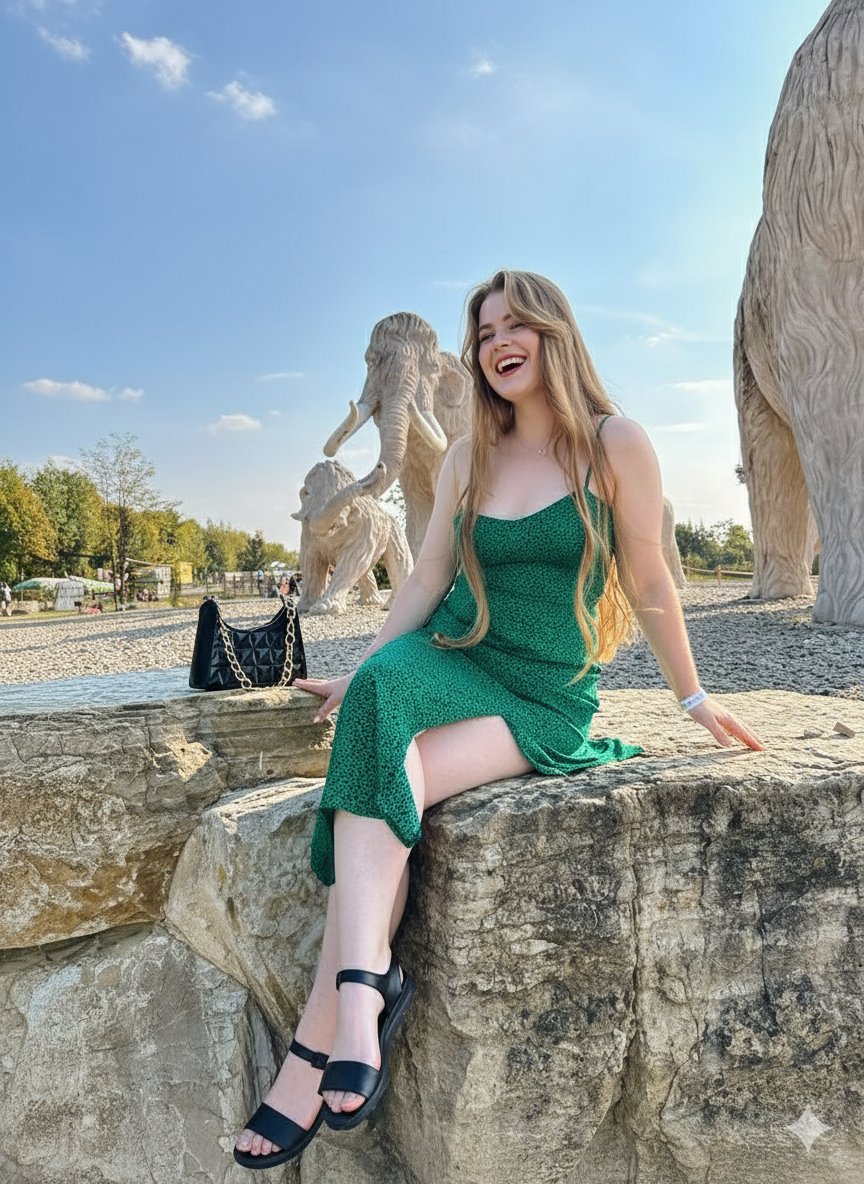
Joyful Woman at Prehistoric Mammoth Park
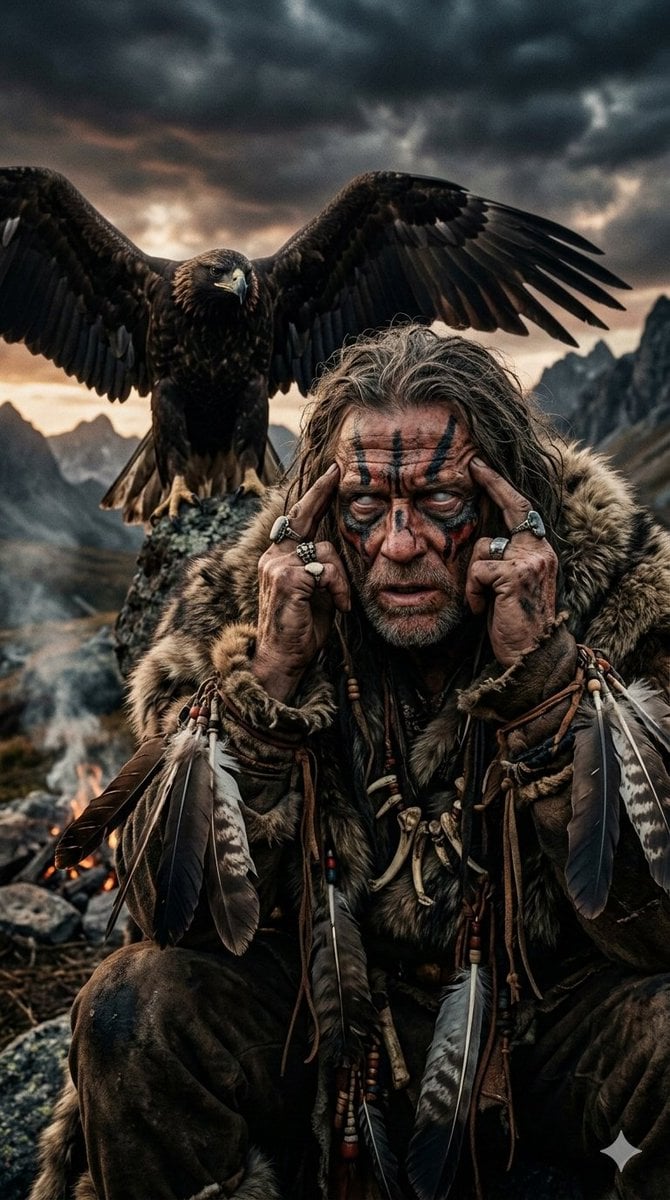
Prehistoric Shaman Bonded with Eagle Spirit
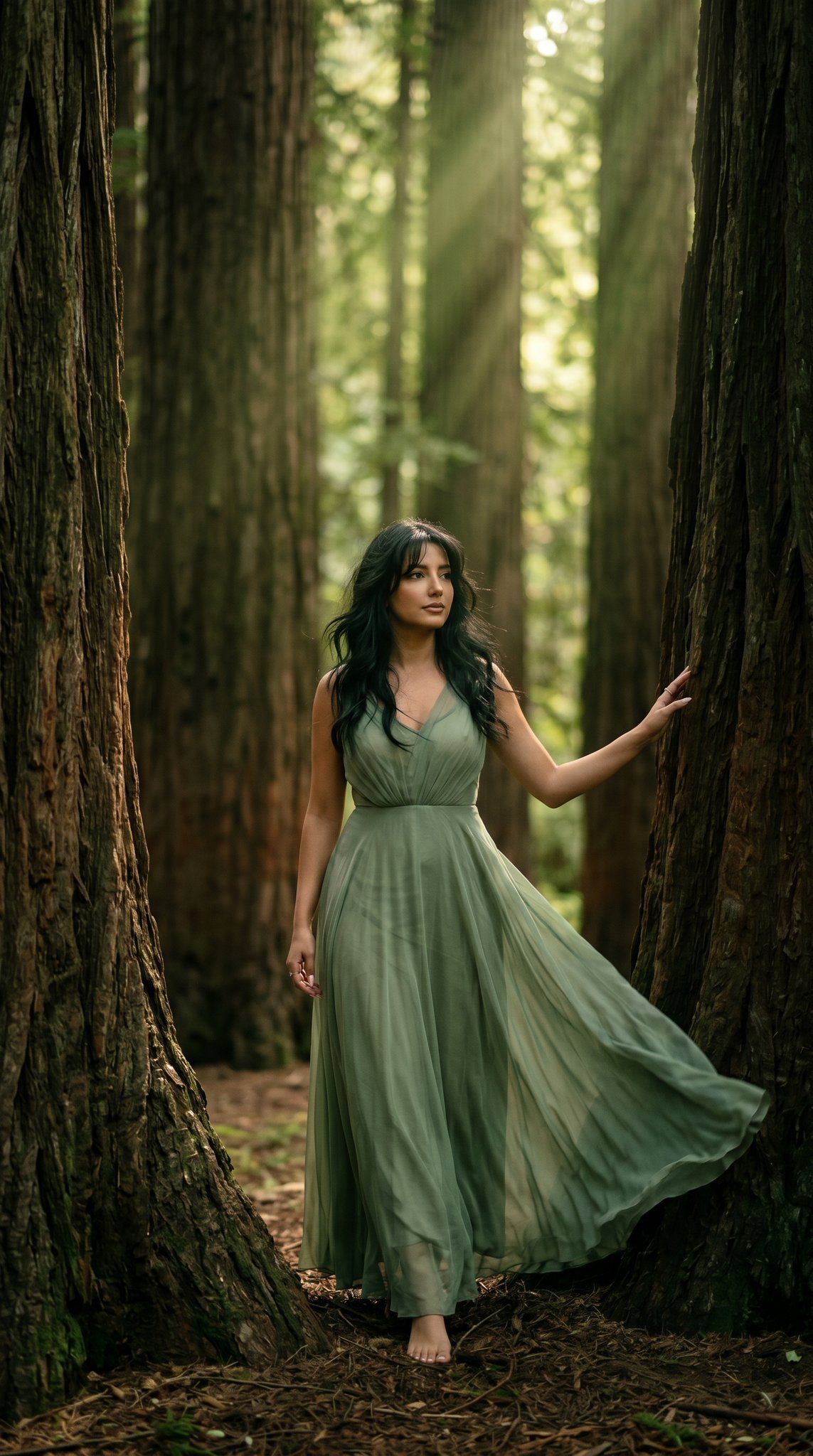
23 California Redwood Forest — California Series
23 California Redwood Forest — California Series

Japanese Jungle Theme Park Parody Poster

Anime Jungle Rifle Action Scene
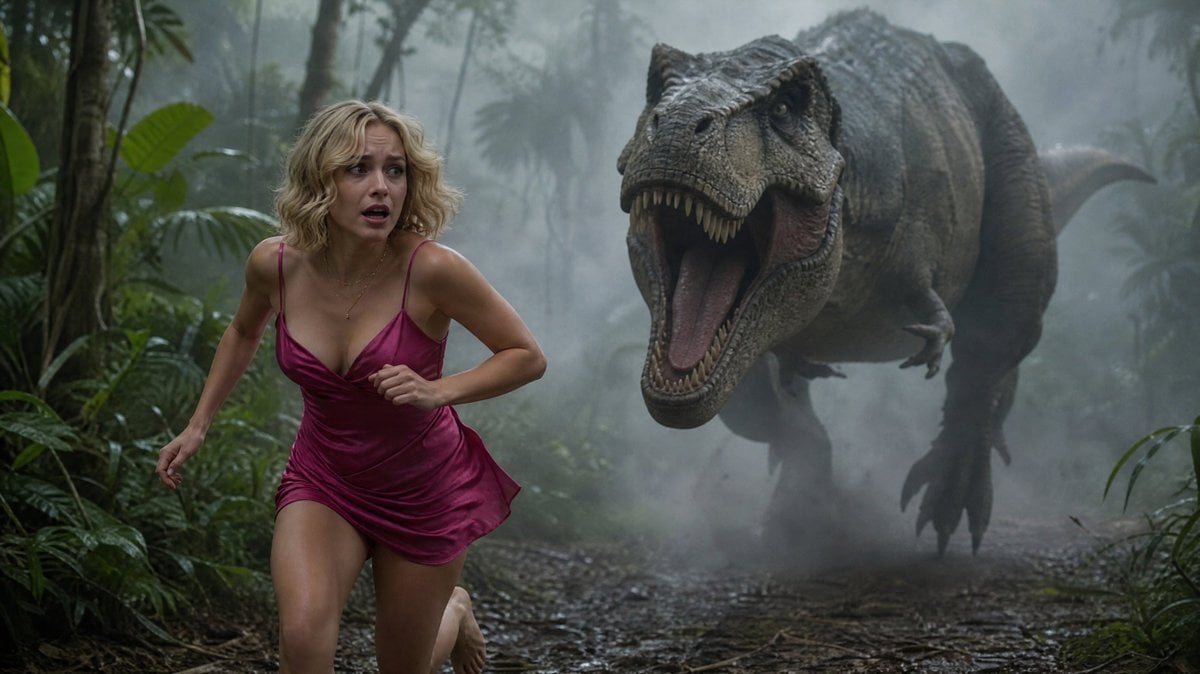
Terrified Woman Pursued by T-Rex in Jungle
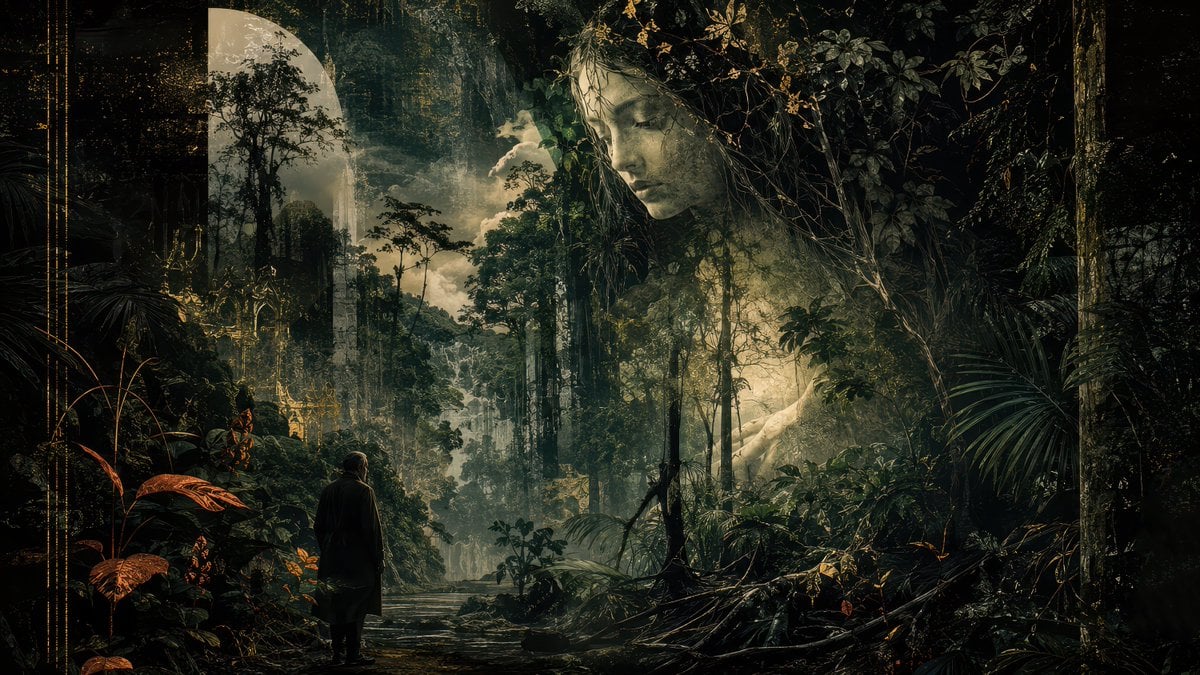
Dark Romantic Jungle Letter Scene
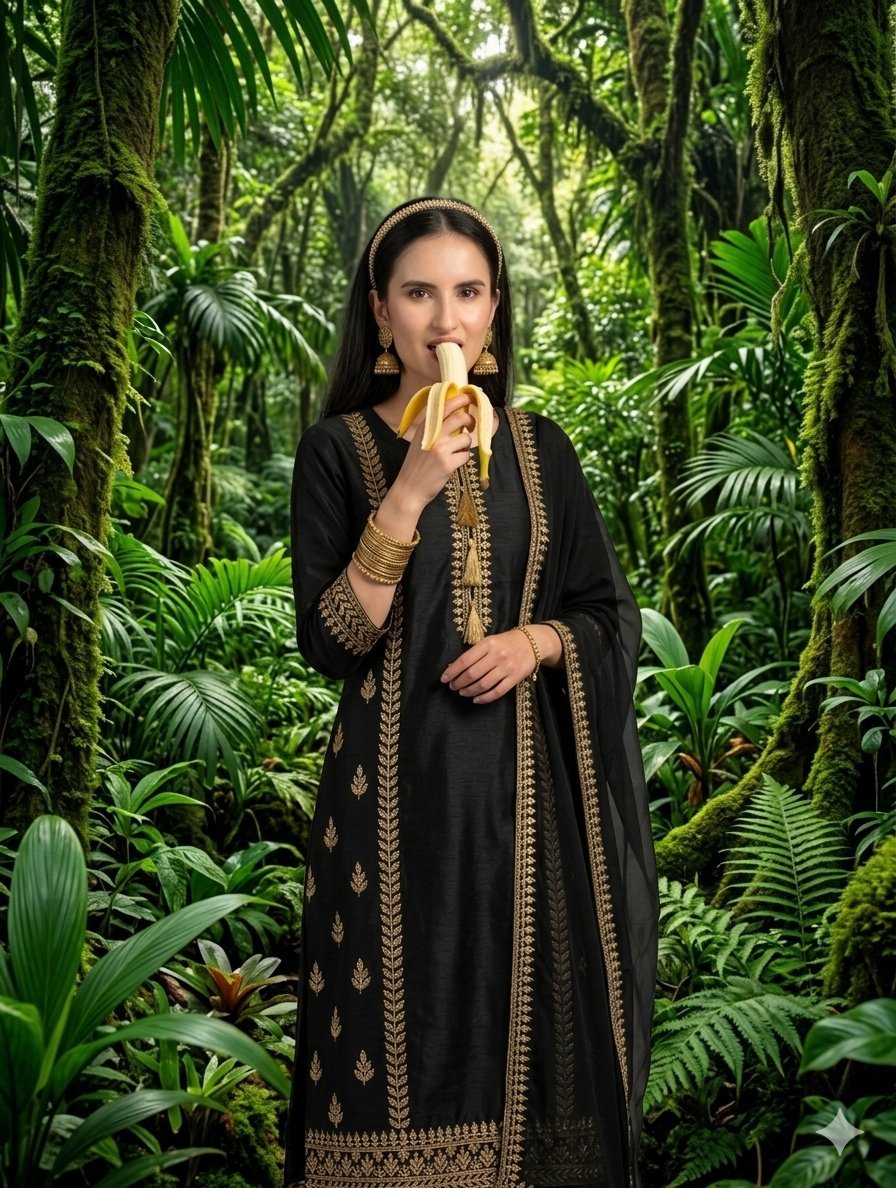
Traditional Jungle Portrait
Anime Jungle Boat Splash
Jungle Monkey Selfie Prompt
Make it yours
Prehistoric Redwood Jungle works as-is. These are the safest ways to change it without losing the look.
Change one field
Copy a single group, rewrite it, and generate again so you can see what that field is doing.
Keep the frame, change the subject
Hold the composition and light of Prehistoric Redwood Jungle, then swap wardrobe, props or the person for a new take.
| If the result… | Why | Fix |
|---|---|---|
| The result drifts from the preview | Too many fields changed at once. | Reuse Prehistoric Redwood Jungle as-is first, then change one group — subject, light, or setting. |
| The model over-stylizes the scene | The prose prompt leaves finish and camera underspecified. | Add one camera or lighting sentence and stay on GPT Image 2. |
More GPT Image 2 templates
Other prompts made for GPT Image 2.

Six VTuber Japanese Logo Sheet

Realistic Portrait of Woman and Deer

The Vista Modular Condo Poster

AI Model Routing Comparison Infographic

2.5D Anime Art Board

Isometric Productivity Desk Scene

New York Double Exposure Poster

Four-Panel AI Landscape Comparison

Japanese Tatami Lifestyle Magazine Cover

NESCAFÉ Coffee Map Poster
More image prompts
Fresh picks from across the catalog.

Sharpening and Text Insertion Prompt

Cinematic Portrait of a Man in a Dimly Lit Hallway
Viral TikTok Mirror Selfie Prompt
Noir Paris Taxi Anthro Couple

Aesthetic Social Media Link-in-Bio Grid

Cinematic Beyblade Rooftop Launch
Old Money Luxury Studio Portrait
Cinematic Night Photo with 1960s Mustang
Dark Pop Cheshire Cat Girl

Dark Fantasy Wounded Monk Portrait
Browse template categories
Prehistoric Redwood Jungle questions
How do I use the Prehistoric Redwood Jungle template?
Add your photo if the template asks for one, edit the prompt if you like — the template's model and format are already selected — and press Generate. Your version opens in PicX Studio.
Can I customize the Prehistoric Redwood Jungle template?
Yes. You can change the subject, setting, lighting, mood, format, and available model controls before creating your image.
Is the Prehistoric Redwood Jungle template free?
Opening and editing this template is free. Generating uses credits, shown on the Generate button when you are signed in.
Which AI model should I use?
Start with GPT Image 2, which is the model associated with this template. You can compare another compatible model for a different finish.
Looking for something else? Browse all templates.

Your photo, any look
Thousands of ready templates for every top image and video model, from one credit balance.