
Dark Romantic Jungle Letter Scene
A cinematic dark Romanticism rainforest scene with a lone traveler, monumental translucent typography, and antique gold editorial styling.
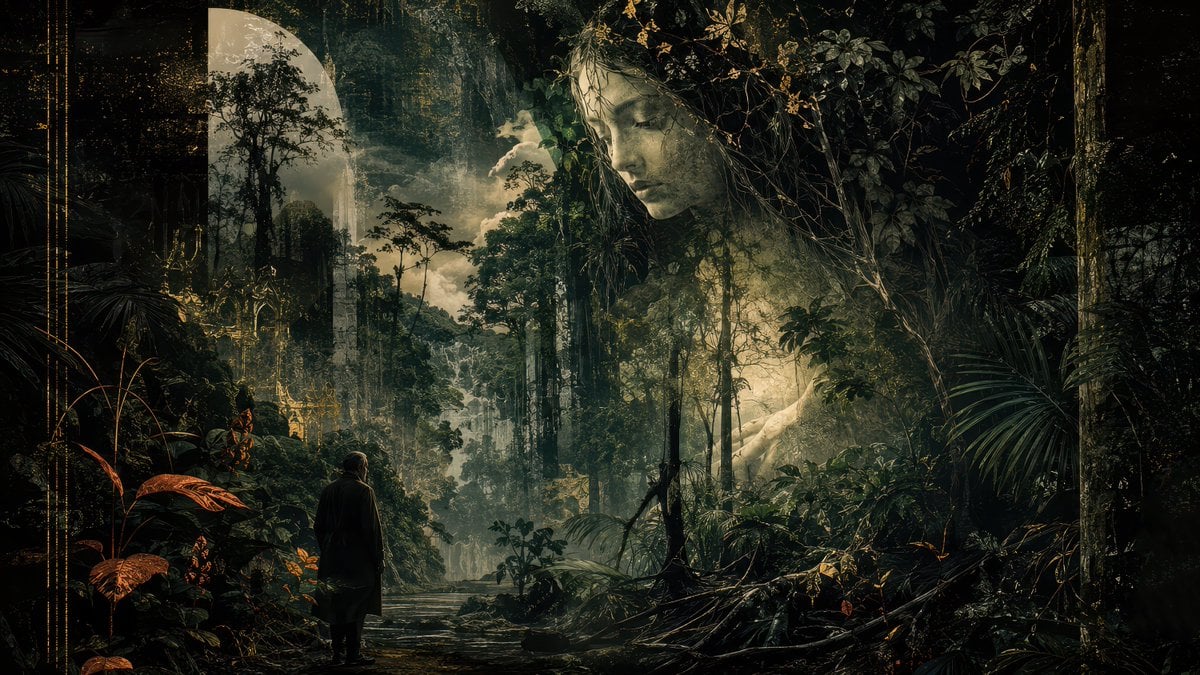
- Prompt included
- Model and format preset
- Free template
The prompt behind this image
Copy the exact prompt behind Dark Romantic Jungle Letter Scene, or open it in the studio and make it yours.
Create a cinematic dark Romanticism jungle scene in a wide 16:9 canvas. Show a lone small human figure, {argument name="traveler description" default="a man in a dark coat seen from behind"}, standing near the lower left foreground on a muddy forest path beside shallow water, facing into an immense dense rainforest. The environment should feel like an overgrown mythic cathedral: towering tropical trees, vines, palms, tangled roots, wet leaves, mist, distant cliffs or ruined stone forms, and a pale waterfall or river receding into the center depth. Use dramatic chiaroscuro lighting with shafts of warm golden light cutting through deep green-black shadows, humid haze, and painterly detail. Integrate a huge translucent typographic form, {argument name="giant letter" default="D"}, rising in the left-center background like a monumental glass letter filled with forest silhouettes. Add a single opaque dark olive square block near the upper center-right, floating over the foliage like a minimal graphic overlay. Include delicate thin gold ornamental vertical lines along the far left border and subtle distressed texture, giving the image an antique book-cover or literary essay thumbnail feeling. Color palette: {argument name="color palette" default="black, deep jungle green, muted gold, smoky beige, and copper-orange leaves"}. Mood: {argument name="mood" default="ominous, sublime, romantic, humid, and mysterious"}. No readable text, no logos, no modern buildings, no extra people.
How to use Dark Romantic Jungle Letter Scene in 3 steps
- 1Upload ImagePNG, JPG or paste
Add your photo
Upload the photo the template builds on. The prompt, model and format are already set.
- 2…a portrait of your subject in softgolden-hour light, 85mm…
Personalize
Edit the subject and creative details for your destination.
- 3Generate
Generate
Press Generate — your image is created in PicX Studio, so you can compare it with the original and refine one variable at a time.
More like this
Templates with the same subject, style or setup. Open one to see its prompt.
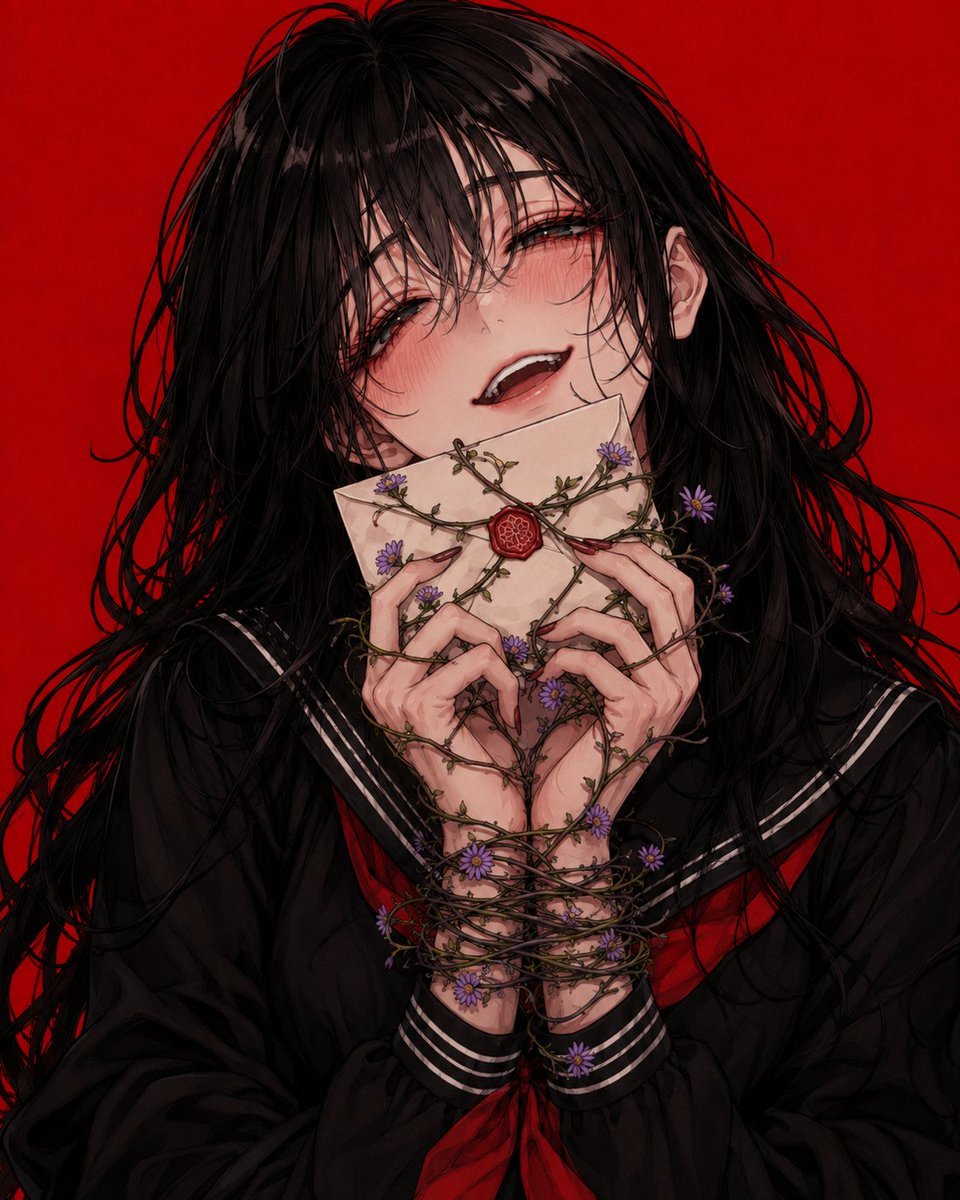
Dark Lovesick Anime Letter Transformation

Selective Color Monochrome Football Poster
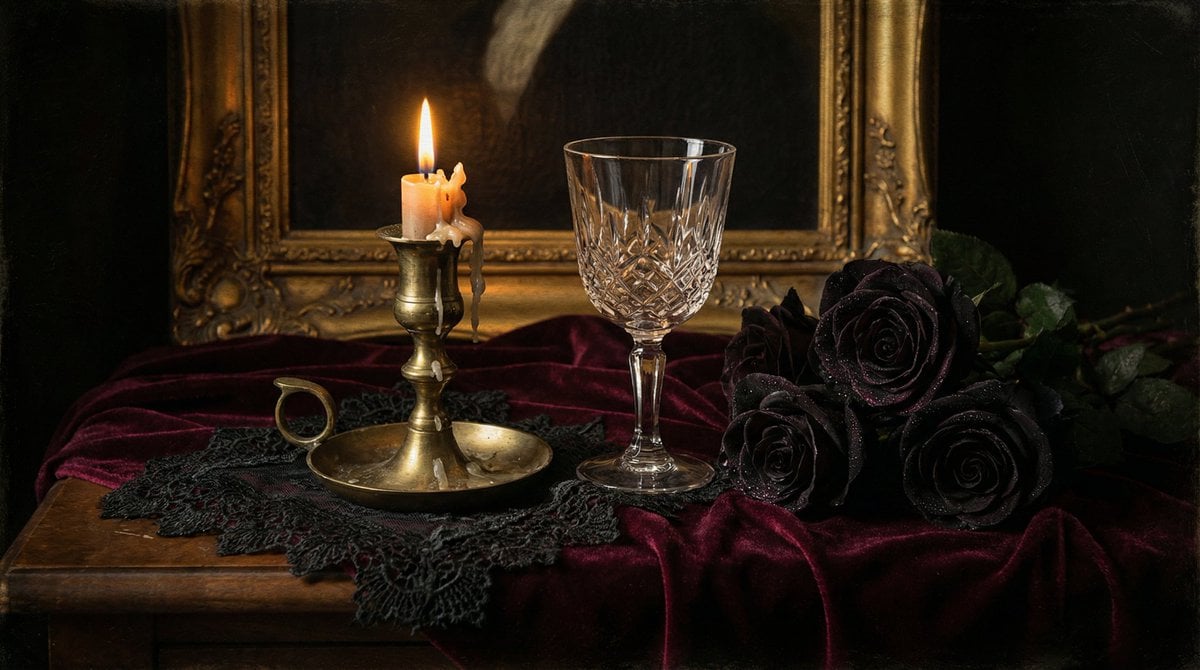
Dark Romantic Tabletop Composition Prompt

Night Sports Car Portrait — Cinematic Moody

Cinematic Eye Light Portraits — 3 Nano Banana Prompts

Horror Cinematic Portrait

Nano Banana - Evening Champagne Blue
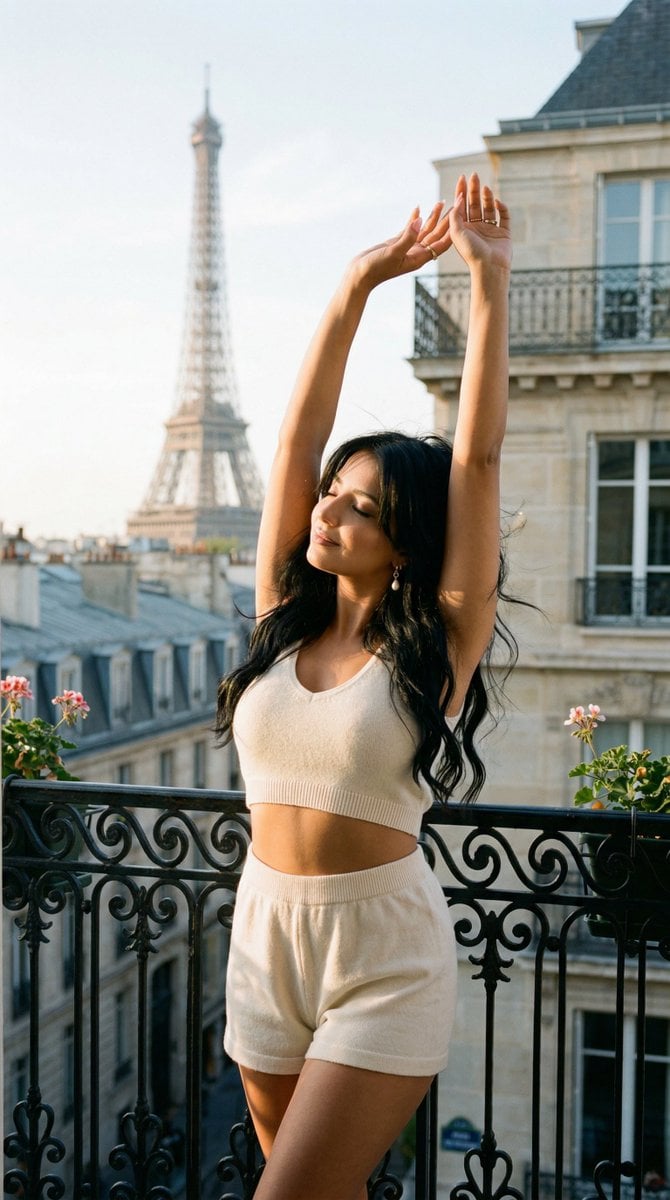
Nano Banana - Bathtub Eiffel Night
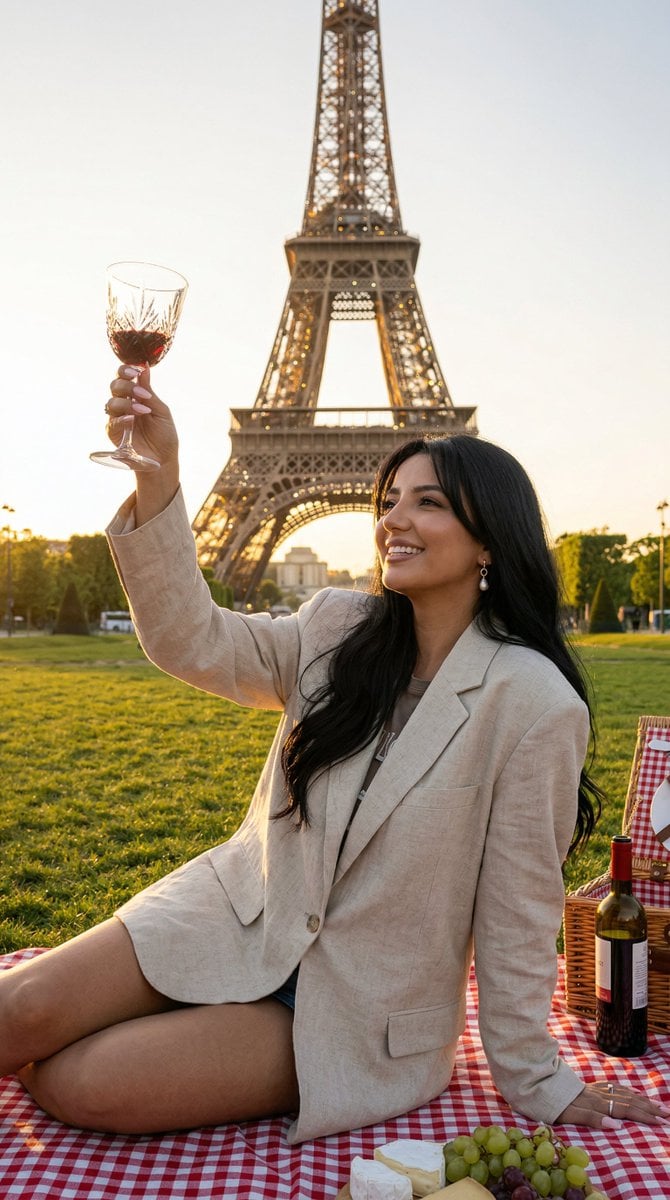
Nano Banana - Paris Fleurs Romantic
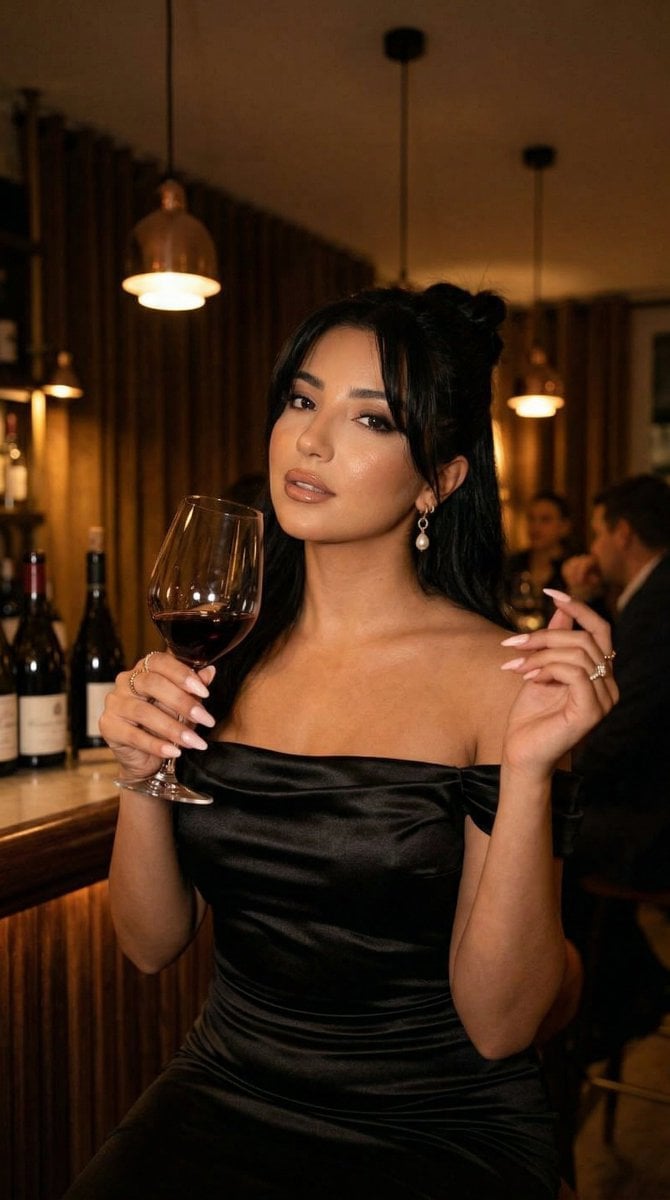
Nano Banana - Pont Alexandre III Kiss
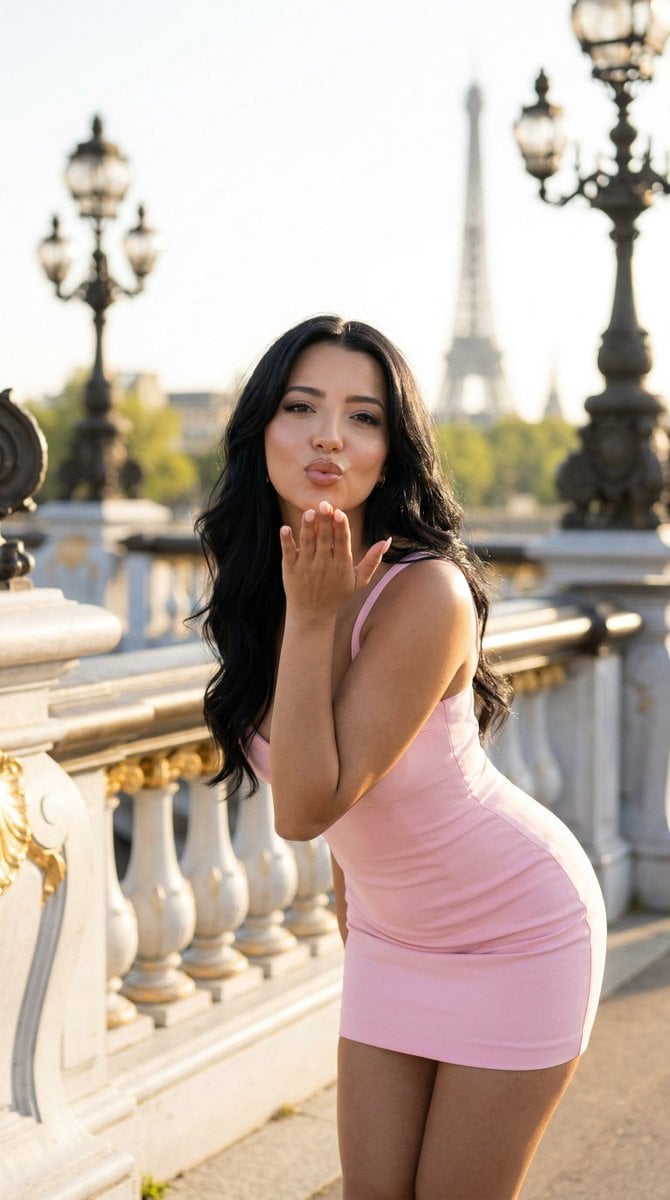
Nano Banana - Rooftop Dinner Night
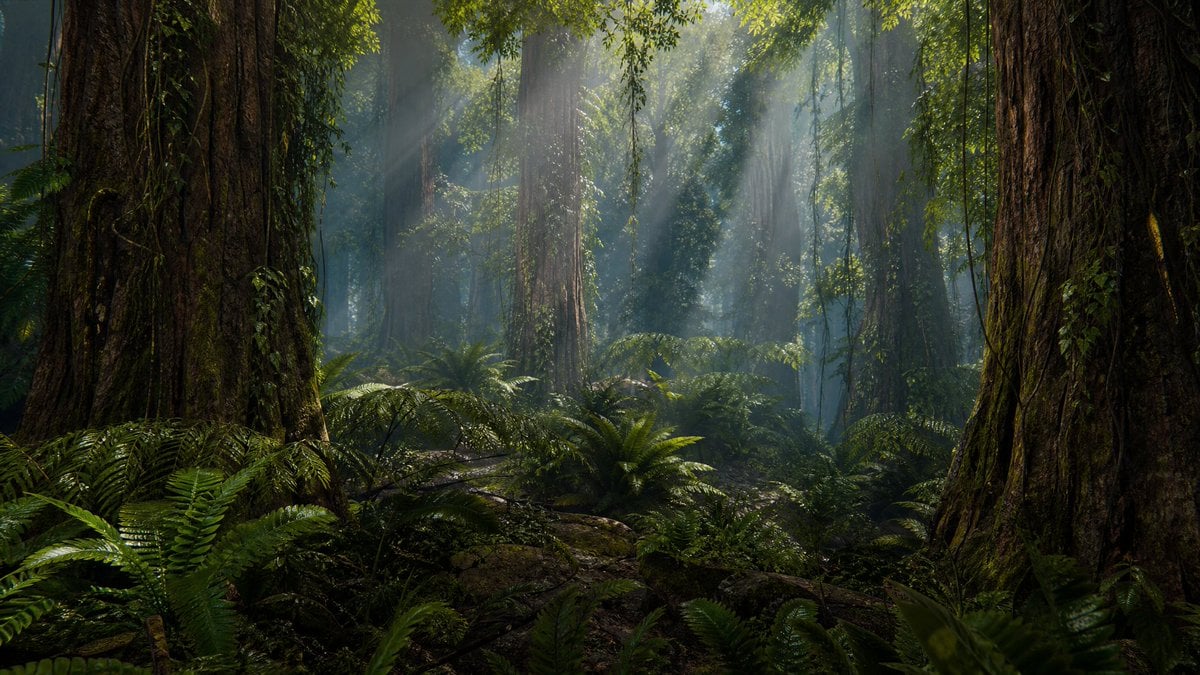
Prehistoric Redwood Jungle
Make it yours
Dark Romantic Jungle Letter Scene works as-is. These are the safest ways to change it without losing the look.
Change one field
Copy a single group, rewrite it, and generate again so you can see what that field is doing.
Keep the frame, change the subject
Hold the composition and light of Dark Romantic Jungle Letter Scene, then swap wardrobe, props or the person for a new take.
| If the result… | Why | Fix |
|---|---|---|
| The result drifts from the preview | Too many fields changed at once. | Reuse Dark Romantic Jungle Letter Scene as-is first, then change one group — subject, light, or setting. |
| The model over-stylizes the scene | The prose prompt leaves finish and camera underspecified. | Add one camera or lighting sentence and stay on GPT Image 2. |
More GPT Image 2 templates
Other prompts made for GPT Image 2.

Six VTuber Japanese Logo Sheet

Realistic Portrait of Woman and Deer

The Vista Modular Condo Poster

AI Model Routing Comparison Infographic

2.5D Anime Art Board

Isometric Productivity Desk Scene

New York Double Exposure Poster

Four-Panel AI Landscape Comparison

Japanese Tatami Lifestyle Magazine Cover

NESCAFÉ Coffee Map Poster
More image prompts
Fresh picks from across the catalog.
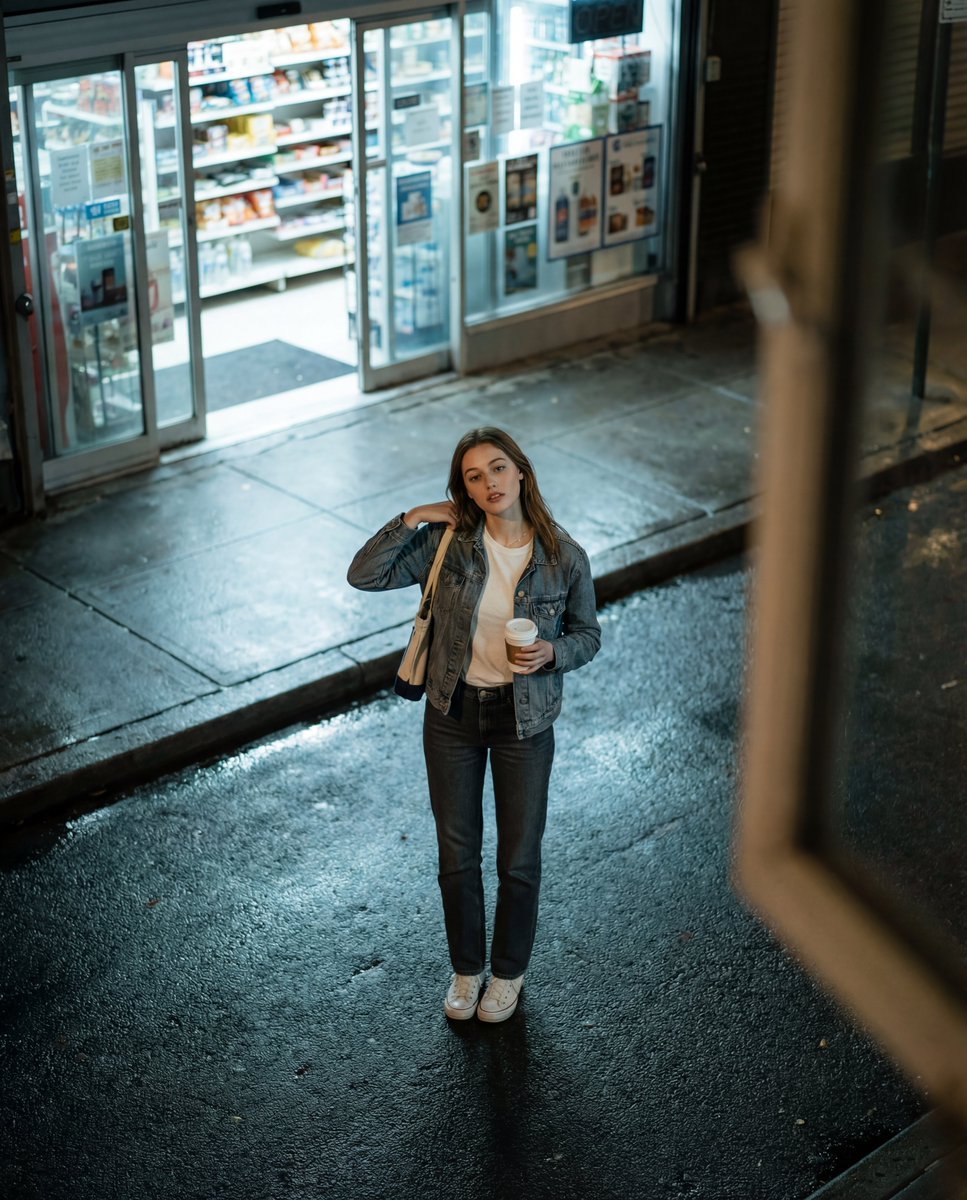
Candid Night Street Fashion Photograph
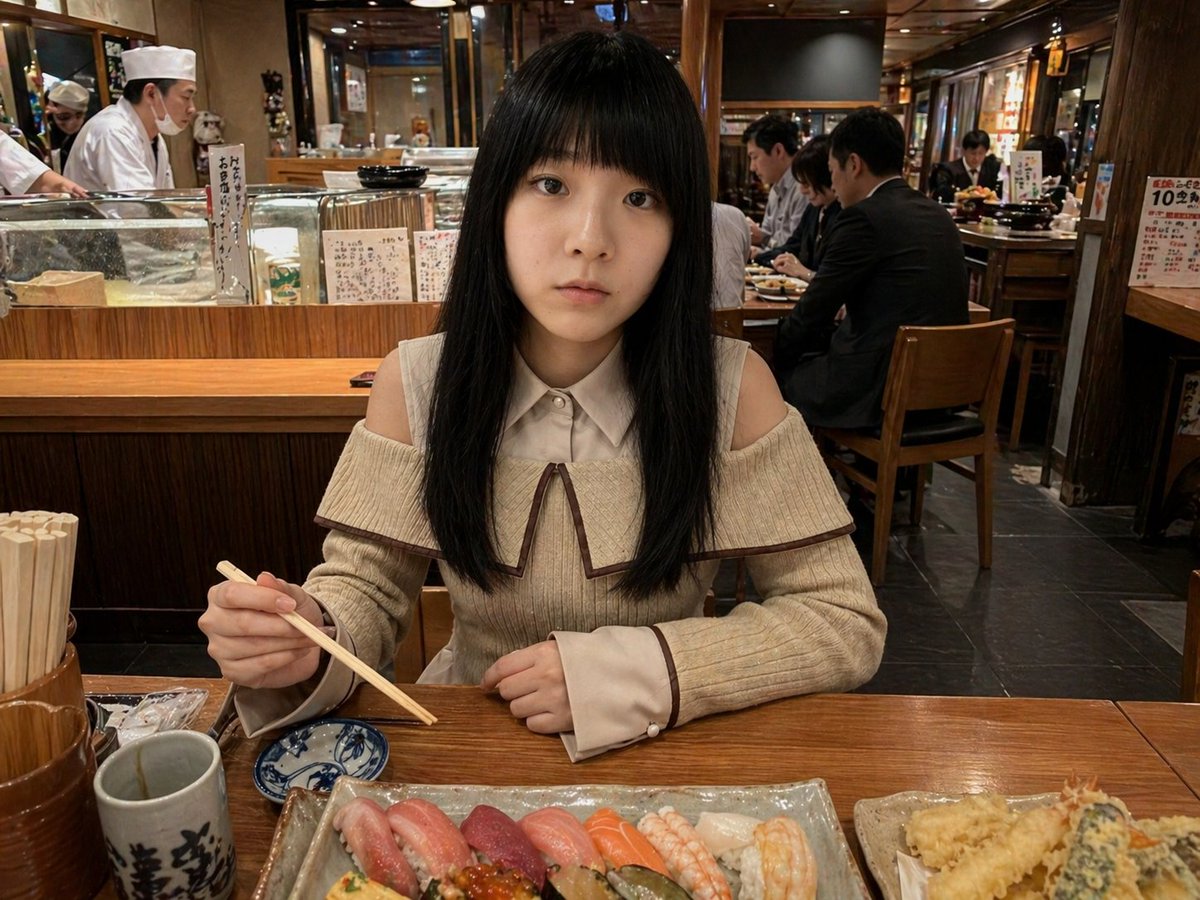
Photorealistic Sushi Counter Dinner Portrait

Bench press muscle diagram
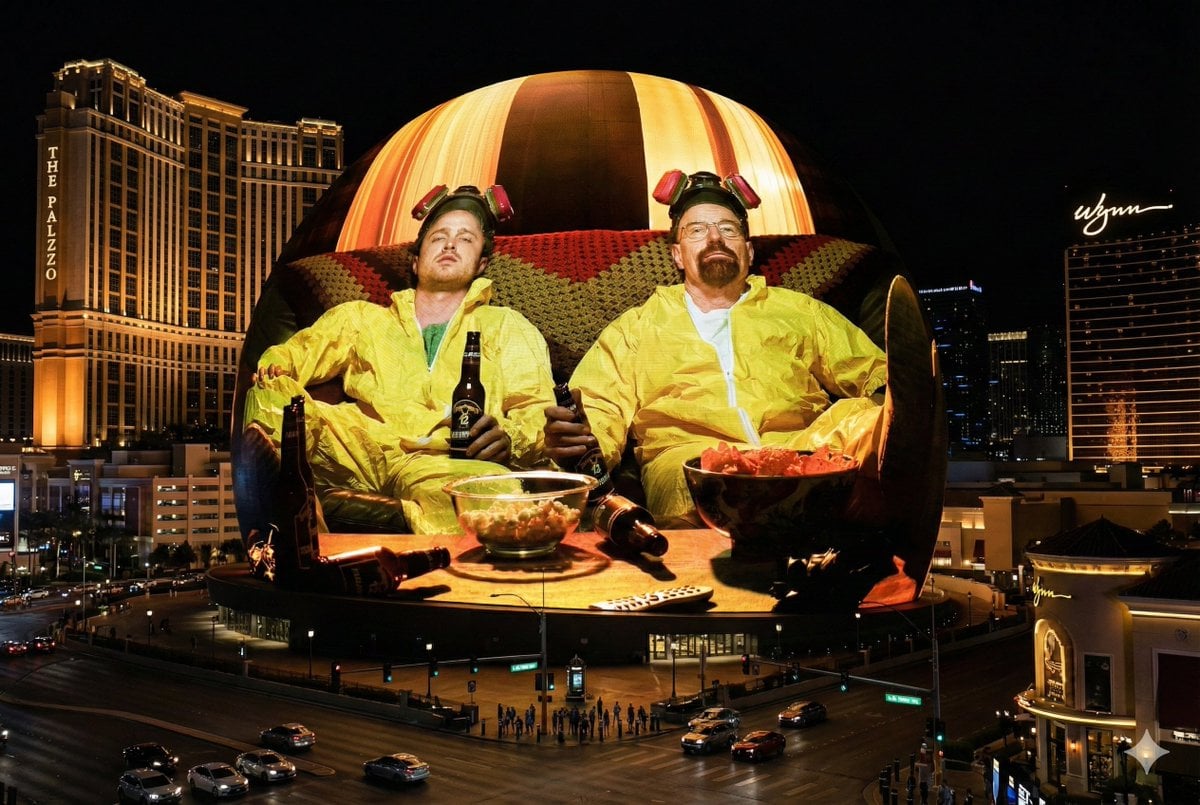
Image Projection onto Las Vegas Sphere
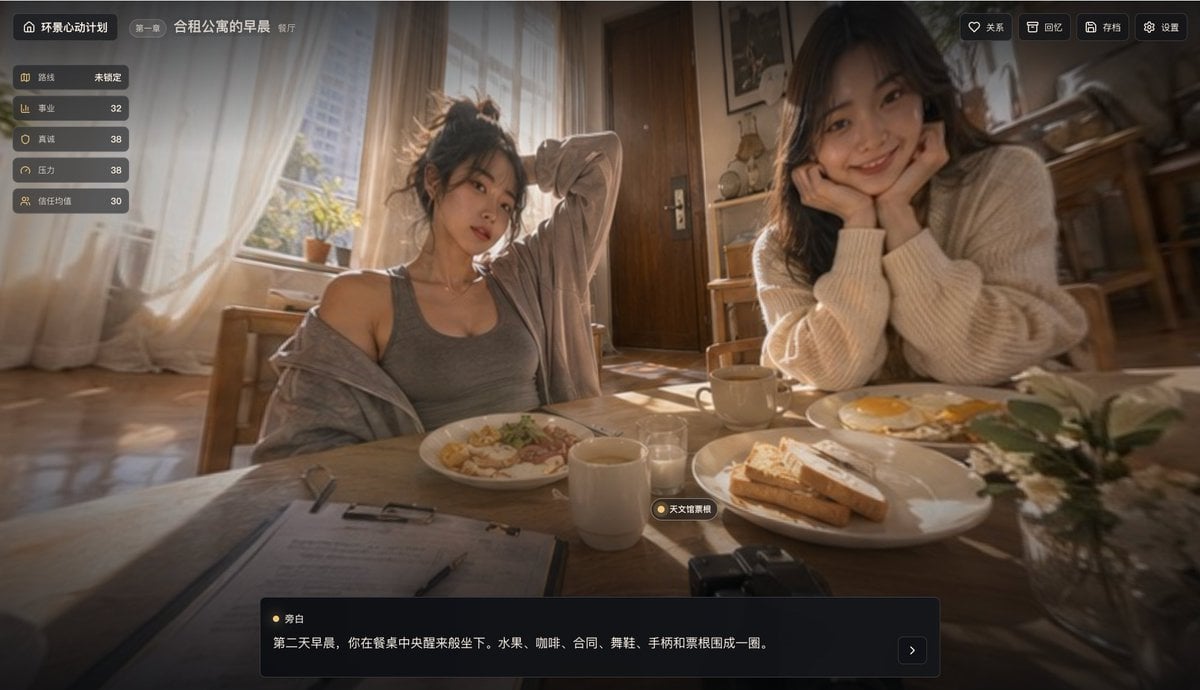
Cinematic Breakfast Dating Sim UI
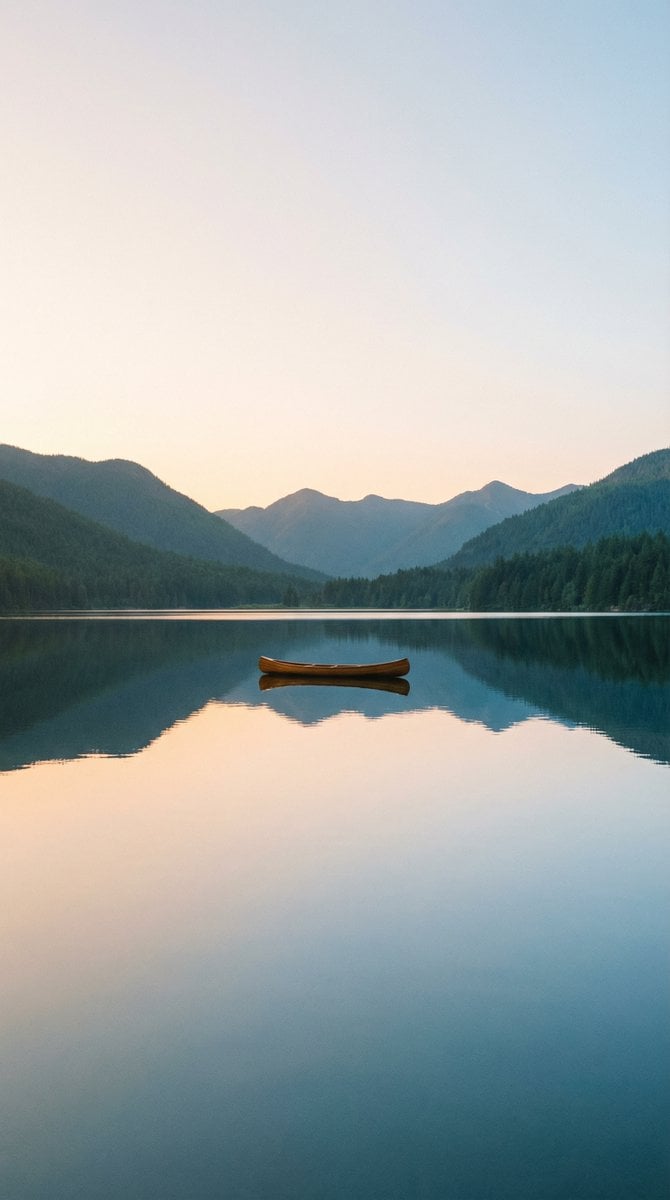
Nano Banana Pro Wallpaper Generation Template
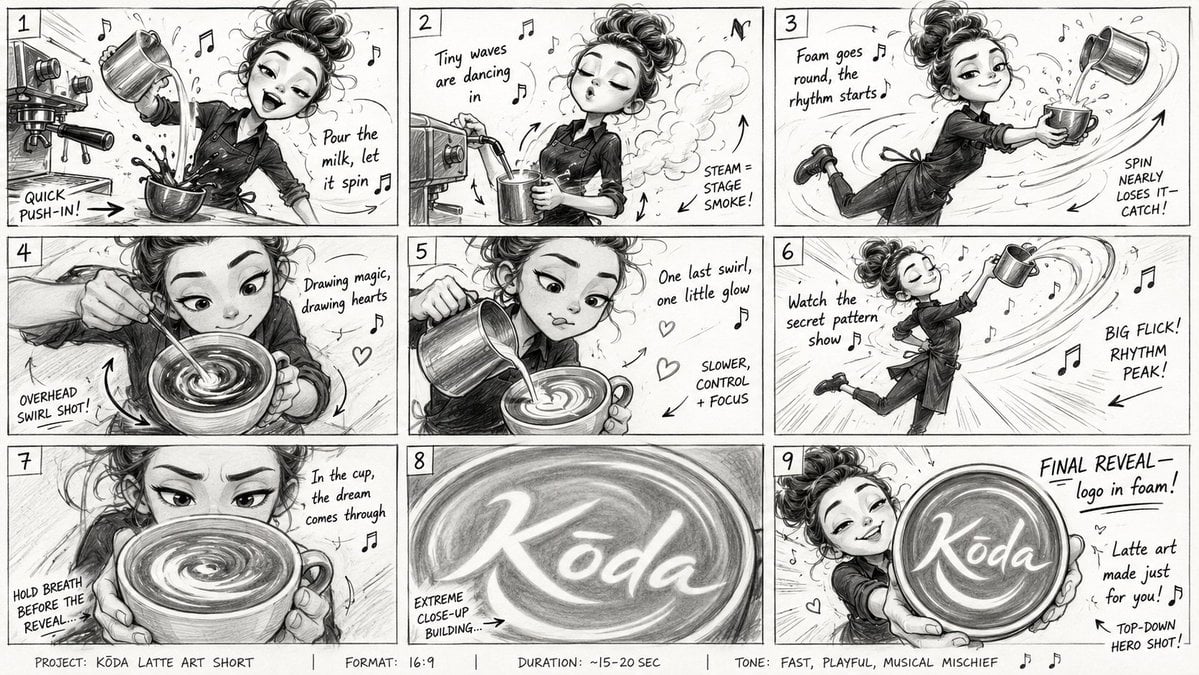
Latte Art Musical Storyboard
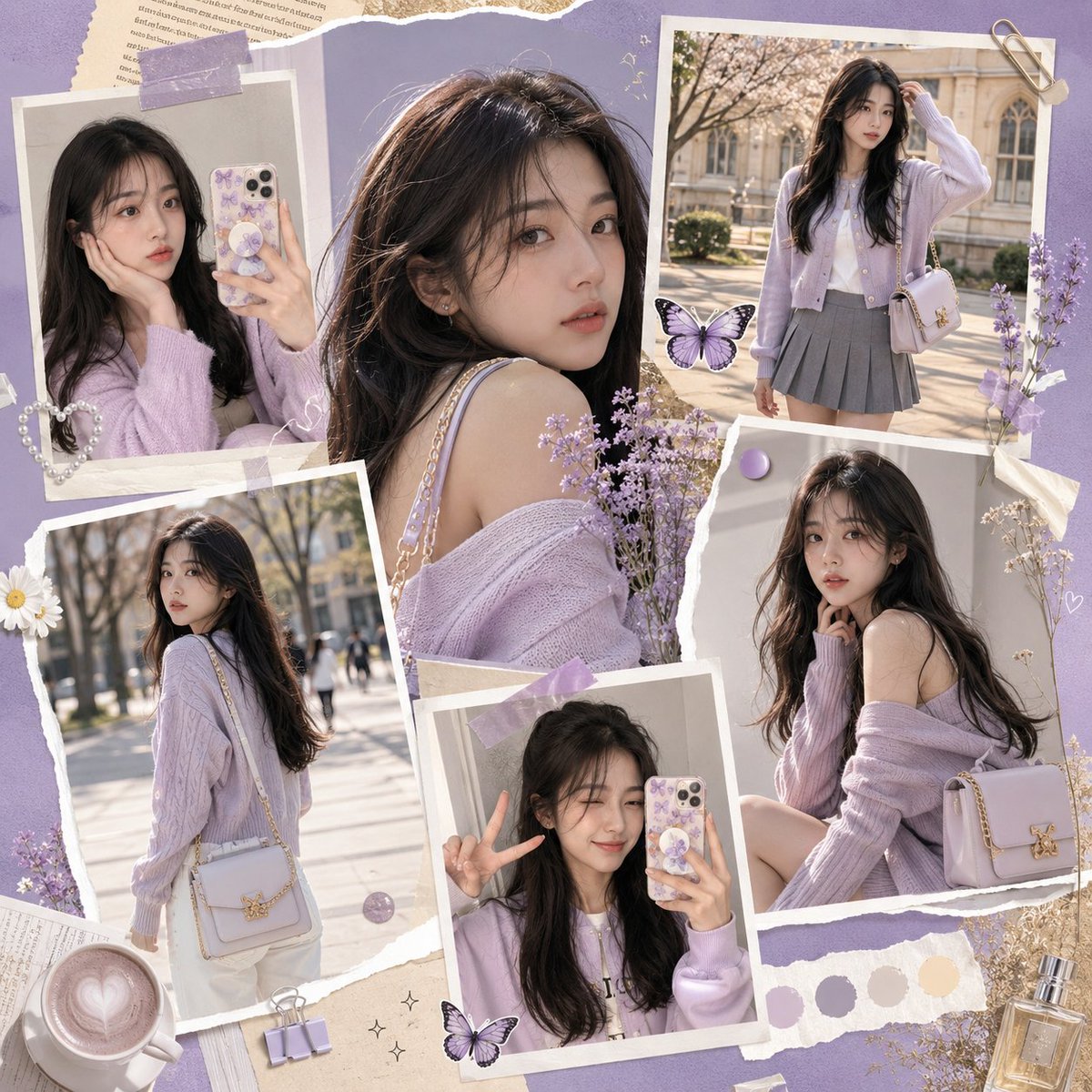
K-Fashion Gen-Z Social Media Collage

AI Team App Poster
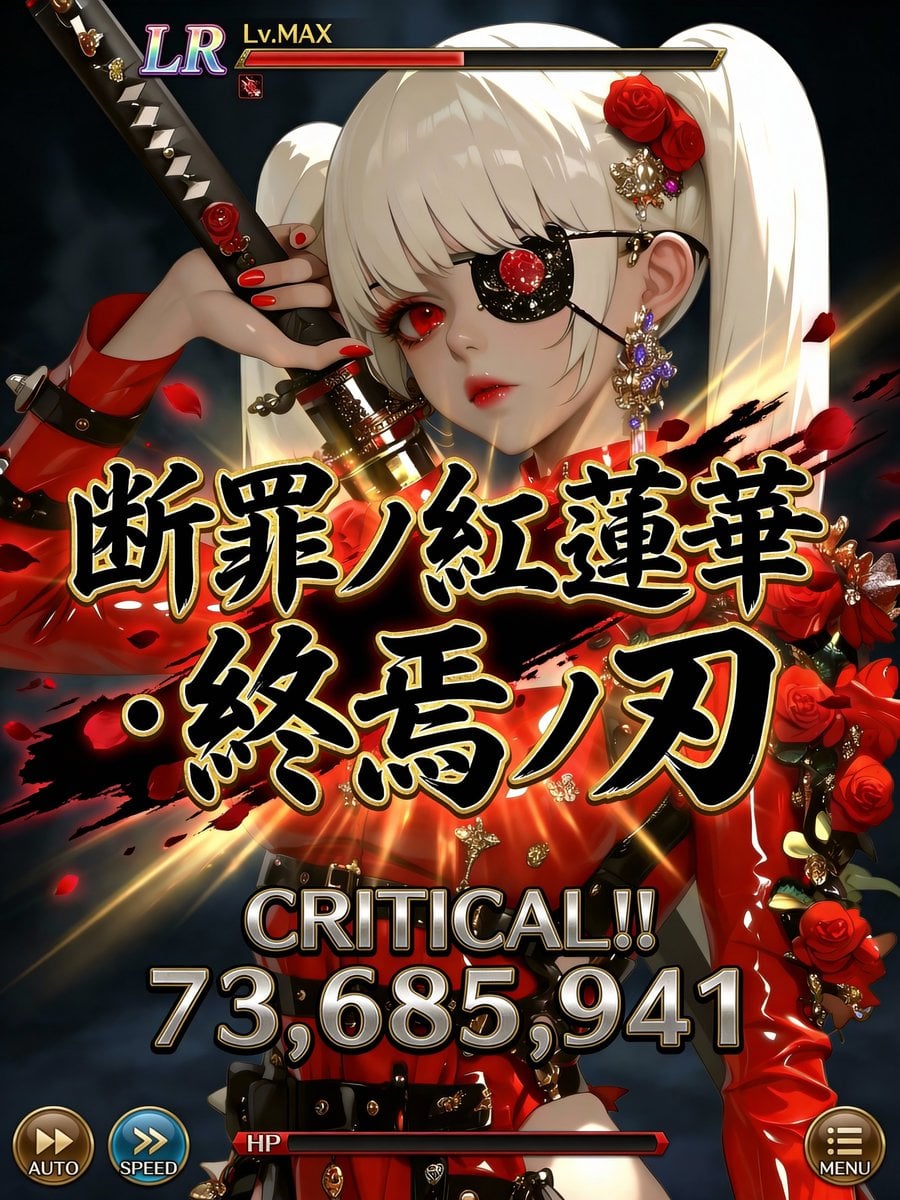
Social Game Special Move Production Prompt for Nano Banana Pro
Browse template categories
Dark Romantic Jungle Letter Scene questions
How do I use the Dark Romantic Jungle Letter Scene template?
Add your photo if the template asks for one, edit the prompt if you like — the template's model and format are already selected — and press Generate. Your version opens in PicX Studio.
Can I customize the Dark Romantic Jungle Letter Scene template?
Yes. You can change the subject, setting, lighting, mood, format, and available model controls before creating your image.
Is the Dark Romantic Jungle Letter Scene template free?
Opening and editing this template is free. Generating uses credits, shown on the Generate button when you are signed in.
Which AI model should I use?
Start with GPT Image 2, which is the model associated with this template. You can compare another compatible model for a different finish.
Looking for something else? Browse all templates.

Your photo, any look
Thousands of ready templates for every top image and video model, from one credit balance.