
Dark Lovesick Anime Letter Transformation
Transforms a reference anime schoolgirl portrait into a darker gothic romantic scene with a wax-sealed envelope, thorny vines, and purple flowers.
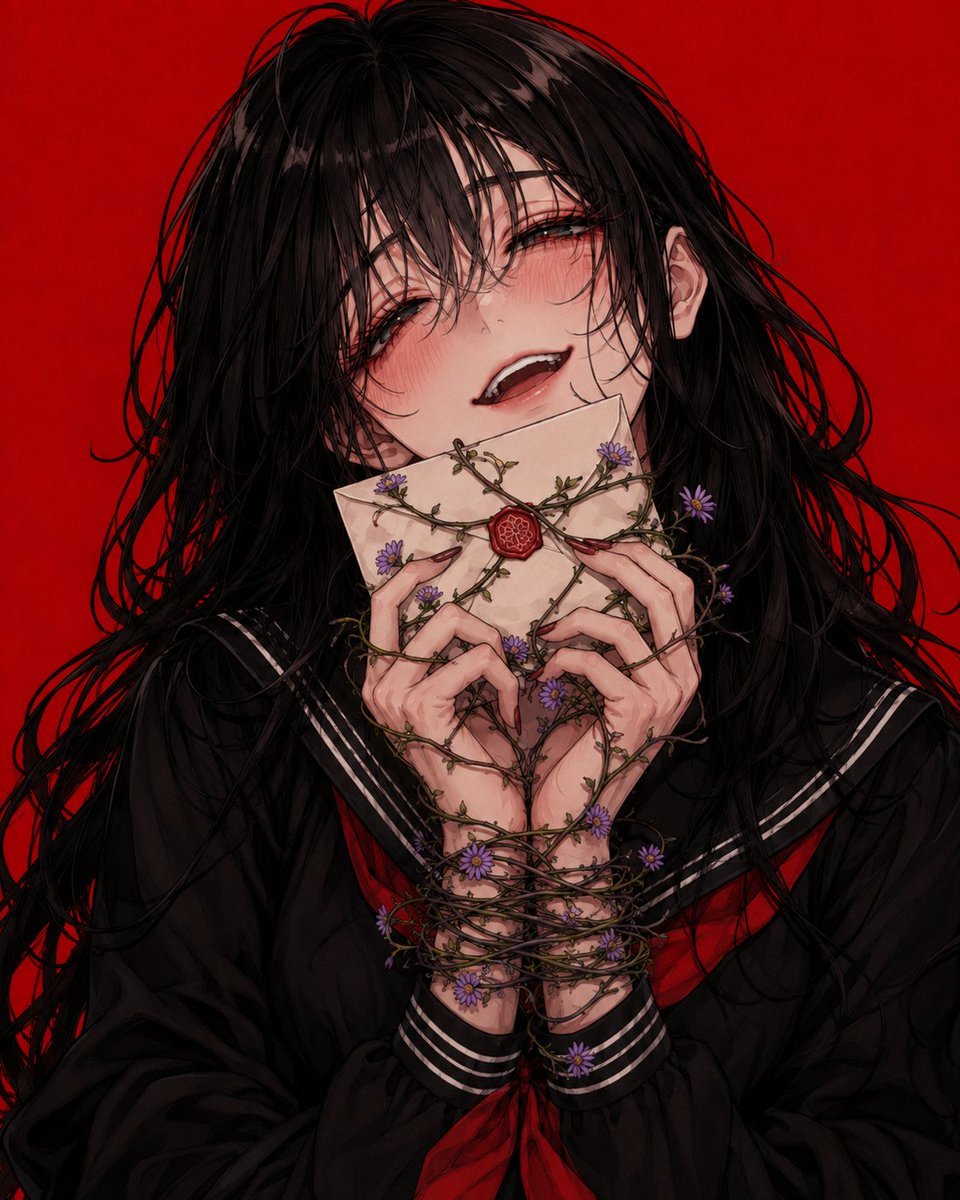
- Prompt included
- Model and format preset
- Free template
The prompt behind this image
Copy the exact prompt behind Dark Lovesick Anime Letter Transformation, or open it in the studio and make it yours.
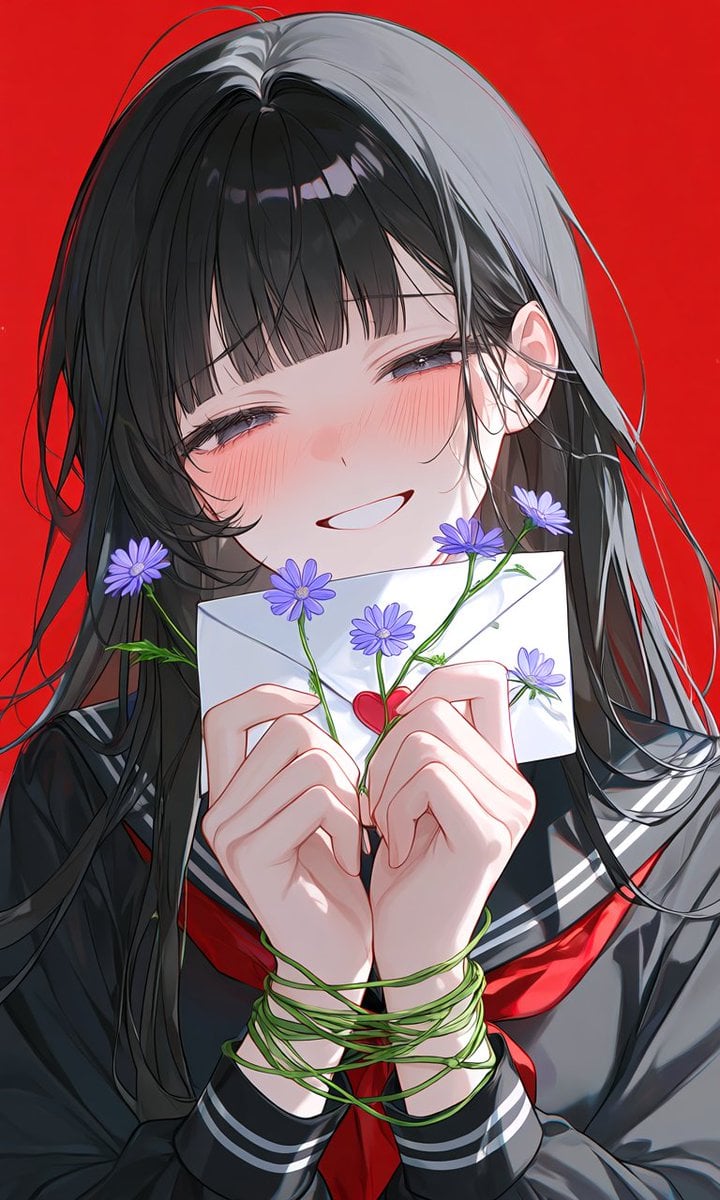
Using the provided reference image as the character and composition base, regenerate it as a darker, more intense anime illustration while keeping the school-uniform motif and red background. Change the mood from shy sweetness to {argument name="mood" default="feverish, lovesick, slightly unhinged joy"}: make her head tilt back slightly, eyes half-lidded, cheeks flushed, and mouth open in a breathy smile with visible teeth. Make the hair much wilder and messier, with tangled strands falling across her face and spreading outward. Transform the clean white letter into an aged cream envelope held close to her mouth, closed with a central {argument name="envelope seal" default="red wax seal"}. Replace the simple green stems around her wrists with darker thorny vines that wrap tightly around both hands, wrists, fingers, and across the envelope in a heart-like tangle. Add exactly 8 small {argument name="flower type and color" default="purple aster-like blossoms"} distributed on the vines: 2 near the upper envelope area, 2 on the right side, 2 around the hands, and 2 near the wrists/lower vines. Use a more dramatic, painterly, high-detail anime style with deeper shadows, richer black hair, muted skin tones, and a gothic romantic atmosphere. Keep the background as a flat vivid {argument name="background color" default="red"}, with no extra objects, no text, and no watermark.
Reference images included
Dark Lovesick Anime Letter Transformation needs input media to work. They load alongside the prompt when you open it in the studio.
How to use Dark Lovesick Anime Letter Transformation in 3 steps
- 1Upload ImagePNG, JPG or paste
Add your photo
Upload the photo the template builds on. The prompt, model and format are already set.
- 2…a portrait of your subject in softgolden-hour light, 85mm…
Personalize
Edit the subject and creative details for your destination.
- 3Generate
Generate
Press Generate — your image is created in PicX Studio, so you can compare it with the original and refine one variable at a time.
More like this
Templates with the same subject, style or setup. Open one to see its prompt.
Anime Girl by the Sea with Letter

Anime Alley Kick Transformation
Dark Romantic Jungle Letter Scene
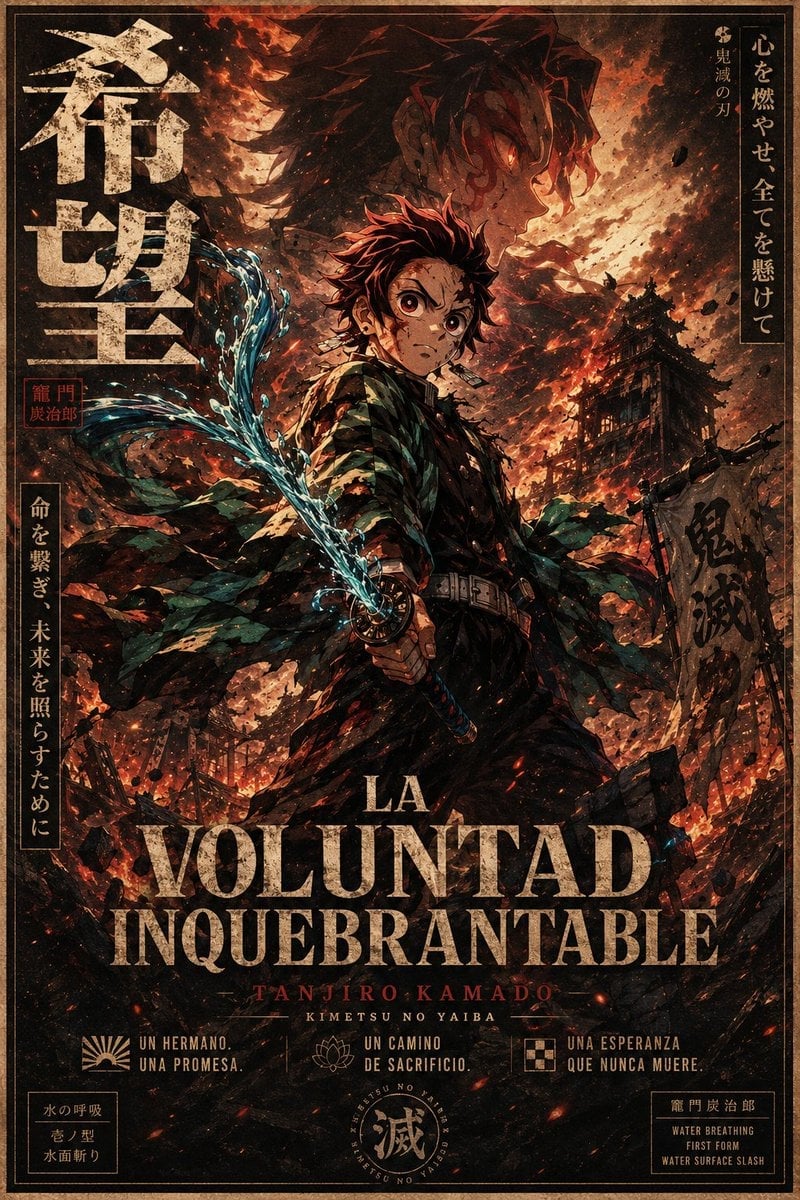
Dark Anime Demon Slayer Poster
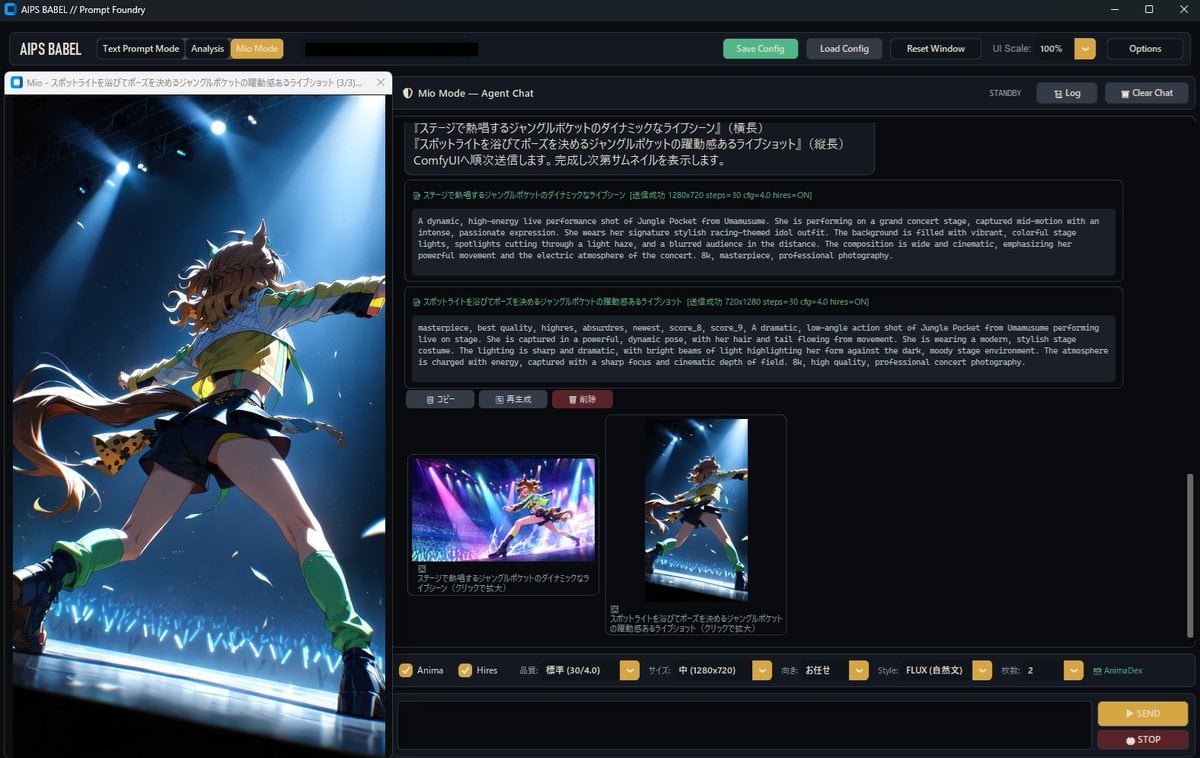
Dark Anime Prompt Foundry UI

Dark Fantasy Smoke Monster Transformation
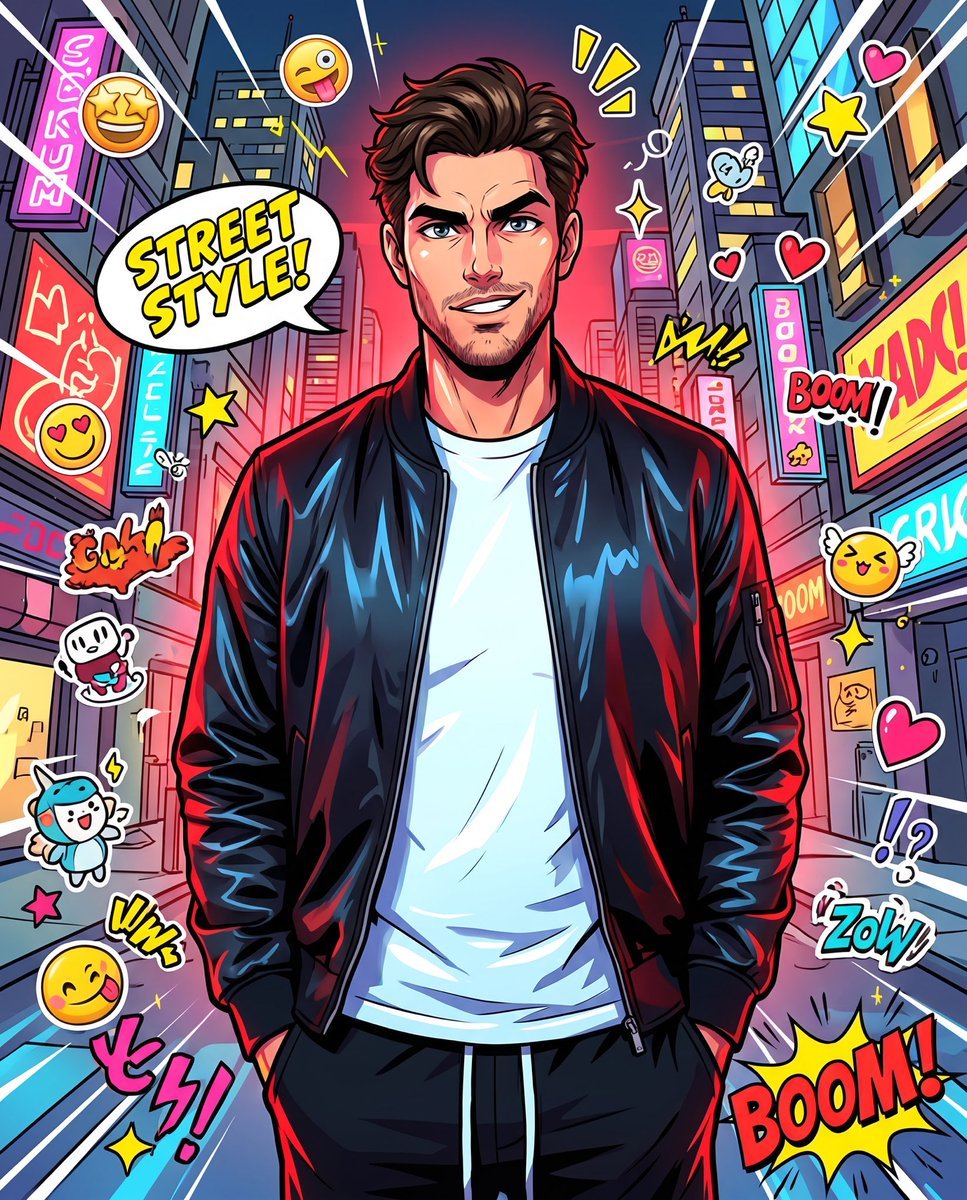
Anime Street Illustration Transformation
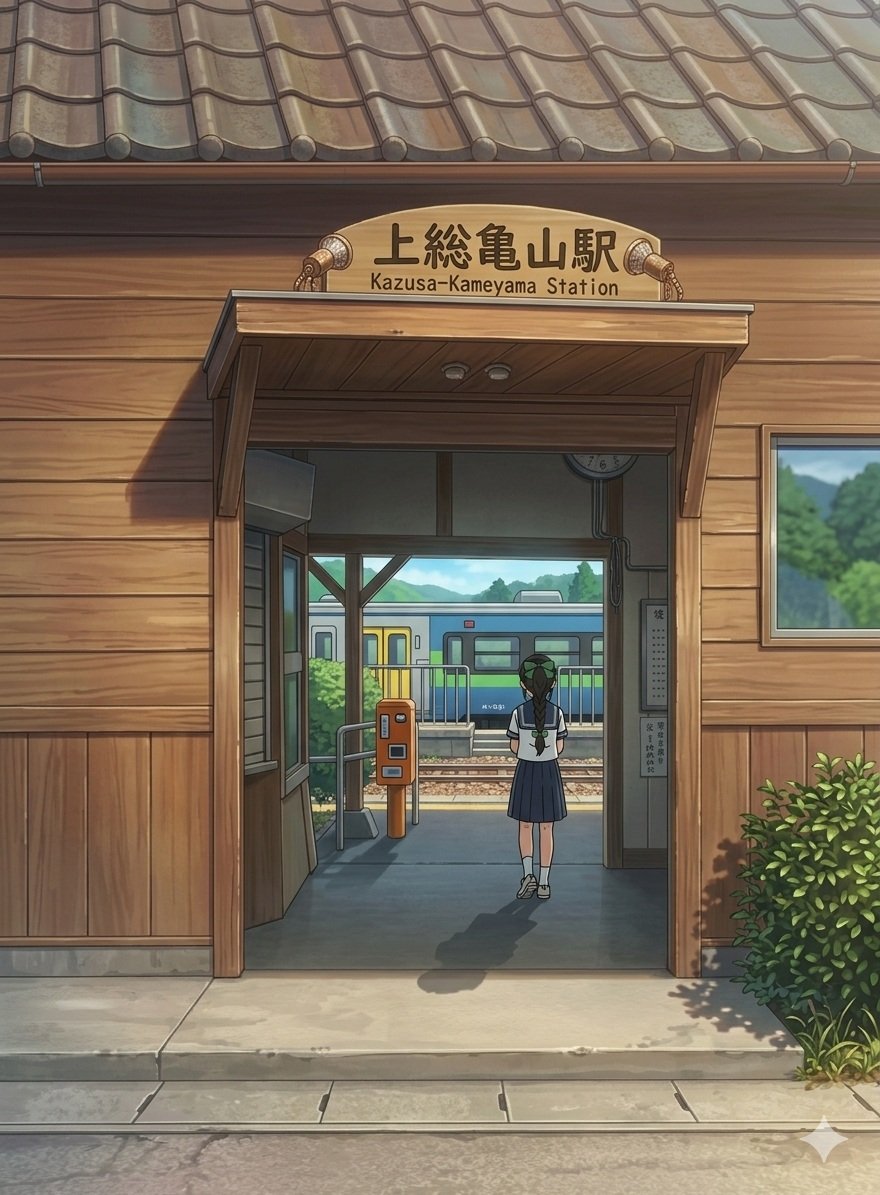
Anime Railway Station Transformation

Cel 2D Finale Fireworks

Cel 2D Garden Maze

Cel 2D Rooftop Concert

Cel 2D Bicycle Coast
Make it yours
Dark Lovesick Anime Letter Transformation works as-is. These are the safest ways to change it without losing the look.
Change one field
Copy a single group, rewrite it, and generate again so you can see what that field is doing.
Keep the frame, change the subject
Hold the composition and light of Dark Lovesick Anime Letter Transformation, then swap wardrobe, props or the person for a new take.
| If the result… | Why | Fix |
|---|---|---|
| The result drifts from the preview | Too many fields changed at once. | Reuse Dark Lovesick Anime Letter Transformation as-is first, then change one group — subject, light, or setting. |
| The model over-stylizes the scene | The prose prompt leaves finish and camera underspecified. | Add one camera or lighting sentence and stay on GPT Image 2. |
More GPT Image 2 templates
Other prompts made for GPT Image 2.

Six VTuber Japanese Logo Sheet

Realistic Portrait of Woman and Deer

The Vista Modular Condo Poster

AI Model Routing Comparison Infographic

2.5D Anime Art Board

Isometric Productivity Desk Scene

New York Double Exposure Poster

Four-Panel AI Landscape Comparison

Japanese Tatami Lifestyle Magazine Cover

NESCAFÉ Coffee Map Poster
More image prompts
Fresh picks from across the catalog.
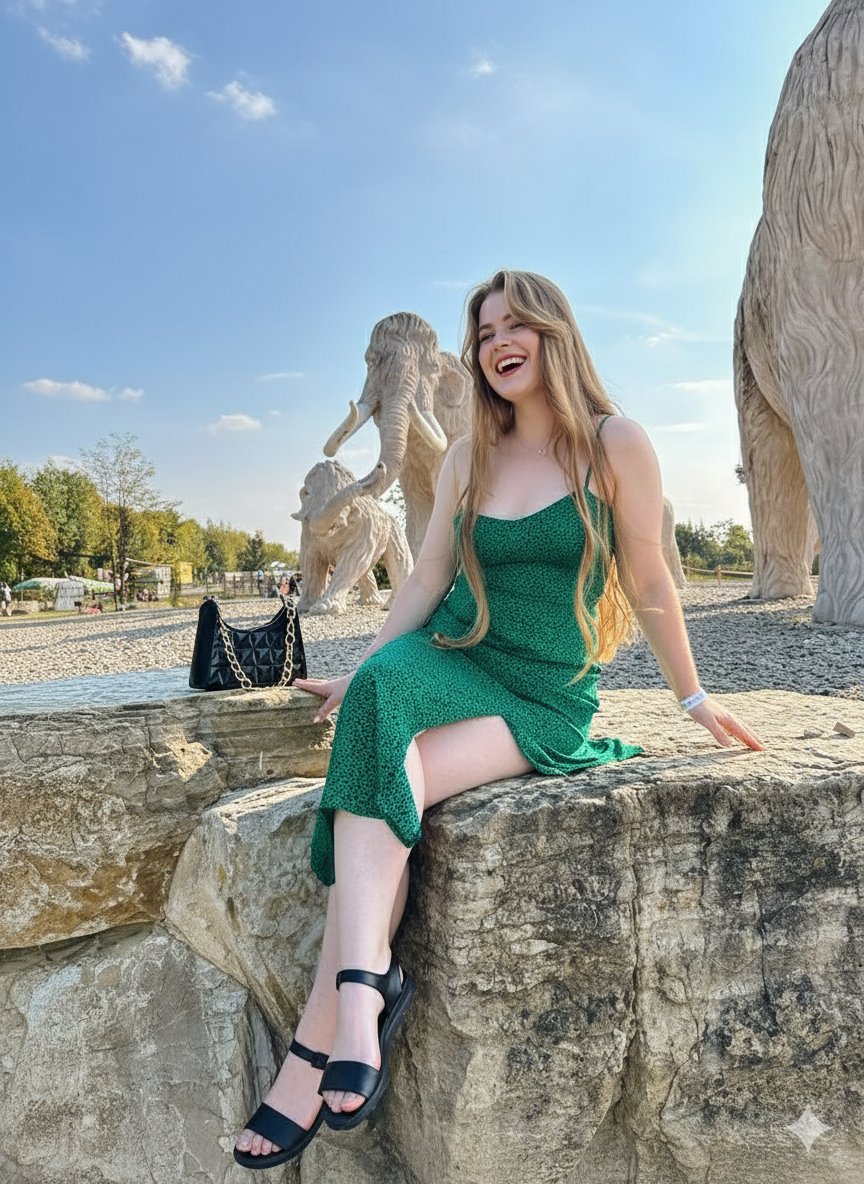
Joyful Woman at Prehistoric Mammoth Park
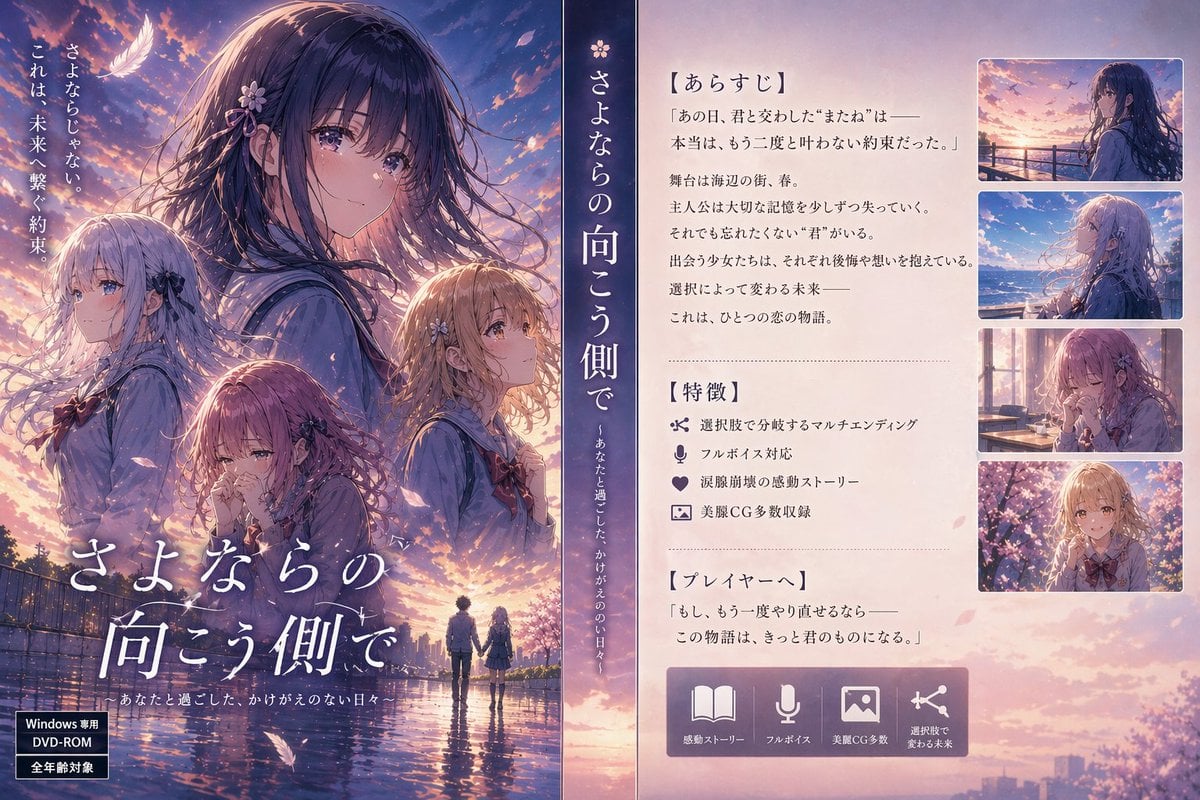
Japanese Visual Novel Promo Poster
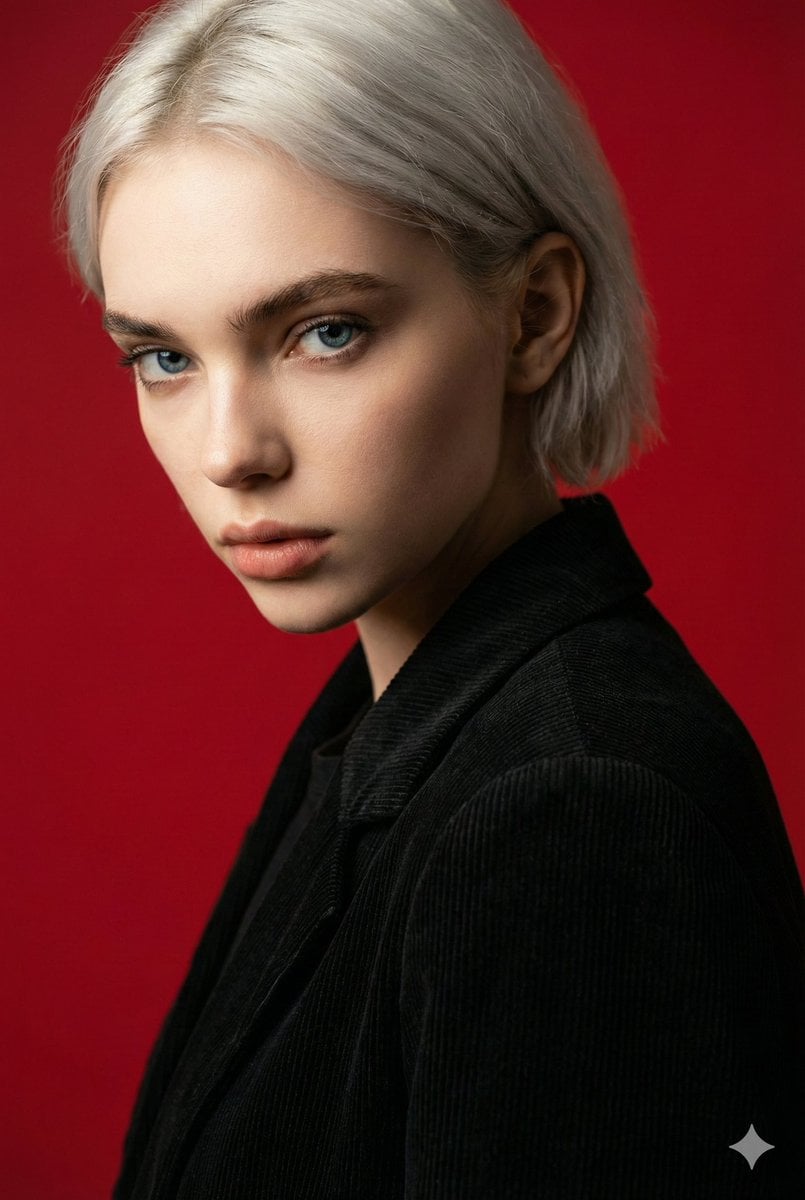
Cinematic Red Backdrop Portrait Prompt
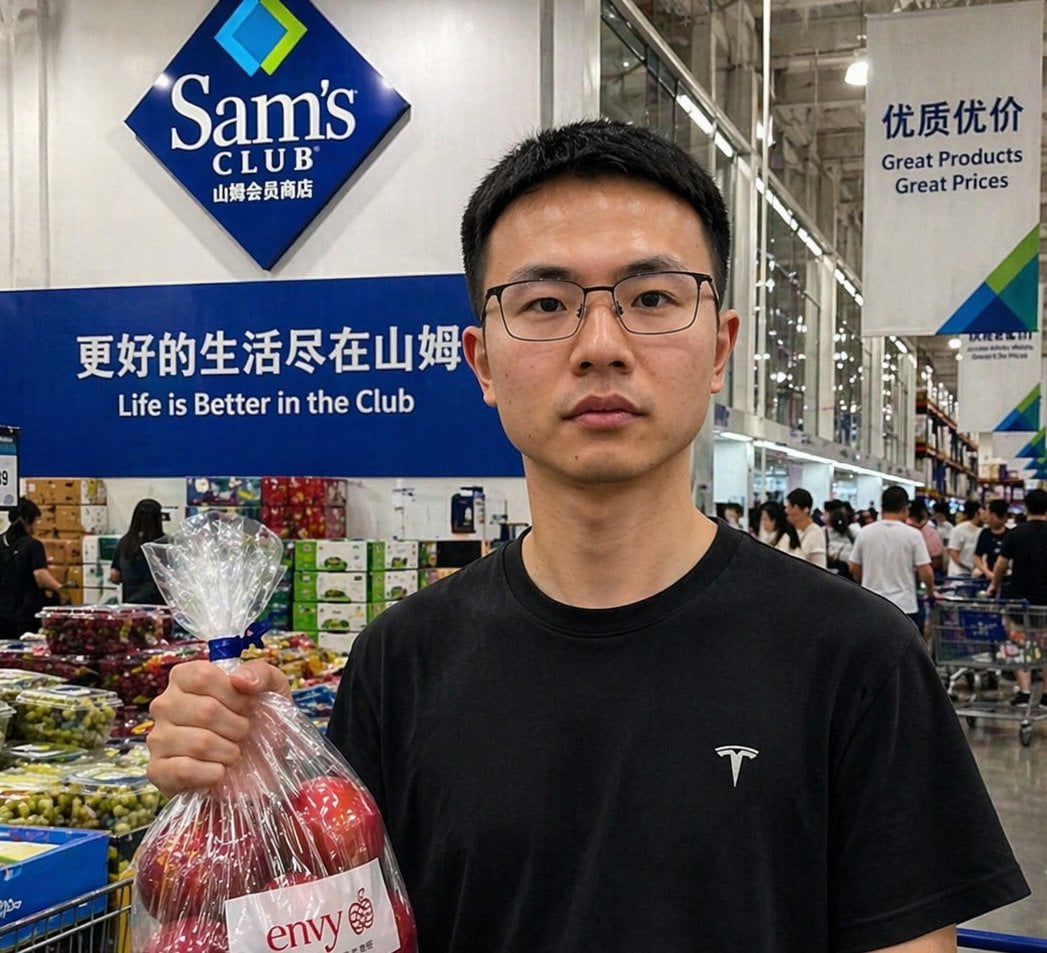
Realistic Sam's Club Shopping Snapshot
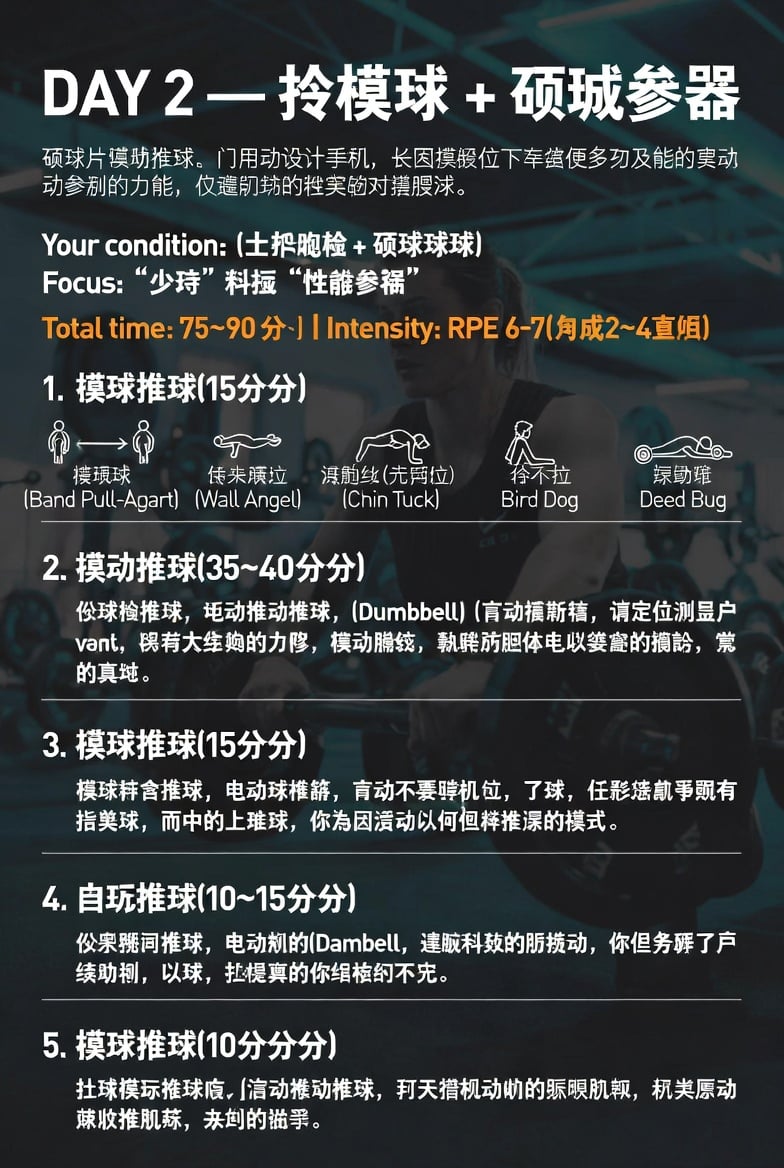
Chinese Gym Training Plan Infographic
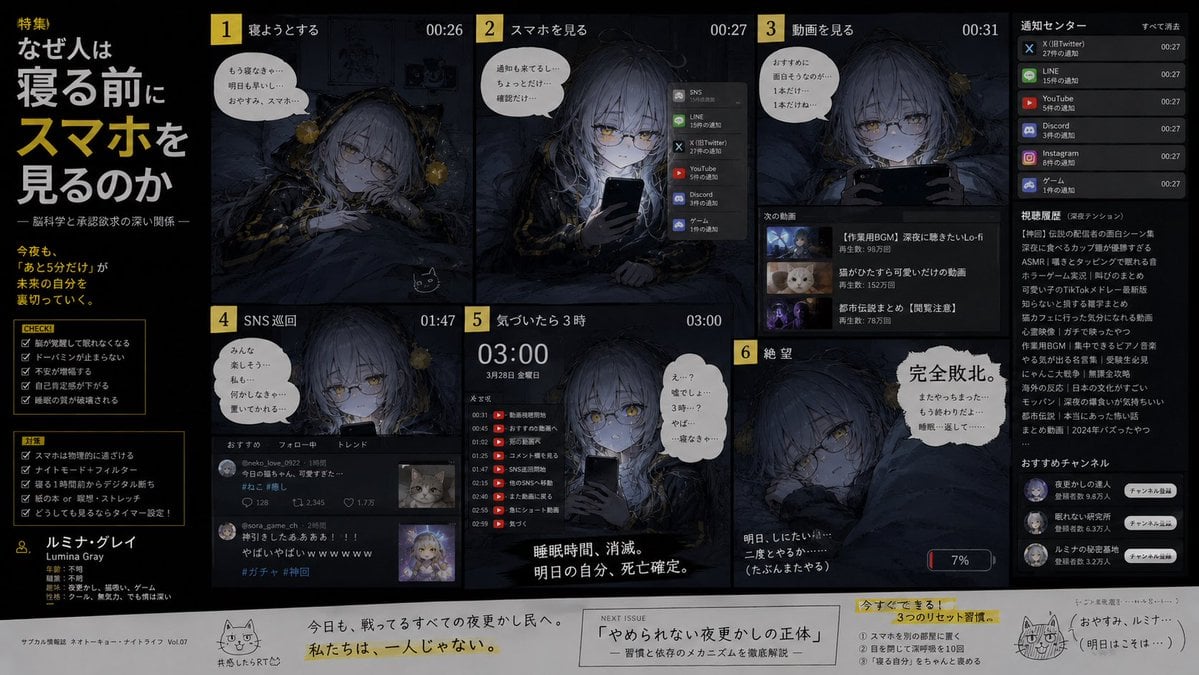
Bedtime Smartphone Anime Infographic
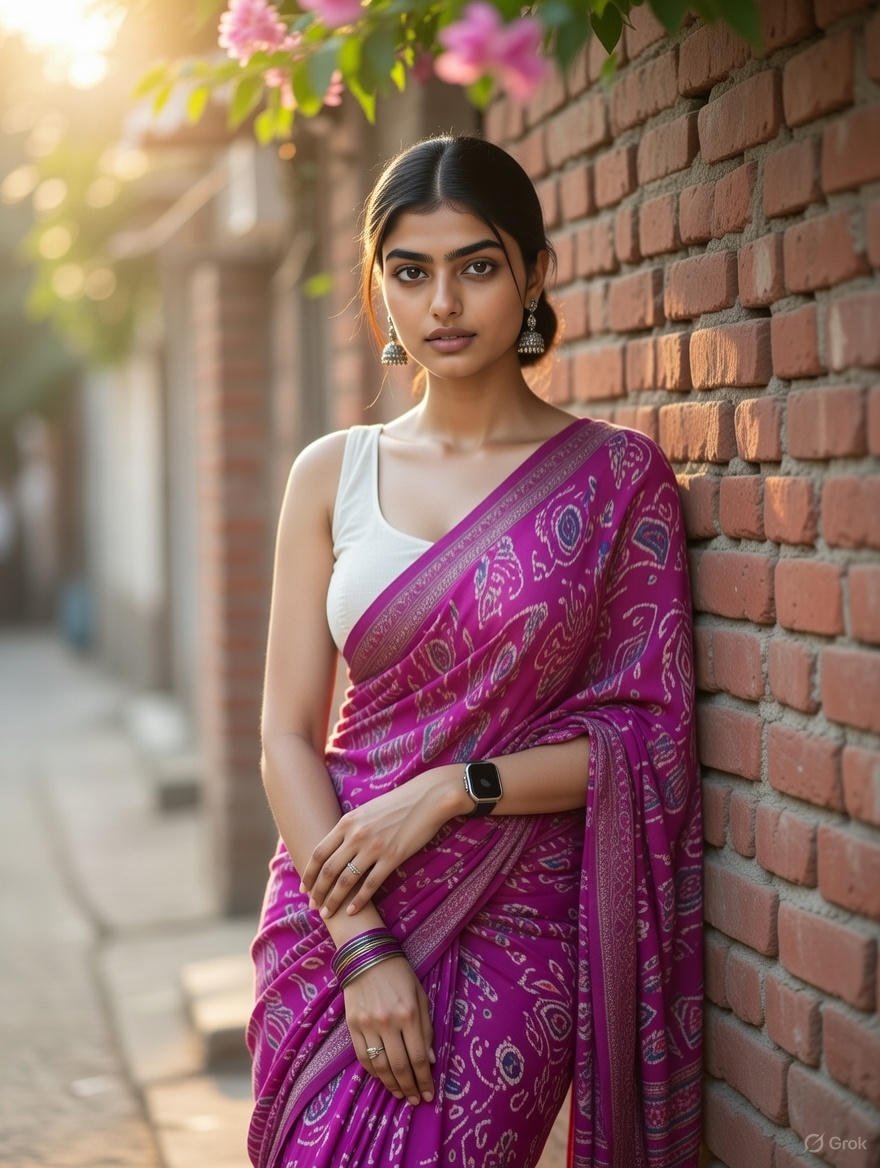
Grok Identity Lock Prompt for Saree Portrait
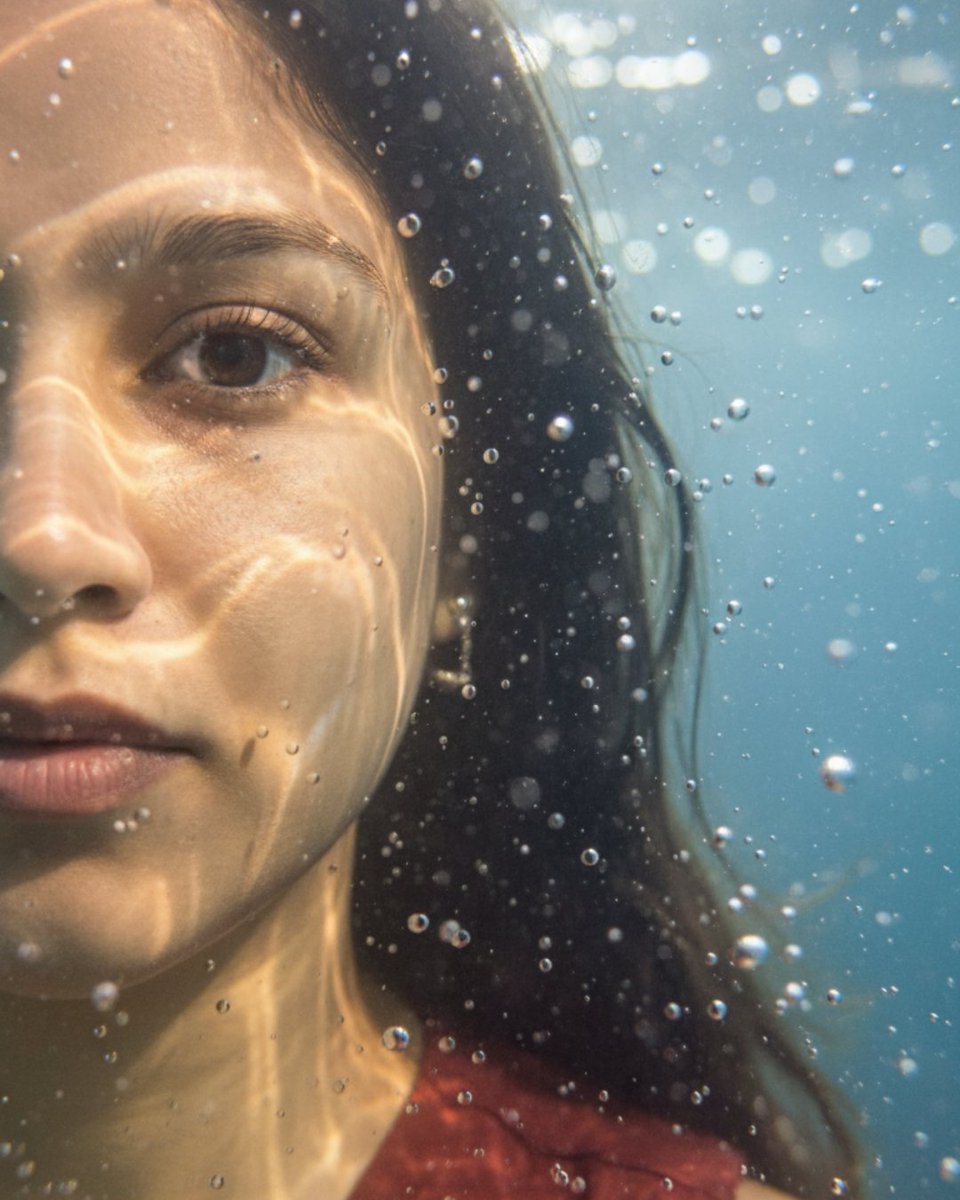
Underwater macro portrait (left half of face)

Cinematic Winter Scene of Judy Hopps Prompt
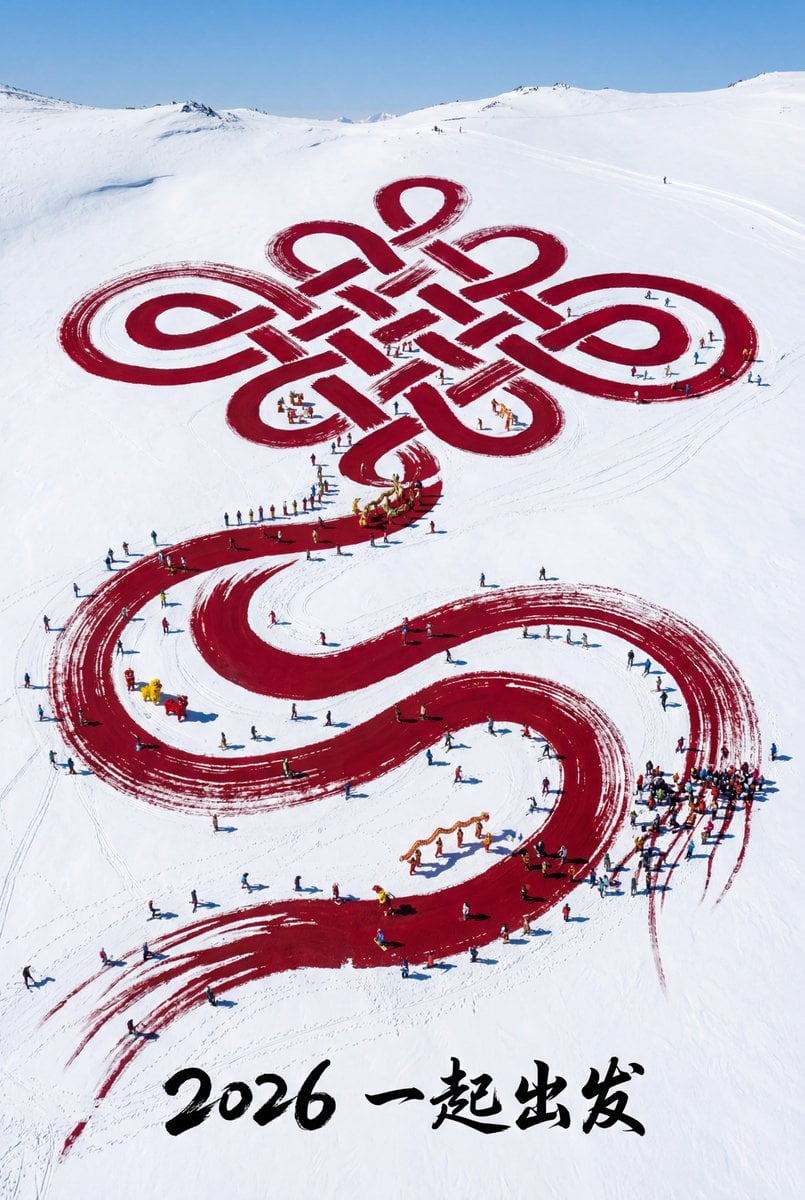
Aerial Art: Chinese Knot Landscape for 2026 Winter Games Prompt
Browse template categories
Dark Lovesick Anime Letter Transformation questions
How do I use the Dark Lovesick Anime Letter Transformation template?
Add your photo if the template asks for one, edit the prompt if you like — the template's model and format are already selected — and press Generate. Your version opens in PicX Studio.
Can I customize the Dark Lovesick Anime Letter Transformation template?
Yes. You can change the subject, setting, lighting, mood, format, and available model controls before creating your image.
Is the Dark Lovesick Anime Letter Transformation template free?
Opening and editing this template is free. Generating uses credits, shown on the Generate button when you are signed in.
Which AI model should I use?
Start with GPT Image 2, which is the model associated with this template. You can compare another compatible model for a different finish.
Looking for something else? Browse all templates.

Your photo, any look
Thousands of ready templates for every top image and video model, from one credit balance.