
Dark Pop Cheshire Cat Girl
A vivid vertical anime dark-pop fantasy illustration of a mischievous Cheshire cat girl perched in a glowing enchanted forest.
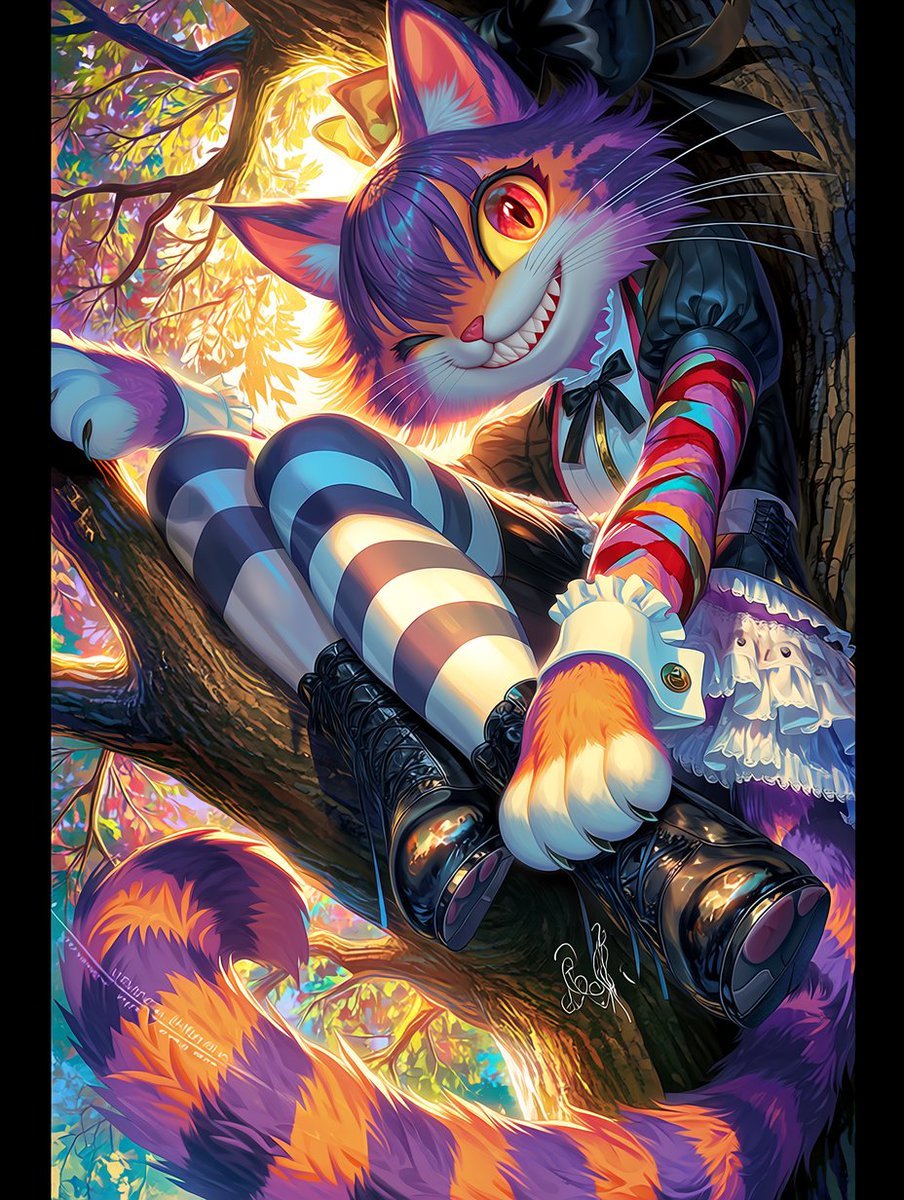
- Prompt included
- Model and format preset
- Free template
The prompt behind this image
Copy the exact prompt behind Dark Pop Cheshire Cat Girl, or open it in the studio and make it yours.
Create a vibrant dark-pop anime illustration of {argument name="character name" default="a Cheshire-cat inspired humanoid cat girl"} lounging diagonally on a thick tree branch in a surreal enchanted forest at sunset. The character has one large mischievous cat head with a huge toothy grin, one visible glowing red-orange eye and one winking eye, tall pointed ears, long white whiskers, purple-and-orange striped fur, and a massive curling striped tail sweeping across the bottom of the image. She wears a gothic lolita outfit made of exactly 6 visible clothing/accessory elements: a black puff-sleeve dress, a small black bow at the collar, a white ruffled apron/skirt layer, rainbow-striped arm warmers, blue-and-white striped thigh-high stockings, and glossy black lace-up platform boots. Pose her seated on the branch with both legs extended toward the viewer for strong foreshortening, one fluffy paw-hand resting near the boots, the other arm partly hidden, creating a playful but unsettling expression. Use {argument name="color palette" default="neon purple, orange, cyan, magenta, deep black, and warm golden sunlight"} with high saturation, dramatic rim lighting, glossy highlights, and sharp cel-shaded anime rendering. The background should show exactly 3 major tree branches crossing the composition, dense dark trunks and twigs, stained-glass-like multicolored leaves, and a blazing golden sun flare behind the character's head. Compose as a vertical portrait, dynamic Dutch-angle perspective, maximal detail, dark fantasy pop-art mood, luminous backlight, crisp linework, no text except an optional small artist-like signature near the lower center, no watermark, no extra characters.
How to use Dark Pop Cheshire Cat Girl in 3 steps
- 1Upload ImagePNG, JPG or paste
Add your photo
Upload the photo the template builds on. The prompt, model and format are already set.
- 2…a portrait of your subject in softgolden-hour light, 85mm…
Personalize
Edit the subject and creative details for your destination.
- 3Generate
Generate
Press Generate — your image is created in PicX Studio, so you can compare it with the original and refine one variable at a time.
More like this
Templates with the same subject, style or setup. Open one to see its prompt.

Teen Girl Alpine Lake Mountain View

Anime Catgirl in Chinese Ink Landscape

Cat-Eared Kimono Girl

Cat Photobomb Selfie — 0.5x Wide Angle Café Chaos

Surreal Cat Astronaut — Humanoid Face Freefall

Selective Color Monochrome Football Poster

Low Angle Floor Selfie With Upside Down Cat
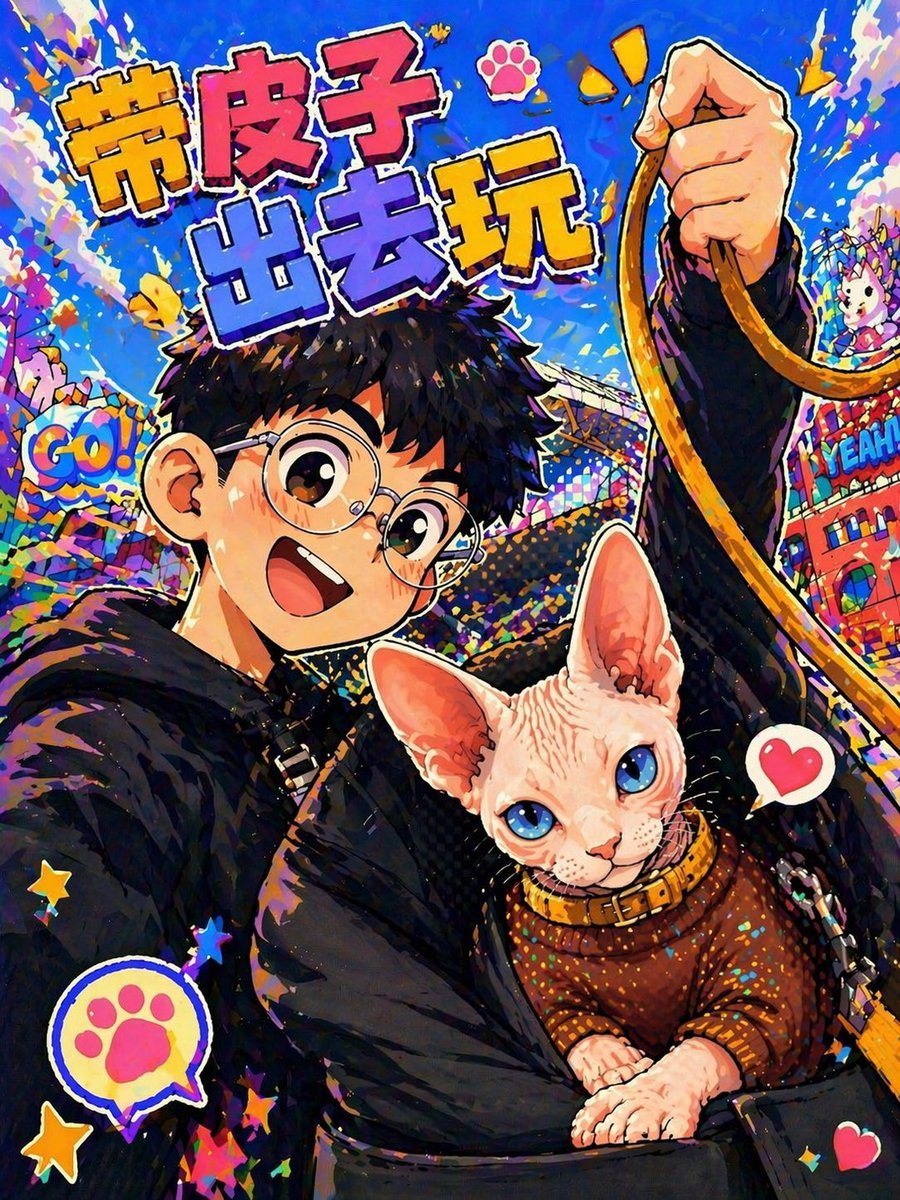
Anime Pop Sphynx Cat Outing Poster
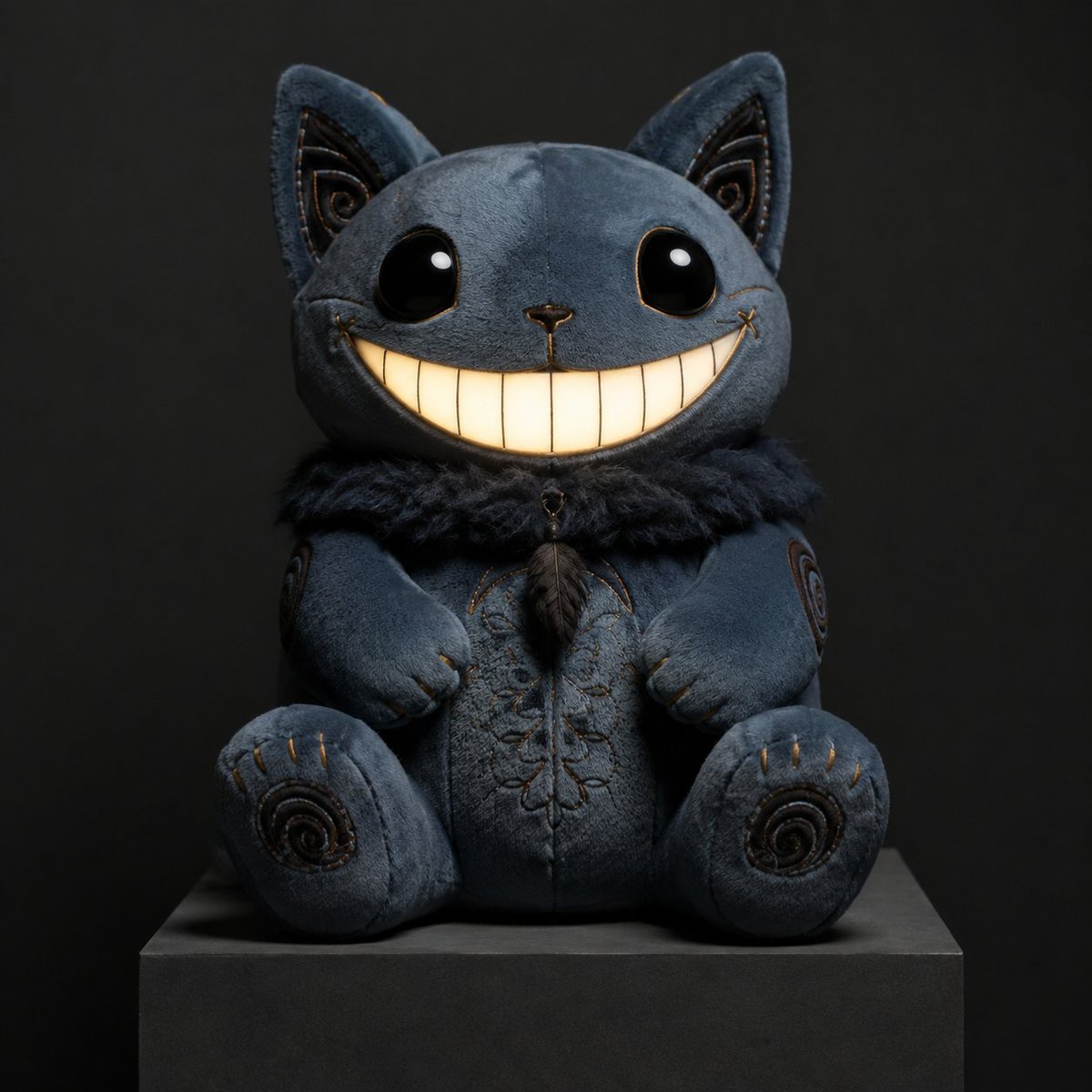
Gothic Cheshire Cat Plush Toy
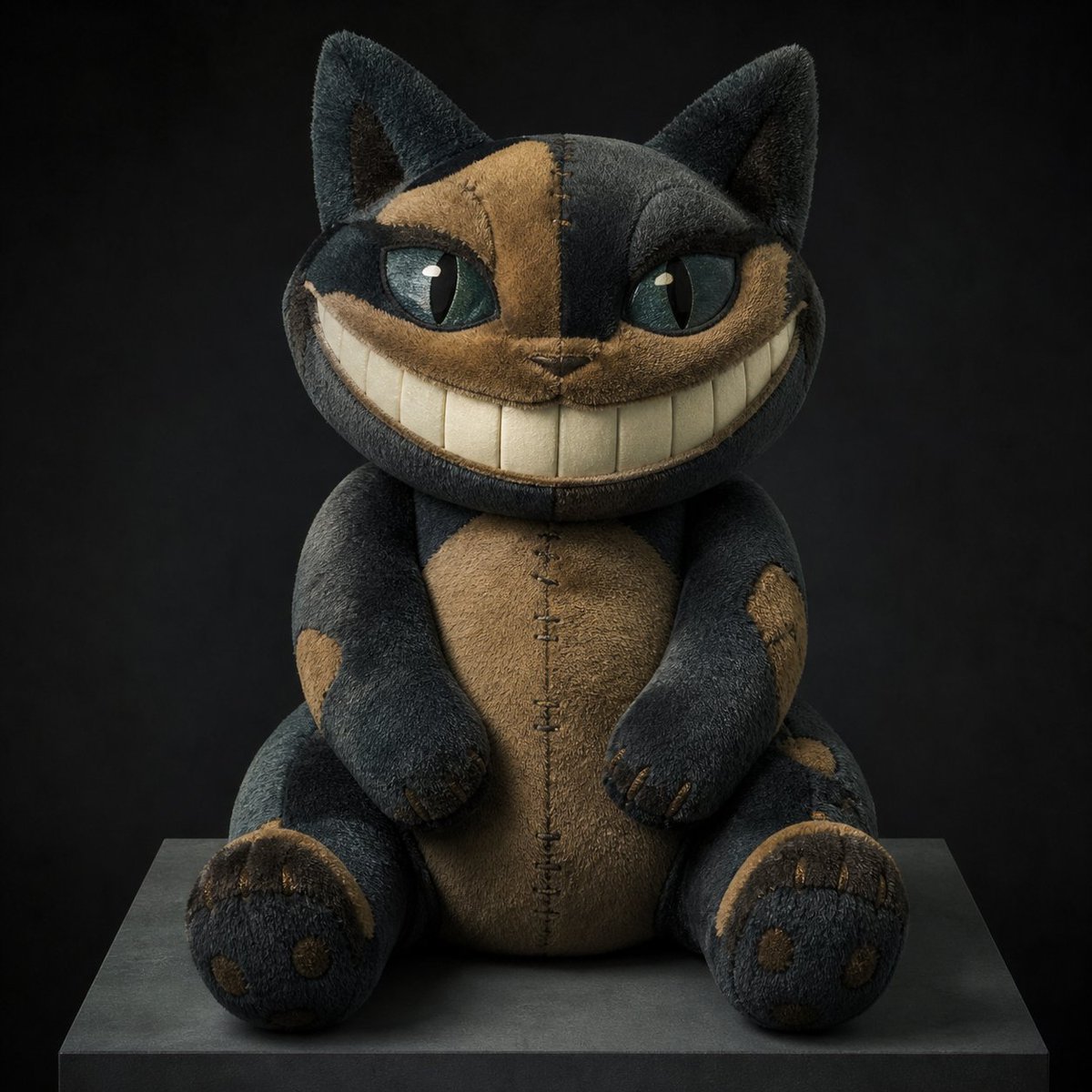
Cheshire Cat Plush Toy Photo
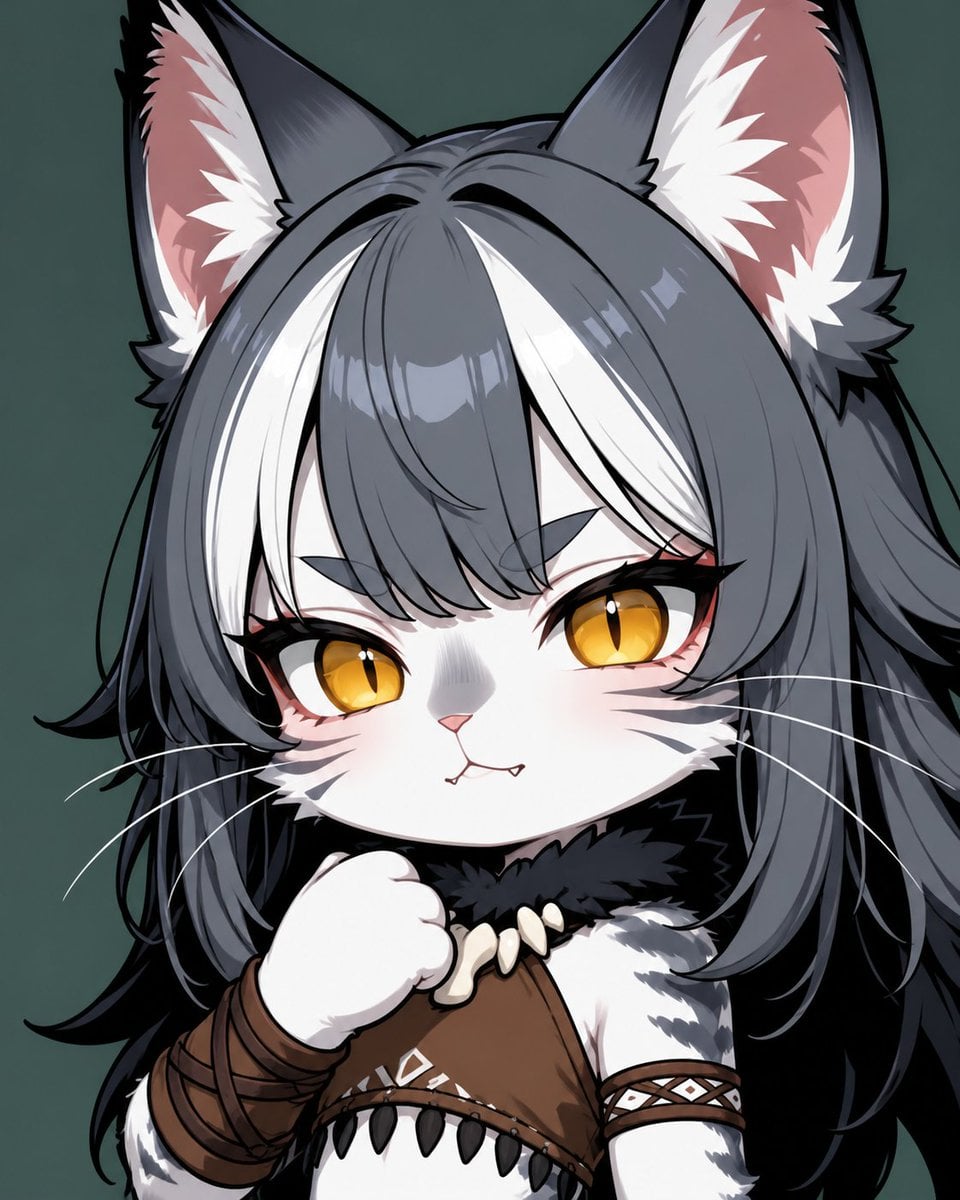
Chibi Cat-Girl Portrait
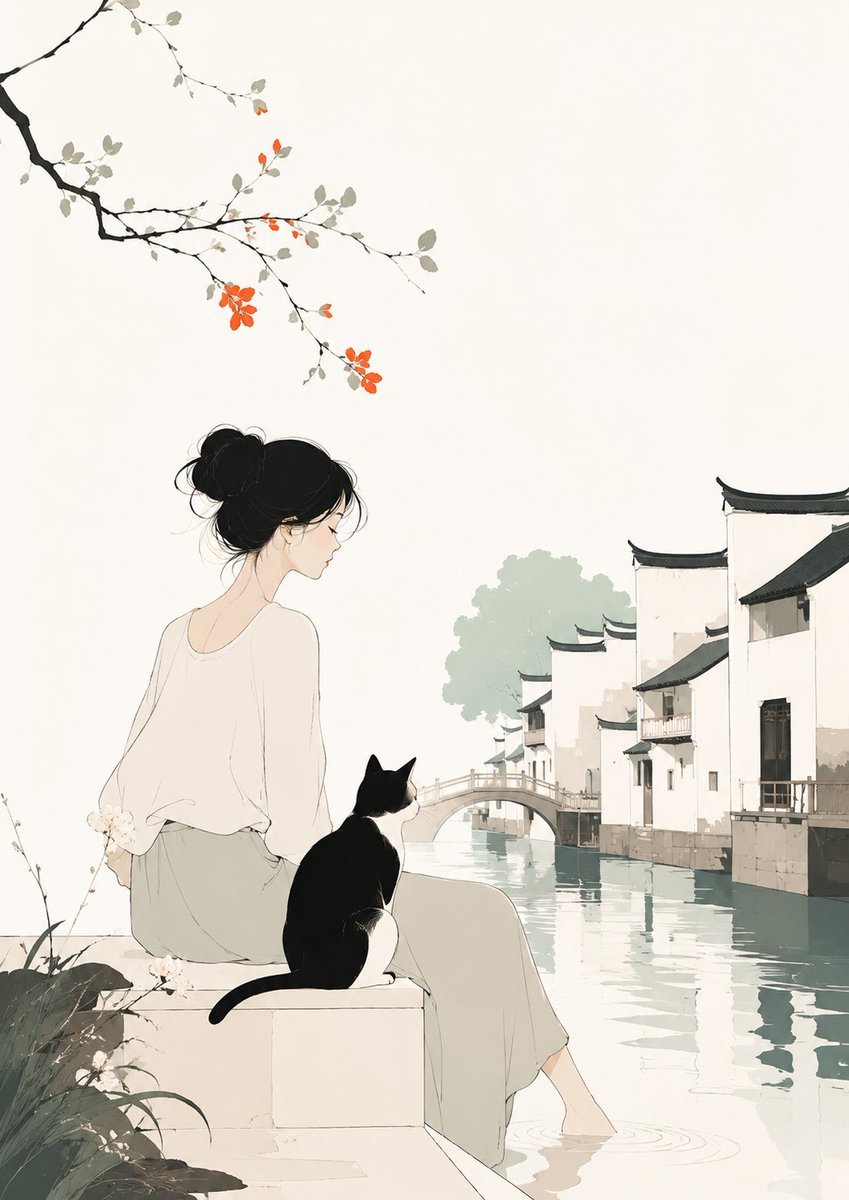
Minimalist Illustration of Girl and Cat
Make it yours
Dark Pop Cheshire Cat Girl works as-is. These are the safest ways to change it without losing the look.
Change one field
Copy a single group, rewrite it, and generate again so you can see what that field is doing.
Keep the frame, change the subject
Hold the composition and light of Dark Pop Cheshire Cat Girl, then swap wardrobe, props or the person for a new take.
| If the result… | Why | Fix |
|---|---|---|
| The result drifts from the preview | Too many fields changed at once. | Reuse Dark Pop Cheshire Cat Girl as-is first, then change one group — subject, light, or setting. |
| The model over-stylizes the scene | The prose prompt leaves finish and camera underspecified. | Add one camera or lighting sentence and stay on GPT Image 2. |
More GPT Image 2 templates
Other prompts made for GPT Image 2.

Six VTuber Japanese Logo Sheet

Realistic Portrait of Woman and Deer

The Vista Modular Condo Poster

AI Model Routing Comparison Infographic

2.5D Anime Art Board

Isometric Productivity Desk Scene

New York Double Exposure Poster

Four-Panel AI Landscape Comparison

Japanese Tatami Lifestyle Magazine Cover

NESCAFÉ Coffee Map Poster
More image prompts
Fresh picks from across the catalog.
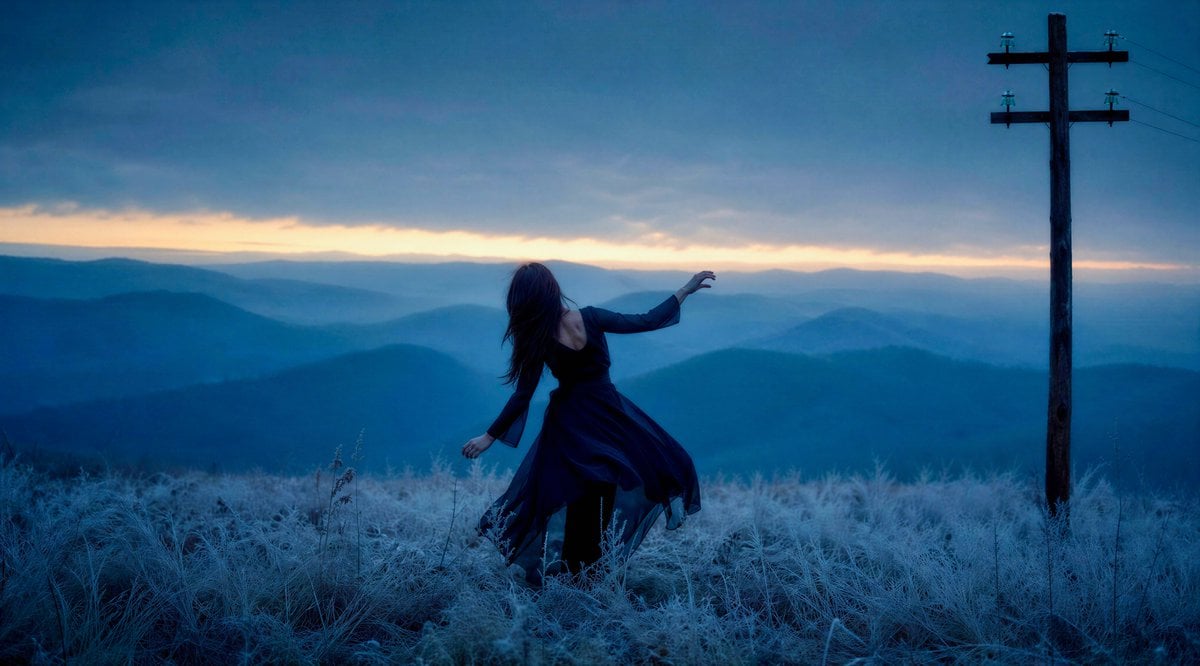
Windblown Woman on Misty Mountain
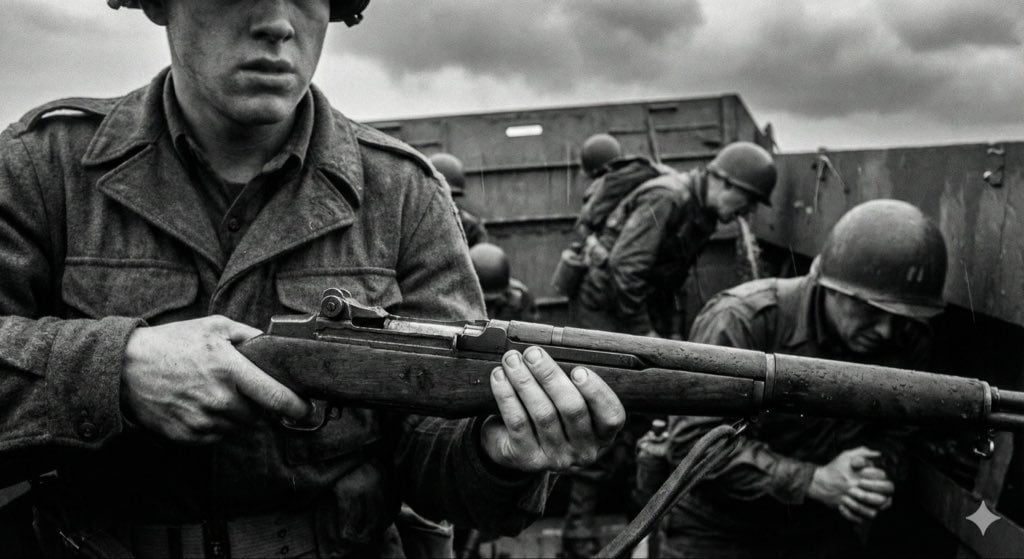
Mid-20th-century war photojournalism style framework
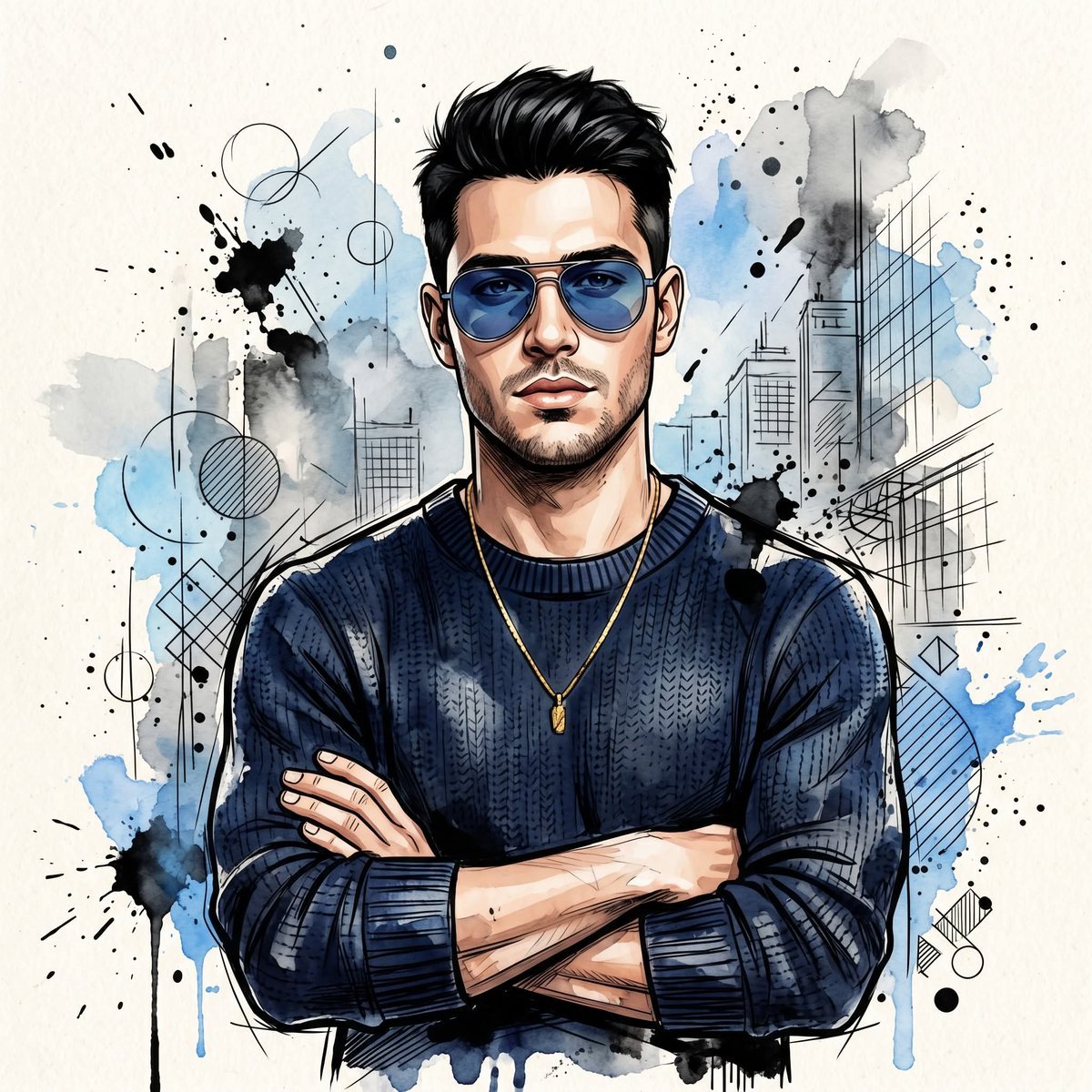
Watercolor Man Portrait with City Skyline
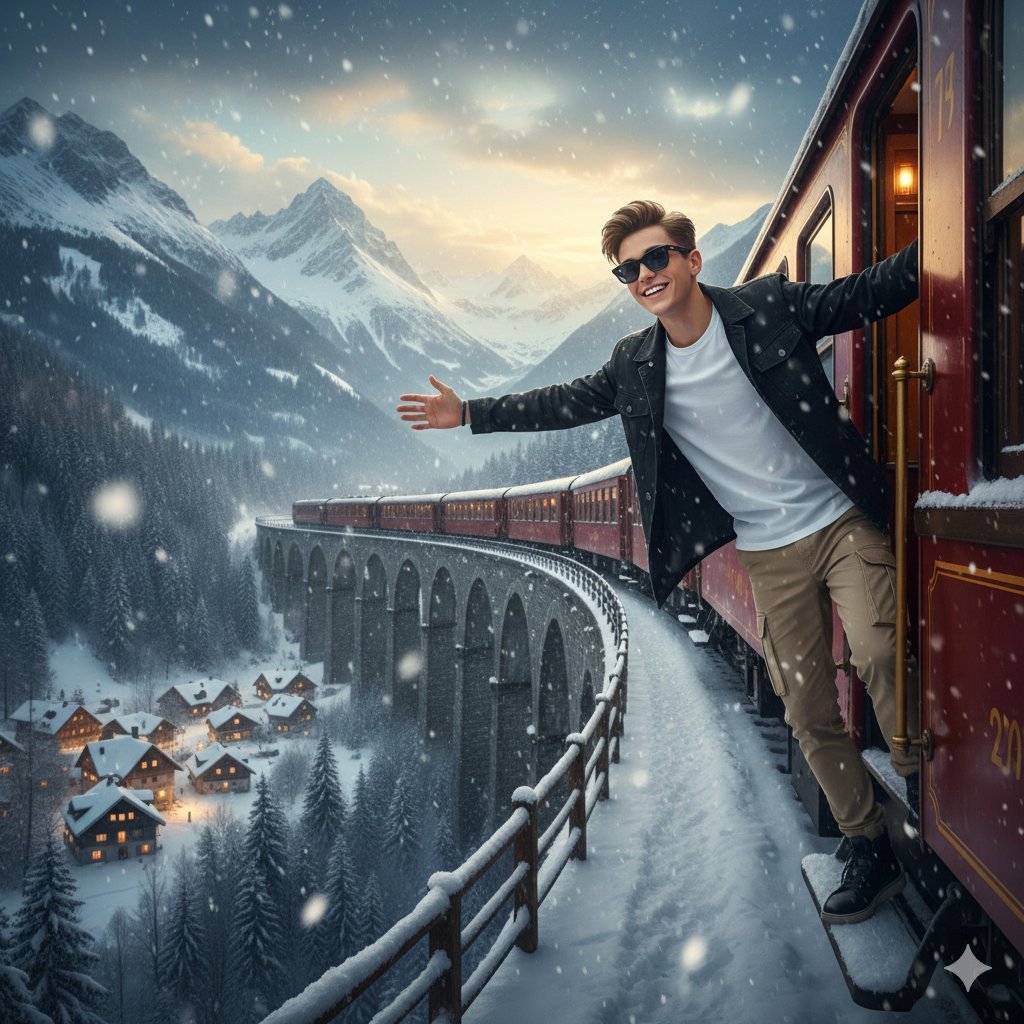
8K Cinematic Winter Adventure Photo on a Vintage Train
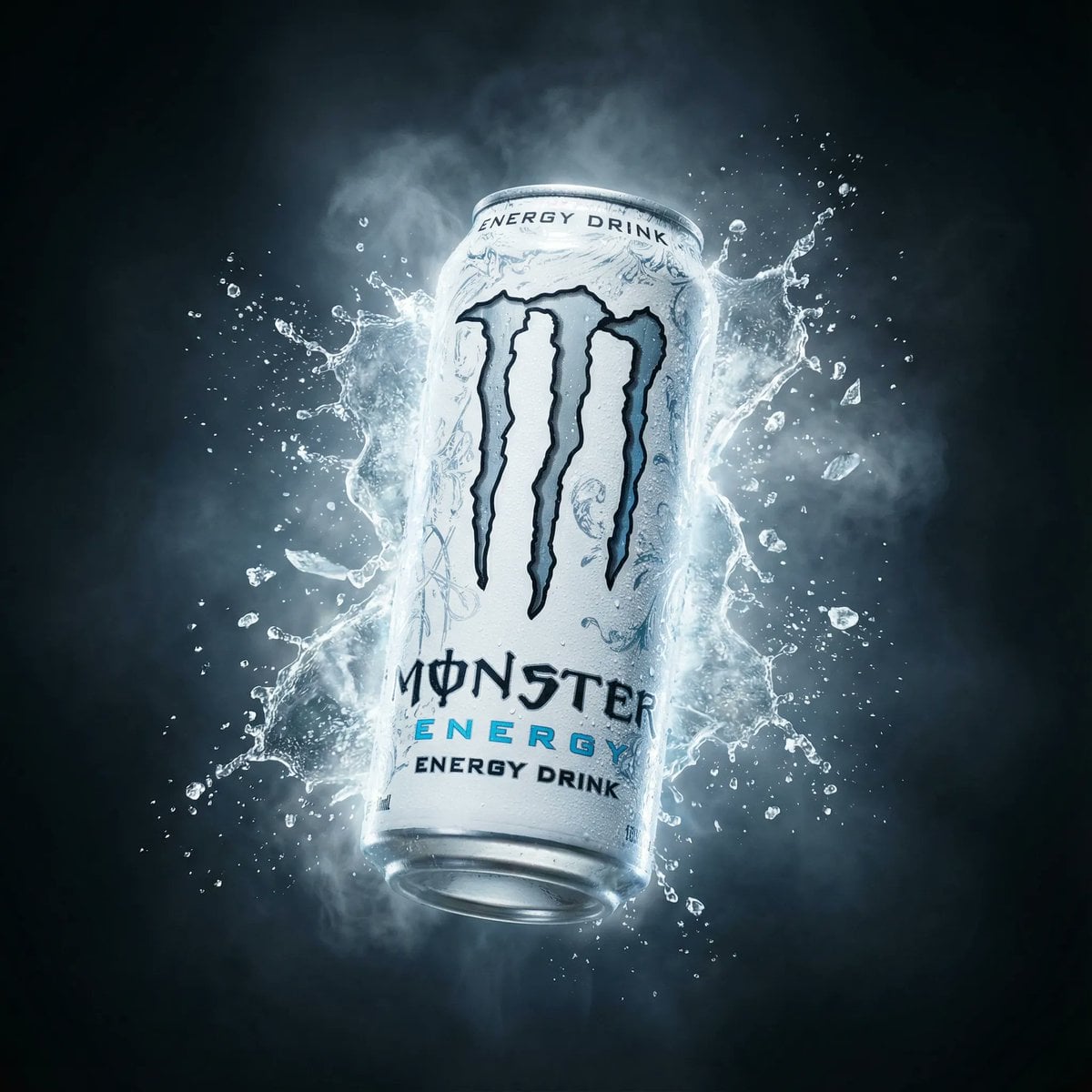
Hyper-Realistic Monster Energy Product Ad
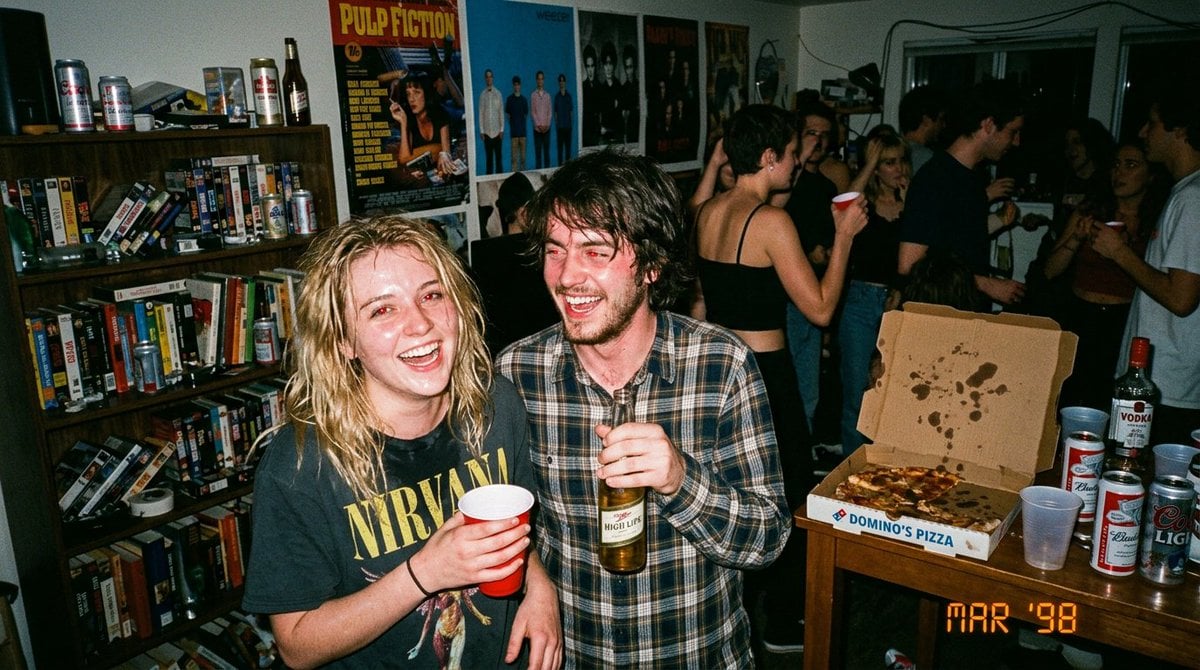
1990s Disposable Camera Party Photo Prompt
Detailed Storyboard Prompt for Brand Visuals
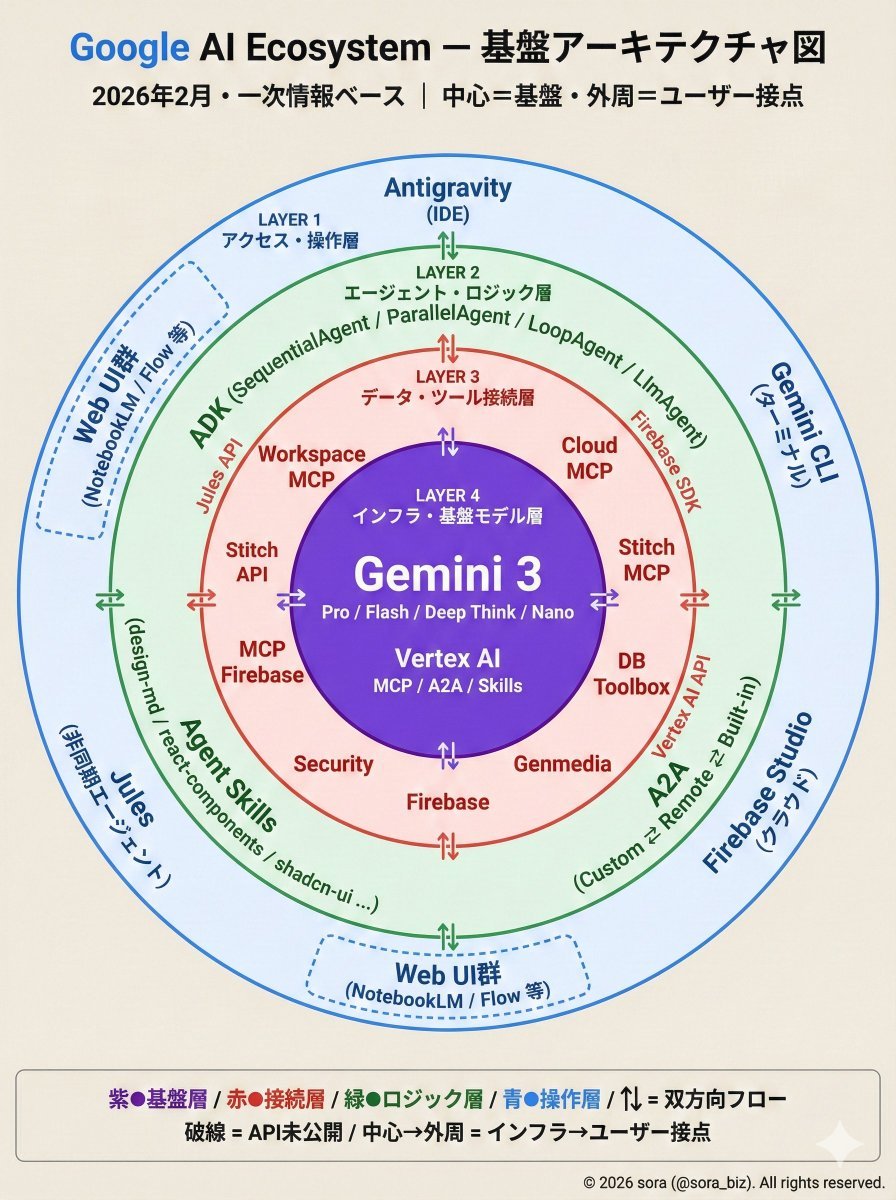
Google AI Ecosystem Diagram Generation
Gothic Miniature Dollhouse Bedroom
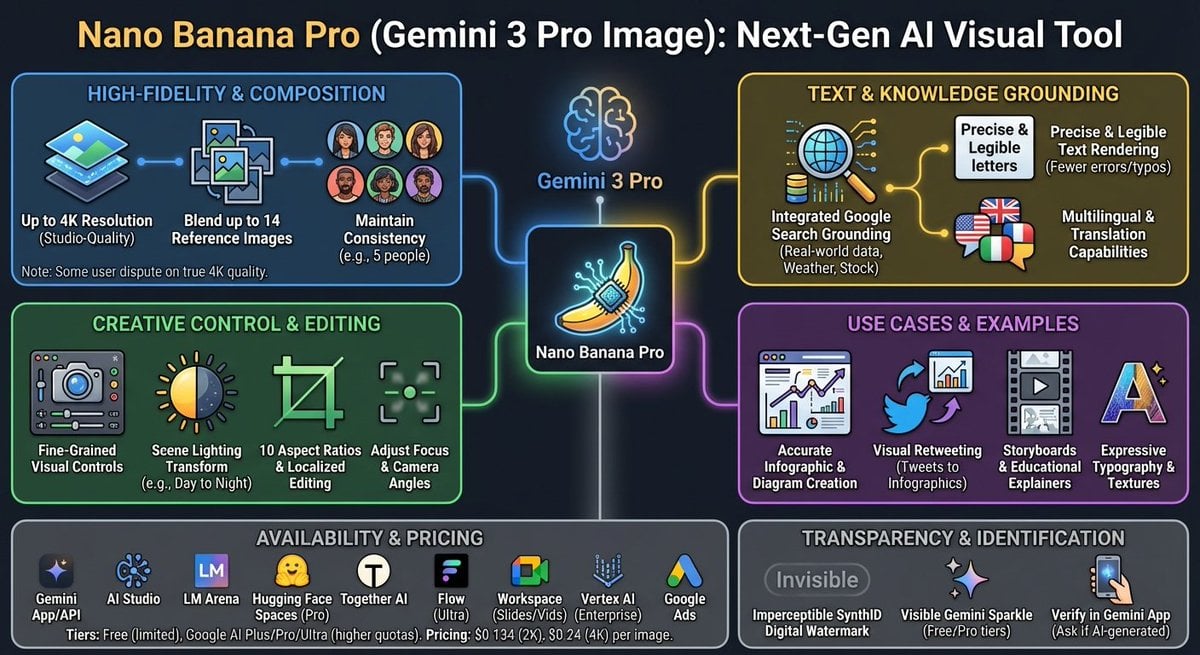
Nano Banana Pro Tesla FSD infographic
Browse template categories
Dark Pop Cheshire Cat Girl questions
How do I use the Dark Pop Cheshire Cat Girl template?
Add your photo if the template asks for one, edit the prompt if you like — the template's model and format are already selected — and press Generate. Your version opens in PicX Studio.
Can I customize the Dark Pop Cheshire Cat Girl template?
Yes. You can change the subject, setting, lighting, mood, format, and available model controls before creating your image.
Is the Dark Pop Cheshire Cat Girl template free?
Opening and editing this template is free. Generating uses credits, shown on the Generate button when you are signed in.
Which AI model should I use?
Start with GPT Image 2, which is the model associated with this template. You can compare another compatible model for a different finish.
Looking for something else? Browse all templates.

Your photo, any look
Thousands of ready templates for every top image and video model, from one credit balance.