
Cheshire Cat Plush Toy Photo
Generates a realistic studio product shot of a mischievous patchwork Cheshire Cat plush collectible.
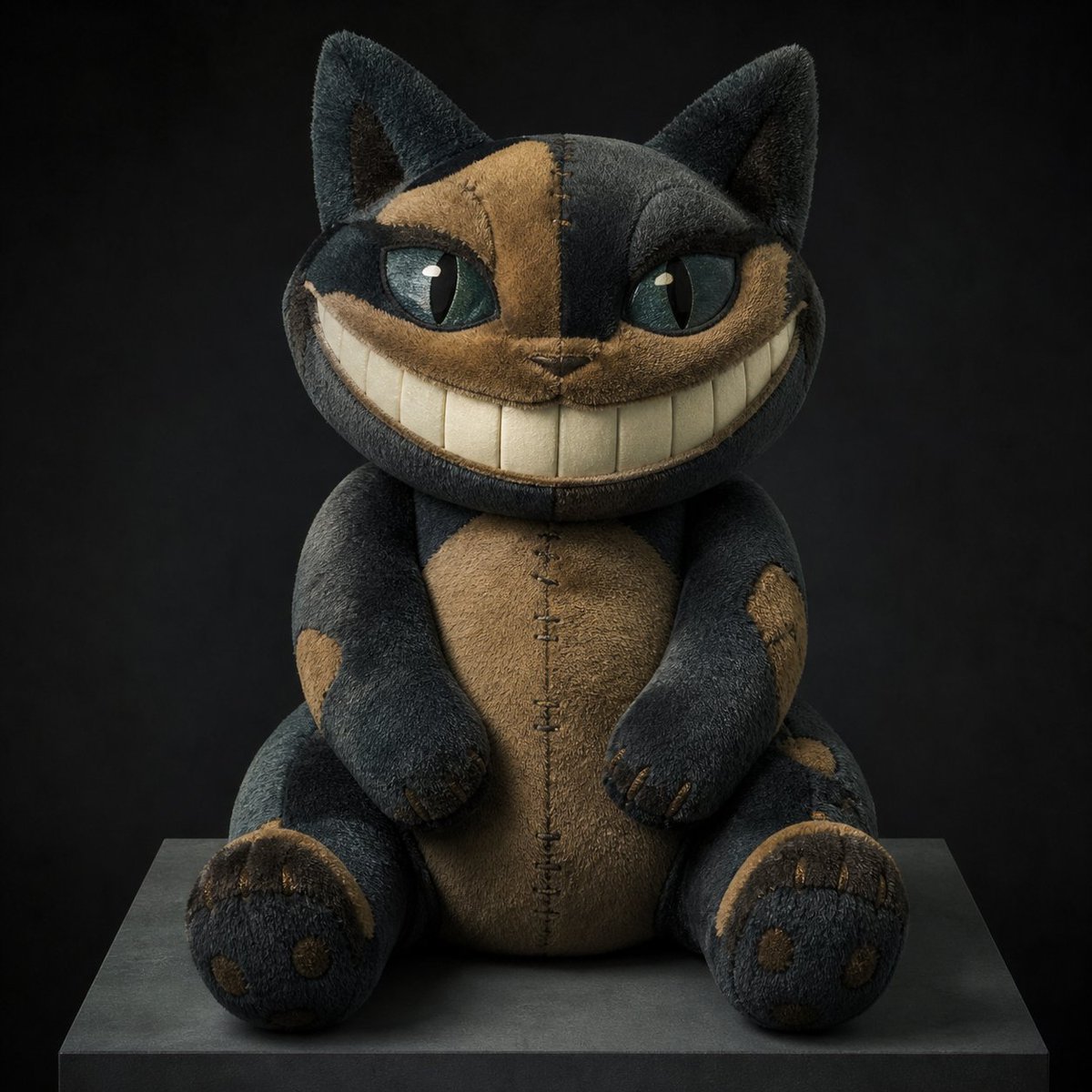
- Prompt included
- Model and format preset
- Free template
The prompt behind this image
Copy the exact prompt behind Cheshire Cat Plush Toy Photo, or open it in the studio and make it yours.
Create a studio product photograph of a handmade plush toy inspired by {argument name="character concept" default="the Cheshire Cat"}, seated front-facing on a dark square pedestal against a nearly black charcoal background. The plush has a round oversized head, two tall triangular cat ears, two large almond-shaped teal-green glassy eyes with tiny white catchlights, and an exaggerated crescent grin filled with many vertical rectangular cream-colored teeth. Use a moody patchwork design in {argument name="main fabric colors" default="deep charcoal black and warm tan brown"}, with mismatched fabric panels across the face, belly, arms, legs, and feet, visible hand stitching down the forehead, muzzle, torso, and paws, and slightly worn fuzzy velour texture. The body is squat and cuddly with two rounded arms resting forward, two short seated legs, two circular feet with tan paw-pad patches and small stitched claws, and a tan oval belly panel split by a vertical seam. The expression should feel mischievous but cute rather than scary, like a premium collectible plushie prototype. Lighting is soft and directional from above-left, emphasizing the fabric nap, seams, and toothy smile, with subtle shadows under the toy and a high-end toy photography look. Use {argument name="background color" default="matte black"} surroundings, centered symmetrical composition, shallow depth of field, realistic materials, no text, no packaging, no extra objects.
How to use Cheshire Cat Plush Toy Photo in 3 steps
- 1Upload ImagePNG, JPG or paste
Add your photo
Upload the photo the template builds on. The prompt, model and format are already set.
- 2…a portrait of your subject in softgolden-hour light, 85mm…
Personalize
Edit the subject and creative details for your destination.
- 3Generate
Generate
Press Generate — your image is created in PicX Studio, so you can compare it with the original and refine one variable at a time.
More like this
Templates with the same subject, style or setup. Open one to see its prompt.

Felt & Knit 3D Character — Photo-Exact Face, Pixar-Quality Plush Figurine
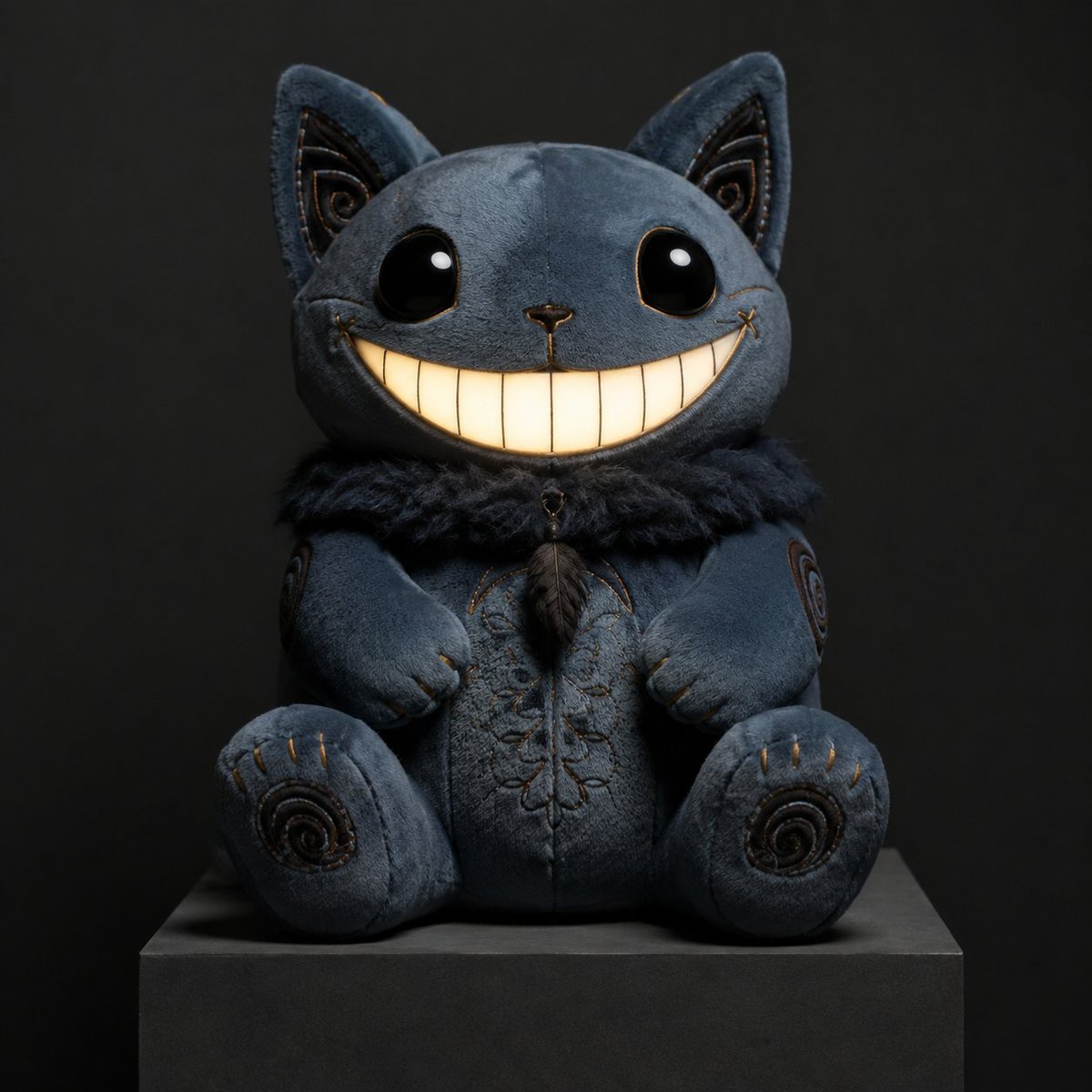
Gothic Cheshire Cat Plush Toy
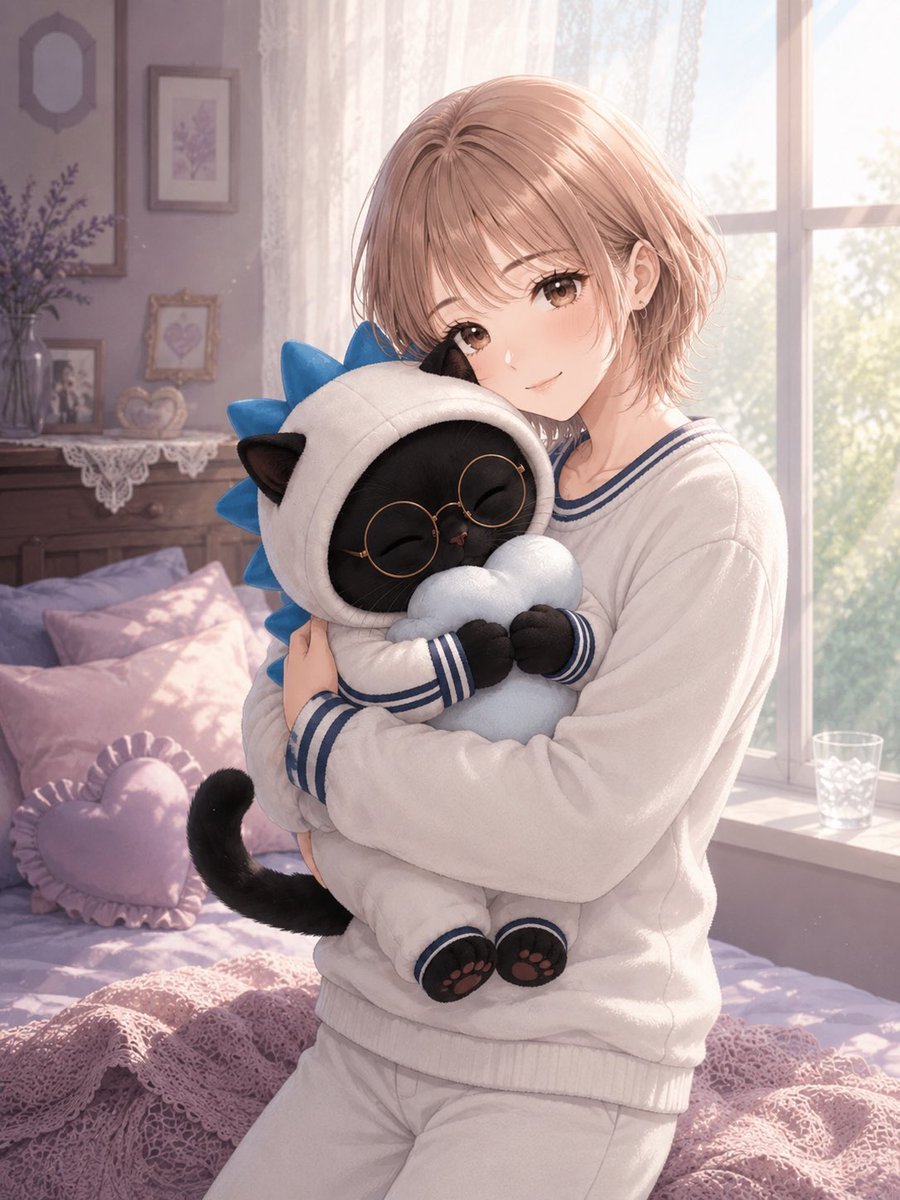
Anime Girl Hugging Black Cat Plush
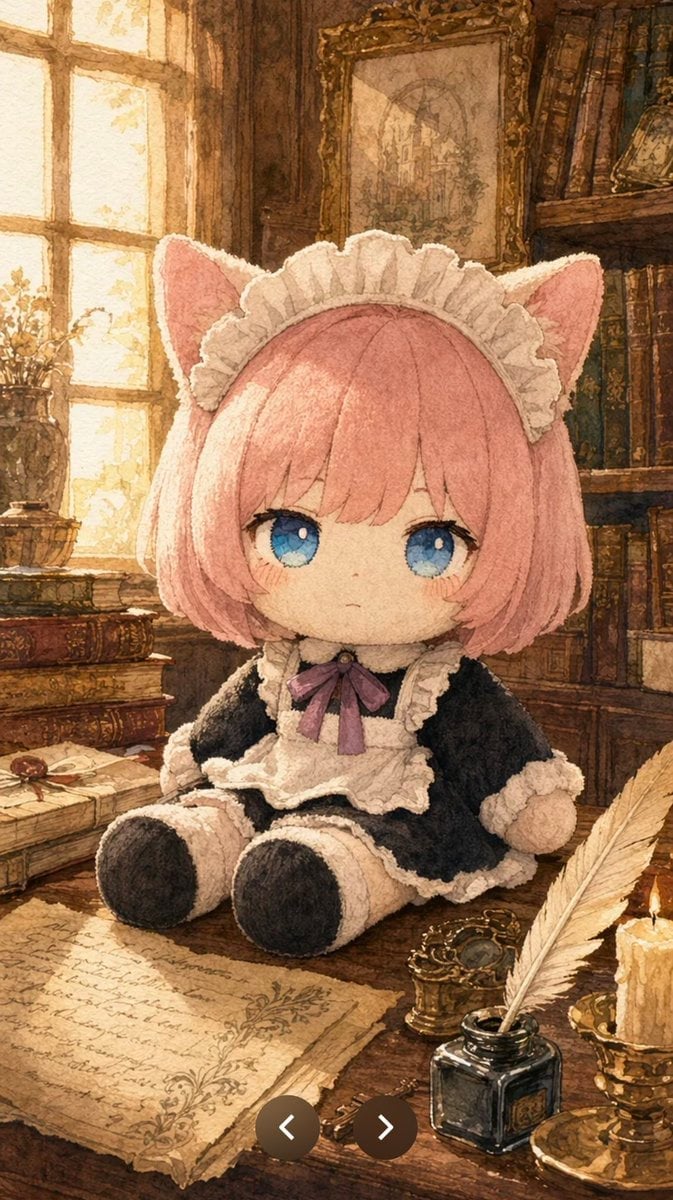
Plush Cat Maid Doll in Antique Library

Cat Photobomb Selfie — 0.5x Wide Angle Café Chaos

Surreal Cat Astronaut — Humanoid Face Freefall

Low Angle Floor Selfie With Upside Down Cat
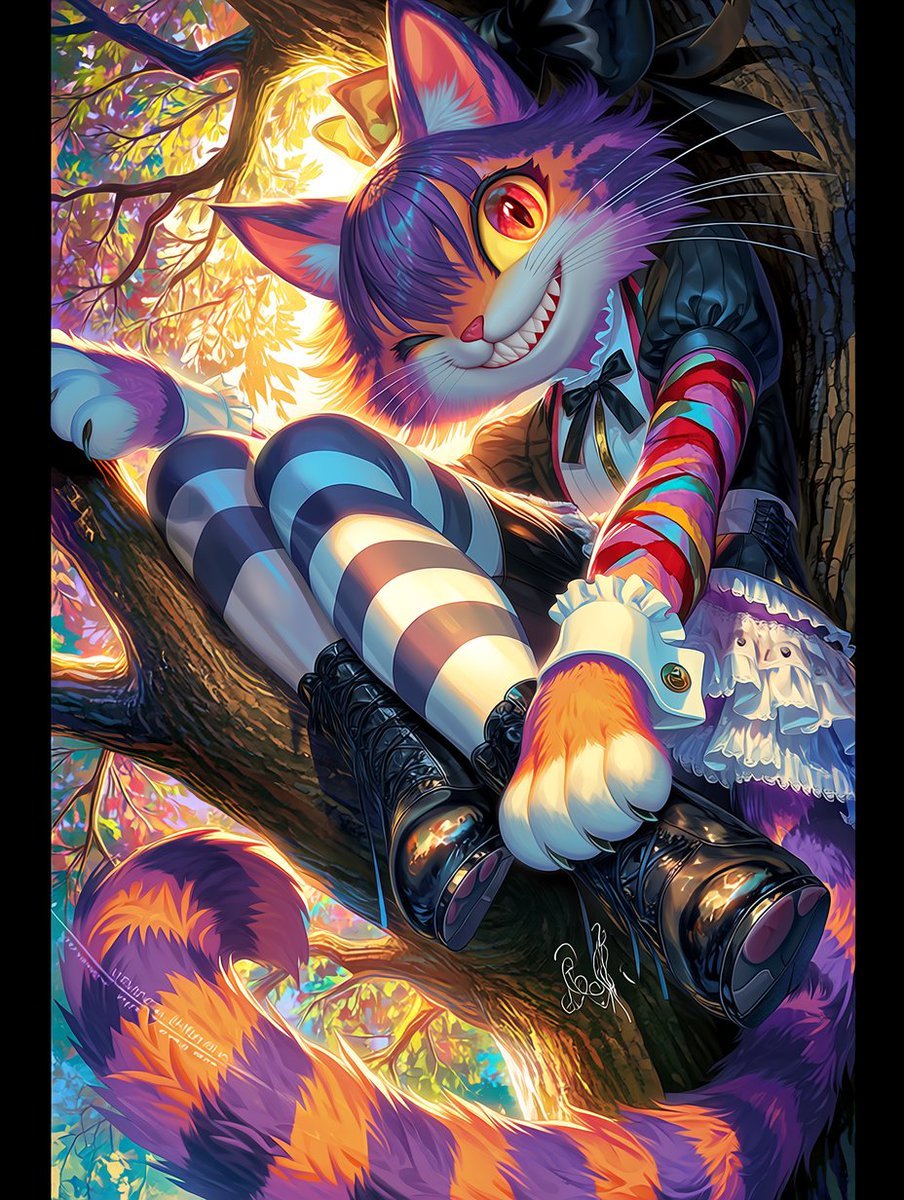
Dark Pop Cheshire Cat Girl
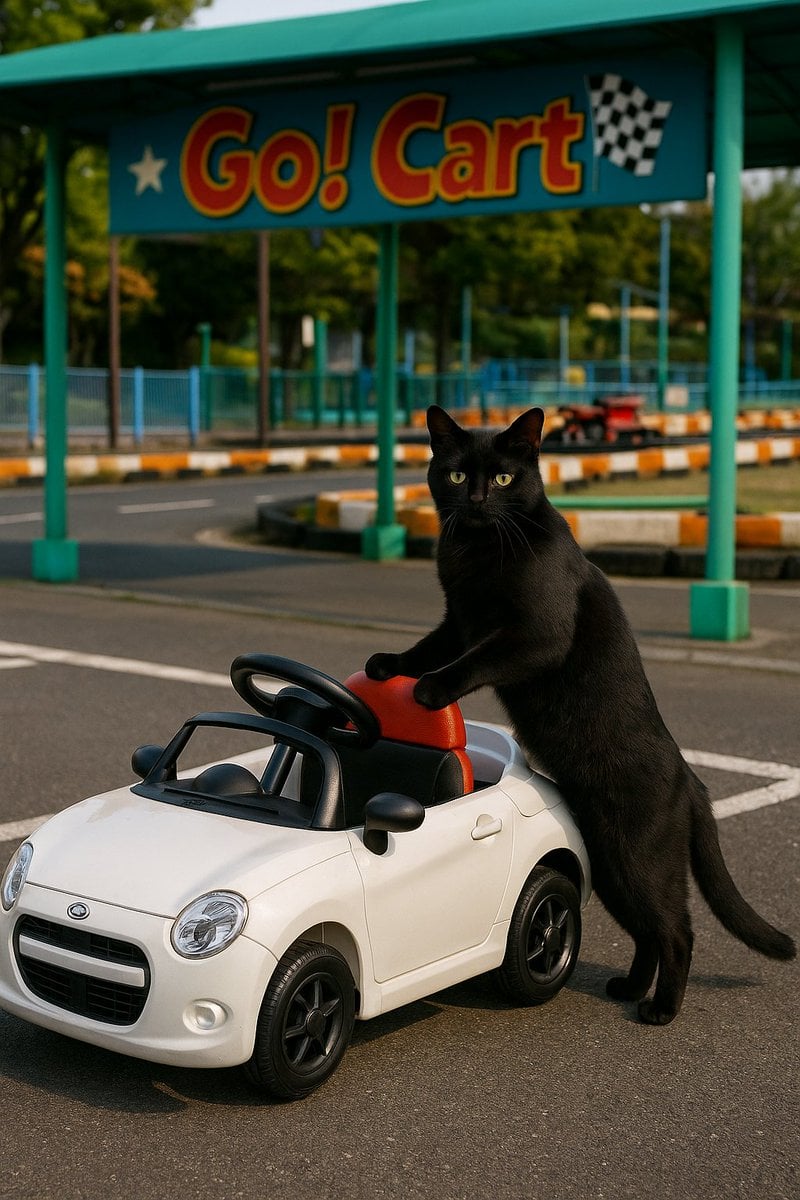
Cat with Toy Car at Go-Kart Track
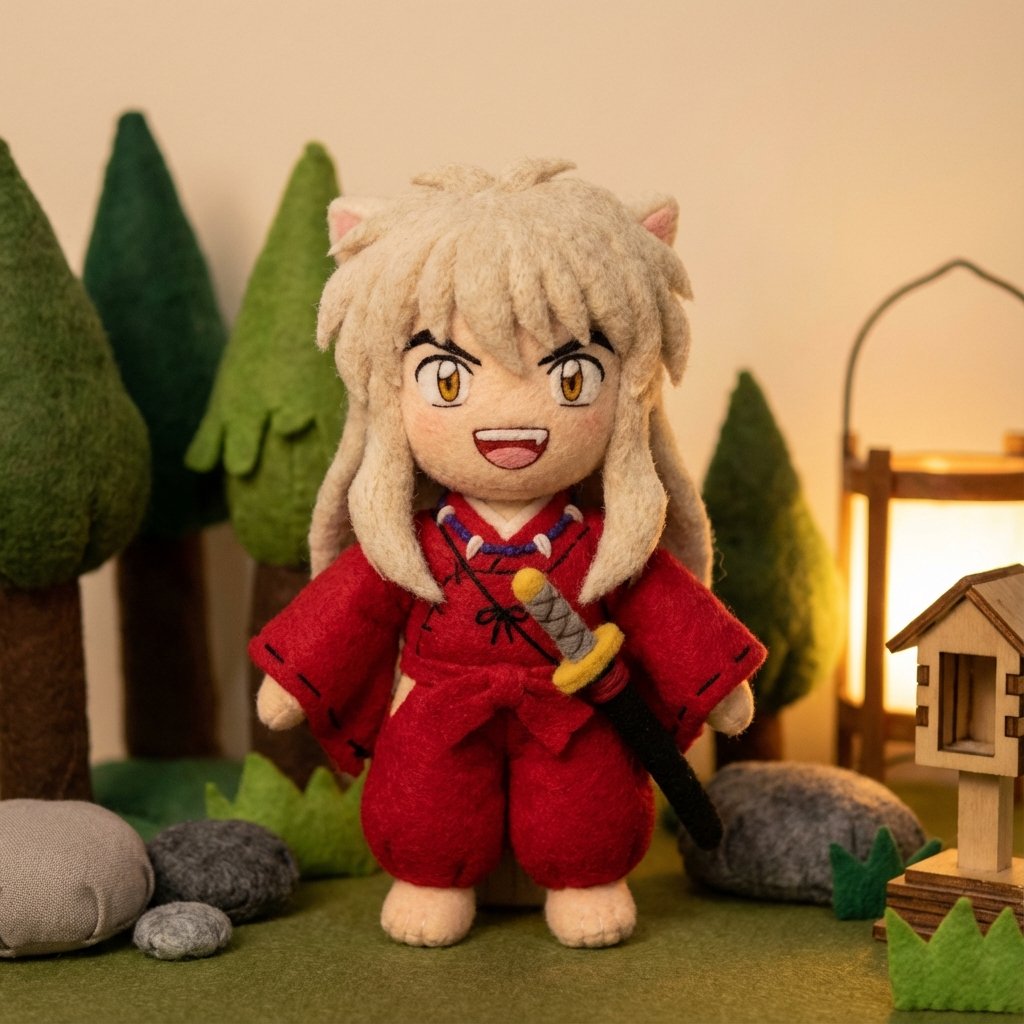
Inuyasha Plush Toy Generation Prompt
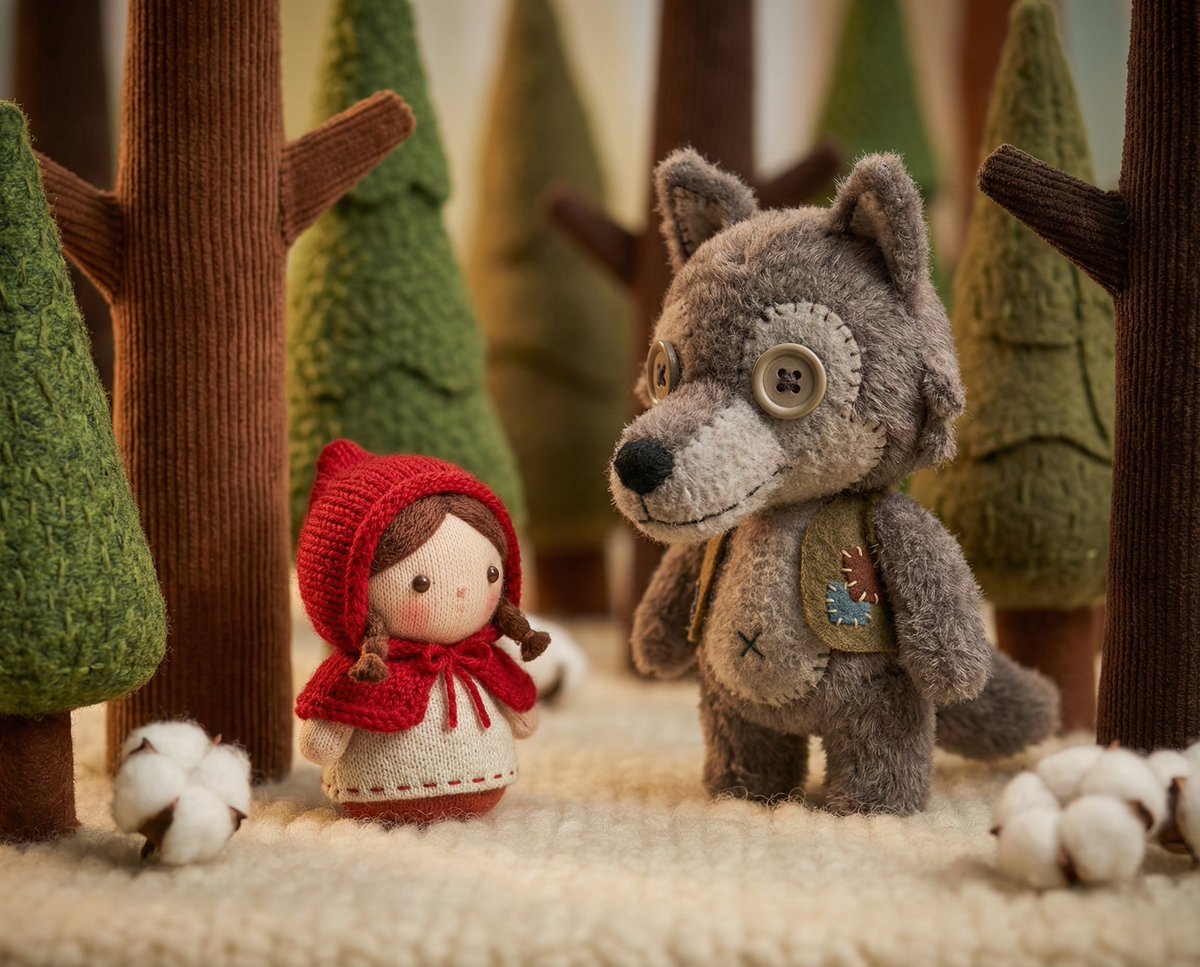
Whimsical Plush Toy Diorama of Little Red Riding Hood
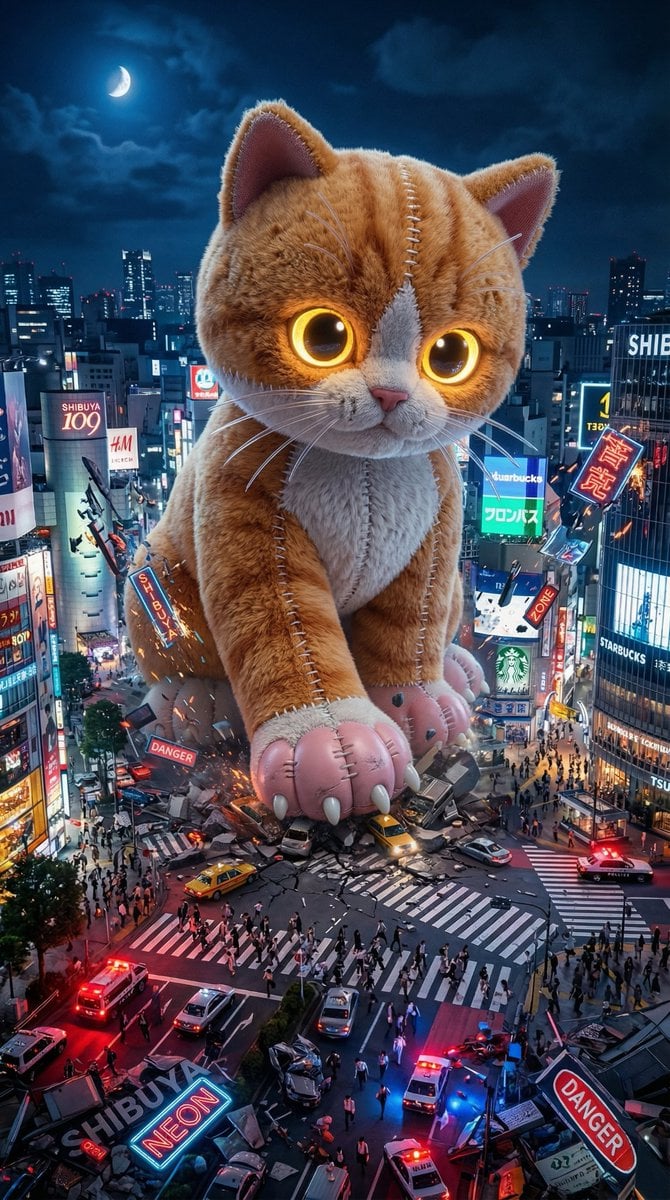
Plush Kaiju Cat Smashing Tokyo
Make it yours
Cheshire Cat Plush Toy Photo works as-is. These are the safest ways to change it without losing the look.
Change one field
Copy a single group, rewrite it, and generate again so you can see what that field is doing.
Keep the frame, change the subject
Hold the composition and light of Cheshire Cat Plush Toy Photo, then swap wardrobe, props or the person for a new take.
| If the result… | Why | Fix |
|---|---|---|
| The result drifts from the preview | Too many fields changed at once. | Reuse Cheshire Cat Plush Toy Photo as-is first, then change one group — subject, light, or setting. |
| The model over-stylizes the scene | The prose prompt leaves finish and camera underspecified. | Add one camera or lighting sentence and stay on GPT Image 2. |
More GPT Image 2 templates
Other prompts made for GPT Image 2.

Six VTuber Japanese Logo Sheet

Realistic Portrait of Woman and Deer

The Vista Modular Condo Poster

AI Model Routing Comparison Infographic

2.5D Anime Art Board

Isometric Productivity Desk Scene

New York Double Exposure Poster

Four-Panel AI Landscape Comparison

Japanese Tatami Lifestyle Magazine Cover

NESCAFÉ Coffee Map Poster
More image prompts
Fresh picks from across the catalog.
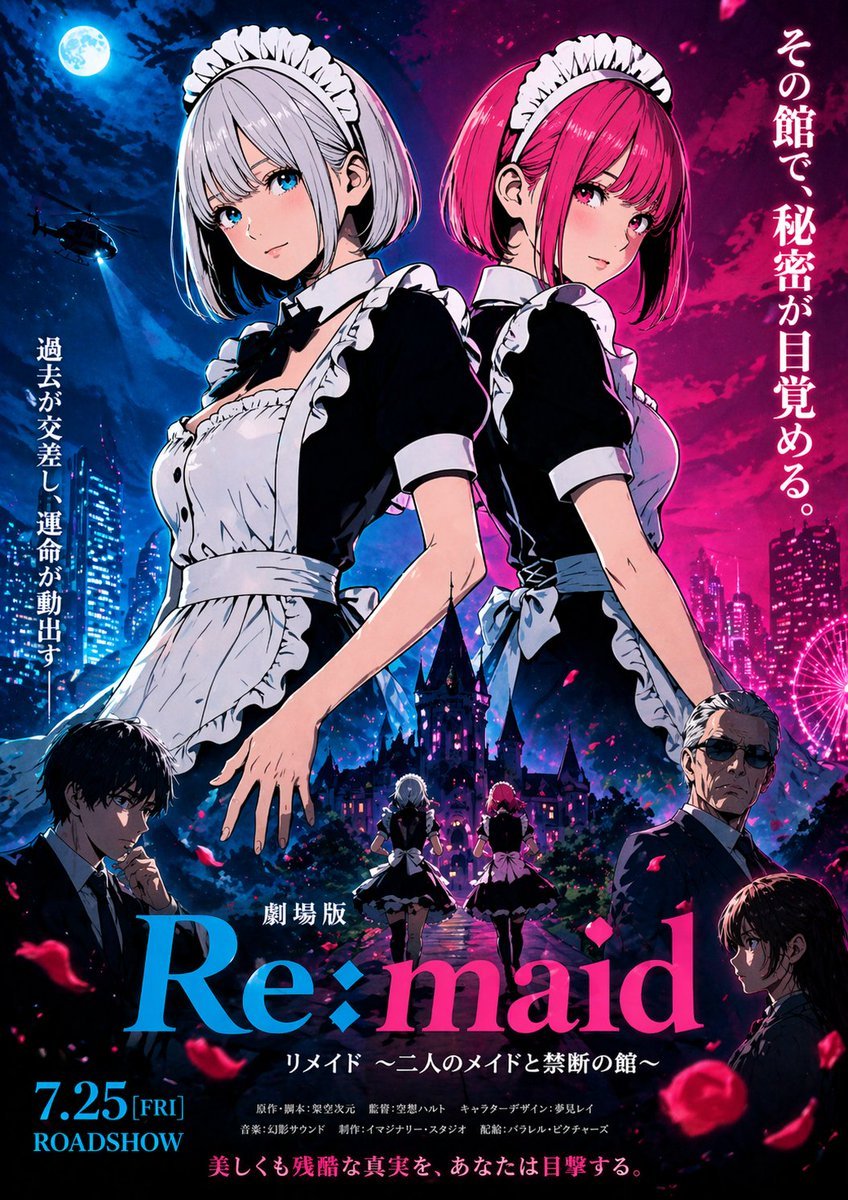
Anime Maid Thriller Movie Poster
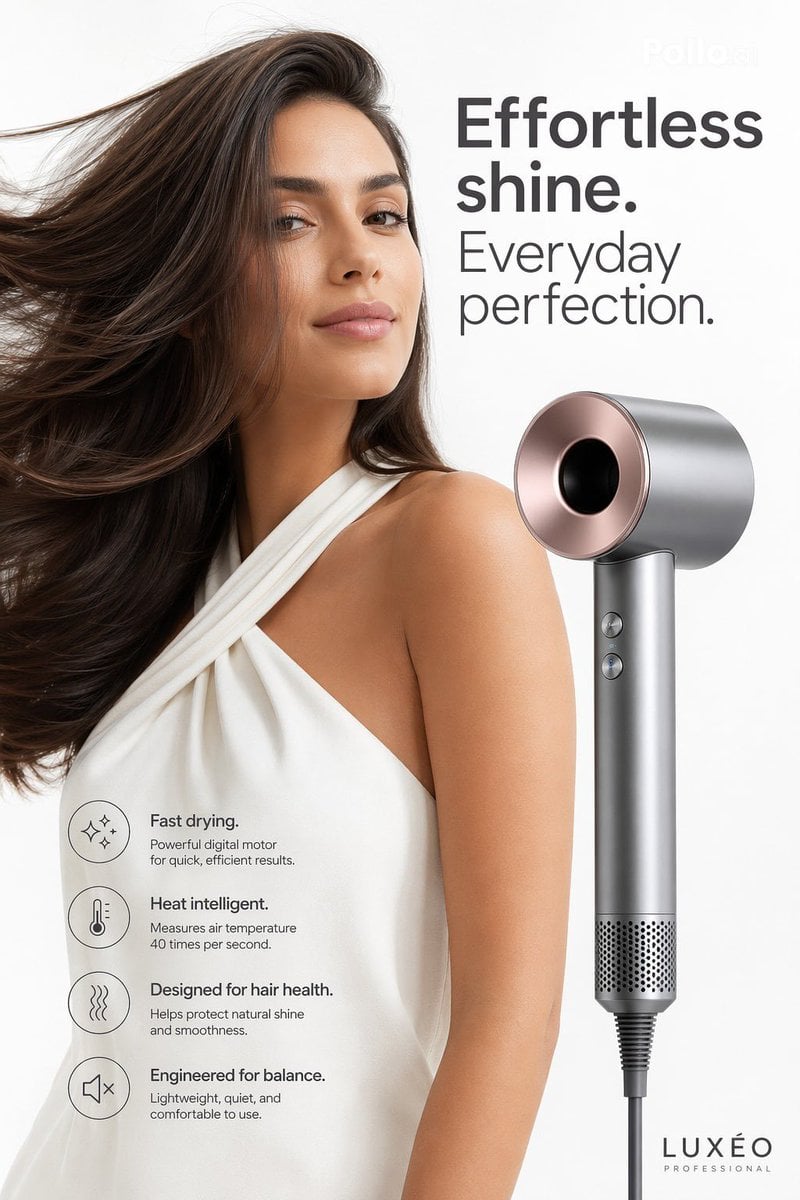
Luxury Hair Dryer Beauty Ad
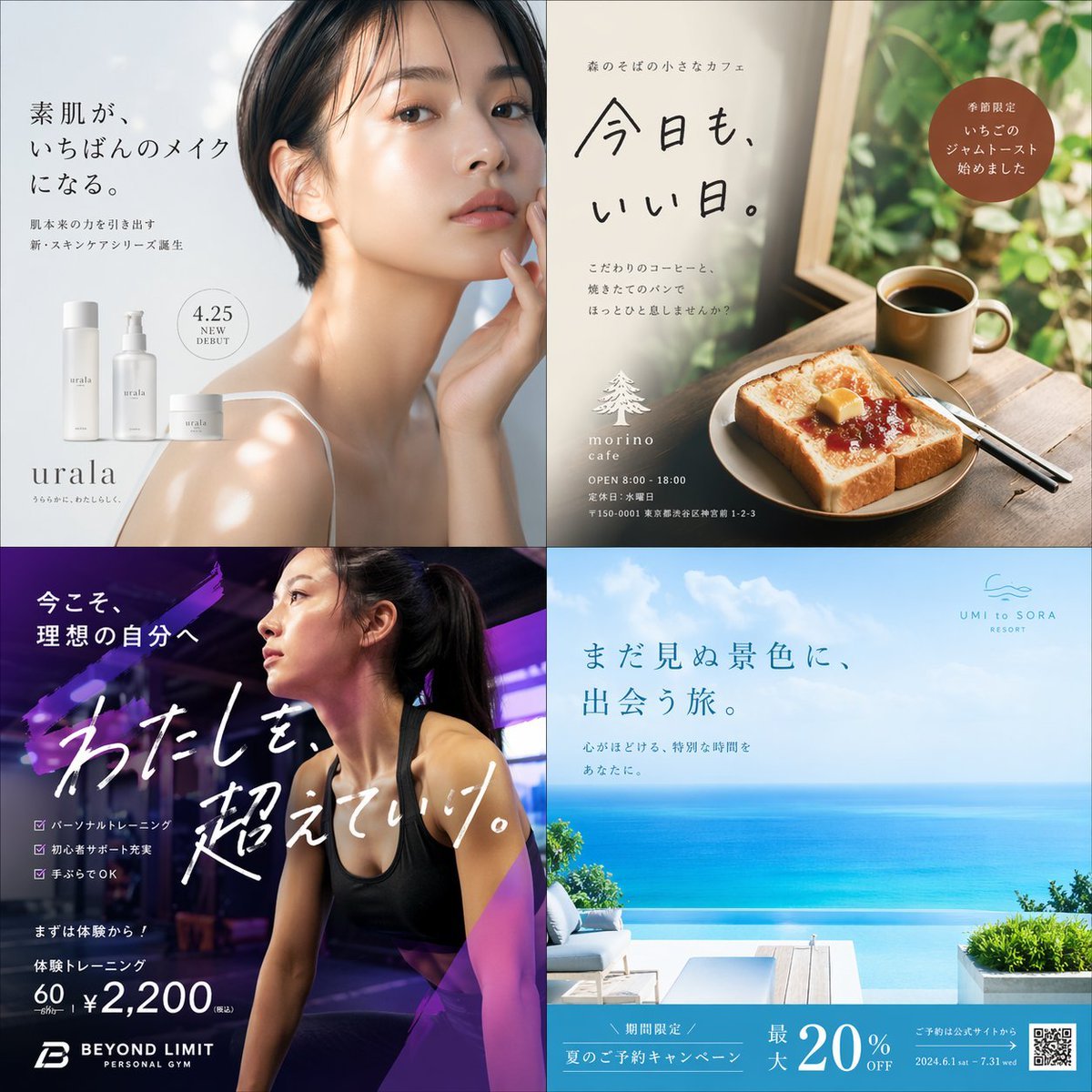
Panel Japanese Ad Banner Grid
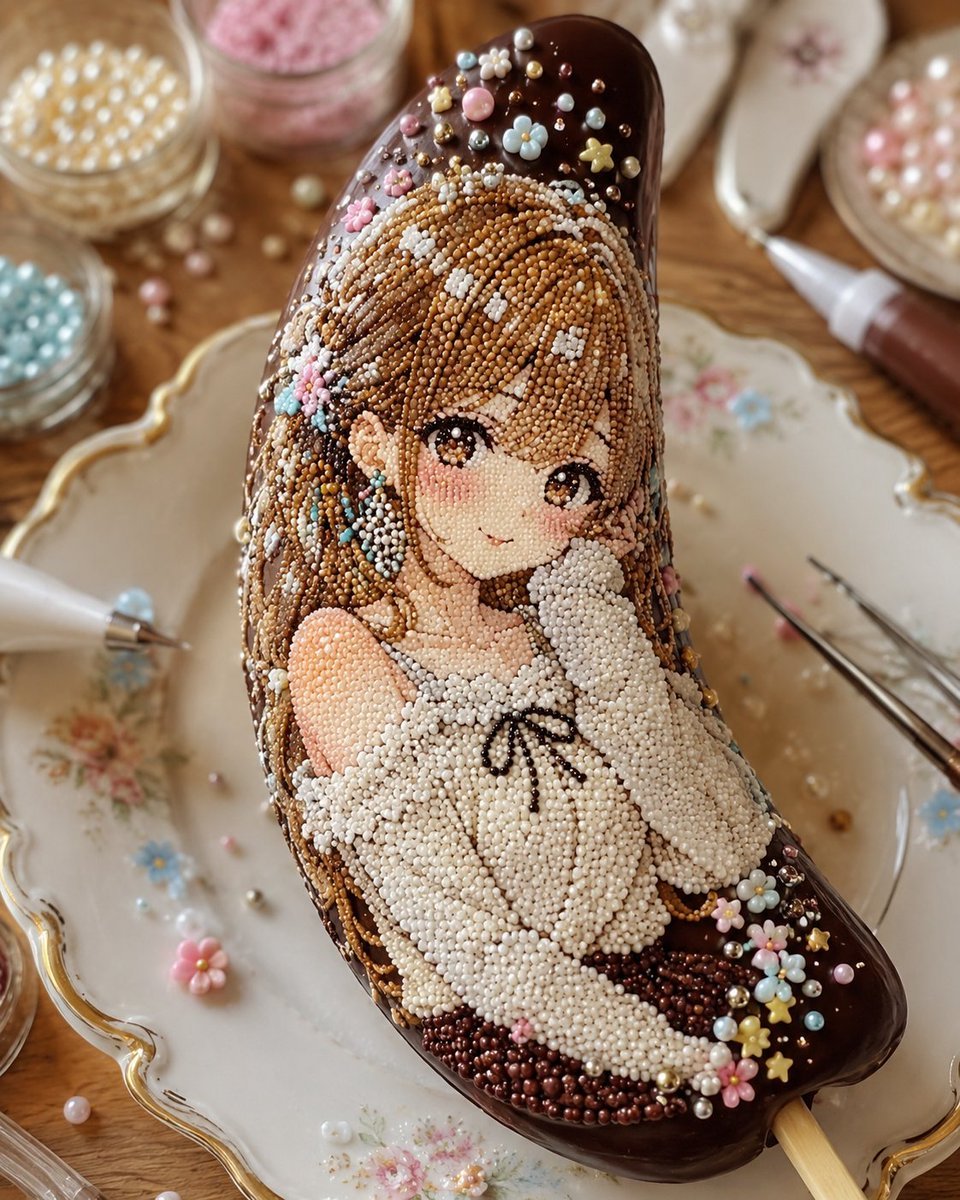
Kawaii Bead Art Chocolate Banana
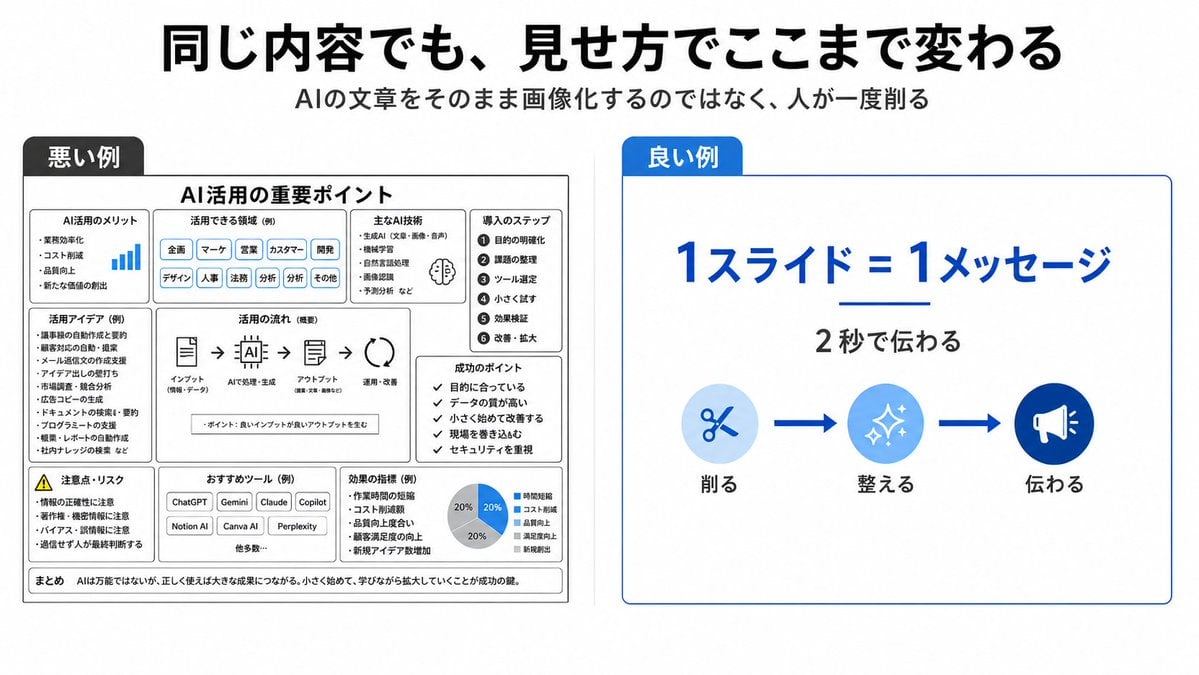
Bad vs Good Slide Design Infographic
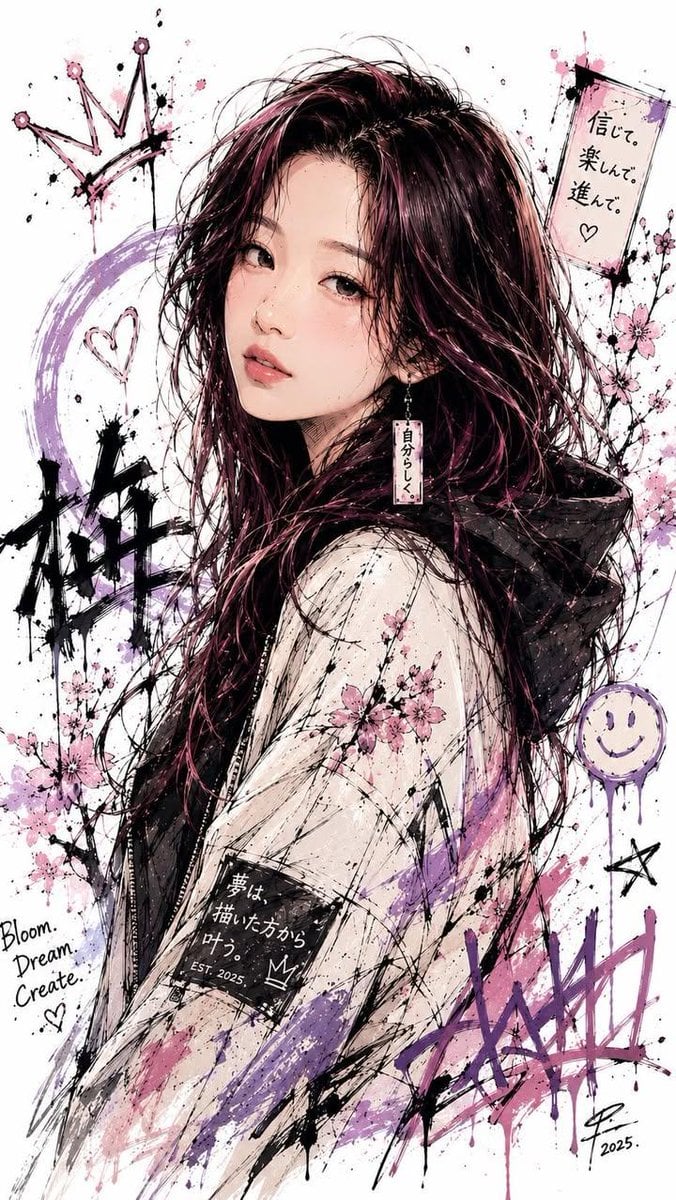
Japanese Ink Splatter Comic Illustration
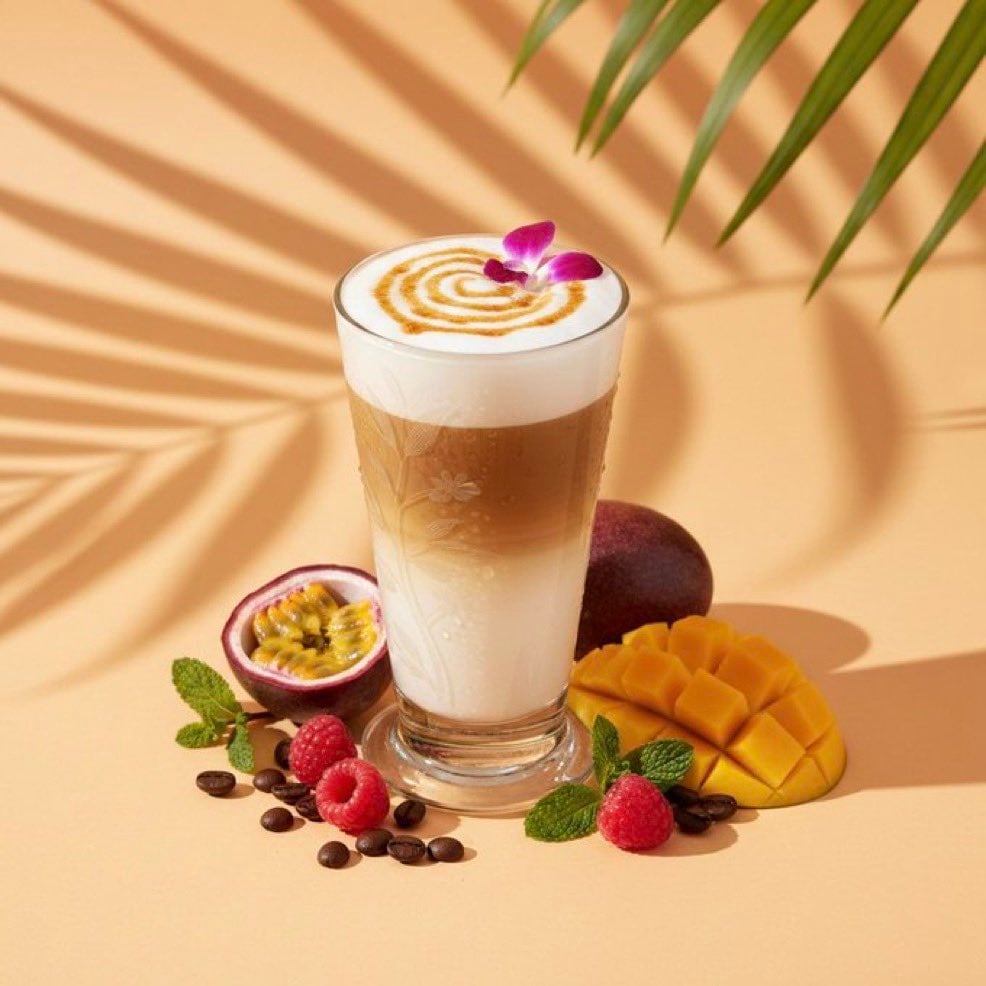
High-end cocktail photography prompt for Nano Banana Pro
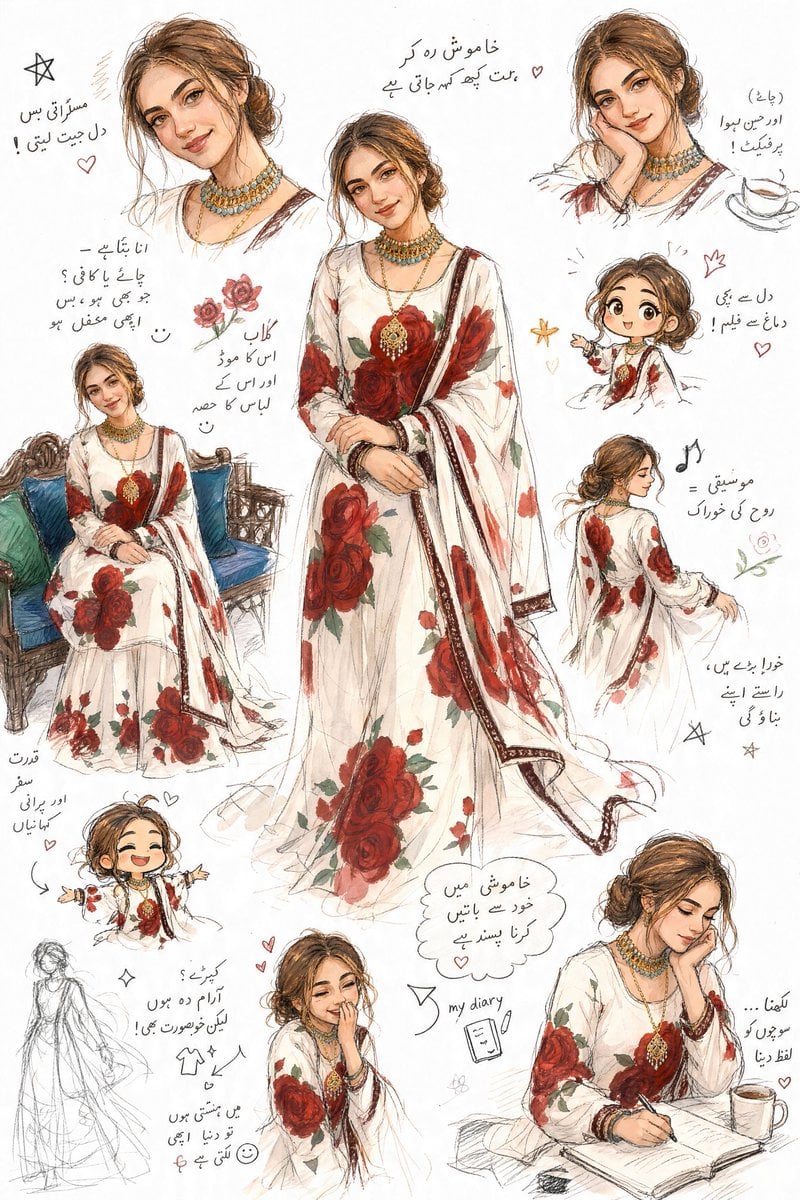
Artistic Sketchbook Character Study in Urdu
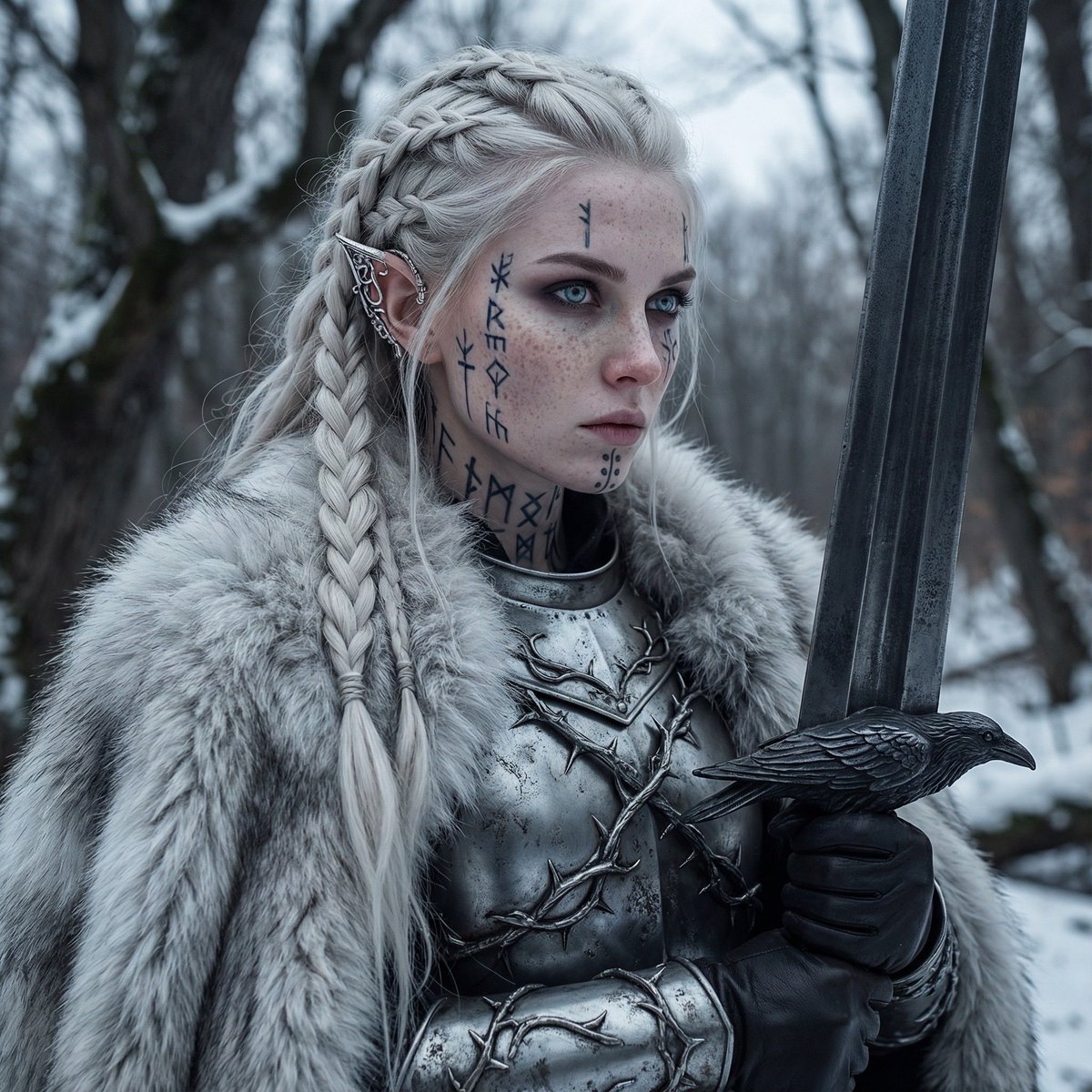
Fierce Elven Warrior Princess Cinematic Portrait
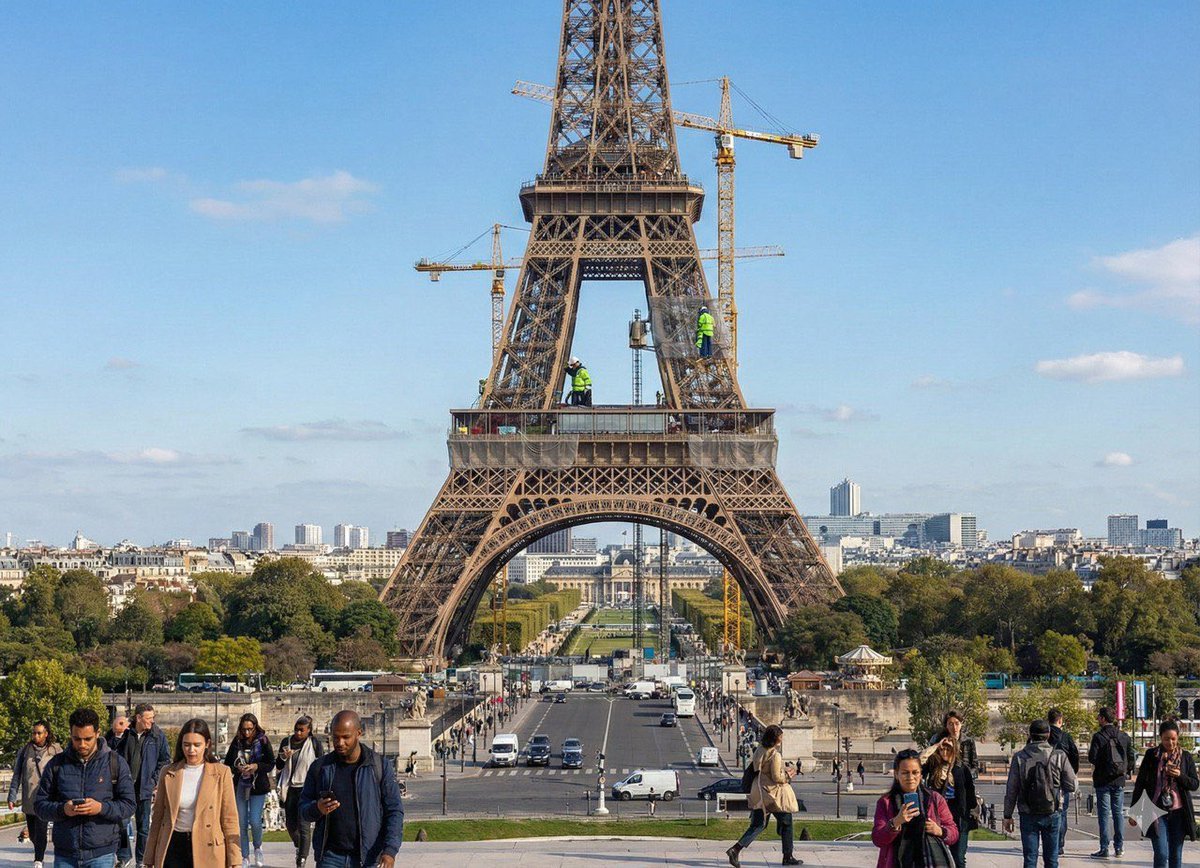
Future Aesthetic Image Generation Prompt
Browse template categories
Cheshire Cat Plush Toy Photo questions
How do I use the Cheshire Cat Plush Toy Photo template?
Add your photo if the template asks for one, edit the prompt if you like — the template's model and format are already selected — and press Generate. Your version opens in PicX Studio.
Can I customize the Cheshire Cat Plush Toy Photo template?
Yes. You can change the subject, setting, lighting, mood, format, and available model controls before creating your image.
Is the Cheshire Cat Plush Toy Photo template free?
Opening and editing this template is free. Generating uses credits, shown on the Generate button when you are signed in.
Which AI model should I use?
Start with GPT Image 2, which is the model associated with this template. You can compare another compatible model for a different finish.
Looking for something else? Browse all templates.

Your photo, any look
Thousands of ready templates for every top image and video model, from one credit balance.